The 12 Best UX UI Designer Tools to Master in 2026
Discover the top 12 essential ux ui designer tools for 2026. Our guide covers prototyping, testing, and collaboration to elevate your design workflow.
Navigating the vast ecosystem of UX/UI designer tools can be overwhelming. The right software stack is crucial for transforming an idea into a functional, user-centric product, but choosing from countless options often leads to analysis paralysis. From initial discovery and wireframing to high-fidelity prototyping and user testing, each phase of the design process demands specific functionalities. This resource is designed to cut through the noise, offering a comprehensive and practical guide to the most effective tools available for modern product teams, agencies, and freelancers.
Before selecting a tool, it's vital to have a solid grasp of the foundational principles that guide your work. Understanding what user experience design truly entails ensures you're choosing software that supports a user-centred process, rather than just chasing features. This article moves beyond generic feature lists to provide an honest assessment of each platform's strengths and limitations. We will explore established industry standards like Figma and Sketch alongside specialised solutions for prototyping, such as Framer and Axure RP, and powerful user testing platforms like Maze and our own synthetic testing tool, Uxia.
Our goal is to help you build a tailored toolkit that streamlines your workflow and elevates your design output. Each entry includes detailed analysis covering:
Best-for use cases: Pinpointing the specific scenarios where a tool truly excels.
Pros and Cons: A balanced look at what works well and where the tool falls short.
Pricing Tiers: Clear information to help you evaluate options based on your budget.
Practical Recommendations: Actionable advice on how to integrate these tools into your existing processes for maximum impact.
This guide provides the clarity needed to select the right UX/UI designer tools for your unique project requirements, team size, and design maturity.
1. Uxia
Uxia stands out as a formidable AI-powered user testing platform, fundamentally changing how product teams validate designs. It replaces the often slow and costly process of human-led studies with instant, AI-driven synthetic testers. This allows designers to upload prototypes, define a target audience and mission, and receive comprehensive usability feedback in minutes, not weeks.
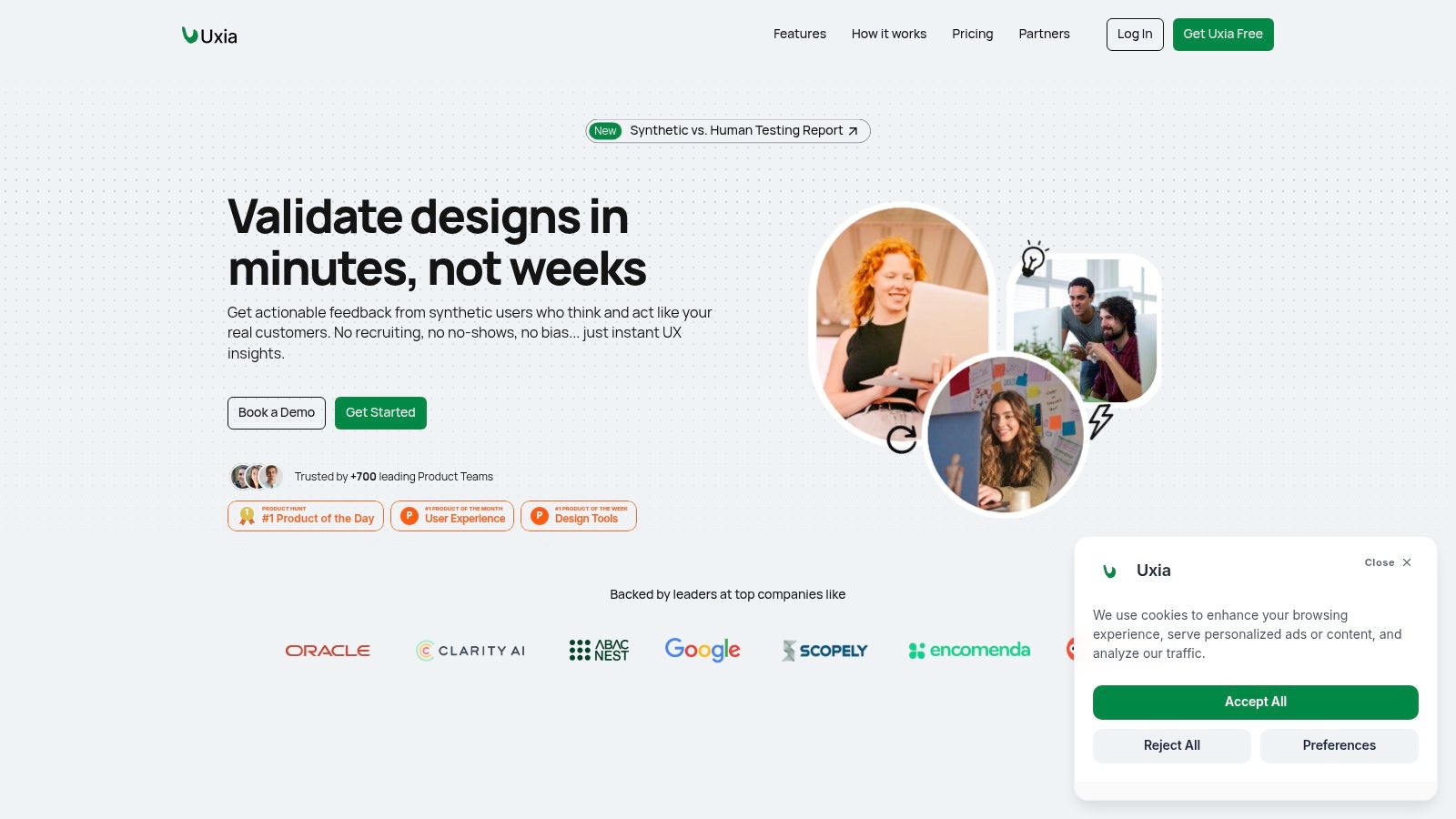
The platform's proprietary pipeline generates realistic AI participants that mirror specified demographic and behavioural profiles, significantly reducing the "professional tester" bias common in traditional studies. These synthetic users navigate design flows, vocalise their thought processes, and interact with the interface to uncover friction points. The result is a rich, actionable dataset that includes transcripts, heatmaps, click maps, and prioritised insights.
Key Strengths & Use Cases
What makes Uxia one of the most powerful ux ui designer tools is the speed and depth of its analysis. It's not just about identifying where users click; it’s about understanding the why behind their actions, with AI-generated "think aloud" feedback. The platform also integrates automated WCAG 2.2 accessibility checks and vision-simulation filters, embedding inclusivity directly into the design cycle.
Practical Recommendations:
Rapid Iteration: Validate new user flows or design changes within a single sprint without recruiting delays.
MVP Validation: Get immediate, unbiased feedback on a minimum viable product before committing development resources.
A/B Testing Insights: Quickly compare two design variations to see which one performs better against specific user goals.
"Uxia is a game-changer for our sprint velocity. We can now test and validate design hypotheses in a single afternoon, removing bottlenecks and shipping with far greater confidence."
Limitations and Pricing
While Uxia excels at unmoderated usability testing, it isn't a complete substitute for all forms of research. Highly contextual or emotional studies, such as in-depth interviews or ethnographic fieldwork, still benefit from direct human interaction.
Pricing Structure:
Free Trial: Available to test the platform.
Starter: $83 per month.
Pro: $290 per month.
Enterprise: Custom pricing with features like dedicated onboarding and priority support.
The platform operates on a credit-based model (e.g., one tester per test equals 10 credits), which may require some planning for teams with high-volume testing needs. However, for teams needing to accelerate their design validation process, Uxia provides an exceptional return on investment by shortening feedback loops and enabling data-informed decisions at scale.
Website: https://www.uxia.app
2. Figma
Figma has cemented its position as the industry-standard, cloud-first platform for interface design, making it an indispensable tool for modern product teams. Its browser-based accessibility eliminates the friction of software installation and file versioning, allowing designers, developers, and stakeholders to collaborate seamlessly in real time. This collaborative spirit is where Figma truly excels; multiple users can edit a single file simultaneously, leave contextual comments, and follow along with a presenter’s view, making it one of the most effective UX UI designer tools for distributed teams.
The platform goes beyond static mockups, offering robust interactive prototyping capabilities, a dedicated whiteboarding space called FigJam for brainstorming, and a powerful Dev Mode that streamlines developer handoff by providing ready-to-use code snippets and design tokens. This integrated workflow helps bridge the gap between design and development, a critical aspect of understanding the nuances between UX and UI design disciplines. For designers looking to improve this handoff process, a solid grasp of these roles is key; you can deepen your understanding of UX vs UI to make your Figma workflows even more effective.
Key Details & Use Cases
Best For: Product teams of all sizes, from solo freelancers to large enterprises, who need a single source of truth for design, prototyping, and collaboration. It's particularly powerful for building and maintaining comprehensive design systems.
Practical Recommendation: Leverage the massive community ecosystem. Before building a component from scratch, search the Figma Community for existing files, icon sets, or plugins that can dramatically accelerate your workflow. For testing, once your prototype is ready, you can easily use its public link to create a new user test in Uxia to gather AI-driven insights on usability and user behaviour.
Pros | Cons |
|---|---|
Best-in-class real-time collaboration and handoff features. | Performance can degrade on complex files with low-spec hardware. |
Extensive community of plugins and files that speed up workflows. | Advanced admin and security features require higher-tier plans. |
Mature permissions and billing for scaling teams. | The offline mode has some limitations compared to online use. |
Pricing
Figma offers a generous Free plan suitable for individuals. Paid tiers include Professional (£9 per editor/month, billed annually) for small teams, Organisation (£36 per editor/month) for businesses needing centralised controls, and an Enterprise plan (£60 per editor/month) for advanced security and scaling.
Website: https://www.figma.com
3. Adobe Creative Cloud
While dedicated UI tools have risen in prominence, the Adobe Creative Cloud suite remains a cornerstone of the professional design toolkit, providing an unmatched ecosystem for asset creation and production. Tools like Illustrator for vector graphics and Photoshop for sophisticated image manipulation are often indispensable first steps before work even begins in a UI-focused application. This suite’s power lies in its deep integration and industry-standard status, ensuring that assets created in one application, like a custom icon in Illustrator, can be seamlessly used across the entire design and development pipeline.
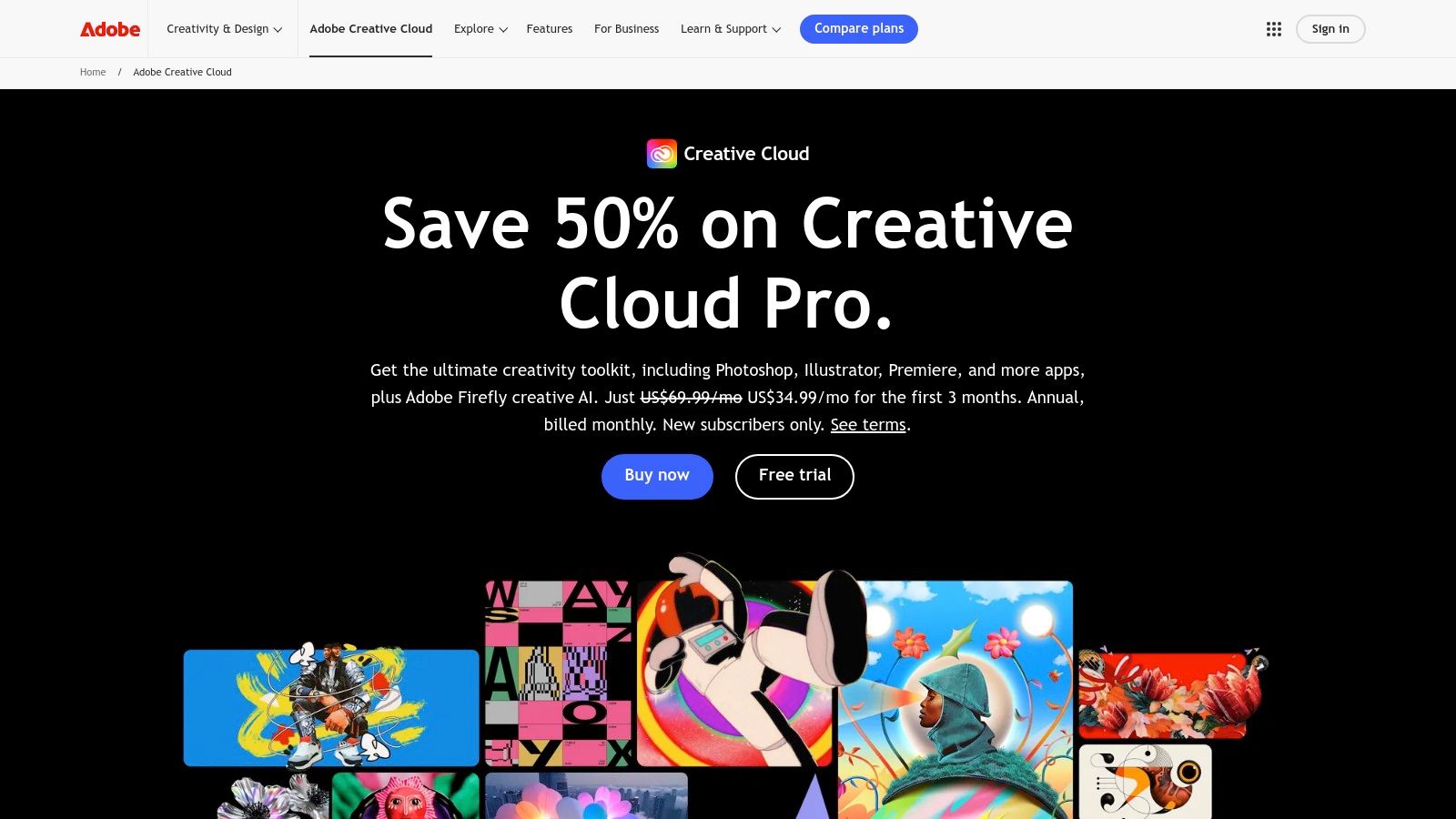
The modern Creative Cloud goes beyond classic desktop applications, incorporating cloud storage, extensive font libraries, and the Firefly generative AI for rapid ideation and asset creation. For teams, this unified environment ensures consistency in branding, typography, and imagery. The suite serves as an essential production powerhouse, making it one of the most fundamental collections of UX UI designer tools for creating the high-fidelity assets that bring digital experiences to life, from marketing visuals to in-app illustrations.
Key Details & Use Cases
Best For: Designers and teams who require best-in-class tools for creating original vector illustrations, editing photos, or producing motion graphics to supplement their UI design work. It is essential for workflows that demand high-fidelity, custom-made assets.
Practical Recommendation: Utilise Adobe's Creative Cloud Libraries to synchronise assets like logos, colour palettes, and character styles across all apps (Photoshop, Illustrator, etc.). This creates a single source of truth for brand assets. When these assets are used in prototypes, you can test their clarity and visual appeal by running a test in a platform like Uxia to gather instant feedback.
Pros | Cons |
|---|---|
Ubiquitous tools with broad industry acceptance. | Subscription cost is higher than some alternatives. |
Robust type and asset libraries and colour fidelity. | Some AI and web features vary between Standard and Pro tiers. |
Easy asset exchange with partners and other tools. | The vast number of apps can have a steep learning curve. |
Pricing
Adobe Creative Cloud offers several plans. The All Apps plan for individuals is approximately £51.98/month. Business plans offer more features like extended storage and centralised administration, with pricing available upon request.
Website: https://www.adobe.com/creativecloud.html
4. Sketch
For Mac-centric design teams, Sketch remains a powerful and focused choice, celebrated for its fast, native macOS performance and a clean, intuitive interface. It was one of the original vector-based UX UI designer tools that revolutionised the screen design industry. While competitors have shifted to browser-first models, Sketch maintains its strength with a desktop app that excels in offline work and leverages the full power of the Mac, paired with a web platform for collaboration, feedback, and developer handoff.
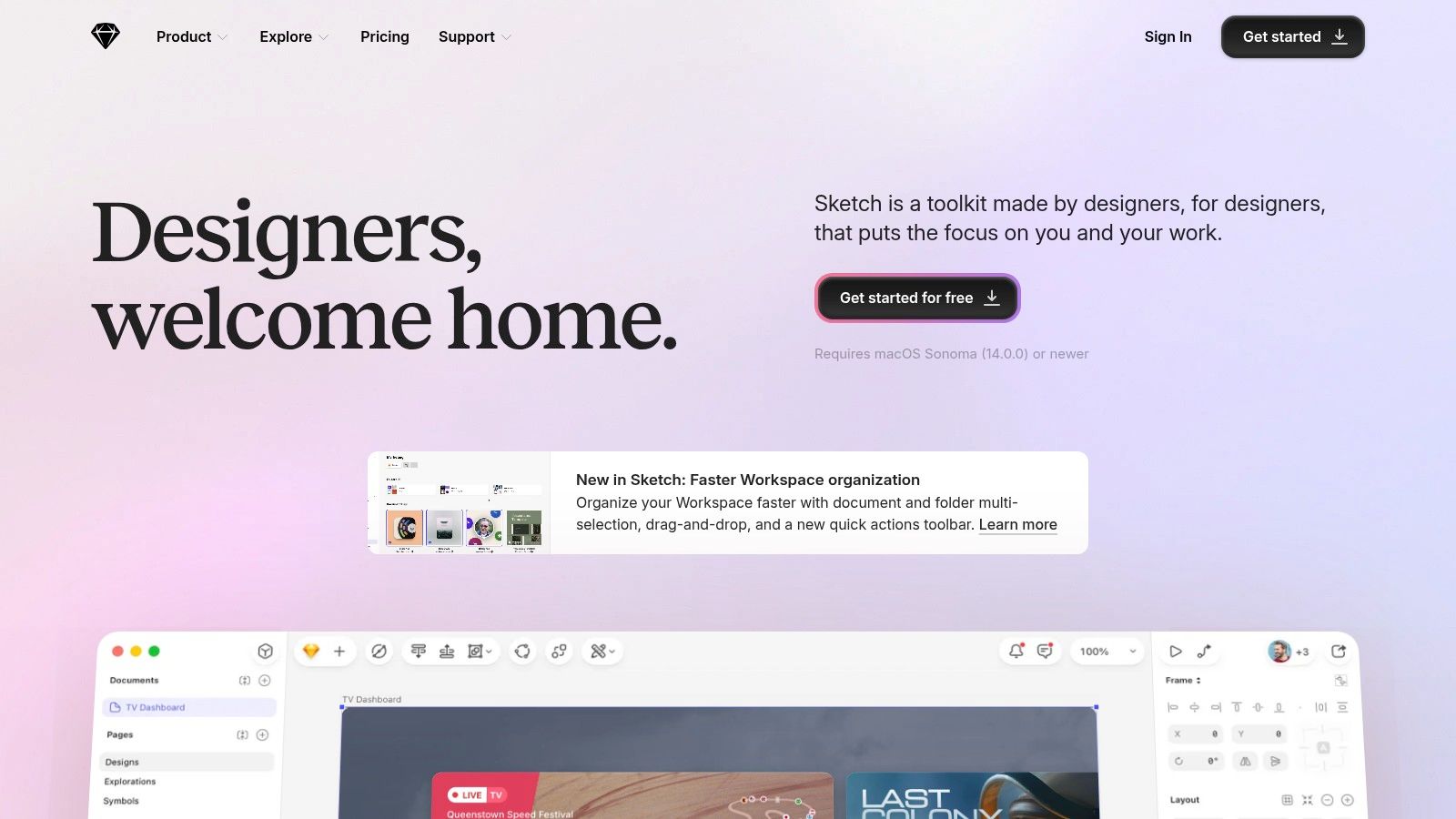
This hybrid model allows designers to work uninhibited on their local machines while providing stakeholders and developers with browser-based access to view designs, inspect specs, and download assets. Sketch’s commitment to a native experience results in a highly responsive and stable editing environment, which many designers still prefer for day-to-day work. Its robust features for creating and managing design systems with symbols and shared libraries make it a dependable workhorse for maintaining brand consistency across large-scale projects.
Key Details & Use Cases
Best For: Individuals and teams deeply embedded in the Apple ecosystem who value native app performance, offline capabilities, and a straightforward, editor-focused pricing model. It's also ideal for organisations with strict security needs, thanks to its optional private cloud.
Practical Recommendation: Use Sketch’s powerful Symbol Overrides to manage complex components efficiently. This allows you to create highly flexible and reusable elements. To validate these components, share a prototype via the Sketch web app and use the link to run an AI-powered usability test in Uxia, ensuring your designs are intuitive before handoff.
Pros | Cons |
|---|---|
Fast, focused Mac UX and straightforward editor pricing. | The main editor application is macOS-only. |
Strong support for offline work via the native Mac app. | Some advanced enterprise features are locked to higher-tier plans. |
Private Cloud option for enhanced security and data control. | The plugin ecosystem is less extensive than some competitors. |
Pricing
Sketch offers a simple Standard plan for $12 per editor/month (or $120 annually), which includes the Mac app and workspace features. The Business plan (pricing on request) adds single sign-on (SSO), private cloud options, and advanced security for larger organisations.
Website: https://www.sketch.com
5. Framer
Framer is revolutionising the design-to-production workflow by offering a platform where designers can create visually stunning, interactive prototypes that can be published as production-ready, hosted websites with a single click. It effectively blurs the line between design and development, allowing teams to ship marketing sites and validate interactive concepts without a traditional handoff process. This unique capability makes it one of the most powerful UX UI designer tools for teams prioritising speed and direct implementation of their designs.
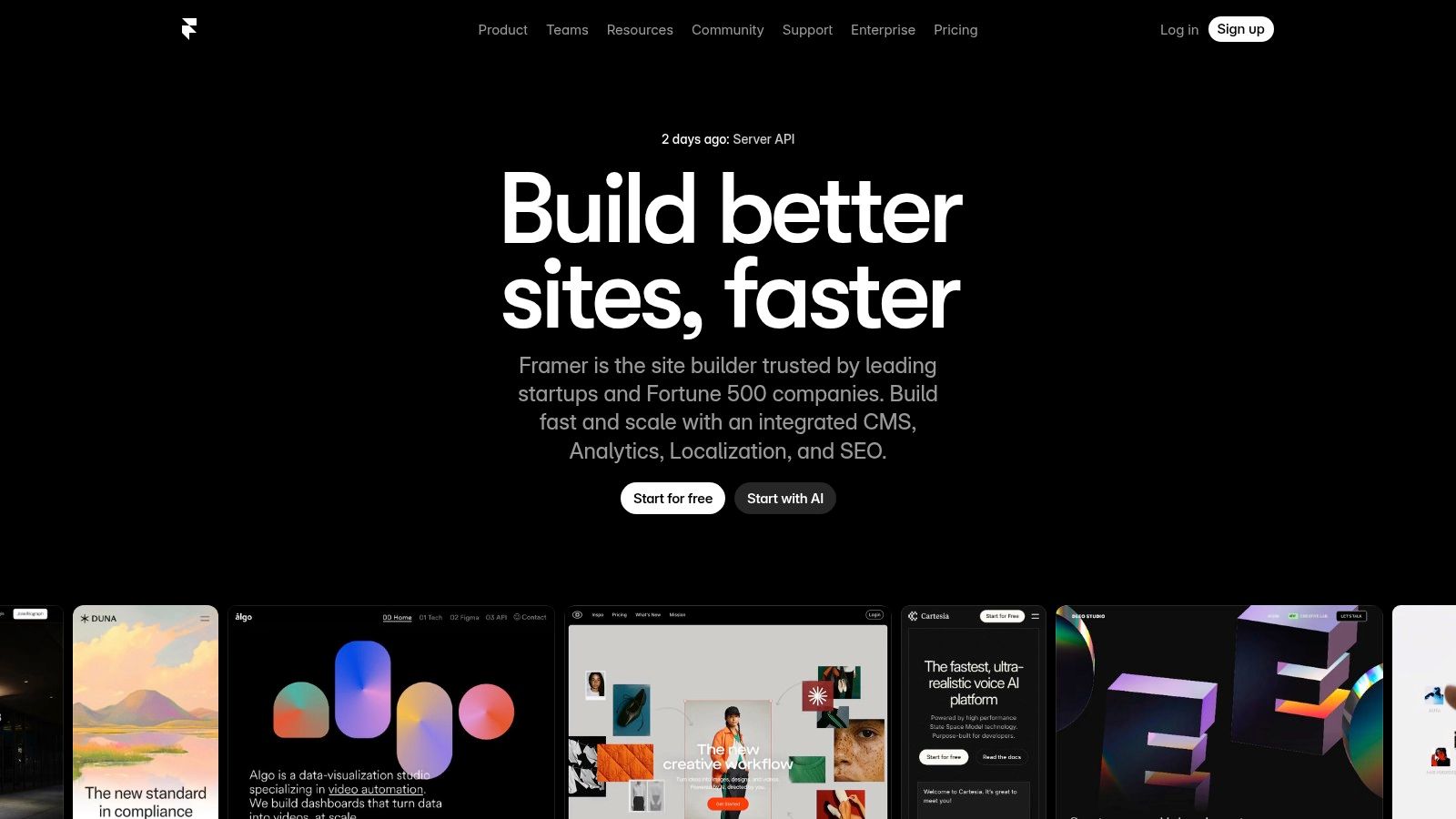
The platform supports a design experience similar to other top-tier tools but adds powerful features like a built-in CMS, robust SEO options, and AI-assisted design to accelerate content creation. With real-time collaboration and free viewer seats, it keeps the entire team aligned. Framer’s core strength lies in its ability to turn high-fidelity designs into live, performant websites on a global CDN, completely bypassing the need for separate coding efforts for many types of projects.
Key Details & Use Cases
Best For: Marketing teams, freelancers, and startups who need to design, build, and ship high-quality websites quickly without deep coding expertise. It is ideal for portfolios, landing pages, and content-driven sites.
Practical Recommendation: Use Framer's built-in component system and animations to create highly interactive user experiences. Before publishing your Framer site, you can test its core user flows. Simply share the live staging URL from Framer to run a user test in Uxia, allowing you to gather crucial usability feedback and AI analysis on navigation and interaction before going live.
Pros | Cons |
|---|---|
Reduces handoff by enabling teams to ship real sites quickly. | Pricing scales with usage (pages, CMS, bandwidth). |
Strong CMS and staging/rollback features on higher tiers. | Less suited for complex web app logic without custom code. |
Includes analytics and .com domain on annual plans. | Can have a learning curve for those used to pure design tools. |
Pricing
Framer has a Free plan to start building. Paid plans include Mini (€5 per site/month) for simple sites, Basic (€15 per site/month) for sites needing a CMS, and a Pro plan (€30 per site/month) for larger sites. All prices are billed annually.
Website: https://www.framer.com
6. Axure RP
For designers tackling complex, data-heavy applications, Axure RP stands out as the power tool for creating high-fidelity, highly interactive prototypes. While other tools focus on screen flows, Axure empowers you to build prototypes with conditional logic, dynamic content, and data-driven interactions without writing a single line of code. This makes it one of the most capable UX UI designer tools for simulating sophisticated user journeys, such as those found in enterprise software, financial dashboards, or intricate e-commerce checkouts.
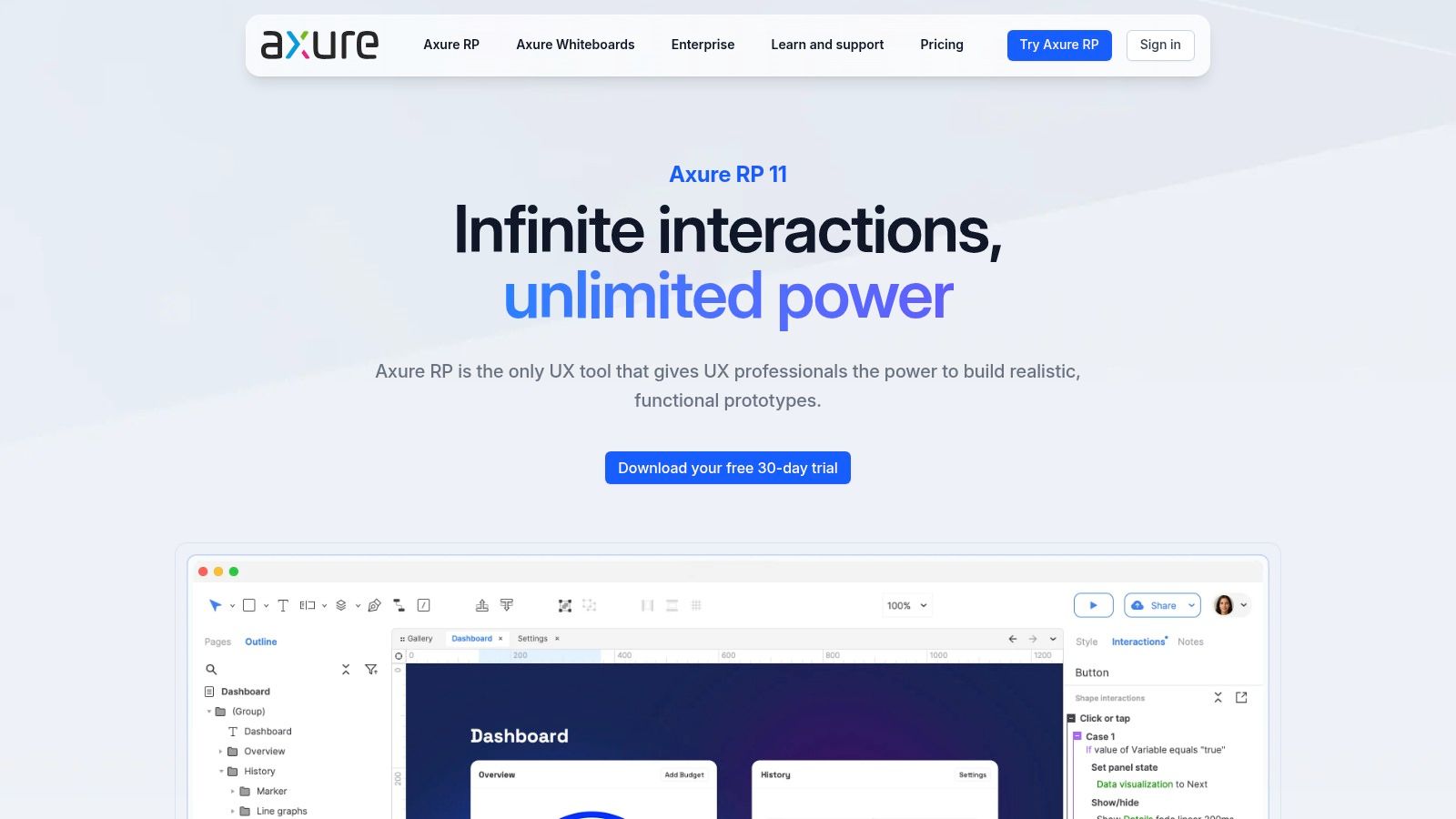
The platform's strength lies in its ability to go beyond simple clicks and transitions, allowing designers to create realistic, testable experiences that behave like a final product. Axure Cloud further enhances this by providing a collaborative space for hosting projects, gathering stakeholder feedback, and handing off detailed specifications to developers. This level of functional detail is invaluable for validating complex ideas before committing to development, ensuring the logic and flow are sound from the very beginning.
Key Details & Use Cases
Best For: UX designers and enterprise teams who need to create functionally rich, high-fidelity prototypes for complex systems, user testing, and stakeholder validation. It is ideal for projects requiring conditional logic and dynamic data.
Practical Recommendation: Start with the built-in widget libraries to understand how interactions are constructed. Deconstructing existing components is the fastest way to master Axure’s powerful interaction builder. The high-fidelity prototypes created are perfect for detailed usability testing; publish to Axure Cloud and use the public link to run a comprehensive user test on Uxia to capture feedback on complex interactions.
Pros | Cons |
|---|---|
Best-in-class for complex, realistic prototypes with logic. | Steeper learning curve compared to lighter tools. |
Unlimited reviewers and projects on Axure Cloud. | Can be more expensive than entry-level wireframing solutions. |
Strong enterprise features like SSO and on-premise options. | The user interface can feel less modern than competitors. |
Pricing
Axure RP is available through subscription plans. The Pro plan starts at £20 per user/month (billed annually) for individuals and small teams. The Team plan is £36 per user/month (billed annually) and includes co-authoring and revision history. An Enterprise edition offers on-premise solutions and dedicated support.
Website: https://www.axure.com
7. Balsamiq
Balsamiq has long been a favourite for rapid, low-fidelity wireframing, deliberately stripping away visual polish to focus teams on structure and user flow. Its signature sketchy, hand-drawn aesthetic prevents stakeholders from getting distracted by colours and fonts, keeping conversations centred on core functionality and layout. This approach makes it one of the most effective UX UI designer tools for the earliest stages of ideation, where speed and clarity are more important than pixel-perfect detail. The platform is available as a cloud-based service or a desktop app, providing flexibility for different team workflows.
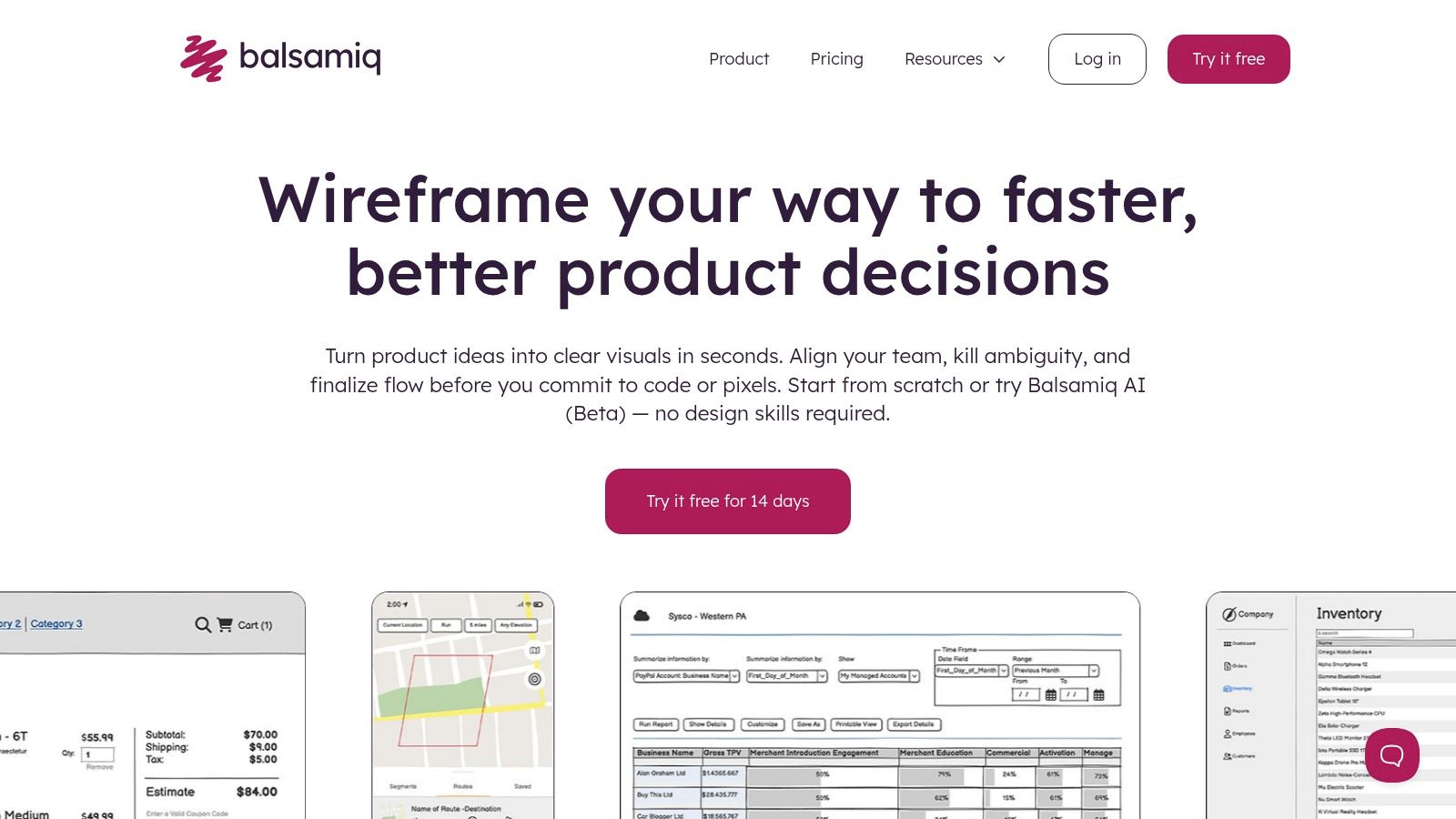
The platform’s strength lies in its simplicity and speed. A vast library of pre-built UI components allows designers to drag and drop elements to build screens in minutes, not hours. This makes it an ideal tool for workshops, brainstorming sessions, and quickly validating concepts before investing significant time in high-fidelity design. Its focus on fundamental UX principles encourages designers and product managers to think critically about information architecture and user journeys from the very beginning of the design process.
Key Details & Use Cases
Best For: UX designers, product managers, and business analysts who need to quickly create and share low-fidelity wireframes for concept validation and early-stage feedback.
Practical Recommendation: Use the "Quick Add" feature to rapidly add UI elements by just typing their names. This can significantly speed up your wireframing process. Once you have a basic user flow mapped out in Balsamiq, you can quickly recreate the key screens in a tool like Figma and run a user test in Uxia to get early AI-driven feedback on your core concept.
Pros | Cons |
|---|---|
Extremely quick for rough UX exploration and stakeholder alignment. | Not intended for high-fidelity visual or interactive prototypes. |
Unlimited users in cloud plans reduces collaboration friction. | Pricing is listed in USD, so VAT/taxes may apply for EU clients. |
Complimentary tutorials and extensive UI training resources available. | Its distinct visual style may not be suitable for all presentations. |
Pricing
Balsamiq Cloud offers a project-based pricing model, starting from $9/month for 2 projects. The desktop app, Balsamiq Wireframes for Desktop, is available for a one-time fee of $129 per user.
Website: https://balsamiq.com
8. Miro
Miro has established itself as the premier online whiteboard for collaborative brainstorming, ideation, and visual project management. Its infinite canvas provides teams with a shared space to map out complex ideas, from initial discovery workshops to detailed user journey maps. For designers, it's an essential platform for organising research, creating flowcharts, and running remote workshops, making it one of the most versatile UX UI designer tools for the early stages of the design process.
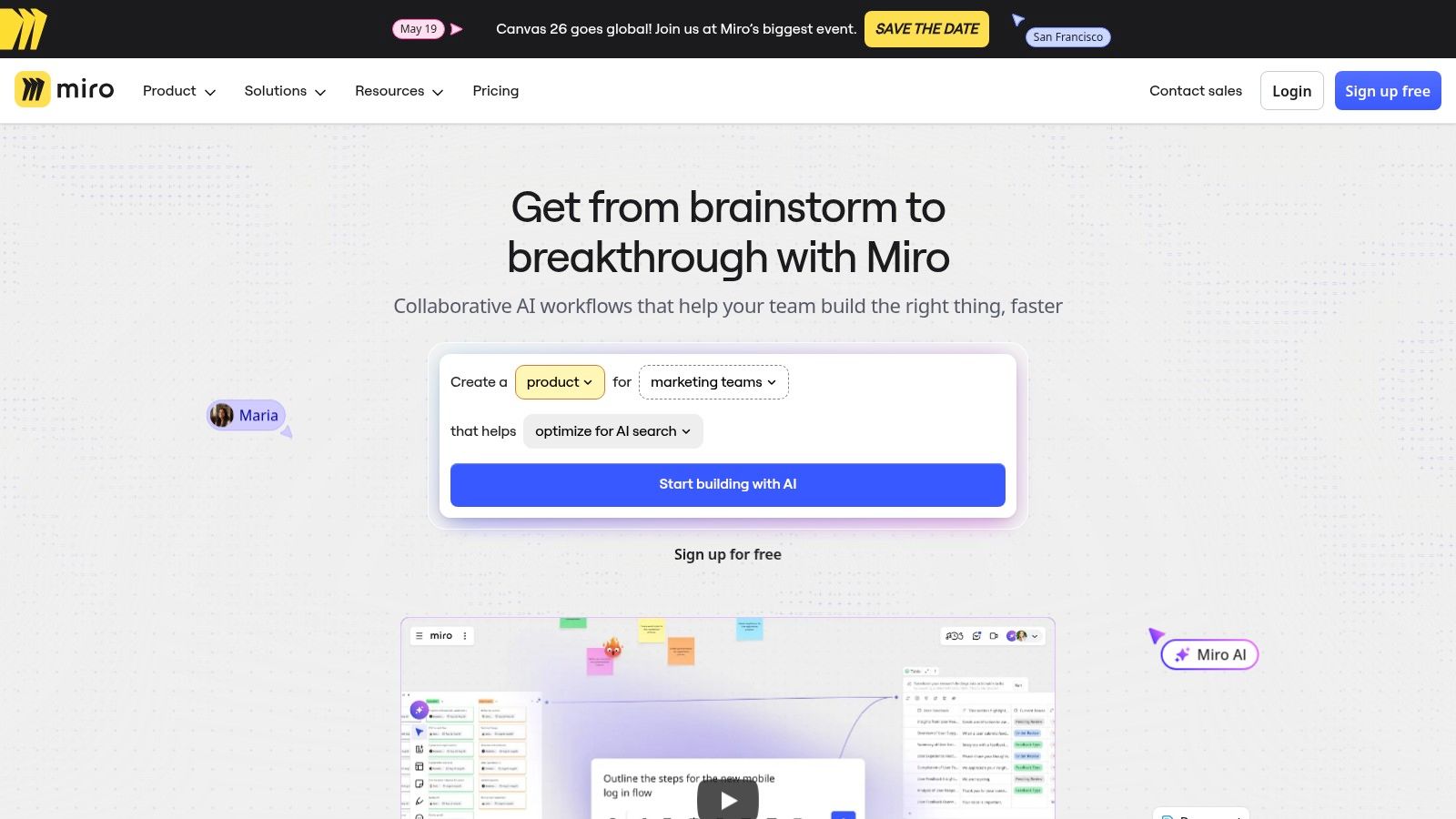
The platform's strength lies in its vast template library and powerful integrations with tools like Jira, Azure, and Slack, which centralise workflows and keep cross-functional teams aligned. Miro AI further enhances productivity by helping to synthesise sticky notes, generate ideas, and create diagrams automatically. This functionality is particularly useful for visualising complex systems; for instance, you can build a comprehensive user flow diagram and get stakeholder feedback directly on the board, ensuring clarity before moving into high-fidelity design.
Key Details & Use Cases
Best For: Cross-functional teams needing a flexible space for UX research synthesis, user story mapping, journey mapping, and facilitating collaborative workshops. It's ideal for the discovery and definition phases of a project.
Practical Recommendation: Use Miro's "Talktrack" feature to record a video and audio walkthrough of your board. This is perfect for asynchronously explaining complex flows. The user journeys you map in Miro should directly inform the tasks and missions you create for your usability tests in a platform like Uxia to ensure strategic alignment.
Pros | Cons |
|---|---|
Excellent for cross-functional workshops and discovery phases. | Per-member pricing can become expensive for large teams. |
Rich template library for UX research, mapping, and flows. | Advanced governance and admin controls are locked to higher tiers. |
Advanced integrations for product/prioritisation workflows. | Can be overwhelming for new users not familiar with infinite canvas tools. |
Pricing
Miro offers a Free plan with limited boards for small teams. Paid plans include the Starter (£6 per member/month, billed annually) for growing teams, the Business plan (£12 per member/month) with advanced features like Miro AI and SSO, and a custom-priced Enterprise plan for large-scale security and governance needs.
Website: https://miro.com
9. Maze
Maze is a rapid, remote user research platform that empowers product teams to test everything from prototypes to live websites with real users. It streamlines the validation process by integrating directly with design tools like Figma and Adobe XD, allowing designers to transform static designs into unmoderated usability tests, surveys, or card sorts in minutes. This ability to quickly gather quantitative and qualitative feedback makes it one of the most agile UX UI designer tools for iterative design sprints and continuous product discovery.
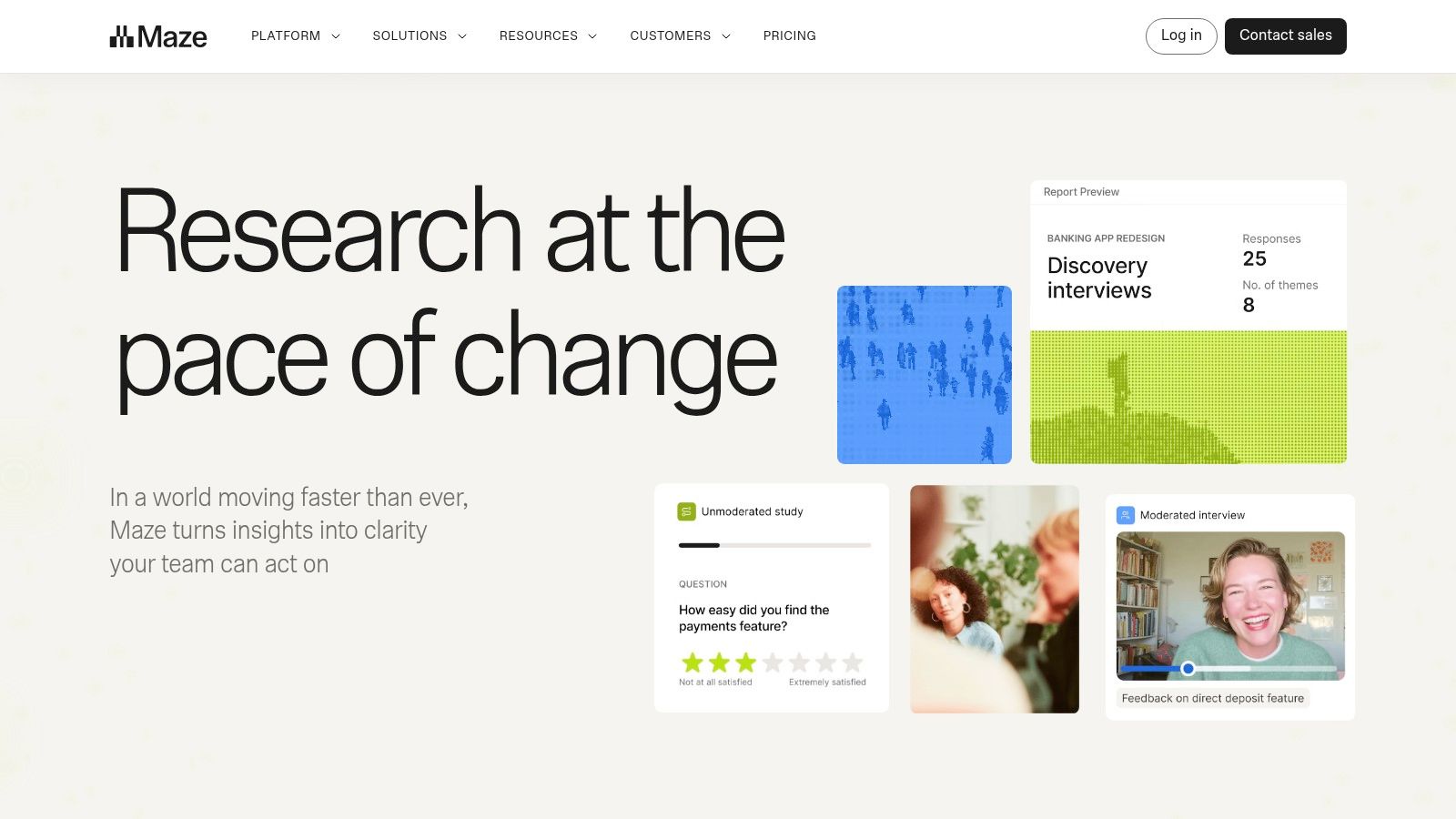
The platform shines in its ability to deliver actionable insights quickly through automated, shareable reports that include heatmaps, click paths, and survey results. For teams looking to scale their research efforts, Maze offers a participant panel for recruiting testers based on specific demographic criteria, or you can bring your own users. Its AI-powered features for generating test guides and analysing open-ended feedback further accelerate the process from question to insight, making data-driven decisions more accessible for the entire team.
Key Details & Use Cases
Best For: Product teams and UX researchers who need to run frequent, unmoderated tests to validate concepts, prototypes, and information architecture without the overhead of moderated sessions.
Practical Recommendation: Use Maze’s "Clips" feature to capture short video and audio recordings of participants thinking aloud. While Maze is excellent for unmoderated testing with human panels, you can complement its findings by running your prototypes through Uxia first. This allows you to gather AI-driven usability insights and identify potential friction points before you even recruit your first human participant, saving time and panel costs.
Pros | Cons |
|---|---|
Quick study setup directly from design files for iterative sprints. | Public pricing is limited and higher tiers require contacting sales. |
Supports a broad set of test types, including IA and live site testing. | Panel recruitment costs can add up quickly for niche audiences. |
Shareable automated reports simplify insights delivery to stakeholders. | Can be less effective for deep, exploratory research vs. moderated tools. |
Pricing
Maze offers a Free plan for individual projects. The Pro plan starts at $99 per month (or $1,188 annually) for growing teams needing more features. For larger organisations requiring advanced security and customisation, a custom Organisation plan is available upon request.
Website: https://maze.co
10. UXArmy
UXArmy is a comprehensive user research and usability testing platform designed to help product teams validate digital experiences with real users across global markets. It enables teams to conduct unmoderated and moderated testing, surveys, and participant recruitment within a single ecosystem, making it a versatile solution for continuous product discovery and improvement.
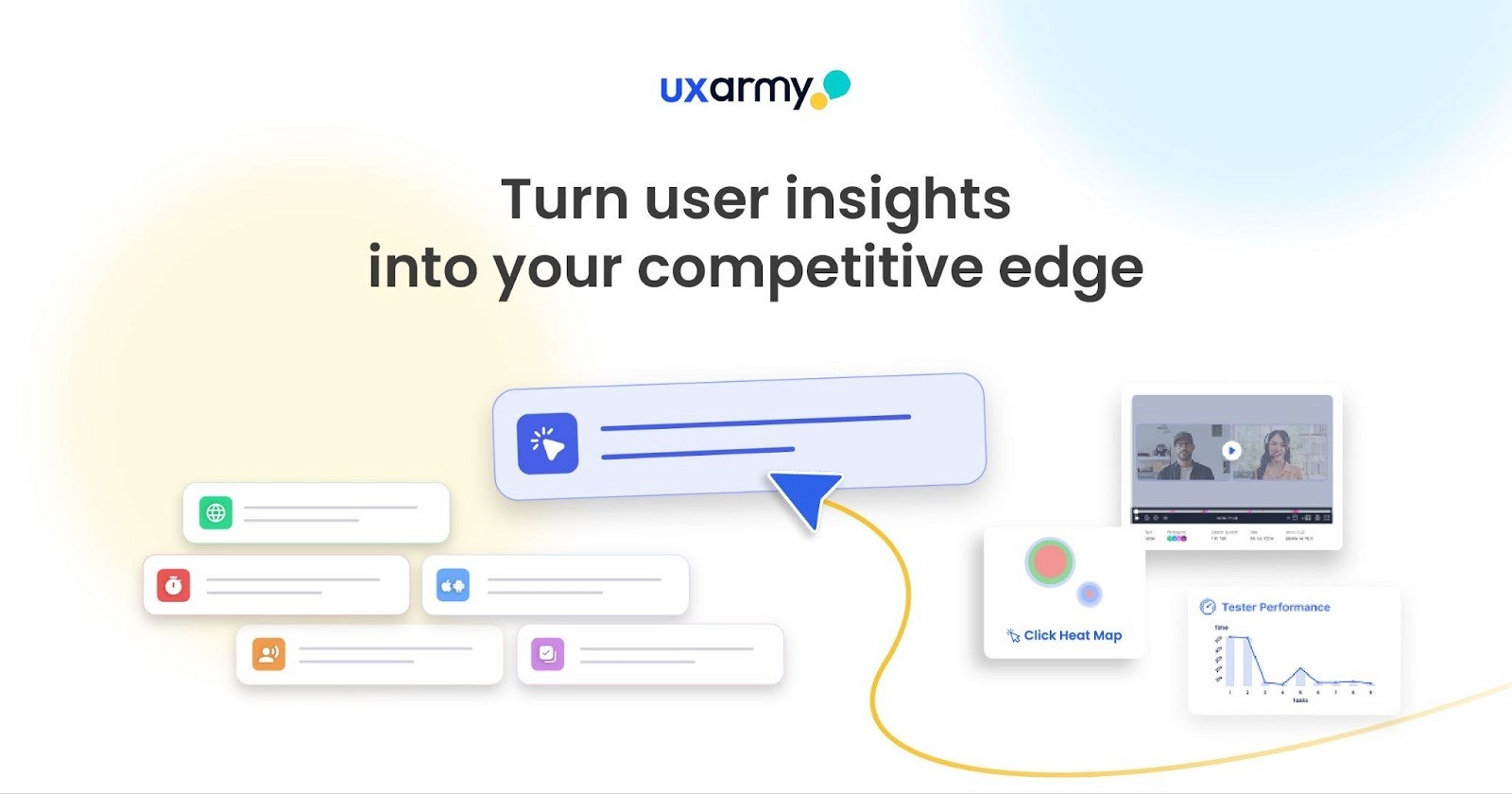
Unlike tools that focus purely on rapid testing, UXArmy stands out by combining end-to-end research capabilities from participant sourcing to detailed analysis, allowing teams to uncover deeper insights into user behaviour.
Key Details & Use Cases
Best For: Product teams, UX researchers, and enterprises looking for a scalable user research platform with global participant access and diverse testing methods.
Practical Recommendation: Use UXArmy when you need targeted user feedback from specific demographics or regions. Its built-in participant panel allows you to recruit real users based on criteria such as location, profession, or behaviour.
Pros | Cons |
Access to a global participant panel for targeted research | Setup can take longer compared to rapid testing tools |
Supports multiple research methods (usability testing, surveys, card sorting, tree testing) | Pricing may vary depending on participant recruitment and study scale |
Provides rich qualitative insights with video recordings and user feedback | Requires proper research planning to fully utilise advanced features |
Works with multiple prototype tools and live URLs for flexible testing | May feel complex for beginners compared to simpler tools |
Pricing
UXArmy offers flexible pricing options to suit different research needs, including a free plan for individuals or small teams getting started with usability testing. Paid plans are designed to scale with your research requirements, with the Starter plan available from $25 per month (billed yearly). For teams needing advanced features, participant recruitment, and enterprise-level support, custom pricing options are also available.
Website :- https://uxarmy.com
11. Hotjar (Contentsquare)
Hotjar provides designers with a powerful lens into live user behaviour, moving beyond design assumptions to reveal how people actually interact with a product. As an experience analytics platform, it offers a suite of tools that capture qualitative and quantitative data directly from a live website or application. By combining features like heatmaps, session replays, and user feedback surveys, Hotjar allows teams to diagnose usability friction, understand drop-off points in user journeys, and prioritise design fixes based on real-world evidence, making it one of the most insightful UX UI designer tools for post-launch optimisation.
The platform excels at connecting the "what" with the "why". A heatmap might show that users are not clicking a key call-to-action, while a corresponding session replay can reveal they are getting distracted by another element. This combination allows designers to build strong, evidence-backed cases for specific UI/UX improvements. For teams committed to iterating based on user data, this approach is invaluable; you can discover more about data-driven design to fully leverage the insights these tools provide.
Key Details & Use Cases
Best For: Product teams, UX researchers, and marketers looking to understand and improve the user experience of a live product by identifying bugs, optimising conversion funnels, and validating design changes with real user data.
Practical Recommendation: Use URL targeting and funnels to focus your analysis. Instead of watching random session replays, create a funnel for a key user flow (e.g., checkout) and only analyse sessions where users dropped off. After identifying a major issue in Hotjar, you can take a screenshot of the problematic interface and use it in a Uxia Five Second Test to quickly validate if a proposed redesign improves clarity.
Pros | Cons |
|---|---|
Quick to set up on live sites for immediate UX insights. | Session allowances and data retention are tied to pricing tiers. |
Combines behavioural analytics (heatmaps) with user feedback (surveys). | Advanced plans can require speaking to a sales representative for pricing. |
Flexible per-site plan model is great for agencies and freelancers. | Can require careful configuration to avoid capturing sensitive user data. |
Pricing
Hotjar offers several plans. The Free plan includes up to 35 daily sessions. Paid plans include Plus (€32/month, billed annually) for small teams, Business (€80/month, billed annually) which captures up to 500 daily sessions, and a custom Scale plan for high-traffic sites.
Website: https://www.hotjar.com
12. Envato Elements
Envato Elements serves as a vast digital library for creatives, offering an all-you-can-download subscription to millions of design assets. For UX/UI designers, this means instant access to an enormous collection of UI kits, wireframe templates, icon sets, device mockups, and fonts, dramatically speeding up the initial phases of a project. Instead of building common components from scratch, designers can quickly find and adapt high-quality assets, making it one of the most cost-effective UX UI designer tools for rapid prototyping and concept development.
The platform's strength lies in its sheer volume and breadth, covering not just interface design but also presentation templates, stock photos, and video assets that are often required for stakeholder presentations or user testing stimuli. The unlimited download model, coupled with a simple commercial licence, removes the friction of per-asset purchasing and complex usage rights, allowing designers to experiment freely and focus on the core user experience challenges.
Key Details & Use Cases
Best For: Freelancers, agencies, and design teams who need a constant supply of diverse creative assets to accelerate their workflow without incurring high individual licence costs. It is ideal for quickly producing mockups, mood boards, and presentation materials.
Practical Recommendation: Use the search filters effectively. Filter by application (e.g., Figma, Sketch) to find UI kits that are directly compatible with your primary design tool. When preparing user tests in a platform like Uxia, you can use mockups and stock photos from Envato Elements to create more realistic and context-rich scenarios for your AI participants, which can help elicit more authentic feedback.
Pros | Cons |
|---|---|
Extremely cost-effective with its unlimited download subscription model. | Asset quality can be inconsistent and may require careful curation. |
Wide variety of asset types beyond just UI, supporting the full design process. | The sheer volume can sometimes make finding the perfect asset overwhelming. |
Simple, broad commercial licence simplifies legal and compliance concerns. | Lacks the collaborative and interactive features of dedicated design platforms. |
Pricing
Envato Elements operates on a subscription model. The Individual plan is priced at €14.50/month (billed annually), providing unlimited downloads for a single user. Teams plans start at €9.45/month per member for teams of up to five, and custom Enterprise solutions are available for larger organisations.
Website: https://elements.envato.com
13. The Noun Project
The Noun Project is an indispensable resource for designers seeking clear, consistent, and legally sound iconography. Its vast, human-curated library of nearly ten million icons provides a vital asset for creating universally understandable interfaces, making it one of the most practical UX UI designer tools for establishing visual language. The platform simplifies the often-complex process of sourcing and licensing assets, ensuring that every icon used in a project meets commercial requirements and maintains a high standard of quality.
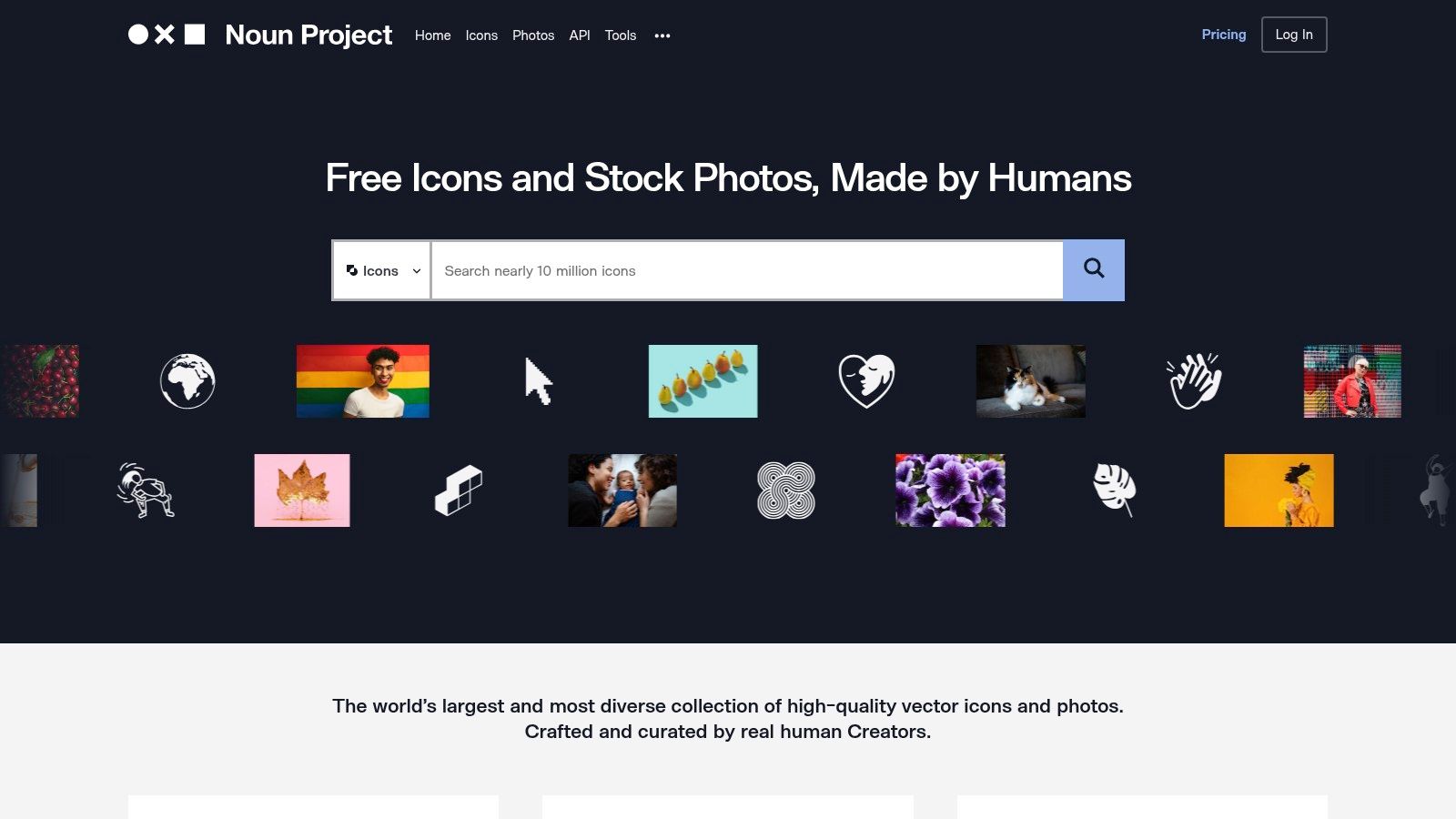
Beyond its extensive web-based catalogue, The Noun Project integrates directly into a designer's workflow through powerful plugins for Figma, Adobe Creative Cloud, and Microsoft Office, alongside a convenient Mac app. This seamless integration allows for quick searching and implementation without disrupting the creative process. For teams focused on creating intuitive user experiences, the ability to rapidly find and test recognisable symbols is a significant advantage, helping to validate design choices early and effectively.
Key Details & Use Cases
Best For: Designers and teams needing a reliable, centralised source for high-quality, commercially-licensed icons and photos to ensure visual consistency across products and presentations.
Practical Recommendation: Use the plugin to create a "base icon" library within your design file. Before committing to a final icon set in your designs, you can incorporate them into your prototype and run a quick preference test or five-second test in Uxia. This helps validate whether your chosen icons are quickly understood by users, preventing potential usability issues down the line.
Pros | Cons |
|---|---|
Huge, human-moderated catalogue that speeds up finding consistent iconography. | Stylistic consistency can vary across sets, requiring recolouring or normalisation. |
Clear commercial licensing suitable for product use. | Premium photos may be priced separately outside of some plans. |
Robust plugins make workflow integration straightforward. | The free tier requires attribution for every icon used. |
Pricing
The Noun Project offers a Free plan with access to millions of icons with required attribution. Paid plans include NounPro (£36 per user/year) for royalty-free icon access and full customisation, and Team plans starting at £180/year for five users. An API is also available for developers.
Website: https://thenounproject.com
Top 12 UX/UI Designer Tools Comparison
Product | Core features | Quality (★) | Price & value (💰) | Target (👥) | Unique selling points (✨) |
|---|---|---|---|---|---|
Uxia 🏆 | AI synthetic testers, unmoderated prototype tests, transcripts, heatmaps, WCAG checks | ★★★★★ | 💰 Free trial · Starter $83/mo · Pro $290/mo · Enterprise custom · credit model | 👥 Product designers, PMs, UX researchers | ✨ Instant realistic participants, automated prioritized insights, bias-reduced testing |
Figma | Cloud design, interactive prototyping, FigJam, plugins | ★★★★☆ | 💰 Free + paid team/enterprise tiers | 👥 UI/UX designers, cross-functional teams | ✨ Real-time multiplayer + vast plugin ecosystem |
Adobe Creative Cloud | Photoshop, Illustrator, After Effects, Firefly AI, asset libraries | ★★★★☆ | 💰 Higher-cost subscription for many apps | 👥 Creatives, asset production teams | ✨ Industry-standard tools + deep asset/colour fidelity |
Sketch | macOS-native editor, design systems, handoff, private cloud option | ★★★★☆ | 💰 Subscription (Mac-focused) · team tiers | 👥 Mac-centric designers & agencies | ✨ Fast native performance; Private Cloud for security |
Framer | Interactive prototypes → publish live sites, CMS, A/B testing | ★★★★☆ | 💰 Subscription; scales with pages/CMS/bandwidth | 👥 Designers shipping sites, marketers | ✨ Design-to-live hosting + built-in analytics |
Axure RP | High-fidelity interactive prototypes with conditional logic & variables | ★★★★☆ | 💰 Premium pricing · enterprise options | 👥 UX leads, enterprise product teams | ✨ Best for complex, data-driven realistic prototypes |
Balsamiq | Low-fidelity wireframing, rapid ideation, cloud & desktop | ★★★☆☆ | 💰 Affordable plans · unlimited-user options | 👥 Early-stage teams, stakeholders | ✨ Extremely fast sketch-style wireframes for alignment |
Miro | Infinite canvas, templates, integrations, AI-assisted synthesis | ★★★★☆ | 💰 Per-member pricing (can scale costly) | 👥 Cross-functional teams, researchers | ✨ Excellent for workshops, mapping & research synthesis |
Maze | Unmoderated usability tests, prototype/survey/card-sorting, AI analysis | ★★★★☆ | 💰 Free + paid tiers · panel recruitment costs extra | 👥 UX researchers, product teams | ✨ Quick setup from design files + AI-assisted results |
Hotjar (Contentsquare) | Heatmaps, session replays, funnels, surveys (VoC) | ★★★★☆ | 💰 Per-site plans · tiered retention & capture rates | 👥 CROs, product managers, analysts | ✨ Behavioral analytics + VoC for live site diagnosis |
Envato Elements | Unlimited downloads: UI kits, templates, icons, fonts with commercial license | ★★★☆☆ | 💰 Cost-effective for heavy asset use (subscription) | 👥 Designers needing assets at scale | ✨ Unlimited downloads + simple commercial licensing |
The Noun Project | Massive curated icon library, licensing, plugins for Figma/Adobe/Office | ★★★★☆ | 💰 Pro/subscription or pay-per-icon options | 👥 Designers needing consistent iconography | ✨ Huge curated icon catalog + workflow plugins |
Final Thoughts
Navigating the expansive landscape of UX/UI designer tools can feel overwhelming, but as we've explored, the key lies not in mastering every single application, but in strategically curating a toolstack that amplifies your specific design process. From initial discovery sessions in Miro to high-fidelity, interactive prototypes in Figma or Framer, and finally, gathering user feedback with Maze or Hotjar, each stage of the design lifecycle has a specialised tool ready to enhance your workflow and elevate your final product.
The journey from a vague idea to a polished, user-centric digital experience is complex. Your choice of software should act as a catalyst, not a barrier. Remember, the ultimate goal isn't just to create visually appealing interfaces, it's to solve real-world problems for your users. The most effective designers are those who can seamlessly integrate these powerful platforms to create a cohesive and efficient workflow, allowing them to focus on what truly matters: understanding user needs and crafting intuitive solutions.
Curating Your Ideal Design Toolstack
The perfect set of UX/UI designer tools is deeply personal and context-dependent. A freelance designer might prioritise an all-in-one solution like Figma for its cost-effectiveness and collaborative power. In contrast, a large enterprise team may invest in a more specialised stack, combining Sketch for its robust plugin ecosystem, Axure RP for complex conditional logic in prototypes, and a dedicated design system manager to maintain brand consistency across multiple products.
When making your selection, consider these critical factors:
Project Complexity: Are you building a simple marketing website or a data-heavy enterprise application? The required fidelity and interactive capabilities will guide your choice between tools like Balsamiq for low-fidelity wireframing and Framer for code-based, high-fidelity prototypes.
Team Collaboration: How does your team work? For seamless real-time collaboration with designers, developers, and product managers, cloud-based platforms like Figma and Miro are unparalleled.
Integration & Handoff: Your tools must communicate effectively. Ensure your design tool integrates smoothly with your development team's workflow and your user testing platform. A smooth handoff process saves invaluable time and prevents critical details from being lost in translation.
Budget and Scalability: Start with what you need now, but keep an eye on the future. Many tools offer tiered pricing that can grow with your team, while others like Sketch require a more significant upfront or recurring investment.
Beyond the Canvas: The Importance of a Holistic Approach
Ultimately, the most sophisticated UX/UI designer tools are only as effective as the strategy behind them. It's crucial to remember that design doesn't exist in a vacuum. It must be continuously validated with real user feedback and grounded in a deep understanding of user behaviour. This is where platforms that bridge the gap between design and research, like Uxia, become indispensable. By leveraging AI to simulate user interactions and generate rapid, data-backed insights, you can de-risk your design decisions before committing to costly development cycles.
Furthermore, a truly great user experience is an accessible one. As you refine your UX/UI designs, leveraging top website accessibility testing tools is essential to ensure your creations are inclusive and meet compliance standards. Integrating accessibility checks early and often is a hallmark of a mature and responsible design process.
The digital design landscape is in a constant state of evolution. New tools will emerge, and existing ones will adapt. By staying curious, focusing on a problem-solving mindset, and building a flexible, integrated toolstack, you empower yourself and your team to not just keep pace, but to lead the way in creating exceptional digital experiences.
Ready to validate your designs faster and build products your users will love? Discover how Uxia can revolutionise your workflow by providing AI-powered user insights in minutes, not weeks. Integrate powerful, data-driven feedback directly into your design process by exploring Uxia today.