The 12 Best UX Tools to Supercharge Your Workflow in 2026
Discover the top 12 essential UX tools for 2026. A complete guide to prototyping, testing, and research software to help you build better products faster.

The landscape of user experience design is constantly evolving, and so are the tools that power it. From initial wireframes to high-fidelity prototypes and rigorous user testing, having the right combination of software is crucial for efficiency and creating products that truly resonate with users. Building the perfect stack of UX tools is a significant challenge for any product team, requiring a balance between functionality, collaboration, and budget.
This guide cuts through the noise. We present a curated, in-depth list of the top platforms for modern UX workflows, moving beyond surface-level feature lists to offer practical, real-world advice. You will learn not just what each tool does, but how and when to use it effectively within your process. Each entry includes direct links and screenshots to give you a clear picture of the interface and capabilities.
We will explore each tool's specific strengths, potential limitations, and ideal use cases. We'll also provide practical recommendations on how to integrate them into a seamless workflow. For instance, we will show how platforms like our own AI-powered testing suite, Uxia, can accelerate your design validation cycles and deliver actionable insights in minutes, not weeks.
Beyond selecting specific design and testing software, a crucial aspect of modern UX involves ensuring the final product performs well. A snappy, responsive interface is non-negotiable, and understanding core website performance optimization techniques is just as important as the design itself. This comprehensive list is organised to help you find the best solutions for your specific needs, whether you're a freelancer, part of a startup, or scaling within a large enterprise. Let’s dive in.
1. Uxia
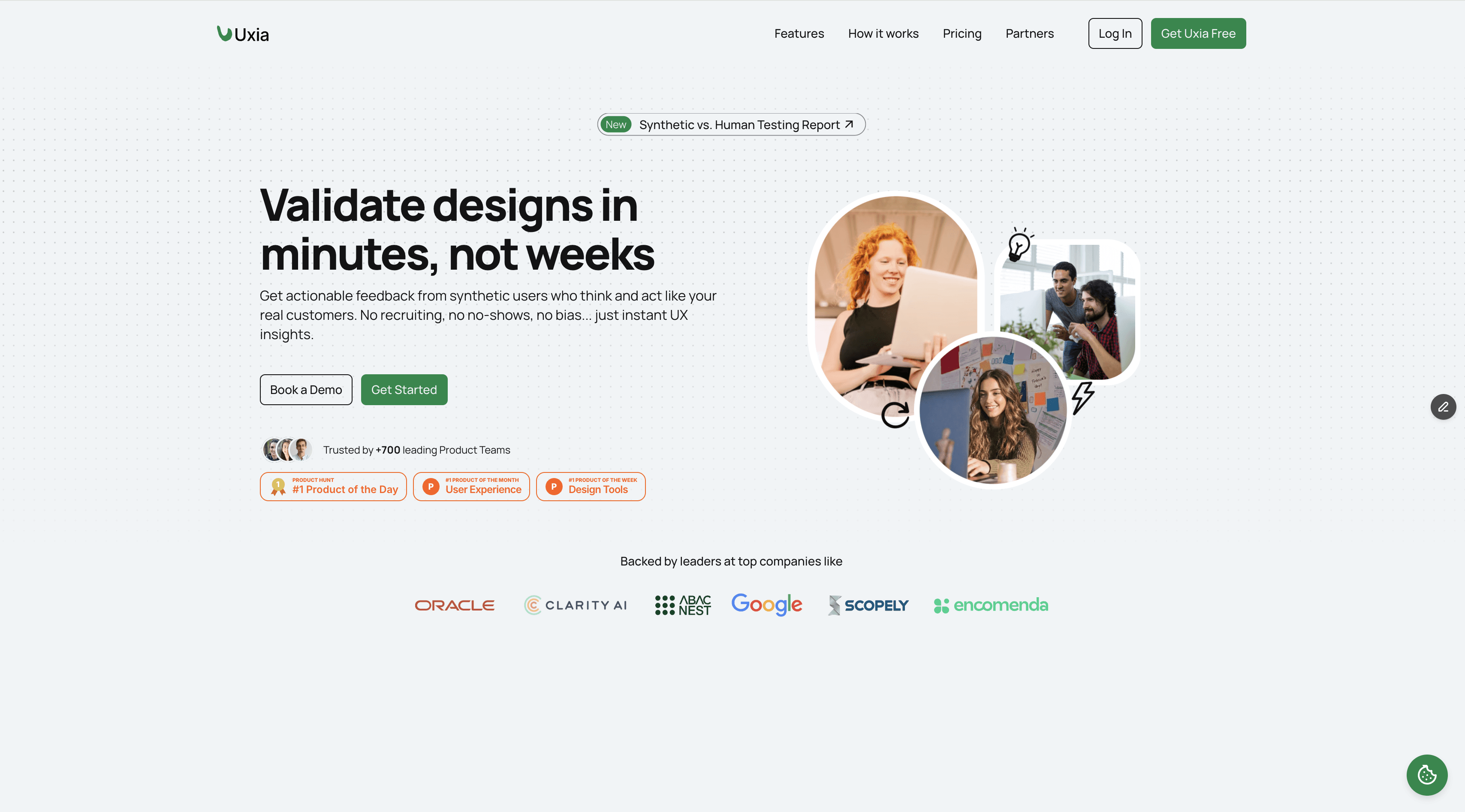
Uxia stands out as a transformative force in the landscape of modern UX tools, leveraging AI to deliver user testing insights with unprecedented speed and scale. It's an exceptionally well-rounded choice for teams aiming to embed continuous validation directly into their design and development cycles. The platform allows you to upload image or video prototypes, define a target audience and mission, and then deploys realistic synthetic testers to interact with your designs, providing think-aloud feedback and comprehensive reports in minutes.
This AI-driven approach effectively eliminates the traditional bottlenecks of user recruitment and scheduling, making it an ideal solution for agile teams that need to iterate rapidly. For product designers and managers, this means getting actionable feedback on usability, navigation, and copy clarity before a single line of code is written. A practical recommendation is to run every major design iteration through Uxia before your daily stand-up; this allows you to present not just designs, but designs validated with usability data, accelerating team alignment.
Key Strengths and Use Cases
Uxia’s primary advantage lies in its ability to automate and accelerate the feedback loop. Instead of waiting days or weeks for traditional user study results, teams receive prioritised, visual reports that pinpoint specific issues. The platform automatically generates heatmaps, transcripts, and a detailed analysis of usability, trust, and even accessibility issues against WCAG 2.2 standards.
Rapid Prototyping and Iteration: Product designers can test multiple design variations within a single afternoon, compare results, and move forward with a data-informed decision. This is a game-changer for shortening sprint cycles.
Pre-Launch Validation: Product managers can validate entire user flows for a new feature, ensuring the user journey is intuitive and free of friction before committing development resources.
Scaling Research Efforts: UX researchers can use Uxia to handle high-volume, unmoderated testing, freeing up their time for deeper, strategic qualitative research.
While synthetic testers are incredibly powerful for rapid validation, it's useful to understand their role alongside traditional methods. For a deeper dive into their capabilities, you can explore the differences between synthetic users and human testers. Uxia is not meant to entirely replace moderated human studies for highly nuanced research but excels at providing fast, reliable, and unbiased feedback for the vast majority of usability testing needs.
Feature Highlights | Practical Benefit for Teams |
|---|---|
AI Synthetic Testers | Eliminates recruitment delays and "professional tester" bias. |
Instant, Automated Reports | Delivers prioritised insights, saving hours of analysis time. |
WCAG 2.2 AA/AAA Checks | Integrates accessibility testing early in the design process. |
Heatmaps & Transcripts | Provides clear, visual evidence of user behaviour and feedback. |
Website: https://www.uxia.app
Pricing: Uxia offers a free trial to get started. Paid plans include Starter (€49/month), Pro (€209/month), and custom Enterprise tiers, using a flexible credits-based model.
2. Figma
Figma has cemented its position as the industry-standard, browser-based platform for collaborative design and prototyping. Its core strength lies in its real-time, multiplayer editing capability, which allows entire teams to work simultaneously on the same file, eliminating version control issues and fostering a truly collaborative environment. More than just a design canvas, it's a comprehensive ecosystem that bridges the gap between different stages of product development. This makes it one of the most indispensable ux tools for modern, agile teams.
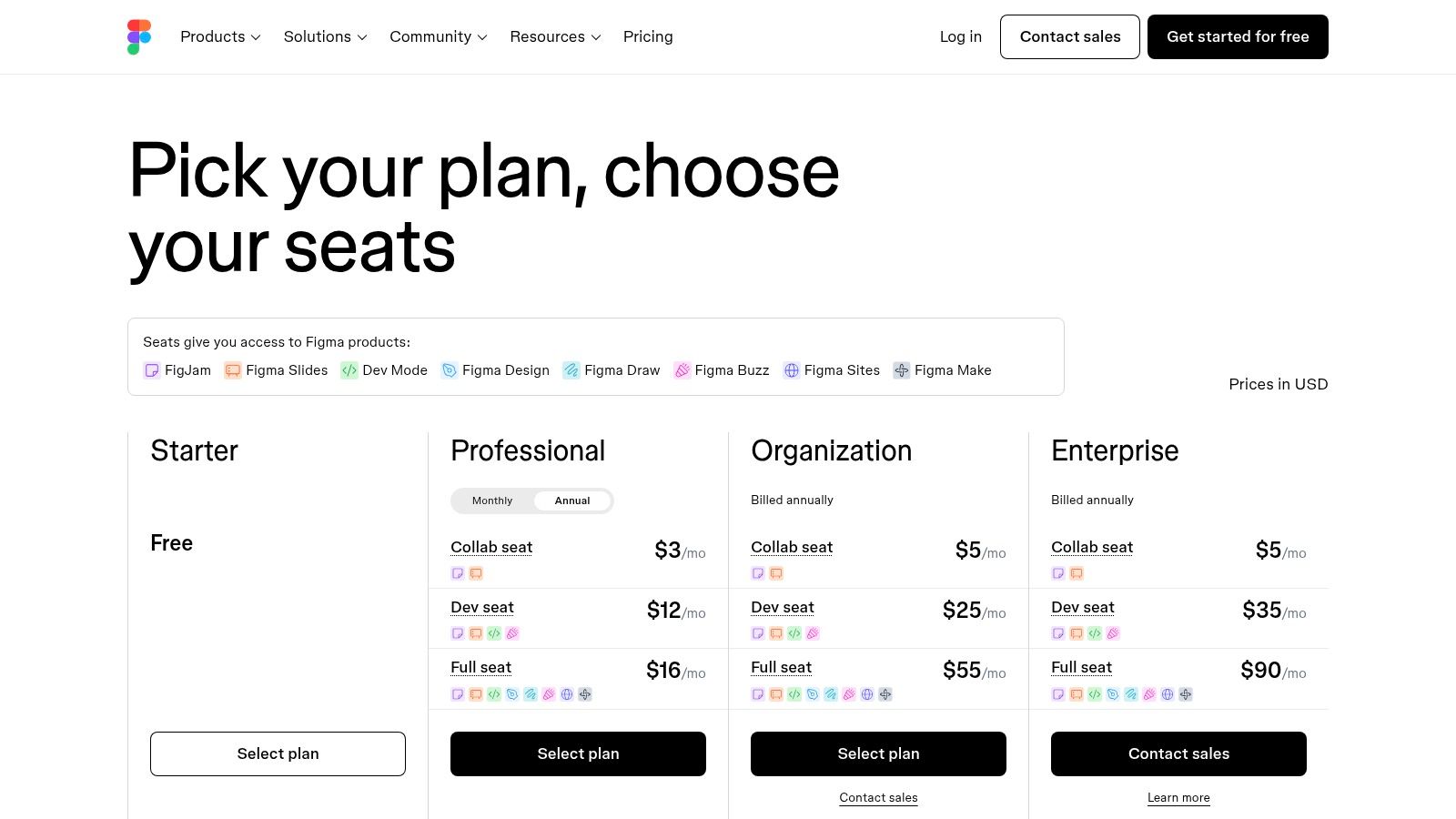
It excels in creating a single source of truth from initial whiteboarding in FigJam to high-fidelity, interactive prototypes. The introduction of Dev Mode has significantly streamlined the designer-to-developer handoff process, providing inspectors with production-ready code snippets and design specifications directly within the tool. For teams looking to centralise their workflow, Figma’s extensive library of plugins and integrations allows for customisation that can connect it to other critical tools, including user research platforms like Uxia, where insights can directly inform design iterations. It provides a holistic solution that supports the entire design spectrum, a crucial aspect for teams who need to understand the nuances of UX versus UI design and execute on both.
Core Features & Use Cases
Feature | Best Use Case |
|---|---|
Real-time Collaboration | Running live design sprints or workshops with multiple designers, PMs, and developers in the same file. |
Advanced Prototyping | Building and testing complex, multi-state user flows with variables and conditional logic before writing any code. |
Dev Mode | Facilitating a smooth handoff by giving developers inspectable designs, assets, and code suggestions. |
FigJam Whiteboarding | Conducting initial brainstorming, user journey mapping, or retrospectives with cross-functional teams. |
Pricing & Platform
Free: Generous free tier for individuals.
Professional: From $12 per editor/month (billed annually).
Organisation/Enterprise: Custom pricing for advanced security and team management.
The seat-based billing can become complex for large, fluctuating teams, and accessing its full power, including advanced organisational controls and upcoming AI add-ons, requires investment in higher tiers. However, its value as a central hub for product design is undeniable.
Website: Figma
3. Sketch
Sketch was one of the original pioneers that shifted the digital design landscape, offering a focused, Mac-native application for UI and vector design. Its strength remains its polished, highly responsive native macOS experience, providing a lightweight and powerful alternative for designers who prefer to work offline or within the Apple ecosystem. While browser-based tools have gained dominance, Sketch maintains a loyal following by delivering a streamlined, predictable, and performant design environment. It stands out as one of the essential ux tools for Mac-based teams prioritising speed and a clean interface.
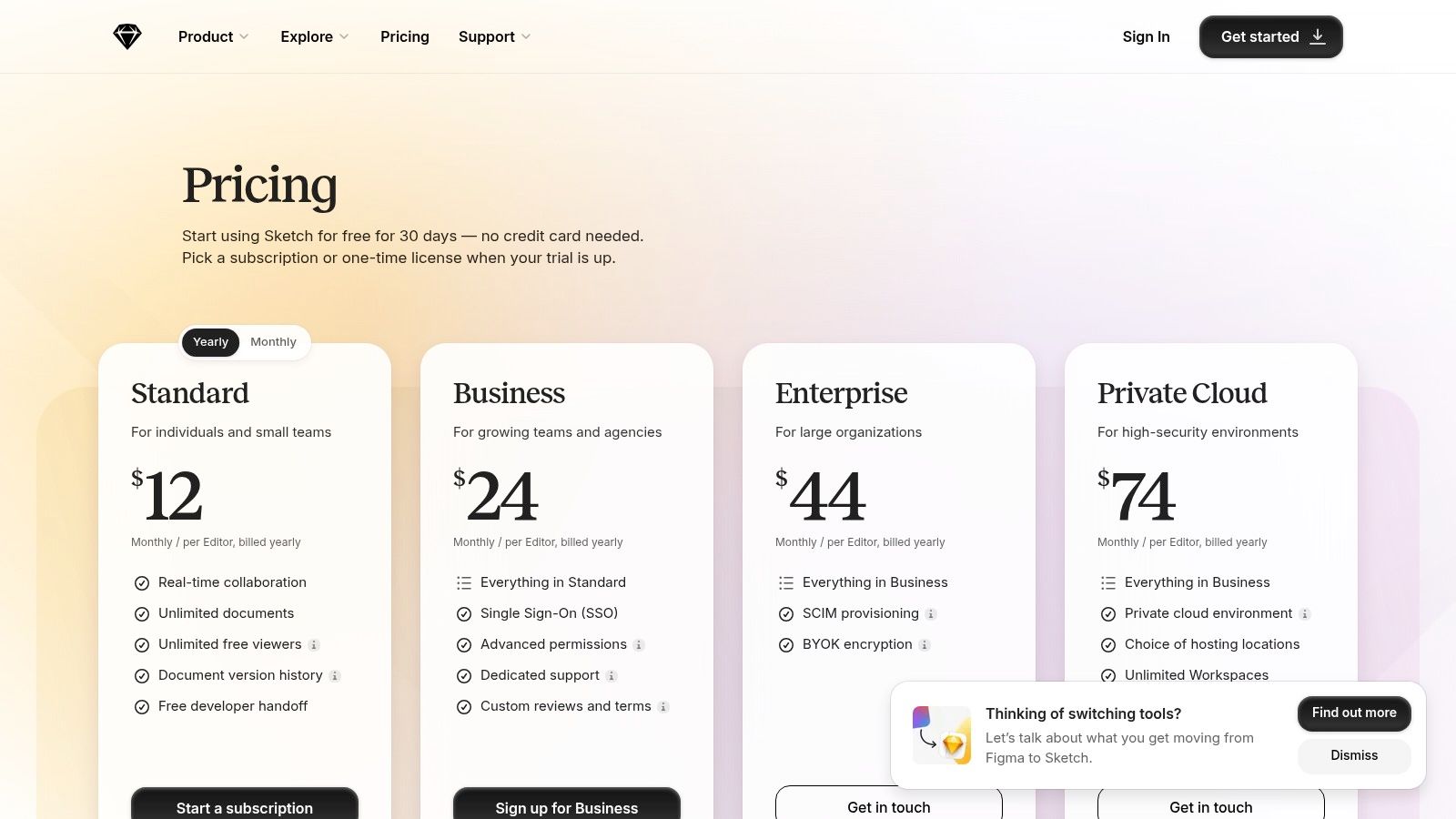
It has evolved to meet modern demands with real-time collaboration features and a web app for viewing, inspecting, and developer handoff, which is included free with subscriptions. This hybrid approach allows for focused, native authoring while still enabling cross-functional team access via the browser. For teams integrating research insights, Sketch’s well-established plugin architecture can connect to platforms like Uxia, allowing designers to pull in user feedback and testing results directly into their native design environment to inform iterations. Its unique licensing model, including a perpetual license option, also offers financial predictability that subscription-only models lack.
Core Features & Use Cases
Feature | Best Use Case |
|---|---|
Native Mac Performance | Creating complex vector illustrations and high-fidelity UI designs that demand a fast, responsive interface. |
Web Inspector & Handoff | Sharing designs with developers and stakeholders who don't have a Mac, allowing them to inspect and download assets. |
Symbols & Smart Layout | Building robust, reusable design systems and component libraries that automatically adapt to content changes. |
Offline Authoring | Working on design files without a consistent internet connection, with changes syncing to the cloud when reconnected. |
Pricing & Platform
Mac-only license: $120 one-time payment (includes one year of updates).
Subscription: From $10 per editor/month (billed annually).
Business: Custom pricing for organisations needing advanced features.
The primary limitation is its Mac-only authoring environment, which excludes designers on Windows or Linux from creating or editing files. While its web collaboration features are robust, they are not as expansive as fully browser-based platforms. However, its fast performance and clear pricing make it an excellent choice for Mac-centric teams.
Website: Sketch
4. Axure RP + Axure Cloud
Axure RP has long been the go-to desktop application for designers needing to create highly complex, data-driven prototypes with rich interactions. It's renowned for its powerful conditional logic and variable handling, allowing for the simulation of sophisticated enterprise-level application workflows that simpler tools can't replicate. Paired with Axure Cloud, it becomes a comprehensive solution for hosting, sharing, and documenting these advanced prototypes, making it one of the most powerful ux tools for technical specification and validation.
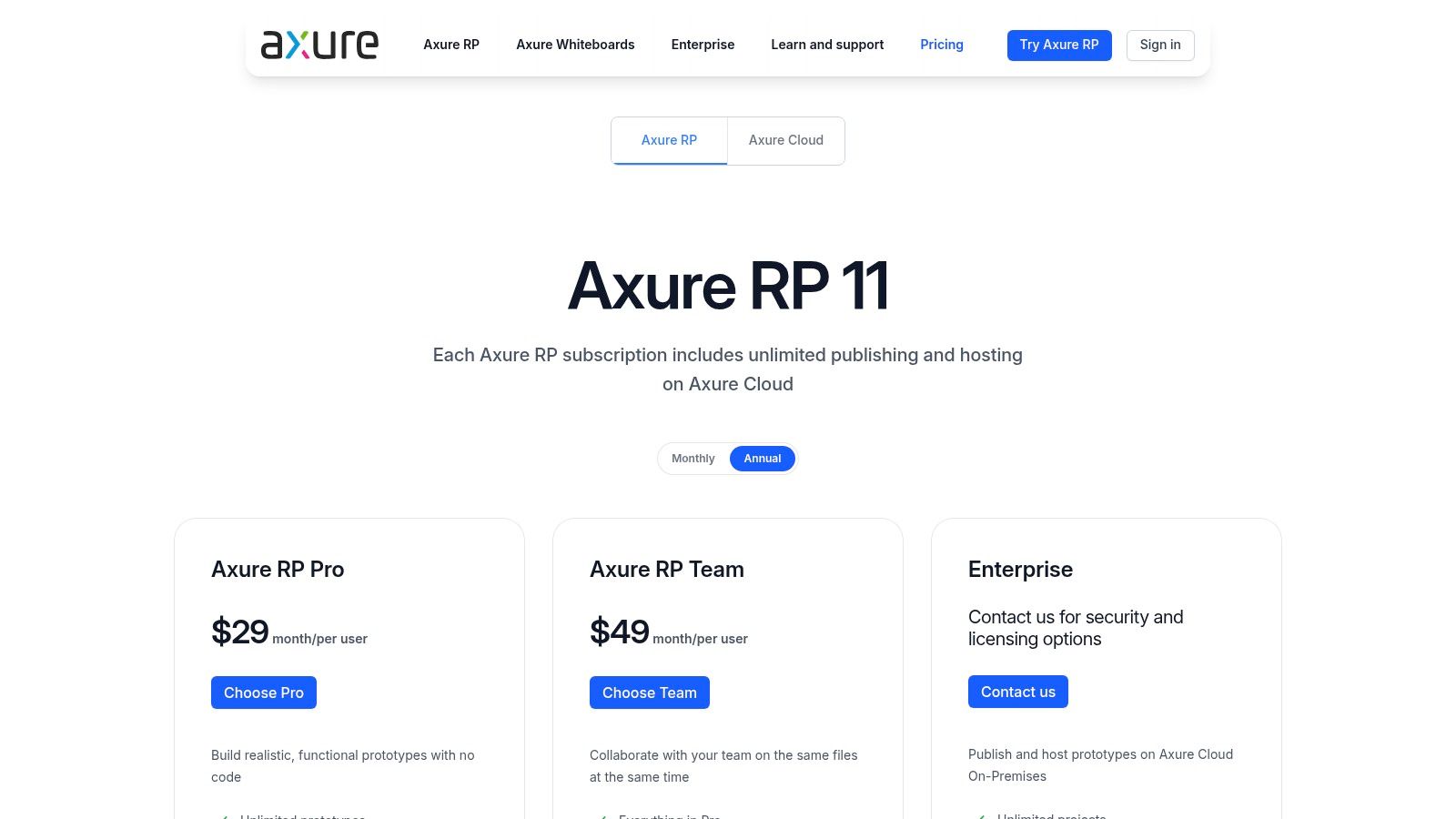
It excels where deep functionality must be demonstrated and documented before development begins. While it has a steeper learning curve than browser-based alternatives, its strength lies in creating a definitive, interactive specification. For teams that need to test intricate user journeys, Axure prototypes can be invaluable. A practical recommendation is to integrate these high-fidelity prototypes into a research platform like Uxia. This allows you to gather detailed feedback on complex flows, ensuring that insights from user testing sessions directly inform the refinement of the most critical interactions before a single line of code is written.
Core Features & Use Cases
Feature | Best Use Case |
|---|---|
Rich Interactions & Logic | Prototyping complex enterprise applications with dynamic data, conditional pathways, and form validation. |
Axure Cloud Hosting | Sharing unlimited, password-protected prototypes with stakeholders and developers for review and feedback. |
Detailed Documentation | Automatically generating comprehensive UX specifications directly from the prototype file for development handoff. |
Team Co-authoring | Enabling multiple designers to work on the same complex prototype file simultaneously in a controlled way. |
Pricing & Platform
RP Pro: From $25 per user/month (billed annually).
RP Team: From $42 per user/month (billed annually).
Enterprise: Custom pricing for on-premises solutions and advanced security.
The desktop-based authoring environment requires an installation and presents a steeper learning curve than modern web-based tools. However, for projects demanding unparalleled interaction fidelity and detailed documentation, Axure's power is unmatched, and its unlimited viewer model on Axure Cloud simplifies sharing across large organisations.
Website: Axure
5. Balsamiq
Balsamiq has carved out a distinct niche as the go-to tool for rapid, low-fidelity wireframing. Its primary strength lies in its opinionated, sketch-like component library, which intentionally strips away visual distractions like colour and typography. This forces teams to focus purely on structure, layout, and user flow during the critical early stages of ideation. By embracing simplicity, it serves as one of the most effective ux tools for generating and communicating core concepts quickly.
The platform excels at facilitating conversations and aligning stakeholders before significant design resources are invested. Its intentionally unpolished aesthetic makes it clear to everyone that the designs are not final, encouraging honest feedback without getting bogged down in visual details. A practical recommendation is to use Balsamiq for quickly mocking up concepts based on initial user insights from platforms like Uxia. These lo-fi wireframes can then be used in early-stage concept testing to validate ideas before moving into higher-fidelity tools.
Core Features & Use Cases
Feature | Best Use Case |
|---|---|
Sketch-Style UI Library | Quickly creating wireframes for early-stage stakeholder reviews to gather feedback on layout and functionality. |
Drag-and-Drop Interface | Running live ideation sessions with non-designers, allowing them to contribute directly to the wireframing process. |
Simple Linking for Prototypes | Demonstrating basic user flows and screen navigation during internal presentations or usability tests. |
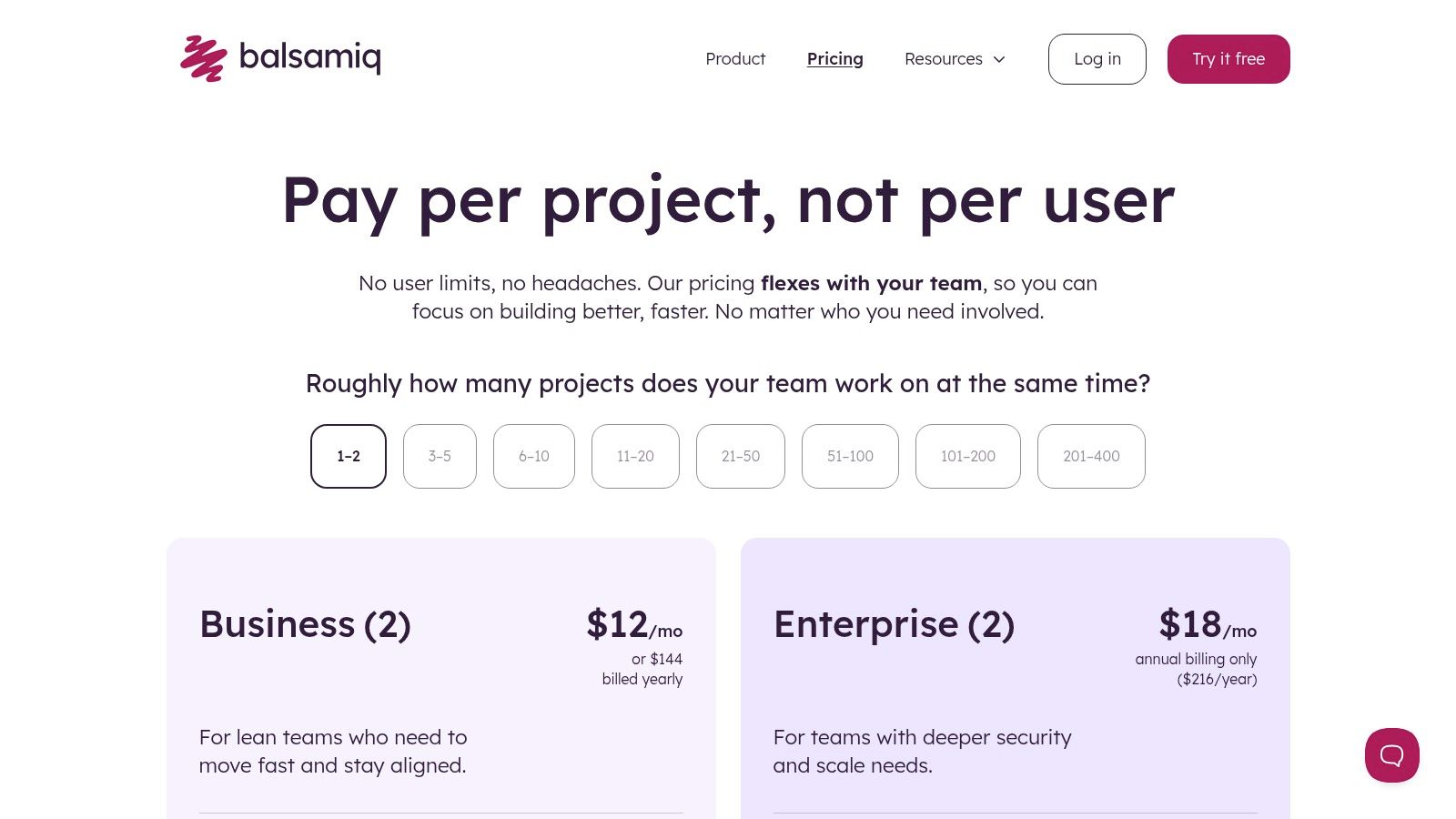
Project-Based Pricing | Managing costs for large organisations where many team members need to view and comment on designs but not create them. |
Pricing & Platform
14-Day Trial: Full-featured trial available.
Balsamiq Cloud: From $9/month for 2 projects.
Balsamiq Desktop: One-time fee of $129 per user.
The project-count pricing model is cost-effective for teams with many reviewers, but it can become cumbersome if you need to manage a large portfolio of active projects. While it is not designed for high-fidelity prototyping, its speed and focus make it an invaluable asset for the ideation phase of the UX workflow.
Website: Balsamiq
6. Miro
Miro has established itself as an indispensable online collaborative whiteboard, acting as a cross-functional hub for discovery, research synthesis, and strategic planning. Its infinite canvas empowers teams to visualise complex ideas, from initial ideation and journey mapping to information architecture. It’s a foundational platform for the early, often messy, stages of product development, making it one of the most versatile ux tools for workshops and alignment.
Miro excels at bringing together diverse stakeholders into a single, shared space. Its extensive template library provides a starting point for virtually any UX activity, streamlining processes like affinity mapping or business model canvassing. For research teams, it’s a powerful tool for synthesising qualitative data. A practical recommendation is to import transcripts and reports from platforms like Uxia directly onto a Miro board. You can then use digital sticky notes to cluster insights and create visual narratives that clearly communicate user needs to the wider team. With enterprise-grade features like data residency options for EU-based teams and robust security controls, it scales from a simple brainstorming tool to a core part of an organisation's collaborative infrastructure.
Core Features & Use Cases
Feature | Best Use Case |
|---|---|
Infinite Collaborative Canvas | Conducting remote workshops, user story mapping sessions, and synthesising large volumes of qualitative research data. |
Extensive Template Library | Quickly starting activities like customer journey mapping, empathy mapping, or running a retrospective without building from scratch. |
Miro AI & Add-ons | Using AI to summarise sticky notes into key themes or using the Prototypes add-on to embed and get feedback on designs. |
Enterprise Data Residency | Ensuring compliance for European teams by storing all board data within EU data centres. |
Pricing & Platform
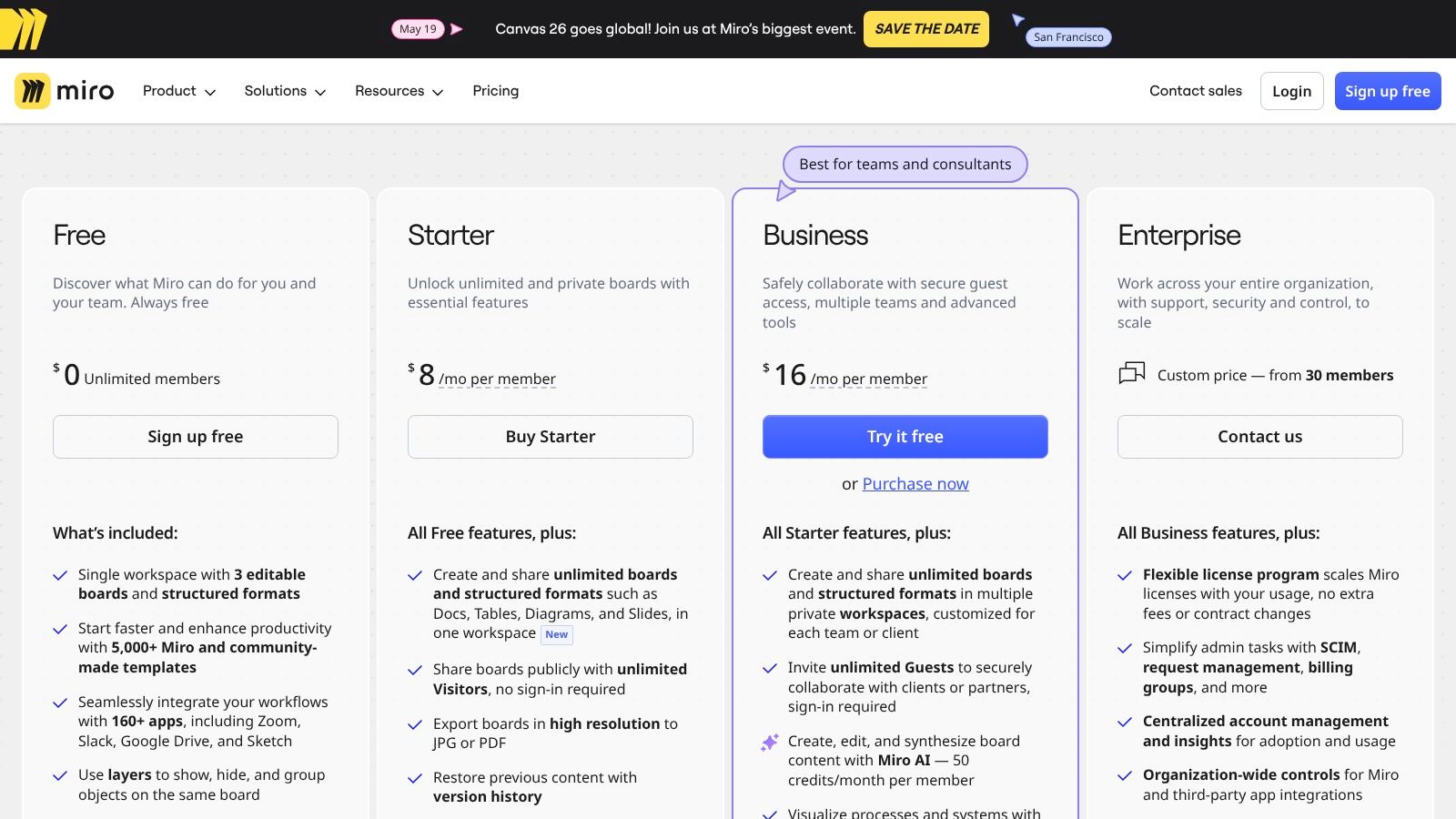
Free: Limited to 3 editable boards.
Starter/Business: From $8 per member/month (billed annually) for unlimited boards.
Enterprise: Custom pricing for advanced security, SSO/SCIM, and data residency.
While the free tier is great for individuals, team costs can escalate quickly, especially when factoring in paid add-ons for specific functionalities. The most powerful administrative and security features are also reserved for the top-tier Enterprise plan.
Website: Miro
7. Hotjar (now part of Contentsquare)
Hotjar provides an essential suite of behaviour analytics and feedback tools designed to reveal what users actually do on a live site. It moves beyond traditional analytics by combining quantitative data, like heatmaps, with qualitative insights from session replays and surveys. This dual approach allows teams to quickly diagnose points of friction in the user journey and understand the "why" behind user actions. For product teams aiming to validate their designs with real-world behaviour, Hotjar stands out as one of the most accessible ux tools for gathering actionable evidence.
Its strength lies in making complex user behaviour easy to visualise and comprehend. Instead of just seeing drop-off rates on a funnel, you can watch recordings of users who left, see where their mouse lingered, and even ask them why they didn't convert via an on-site survey. A practical recommendation is to use insights from Uxia to formulate hypotheses about user behaviour, then use Hotjar on your live site to validate those hypotheses at scale. This continuous feedback loop is fundamental to practising data-driven design and ensuring iterative improvements are based on solid user data.
Core Features & Use Cases
Feature | Best Use Case |
|---|---|
Session Replays | Watching individual, anonymised user sessions to diagnose bugs or understand why users drop off at a specific step. |
Heatmaps & Funnels | Aggregating user clicks, scrolls, and movements to identify which CTAs are effective and where users get stuck in a conversion path. |
VoC Tools (Surveys & Feedback) | Launching targeted, on-page surveys or a persistent feedback widget to capture direct user sentiment and suggestions. |
Integrations | Connecting with analytics tools like Google Analytics or project management platforms like Jira to enrich data and streamline workflows. |
Pricing & Platform
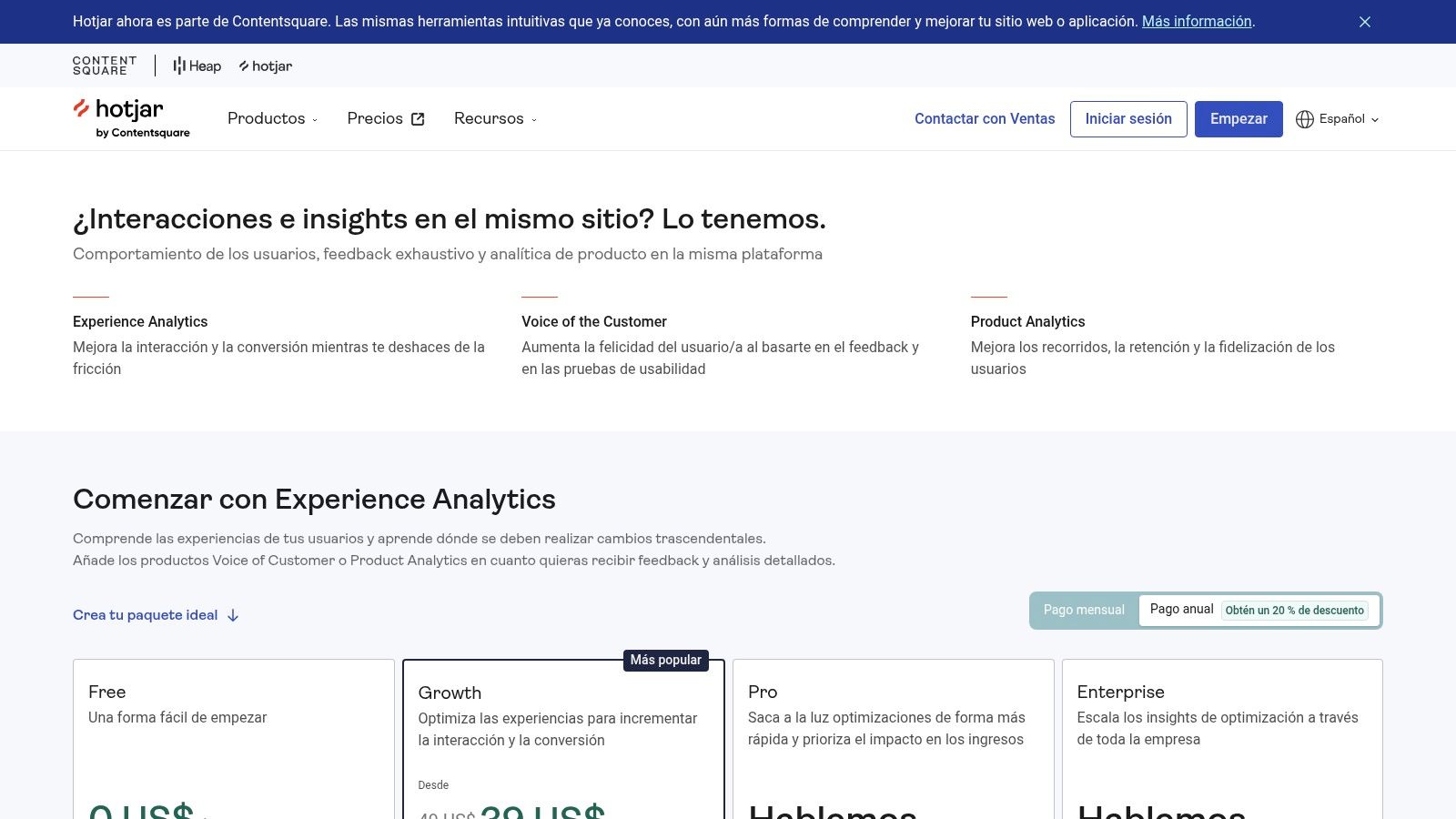
Free: A generous free tier with limited sessions and data retention, perfect for small sites.
Plus/Business: From €32 per month (billed annually), offering more sessions and features.
Scale: Custom pricing for high-traffic sites needing extensive data and support.
While the free plan is a great starting point, high-traffic websites will quickly hit the data volume caps, necessitating an upgrade. The deeper analytics and longer data retention periods are reserved for paid tiers, but the value it provides in quickly identifying and fixing UX issues often delivers a clear return on investment.
Website: Hotjar
8. Maze
Maze has carved out a niche as a go-to platform for rapid, unmoderated user research, enabling teams to gather quantitative and qualitative feedback at scale and speed. Its core value is in transforming static designs and prototypes into interactive tests that yield actionable insights in hours, not weeks. By integrating directly with popular design tools, Maze allows designers to validate concepts and user flows continuously, making it one of the most efficient ux tools for agile product development cycles.
The platform excels at automating the most time-consuming aspects of research, from participant recruitment to data analysis and reporting. Its built-in participant panel and AI-powered analysis features streamline the entire workflow, allowing even non-researchers to launch tests and understand results quickly. For a powerful workflow, use a platform like Uxia for initial, ultra-fast validation with synthetic users to iron out major usability flaws. A practical recommendation is to then use Maze with human testers to dive deeper into nuanced user opinions and preferences, ensuring your research budget is spent on high-value feedback. This combination of speed and depth is crucial for making informed, data-driven design decisions.
Core Features & Use Cases
Feature | Best Use Case |
|---|---|
Prototype Testing | Quickly validating user flows and task completion rates with Figma or Adobe XD prototypes before development. |
Surveys & IA Tests | Gathering quantitative feedback on user satisfaction or testing information architecture with card sorts and tree tests. |
AI-Assisted Analysis | Automatically generating transcripts and thematic analysis from open-ended questions to speed up synthesis. |
On-Demand Participant Panel | Sourcing targeted users for unmoderated tests without the overhead of managing a recruitment process. |
Pricing & Platform
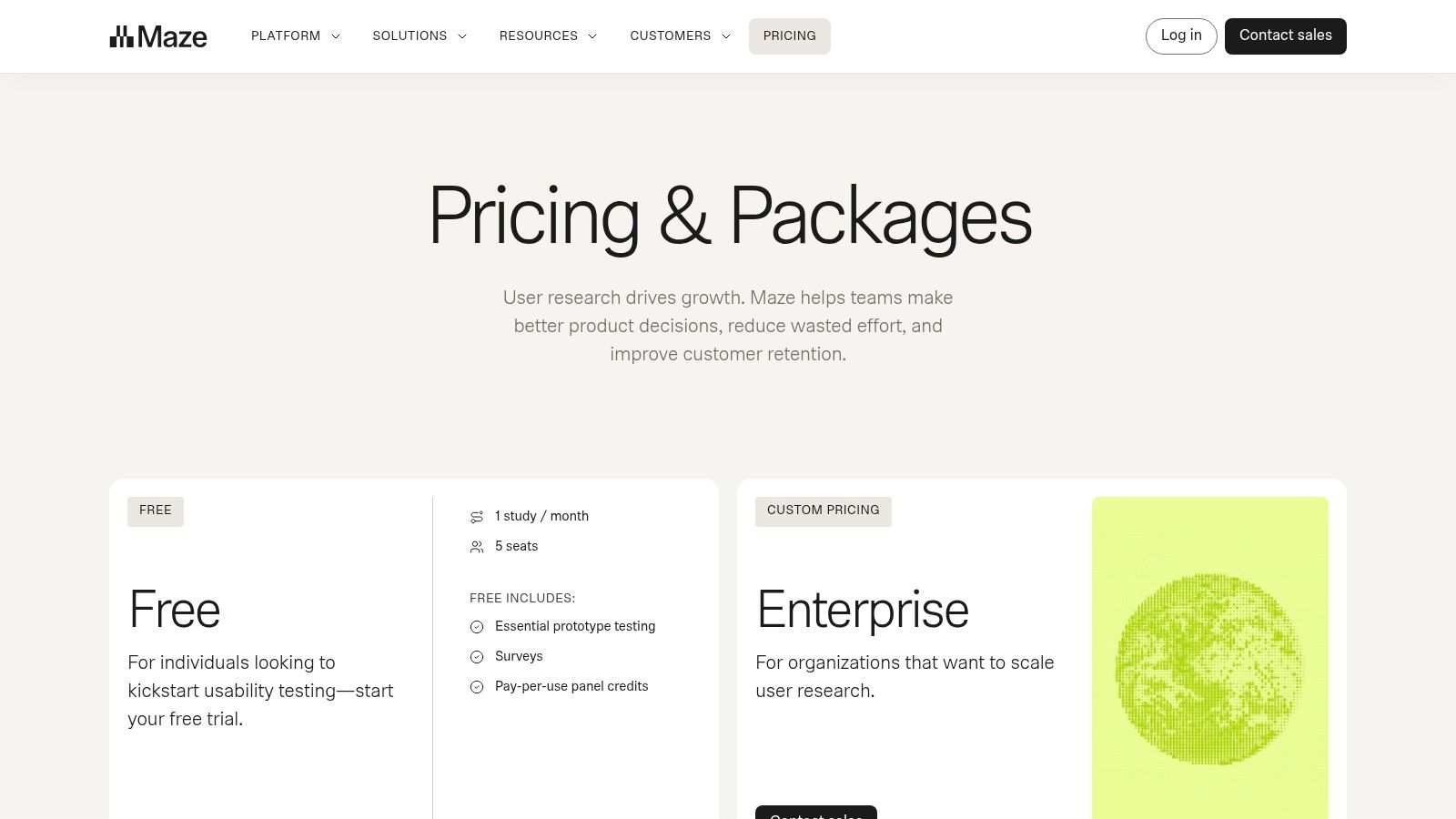
Free: Limited free plan for small projects.
Starter: From $99/month (billed annually).
Team/Organisation: Custom pricing for advanced features and collaboration.
While Maze offers powerful automation, its pricing structure, which is based on a credit system for recruitment, can become costly, especially for tests requiring complex screeners. The exact subscription details are sometimes only fully visible within the application after signing up. Nevertheless, for teams that prioritise speed and democratised testing, Maze's ability to deliver quick, automated insights is unparalleled.
Website: Maze
9. Optimal Workshop
Optimal Workshop offers a powerful and specialised suite of research tools focused on understanding information architecture (IA) and findability. It provides a comprehensive platform for teams looking to validate content structures, navigation labels, and user pathways before committing to development. Its strength lies in offering a diverse range of unmoderated testing methods, from card sorting to tree testing, which are essential for creating intuitive and user-friendly digital experiences. For teams focused on content-heavy sites or complex applications, it is one of the most effective ux tools for foundational research.
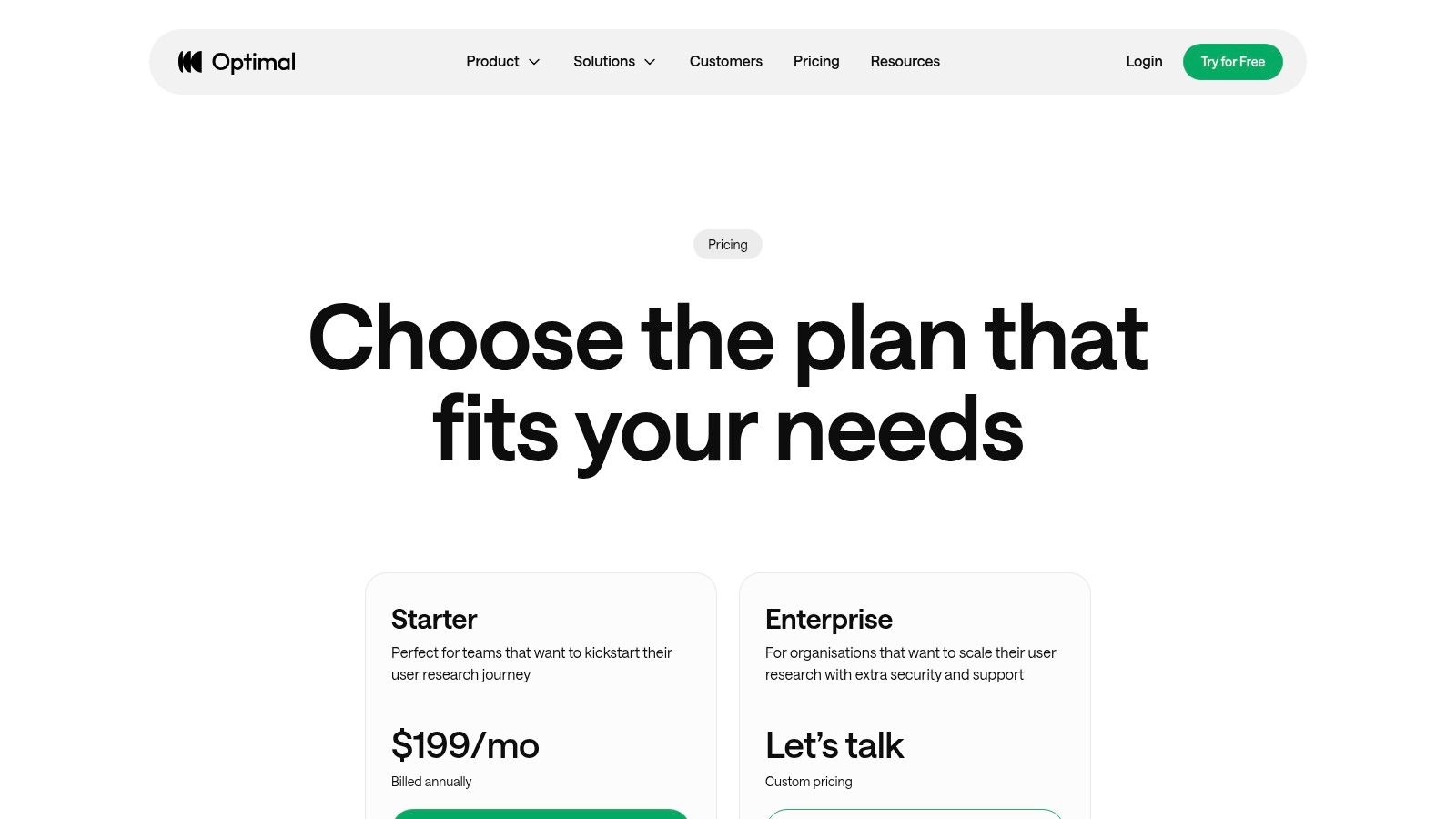
The platform excels at providing deep, quantitative insights into how users mentally group content and navigate a proposed site structure. It offers robust analytics, including clickmaps and heatmaps, that help teams visualise user behaviour and identify critical usability issues early. A practical recommendation for a holistic research approach is to combine insights from Optimal Workshop’s IA tests with qualitative data from a platform like Uxia. This allows teams to understand not just what content structure works, but why it resonates with users' mental models, providing a complete picture for optimisation.
Core Features & Use Cases
Feature | Best Use Case |
|---|---|
Card Sorting (OptimalSort) | Discovering users' mental models to inform the creation of an intuitive site map or menu structure. |
Tree Testing (Treejack) | Validating a proposed information architecture by testing how easily users can find specific items. |
First-Click Testing (Chalkmark) | Evaluating the effectiveness of a design or wireframe by analysing where users click first to complete a task. |
On-Demand Panel | Quickly recruiting targeted participants for unmoderated IA studies without managing recruitment logistics. |
Pricing & Platform
Free: Limited to 1 live study.
Pro: From $208 per user/month (billed annually).
Team/Enterprise: Custom pricing for multiple users and advanced features.
While the paid plans offer unlimited participant responses per study, the entry-level plan limits the number of studies you can launch annually. Accessing enterprise-grade features like SSO requires direct contact with their sales team, which may be a consideration for larger organisations.
Website: Optimal Workshop
10. Lookback
Lookback is a specialised platform designed to facilitate high-quality moderated and unmoderated user research. Its standout feature is the ability to conduct live, remote user interviews with a virtual "observer room," allowing stakeholders to watch sessions and provide feedback in real-time without disrupting the participant. This focus on live, contextual inquiry makes it one of the most powerful ux tools for gathering rich, qualitative insights directly from users as they interact with a product or prototype.
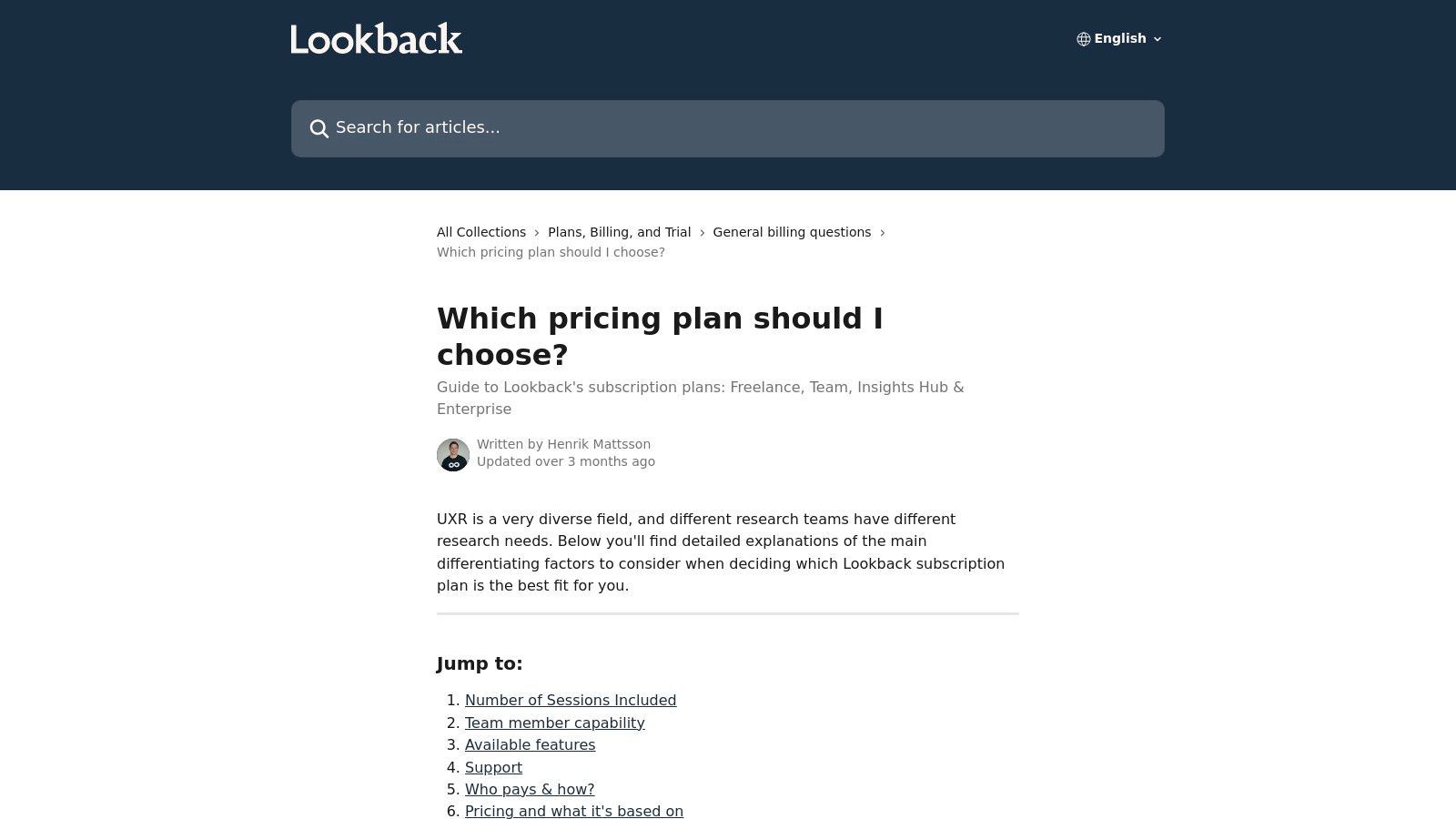
The platform excels at creating a central repository for research data. It automatically records sessions and generates transcripts, which researchers can then analyse by creating time-stamped notes and highlight reels. A practical recommendation is to use Lookback for deep, qualitative discovery, and then transfer key video clips and insights into a centralised insight hub like Uxia. This helps track their impact on design decisions over time, creating a clear, auditable link between user feedback and product evolution.
Core Features & Use Cases
Feature | Best Use Case |
|---|---|
Live Moderated Sessions | Conducting remote, one-on-one usability tests or contextual interviews with real-time stakeholder observation. |
Observer Room | Allowing product managers, designers, and developers to watch user sessions live and communicate privately. |
Insights Hub & Clips | Creating highlight reels of key user moments to share with the wider team and build empathy. |
Participant Recruitment | Sourcing and scheduling participants for studies when you don't have an existing user panel. |
Pricing & Platform
Freelance: From €39 per collaborator/month (billed annually).
Team: From €129/month (billed annually), includes more sessions.
Insights Hub/Enterprise: Custom pricing for advanced features and scale.
While the annual plans offer a clear number of included sessions, self-serve plans meter this volume, which can lead to overage costs. The recruitment service is an add-on, so the incentives and fees will increase the total cost of a research project.
Website: Lookback
11. UserTesting
UserTesting is an enterprise-grade human insights platform designed for large-scale qualitative and quantitative feedback. It excels at providing access to a vast, global participant network, making it a powerful solution for organisations that need to conduct moderated or unmoderated tests with very specific demographic criteria. Its strength lies in its combination of a robust platform with managed services, allowing teams to outsource complex research projects and recruitment while maintaining enterprise-level security and governance. This makes it one of the go-to ux tools for mature organisations scaling their research operations.
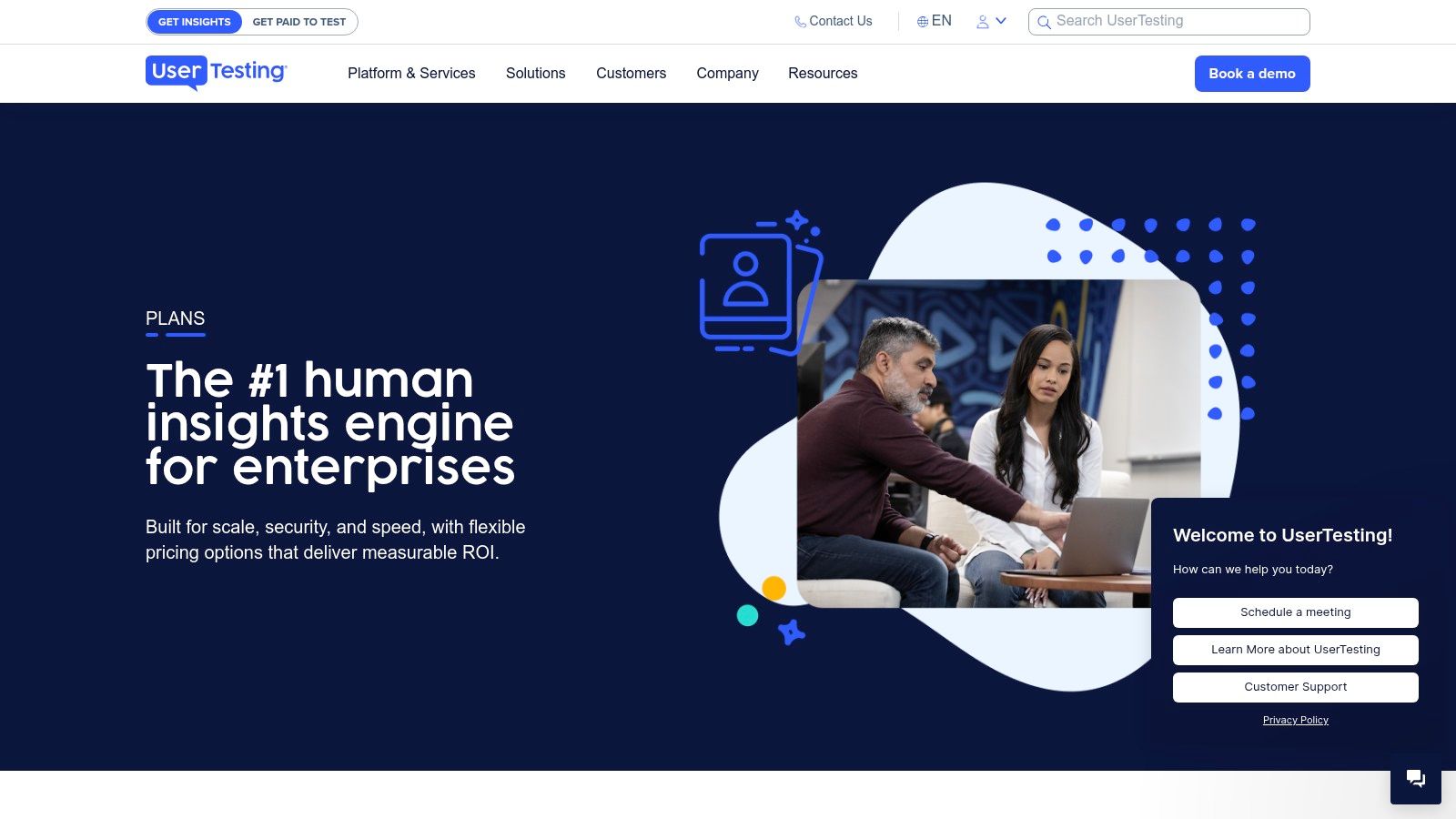
The platform is built to support cross-departmental rollouts where data centralisation and compliance are critical. While it offers a comprehensive suite for gathering insights, the analysis and synthesis of that raw video and survey data still require significant effort. A practical recommendation is to export key findings and session clips from UserTesting and import them into a dedicated research repository like Uxia. This creates a searchable, organised knowledge base, ensuring valuable insights from expensive studies are not lost and can be easily shared to inform future product decisions.
Core Features & Use Cases
Feature | Best Use Case |
|---|---|
Global Participant Network | Sourcing and testing with niche, hard-to-reach international audiences for market expansion research. |
Managed Services | Offloading the logistics of complex, multi-stage research projects to expert researchers for faster turnaround. |
Live Conversation (Moderated) | Conducting in-depth interviews and usability tests on complex prototypes with real-time follow-up questions. |
Enterprise Security & Governance | Implementing a standardised research practice across a large organisation with multiple teams and strict compliance needs. |
Pricing & Platform
No Public Pricing: Plans are customised, and a sales engagement is required.
Flexible Models: Options for consumption-based (per test) or seat-based (unlimited) contracts are available.
Enterprise: Custom solutions with unlimited user options, advanced security, and dedicated support.
The primary drawback is its enterprise focus; the platform can be oversized and costly for smaller teams or those needing to conduct only occasional research. The requirement to engage with a sales team makes it less accessible for quick, ad-hoc testing needs.
Website: UserTesting
12. UX Tools (directory/newsletter)
For staying current in the rapidly evolving landscape of design and research technology, UX Tools stands out as an essential meta-resource. It's an editorially curated directory and newsletter dedicated to tracking the latest news, trends, and practitioner commentary across the entire spectrum of ux tools. Rather than being a tool itself, it functions as a high-quality discovery platform, helping teams compare options, follow industry shifts, and make informed decisions when building their technology stack.
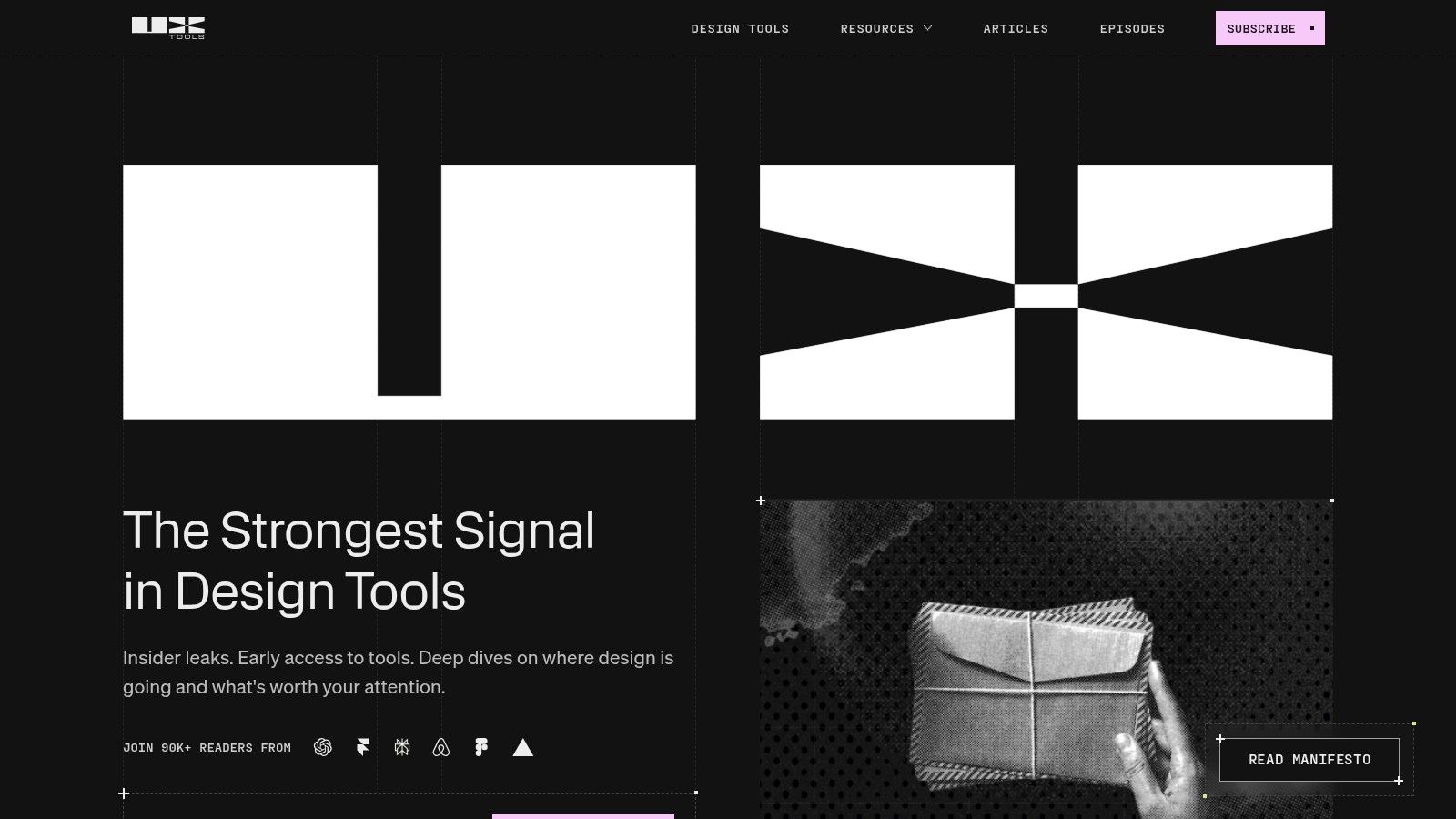
This platform excels at providing a high signal-to-noise ratio, cutting through marketing fluff to deliver genuine insights and direct comparisons. For teams considering adopting new solutions, it serves as a crucial first step before committing to hands-on trials. A practical recommendation is to use UX Tools to survey the market landscape, compare platforms like Uxia against competitors based on recent updates, and then proceed to a targeted demo. Its practitioner-focused perspective makes it a trustworthy guide for shortlisting the right software.
Core Features & Use Cases
Feature | Best Use Case |
|---|---|
Tool Directory & News | Staying informed about new feature releases, acquisitions, and emerging tools in the UX space. |
Practitioner Perspectives | Gaining unbiased insights and workflow tips from industry professionals before investing in a new tool. |
Tool Comparisons | Evaluating multiple software options side-by-side to quickly identify the best fit for your team's specific needs. |
Newsletter Updates | Receiving a curated digest of the most important industry news and tool updates directly in your inbox. |
Pricing & Platform
Free: Access to the website and newsletter is completely free.
Vendor-Based Purchases: The site links out to official vendor websites where tools can be trialled or purchased.
The primary limitation is that it's a discovery resource, not a marketplace, so coverage depth can vary depending on release cycles. However, as a free, expertly-curated starting point for any tooling research, its value to UX professionals is immense, ensuring teams are always aware of the best solutions available.
Website: UX Tools
12 UX Tools: Side-by-Side Comparison
Tool | Core features | Quality ★ | Value & Pricing 💰 | Target audience 👥 | Unique selling point ✨ |
|---|---|---|---|---|---|
Uxia 🏆 | AI-generated synthetic testers, automated transcripts, heatmaps, accessibility checks | ★★★★★ | Free trial; Starter €49/mo; Pro €209/mo; Enterprise/custom credits model | Product designers, PMs, UX researchers, agencies | Instant, scalable UX tests with prioritized insights and reduced recruiting |
Figma | Real‑time collaborative design, prototyping, Dev Mode, plugins | ★★★★★ | Free tier; paid seats & enterprise tiers (seat billing) | Design teams, cross‑functional product teams | Best-in-class multiplayer design + strong dev handoff |
Sketch | Native Mac UI design, prototyping, web sharing, optional perpetual license | ★★★★☆ | Subscription or one‑time Mac license; predictable pricing | Mac‑focused designers, small teams | Polished native Mac performance and predictable licensing |
Axure RP + Cloud | Rich interactions, conditional logic, variables, cloud hosting & docs | ★★★★☆ | Paid desktop + Axure Cloud hosting (team/enterprise plans) | Enterprise UX teams, complex interaction designers | Powerful for detailed prototypes and UX specifications |
Balsamiq | Lo‑fi sketch‑style wireframes, fast ideation, simple sharing | ★★★☆☆ | Free trial; project‑based/subscription; desktop option | Early‑stage teams, product managers, stakeholders | Extremely fast low‑fidelity ideation and alignment |
Miro | Collaborative whiteboards, templates, AI add‑ons, enterprise controls | ★★★★☆ | Free tier; paid seats + add‑ons for prototypes/insights | Cross‑functional teams, facilitators, researchers | Central hub for workshops, synthesis and journey mapping |
Hotjar (Contentsquare) | Session replays, heatmaps, surveys, VoC widgets | ★★★★☆ | Generous free tier; paid plans for longer retention/volume | Product managers, analysts, CRO teams | Fast view into real user behavior on production sites |
Maze | Unmoderated prototype testing, surveys, card‑sorts, on‑demand recruiting | ★★★★☆ | Free tier; paid plans + credit bundles for recruiting | Product teams needing rapid usability tests | Quick test setup with built‑in recruitment & automated reports |
Optimal Workshop | Card sorting, tree testing, first‑click, prototype/live testing | ★★★★☆ | Paid plans with generous response allowances; enterprise options | IA/content researchers, UX teams | Deep IA and content testing with AI analytics & recruitment |
Lookback | Live moderated sessions, observer rooms, transcripts, clips | ★★★★☆ | Tiered annual plans; pay‑as‑you‑go or credits for recruiting | UX researchers conducting interviews and contextual studies | Strong moderated interview tooling with observer features |
UserTesting | Moderated & unmoderated testing, global participants, managed services | ★★★★★ | No public pricing; enterprise contracts and managed services | Large orgs needing governance, global recruiting, professional services | Scale, governance and expert recruiting for complex studies |
UX Tools (directory) | Curated tool news, roundups, practitioner tips, newsletter | ★★★☆☆ | Free access and newsletter | Researchers shortlisting tools, practitioners tracking trends | High signal resource for discovering and comparing UX tooling |
Building a Modern, Integrated UX Stack
Navigating the expansive landscape of modern UX tools can feel overwhelming. As we have explored throughout this guide, the goal is not to find a single, all-powerful tool but to strategically assemble a stack that empowers your team at every stage of the product development lifecycle. From the collaborative design powerhouses like Figma and Sketch to the rapid wireframing of Balsamiq and the intricate prototyping capabilities of Axure RP, your core design tools set the foundation for creativity and execution.
However, a truly effective UX workflow extends far beyond the design file. It is an integrated ecosystem where insights flow seamlessly from one phase to the next. The real power emerges when you connect your design environment to robust research, testing, and analytics platforms. This is where the modern UX stack demonstrates its true value, transforming static designs into dynamic, user-validated experiences.
From Individual Tools to an Integrated Workflow
The most significant takeaway is the shift in mindset from tool selection to workflow construction. A designer might create a high-fidelity prototype in Figma, but its value remains hypothetical until it is tested. Traditionally, this meant a significant time investment in organising moderated sessions with platforms like UserTesting or Lookback, or setting up unmoderated tests in Maze.
This is where the paradigm is shifting. By integrating tools like Uxia, you can now bridge the gap between design and validation almost instantaneously. Imagine exporting your Figma prototype and getting quantitative feedback from synthetic users in mere minutes. This allows you to iterate on core usability issues before a single real user sees the design, making your subsequent human-led research with tools like Optimal Workshop far more focused and impactful.
Key Considerations for Your UX Tool Stack
As you evaluate the UX tools covered in this article and others you encounter, consider these crucial factors to build a stack that truly fits your organisation's needs:
Integration and Handoffs: How easily does data move between your tools? A seamless connection between your design tool (like Sketch or Figma), your testing platform (like Uxia or Maze), and your collaboration hub (like Miro) is paramount. Look for robust APIs and native integrations that minimise manual work and prevent information from being lost in translation.
Scalability and Team Size: A freelancer's ideal toolkit will differ significantly from that of a large enterprise. Tools like Balsamiq are perfect for quick, solo ideation, whereas platforms like Axure Cloud are built for complex, collaborative projects with extensive version control and stakeholder feedback loops. Assess your current team size and anticipate future growth.
Phase of Product Development: Are you in the early discovery phase, needing to synthesise research in Miro? Or are you optimising a live product, relying on the behavioural insights from Hotjar? Your primary focus should dictate which tools you prioritise. Your stack should be dynamic, with certain tools taking centre stage at different points in the project lifecycle.
The Rise of AI and Automation: The new frontier for UX tools involves leveraging AI to accelerate workflows and uncover deeper insights. Uxia represents this evolution by using AI to automate usability testing. When choosing tools, consider their roadmap. Are they embracing automation to help your team work smarter, not just harder?
Ultimately, the perfect stack of UX tools is one that becomes invisible, allowing your team to focus on problem-solving and creativity rather than on the mechanics of the software itself. It should eliminate friction, foster collaboration, and provide a clear, data-informed path from initial concept to a successful, user-centric product. The tools are the means, but the end goal is always a superior user experience.
Ready to eliminate guesswork and validate your designs at the speed of thought? Uxia integrates directly with your favourite design tools, allowing you to test prototypes with AI-powered synthetic users in minutes, not weeks. Start making data-driven decisions earlier and faster by exploring Uxia today.