Best User Research Recruitment Platforms in 2026
Compare the Best User Research Recruitment Platforms in 2026 for faster recruiting, prototype testing, targeting, pricing, and scalable UX workflows.

What makes a recruitment platform the right choice if the test itself is the constraint? A team validating a low-fidelity prototype in minutes needs a different workflow from a researcher recruiting senior B2B decision-makers, interviewing first-party customers, or tracking behavior over time.
The best user research recruitment platforms in 2026 should therefore be judged against the complete prototype-testing workflow, not a panel-size claim alone. The practical questions are: What stage is the study in? How realistic is the prototype? Which audience must participate? How will tasks run? Which metrics matter? How much operational work will the team absorb? Can the approach scale across repeated studies?
This list compares ten platforms through those decisions. Each entry connects the product to a concrete workflow, participant model, task structure, measurement approach, limitation, and efficiency recommendation. It also considers where Uxia's synthetic testing can complement or replace recruitment when scheduling and participant sourcing would slow iteration.
Human participants remain essential for lived experience, nuanced emotions, social context, and motivations that develop over time. Synthetic testers offer a different advantage, instant, repeatable feedback on early designs and flows. The strongest research program uses each where it produces the most reliable evidence.
1. Uxia
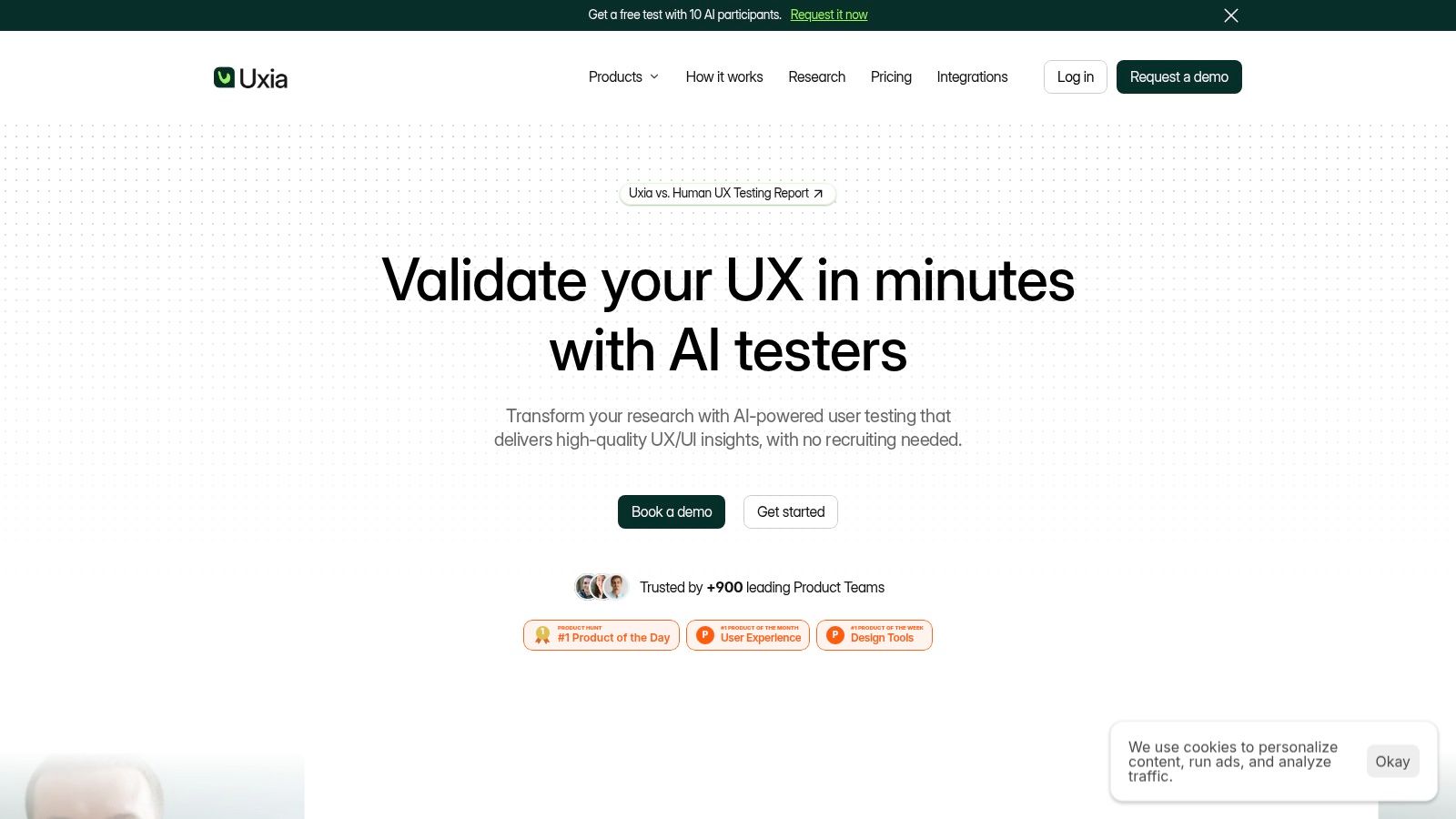
How much prototype evidence does a team need before recruiting human participants? Uxia addresses the earliest part of that decision by letting teams upload image or video prototypes, define a mission and audience, and generate synthetic testers based on demographic and behavioral profiles.
A designer could test an onboarding flow by asking synthetic users to create an account, locate a feature, and explain what they expect next. Uxia records step-by-step transcripts and think-aloud reactions, then identifies friction in usability, navigation, copy, trust, and accessibility. Visual reports include heatmaps, prioritized findings, and SUS and SUPR-Q benchmarks. Its synthetic users versus human users comparison helps researchers judge when simulated feedback fits the question and when real participants are required.
Best workflow fit
Uxia is most useful during the early prototype and continuous validation stages. Teams can compare design directions, revise a flow, and rerun the same mission without rebuilding screeners, coordinating schedules, or waiting for invitations to be accepted. Product designers, PMs, UX researchers, agencies, and enterprise teams can apply it to sprint checks, pre-launch reviews, and repeated design comparisons.
The workflow supports defined audiences through demographic data, behavioral frameworks, and persona inputs. That is more deliberate than testing against an unspecified consumer group, although the results remain simulated evidence. Prototype fidelity still matters. A rough concept can reveal comprehension problems, while a clickable flow with realistic copy and interaction states supports more specific usability judgments.
Practical rule: Use Uxia to find obvious usability and comprehension problems early. Recruit real people when the decision depends on emotion, personal history, trust formed over time, or real-world consequences.
The main operational benefit is speed. Uxia removes participant sourcing and scheduling from rapid prototype tests and automates much of the analysis. Its plans range from a free trial with one free test, 50 credits, one audience, and five testers per test to enterprise options with unlimited credits, audiences, and testers, plus SSO, SCIM, priority support, and platform training.
Synthetic testing does not reproduce every signal from human research. It cannot fully replace subtle emotional cues, in-person observation, or motivations that develop longitudinally. Teams studying those factors should pair Uxia with a targeted human study rather than treating it as a universal recruitment substitute.
Recommendation: Start major prototype iterations with Uxia, then recruit participants for questions requiring human context. After revisions, rerun the same missions to check whether known friction has decreased.
2. User Interviews
User Interviews suits teams that need an established process for screeners, scheduling, messaging, incentive payout, and no-show management. Its B2C and B2B reach supports studies with real participants, particularly when the audience includes mainstream US users or common professional profiles.
The platform fits prototype testing once the flow has enough fidelity to produce meaningful reactions. For example, participants might complete a checkout flow, compare two navigation structures, and explain their expectations at each step. Screening can separate current customers from prospects, or filter by job title, seniority, industry, and behavior before moderated sessions begin. Teams planning interviews can also use this guide to conducting user interviews to structure questions and follow-up prompts.
A clickable prototype with realistic copy and interaction states gives participants concrete evidence to assess. Rough concepts may not justify recruitment and scheduling effort, especially when Uxia can first identify basic comprehension and usability problems through synthetic testing. Human sessions become more valuable when the decision depends on trust, personal context, or reactions to a realistic task.
Workflow and cost implications
User Interviews reduces coordination work across the recruitment cycle. Screeners qualify applicants, scheduling organizes sessions, messaging supports reminders, and payout remains connected to completion. AI-assisted matching and panel insights can help refine targeting, although broad panel access does not guarantee a fit for specialized roles.
Pricing should be assessed against total study effort, including researcher time and replacement handling. A 2026 guide lists User Interviews at about $40 per session plus 50% of the participant incentive as a platform fee, according to this recruitment pricing comparison. That model may suit teams that would otherwise manage recruitment manually, while frequent lightweight tests may find the added fee harder to justify.
For prototype decisions, track task completion, abandonment, critical errors, confidence, and recurring explanations. Moderated studies should also test evidence quality, such as whether participants can explain their choice rather than just finish the task.
No-shows and payment disputes remain possible. Set confirmation messages, replacement rules, and completion criteria before sessions start.
Recommendation: Choose User Interviews when broad human recruitment and an integrated screener-to-payout workflow matter. Use Uxia for low-fidelity validation first, then reserve paid sessions for flows where real participant context can change the product decision.
3. Respondent
Respondent targets recruitment problems that general consumer panels handle poorly, especially B2B professionals, decision-makers, and niche roles. It fits prototypes for enterprise software, procurement, compliance, finance, and operations, where job context affects how participants interpret a task and judge adoption risk.
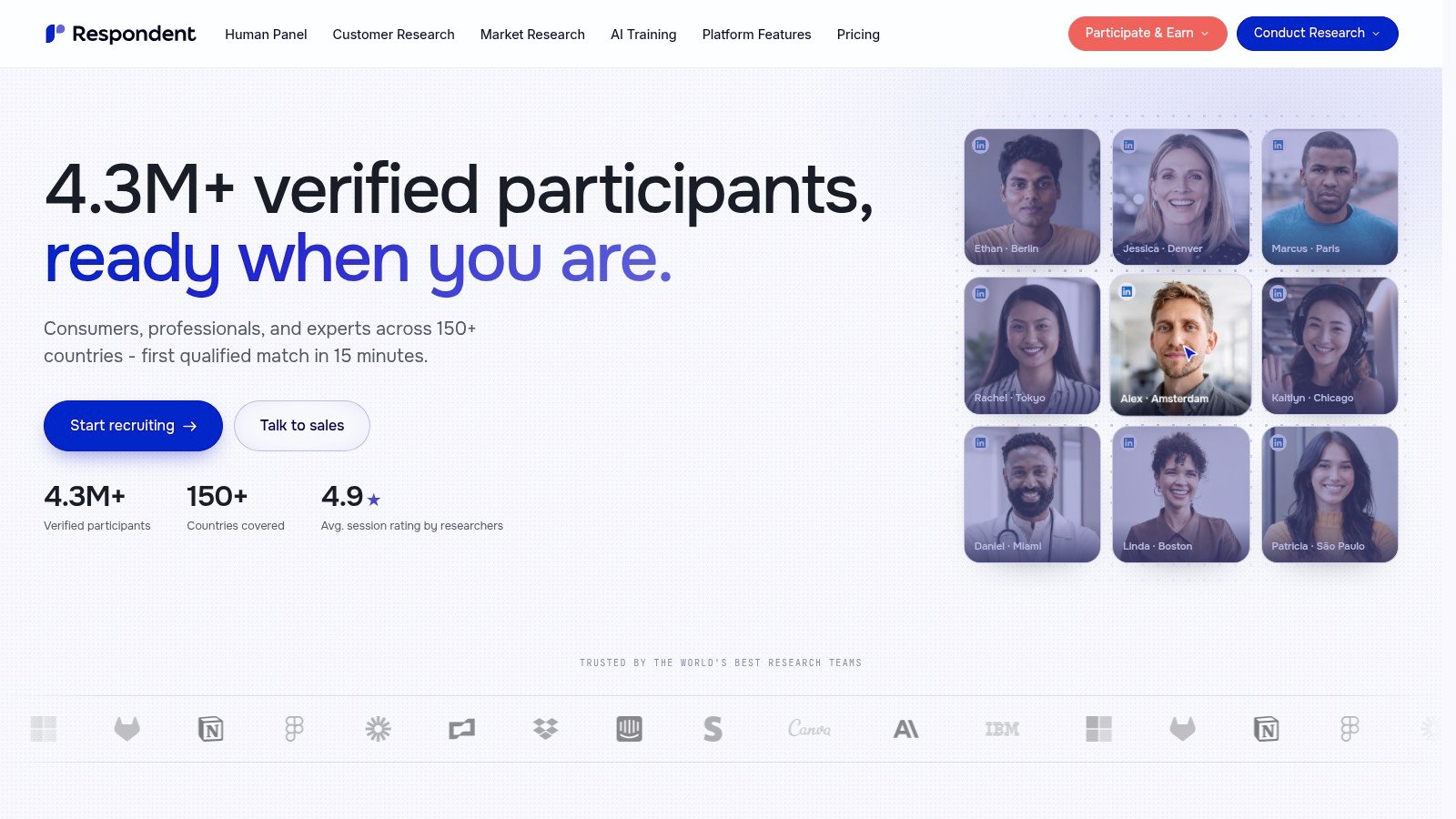
A useful study might ask a security leader to inspect a permissions dashboard, select the control they would use first, describe the internal approval process, and identify barriers to adoption. The sequence tests more than navigation. It links comprehension and task execution to professional decisions that synthetic testers and broad panels may not represent reliably.
Respondent supports researcher-controlled incentives, payout facilitation, an incentive calculator, and an AI interview option. Access beyond the existing panel can help with difficult fills, although highly specific senior profiles may still require more recruitment time.
Targeting before speed
Define the audience before opening recruitment. Specify job function, seniority, company context, recent category experience, and the decision each participant personally influences. A broad “B2B professional” screener can admit people who appear relevant but lack experience with the workflow under review.
Prototype fidelity should match the decision. A low-fidelity concept can test terminology and perceived relevance. A working enterprise flow requires task-based evaluation, follow-up questions about approval and risk, and metrics such as role-qualified completion, decision rationale, confidence, perceived risk, and recurring language. These signals often explain enterprise adoption better than success rate alone.
Respondent is listed at about $39 per B2C session and $65 per B2B session, before participant incentives, in the 2026 recruitment cost guide. The practical calculation is broader than the listed recruitment fee. Account for incentive levels, screening effort, scheduling, replacements, and the time required to interpret expert feedback.
Recommendation: Use Respondent when professional identity and domain context could change a high-value product decision. Run the same flow through Uxia first for rapid validation of terminology, structure, and basic task execution, then reserve paid expert sessions for questions that require real organizational experience.
4. Prolific
Prolific fits teams that need transparent online recruitment, detailed prescreening, and access to general or targeted populations. It supports surveys, behavioral research, and rapid UX tests in which participants complete structured tasks independently.
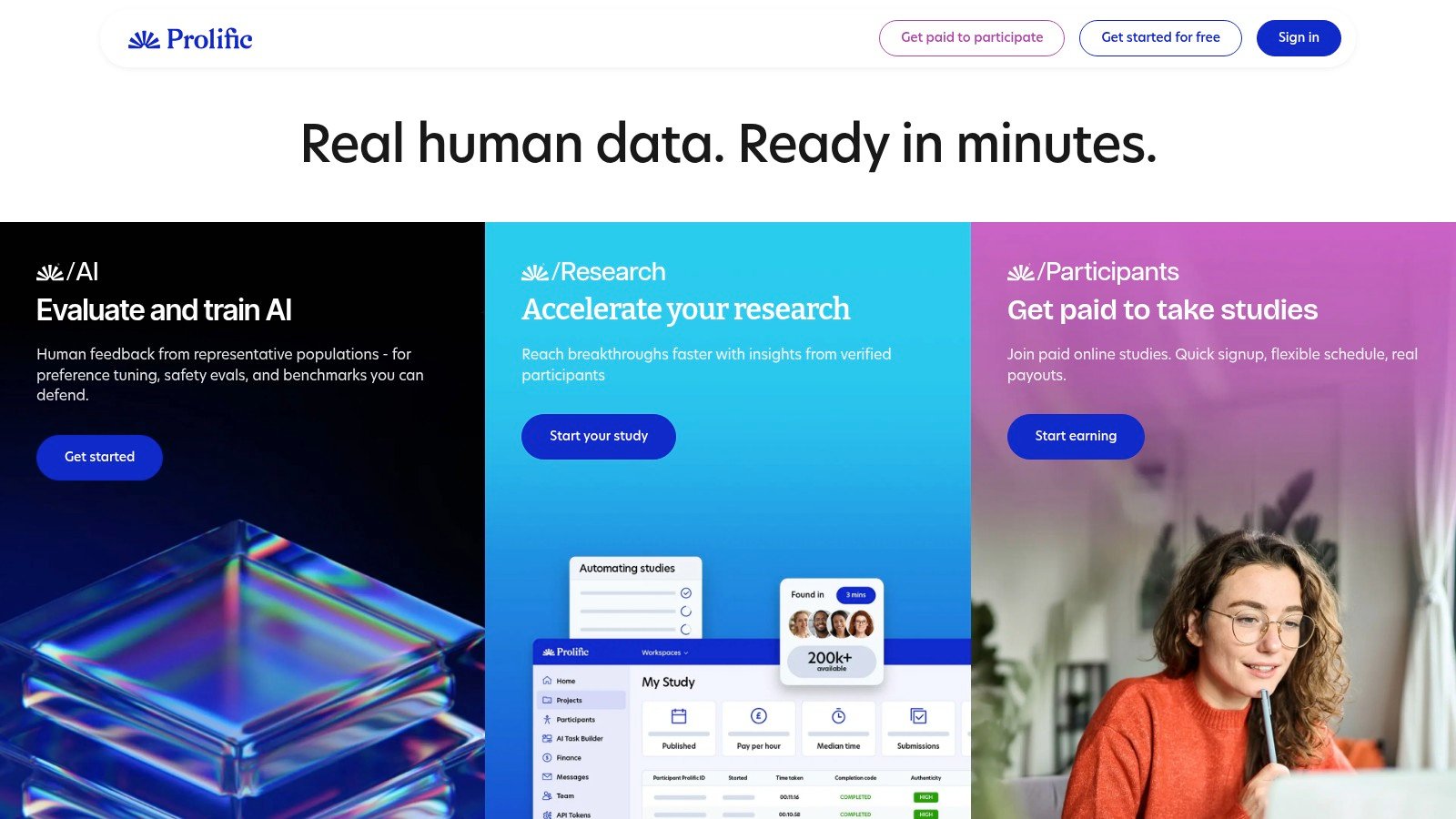
For prototype testing, Prolific works best with a clearly bounded study: a short task, a confidence rating, a comprehension check, and an open response about confusion. That structure produces comparable responses across a larger sample, making it useful for early quantitative validation. It is less suited to uncovering the reasoning behind complex workflows, where moderated discussion or domain expertise may be necessary.
Prolific supports quota sampling. Researchers can define and adjust targets for groups such as age or region, which helps control audience coverage during recruitment. Quotas still measure composition, not relevance. A participant may meet demographic criteria without having used the product category or workflow under review, so experience-based screeners remain necessary.
Measurement and compensation
Prolific provides participant compensation guidance and calculator-based pricing for estimating participant pay and platform charges. The final study budget should also include screening, quality review, replacements, and the time needed to interpret responses.
Operational effort depends on execution. Unmoderated studies are relatively easy to run because participants complete tasks on their own. Moderated sessions require scheduling, attendance confirmation, live facilitation, and contingency planning. Supply can become tighter when a study targets a specialized audience or requires higher compensation.
Measure completion quality, failed attention checks, abandonment, response consistency, and time on critical tasks. Speed alone is a weak usability signal. A participant can finish quickly while misunderstanding the task, creating an apparently successful result that misrepresents the experience.
Recommendation: Choose Prolific for structured online testing with explicit sample controls and repeatable metrics. Use Uxia earlier to screen design directions and task logic, then spend participant budget on comparative validation that needs human responses.
5. dscout
dscout is the specialist for research that unfolds across time. Its diary studies, mobile ethnography tools, Scout Panel, partner panels, and flexible participant selection make it useful when a single prototype session can't reveal the true experience.
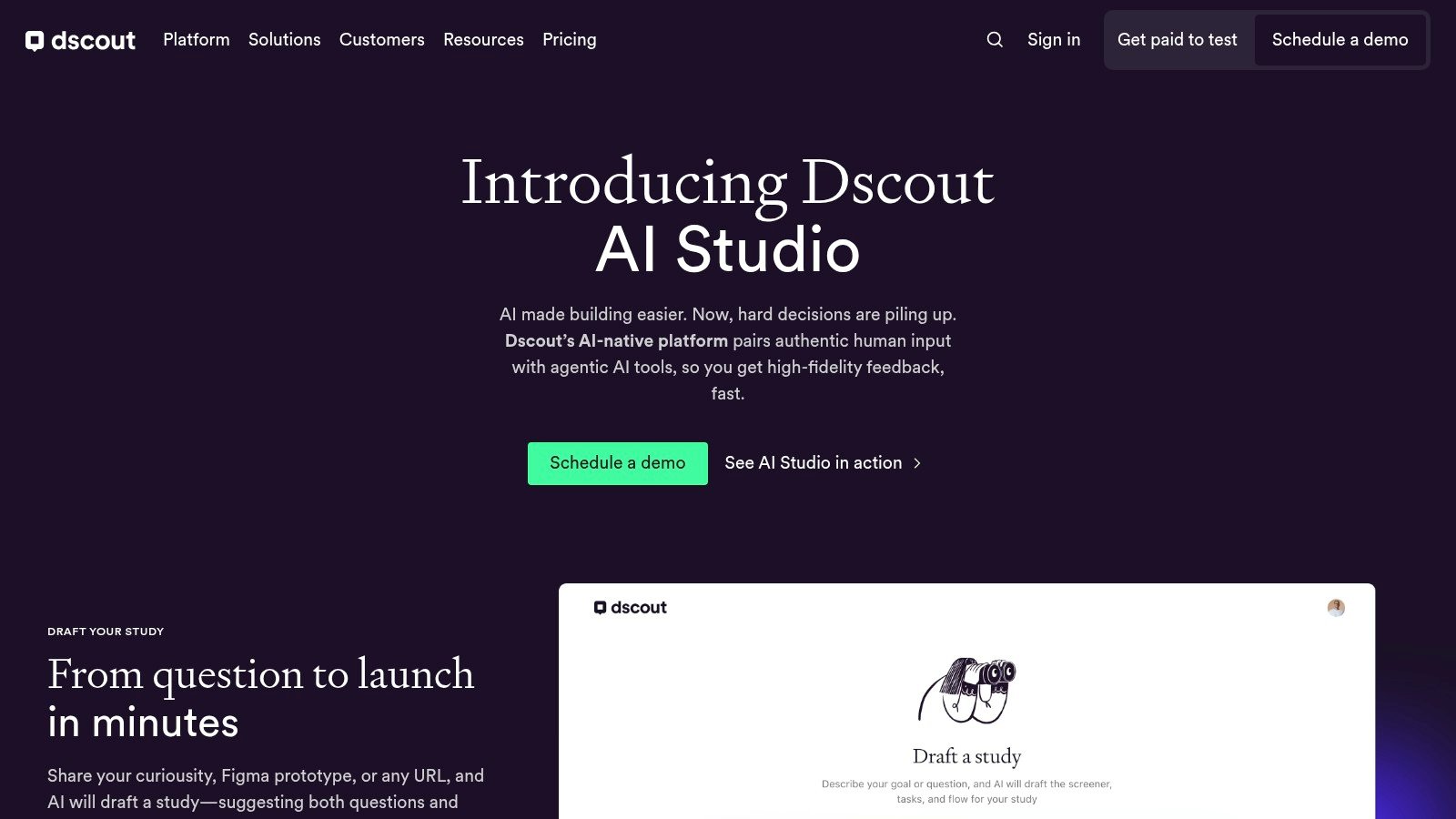
Consider a new mobile habit feature. A one-time usability test can show whether participants find the control, but a diary study can capture when they use it, what interrupts the behavior, what they remember incorrectly, and whether the feature fits naturally into their routine. dscout supports entries that can include written responses, photos, and video, giving researchers more contextual evidence than a single screen-sharing session.
The platform can auto-recruit or let researchers handpick participants. Partner panels, including Respondent, expand reach when the Scout Panel doesn't contain the right audience. That flexibility helps teams design a recruitment strategy around the study rather than force every project into one panel.
Prototype fidelity and longitudinal evidence
dscout makes the most sense once the prototype is realistic enough for repeated use. A polished mobile flow, functional concept, or in-context product experience gives participants something meaningful to document. Low-fidelity screens may work for a diary prompt about expectations, but they won't support credible claims about sustained behavior.
Incentives should reflect participant effort and study burden. Researchers need to account for repeated entries, media uploads, reminders, and dropout risk rather than treating the project like a single short test.
A diary study is valuable because it captures behavior where it happens, not because it produces more recordings.
Measure entry completion, response depth, recurring context, changes in behavior, and differences between stated intention and reported action. Keep prompts specific enough to generate comparable evidence without turning every entry into a survey.
Recommendation: Choose dscout for longitudinal or mobile ethnographic work. Use Uxia before launch to remove obvious interface friction, then use dscout to learn whether the revised experience survives contact with everyday routines.
6. UserTesting
UserTesting combines an external contributor network with integrated moderated and unmoderated testing. Its global reach, managed recruiting, Invite Network for bringing your own participants, and Session Units pricing model make it useful for organizations that want recruitment and testing in one enterprise-oriented environment.
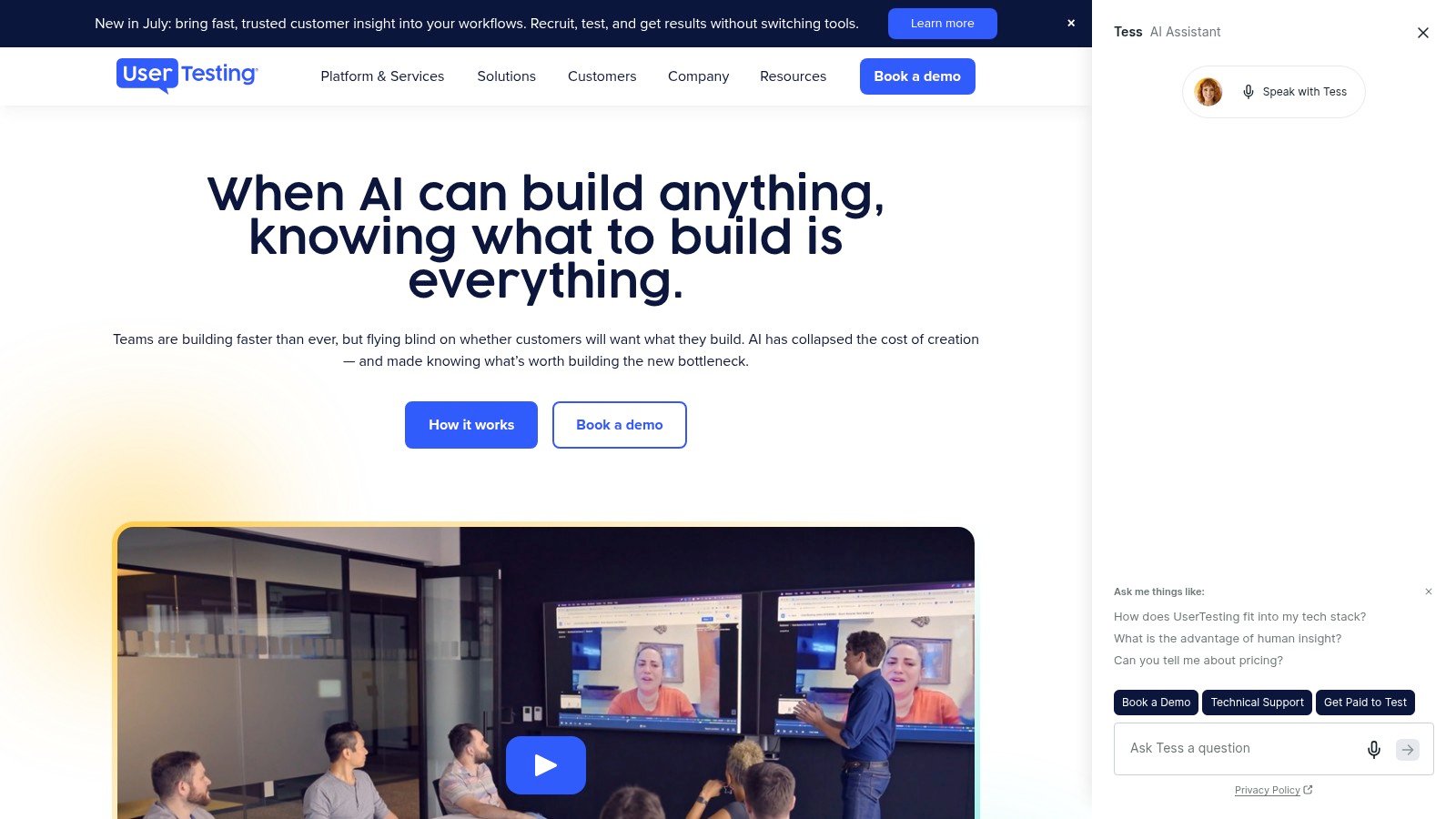
A standard task might ask a participant to find a product plan, compare options, and explain which one they'd choose. The platform can capture the path, spoken reactions, and session recording, which helps teams connect task outcomes with observed hesitation. For moderated research, the same environment can support guided exploration when a researcher needs to probe unexpected behavior.
Scale versus cost control
The Session Units model clarifies how session length, study type, and participant source affect consumption. That clarity helps enterprise teams forecast usage, but it can be less comfortable for smaller teams that need occasional research without a large commitment.
UserTesting is most useful when participant targeting, test execution, and stakeholder access need to operate together. Teams bringing their own users through Invite Network can avoid treating every study as an external-panel purchase.
Measure task success, time on task, misclicks, abandonment, verbal confidence, and recurring friction. For video-based sessions, review whether the participant's behavior supports the stated explanation. A transcript alone can miss hesitation, scanning, and nonverbal signals.
Pricing tends to sit at the enterprise end, and community feedback mentions occasional recruiting or technical friction. Teams should validate the exact workflow with a pilot before committing to a broad rollout.
Recommendation: Choose UserTesting when you need a mature, global testing and recruitment suite at scale. For repeated early prototype checks, use these UserTesting alternatives to evaluate whether a lighter synthetic workflow can reduce session demand.
7. Ethnio
Ethnio takes a different approach from panel marketplaces. It recruits people who are already using your website or app through web and iOS intercepts, allowing researchers to invite users during or immediately after a relevant experience.
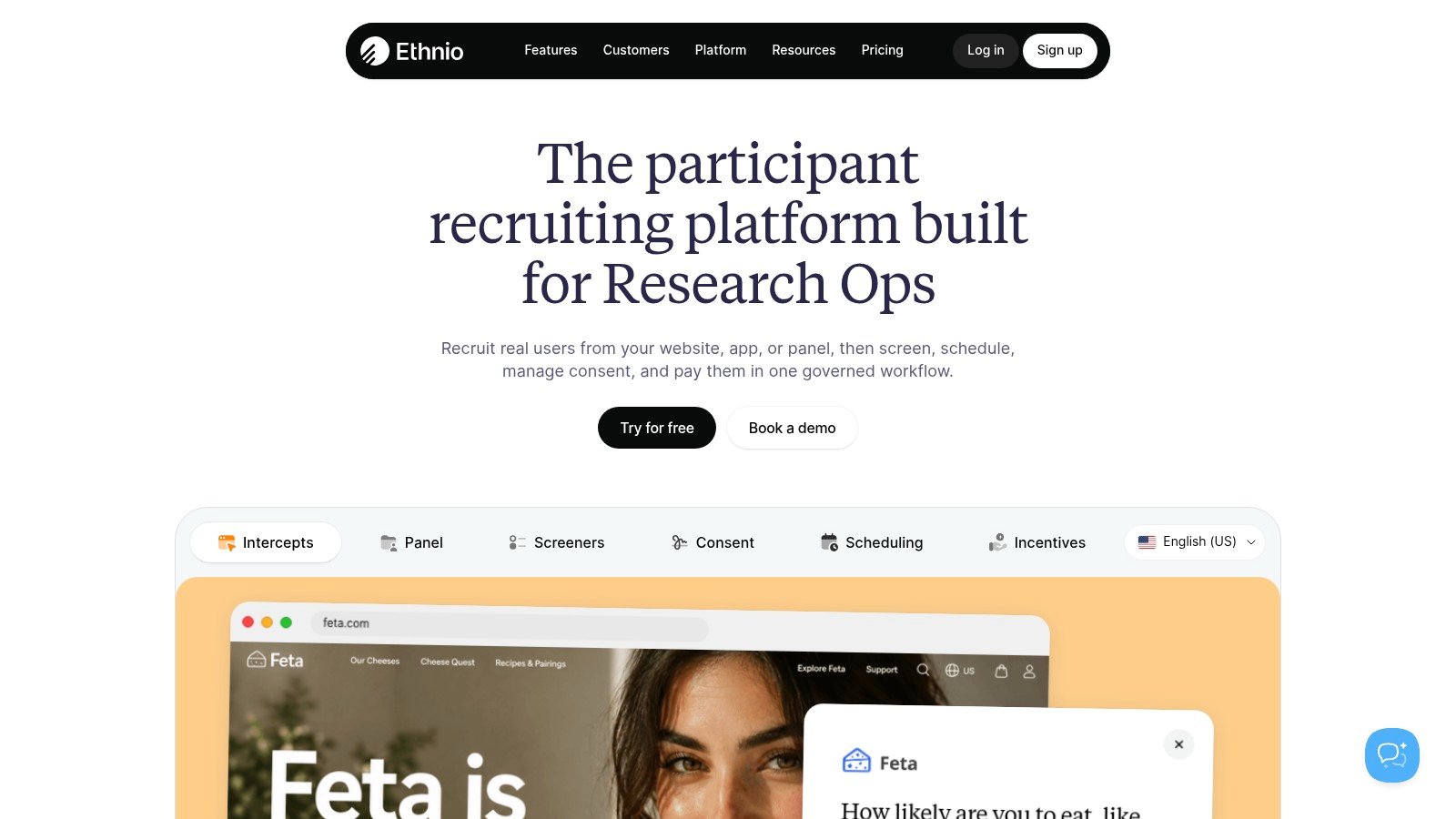
That timing changes the research question. Instead of asking a recruited stranger to remember how they usually complete a task, a team can invite a user who has just searched, purchased, configured, or abandoned something. A screener can then qualify the person for a follow-up interview or usability session while the context is still fresh.
Ethnio supports implementation through a snippet or Google Tag Manager for web experiences, with app recruitment options and panel-management capabilities for ongoing programs. It requires access to meaningful site or app traffic, so it isn't a substitute for a general panel when a product has few users or the audience doesn't yet exist.
First-party context and operating effort
First-party participants can provide stronger product-specific context, but the implementation creates work before recruitment starts. Teams need to coordinate tags, app integration, consent language, targeting rules, invitation timing, and panel maintenance.
The best task structure is short and context-sensitive. Ask what the user was trying to do, where the experience became difficult, what they expected next, and whether they'd be willing to discuss it. Avoid interrupting critical transactions or creating a sample made up only of people who are already highly engaged.
Track intercept exposure, acceptance, screener qualification, booked sessions, show-up behavior, and differences between recruited users and the broader product audience. That operational funnel tells you whether the widget is reaching the right moments.
Recommendation: Use Ethnio when real-user context matters more than broad reach. Use Uxia to test proposed fixes before placing intercepts in front of live traffic, reducing the chance that first-party recruitment exposes avoidable interface problems.
8. CloudResearch Connect
What does a prototype study require beyond a pool of willing participants? CloudResearch Connect combines prescreening, researcher controls, approvals, cost calculators, and participant-management workflows. That makes it suitable for academic or compliance-sensitive research, US general-population studies, and targeted samples where screening records matter.
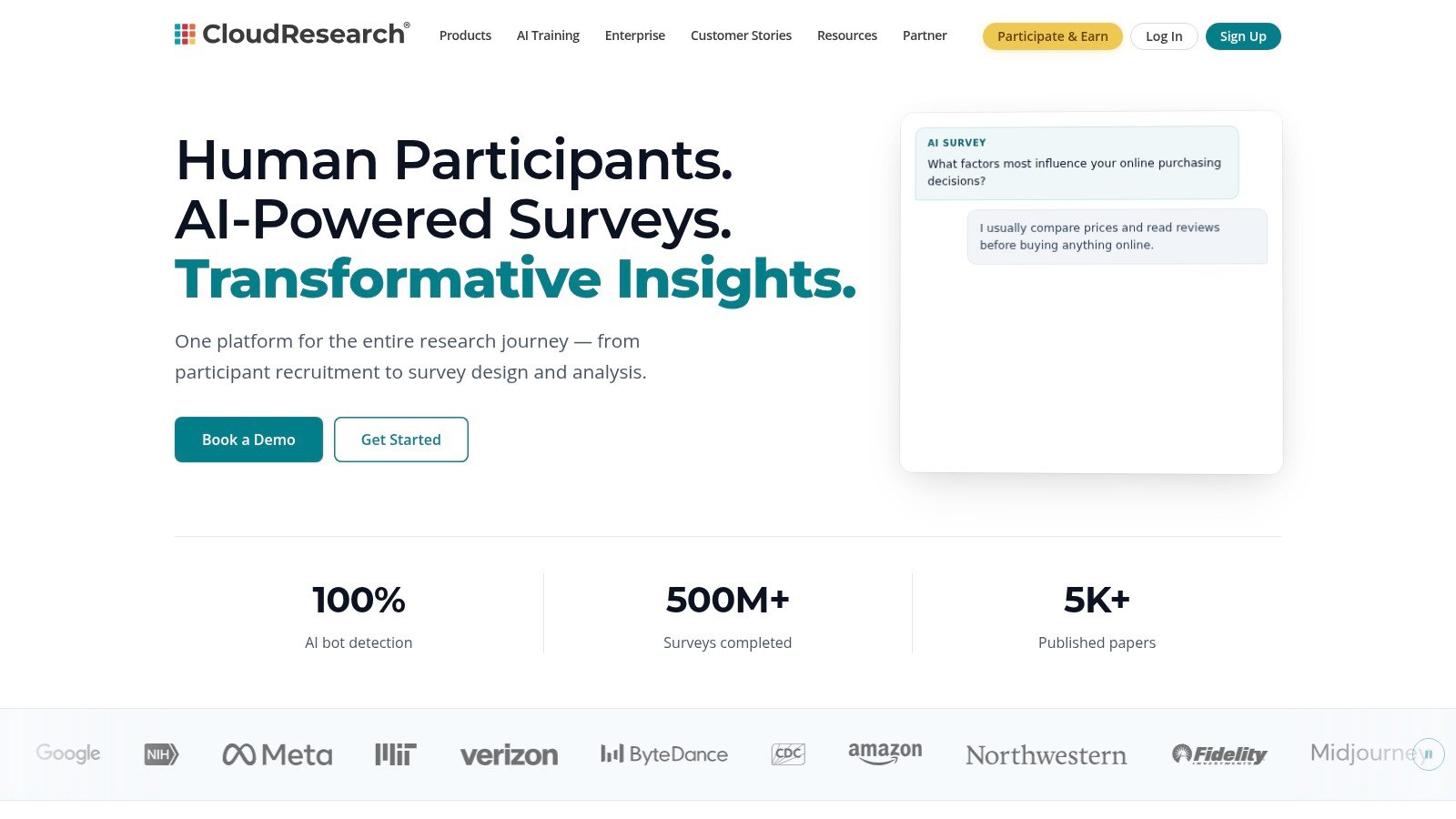
For an early prototype, researchers can pair structured tasks with comprehension questions, attention checks, and prompts asking participants to explain their choices. This setup works best when the team needs control over eligibility, task wording, approval rules, and evidence quality. It is less suited to rapid, loosely defined testing that changes substantially after launch.
CloudResearch Connect separates participant pay from platform fees. Published materials give a 25% example platform fee for academic and nonprofit use. Commercial terms can differ by account type and study design, so teams should confirm current pricing before budgeting.
Quality controls and setup
The platform supports quality management, but preparation remains the researcher's responsibility. Define eligibility, write observable completion rules, specify how incomplete or suspicious responses will be handled, and match the sample to the product decision. Clear tasks matter more than adding extra checks to an unclear study.
Track qualification, completion, attention-check performance, response quality, and abandonment. For verbal or written feedback, ask participants to explain why they selected an option or stopped at a particular step. Those responses can reveal whether a usability problem comes from the interface, the instructions, or the audience definition.
Participant disputes and rate sensitivity are possible operational concerns. Set compensation, approval, and replacement rules before recruitment begins, then review responses rather than treating platform controls as proof of validity.
Recommendation: Choose CloudResearch Connect when documented screening and researcher control outweigh speed. Use Uxia to test the task and prototype first, allowing recruited participants to focus on the substantive question and reducing avoidable recruitment waste.
9. TestingTime
TestingTime is a managed recruiting service for teams that want operational support rather than another self-serve panel. It can handle screening, scheduling, compensation, and sourcing beyond its existing pool for niche profiles.
That model suits moderated studies where the research team has the expertise to conduct sessions but doesn't want to manage every participant email and calendar conflict. A practical workflow might involve a researcher defining a target audience, uploading a clickable prototype, specifying a 45-minute interview structure, and handing recruitment operations to TestingTime.
The configure-and-price request form provides a real-time price display, which makes early budget conversations easier than a fully custom sales process. Managed delivery can also make responsibility clearer when the audience is difficult to reach or the study needs several participant criteria at once.
When white-glove recruitment earns its cost
Managed recruitment is valuable when internal operations are the bottleneck. It's less attractive when a team can recruit from an existing customer list, needs constant low-cost testing, or wants to change the screener repeatedly during a fast design sprint.
The task should be stable before recruitment begins. Define the mission, prototype version, screening rules, session length, qualification requirements, and replacement policy. Changing those details after sourcing starts can create delays and inconsistent participants.
Measure time from order to qualified recruit, screening accuracy, scheduling effort saved, show-up rate, replacement frequency, and researcher hours spent on administration. Compare those measures with the cost of a self-serve panel, not just the visible per-participant price.
Very specific US B2B roles may still require longer lead times, even with managed support.
Recommendation: Choose TestingTime when your team needs predictable operational delivery and can justify managed pricing. Use Uxia while the study brief is still changing, then hand a stable, high-value research question to the managed service.
10. Userlytics
Userlytics combines a global participant panel with moderated and unmoderated UX testing, usage-based credits, enterprise plans, compliance features, and expert review of panel sessions. It's suited to teams that want flexible study launches without committing every project to the same format.
A useful unmoderated task might ask participants to complete a prototype flow, rate confidence, identify the most confusing screen, and describe what they'd expect after submission. Moderated sessions can add probing when the team needs to explore why a participant interprets a feature in a particular way.
Userlytics uses panel credits for targeting and supports concurrent study launches. That can help research operations teams run several studies at once, while expert QA provides another review layer for recorded panel sessions.
Credit planning and evidence quality
Credit-based pricing can support scaling, but exact per-participant cost varies by plan and study type and may require an estimator or sales conversation. Teams should model likely study volume, audience specificity, session format, and unused-credit risk before choosing a plan.
The platform's compliance and security features, including CCPA support, may matter for enterprise procurement. Still, compliance suitability doesn't establish participant fit. Very specific US B2B profiles may require longer lead times, so audience feasibility should be tested before a launch date is promised.
Measure qualified completion, task success, abandonment, critical errors, confidence, and issue severity. For moderated sessions, add probing depth and evidence traceability. For unmoderated work, use consistent task wording and quality checks to make results comparable across studies.
Recommendation: Choose Userlytics when a flexible credit model, concurrent testing, and session QA fit your operating model. Use Uxia for rapid design triage, then spend panel credits on unresolved questions that require human behavior or explanation.
2026 Comparison: Top 10 User Research Recruitment Platforms
Platform | Core features | Insights quality (★) | Value / Pricing (💰) | Target audience (👥) | USP (✨) |
|---|---|---|---|---|---|
Uxia 🏆 | AI synthetic testers, instant unmoderated tests, transcripts, heatmaps, SUS/SUPR‑Q | ★★★★★ | 💰 Free trial (50 credits); tiered plans → cost‑effective at scale | 👥 Product designers, PMs, UX researchers, agencies, enterprise | ✨ Proprietary synthetic‑user pipeline + auto‑summarized prioritized insights |
User Interviews | Large on‑demand panel; screeners, scheduling, payouts, no‑show mgmt | ★★★★ | 💰 Per‑participant/platform fees; can be pricey for small teams | 👥 B2C/B2B product teams needing broad US reach | ✨ 6M+ panel with mature end‑to‑end recruiting workflows |
Respondent | B2B/niche professional recruiting; incentives & payout handling | ★★★★ | 💰 Recruitment fee + incentives; costly for niche profiles | 👥 Researchers needing decision‑makers & niche pros | ✨ Strong B2B reach + incentive calculator |
Prolific | High‑quality participant network; integrations; transparent pricing | ★★★★ | 💰 Calculator + platform fee (~40%); transparent pay guidance | 👥 Academics, product researchers prioritizing data quality | ✨ Emphasis on fair pay, transparency & fast gen‑pop fills |
dscout | Diary/longitudinal studies; mobile ethnography; Scout Panel | ★★★★ | 💰 Flexible incentives; can be overkill for one‑offs | 👥 Mobile ethnographers, longitudinal researchers, product teams | ✨ Best‑in‑class diary & mobile ethnography tooling |
UserTesting | Global panel (60+ countries); Session Units; managed recruiting | ★★★★ | 💰 Enterprise pricing; session‑unit model clarifies per‑session cost | 👥 Enterprise product/research teams at scale | ✨ Integrated testing + large global contributor network |
Ethnio | In‑product intercepts (web/app), panel management, SDK/snippet | ★★★ | 💰 Low platform fee but needs site/app traffic & implementation | 👥 Teams recruiting real users in‑moment to reduce recall bias | ✨ Intercept‑based, context‑rich recruitment |
CloudResearch Connect | Participant marketplace with prescreening, IRB flows & controls | ★★★★ | 💰 Participant pay + platform fee; transparent cost calculator | 👥 Academics & behavioral researchers needing compliance | ✨ IRB‑friendly workflows and rigorous quality controls |
TestingTime | Managed per‑order recruiting; ops support; real‑time price display | ★★★★ | 💰 Per‑order managed pricing; predictable but higher cost | 👥 Teams wanting white‑glove recruiting & predictable delivery | ✨ Hands‑on ops support and instant pricing calculator |
Userlytics | Global panel + credit system, expert QA of sessions, compliance | ★★★★ | 💰 Usage‑based credits; plan‑dependent pricing via sales | 👥 Teams needing flexible credits, QA and compliance features | ✨ Expert QA of recordings + enterprise compliance options |
Build a Recruitment Workflow That Scales
The right platform depends on where the research bottleneck sits. Use Uxia for fast, repeatable prototype validation and continuous sprint feedback. Choose Respondent when niche professionals or decision-makers are central, Prolific or CloudResearch Connect when structured general-population recruitment and transparent controls matter, Ethnio when first-party users provide essential context, and TestingTime when internal recruiting operations are the constraint.
Start with the audience, not the vendor shortlist. Define whether the study needs existing customers, general consumers, verified professionals, senior decision-makers, or participants with a specific behavior. That choice determines whether a panel marketplace, first-party intercept, managed service, or synthetic audience is appropriate.
Then define the study stage and prototype fidelity. A rough concept may need fast comprehension and navigation checks. A high-fidelity flow may justify paid human sessions. A live product may require in-context intercepts. A behavior that develops over time belongs in a diary or longitudinal design rather than a single session.
Write the task success criteria before launching. Decide what counts as completion, what constitutes abandonment, which errors are critical, and how participants should explain their choices. Track quantitative outcomes such as task success, completion, abandonment, time on task, misclicks, confidence, and show-up behavior where relevant. Add qualitative issue themes, severity, expectation gaps, trust concerns, accessibility barriers, and the language participants use to describe the experience.
Operational benchmarks show why these distinctions matter. 2026 respondent-channel benchmarks report cold-email response rates of 3% to 8% for B2B and 5% to 12% for B2C, compared with 15% to 25% for existing-customer panels, 30% to 50% for internal employee panels, and 40% to 70% qualified acceptance for incentivized panel platforms. The same benchmark reports an 80% to 85% show-up rate after confirmation. Those figures suggest that recruitment value should be judged by conversion efficiency and operational reliability, not access alone.
Budget for both platform fees and participant incentives. User Interviews, Respondent, Prolific, and CloudResearch Connect illustrate different ways those costs can be separated, while Uxia removes recruitment and scheduling from synthetic validation. For unmoderated tests, incentive burden also depends on session length. A 2026 incentives guide places typical 15 to 20-minute sessions at $15 to $25 and 30 to 45-minute sessions at $30 to $50, as described in this research incentive guide.
The market is also moving toward fewer handoffs. One 2026 comparison describes teams shifting from 5 to 7 specialized tools to 2 to 3 broader platforms, because reducing tool switching and manual transfer lowers workflow overhead. That consolidation matters alongside rising AI adoption in UX research, reported at 80% in the latest state-of-user-research reporting, according to the 2026 research tools comparison. Buyers should ask whether a recruitment platform only sources participants or also supports screening, scheduling, moderation, execution, and synthesis.
A practical operating model pairs rapid synthetic testing with targeted human research. Run Uxia when the team is iterating quickly, then recruit people when emotional nuance, lived experience, professional context, or longitudinal behavior can change the decision. Standardize screeners, task templates, metrics, report formats, privacy requirements, and escalation rules so each study becomes easier to launch and compare.
Finally, connect research evidence to audience understanding. Teams evaluating social data for content success can use the same discipline here, define the audience precisely, test the assumptions behind the message, and preserve the evidence needed to make the next product decision.
Uxia gives product teams instantly available synthetic testers for rapid prototype validation, with transcripts, heatmaps, benchmarked metrics, and prioritized UX findings without recruiting or scheduling. Visit Uxia to test your next design iteration in minutes, then decide which questions deserve targeted human research.