10 Best UserTesting Alternative Tools for 2026
Looking for a UserTesting alternative? Explore our 2026 list of the 10 best tools, from AI-powered platforms like Uxia to traditional panel providers.
Is UserTesting still the right choice in 2026? For years, it has been the default answer when a team needed remote usability research. But default doesn't always mean fit. Product teams now ship faster, test more often, and need feedback loops that match sprint cadence instead of research calendar constraints.
That's where the old model starts to strain. Traditional UX research still depends heavily on humans and the operational work required to recruit them. In a large global usability study referenced by Great Question's guide to UserTesting alternatives, the average participant produced about 8.3 valuable insights per hour during moderated usability testing. That's useful, but it also explains why scaling research across multiple personas, devices, and flows gets expensive in time long before it gets expensive in software.
The market has responded by broadening what a usertesting alternative can be. Some tools still focus on classic moderated and unmoderated testing. Others prioritize information architecture methods like tree testing and card sorting. And a newer category, led by platforms like Uxia, pushes into AI-driven workflows that remove recruiting from the critical path altogether.
Below are the strongest options I'd consider if I were replacing UserTesting today. I'm putting Uxia first because it represents the biggest workflow shift: from waiting on panel logistics to getting structured feedback in minutes. After that, I'll cover the best human-panel and mixed-method tools, with a clear view of where each one works well and where it doesn't.
1. Uxia
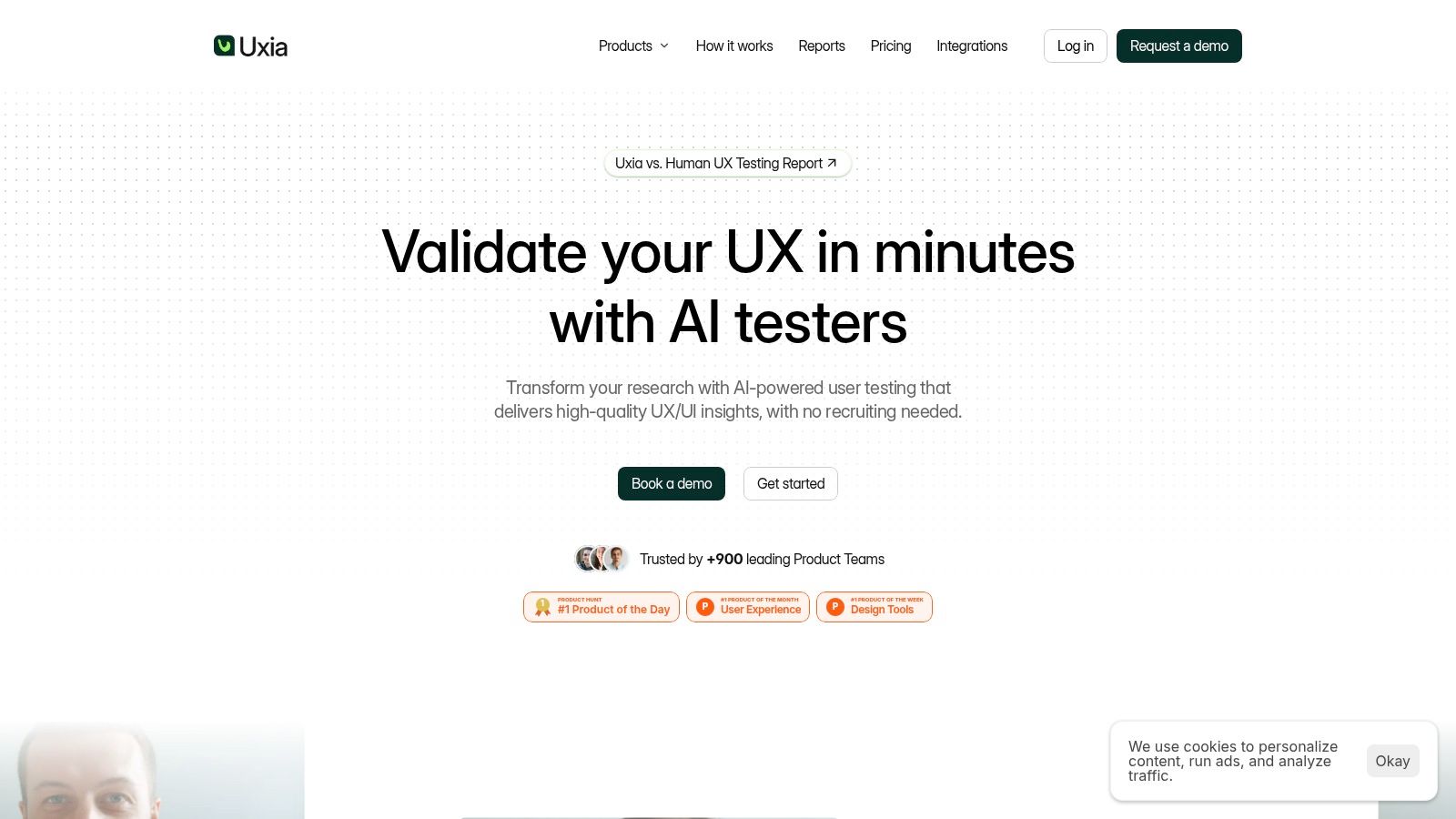
Uxia is the strongest usertesting alternative if your biggest problem isn't methodology, but speed. Instead of recruiting a panel and waiting for sessions, you upload screens or video prototypes, define the mission and target audience, and run tests with synthetic users that simulate realistic behavior and think-aloud feedback.
That changes the workflow in a meaningful way. You're no longer treating research as an event that needs scheduling. You can treat it as part of design iteration, which is exactly why Uxia fits teams shipping weekly changes, validating new flows before handoff, or pressure-testing onboarding and checkout changes without opening a recruiting process.
Where Uxia is different
Uxia isn't trying to be a lighter version of UserTesting. It's a different operating model.
Speed first: Synthetic testers are available immediately, so teams can validate concepts, prototypes, and flow changes without waiting on participant ops.
Structured output: Uxia surfaces issues across usability, navigation, copy, trust, and accessibility, then packages them into visual reports with transcripts, heatmaps, and prioritized findings.
Built for repetition: AI-based testing surpasses panel-based studies by allowing frequent test reruns, version comparisons, and close integration of research with every sprint.
For teams weighing synthetic versus live participants, Uxia's own guide on synthetic users vs human users is worth reading because that's the core strategic question.
Practical rule: Use Uxia when you need fast directional confidence across repeated product decisions. Use live humans when you need to study emotion, context, or sensitive decision-making in depth.
There are also enterprise details that matter more than they get credit for. Uxia supports private data handling, branded workspaces, SSO and SCIM, and report workflows that make it easier to operationalize across design, product, and research teams. That makes it more than a demo tool.
The weak point is also clear. Synthetic testers won't replace every kind of human research. If you're studying complex emotional reactions, highly regulated user groups, or nuanced contextual behavior, you'll still want live interviews or field-style methods in the stack. But if your current bottleneck is that research can't keep up with delivery, Uxia is the best place to start.
You can explore the platform at Uxia.
2. Maze
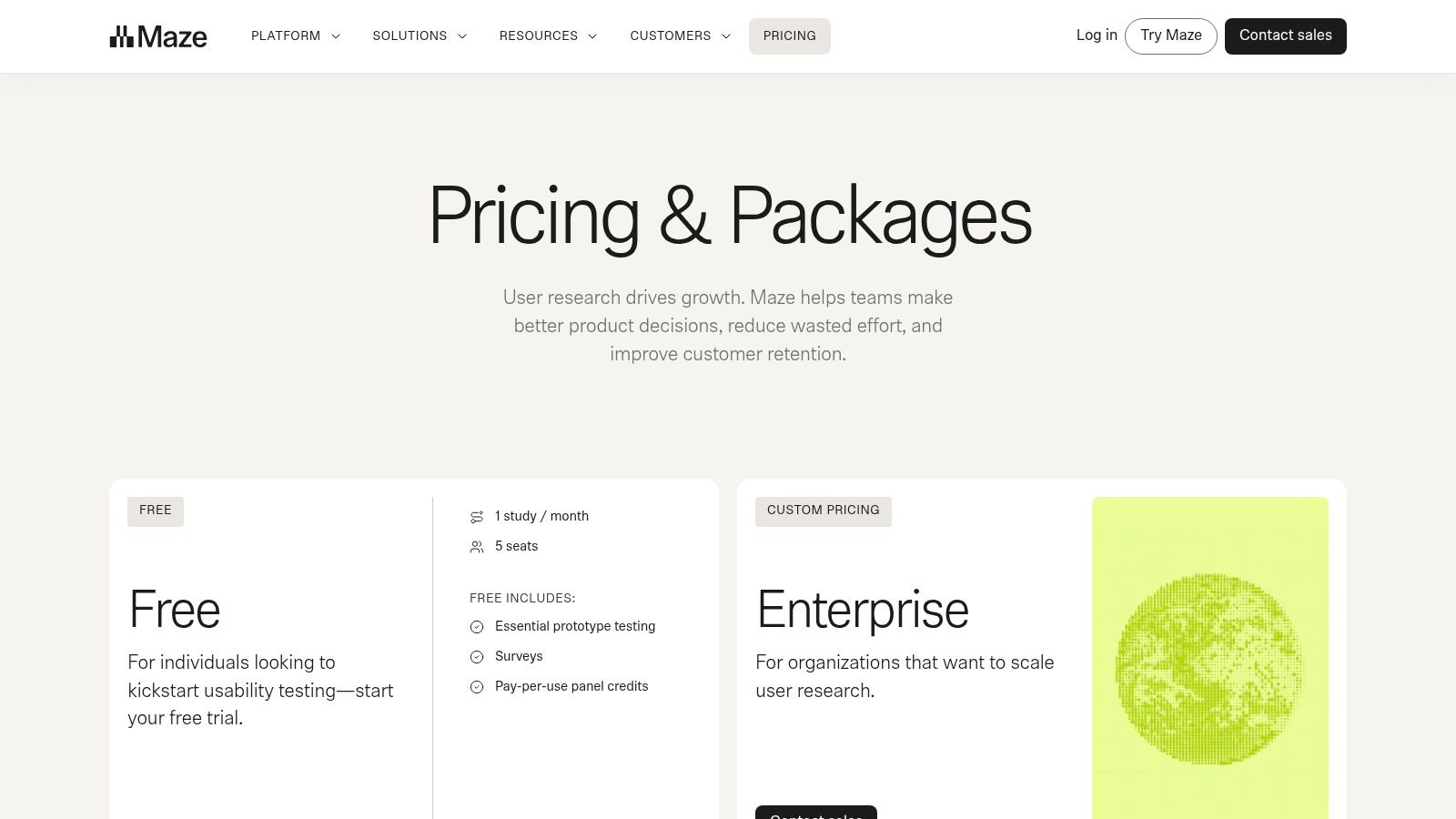
Maze works best for product teams that want a broad, lightweight research system without moving fully into a synthetic workflow. It's especially strong when your day-to-day work revolves around prototypes, information architecture checks, quick surveys, and recurring concept validation.
The appeal is operational simplicity. Teams can run prototype tests, card sorts, tree tests, and surveys in one interface. If your current process involves Figma, a survey tool, and a separate place to organize results, Maze usually reduces that sprawl.
Best fit and trade-offs
Maze is a good usertesting alternative when you want more method coverage than classic usability videos alone. That matters because many teams outgrow task-based prototype testing and need to evaluate findability, labels, and survey feedback alongside click paths. For teams trying to tie usability work to broader evaluation, it also helps to understand common scoring frameworks like SUS and its alternatives.
What works well in practice:
Method breadth: Prototype testing, tree testing, card sorting, surveys, and mobile experience studies live in one product.
Good for continuous discovery: Product managers and designers can run lightweight research more often.
Bring-your-own-participants support: That keeps the platform useful even when you already have access to customers.
What doesn't work as well:
Less depth in classic qualitative sessions: Maze is efficient, but it isn't the first tool I'd pick when the core job is rich moderated interviewing.
Pricing clarity can narrow at higher levels: Public packaging is easier to understand at the edge of the product than at scale.
One market context matters here. UserTesting's own materials reference an industry guide projecting that the usability testing tools market will reach nearly 5 billion dollars by 2031. Maze makes sense within that shift because it reflects how research has moved from isolated specialist studies into daily product operations.
If your team wants a practical middle ground between old-school panel testing and newer AI-led workflows, Maze is one of the cleanest options. You can review it at Maze pricing.
3. Lyssna
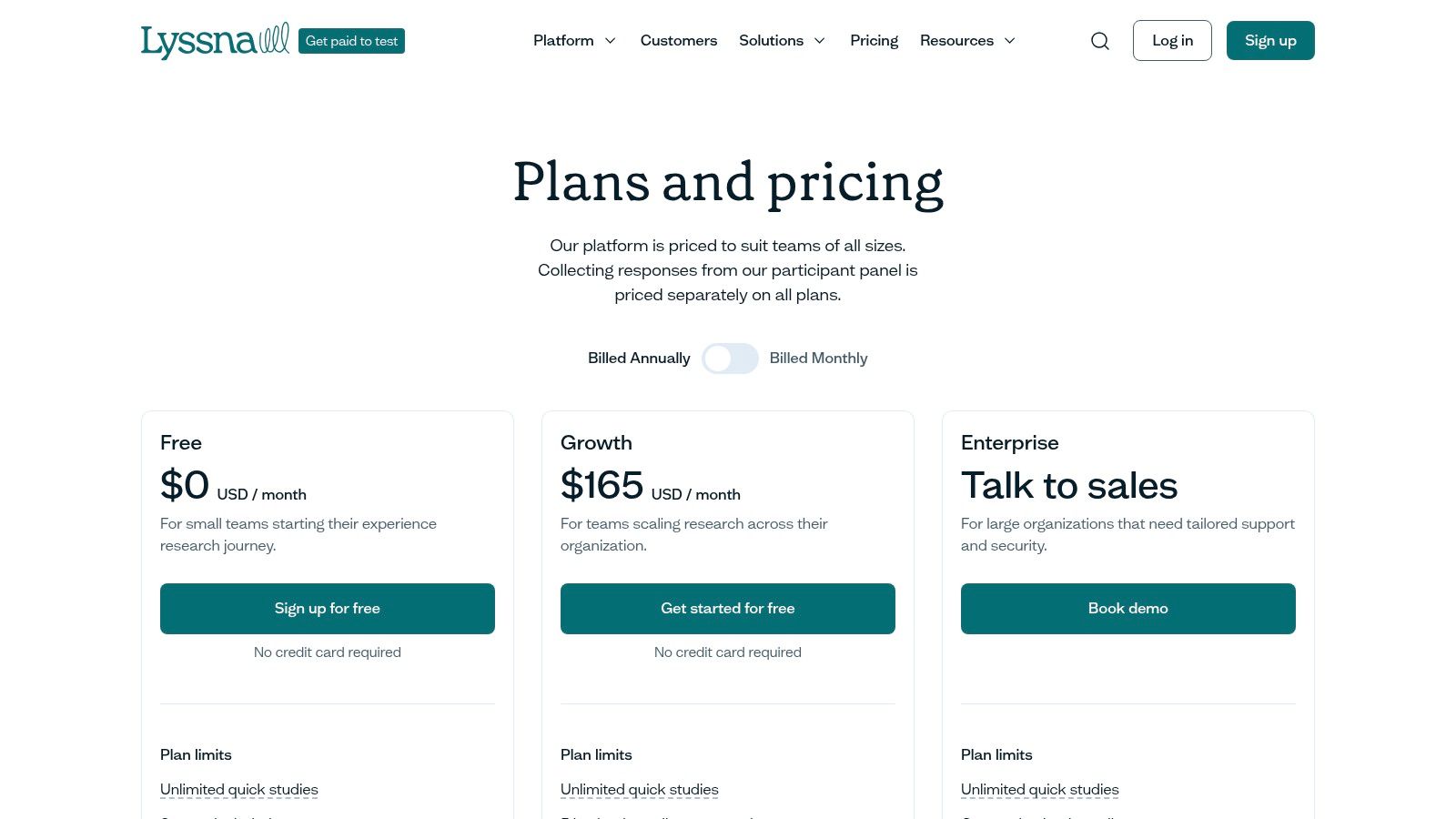
Lyssna is the tool I'd recommend when the team doesn't need a heavyweight research platform. It's fast to learn, fast to launch, and well suited to design teams, growth teams, and marketers who need feedback on concepts, copy, first-click behavior, and navigation choices.
It sits in a practical sweet spot. You can run five-second tests, first-click tests, surveys, tree tests, card sorting, and interviews without a lot of setup overhead. That makes Lyssna less intimidating for non-researchers than many enterprise suites.
Where Lyssna wins
Lyssna is strongest when you need a broad set of lightweight methods and want teammates outside research to use them. It supports many of the core techniques teams need before development starts, including several covered in this overview of essential usability testing methods.
A few reasons teams like it:
Low friction: You can go from idea to live study quickly.
Useful for concept and copy validation: That's an area where UserTesting often feels heavier than necessary.
Accessible for mixed teams: Designers and PMs usually don't need much hand-holding.
Fast tools create a different behavior inside teams. People test more often because the act of testing doesn't feel like opening a project.
The main limitation is that Lyssna stays best when questions are narrow. It's not where I'd centralize a mature research operation with complex governance, advanced repositories, or deep moderated workflows. Panel use also adds cost separately, so budgeting still matters if you depend on external respondents regularly.
For fast-turn validation and broad team adoption, though, it's one of the better choices in this category. See the current plans at Lyssna pricing.
4. Userlytics
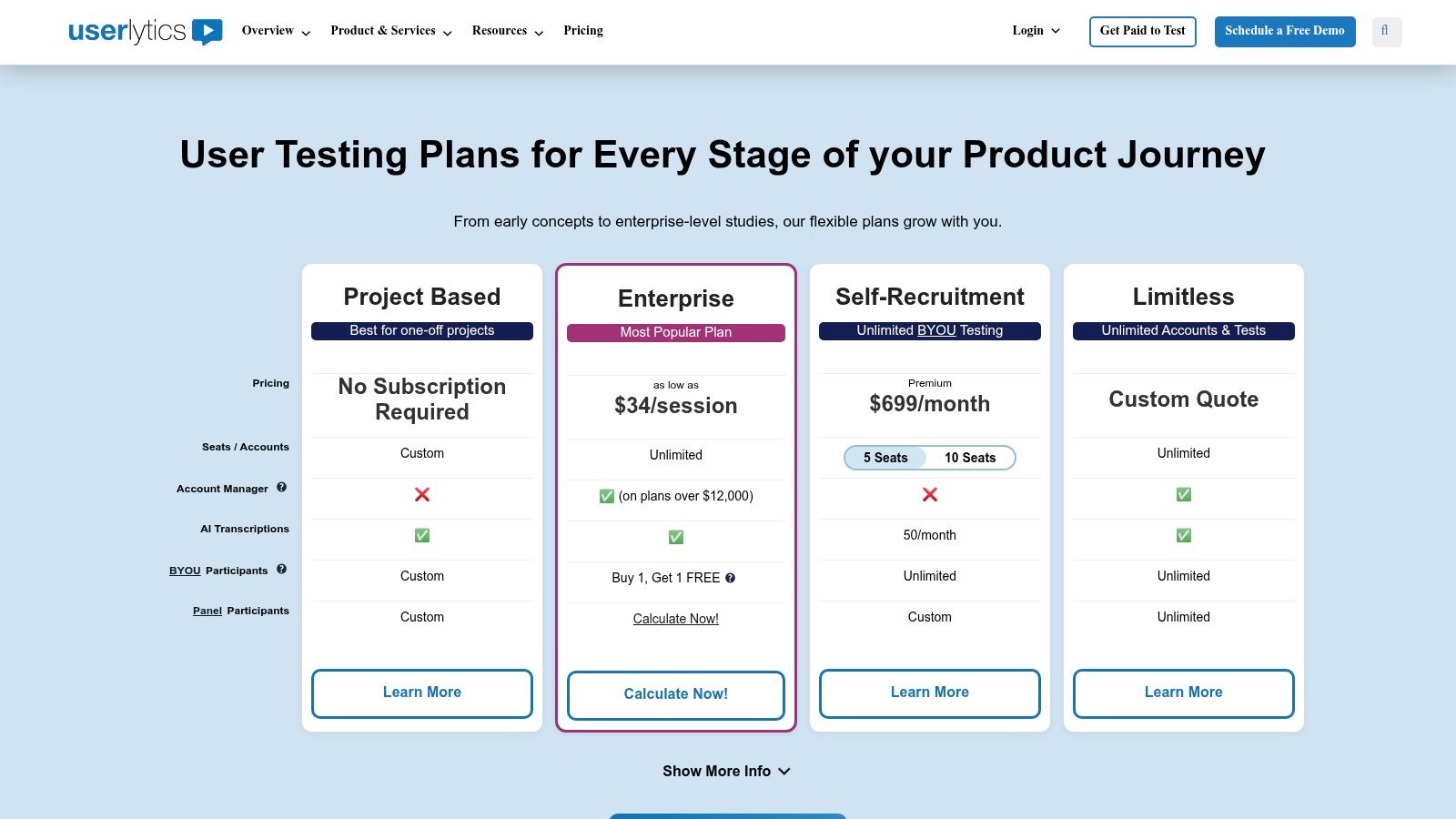
If your goal is feature parity with UserTesting more than a new workflow model, Userlytics is one of the most direct alternatives. It supports moderated and unmoderated testing, global participant recruitment, quantitative tasks, and enterprise governance features that matter once research becomes a shared capability across teams.
This is the choice for organizations that still want human participants at the center, but want more flexibility around operations and plan structure.
Who should choose it
Userlytics fits larger teams that care about compliance, broad panel access, and support for multiple study types in one system. It's less disruptive than moving to a synthetic-first platform like Uxia, which can be a positive if internal stakeholders still expect conventional participant-based research.
Strong points:
Mature participant operations: Useful when audience sourcing is hard and you need dependable execution.
Moderated and unmoderated support: Good balance for teams that mix tactical and strategic studies.
Enterprise orientation: Governance matters when research spreads beyond a small specialist group.
The weak spots are mostly commercial and practical. Public pricing is limited, and the strongest package tends to sit behind sales conversations. That doesn't mean it's a poor fit. It just means procurement can take longer, and smaller teams may feel they're buying for future complexity before they need it.
I'd rank Userlytics highly for enterprises that want a conventional replacement path. I'd rank Uxia higher for teams trying to escape the participant-recruitment bottleneck itself.
You can check the platform at Userlytics pricing and plans.
5. Userbrain
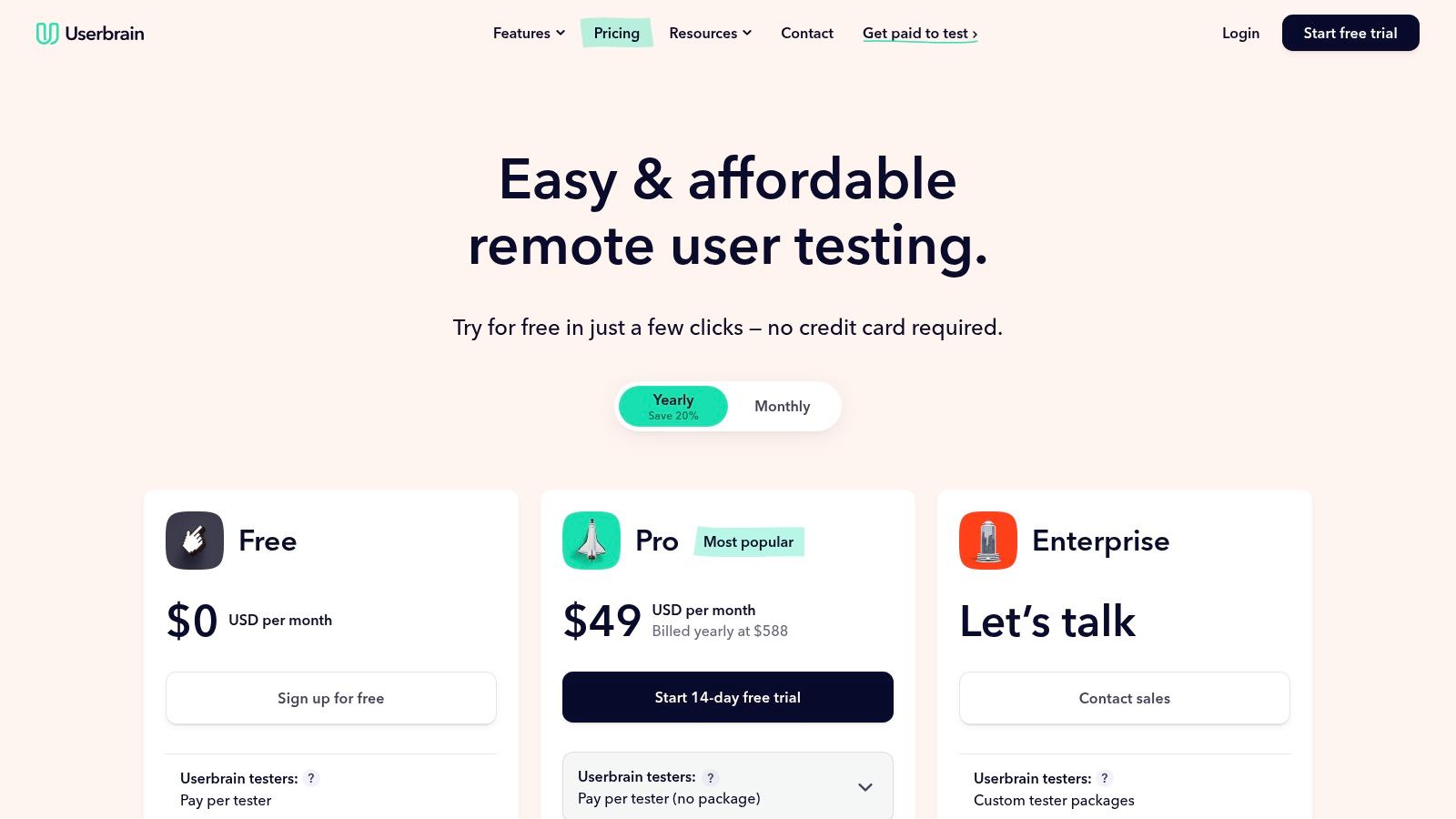
Userbrain keeps things simple. That's the reason to buy it. If you need quick unmoderated usability checks with recordings, transcripts, and lightweight analysis, it does the job without asking you to adopt a full research operating system.
I like tools like this for small product teams and agencies that run frequent spot-checks. You can test a landing page, signup flow, or revised navigation without wrapping the work in too much process.
What it does well
Userbrain is a clean usertesting alternative for teams that know exactly what they want: unmoderated sessions with a built-in panel or their own users.
Straightforward setup: Lower admin burden than larger suites.
Affordable-feeling workflow: Better fit for recurring tactical validation than enterprise-style procurement.
Useful targeting basics: Country, age, gender, device, and screeners cover many common needs.
Where it falls short is just as important. There's no moderated interview layer, and the method set is narrower than tools like Maze, Lyssna, or Optimal. If your research questions go beyond “Can people complete this task and talk through it?” you'll feel the boundaries quickly.
That said, boundaries aren't always bad. For many teams, UserTesting became overkill long before they admitted it. Userbrain is compelling when you want less ceremony and faster turnaround, but still want humans in the loop.
You can see the plans at Userbrain pricing.
6. Lookback
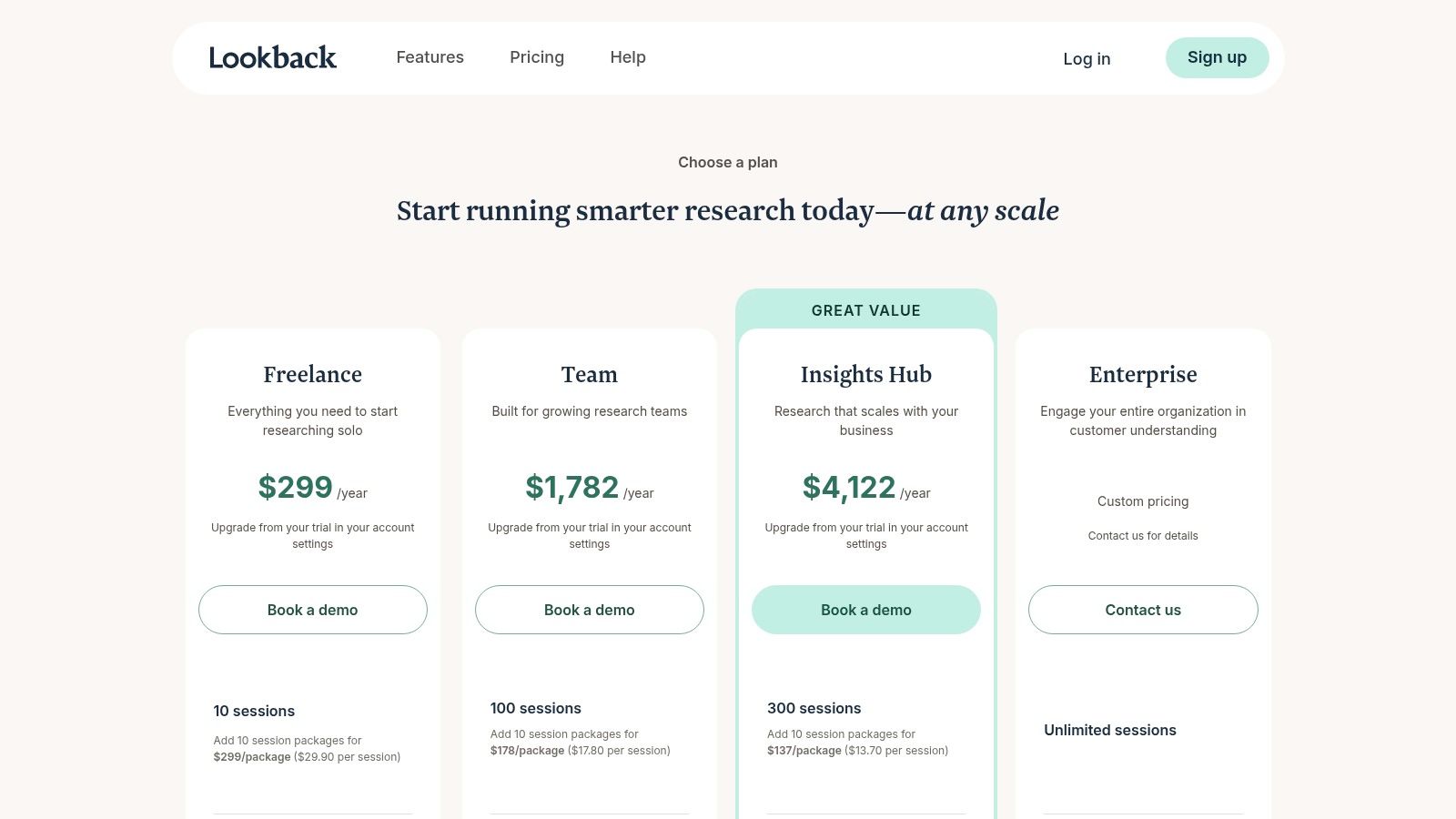
Lookback is the tool to choose when live conversations matter more than throughput. It's built around moderated interviews, observation rooms, and stakeholder visibility into sessions as they happen. If your team learns best by watching users in real time, Lookback still has a strong place.
This is not the same buying decision as Uxia, Maze, or Userbrain. You're choosing depth of conversation over speed of repeated validation.
Best use case
Lookback shines in discovery interviews, moderated usability sessions, and collaborative review with product stakeholders. For teams that want designers, PMs, and researchers in the same virtual observation room, it's one of the smoothest environments.
A few practical strengths:
Strong live moderation flow: Good for probing, follow-ups, and spontaneous exploration.
Observer support: Stakeholders can watch without derailing the interview.
Bring-your-own-participant flexibility: Useful if you already have a customer base or recruiting process.
Don't buy Lookback because you need “user testing.” Buy it because you need better conversations with users.
The limitations are clear. Pricing can get layered, especially when sessions, seats, recruiting, and incentives mix together. It also won't solve the velocity problem the way Uxia does, because live sessions still require coordination. If your workflow is bottlenecked by scheduling, Lookback won't remove that bottleneck. It will make the resulting sessions better.
For moderated qualitative work, that trade-off is often worth it. Visit Lookback pricing.
7. PlaybookUX
PlaybookUX pricing is appealing because the product tries to centralize a lot of what teams otherwise split across several tools. It supports moderated and unmoderated testing, card sorting, tree testing, surveys, click testing, participant CRM functions, and intercept-style workflows.
That breadth makes it a credible usertesting alternative for teams that want one primary platform and don't want to piece together a stack.
Why teams choose it
PlaybookUX is strongest when a team wants broad coverage and AI assistance without moving to a synthetic testing model. It's especially practical for scaling research ops across product and design teams that need one place for sessions, analysis, and participant management.
Reasons it stands out:
Wide method coverage: It reduces tool sprawl.
Participant CRM and intercepts: Helpful if you want to build your own repeatable recruiting engine.
AI support for summaries and pattern tagging: Good for speeding up synthesis.
The trade-off is that some of the most attractive capabilities are concentrated in higher tiers. Self-serve access can feel constrained if your study volume grows quickly. So while the tool is broad, you still need to map expected usage carefully before standardizing on it.
I'd place PlaybookUX above many niche tools because it can support a fairly mature program. I'd still put Uxia ahead for teams that value speed and iteration over human-panel logistics.
8. Loop11
Loop11 pricing appeals to a different buyer. It's for teams that want predictable, published pricing and a straightforward usability platform without enterprise mystery around every feature. That alone makes it attractive in a market where too many vendors hide the actual buying experience behind demos.
The platform supports moderated and unmoderated studies, first-click tests, five-second tests, observation rooms, and reporting across desktop and mobile contexts.
Where Loop11 fits
Loop11 is a good option for teams with recurring but bounded research needs. If you run a known number of studies each month and already have a way to recruit participants, the pricing structure is easier to reason about than many alternatives.
What works:
Published plan structure: Easier budgeting.
Support for common usability methods: Enough breadth for many product teams.
Multi-seat practicality: Useful for small teams collaborating on research.
What doesn't:
No built-in panel focus: Recruiting usually has to happen elsewhere.
Less compelling for enterprise governance or advanced repositories: It's a study execution tool more than a complete research operations platform.
Loop11 is rarely the flashiest option, but that's part of its value. Teams that care more about dependable execution than trend-driven features often find it refreshingly clear.
9. Optimal Workshop
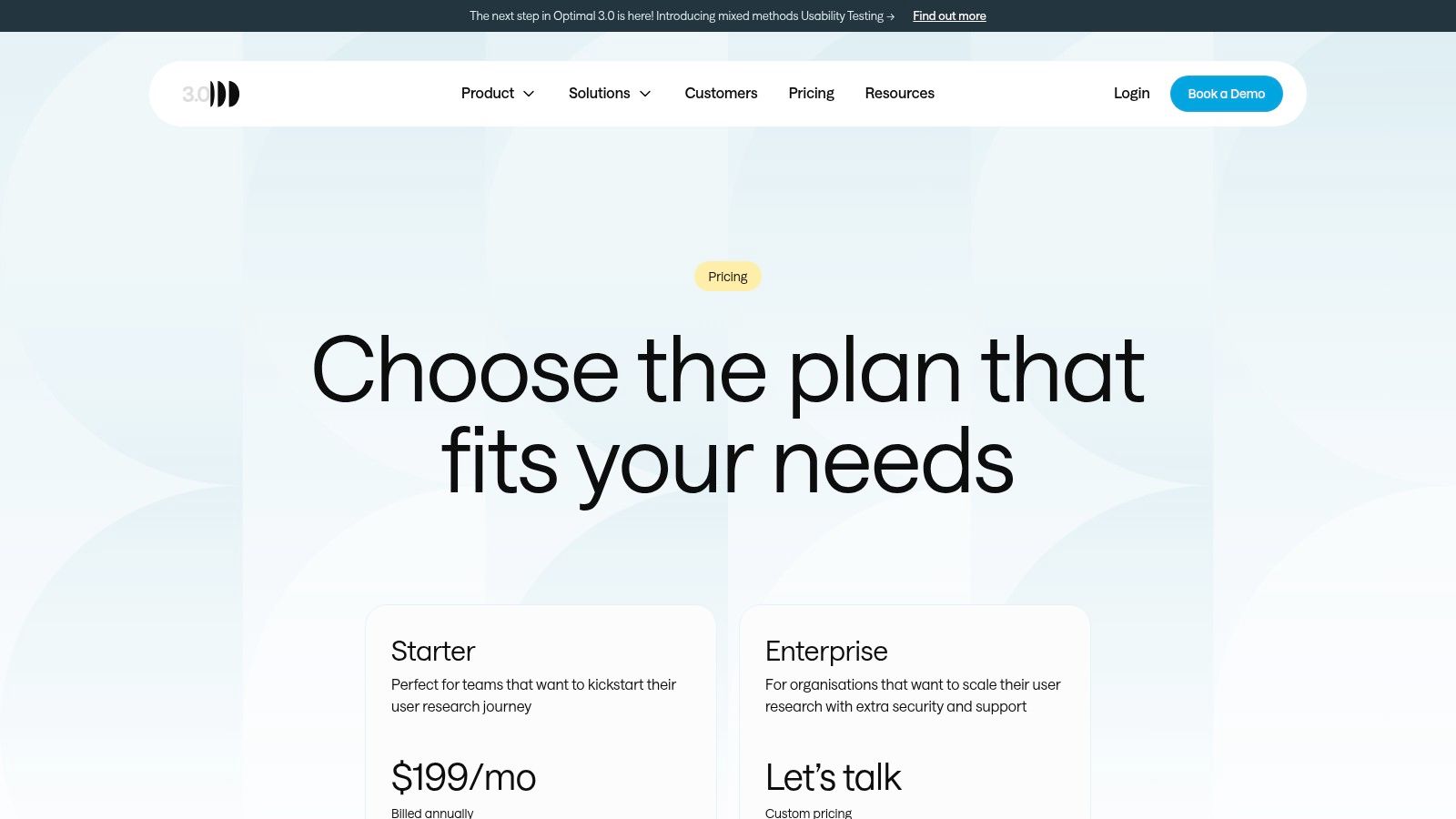
A lot of usertesting alternative lists miss a simple point. Not every team needs a replacement for task-based usability videos. Some need better information architecture research. That's where Optimal Workshop stands out.
Multiple 2026 roundups note that the market has fragmented by method, with tools like Optimal Workshop favored for tree testing and card sorting, while others like dscout are used for diary studies and mobile ethnography, as described in CleverX's 2026 alternatives roundup. That's an important distinction because IA problems often need different tools than flow usability problems.
Best for navigation and structure
Optimal is the specialist pick when your biggest risks are findability, labels, menu logic, and content organization.
Its practical strengths are clear:
Purpose-built IA methods: Card sorting and tree testing are the core reason to buy it.
Good team scalability: Unlimited seats are useful for broader collaboration.
Usability and survey support around the core IA toolkit: Enough breadth to avoid total specialization.
Its weak point is equally clear. If your main job is moderated usability sessions or broad mixed-method research ops, Optimal won't replace every part of UserTesting on its own. It complements a stack better than it serves as the only research platform in many organizations.
For navigation-heavy products, content-rich platforms, and redesigns with IA risk, though, it's often the better answer than a generic usability suite. You can review it at Optimal Workshop pricing.
10. Useberry
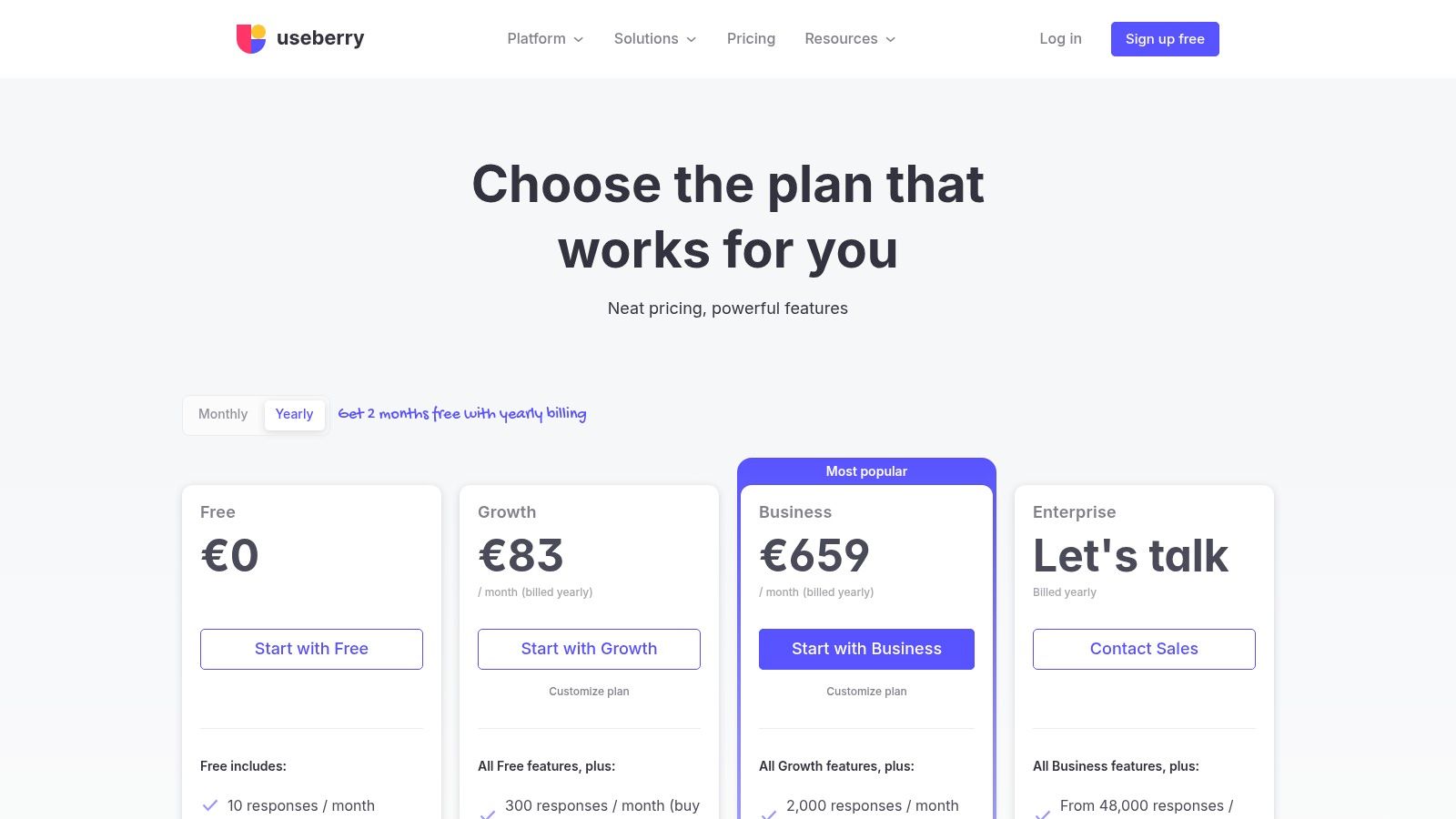
Useberry is a practical choice for teams that mainly test prototypes and concepts and want a lightweight tool with visual outputs like heatmaps, path flows, and task metrics. It's easy to understand, and that matters when the research tool needs broad adoption across design and product.
This is not the platform I'd choose for a mature enterprise research program. It is one I'd choose for a startup, agency, or design-led team that runs lots of unmoderated prototype checks.
Why it works
Useberry is well suited to early-stage validation where teams want to know how people move through a flow, where they click, and where friction appears before code gets written.
Useful strengths:
Prototype-first workflow: Fast for concept and flow testing.
Visual reporting: Heatmaps and paths are easy to share with stakeholders.
Manageable pricing model: More approachable than many enterprise alternatives.
The constraint is scope. Useberry is primarily focused on unmoderated prototype work, so it won't replace richer interview-led or governance-heavy platforms. Advanced admin controls and higher-end AI capabilities also tend to sit outside the core experience.
If your team mostly needs rapid concept validation and wants something less complex than UserTesting, Useberry deserves a look at Useberry pricing.
Top 10 UserTesting Alternatives Comparison
Platform | Core features | UX quality ★ | Value & Pricing 💰 | Target audience 👥 | Unique selling points ✨ |
|---|---|---|---|---|---|
Uxia 🏆 | AI synthetic testers, prototype/video upload, transcripts, heatmaps, prioritized insights | ★★★★★ (SUS/SUPR‑Q parity) | 💰💰, Free trial (50 credits); scalable tiers & enterprise demo | 👥 Product & design teams; enterprises | ✨Synthetic users for minutes‑scale studies; enterprise controls; data ownership |
Maze | Prototype, IA (card/tree), surveys, AI study builder, panel | ★★★★ | 💰💰, Free & Enterprise; panel credits model | 👥 Teams standardizing lightweight research | ✨Broad method coverage + AI study assistant |
Lyssna (UsabilityHub) | 5‑second/first‑click, copy tests, card/tree, surveys, AI summaries | ★★★★ | 💰, Approachable pricing; BYO & paid panel responses | 👥 Design/marketing teams & non‑researchers | ✨Easy setup; unlimited self‑recruited on Growth |
Userlytics | Moderated & unmoderated tests, global panel, compliance/governance | ★★★★ | 💰💰💰, Usage credits; enterprise pricing | 👥 Large teams, regulated industries | ✨Enterprise security, global participant ops |
Userbrain | Video/audio recordings, transcripts, AI analysis, panel targeting | ★★★ | 💰, Transparent, low‑friction pricing for panel testers | 👥 Small–mid teams for frequent spot‑checks | ✨Affordable, simple unmoderated testing |
Lookback | Live moderated interviews, observation rooms, unmoderated sessions | ★★★★ | 💰💰, Predictable bundles; BYO participants free | 👥 Teams prioritizing interviews & stakeholder co‑observation | ✨Best‑in‑class live moderation & observation rooms |
PlaybookUX | Moderated/unmoderated, surveys, 7M+ panel, AI tagging & summaries | ★★★★ | 💰💰, Transparent per‑participant rates; enterprise seats | 👥 Centralized research teams | ✨Wide method coverage; panel + AI reporting |
Loop11 | Moderated/unmoderated, first‑click/5‑second tests, clear pricing | ★★★ | 💰, Simple monthly/annual plans with seat inclusions | 👥 Teams needing predictable, project‑based throughput | ✨Predictable pricing and project caps |
Optimal (Optimal Workshop) | Card sort, tree test, first‑click, prototype tests, AI insights | ★★★★ | 💰💰, Unlimited seats; starter study limits & panel credits | 👥 IA/content teams and researchers | ✨Purpose‑built IA toolkit with scalable seats |
Useberry | Prototype testing, heatmaps, path flows, transcriptions | ★★★ | 💰, Affordable Growth tier; monthly response allotments | 👥 Small teams doing frequent prototype checks | ✨Straightforward pricing; visual heatmaps & path analytics |
The Future of User Testing Is Faster and Smarter
How fast can your team go from question to usable evidence?
That is the primary buying criterion now. Product teams are no longer selecting one research platform for one method and calling the stack complete. They are choosing workflows that match release cadence, reduce operational overhead, and produce signals people can act on in the same sprint.
UserTesting still has a clear role. Human-panel research remains the right choice for questions that depend on lived experience, nuanced reactions, or follow-up probing with real participants. UserTesting also keeps a reach advantage, with 7M+ authenticated participants across 34 countries. That matters if broad audience access is the constraint.
For many teams, though, access is not the main constraint. Time is. Recruiting delays, scheduling, manual synthesis, and long handoffs between research and product slow decisions more than the lack of respondents. That is why AI-supported testing is gaining ground across product workflows. Grand View Research estimated the global market for alternative data at USD 11.65 billion in 2024, projected to reach USD 135.72 billion by 2030. Different category, same operating model. Teams want faster signal processing and less manual work between question and decision.
That shift changes how to evaluate a usertesting alternative.
Choose Uxia if your team needs speed first. It fits AI-driven workflows where validation, friction detection, and structured analysis need to happen continuously instead of as a separate research project.
Choose Maze or Lyssna if you want lightweight tests that product, design, and growth teams can run often without adding much process.
Choose Userlytics or PlaybookUX if your work still depends on a traditional research suite with panel access and broader method coverage.
Choose Lookback if live interviews, observation rooms, and stakeholder visibility are central to how your team works.
Choose Optimal Workshop if information architecture is the actual problem and generic usability testing will not answer it well.
Choose Userbrain or Useberry if you want quick unmoderated checks for prototypes and flows at a lower operating cost.
Choose Loop11 if pricing clarity and predictable project execution matter more than advanced workflow automation.
The practical question is not which tool looks most like UserTesting. The better question is which system helps your team learn faster without reducing confidence in the decision.
For teams running weekly releases, that answer often points toward AI-first workflows. Uxia stands out here because it cuts out much of the recruiting and analysis drag that slows traditional studies. That makes continuous validation realistic, not aspirational.
Human research still matters. It just becomes more targeted. Use people where context and depth change the decision. Use faster AI-supported methods where the job is to catch friction, compare flows, and keep product delivery moving.
If you want a faster usertesting alternative that fits modern product cycles, try Uxia. It gives teams a practical way to validate flows, spot friction, and generate structured UX insight in minutes, so research stops being a bottleneck and starts supporting every release.