The 12 Best Mobile UX Design Tools for Teams in 2026
Discover the top 12 mobile UX design tools for prototyping, testing, and collaboration. Our 2026 guide helps you choose the right software for your workflow.
Navigating the crowded market of mobile UX design tools can be a significant challenge for any product team. The right software stack not only streamlines your workflow but also directly influences the quality and user-centricity of your final product. From initial wireframes to high-fidelity, interactive prototypes and rigorous user testing, selecting the appropriate tools for each stage of the design process is critical for building successful mobile applications. A disjointed or inefficient toolset can lead to friction between design and development, prolonged iteration cycles, and a final product that fails to meet user expectations.
This guide is organised to help you cut through the noise. We provide a comprehensive, categorised roundup of the essential mobile UX design tools available today, tailored for product designers, managers, and researchers. We move beyond generic feature lists to offer practical insights, honest limitations, and specific use-case scenarios for each platform. Before diving into specific tools, it's essential to have a strong foundation in the principles of mastering mobile app UI design to create truly intuitive interfaces.
You will find detailed analyses of industry standards like Figma and Sketch, advanced prototyping solutions such as ProtoPie and Framer, and crucial user research platforms like Maze. We also explore the growing role of AI-driven testing with platforms like our own, Uxia, explaining when synthetic user feedback can accelerate your process versus when traditional studies are indispensable. Each entry includes direct links and key details to help you build a powerful, efficient, and user-focused design workflow. This resource is designed to be your definitive guide for making informed decisions, optimising your team’s efficiency, and ultimately, delivering exceptional mobile experiences.
1. Uxia
Best For: Rapid, AI-Powered Usability Testing & Design Validation
Uxia stands as a transformative force among mobile UX design tools, replacing traditional, time-consuming user studies with an advanced AI-powered testing platform. It allows product teams to validate mobile designs, interactive flows, and copy in mere minutes. The core innovation lies in its use of "synthetic testers" - AI participants engineered to mirror specific demographic and behavioural profiles, eliminating the logistical burdens of recruitment, scheduling, and human tester bias.
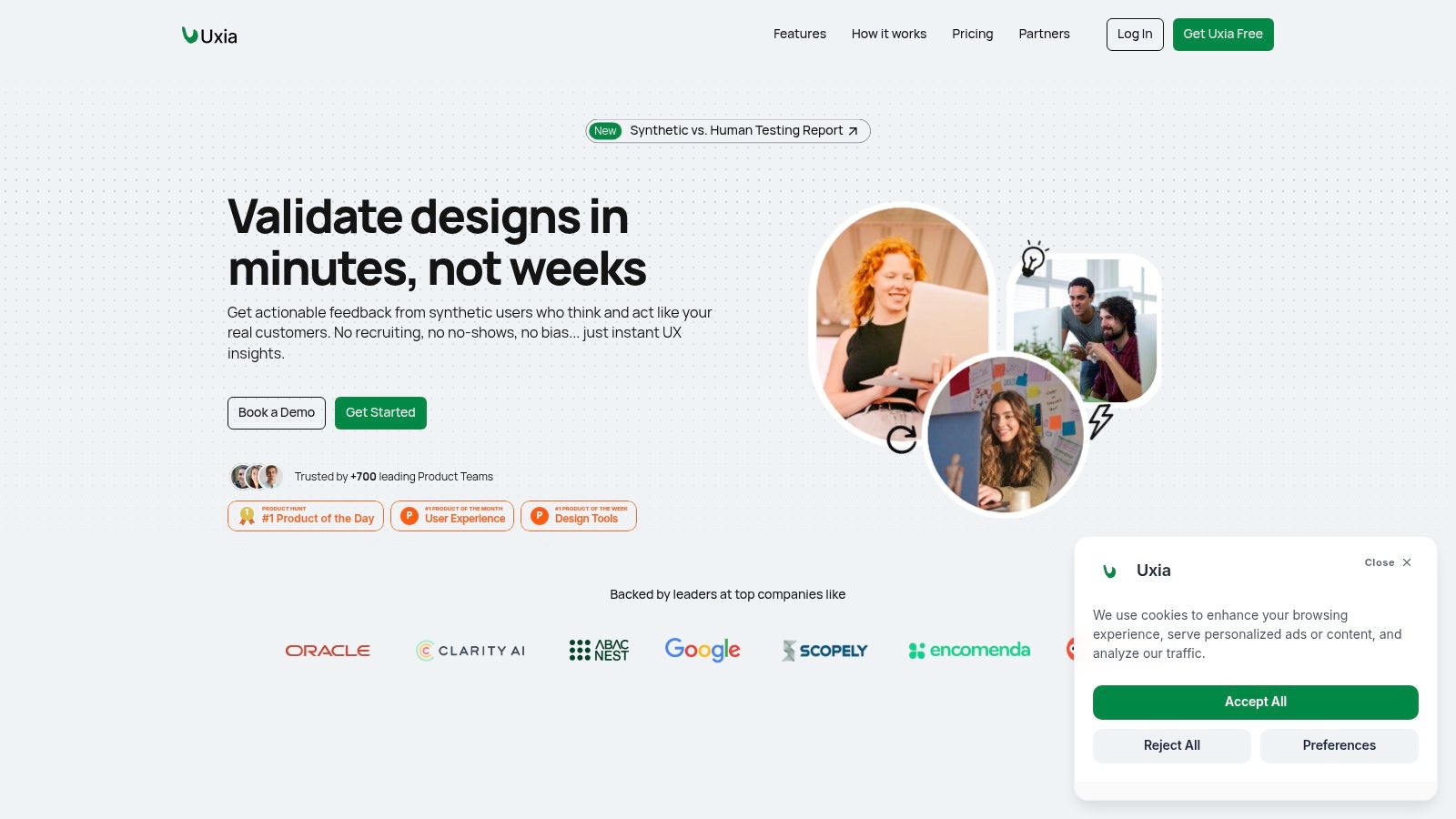
This platform is engineered for speed and scale, empowering teams to shorten sprint cycles and iterate with data-backed confidence. By uploading image mockups or video prototypes, defining a user mission, and selecting a target audience, you receive a wealth of actionable insights almost instantly. Uxia's synthetic users navigate your mobile interface, provide "think-aloud" transcripts, and generate comprehensive reports.
Key Strengths & Use Cases
What truly sets Uxia apart is the depth and automation of its analysis. The platform doesn't just simulate clicks; it emulates user reasoning to uncover genuine usability friction.
Practical Recommendation: A product team preparing to launch a new onboarding flow for their mobile app can use Uxia to test five different design variations against their target "millennial, tech-savvy" persona. Within an hour, they receive prioritised reports highlighting which version performs best, along with transcripts explaining points of confusion and heatmaps showing where users focused. This rapid feedback loop allows them to select the optimal design before writing a single line of code.
Uxia's outputs are designed for immediate action. The platform automatically flags issues related to usability, navigation, copy clarity, and user trust. Crucially, it integrates powerful accessibility features, including automated WCAG 2.2 checks and vision-simulation filters, helping teams build more inclusive products from the start.
Platform Details
Feature | Description |
|---|---|
Core Functionality | AI-driven usability testing with synthetic users, automated analysis, and reporting. |
Key Outputs | Heatmaps, click maps, "think-aloud" transcripts, prioritised insight reports, and suggested fixes. |
Accessibility Tools | Automated WCAG 2.2 compliance checks and vision-simulation filters for impairments. |
Best For | Product designers, PMs, and UX researchers needing fast, scalable design validation without logistical overhead. |
Pricing | Free trial available. Paid plans start at $83/month (Starter) and go up to $290/month (Pro), with custom Enterprise options. |
Unique Edge | The ability to generate realistic, persona-driven feedback in minutes, drastically accelerating the design-test-iterate cycle. |
Pros:
Unmatched Speed: Get actionable UX insights in minutes, not weeks.
Realistic Synthetic Testers: Customise demographic and behavioural personas to mirror your target users.
Actionable Reporting: Automated issue detection and prioritised visual reports are ready for stakeholder review.
Integrated Accessibility: Catch accessibility gaps early in the design process.
Integrated SUS & SUPR-Q scores: Get your SUS and SUPR-Q scores and benchmark your app
Cons:
Not a Replacement for All Human Research: Best for scalable validation but may miss the deep emotional nuances captured in moderated, qualitative studies.
Credit-Based Model: Heavy usage may require careful monitoring of credit allotments on lower-tier plans.
Website: https://www.uxia.app
2. Figma
Figma has firmly established itself as the industry-standard, cloud-based platform for UI design and prototyping, making it one of the most essential mobile UX design tools available. Its collaborative, real-time nature allows entire teams, from designers to product managers and developers, to work within a single file simultaneously, drastically reducing version control issues and streamlining the entire product development lifecycle.
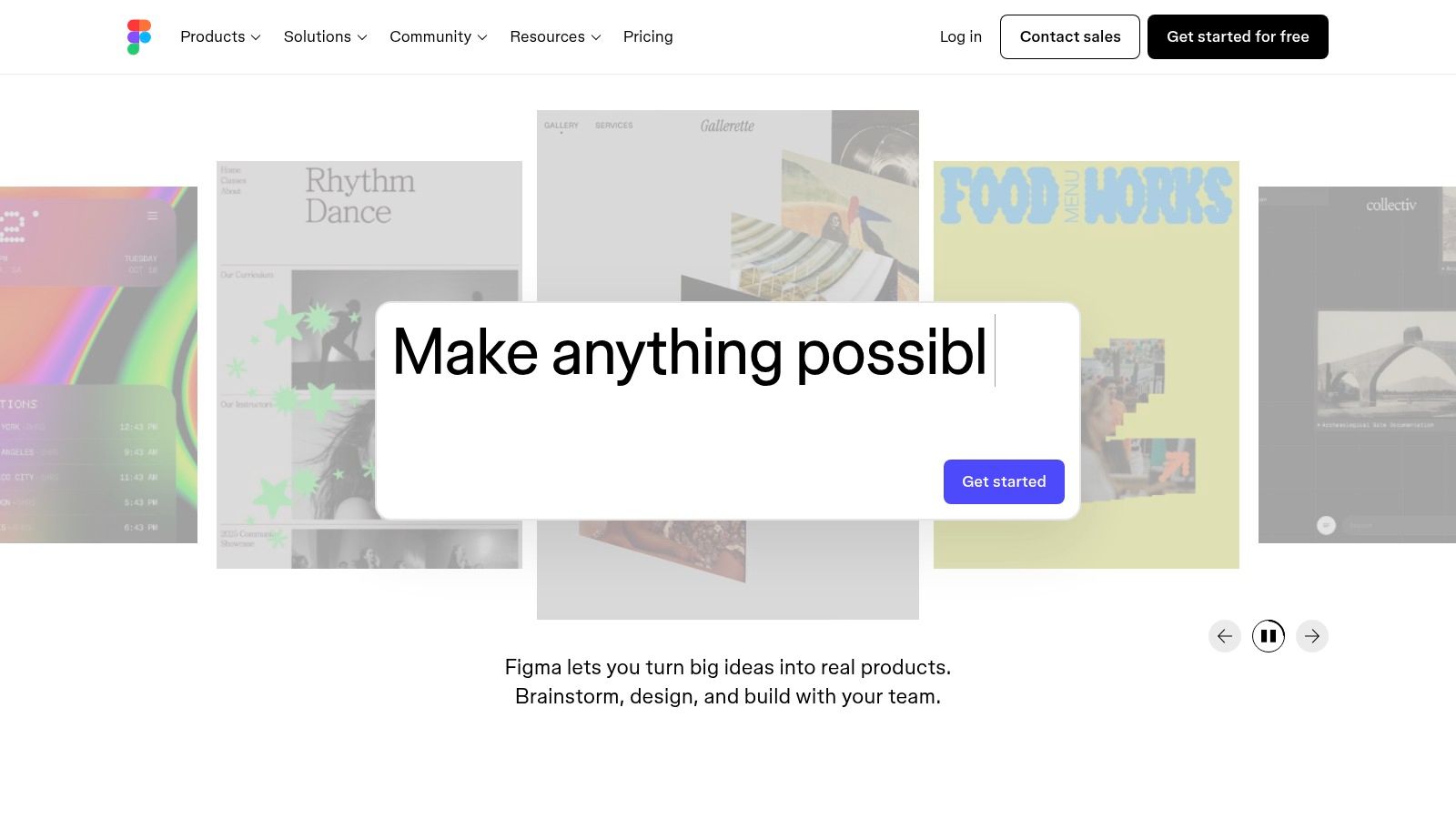
What sets Figma apart is its powerful combination of accessibility (it runs in a browser) and advanced features. Designers can leverage robust component libraries, variables for theming, and sophisticated auto layout to build scalable design systems. The platform excels at creating high-fidelity, interactive mobile prototypes that can be tested directly on devices using the Figma Mirror app, providing an authentic preview of the final user experience. Distinguishing between these stages is crucial; a deeper understanding of the difference between UX and UI clarifies why Figma's dual focus is so powerful.
Use Cases & Implementation
Best for: Real-time collaborative mobile UI design, high-fidelity prototyping, and creating scalable design systems.
Practical Recommendation: Organise your mobile projects using dedicated pages for wireframes, final UI, and prototype flows. Before committing to development, export key screens or flows and run them through a validation tool like Uxia to catch usability issues early. Leverage community files for official iOS and Android UI kits to kickstart your designs with platform-native components.
Analysis
Feature | Assessment |
|---|---|
Real-Time Collaboration | Excellent. Its core strength. Multiple stakeholders can comment, edit, and review in the same file, making it ideal for distributed teams. |
Mobile Prototyping | Very Good. Supports complex interactions and variables. The live preview on mobile devices via the Mirror app is essential for accurate usability checks. |
Developer Handoff | Excellent. Dev Mode provides clear specifications, assets, and code snippets (CSS, iOS, Android), bridging the gap between design and implementation. |
Plugin Ecosystem | Excellent. A vast library of plugins extends functionality, from accessibility checkers to content generators and integration with tools like Uxia. |
Website: https://www.figma.com
3. Sketch
Sketch was the pioneering platform that revolutionised the digital design landscape, and it remains a powerful, Mac-native choice among mobile UX design tools. Its strength lies in its focused, highly performant desktop application, which excels at handling large, complex mobile design files with remarkable speed and stability. While it began as a standalone app, Sketch has evolved to include a collaborative web workspace, allowing teams to view, comment, and inspect designs from any browser.
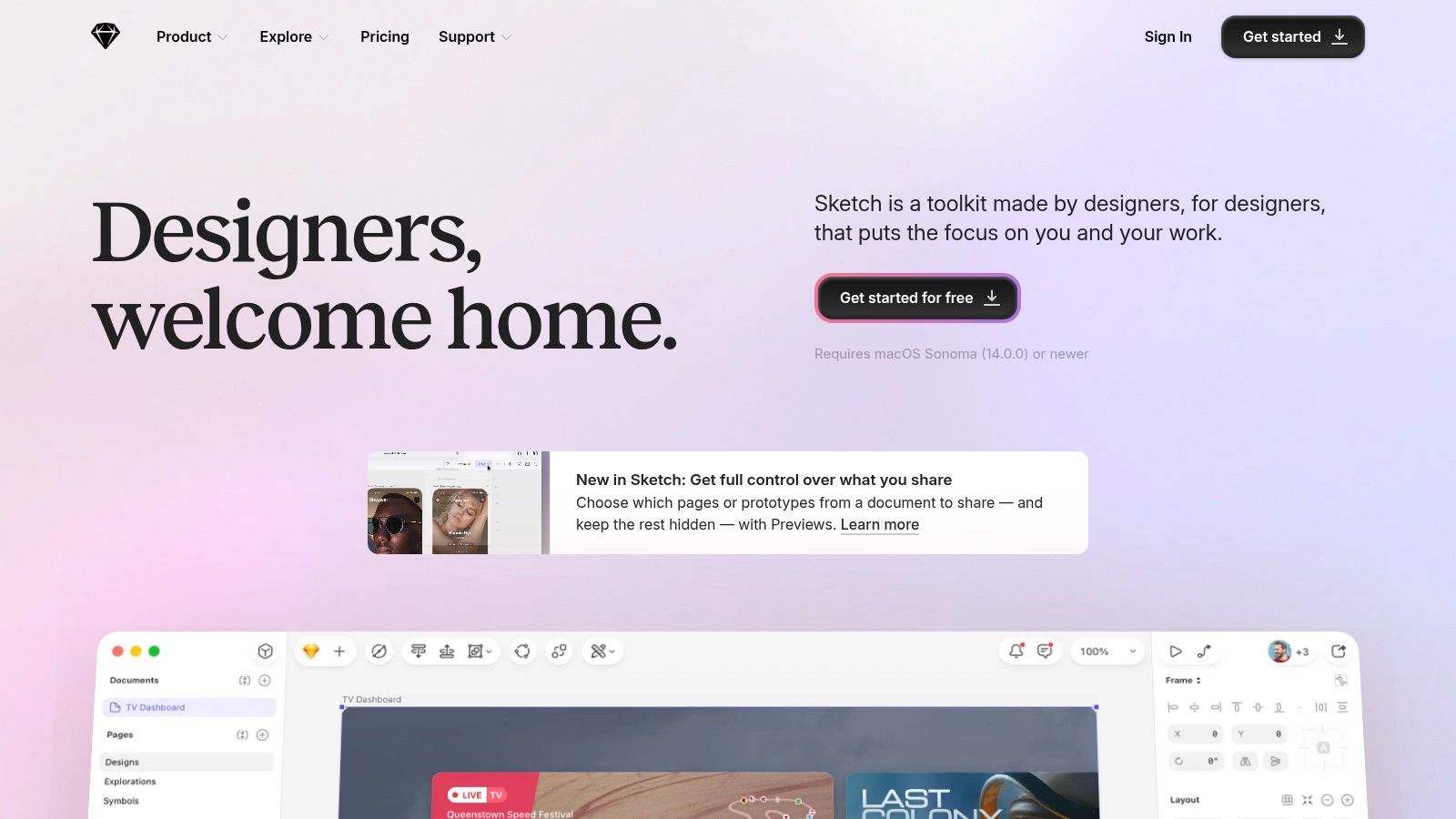
What distinguishes Sketch is its mature and intuitive macOS interface, which feels deeply integrated with the operating system. For teams primarily on Apple hardware, this provides a seamless and efficient workflow. Designers can build robust design systems using its powerful Symbols and Libraries, and the native iPhone/iPad mirroring app offers a precise, real-time preview of how designs will look and feel on target devices. This focus on native performance makes it an excellent tool for creating pixel-perfect mobile UIs.
Use Cases & Implementation
Best for: Mac-based design teams, building extensive mobile design systems, and projects requiring high performance with large files.
Practical Recommendation: Utilise the Sketch Mirror app on an iPhone or iPad throughout your design process for constant, real-time mobile previews. Connect your cloud documents to a user testing platform like Uxia to quickly generate testable prototypes and gather AI-driven feedback before handing off designs to development.
Analysis
Feature | Assessment |
|---|---|
Native Performance | Excellent. As a Mac-native app, it offers superior performance and responsiveness, especially when working with complex files containing many artboards and components. |
Mobile Prototyping | Good. Covers essential prototyping needs with linking and basic animations. The iOS Mirror app provides an accurate live preview, which is a major advantage. |
Developer Handoff | Very Good. The web-based inspector provides developers with all the necessary measurements, assets, and styles. Viewers and developers can access this for free. |
Collaboration | Good. Real-time collaboration is available in the Mac app, and the web app supports commenting and handoff, though the core design experience is Mac-only. |
Website: https://www.sketch.com
4. Framer
Framer has carved out a unique space by bridging the gap between design and production, positioning itself as a premier tool for creating high-fidelity, interactive mobile prototypes that can seamlessly transition into live websites. While other tools focus purely on design, Framer allows teams to design, build, and publish mobile-first experiences from a single platform, making it one of the most dynamic mobile UX design tools for rapid development cycles.
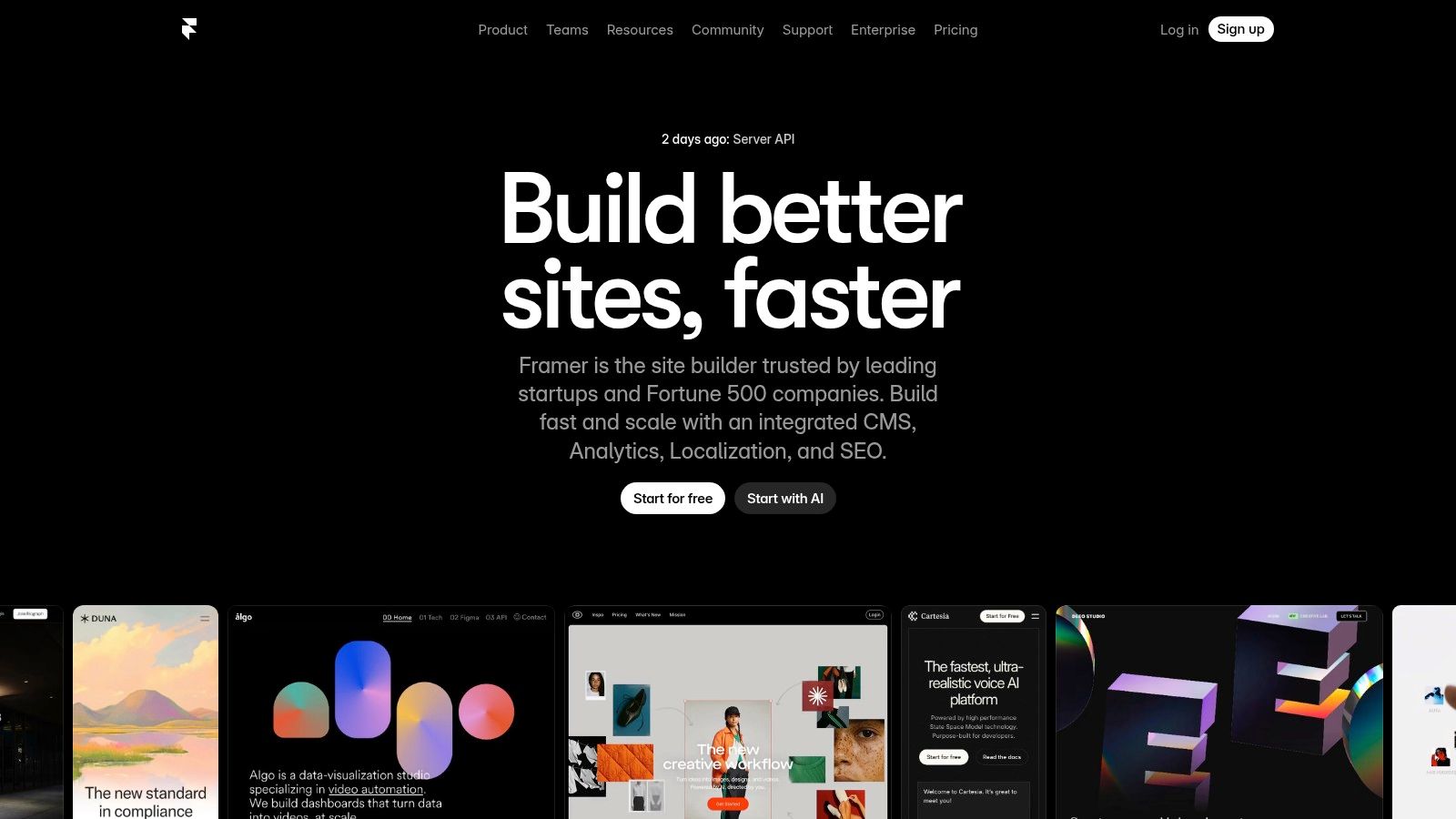
What truly distinguishes Framer is its ability to produce web-based prototypes with production-ready animations, interactions, and components. Its familiar canvas-based interface is intuitive for designers, yet it outputs clean, optimised code. This dual capability means that the interactive prototype you test isn't just a simulation; it's a functional foundation that can be published directly, complete with hosting, a CMS, and analytics, drastically shortening the path from concept to launch.
Use Cases & Implementation
Best for: Rapidly building and launching interactive mobile-first websites, marketing pages, and app-like web experiences.
Practical Recommendation: Use Framer's built-in animation and interaction tools to create fluid mobile prototypes that feel native. Before publishing, run a video of your interactive prototype through a usability testing tool like Uxia to gather AI-driven insights on navigation and engagement without needing to deploy to a live environment.
Analysis
Feature | Assessment |
|---|---|
Interactive Prototyping | Excellent. Unmatched for creating highly realistic, code-based mobile web prototypes with complex animations and transitions directly on the canvas. |
Design-to-Production Workflow | Excellent. The ability to design, build, and host from one platform is its core strength, eliminating the traditional handoff process for web projects. |
Collaboration | Very Good. Offers real-time collaboration features similar to Figma, allowing multiple team members to design and comment simultaneously. |
Performance & Hosting | Very Good. Built-in hosting and CDN ensure fast load times for published sites, a critical factor for mobile user experience, though costs can increase with high traffic. |
Website: https://www.framer.com
5. ProtoPie
ProtoPie bridges the gap between static designs and fully functional applications, positioning itself as one of the most powerful mobile UX design tools for creating ultra-realistic, high-fidelity prototypes. It excels where other tools stop, allowing designers to create complex conditional logic and integrate native device hardware like cameras, sensors, and haptic feedback without writing a single line of code. This makes it indispensable for testing micro-interactions and hardware-dependent user flows that feel truly native.
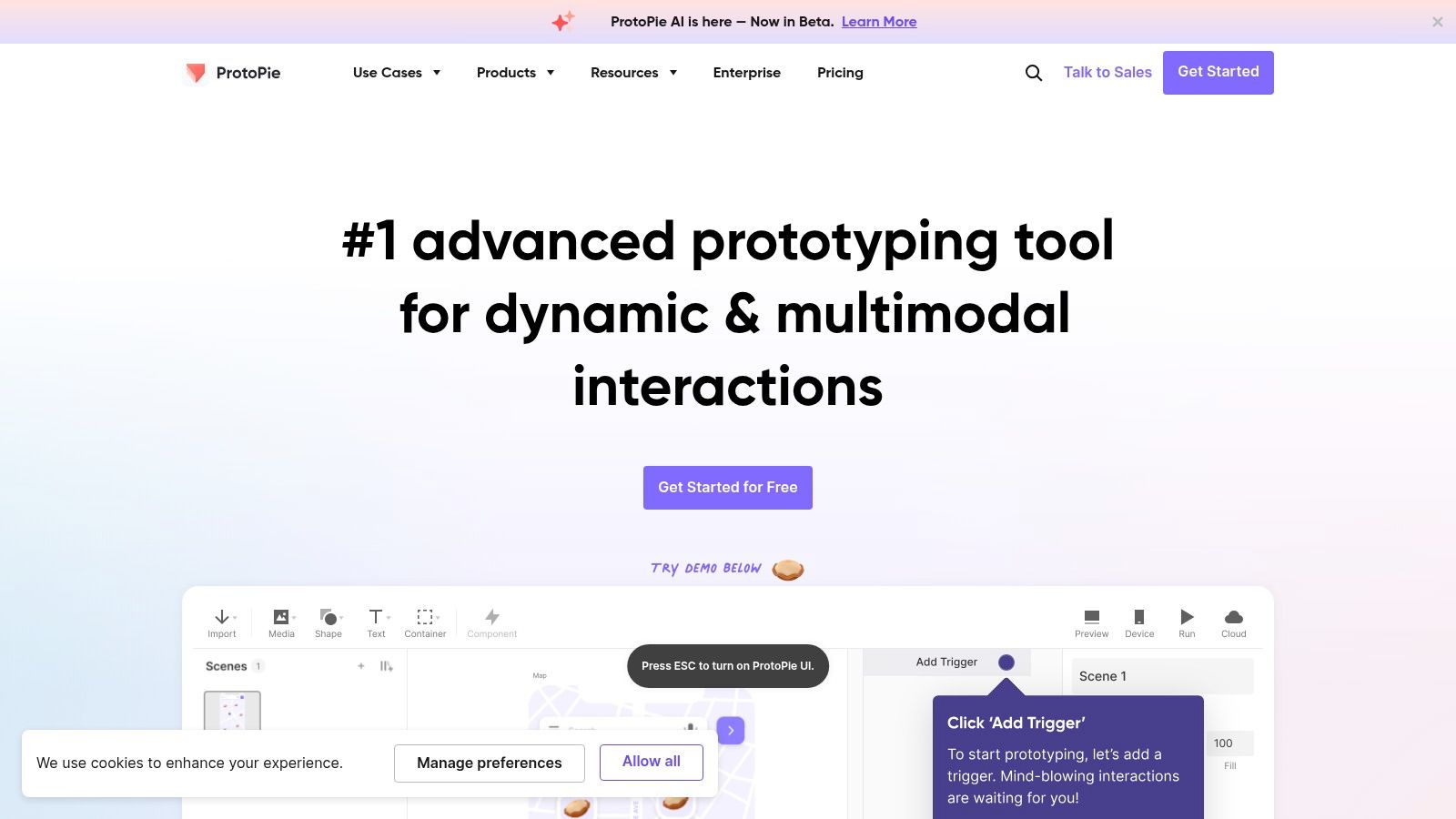
What truly sets ProtoPie apart is its conceptual model of objects, triggers, and responses, which enables designers to build sophisticated interactions that go far beyond simple screen-to-screen transitions. From multi-finger gestures to dynamic keyboard inputs and voice commands, the platform empowers teams to validate complex user experiences before development begins. These high-fidelity prototypes can then be used in user testing sessions, providing invaluable, context-rich feedback that a simple click-through model could never achieve.
Use Cases & Implementation
Best for: Validating complex micro-interactions, hardware-integrated features (e.g., camera use, haptics), and creating prototypes that feel like real native apps.
Practical Recommendation: Start by importing designs from Figma or Sketch. Focus on a single, critical user flow to prototype in high fidelity rather than trying to replicate the entire app. Use the ProtoPie Player app to test directly on target devices, record the flow, and upload it to Uxia to get rapid feedback on the interaction's intuitiveness.
Analysis
Feature | Assessment |
|---|---|
Realistic Mobile Interactions | Excellent. Unmatched in its ability to simulate native device capabilities like camera access, accelerometer, haptic feedback, and multi-touch gestures. |
Conditional Logic | Very Good. The trigger-and-response model is powerful for building complex logic, though it presents a steeper learning curve than basic prototyping tools. |
Developer Handoff | Good. Interaction recordings allow designers to share detailed specifications, but it's more focused on demonstrating behaviour than providing code snippets. |
Team Collaboration | Good. Team libraries and cloud sharing facilitate collaboration, but it lacks the real-time, browser-based nature of platforms like Figma. |
Website: https://www.protopie.io
6. Axure RP
For teams needing to build and validate complex mobile interactions without writing a single line of code, Axure RP stands out as one of the most powerful mobile UX design tools on the market. It excels where other tools fall short, allowing designers to create prototypes with sophisticated logic, conditional flows, and dynamic content that behave like real applications. This level of fidelity is invaluable for testing intricate user journeys before development begins.
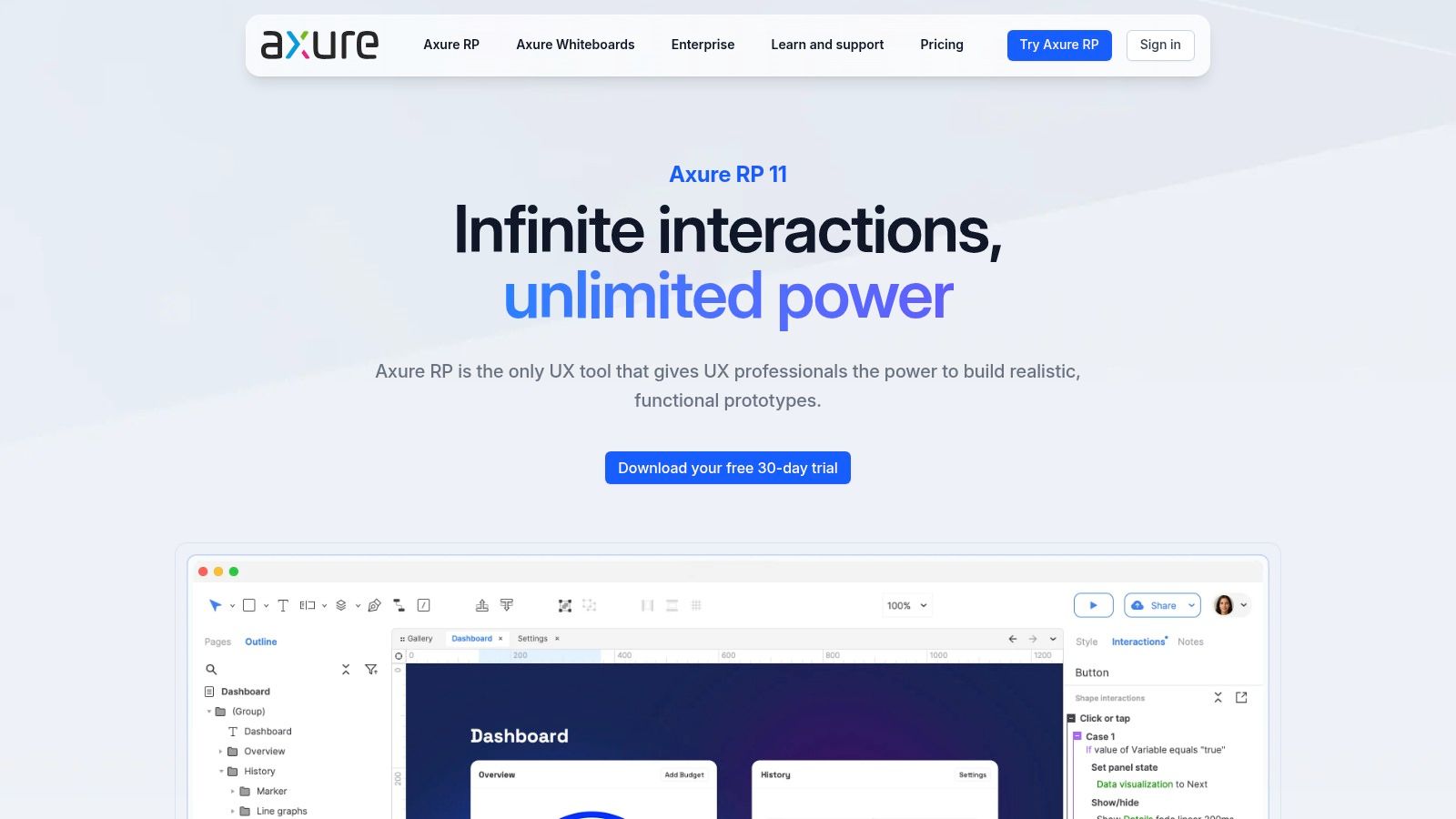
What truly differentiates Axure RP is its robust prototyping engine. While it requires a desktop application, its Axure Cloud platform facilitates seamless collaboration, hosting, and handoff. Designers can build everything from simple wireframes to data-driven prototypes that mimic back-end processes. This makes it ideal for enterprise environments and complex products where demonstrating functionality, not just static screens, is critical for stakeholder buy-in and usability testing.
Use Cases & Implementation
Best for: High-fidelity, logic-based mobile prototyping, complex app simulations, and enterprise-level project collaboration.
Practical Recommendation: Use Masters to create reusable mobile components like nav bars and modals across your project. For user testing, pair your high-fidelity Axure prototype with a platform like Uxia by recording the user flow. This allows you to gather AI-driven insights on complex user journeys and validate your interaction logic efficiently.
Analysis
Feature | Assessment |
|---|---|
Advanced Prototyping | Excellent. Unmatched in its ability to handle conditional logic, variables, and dynamic content without code. Essential for simulating complex mobile app functionality. |
Real-Time Collaboration | Good. Co-authoring is supported through Axure Cloud, though the primary design work happens in the desktop app. Revision history and commenting are robust. |
Developer Handoff | Very Good. Axure Cloud provides developers with comprehensive specifications, redlines, and CSS, along with an interactive prototype for context. |
Learning Curve | Moderate. More complex than simple UI tools due to its powerful features. New users should expect a steeper learning curve to master its full capabilities. |
Website: https://www.axure.com
7. Penpot
Penpot emerges as a powerful open-source alternative in the ecosystem of mobile UX design tools, championing a non-proprietary, web-based approach. Developed in Spain, it offers a collaborative vector design and prototyping environment that resonates with teams prioritising data control, customisation, and freedom from vendor lock-in. Its core functionality is built on open standards like SVG, ensuring that designs remain accessible and interoperable.
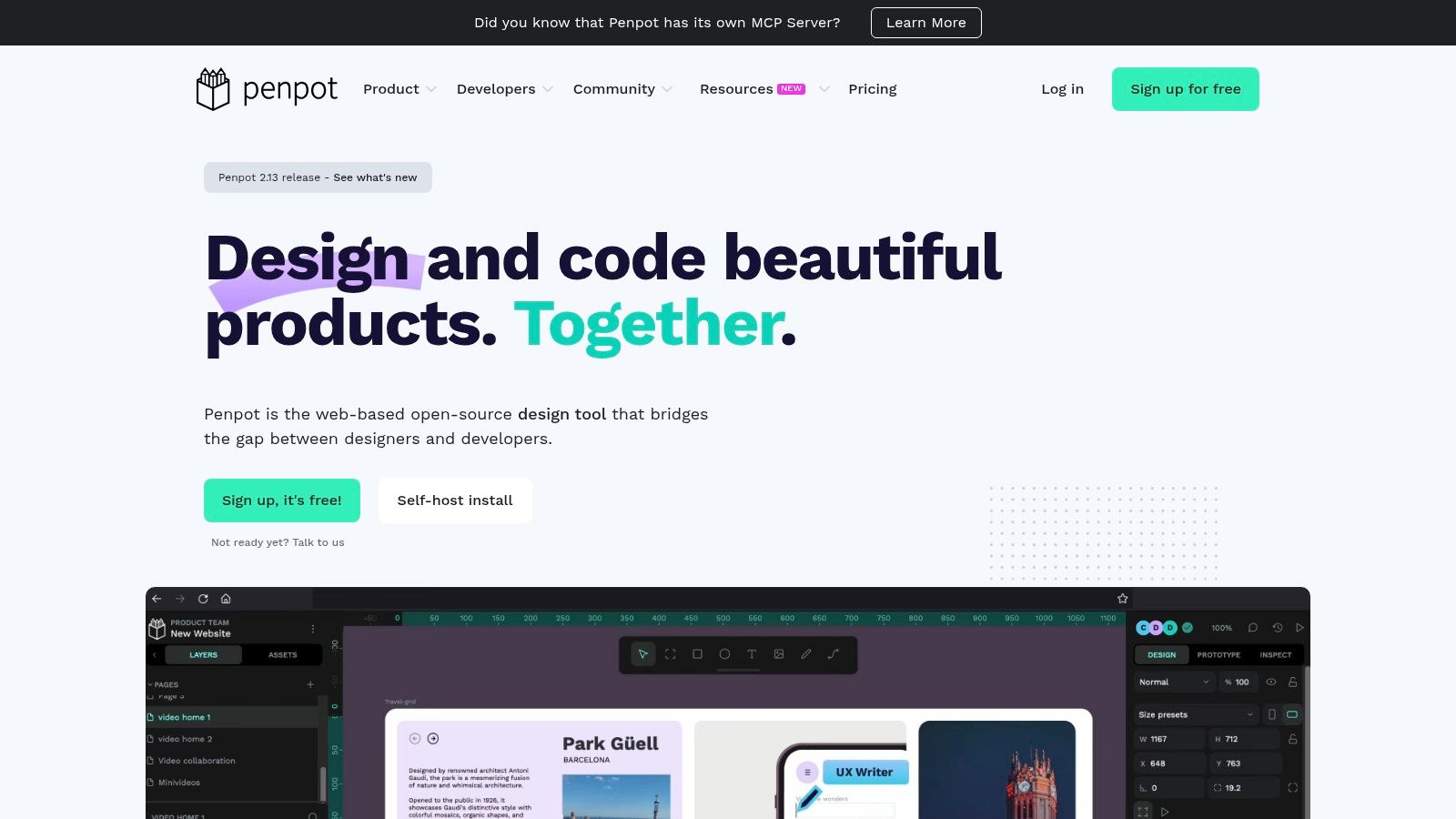
What makes Penpot stand out is its commitment to the open-source ethos. Teams can choose to use the SaaS version or self-host the platform, giving them complete control over their data and infrastructure, a critical consideration for organisations with strict data residency requirements (e.g., in the EU). Its feature set includes real-time collaboration, reusable components, and interactive prototyping, making it a viable and cost-effective solution for the entire mobile design lifecycle.
Use Cases & Implementation
Best for: Teams seeking an open-source, self-hostable design tool; organisations prioritising EU data control and avoiding proprietary formats.
Practical Recommendation: For self-hosted instances, ensure your server infrastructure is properly configured for optimal performance. Leverage its SVG-native format to create seamless integrations with other web-based development tools. Once designs are ready, export them for quick usability validation with AI platforms like Uxia.
Analysis
Feature | Assessment |
|---|---|
Real-Time Collaboration | Good. Provides the core functionalities for teams to work together on mobile designs, though it is still maturing compared to market leaders. |
Open Standards | Excellent. Being built on SVG, CSS, and HTML makes designs accessible and future-proof. It avoids the "walled garden" effect of proprietary file formats. |
Prototyping | Good. Supports standard interactions and flows needed for mobile app mock-ups. The toolset is robust enough for most usability testing scenarios. |
Flexibility & Cost | Excellent. The self-hosting option eliminates per-user licence fees, offering significant savings. It provides unparalleled freedom and no vendor lock-in. |
Website: https://penpot.app
8. Zeplin
Zeplin specialises in bridging the critical gap between design and development, functioning as a dedicated workspace for developer handoff. While primary design tools handle the creation phase, Zeplin organises finalised mobile screens into a structured, actionable format for engineering teams. It translates designs from Figma, Sketch, or Adobe XD into technical specifications, assets, and code snippets, ensuring the final mobile app matches the design intent precisely.
What makes Zeplin one of the most effective mobile UX design tools for development teams is its focus on clarity and organisation. It provides a central source of truth where developers can inspect layouts, grab assets in platform-specific formats (like vector drawables for Android), and access organised style guides for colours and typography. Its Flow boards also help communicate user journeys and screen sequences, giving developers the full context behind the UI components they are building.
Use Cases & Implementation
Best for: Streamlining the design-to-developer handoff process for mobile app projects and maintaining a clear design system for engineering teams.
Practical Recommendation: Connect your Figma components directly to Zeplin to build a synchronised style guide. Use the Flow feature to map out entire user journeys, ensuring developers understand navigational context. Before handoff, run a final validation on the design in Uxia to catch any last-minute usability flaws.
Analysis
Feature | Assessment |
|---|---|
Developer Handoff | Excellent. Its core purpose. Generates tailored specs, assets, and code snippets for iOS and Android, drastically reducing ambiguity and manual spec work. |
Design System Management | Very Good. Provides a centralised, developer-friendly hub for colours, text styles, and components, ensuring consistent implementation across the mobile application. |
Version Control | Good. Tracks screen versions and provides a clear commit history, helping teams manage updates and understand design changes over time. |
Integration | Excellent. Seamlessly integrates with Figma, Sketch, and Adobe XD, as well as developer tools like Jira, Storybook, and VS Code to fit into existing workflows. |
Website: https://zeplin.io
9. Maze
Maze is a rapid, remote user research platform that transforms static designs into actionable insights, making it a critical part of the mobile UX design tools ecosystem. It integrates directly with prototyping tools like Figma, allowing designers to conduct unmoderated tests on mobile prototypes, surveys, and card sorts with real users. The platform automates the analysis process, delivering clear, quantitative reports that help teams validate ideas and iterate faster.
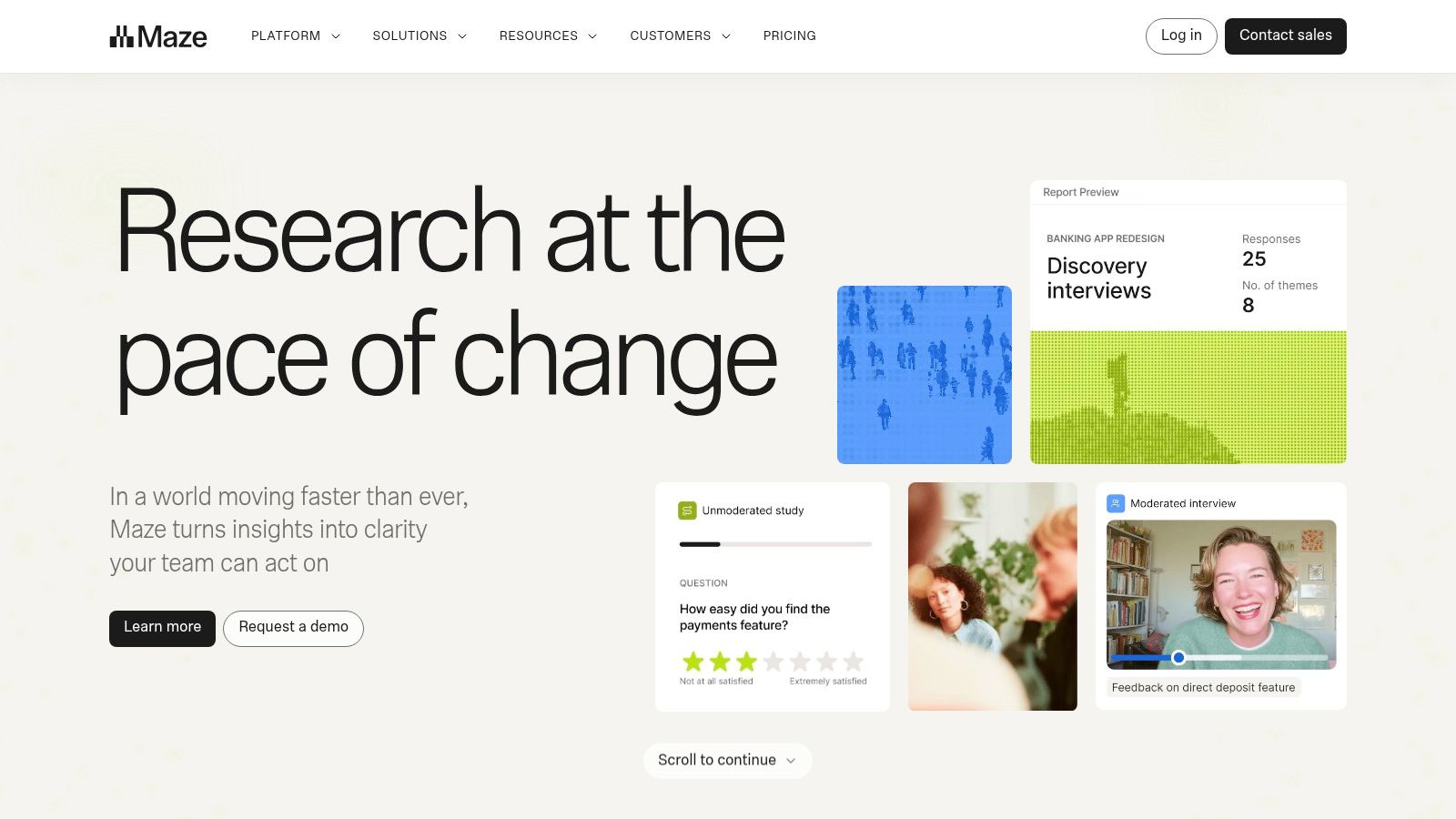
What makes Maze powerful for mobile UX is its ability to provide quick validation from a large user base without the logistical overhead of traditional lab studies. Teams can recruit participants from Maze's Panel or bring their own audience to test specific mobile flows and interactions. This streamlined approach to data collection complements other tools, offering a clear understanding of various UX testing methodologies and their applications in the design cycle.
Use Cases & Implementation
Best for: Rapid, unmoderated usability testing of mobile prototypes, validating information architecture, and gathering quantitative user feedback early and often.
Practical Recommendation: Use Maze for A/B testing different mobile navigation flows or screen layouts. Import two prototype versions and direct users to specific tasks to see which design performs better. For even faster pre-validation, platforms like Uxia can test multiple design variations with AI before you even launch a human-based test in Maze.
Analysis
Feature | Assessment |
|---|---|
Prototype Testing | Excellent. Seamless integrations with Figma, Adobe XD, and Sketch make it easy to import and test mobile prototypes without any redevelopment. |
Automated Reporting | Very Good. Generates beautiful, shareable reports with heatmaps, success rates, and user paths. The AI features help to summarise qualitative data. |
Participant Sourcing | Good. The built-in Panel allows for quick recruitment based on demographic criteria, though for very niche audiences, you may still need to bring your own. |
Qualitative Insights | Good. Features like moderated interviews and AI-assisted analysis are powerful, though deep qualitative analysis may still benefit from tools like Uxia. |
Website: https://maze.co
10. Envato Elements
While not a design application itself, Envato Elements is an indispensable resource library that functions as one of the most practical mobile UX design tools for teams needing to accelerate their workflow. It provides an extensive subscription-based marketplace for unlimited downloads of high-quality digital assets. For mobile UX and UI designers, this means instant access to millions of UI kits, icon sets, illustrations, fonts, and device mockups.
The primary value of Envato Elements is its cost-effectiveness and efficiency. Instead of purchasing assets individually, a single subscription grants access to a vast repository, allowing designers to quickly find and implement professionally crafted components. This is especially useful for rapid prototyping, creating compelling presentations, or when a project requires a specific visual style on a tight deadline. The simple commercial licence removes many of the headaches associated with asset usage across multiple client projects.
Use Cases & Implementation
Best for: Rapidly sourcing mobile UI kits, icons, and mockups to accelerate the design and prototyping phases.
Practical Recommendation: Create dedicated libraries or collections within your Envato Elements account for different projects. Use the downloaded UI kits to quickly build a prototype, and then run it through a validation platform like Uxia to ensure the pre-built components create an intuitive user flow for your specific use case.
Analysis
Feature | Assessment |
|---|---|
Asset Variety | Excellent. The library is vast, covering everything from complete iOS/Android UI kits to niche icon sets and high-resolution device mockups. |
Licensing | Very Good. A simple, broad commercial licence covers most use cases, making it ideal for agency and freelance work without complex legal hurdles. |
Cost-Effectiveness | Excellent. For teams that frequently need digital assets, the unlimited download model provides exceptional value compared to per-asset purchasing. |
Quality Control | Good. While the overall quality is high, it can vary between individual creators. Some curation is required to find the best assets for your specific needs. |
Website: https://elements.envato.com
11. UI8
UI8 serves as a curated digital marketplace specifically for designers, offering a vast library of UX/UI assets that accelerate the design process. It stands out as one of the essential mobile UX design tools for teams needing to rapidly prototype or build upon existing frameworks, providing high-quality UI kits, design systems, icons, and mockups compatible with platforms like Figma and Sketch. This resource is invaluable for kickstarting projects without starting from a blank canvas.
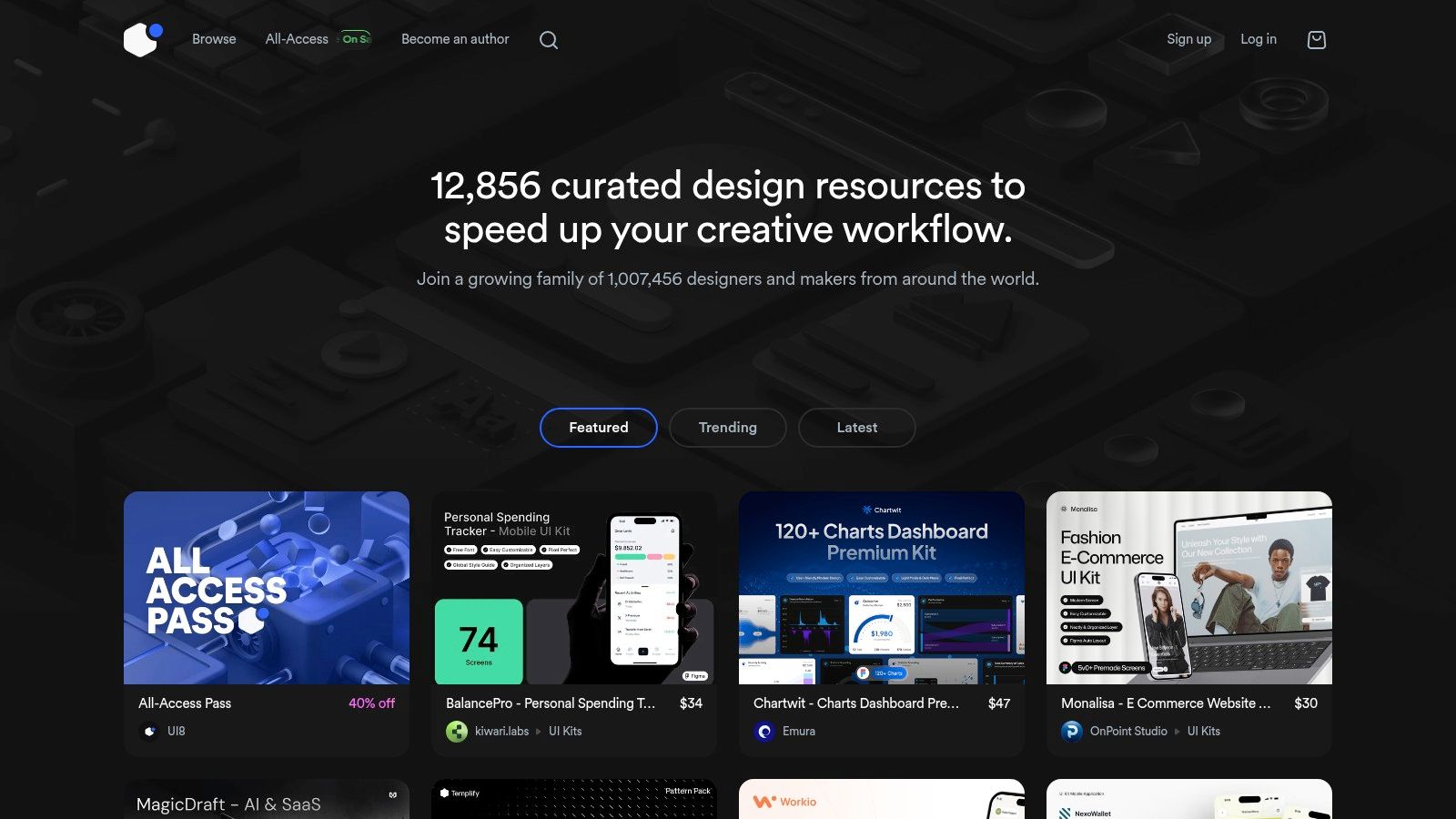
What makes UI8 particularly useful is its focus on assets that adhere to native mobile guidelines, such as iOS Human Interface Guidelines and Google's Material Design. This alignment saves countless hours of work. Beyond sourcing from marketplaces, innovative designers are also leveraging AI tools for generating digital product images to create unique visual assets for their projects, complementing kits from platforms like UI8.
Use Cases & Implementation
Best for: Teams needing to quickly build mobile app prototypes or MVPs using pre-built, professional UI kits and design systems.
Practical Recommendation: Before purchasing, carefully review the kit’s included components, last update date, and compatibility. Use these kits as a foundation, customising them to fit your brand and then testing the modified flows with a tool like Uxia to validate the usability of the customized experience.
Analysis
Feature | Assessment |
|---|---|
Asset Quality & Variety | Good. A wide selection of modern, high-quality mobile UI kits from various creators. However, quality can be inconsistent, so vetting each product is key. |
Native Platform Kits | Excellent. Strong focus on iOS and Android kits saves significant time in creating platform-compliant designs from scratch. |
Pricing Model | Fair. Mostly a la carte purchases, which offers flexibility but can become costly for teams needing multiple assets. Subscription plans offer better value. |
Ease of Use | Excellent. The marketplace is easy to navigate, and assets are generally well-organised and simple to integrate into Figma or Sketch workflows. |
Website: https://ui8.net
12. Material Design (Material 3)
Material Design, specifically its latest iteration Material 3, is Google's comprehensive design system and an indispensable resource for any team creating native Android applications. It's less a standalone tool and more of a foundational guide, providing detailed documentation, principles, and ready-to-use components. Utilising Material 3 ensures that an app feels intuitive and cohesive within the Android ecosystem, making it one of the most fundamental mobile UX design tools for platform-specific work.
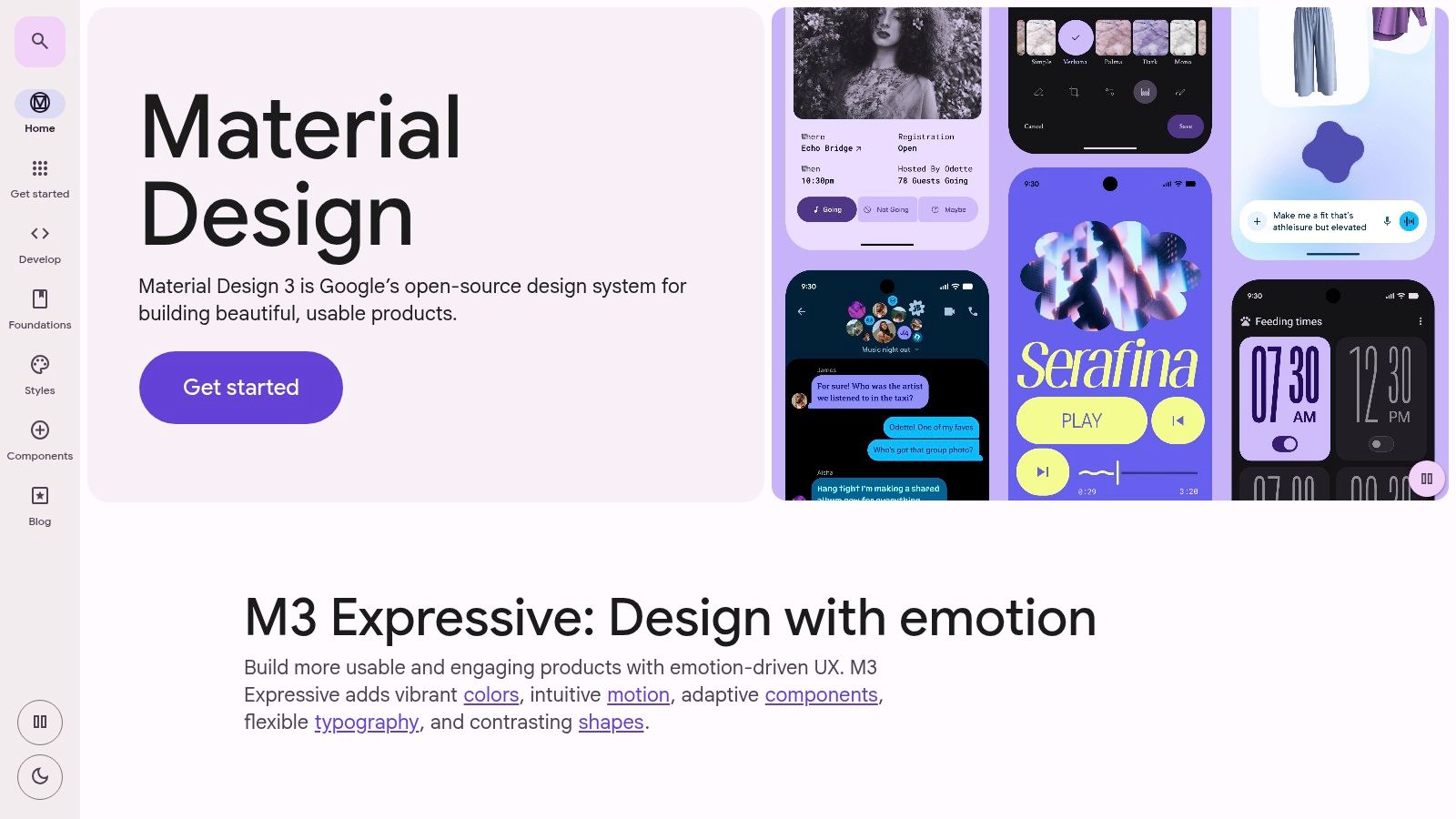
What makes Material.io so powerful is its official Figma UI kit and Theme Builder. These free resources allow designers to quickly implement Material's dynamic colour features, components, and variables directly into their projects, drastically accelerating the design process. This system provides a clear, canonical source for Android UI patterns, reducing ambiguity and ensuring that the final product aligns with user expectations for the platform. Following these guidelines is a key part of mastering user-centred design for mobile, as it leverages established mental models.
Use Cases & Implementation
Best for: Designing native Android and Wear OS apps, ensuring platform consistency, and rapidly building UIs with an established system.
Practical Recommendation: Use the official Material 3 Design Kit in Figma as the base for your project. Customise the theme using the Material Theme Builder to generate a unique colour palette that still adheres to the system's accessibility rules. Test your custom theme with Uxia's vision simulation filters to ensure legibility for all users.
Analysis
Feature | Assessment |
|---|---|
Official Figma Kit | Excellent. The free, official kit is meticulously maintained and includes a full suite of components, styles, and variables for immediate use. |
Component Documentation | Excellent. Offers exhaustive guidance on component usage, accessibility, interaction patterns, and implementation specifications for developers. |
Platform Consistency | Excellent. The primary reason to use it. Adhering to Material 3 ensures your app will look and feel at home on modern Android devices. |
Cross-Platform Utility | Limited. While its principles are valuable, the components and patterns are explicitly for the Android ecosystem; iOS teams should use Apple's HIG. |
Website: https://material.io
Mobile UX Design: 12-Tool Comparison
Product | ✨ Core features | ★ UX / Quality | 💰 Price & Value | 👥 Target audience | 🏆 USP / Notes |
|---|---|---|---|---|---|
Uxia 🏆 | AI synthetic testers, think‑aloud transcripts, heatmaps, WCAG checks | ★★★★★ Fast, consistent, automated insights | Free trial · Starter $83/mo · credits model | 👥 PMs, designers, UX researchers, enterprise teams | Instant, scalable usability validation; removes recruiting overhead |
Figma | Web editor, prototyping, Dev Mode, plugins | ★★★★☆ Real‑time collaboration, polished UX | Seat-based tiers; fine‑grained roles 💰 | 👥 Cross‑functional design & dev teams | Strong collaboration + large ecosystem |
Sketch | Native Mac app, cloud docs, iOS mirroring | ★★★★☆ High performance on macOS | Per‑editor pricing; perpetual option 💰 | 👥 macOS-centric designers, design systems | Mac optimization, performant large files |
Framer | Interactive mobile prototypes, hosting, analytics | ★★★★☆ Fast interactive prototypes | Site‑oriented plans; hosting add‑ons 💰 | 👥 Teams building production sites & prototypes | Prototyping → hosting pipeline with analytics |
ProtoPie | Sensor/haptics, camera, realistic device interactions | ★★★★☆ Best for native interaction realism | Tiered plans; add‑ons (Connect Core) 💰 | 👥 Mobile teams needing hardware sims | High‑fidelity native device simulation |
Axure RP | Advanced logic, conditions, dynamic content | ★★★★☆ Powerful for complex flows | License/subscription; enterprise options 💰 | 👥 Product teams needing advanced prototyping | No‑code logic for intricate scenarios |
Penpot | Open‑source vector editor, design tokens, self‑host | ★★★☆☆ Varies by browser; collaborative | Free self‑host or SaaS tiers 💰 | 👥 Open‑source advocates, EU data‑sensitive teams | Self‑hostable, no vendor lock‑in |
Zeplin | Developer handoff, specs, assets, permissions | ★★★★☆ Streamlines design→dev handoff | Flexible billing (per‑project/seat) 💰 | 👥 Dev teams, agencies, clients | Structured handoff & asset management |
Maze | Prototype testing, AI analysis, recruitment | ★★★★☆ Fast automated reports & tests | Subscription; recruitment options 💰 | 👥 UX researchers, PMs validating flows | Quick unmoderated testing with AI insights |
Envato Elements | Unlimited UI kits, icons, mockups, fonts | ★★★★☆ Huge asset variety; quality varies | Subscription — unlimited downloads 💰 | 👥 Agencies, freelancers needing assets | Cost‑effective unlimited asset library |
UI8 | Curated mobile UI kits & design systems | ★★★☆☆ Curated assets; quality varies | A‑la‑carte purchases 💰 | 👥 Designers needing ready mobile kits | Curated, mobile‑focused UI kits |
Material Design (M3) | Official Figma kits, components, spec docs | ★★★★☆ Canonical Android guidance | Free resources 💰 | 👥 Android teams, mobile designers | Official Google Android design system |
Final Thoughts
Navigating the expansive landscape of mobile UX design tools can feel overwhelming, but building the right technology stack is a cornerstone of creating exceptional, user-centric mobile applications. Throughout this guide, we've explored a curated selection of platforms, from all-in-one design powerhouses like Figma and Sketch to specialised power tools for advanced prototyping like ProtoPie and comprehensive user testing platforms like Maze. The key takeaway is that there is no single "best" tool; instead, there is a "best fit" for your specific project, team size, budget, and workflow maturity.
The modern mobile UX design process is no longer a linear progression. It’s an interconnected ecosystem where design, prototyping, testing, and developer handoff seamlessly blend. A well-chosen set of tools facilitates this integration, breaking down silos and fostering a more collaborative and efficient environment. Your goal should be to assemble a toolkit that empowers creativity while embedding user feedback at every critical juncture.
Selecting Your Ideal Mobile UX Design Toolkit
Choosing the right combination of mobile UX design tools requires a strategic approach. Before committing to a subscription, your team should carefully evaluate several key factors to ensure the tools align with your operational needs and project goals.
Consider these pivotal questions:
What is our primary design function? Are you focused on rapid wireframing and UI design (Figma, Sketch), or do you need to create complex, high-fidelity prototypes with intricate micro-interactions and conditional logic (ProtoPie, Axure RP)? Your core requirements will immediately narrow the field.
How crucial is collaboration? For distributed teams or those requiring real-time input from stakeholders, a cloud-based platform like Figma or Penpot is non-negotiable. For solo designers or teams with established, asynchronous workflows, desktop-based applications might suffice.
What is our testing methodology? Your approach to user feedback is a critical differentiator. If you rely on traditional, moderated user studies, a tool like Maze is invaluable. However, if you need to gather quantitative data and insights at scale and speed, integrating an AI-powered synthetic testing platform like Uxia into your workflow can provide rapid, actionable feedback long before you engage human testers.
What is our technical and budgetary scope? Evaluate the learning curve against your team's existing skills. Furthermore, consider the total cost of ownership. While open-source options like Penpot offer a compelling free entry point, the robust feature sets and integrations of premium tools often justify the investment through increased efficiency and better outcomes.
The Future is Integrated and AI-Powered
The most effective mobile UX design workflows are those that create a virtuous cycle of design, testing, and iteration. Your design tool (e.g., Figma) should connect seamlessly with your prototyping tool (e.g., ProtoPie), which in turn should integrate with your testing platform (e.g., Uxia or Maze) and your developer handoff solution (e.g., Zeplin). This integration minimises friction and ensures that insights from one stage directly inform the next.
Ultimately, the mobile UX design tools you choose are more than just software; they are catalysts for creativity and the foundation upon which you build intuitive, engaging, and successful mobile experiences. By thoughtfully assessing your needs and understanding the unique strengths of each platform, you can construct a powerful, customised toolkit that not only streamlines your design process but also elevates the quality of your final product, ensuring it truly resonates with your users.
Ready to validate your mobile designs with the speed and accuracy of AI? Integrate Uxia into your workflow to get actionable user insights in minutes, not weeks. Test your Figma prototypes and identify usability issues before they reach development by visiting Uxia to start your first analysis.