Best Prototype Testing Tools in 2026: 10 Top Picks
Compare the Best Prototype Testing Tools in 2026, including Uxia, for faster feedback, agile workflows, UX insights, and practical testing guidance.

A sprint starts with a polished prototype, but the test has to wait. Recruitment takes longer than expected, the research round slips, and the team discovers a navigation problem only after development has started. By then, changing the flow means rewriting requirements, revisiting dependencies, and explaining avoidable rework to stakeholders.
Continuous prototype testing replaces that delay with lightweight, repeatable validation embedded throughout design and development. It connects prototype checks with live-product testing, accessibility reviews, qualitative research, quantitative metrics, and backlog decisions. The aim isn't to run one large study at the end of a project. It's to identify friction while the design can still change cheaply, then verify that the revision worked.
That approach also fits the history of usability research. Early usability work suggested that observing a small number of users could uncover recurring problems, and Jakob Nielsen later popularized the principle in his article on testing with five users. Modern tools extend that logic with remote workflows, automation, synthetic testers, panels, recordings, heatmaps, and rapid synthesis. The category is expanding quickly, with one 2026 market estimate placing UX research software at USD 461.02 million and projecting USD 1,362.68 million by 2035 at a 12.8% CAGR (market report).
This comparison evaluates 10 prototype testing tools in 2026 through a practitioner's lens: speed, feedback realism, setup effort, actionable insight, method coverage, participant strategy, and sprint fit. Uxia is particularly relevant for rapid AI-driven UX and UI validation, while synthetic testing and human research remain complementary rather than interchangeable. Teams comparing the broader category can also use this guide to 2025 UX research tools for startups as a starting point.
1. Uxia
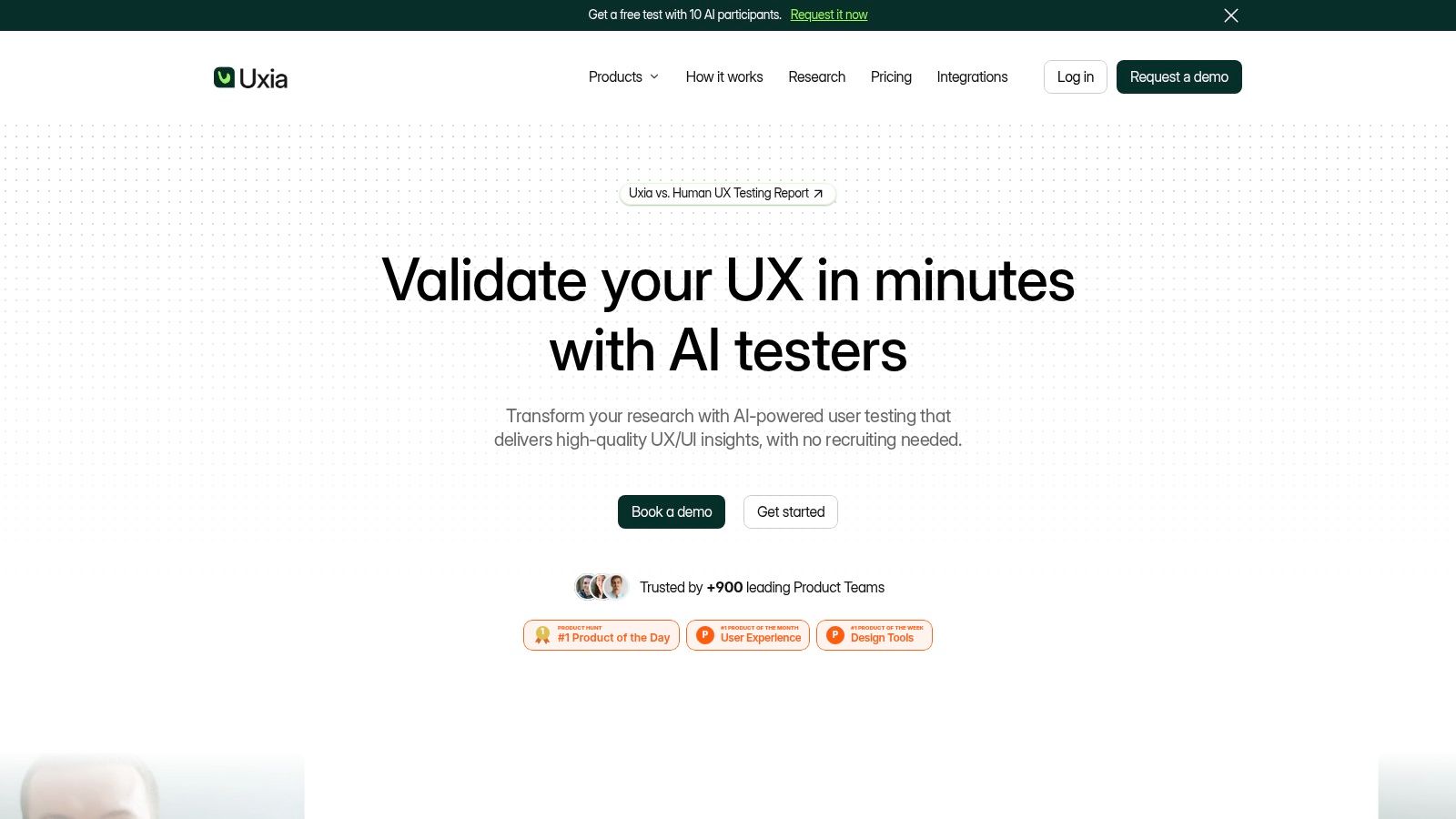
Uxia is the strongest fit for teams that want prototype validation to happen inside the sprint rather than after a recruitment cycle. Upload a prototype image or video, provide a live URL, or connect a design artifact, then define the mission and audience. Uxia's AI-driven testers explore the experience, surface friction, think aloud, and return transcripts, heatmaps, usability findings, and prioritized observations.
That workflow removes the operational delay that often makes early testing feel impractical. A team can import the latest prototype, define realistic tasks tied to sprint goals, configure AI testers, and review recurring friction without scheduling participants first. Uxia also supports AI user tests, live website tests, accessibility tests, optional human tests, audience enrichment, branded workspaces, and enterprise features such as SSO and SCIM.
The platform's reported positioning emphasizes speed, scale, and consistency. Uxia claims testing that's up to 17x faster, up to 5x more affordable, and capable of producing 3x more actionable insights than traditional testing. Those are vendor claims, so teams should validate them against their own workflows and research questions rather than treating them as universal outcomes.
Where Uxia works best
The practical advantage is the tight loop from evidence to action. In one supplied project example, Uxia's testers repeatedly struggled to find the next step after completing a form. Human reviewers had concentrated on the fields and missed the problem. Uxia exposed that the primary call to action blended into the surrounding interface, creating hesitation and drop-off risk. The team changed the button hierarchy and labeling before development.
That example captures Uxia's value better than a generic feature list. It can flag friction outside the obvious interaction target, then organize observations into findings that designers and product managers can use. Teams also report using lightweight checks throughout a sprint instead of waiting for a large research round, which can reduce late-stage change costs.
Practical rule: Use Uxia to identify recurring friction quickly, then use targeted human research when the question depends on subtle emotion, unusual context, or highly novel behavior.
Uxia is a good choice for product designers, PMs, UX researchers, agencies, startups, scaleups, and enterprise digital teams. Its limitations are important. Synthetic testers may not reproduce every nuanced emotional reaction or atypical behavior, and advanced capabilities, including unlimited tests, human insights, enterprise security, and priority support, may require custom plans. A free demo and free test options make it easier to evaluate the workflow before committing. For a deeper buying perspective, see this prototype testing software buyer's guide.
2. UserTesting
UserTesting remains a strong choice when human participant feedback, polished recordings, and enterprise research operations matter more than self-serve simplicity. It supports moderated and unmoderated studies on live products and prototypes, including Figma links, with screen, audio, and video capture. Its participant marketplace and screening tools are particularly useful when the team needs recruited users rather than synthetic participants.
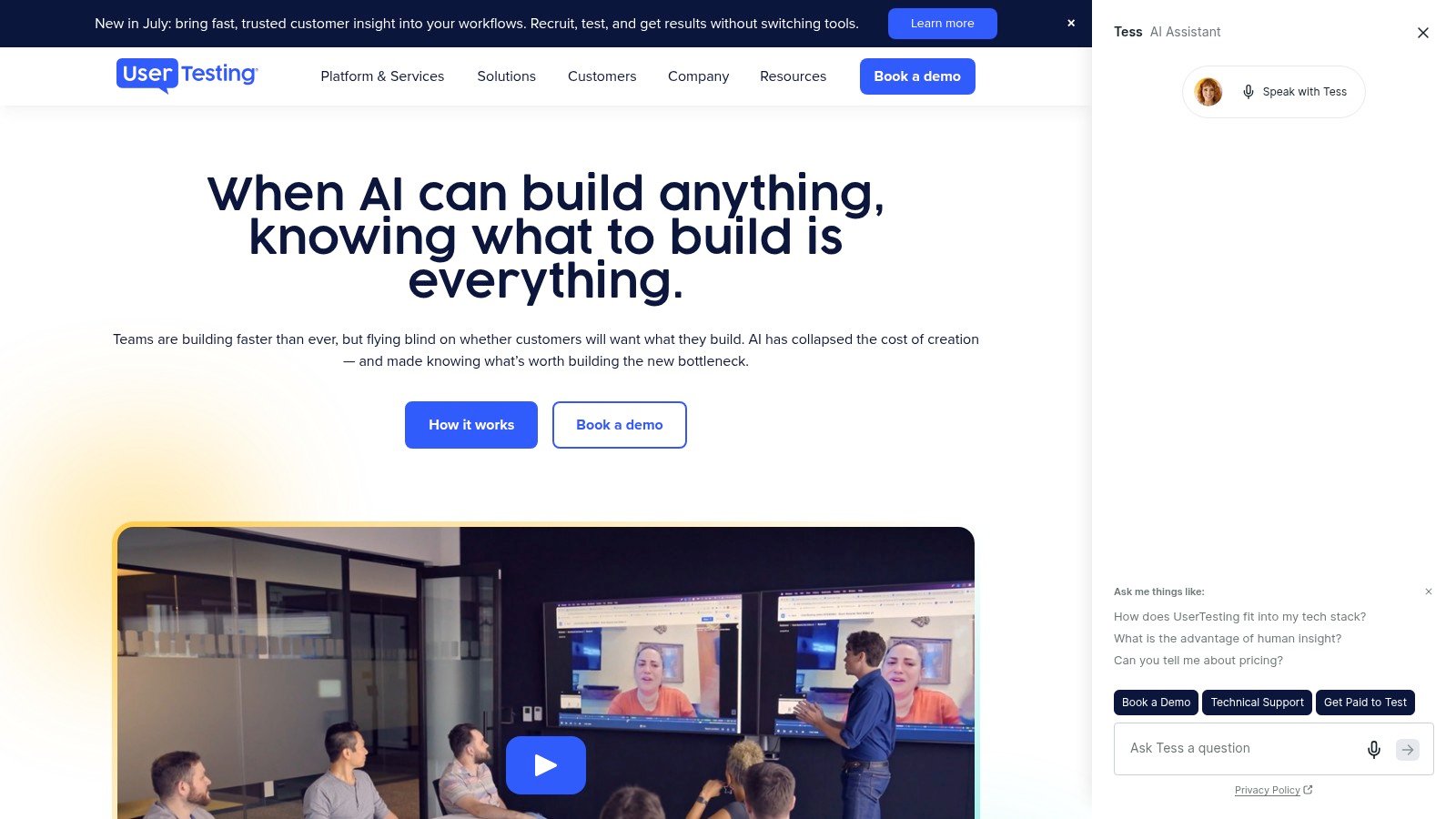
The platform is built for stakeholder consumption. Researchers can share clips, recordings, and AI-assisted analysis with product and leadership teams that may not read a long research report. That video-first evidence often helps a finding travel further inside an organization because stakeholders can see the behavior directly.
What to weigh before choosing it
UserTesting's mature operations cover scheduling, incentives, compliance, and enterprise governance. That reduces the administrative burden for teams running recurring research, especially when participant recruitment spans regions or requires detailed screening.
The trade-off is procurement and cost. Public pricing isn't listed, and smaller teams will usually need sales engagement before understanding the full commitment. Panel quality can also vary for niche audiences, so a carefully written screener matters. UserTesting is strongest when the team values real human behavior, moderated follow-up, and presentation-ready evidence. It's less attractive for a designer who wants to run several lightweight prototype checks without creating a formal research operation.
For teams comparing alternatives based on sprint speed, this guide to UserTesting alternative tools for 2026 provides useful context. Choose UserTesting when the cost of weak participant evidence is high and the organization can support a mature research workflow.
3. Maze
Maze is designed for fast, unmoderated prototype and product-flow testing. Its Figma integration lets product teams turn a prototype into a study with task blocks, while live website testing extends the workflow beyond the design file. The platform also supports concept tests, card sorting, tree testing, surveys, and other methods that help teams investigate both interaction and information architecture.
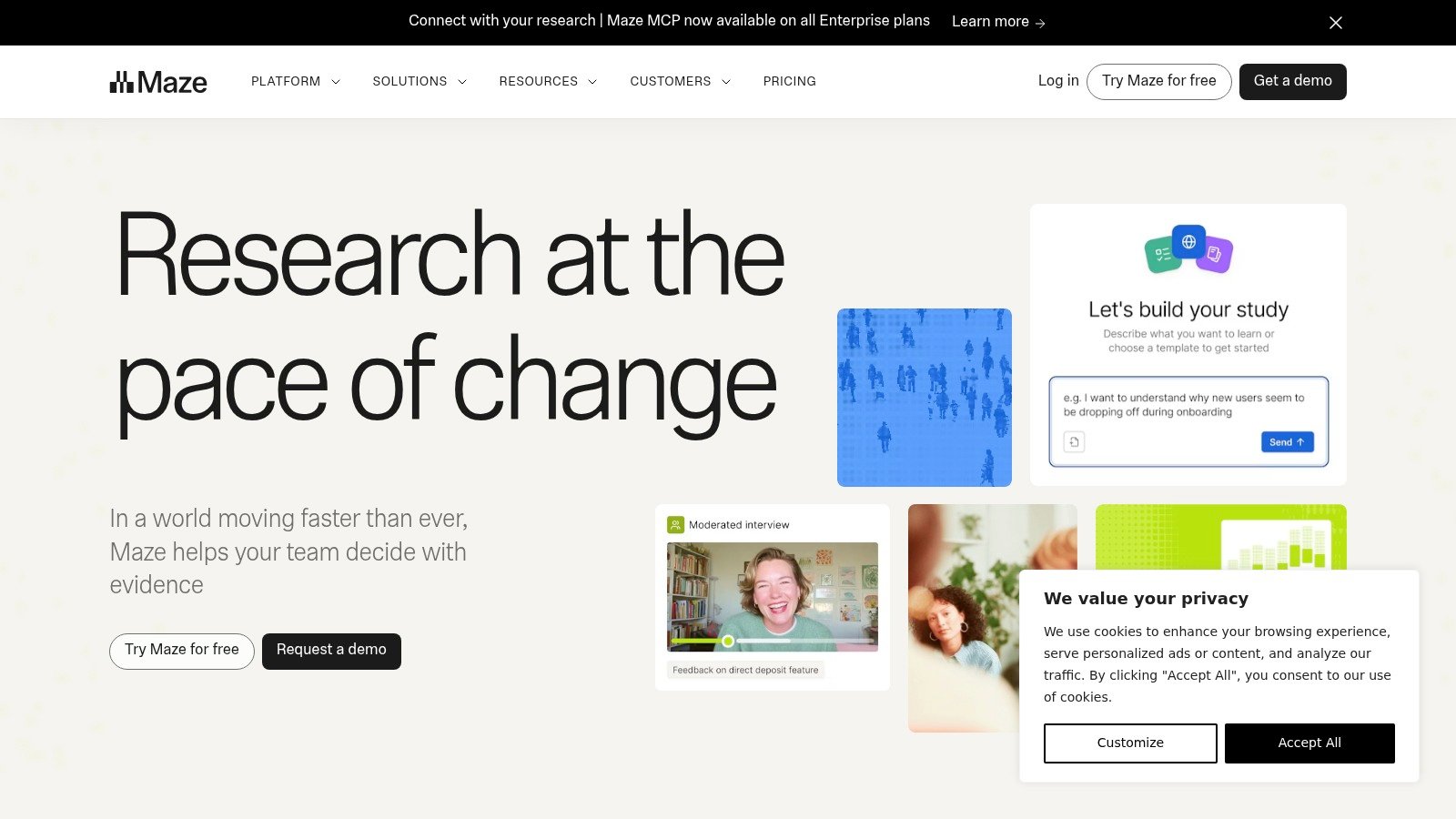
Its core strength is aggregation. Participants complete standardized tasks, and Maze organizes completion behavior, paths, responses, and other task-level results into a readable report. AI-generated discussion guides and summaries can reduce setup and synthesis effort, particularly for teams that run recurring studies during design cycles.
The key limitation
Maze tells you where participants struggle more reliably than why they struggle. If users abandon a flow or take an unexpected path, the result creates a strong follow-up question, but an unmoderated study may not answer the underlying motivation. That makes Maze effective for identifying friction and measuring patterns, but less complete for emotionally nuanced or exploratory research.
Panel credits can speed recruitment, although teams should account for the added response cost when planning repeated studies. Pricing details may require a trial or direct contact, so buyers should test the expected study cadence rather than compare only seat features.
Maze is a strong pick for product teams that already have access to participants and need rapid, repeatable task testing. It pairs well with moderated interviews or a synthetic testing platform when the team needs a fast first pass followed by deeper investigation. Teams considering the workflow can also review this Maze alternative for UX research.
4. Lyssna
Lyssna is a practical option for lightweight prototype checks, copy validation, information architecture studies, and quick preference research. Formerly known as UsabilityHub, it supports Figma prototype tests, first-click tests, five-second tests, preference tests, surveys, and unmoderated think-aloud recordings.
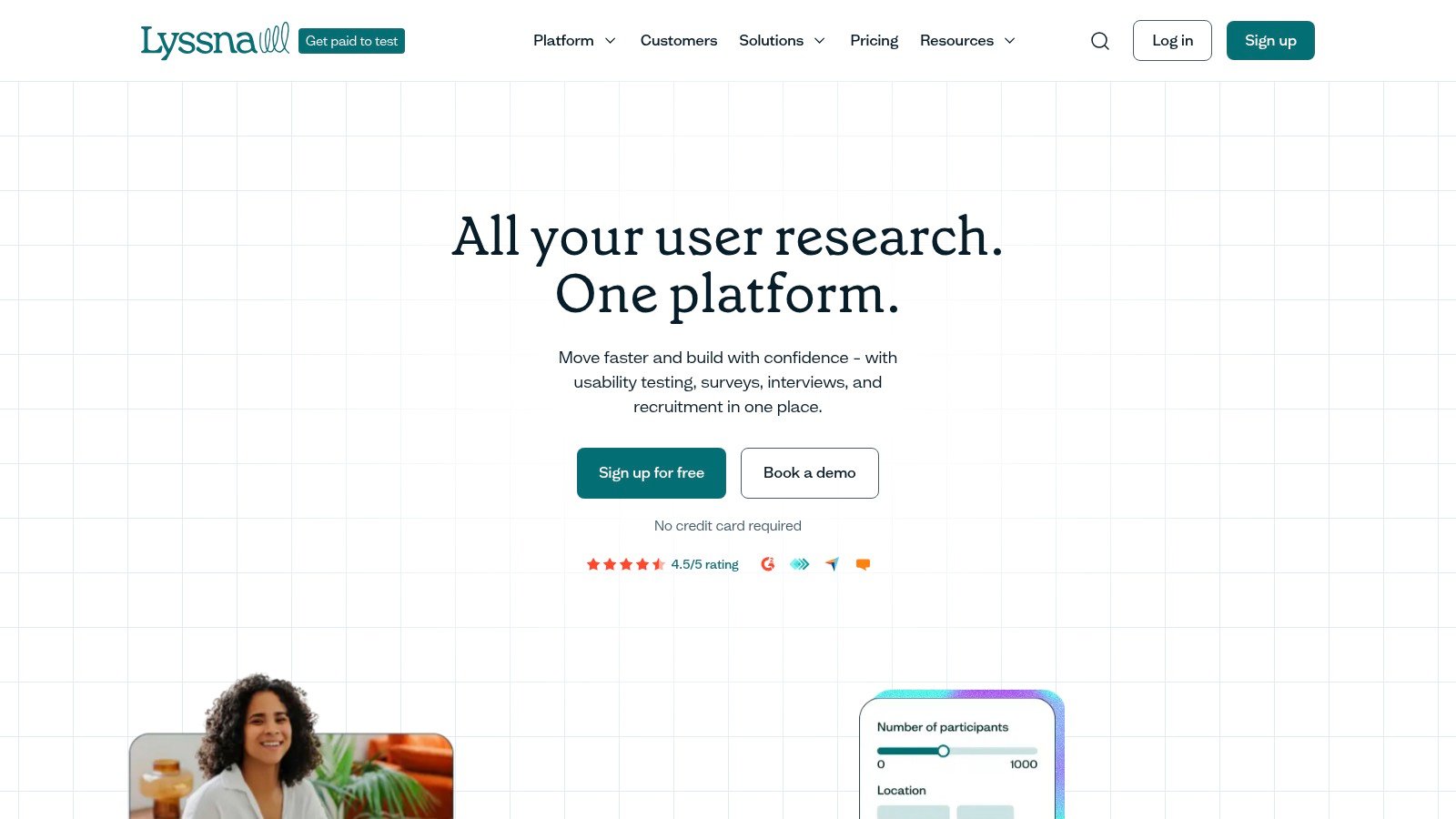
The platform suits teams that want designers and PMs to launch small studies without depending on a dedicated researcher for every decision. Its public pricing and Free tier make evaluation straightforward, while self-recruitment lets teams use existing customers, colleagues outside the product group, or an owned community.
Lyssna also offers a participant panel with 690k+ participants and 395+ demographic filters, according to its product positioning. Those figures are platform claims, so the relevant question is whether the panel can reach the audience your study needs. A broad panel doesn't automatically solve specialist recruitment or representative coverage.
Best use cases
Lyssna is especially effective for early directional questions. Does the label communicate the right concept? Which layout attracts the first click? Can a participant understand the value proposition within a short exposure? These questions benefit from fast, focused studies rather than lengthy moderated sessions.
The limitations become clearer when research gets deeper. The Growth plan limits the number of in-depth studies per month, and panel responses cost extra beyond the subscription. Lyssna is a good fit for startups and design teams that need frequent micro-validation. It isn't the best single platform for complex moderated research, long exploratory interviews, or workflows requiring extensive synthesis across studies.
5. Useberry
Useberry combines task-based prototype testing with exploratory analytics. Its Figma integration supports path-based usability studies, while Open Analytics lets participants explore more freely instead of following only predefined tasks. That combination is useful when a team wants both structured success data and a view of what users do when the path isn't tightly controlled.
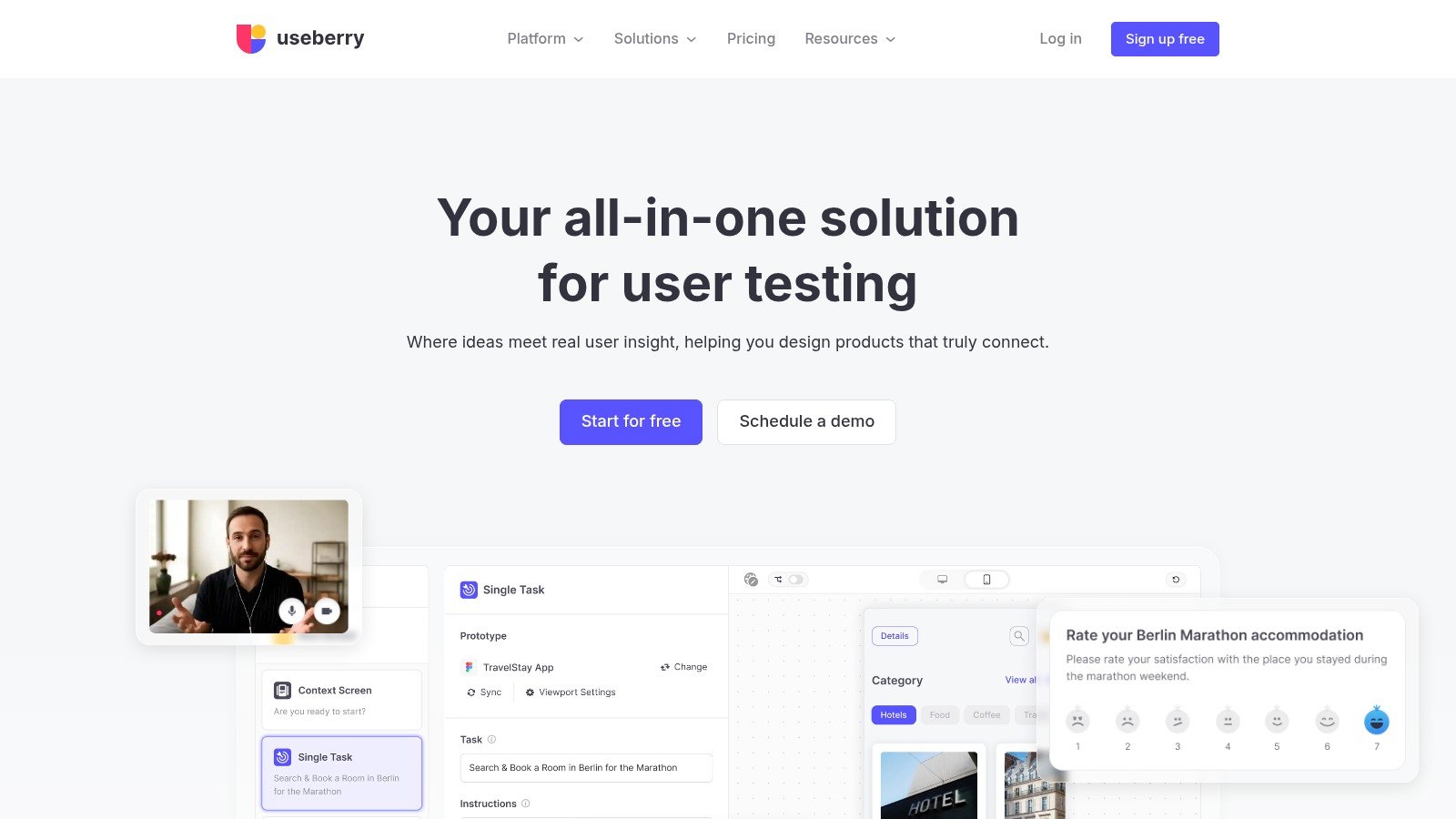
The platform also includes first-click, five-second, preference tests, card sorting, and surveys. Keeping these methods in one interface reduces tool switching for small teams and agencies that need to validate different design questions across a project.
A good fit for path validation
Useberry works well when the team has a clear prototype flow and wants to inspect success paths, misclicks, screen transitions, and survey responses together. The Free plan provides an accessible starting point, although higher response volumes and advanced capabilities require paid tiers.
The main caution is prototype stability. Teams have reported occasional hiccups with heavier prototypes, so a short pilot is sensible before placing an important stakeholder decision on the result. That isn't a reason to dismiss the platform. It's a reminder that prototype testing evaluates the interaction between the design and the prototype implementation. Slow loading, incomplete links, or missing states can create misleading friction.
Useberry is best for small product teams that already have participants or can recruit from their own audience. If the team needs representative panel sourcing, moderated probing, or synthetic audiences, another platform may provide a stronger participant strategy.
6. PlaybookUX
PlaybookUX offers broad method coverage in one research platform. Teams can run moderated or unmoderated usability studies, test prototypes, conduct interviews, launch surveys, and use card sorting or tree testing. Figma support includes target screens and success metrics, which helps researchers connect the study plan directly to the prototype flow.
The platform also supports screen, voice, and face capture, task-level analytics, observer participation in moderated interviews, note-taking, and clips or reels. AI-assisted workflows can help parse scripts and accelerate analysis, although teams should still review the underlying sessions before turning automated summaries into product decisions.
When the breadth is useful
PlaybookUX is attractive when a team doesn't want separate platforms for recruitment, moderated interviews, and unmoderated prototype tests. It can support a mixed-method program where one study identifies behavioral friction and another probes the reasoning behind it.
That breadth comes with operational trade-offs. Panel usage incurs additional per-session costs, and community feedback is mixed enough that a pilot is advisable. A platform can technically support every required method and still feel inefficient in daily use if study setup, participant management, or synthesis doesn't match the team's habits.
Choose PlaybookUX when method coverage matters more than a highly specialized prototype workflow. It's particularly suitable for agencies and research teams that run different study types for different clients. For a product designer who only needs a quick Figma check, the broader platform may introduce more configuration than necessary.
7. Userlytics
Userlytics supports moderated and unmoderated research across websites, applications, and prototypes. It accepts Figma, InVision, and Proto.io links, and it can handle both recruited participants and bring-your-own participants. That flexibility makes it useful for teams that alternate between panel research and customer-led validation.
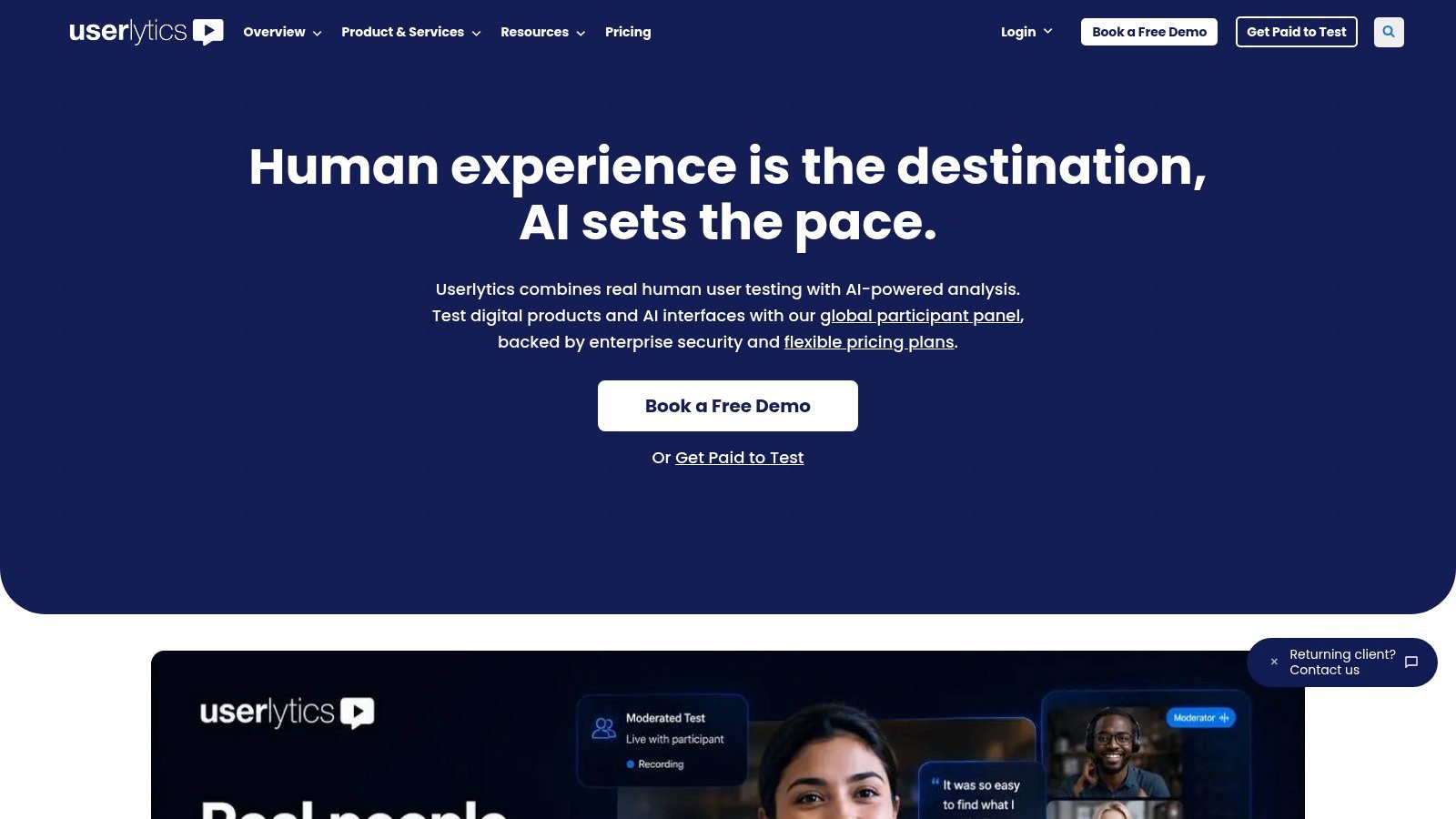
The platform captures screen and webcam video through picture-in-picture recording and supports structured surveys alongside prototype tasks. AI-assisted annotations and summaries can reduce the time required to review sessions, while quality review on panel studies adds an operational layer for teams that need more confidence in recruited responses.
Where it earns consideration
Userlytics often appeals to buyers looking for a more affordable alternative to some enterprise incumbents, although final pricing generally requires a quote. Its mixed moderated and unmoderated workflow is valuable when one sprint needs fast behavioral evidence and another needs live probing.
The main risk is audience specificity. Global access doesn't guarantee that a narrow professional audience will be easy to recruit or consistently screened. Teams should define the participant criteria carefully, test the recruitment experience, and inspect whether the resulting sessions reflect the intended users.
Userlytics is a sensible middle ground for organizations that need human feedback but don't want to commit to a single testing mode. It won't replace a dedicated synthesis system for complex longitudinal research, and highly specialized audiences may require additional recruitment planning.
8. Trymata
Trymata, formerly TryMyUI, is a usability testing suite for teams that want straightforward prototype checks without committing to a heavyweight enterprise research system. It supports Figma and other prototype links, task metrics, UX scores, written surveys, and highlight reels.
Its licensing model is flexible. Teams can use a license-based plan or purchase ad hoc credits, which makes the platform suitable for intermittent testing. That matters for consultants, smaller product teams, and organizations that test around major design milestones rather than on a fixed research calendar.
The practical trade-off
Trymata's unmoderated setup is easy to understand, and panel or BYO participant options give teams control over how they source feedback. It's a reasonable choice when the immediate question is whether users can complete a defined prototype task and where they hesitate.
The interface and analytics aren't as extensive as those of the leading enterprise suites. Lower plans also impose storage and seat limits, so teams should examine how many studies need to remain accessible and who needs access to the evidence.
Trymata works best when the research question is focused and the cadence is irregular. It may not be the right foundation for a global research operation that needs deep governance, advanced synthesis, or a large library of longitudinal findings. For teams that value flexible credits over a large subscription commitment, however, it offers a practical balance.
9. Lookback
Lookback is built around qualitative depth. Its moderated LiveShare sessions and unmoderated tests support websites, applications, and prototypes, while live stakeholder observation, timestamped notes, clips, and reels help teams capture reasoning as users explore a design.
That live observation capability changes the kind of evidence a team can collect. A researcher can notice hesitation, ask what the participant expected, and investigate a confusing label before the session ends. Stakeholders can observe without taking over the conversation, which helps designers and PMs understand the behavior rather than relying only on a summary.
Best for moderated discovery
Lookback also includes AI-assisted analysis through Eureka, transcript search, and session previews. Integration with User Interviews supports participant recruitment, although teams should still plan the audience and screening process carefully.
Its limitation is quantitative depth. Lookback is less focused on standardized task metrics than unmoderated-first tools, so teams seeking consistent success rates, path comparisons, or broad benchmark reporting may need another platform. Annual billing and quote-based pricing can also make it harder for small teams to experiment casually.
Choose Lookback when the most important question is why someone behaves unexpectedly. It's a strong complement to a rapid unmoderated or synthetic test. Use the fast tool to identify a suspicious step, then use Lookback to ask participants what they expected and what made the interface difficult.
10. Optimal Workshop
Optimal Workshop, rebranded as Optimal, suits teams that need continuous validation across prototypes, live sites, and information architecture. Its toolkit covers card sorting, tree testing, first-click tests, surveys, interviews, heatmaps, clickmaps, recordings, and paths. That breadth supports a wider testing loop than a basic prototype task tool, though setup and method selection require more planning.
A practical sprint workflow starts with tree testing before a navigation change, then uses first-click or prototype tasks to check the revised screens. Card sorting helps examine whether users group concepts and labels as the team expects. These methods answer different questions from screen-level usability testing, so combining them can reveal whether a problem comes from the interface or the underlying structure.
Why information architecture deserves its own method
Optimal supports Figma integration, mixed-method usability testing, AI-assisted insights, and on-demand or BYO participants. Its usage-based Starter plan offers transparent pricing and unlimited seats, but limits studies per year. Higher-volume programs need additional bundles, while enterprise features such as SSO and multiple workspaces require custom pricing.
That trade-off favors teams running a recurring IA program over designers seeking one rapid prototype check. It also works best when researchers define stable tasks and success criteria before each iteration.
Nielsen Norman Group's benchmarking guidance shows why consistent tasks and metrics make comparisons more useful than anecdotal feedback. Keep task wording, success criteria, and measurement rules consistent across navigation or prototype iterations. This produces evidence that teams can compare from sprint to sprint, even when the tested design changes.
Top 10 Prototype Testing Tools, 2026 Comparison
Tool | Core features | UX & insights (★) | Value & pricing (💰) | Unique selling points (✨/🏆) | Target audience (👥) |
|---|---|---|---|---|---|
🏆 Uxia | AI synthetic testers; prototype & live-URL testing; transcripts, heatmaps, prioritized issues | ★★★★★, rapid, high-actionability | 💰 Free demo; tiered → custom enterprise; cost-effective at scale | ✨ Instant realistic participants; automated SUS/SUPR‑Q & visual reports; no recruiting | 👥 PMs, designers, UX researchers, startups → enterprise |
UserTesting | Human participant marketplace; moderated & unmoderated; video-first clips | ★★★★, polished video deliverables | 💰 Enterprise pricing (quote); premium for smaller teams | ✨ Deep screening & stakeholder-ready video reels | 👥 Large product orgs, enterprise researchers |
Maze | Figma-native blocks; unmoderated prototype & IA tests; AI summaries | ★★★★, fast summaries & automation | 💰 Tiered plans; some pricing opacity | ✨ Rapid Figma→test workflow for sprints | 👥 Product teams, designers in iterative workflows |
Lyssna (UsabilityHub) | Micro-tests (first-click, 5s), preference tests, large panel | ★★★, great for micro-validations | 💰 Free tier + paid responses/credits | ✨ Clear public pricing; quick copy/IA checks | 👥 Startups, designers needing frequent micro-tests |
Useberry | Task flows, Open Analytics, card sorting; Figma integration | ★★★, versatile method mix | 💰 Free plan; paid tiers for volume | ✨ Open navigation analytics + path metrics | 👥 Small teams, UX researchers exploring flows |
PlaybookUX | Un/moderated + moderated, recruitment, AI-assisted analysis | ★★★★, broad method coverage & clips | 💰 Subscription + per-session panel costs | ✨ All-in-one research toolbox (moderated & unmoderated) | 👥 Teams wanting wide method set in one platform |
Userlytics | Mod/unmod testing, global recruiting, BYO participants | ★★★, flexible workflows | 💰 Often competitive; quote-based | ✨ BYO participants & global recruiting flexibility | 👥 Mid-market and enterprise teams on budget |
Trymata (TryMyUI) | Prototype testing, task metrics, license & credit models | ★★★, straightforward unmoderated setup | 💰 License + pay-as-you-go credits; budget-friendly | ✨ Flexible licensing and ad-hoc credits | 👥 Teams needing intermittent, cost-conscious tests |
Lookback | High-fidelity moderated/unmoderated video; live observation & clips | ★★★★, excellent qualitative depth | 💰 Annual/quote pricing | ✨ Live stakeholder observing, timestamped notes & clips | 👥 Qualitative researchers, product teams probing intent |
Optimal Workshop | Mixed-methods: prototype tests + IA toolkit (card sort, tree test) | ★★★★, strong IA + usability validation | 💰 Usage-based Starter; add-on bundles | ✨ End-to-end IA tools + transparent starter plan | 👥 IA/UX researchers, product teams validating navigation |
Build a Testing Loop That Fits Every Sprint
The best prototype testing tool isn't automatically the one with the biggest panel or the longest feature list. It's the tool, or combination of tools, that helps the team answer the current question quickly and turn the answer into a design decision.
Start each sprint by defining a mission. A mission might test whether new users can locate a core action, whether an onboarding explanation builds confidence, or whether an accessibility issue blocks a critical task. Tie each mission to realistic tasks, not abstract instructions. A participant should attempt the same kind of action a real user would perform.
Then match the method to the uncertainty:
Use synthetic testing for rapid, repeatable checks when the team needs early friction signals without recruitment delays.
Use unmoderated panel testing when comparable task data, participant diversity, or broader behavioral coverage matters.
Use moderated research when the team needs to ask follow-up questions and understand expectations, emotion, or context.
Use accessibility testing when the prototype or product must work across different abilities, devices, languages, and interaction patterns.
Use quantitative benchmarking when the organization needs stable comparisons across iterations, rather than a directional finding from one study.
Track the measures that support a decision: task success, completion time, error count, hesitation, recurring friction, satisfaction, usability benchmarks, and issue severity. Standardized questionnaires can create a baseline, while heatmaps, analytics dashboards, and unmoderated tasks help locate the screens or steps where participants lose confidence. Tools such as Userlytics emphasize the value of combining quantitative and qualitative evidence in one workflow (UX research platform capabilities).
A two-week sprint can accommodate prototype testing when the team timeboxes the work. One published workflow recommends defining the test on Day 1, launching on Day 2, collecting responses on Days 3 and 4, and setting decision thresholds before the study begins (rapid prototype concept testing workflow). Another workflow recommends building an interactive prototype in 1–2 days, defining the plan in about 2 hours, recruiting 5–8 people in 1–2 days, running tests in 2–4 hours, and analyzing findings in about 2 hours (prototype testing workflow). These are planning guides, not guarantees, but they show how a compact study can fit a sprint.
Uxia provides a concrete operating model. Import the latest prototype, define realistic tasks tied to sprint goals, select an audience, configure the AI testers, and run the study. Review recordings, observations, transcripts, and recurring friction points. During the sprint review, group findings by severity and frequency, convert the highest-priority issues into design actions or backlog items, revise the prototype, and run a follow-up test to confirm that the change improved the experience.
That final retest is where many teams fall short. They identify a problem, make a plausible change, and move on without checking whether the new version solved the original friction or introduced another one. A continuous loop keeps evidence attached to the decision and gives the team a clearer basis for shipping.
The workflow also fits broader product delivery practices, including React Native CI/CD with Supabase auth, where design validation and implementation quality need to remain connected rather than treated as separate project phases. The strongest programs combine rapid synthetic checks, targeted panel studies, and moderated human research according to the question. No single method captures every user, context, or emotional response, but a deliberate mix can shorten the path from prototype uncertainty to an actionable backlog.
Uxia helps product teams test Figma prototypes, design artifacts, and live experiences with AI-driven testers that surface friction, transcripts, heatmaps, and prioritized usability findings quickly. If you want continuous validation without waiting for recruitment, visit Uxia to run a test and see how the workflow fits your next sprint.