Maze Alternative: Top UX Research Tools of 2026
Seeking a Maze alternative? Explore our 2026 list of the top 10 UX tools. Get side-by-side comparisons, pricing, pros & cons to find your perfect fit.

Is Maze no longer meeting your UX research needs?
Maze still does one job well. It helps teams run fast, lightweight, unmoderated prototype tests, and its reporting model reflects the shift toward automated UX research workflows. Maze's help center notes that every live study with at least one tester gets an automatically generated report, including key metrics for each block plus results for each mission and question, which captures why tools like Maze became mainstream in the first place: they turned prototype validation into a repeatable software workflow instead of a manual synthesis exercise (Maze reports documentation).
But that same strength is also where many teams hit the wall. If your work now includes qualitative discovery, complex service flows, stakeholder-heavy moderated sessions, or continuous testing without recruitment drag, a Maze-style setup may stop being enough. A lot of “maze alternative” content still treats the decision like a feature checklist. In practice, the better question is simpler: when is fast unmoderated prototype testing the right method, and when is it the wrong one?
That's where this list is different. I'm not just comparing tools by plan names and generic pros and cons. I'm looking at what each platform excels at, what it struggles with, and which teams usually regret choosing it for the wrong reason. Uxia sits at the top because it changes the model entirely with AI-driven synthetic testing, while the rest of the list covers the strongest human-panel and mixed-method options depending on how your team works.
1. Uxia
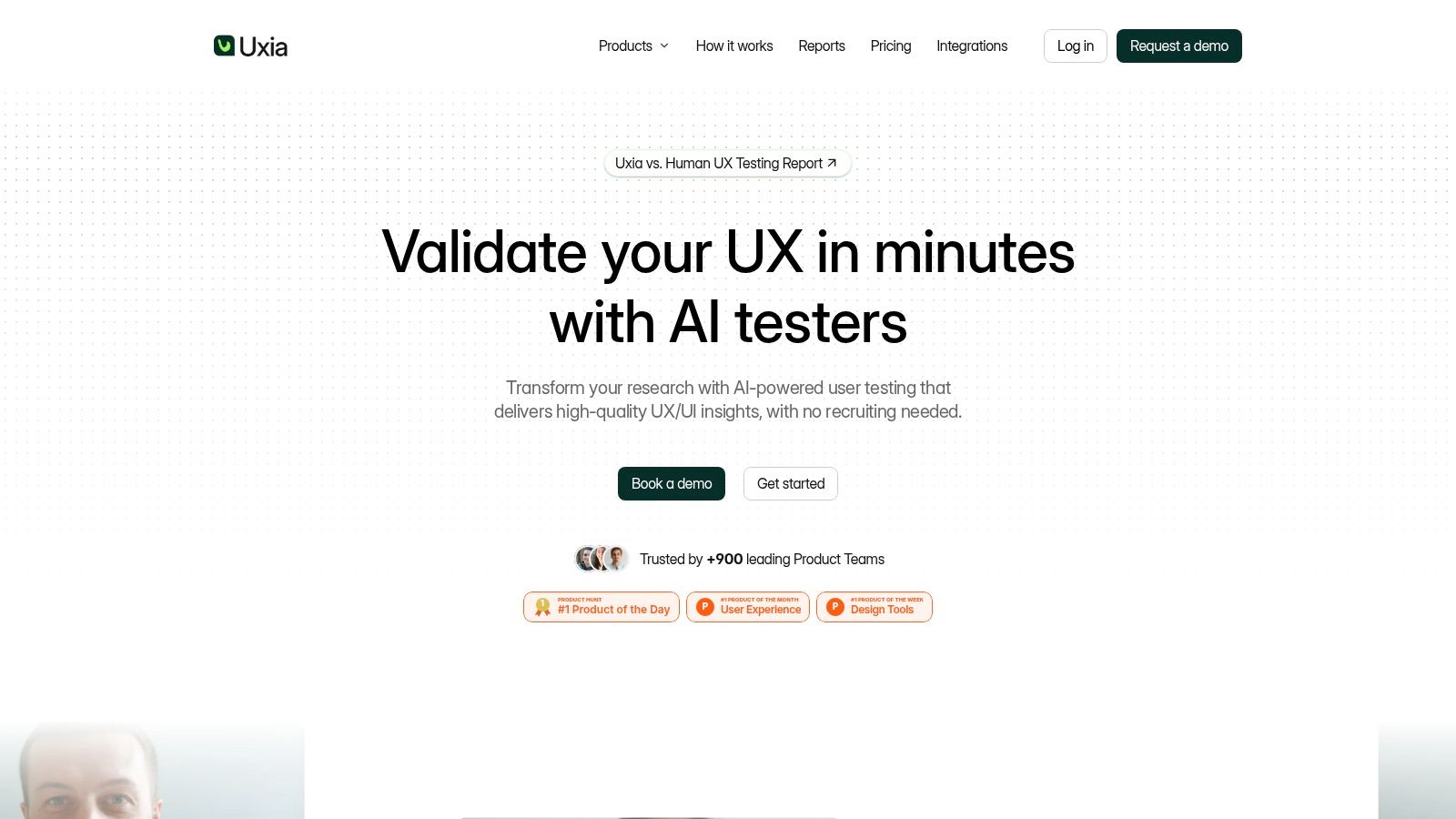
If you're looking for a maze alternative because recruiting and scheduling have become the bottleneck, Uxia is the most interesting shift in this category. It doesn't just copy the same human-panel model with a different UI. It uses AI-driven synthetic participants so teams can upload prototypes, define a mission and audience, and get usability feedback, transcripts, heatmaps, and prioritized findings without waiting for real-user logistics.
That changes how often you can test. Instead of reserving studies for milestone reviews, teams can validate flows continuously during design sprints. That's a very different operating model from traditional panel-based research tools, and for product teams working on frequent iterations, it can remove a lot of process friction.
Where Uxia is strongest
Uxia is best when speed matters more than recruitment theater. If the question is, “Will users understand this flow, trust this screen, or get stuck on this task?” it gives teams a fast way to pressure-test designs before spending time and budget on live sessions.
Its biggest practical advantage is repeatability. You can run the same mission against different audience profiles, compare iterations quickly, and build a habit of testing earlier. For teams exploring the trade-off between synthetic and human feedback, Uxia's own perspective on synthetic users vs human users is useful because that's the core decision, not just “which Maze competitor has more features.”
Practical rule: Use Uxia for rapid validation, flow diagnostics, copy friction, and pre-launch iteration. Don't use any synthetic system as your only method for emotionally sensitive, culturally specific, or high-risk service experiences.
There's also a planning advantage here. Publicly visible alternatives in this space often emphasize tiers, study caps, and participant fees. Uxia's free trial gives teams a way to test the workflow before committing, and enterprise buyers can scale into security and collaboration features without rebuilding their process around panel operations.
Main differences from Maze
Maze is still a lightweight prototype-testing tool. Uxia is closer to a next-generation testing layer for continuous product teams. The difference isn't just speed. It's whether your research cadence depends on humans being available on demand.
Benefits:
Faster validation loops: You can test without recruiting, scheduling, or incentive management.
More operationally consistent: Studies can fit directly into sprint work instead of becoming special research events.
Richer automated output: Uxia emphasizes transcripts, visual reporting, and issue prioritization in a way design and product teams can act on quickly.
Weak points:
Not a full replacement for live human research: Synthetic testing won't capture every emotional nuance or real-world context cue.
Public pricing detail is limited: Teams can start with a trial, but deeper plan specifics usually require a sales conversation.
For many teams, the best setup isn't Uxia instead of human research. It's Uxia first, then human research where stakes or ambiguity justify it.
Learn more at Uxia.
2. UserTesting
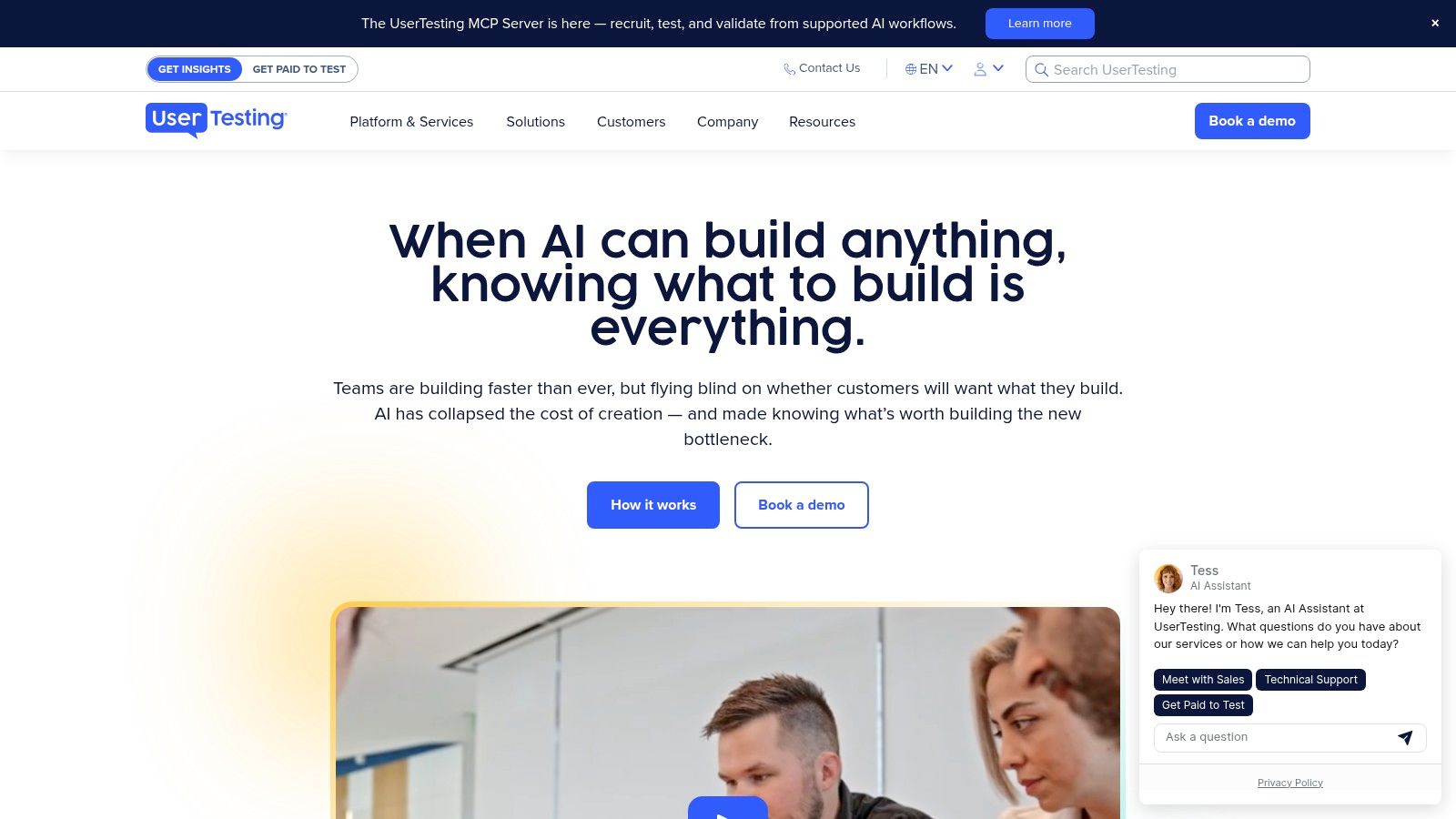
UserTesting is what I'd recommend when your team has outgrown lightweight prototype checks and needs an enterprise-grade human insights program. It's strong when stakeholders want to watch real sessions, teams need broad recruitment support, and research ops has to work across multiple functions.
This is not the pick for “I just need a quick click test.” It's the pick for organizations that need a mature platform with governance, templates, admin controls, and a large operational surface area.
Where it beats Maze
Maze is built around speed and self-serve unmoderated work. UserTesting is better when you need more of the essential usability testing methods, especially moderated and video-first workflows. If your roadmap includes concept testing, interviews, exploratory studies, and stakeholder observation, UserTesting is much closer to a full research environment.
Its strengths are practical:
Broad method coverage: Good fit for teams that don't want separate tools for every study type.
Participant access: Strong option when recruiting general audiences quickly matters.
Enterprise workflow maturity: Permissions, governance, and support tend to matter more as research scales.
If your team spends more time coordinating research than learning from it, UserTesting often fixes the organizational problem better than a lighter tool does.
Trade-offs to watch
UserTesting can feel heavy if your team is small, design-led, and mostly testing prototypes. It also tends to push you into a more formal research operating model. That's useful for large organizations, but it can be overkill for startups or product squads that just need frequent directional feedback.
The main weakness is fit, not capability. If you want agility and minimal setup, Uxia or a simpler self-serve platform may be easier to live with. If you want a human-panel system that can support broader research programs, UserTesting is one of the safest picks.
Visit UserTesting.
3. Lyssna
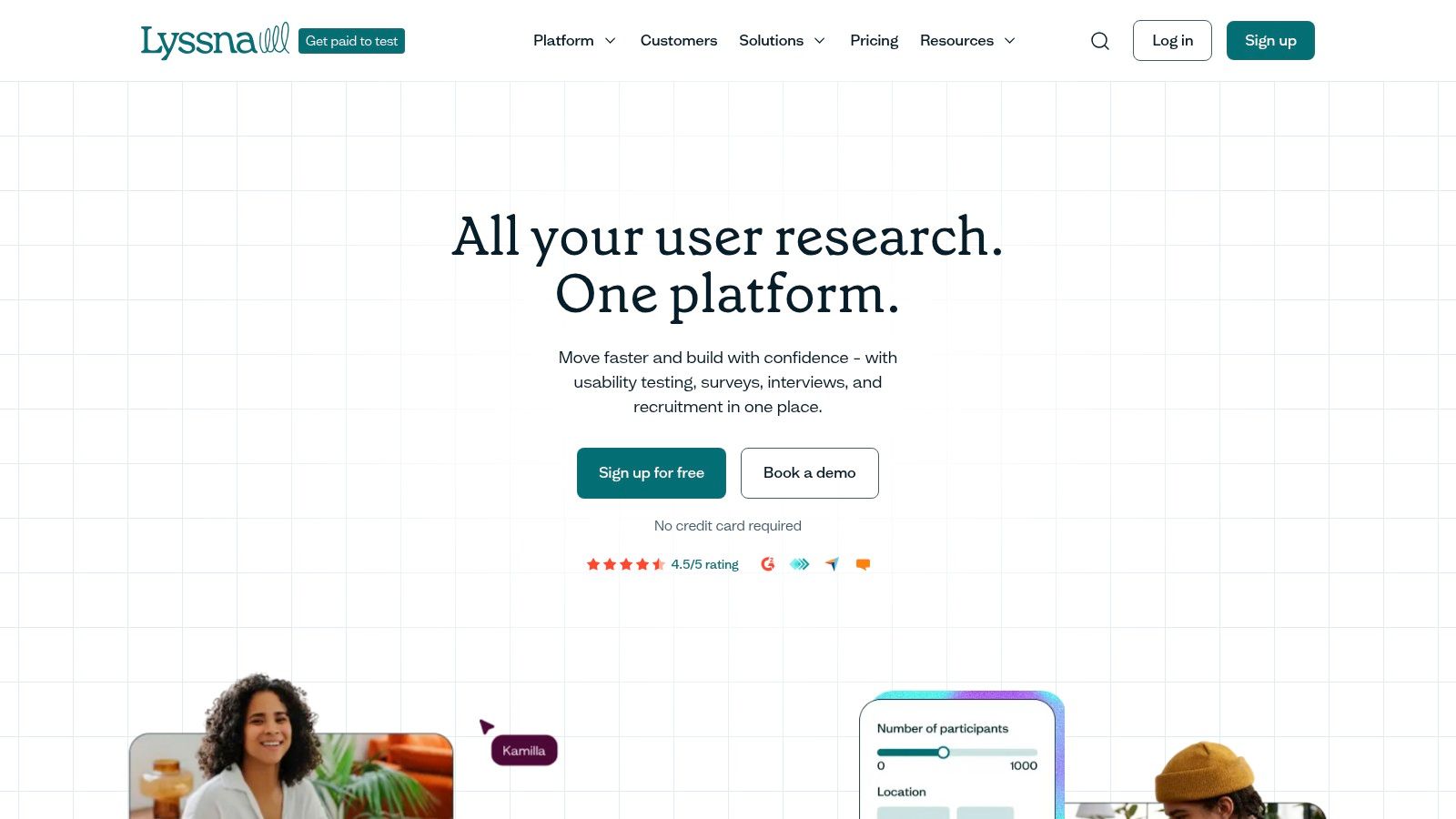
Need a tool that sits between Maze's quick tests and a heavier research platform?
Lyssna is a practical middle-ground option. It works well for teams that need fast answers across several lightweight methods, especially concept testing, messaging checks, first-click studies, five-second tests, surveys, and early information architecture work. I usually recommend it to product and design teams that want more flexibility than Maze, but are not ready to commit to the process overhead that comes with larger research suites.
Its real strength is coverage without much setup. You can run a range of evaluative studies in one place, and that matters for lean teams trying to keep feedback loops short. It is also a better fit than Maze when the question is structural rather than purely task-based. If your team is validating labels, grouping, or findability, methods like tree testing for UX navigation decisions are often more useful than another prototype click path.
Best fit
Lyssna fits teams that need self-serve research, predictable workflows, and broad enough method support to avoid buying separate tools too early.
What stands out:
Fast validation loops: Strong for copy tests, preference tests, first-click studies, and lightweight IA work.
Approachable setup: Easier for designers and PMs to run without building a formal research ops layer.
Clearer packaging than many enterprise tools: Starter plans are generally positioned for self-serve teams rather than procurement-heavy buyers.
Where it falls short
Lyssna is still tied to the limits of human-panel research. Costs rise as testing volume grows, especially if you rely on recruited participants regularly, and turnaround is still constrained by panel availability and study logistics. That is the point where the newer category starts to matter. AI-driven synthetic testing platforms such as Uxia remove the recruitment bottleneck entirely, which changes the economics of frequent concept and prototype evaluation.
That does not make Lyssna obsolete. It means the choice depends on the kind of signal you need. Lyssna is a sensible pick when you want lightweight human feedback across multiple methods. If your team is trying to test more often, compare alternatives at higher speed, or migrate away from panel dependence, put those requirements on your checklist before switching from Maze. That usually makes the trade-off much clearer.
See Lyssna.
4. Optimal Workshop
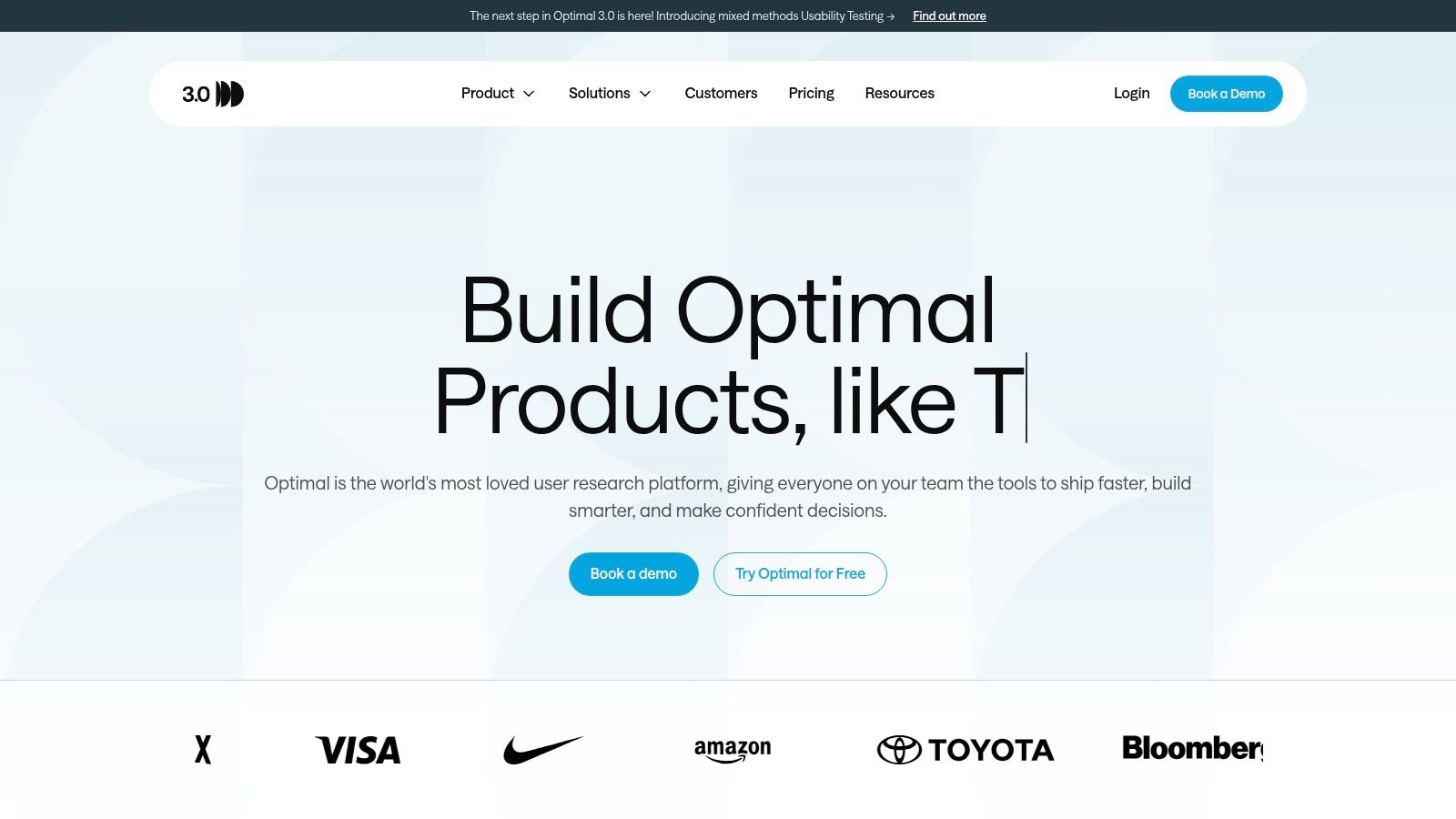
What if the core issue is not task completion on a prototype, but whether people can find anything in the first place?
That is where Optimal Workshop earns its place. I use it for information architecture work: navigation labels, content hierarchy, taxonomy, and findability. If a team is restructuring a help center, ecommerce menu, or settings model, Maze can surface symptoms, but Optimal Workshop is usually better at identifying the structural cause.
Why it stands out
Optimal Workshop is built around IA methods rather than treating them as add-ons. Card sorting and tree testing are the core workflow, which matters because these methods answer different questions than prototype tests. If your redesign hinges on whether users understand categories and labels, start with tree testing methods for UX navigation validation.
That focus gives it a clear role in a modern stack. Human-panel tools like Optimal Workshop are still useful when you need real participant behavior on classification and findability tasks. But they also carry the usual constraints: recruiting participants, waiting for completes, and paying more as study volume grows. Teams comparing it with newer options such as Uxia should be clear on the trade-off. Optimal Workshop helps you validate IA with humans. AI-driven synthetic testing changes speed and testing frequency, which is often the bigger shift for teams trying to run evaluation continuously.
Where it fits best
Choose Optimal Workshop if:
Your biggest risk is IA quality: Navigation, labels, and grouping need direct validation.
You want method-specific analysis: It is stronger on card sort and tree test interpretation than generalist UX platforms.
You are planning a migration away from Maze for IA-heavy work: Add a simple checklist first. Which studies need humans, which can be run more frequently with synthetic users, and where recruitment delay is slowing decisions.
Trade-offs
Optimal Workshop is narrower than all-purpose research suites, and that is both its strength and its limit. It is strong for structure problems. It is less useful for rich moderated interviews, visual design critique, or broad product research programs that need many methods in one place.
Pricing can also become a factor once research volume increases or multiple teams need access. For lean teams, that usually leads to a practical split: keep a specialist IA tool for high-stakes architecture questions, then use a faster system for ongoing concept and flow evaluation.
Explore Optimal Workshop.
5. Lookback
Lookback is what I'd choose when live conversation is the method, not an afterthought. If your team needs moderated interviews, collaborative observation, and clean session management, it's a much better fit than Maze.
The key strength here is the live research experience. Observers can watch, take notes, and align quickly without turning every session into a separate logistics problem.
Best use cases
Lookback works best for:
Moderated usability sessions
Customer interviews
Stakeholder observation
Research repositories centered on video sessions
Many maze alternative roundups focus excessively on plan limits and feature checklists, yet the primary decision often concerns method fit. That gap is one reason product teams still need clearer guidance on when Maze-style unmoderated prototype testing is the wrong tool for the question at hand (UXtweak's comparison framing).
Use Lookback when you need follow-up questions, observed hesitation, or context that only appears in conversation. Don't use it for high-frequency sprint testing if your team can't support live research operations.
Weak points
Lookback can be expensive for smaller teams if usage is steady, and the quality of live sessions always depends on participant devices and network conditions. It's also not where I'd start if your main need is rapid, repeated prototype validation.
In short, Lookback is excellent for depth. It's weak on speed at scale. That's the opposite of Uxia, and more focused than Maze.
Visit Lookback.
6. PlaybookUX
PlaybookUX is a practical middle-ground tool. It covers moderated and unmoderated testing, supports card sorting and tree testing, and fits teams that want one platform for several standard research workflows without going fully enterprise.
I usually think of it as a “good generalist” pick. Not the most specialized, not the lightest, but flexible enough for teams that switch between evaluative and discovery work.
Why teams choose it
PlaybookUX makes sense when your research stack is getting messy. If you're currently using one tool for interviews, another for prototype tests, and a third for IA work, consolidating into a single environment can reduce friction.
Its appeal is straightforward:
Mixed-method support: Moderated and unmoderated work can live in one place.
Panel or BYO participants: Useful if some studies need external recruiting while others use customer lists.
Figma-friendly workflows: Stronger fit for design teams than some older research platforms.
What to watch
The trade-off is that generalist tools rarely dominate every category. PlaybookUX won't beat Optimal Workshop on IA specialization, Lookback on moderated experience, or Uxia on testing speed without recruitment. Pricing can also vary based on plan and usage structure.
If your team wants one decent home for several methods and values flexibility over best-in-class depth, it's a solid option.
See PlaybookUX.
7. Userlytics
Need participants in multiple regions, with tighter screening and enterprise procurement requirements? Userlytics is one of the better fits in that part of the market.
It supports moderated and unmoderated studies, covers websites, apps, and prototypes, and gives teams more recruiting range than many lighter self-serve tools. I usually shortlist it when the research question depends on finding the right audience, not just getting fast directional feedback.
Where it fits best
Userlytics tends to work well for teams running research across countries, business units, or regulated environments. The practical advantage is flexibility. You can bring your own participants when you already have access to customers, or use panel recruitment when sourcing is the bottleneck.
That makes it a reasonable option for:
Multi-region studies with stricter participant criteria
Prototype, mobile, and web usability testing
Enterprise teams that need more formal recruiting and compliance controls
Programs that mix panel recruitment with self-recruited users
Limits and trade-offs
The trade-off is operational overhead. Userlytics usually asks for more care in setup than lighter tools. Screeners, quotas, and recruitment specs matter a lot, and weak setup can produce expensive noise instead of useful evidence.
Pricing can also be harder to evaluate upfront because public plan detail is limited compared with simpler tools. That matters if you're comparing it with products built for frequent, lower-friction iteration.
Field note: I recommend Userlytics when recruiting complexity is the main constraint. If your team is trying to validate flows every week and move from prototype to answer in hours, AI-based synthetic testing in Uxia will usually be faster because it removes panel sourcing from the workflow.
Visit Userlytics.
8. Trymata
Trymata is a straightforward option for teams that want usability testing without a lot of platform sprawl. It supports moderated and unmoderated studies, works across web and mobile, and packages results in a way stakeholders can consume quickly.
I usually recommend it to smaller product teams and agencies that need recurring usability checks more than a full research operations stack.
What it does well
Trymata is strongest when the team needs clarity, not complexity. The combination of task metrics, UX scoring, highlight reels, and both panel and self-recruit options makes it practical for frequent evaluative testing.
Benefits:
Straightforward packaging: Easier to understand than some enterprise contracts.
Stakeholder-friendly outputs: Highlight reels help findings travel inside the company.
Good for recurring checks: Useful when teams test often but not across a huge method range.
Where it's weaker
The panel may not be ideal for highly specific audiences, and seat-based or usage-based expansion can raise the total cost over time. It's also not the best choice if your research practice depends on deep interviews, large-scale repositories, or highly nuanced synthesis.
If Maze feels a bit too narrow and UserTesting feels too expensive or formal, Trymata can land in a practical middle lane.
Visit Trymata.
9. Useberry
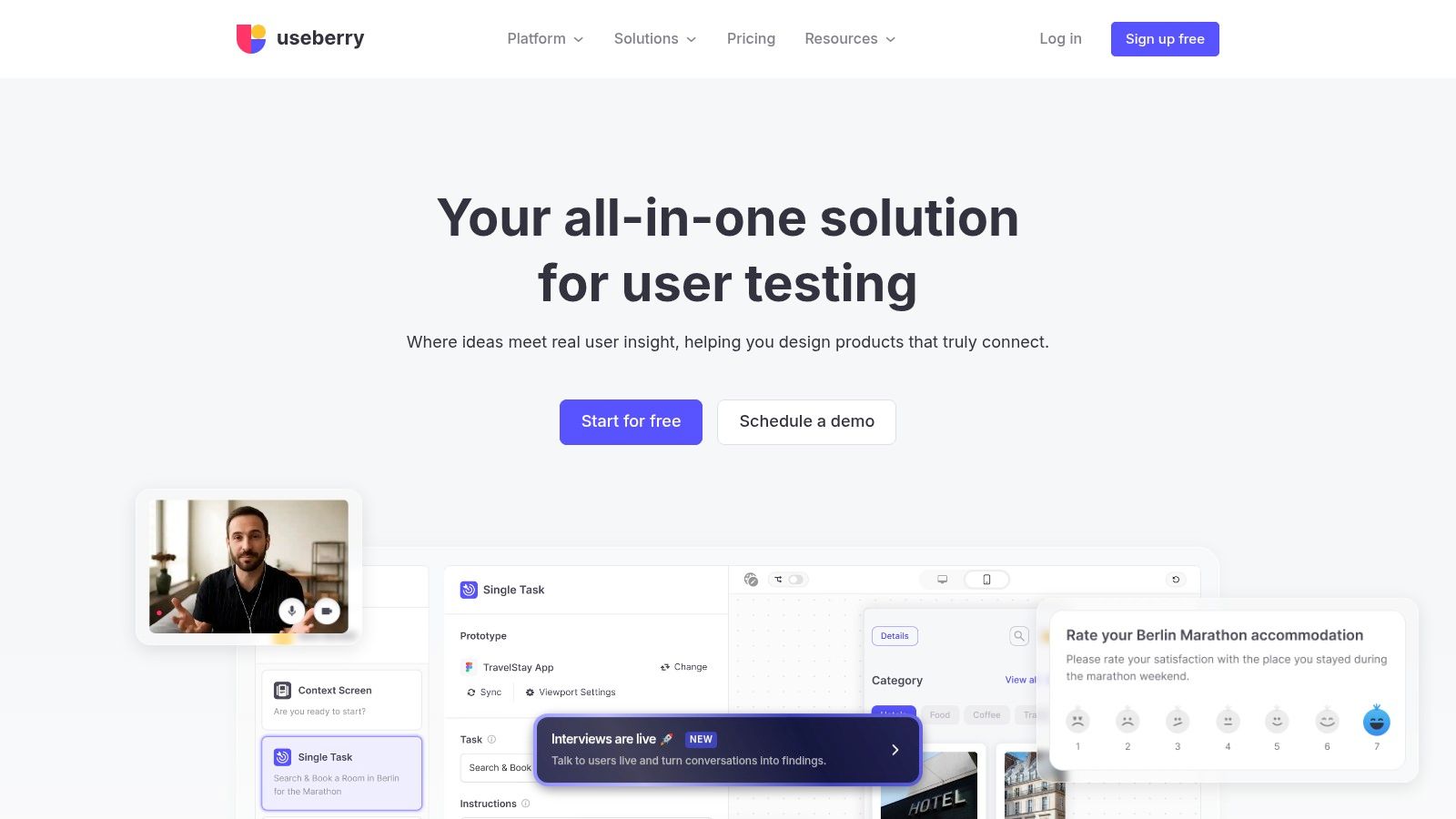
Need a Maze alternative that stays close to the design file? Useberry is a practical fit for teams that run frequent prototype tests and want fast feedback without setting up a heavier research workflow.
Its strength is speed inside design validation. Teams can test Figma prototypes, live URLs, first-click paths, five-second impressions, preference studies, and information architecture with relatively little setup. For product designers and PMs who need answers this week, not a full research program next quarter, that matters.
I usually place Useberry in the same bucket as other self-serve testing tools, but with a stronger prototype-first bias. It works well for concept checks, flow validation, and quick design decisions. It is less convincing once the team needs richer qualitative context or ongoing synthesis across studies. That is the point where human-panel platforms with broader methods, or AI-driven synthetic testing with Uxia for earlier directional screening, start to make more sense.
Where Useberry fits
Useberry tends to work best for teams that need a lightweight way to validate interface decisions before development:
Prototype-first product teams
Design agencies running client feedback loops
PMs and designers launching self-serve tests
Teams that want simple, self-serve buying and setup
The trade-off is clear. Useberry is efficient for evaluative testing, but it is not the tool I would choose as the center of a mature research stack.
Limits to watch
The main constraint is depth. Useberry can tell you whether people complete a task, where they click, and where a flow breaks down. It gives you much less help with the harder questions: why behavior changed across segments, how insights connect across multiple studies, or what users need beyond the screen in front of them.
Recruitment can also become a limiting factor if you need highly specific participants. And if your team is migrating from Maze because you want broader method coverage, repository support, or a clearer path from signal to synthesis, Useberry may solve only part of the problem.
That is why I see it as a focused tool, not a full replacement strategy. It is useful for rapid prototype testing. It is weaker for teams building a modern stack that combines human research, continuous discovery, and newer AI-assisted workflows.
See Useberry.
10. Userbrain
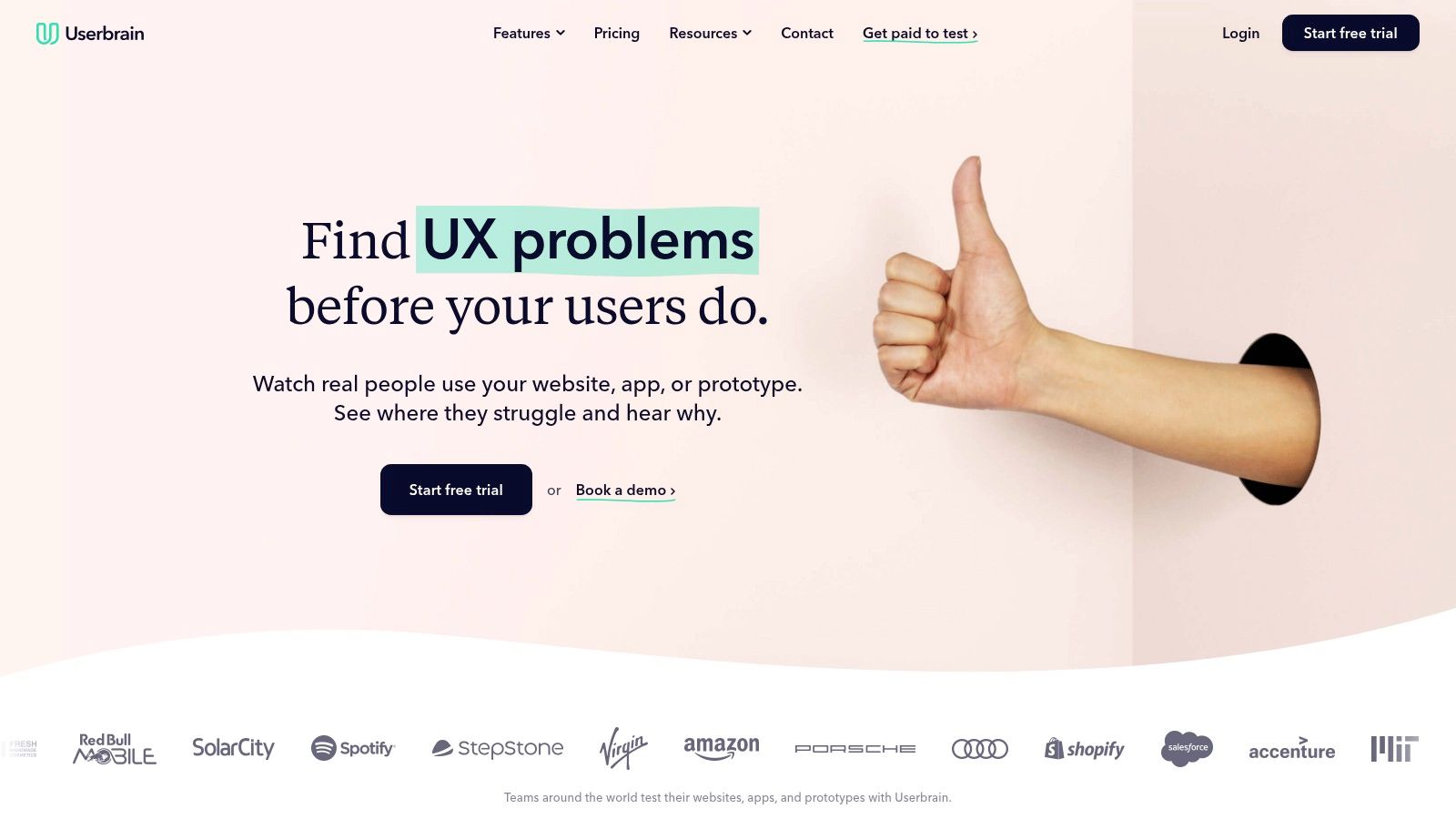
Userbrain is the lightweight option on this list. If you want a maze alternative with simple budgeting, quick unmoderated tests, and low ceremony, it's a reasonable choice.
It's particularly good for startups and smaller teams that need to validate regularly but don't want to manage a complex research system.
Why people pick it
Userbrain works because it's simple:
Easy to launch
Easy to budget
Good for repeated small tests
Reasonable fit for websites, apps, and prototypes
That simplicity matters in a market where many teams are no longer deciding whether online usability testing exists at all. They're deciding which pricing model and method mix fits their workflow. Another review notes Maze's Starter plan at $99/month and says Maze's free plan is limited in blocks, test types, and participant recruitment, which helps explain why simpler alternatives still attract smaller teams (Koji's 2026 Maze alternatives review).
Where it falls short
Userbrain isn't built for complex moderated work or broad enterprise research programs. Its ecosystem is smaller, and once your team starts needing multiple methods, stronger repositories, or governance controls, you'll probably outgrow it.
If you want the fastest path to lightweight human testing, Userbrain is attractive. If you want the fastest path to continuous testing at scale, Uxia is the more forward-looking option.
Visit Userbrain.
Maze Alternatives, Top 10 Feature Comparison
Product | Core & unique features ✨ | Insights & speed ★ | Target audience 👥 | Pricing / Value 💰 |
|---|---|---|---|---|
Uxia 🏆 | AI-driven synthetic testers, think‑aloud, heatmaps, SUS/SUPR‑Q, auto-prioritized reports ✨ | ★★★★★, top-findings parity with humans; results in minutes; highly automated | Product designers, PMs, UX researchers, agencies, enterprise 👥 | Free trial (50 credits); tiered plans → scalable enterprise; ~5x cheaper vs traditional 💰 |
UserTesting | Large global panel, moderated & unmoderated sessions, templates, enterprise governance ✨ | ★★★★, rich video insights; fast fulfillment for general audiences | Enterprise product & research teams, stakeholder-heavy programs 👥 | Enterprise pricing; Session Units model; premium cost for scale 💰 |
Lyssna (UsabilityHub) | Quick-sprint tests (five‑second, first‑click, preference), interviews, AI summaries ✨ | ★★★★, very fast for copy/IA checks; rapid results | Designers, marketers, researchers needing quick validations 👥 | Transparent plans with credit model; affordable for frequent quick tests 💰 |
Optimal Workshop | Best‑in‑class IA: card sorting, tree testing, first‑click + prototype testing ✨ | ★★★★, deep IA analytics; robust reporting for structure decisions | UX researchers, IA specialists, design teams 👥 | Starter plan w/ limits; clear pricing; bundles for heavy users 💰 |
Lookback | Polished live moderated sessions, observers, continuous recording, clips ✨ | ★★★★, excellent live-session quality; strong stakeholder viewing | Teams running live interviews and stakeholder sessions 👥 | Annual-focused pricing; higher for small teams; premium UX value 💰 |
PlaybookUX | Mixed moderated/unmoderated toolkit, card sorting, Figma integration ✨ | ★★★, versatile across methods; good for mixed workflows | Teams needing flexible mixed-method research 👥 | Mid-tier pricing; multiple methods in one subscription 💰 |
Userlytics | Global panel with targeting, compliance (NDAs), screen+cam+audio capture ✨ | ★★★★, flexible recruitment and enterprise-ready reporting | Enterprise programs, global product teams, compliance needs 👥 | Customized pricing; enterprise-oriented value 💰 |
Trymata (TryMyUI) | Unmoderated/moderated tests, task metrics, highlight reels, BYO options ✨ | ★★★, straightforward usability metrics; easy sharing | Small teams and recurring usability testers 👥 | Simple packaging; seat/add-on options may increase cost 💰 |
Useberry | Figma-driven prototype tests, templates, AI summaries, visual reports ✨ | ★★★, fast prototype iteration; template-led setup | Design teams focusing on Figma prototypes and quick iteration 👥 | Self-serve, transparent pricing; approachable for designers 💰 |
Userbrain | Pay-per-tester unmoderated tests, transcripts, AI analysis, easy sharing ✨ | ★★★, rapid, small-scale validation; predictable turnaround | Startups and solo/small teams needing quick checks 👥 | Pay-per-tester pricing; very predictable & budget-friendly 💰 |
Beyond Maze Building a Modern UX Research Stack
What are you replacing when you move off Maze. A prototype test tool, or a research workflow?
That distinction changes the shortlist. These products do not solve the same job. Some are built for quick, unmoderated checks. Some are better for live interviews and stakeholder observation. Some are strongest in information architecture. Uxia stands out for a different reason. It adds AI-driven synthetic testing as a fast validation layer, which changes how often teams can test and how much operational work each study requires.
I would not anchor this decision on broad market forecasts about alternative data. That framing is too far from the day-to-day problem a product team is trying to solve. The better lens is simple. How quickly can the team answer a design question, how much recruiting effort does that answer require, and which questions still need direct human evidence?
That usually leads to a stack decision, not a single-tool decision.
Human-panel platforms still matter. They are the right choice when you need observed behavior from a target segment, moderated interviews, or evidence that will hold up in high-stakes stakeholder reviews. They are slower, costlier per study, and more dependent on recruiting quality. That trade-off is often worth it.
Synthetic testing addresses a different bottleneck. It helps teams run more checks between major rounds of human research, catch obvious friction earlier, and reduce the number of studies that stall because nobody has time to recruit, schedule, and synthesize. Used well, it does not replace human research. It protects it from being wasted on issues you could have found sooner.
Here's the migration checklist I use with teams leaving Maze:
Map recurring study types. Separate prototype checks, concept tests, live interviews, IA work, and benchmark studies.
Identify the bottleneck. Speed, recruiting, participant quality, method coverage, reporting, or budget.
Decide where synthetic testing fits. Use it for rapid iteration and early friction detection, not for every research question.
Reserve human studies for higher-value decisions. Use moderated or panel-based tools where audience nuance and direct observation matter.
Check workflow fit. Look at stakeholder sharing, Figma handoff, export options, and how results enter your product process.
Price for study volume, not just seats. Cheap entry plans can get expensive if your team tests often or needs panel access.
The practical split looks like this:
Choose Uxia if the team's main problem is study speed, research frequency, or the overhead of recruiting for every usability check.
Choose UserTesting if you need broad enterprise coverage across moderated and unmoderated human research.
Choose Lyssna or Useberry if self-serve validation and quick prototype feedback matter more than heavy research operations.
Choose Optimal Workshop if the biggest issue is IA clarity.
Choose Lookback if live sessions are central to how your team learns.
Choose Userlytics, Trymata, PlaybookUX, or Userbrain if you need a tighter balance of panel access, flexibility, and cost control.
The teams that make the best switch ask a harder question than “Which tool has more features?” They ask which studies get delayed, which ones are repeated every sprint, and where researcher time is being spent on logistics instead of insight. In many cases, the strongest setup is not one-for-one replacement. It is a faster synthetic layer for routine validation, plus a smaller set of human studies where direct participant evidence changes the decision.
If your team needs to test more often without turning every study into a recruiting project, Uxia is worth a serious look, as noted earlier. It gives designers, PMs, researchers, and agencies a faster way to validate flows, find friction, and generate usable insight in minutes. That makes it a credible next step for teams that have outgrown a traditional Maze-style workflow.