The 12 Best User Testing Tool Options for 2026: A Complete Guide
Discover the best user testing tool for your team. We compare 12 top platforms, including AI-driven solutions, to help you get actionable insights fast.
Building a successful digital product hinges on one critical factor: understanding your users. Yet, traditional user research can be slow, expensive, and riddled with bottlenecks, often delaying crucial product decisions. A modern user testing tool changes that equation, transforming how teams validate ideas, identify friction points, and build with genuine confidence. From established platforms leveraging vast human panels to groundbreaking AI-powered solutions like Uxia that deliver insights in minutes, the landscape is packed with options.
This guide is designed to cut through the noise. We will navigate the key types of user testing, from moderated and unmoderated sessions to the rise of synthetic users. We'll explore the essential features to look for, detail the platforms you need to know, and help you understand which solution fits your specific needs. Before diving into specific tools, it's helpful to grasp the fundamentals of the process; understanding how to conduct usability testing provides a solid foundation for evaluating which platform will serve you best.
Our goal is to help you choose the perfect tool to integrate into your workflow, accelerate your development cycle, and ultimately create products your users will love. We'll provide detailed analysis, screenshots, and direct links for each platform to make your decision as straightforward as possible.
1. Uxia
Uxia stands out as a next-generation user testing tool, leveraging AI-driven synthetic participants to provide feedback in minutes, not days. Instead of recruiting and scheduling human testers, teams can generate synthetic user profiles based on specific audience criteria. These AI testers then interact with prototypes, wireframes, or live sites, delivering insights almost instantly. This approach is ideal for rapid, early-stage validation and de-risking design decisions before committing to more resource-intensive human-based studies.
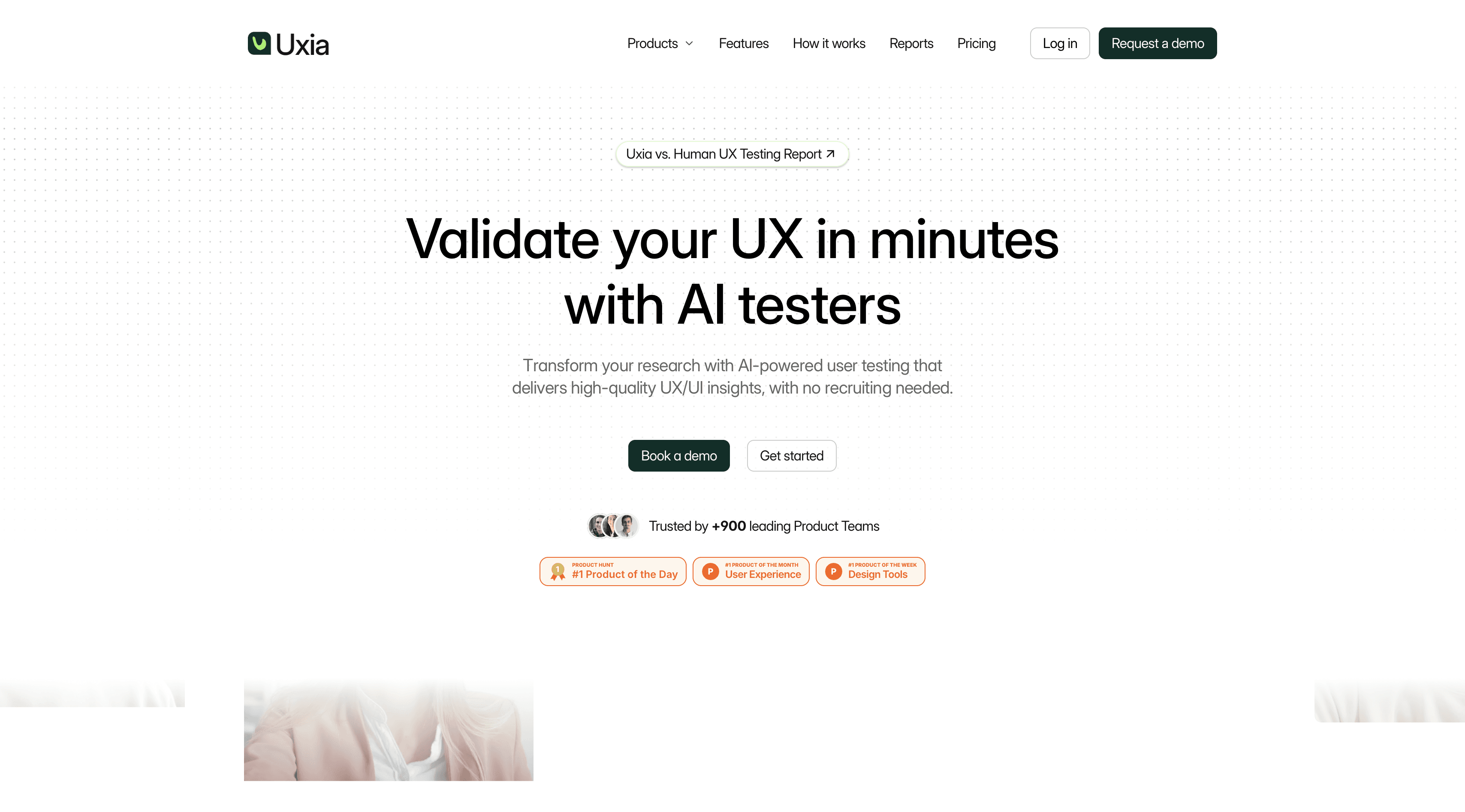
This platform’s key differentiator is its speed and the quality of automated analysis. Uxia provides AI-generated attention heatmaps, automated accessibility reports compliant with WCAG 2.1 AA/AAA, and concise, summarised insights. This drastically reduces the time from test setup to actionable results, making it an excellent complement to traditional methods.
Key Considerations
Best For: Agile teams needing to validate concepts and catch major usability flaws within a single design sprint.
Pros: Unmatched speed for feedback (results in ~10 mins), eliminates recruitment bias and overhead, provides a wide variety of insights including accessibility checks.
Cons: AI feedback should complement, not entirely replace, nuanced human validation for high-stakes user flows.
Access: Pricing and platform availability may require contacting the sales team but free trial available.
Website: https://www.uxia.app
2. Peekage
Peekage is a user testing platform that focuses on real human feedback from targeted consumer audiences. Instead of synthetic users or purely prototype-based testing, it connects brands with verified testers who match specific demographic profiles, allowing teams to validate products in more realistic conditions.
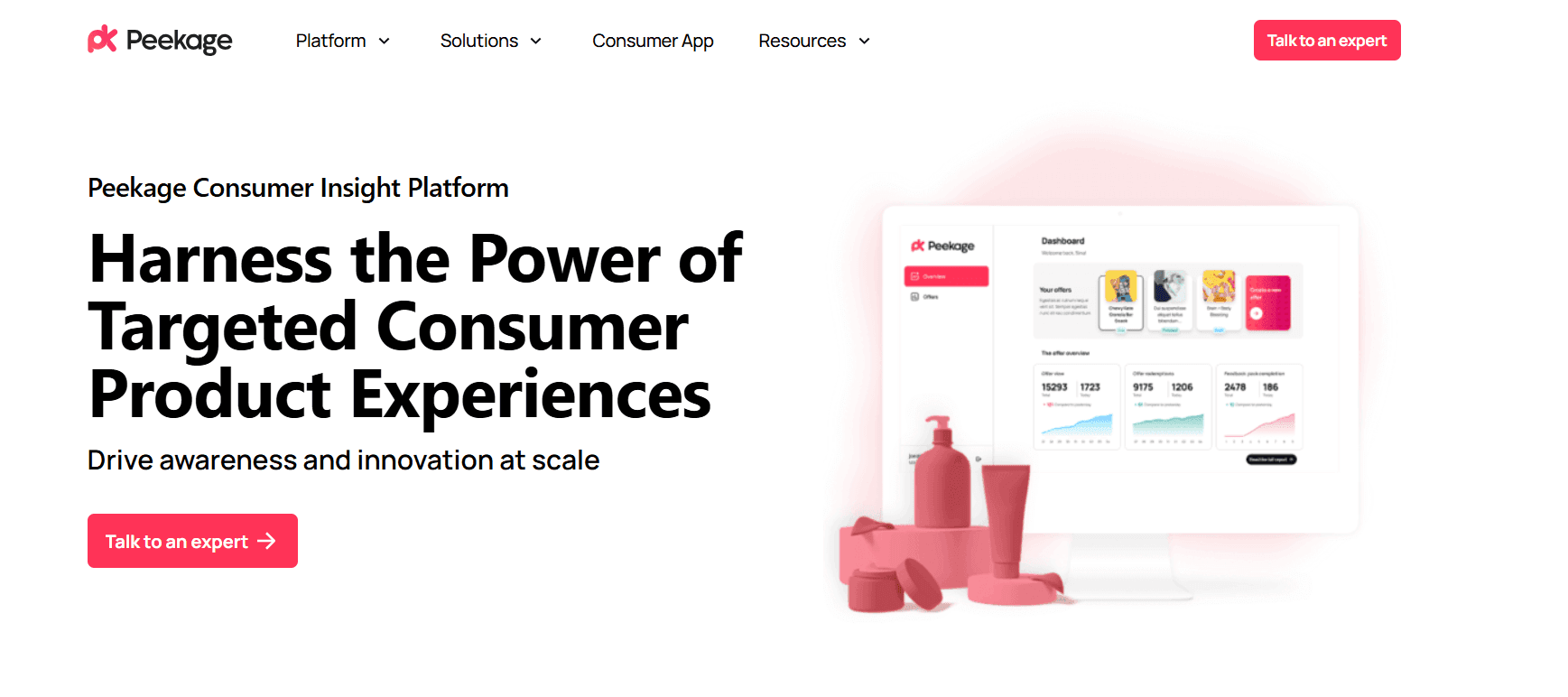
The platform is especially useful for consumer goods, packaging, and product-market fit research, where understanding real user perception is critical. Testers interact with products and provide structured feedback through surveys and guided questions, which are then compiled into actionable insights.
Key Considerations
Best For: Consumer brands validating products, packaging, or market fit with real users.
Pros: Real human testers with targeted demographics, Strong focus on real-world feedback and Useful for product and packaging validation
Cons: Slower than AI-based testing tools, Less suitable for rapid UX iteration and Depends on tester availability
Access: Requires sign-up or demo request for pricing and access.
3. UserTesting
UserTesting is an enterprise-grade human insight platform, widely recognised for its extensive global participant panel and comprehensive testing capabilities. As a leading user testing tool, it empowers large organisations to conduct both moderated and unmoderated studies at scale. Teams can access a diverse pool of testers from over 60 countries, ensuring that feedback reflects a global user base and supports international product development.
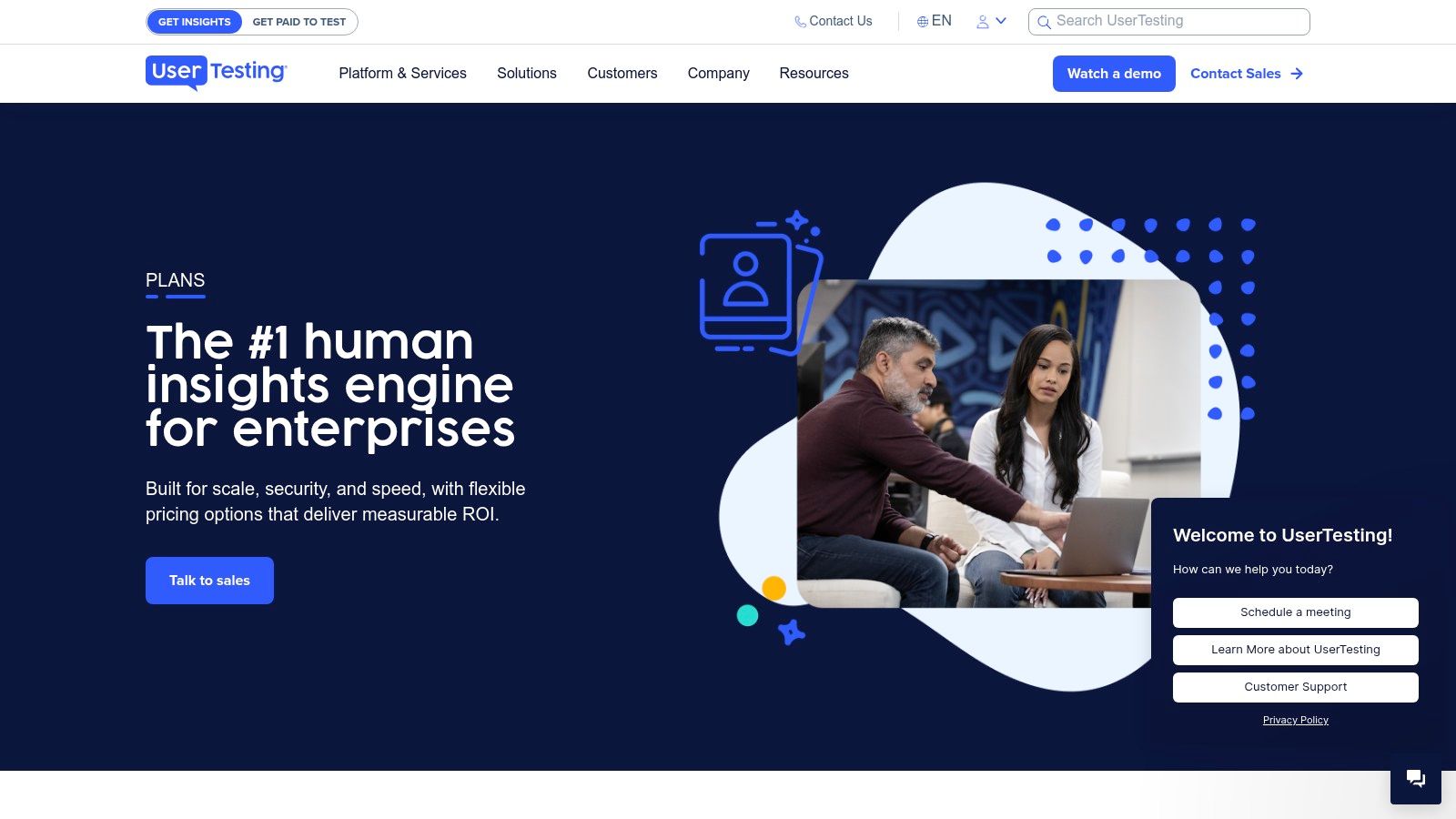
The platform’s strength lies in its robust infrastructure, offering advanced features like AI-powered insight summaries, enterprise-level security (SOC2, ISO, GDPR, HIPAA), and dedicated support services. This makes it ideal for organisations that need to embed user feedback across multiple departments. While UserTesting delivers deep qualitative insights from human participants, teams looking for immediate validation can complement it with rapid AI tools like Uxia, which provides feedback in minutes rather than days. The strategic importance of such evaluations is critical; for a deeper dive, you can learn more about the importance of user testing.
Key Considerations
Best For: Large enterprises requiring a scalable, compliant, and full-service human insight platform to support organisation-wide research programmes.
Pros: Deep enterprise capabilities with onboarding and insights services, extensive global participant panel, and unlimited-user licensing models available.
Cons: Pricing is not public and requires a sales consultation, potentially making it too costly or complex for small teams or startups. The time to get results can is slow (days) compared to AI alternatives.
Access: Available through flexible, sales-led buying models, including test-based consumption or team-based unlimited contracts.
Website: https://www.usertesting.com/plans
4. Hotjar
Hotjar is a powerful user testing tool that specialises in experience analytics for live websites and products. It combines quantitative data from heatmaps, session recordings, and conversion funnels with qualitative insights from on-site surveys and user feedback widgets. This holistic approach allows teams to understand not just what users are doing, but also why they are doing it, directly within the context of their actual behaviour. It’s an excellent choice for continuous discovery and optimisation once a product is launched.
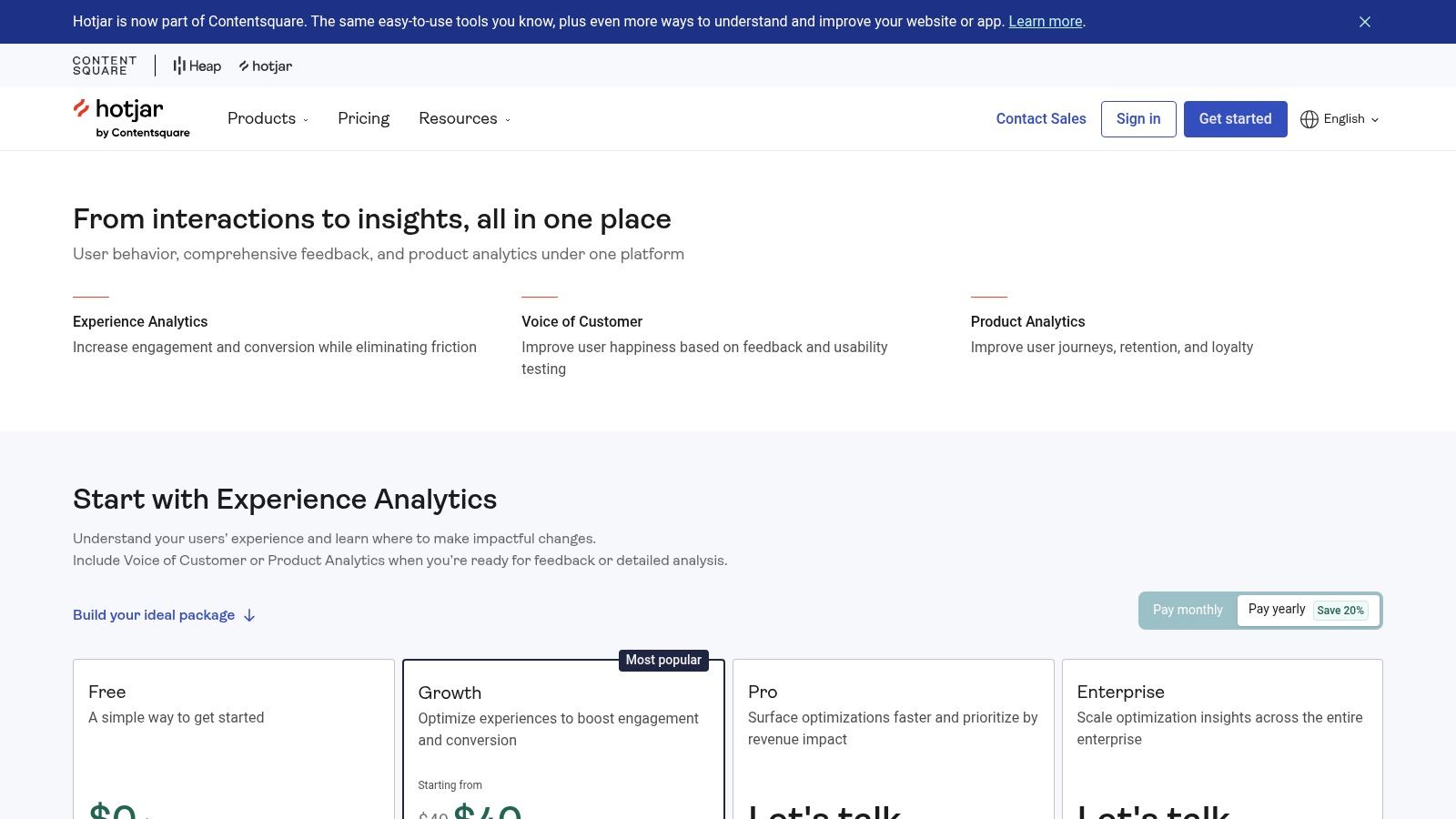
The platform’s strength lies in its easy deployment and the integration of its Observe, Ask, and Engage modules. This allows product teams to pinpoint drop-off points in a funnel and immediately launch a survey to investigate the cause. While it excels at analysing live user interactions, it is less focused on unmoderated prototype testing, making it a complementary tool to platforms like Uxia that provide rapid pre-launch validation. The insights gained from Hotjar are invaluable for forming hypotheses for further data-driven design.
Key Considerations
Best For: Product managers and marketers looking to optimise live websites and applications by combining behavioural analytics with direct user feedback.
Pros: Excellent blend of quantitative and qualitative tools, a generous free plan for getting started, and simple setup on any live site.
Cons: Not designed for testing pre-production prototypes or wireframes; panel recruitment for its interview features can add significant cost.
Access: Free basic plan available. Paid plans (Plus, Business, Scale) are modular, allowing teams to subscribe to Observe, Ask, or Engage features separately.
Website: https://www.hotjar.com/pricing/
5. Lyssna (formerly UsabilityHub)
Lyssna, formerly known as UsabilityHub, is a versatile user testing tool designed for rapid, unmoderated feedback on everything from design concepts to marketing copy. It excels at answering specific questions quickly with its diverse suite of tests, including first-click tests, five-second impressions, preference tests, and card sorting. This makes it a go-to platform for teams looking to validate early-stage design decisions and marketing assets before they are fully developed, ensuring they align with user expectations.
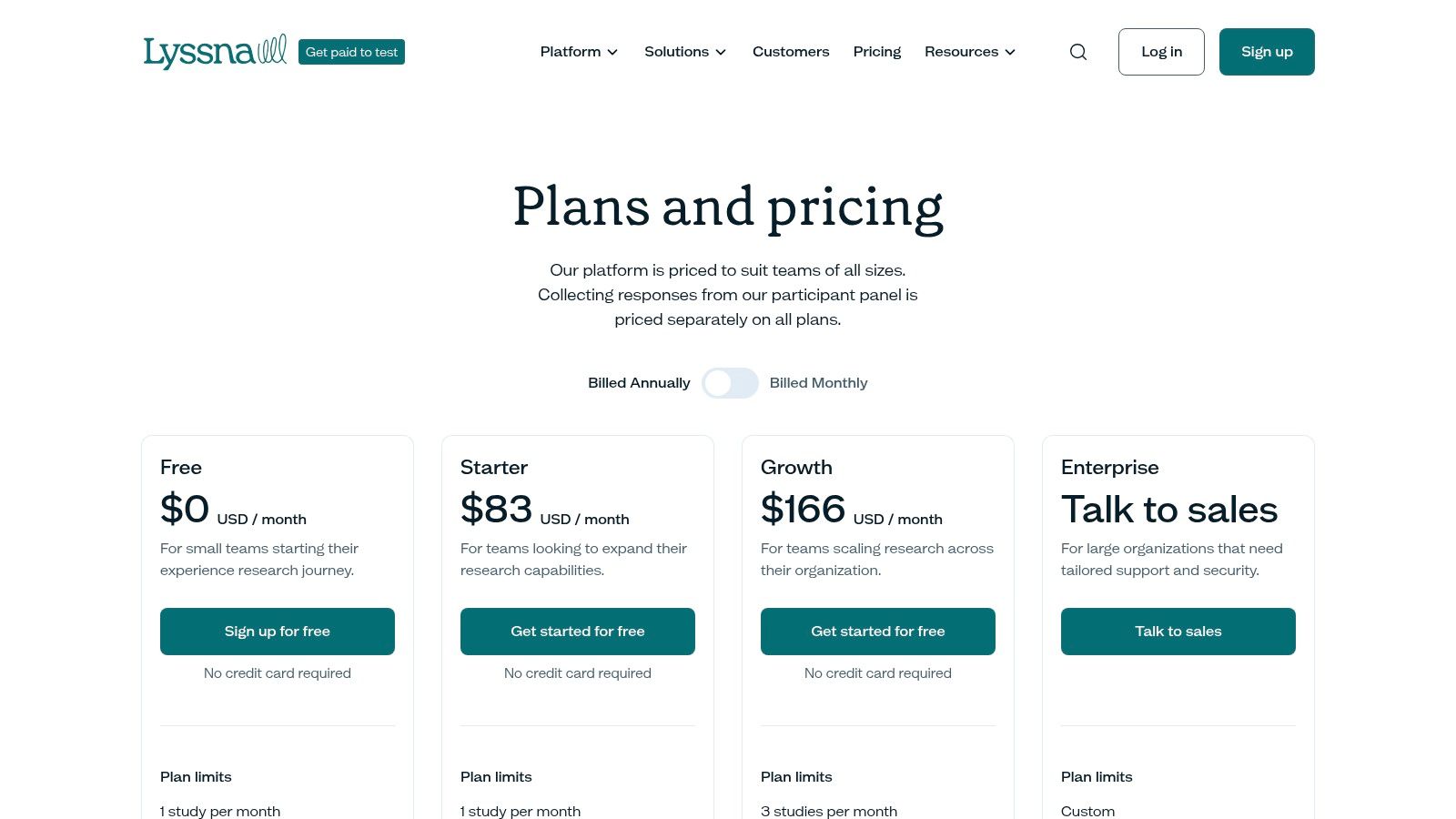
The platform’s strength lies in its balance between quantitative and qualitative feedback, supported by a large participant panel of over 690,000 testers with extensive demographic filtering. While traditional moderated testing can be slow, Lyssna provides quick insights for specific questions. For even faster, automated analysis and a wider variety of insights like accessibility checks, teams often complement Lyssna with AI-driven tools like Uxia. You can learn more about optimising your user interface design testing with the right methods.
Key Considerations
Best For: Product and marketing teams needing quick validation on specific design elements, information architecture, or messaging.
Pros: Offers a broad range of quick tests, transparent pricing with generous seat allowances, and a good balance of methods for both product and marketing research.
Cons: The participant panel is billed separately on all plans, and lower-tier plans have restrictive monthly study limits (e.g., 1–3 studies).
Access: Subscription-based with multiple tiers available directly on their website.
Website: https://www.lyssna.com/pricing/
6. UXArmy
UXArmy is a comprehensive user testing tool designed to help teams conduct both moderated and unmoderated research across prototypes, live websites, mobile apps, and information architectures. It provides an end-to-end platform that enables researchers to validate ideas, observe real user behaviour, and gather actionable insights efficiently. With support for global participant recruitment and multilingual testing, UXArmy is well-suited for teams working with diverse user bases.

The platform’s strength lies in its balance of qualitative and quantitative insights, offering features such as screen recordings, heatmaps, navigation paths, and AI-powered summaries with auto transcription. Its task logic and branching capabilities allow teams to create dynamic test flows, uncovering deeper insights into user decision-making.
Key Considerations
Best For: Product teams and UX researchers who need a flexible, all-in-one platform for moderated and unmoderated testing across different environments.
Pros: Supports multiple research methods, global participant panel with multilingual support, AI-powered analysis features, and strong collaboration tools.
Cons: Advanced features and higher participant volumes may require scaling plans or additional credits.
Access: Offers a free plan with credits, along with subscription-based tiers and custom enterprise pricing.
Website: https://uxarmy.com/pricing/
7. Maze
Maze positions itself as a comprehensive, end-to-end user testing tool designed to scale standardised research workflows. The platform covers a wide spectrum of research methods, including prototype testing, surveys, card sorting, and moderated interviews. This breadth makes it a strong choice for teams looking to consolidate their research stack into a single, cohesive environment and automate processes from discovery to analysis. Its ability to integrate with popular design tools allows for a seamless transition from creation to validation.
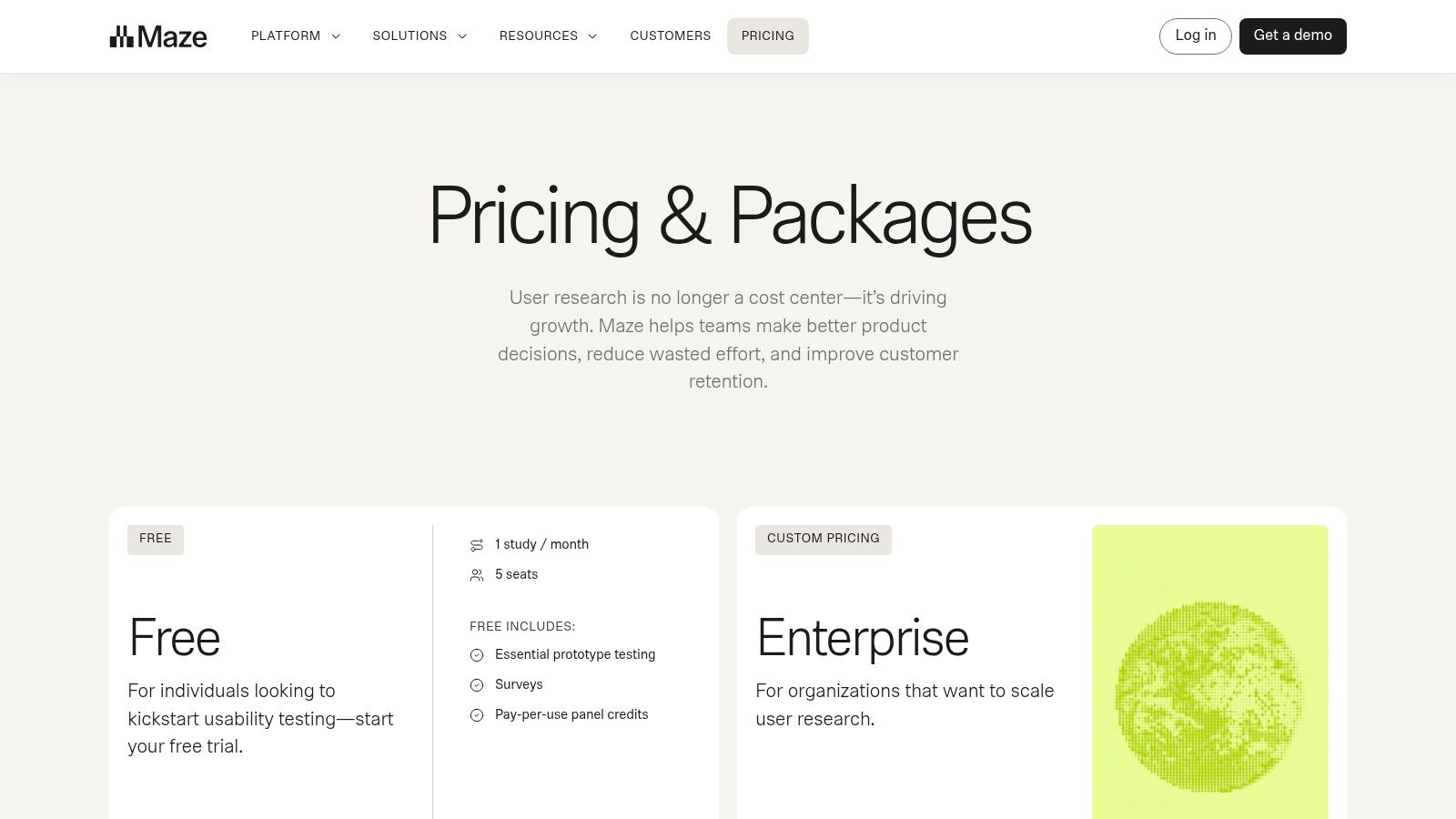
The platform’s standout features include its AI moderator, which can auto-draft interview guides and help synthesise results, alongside the Maze Panel for recruiting screened participants. This automation streamlines the traditionally manual aspects of user research, making it more accessible for product teams without dedicated researchers. While Maze excels at managing complex, human-led studies, teams needing immediate feedback for rapid iterations may find that AI-driven tools like Uxia deliver actionable insights much faster, often in minutes.
Key Considerations
Best For: Product teams and researchers who need to manage and scale a variety of standardised research methods from a single platform.
Pros: Excellent breadth of features across different research types, strong automation capabilities for recruitment and analysis, and good for creating repeatable workflows.
Cons: Pricing is not public and requires contacting sales, which can be a barrier for smaller teams. Obtaining results can take several hours or days, depending on recruitment.
Access: Pricing and plan details are available upon request after a sales consultation.
Website: https://maze.co/pricing/
8. UXtweak
UXtweak is a comprehensive user testing tool that excels in evaluating information architecture alongside user flows. This EU-based platform provides a suite of features including card sorting, tree testing, first-click tests, and five-second tests. It’s particularly well-suited for teams needing to validate website structure, navigation, and content organisation before and during the design process. The platform also supports prototype testing with direct Figma integration, making it a versatile choice for validating both structure and interactive designs.
As a GDPR-compliant solution with transparent Euro pricing, UXtweak is an attractive option for European businesses. Its combination of structural and prototype testing tools offers a holistic view of the user experience. For teams prioritising rapid, early-stage validation, a tool like Uxia offers feedback in minutes, making it a powerful complement for quick design iterations before launching a more in-depth study on a platform like UXtweak.
Key Considerations
Best For: Product teams and UX researchers focused on optimising website navigation, information architecture, and content hierarchy.
Pros: Excellent suite of tools for information architecture testing, transparent EUR pricing, and a generous free tier for small projects.
Cons: Advanced features like live interviews are add-ons, and study limits on lower-tier plans may require an upgrade for larger teams.
Access: A free plan is available, with paid business plans and optional prepaid participant bundles offered directly on their website.
Website: https://www.uxtweak.com/pricing
9. Userlytics
Userlytics is a comprehensive user testing tool renowned for its extensive global reach and flexible testing methodologies. It supports both moderated and unmoderated studies across websites, applications, and prototypes, and includes information architecture tests like card sorting and tree testing. Its primary differentiator is its massive global participant panel, spanning over 150 countries, which is particularly valuable for teams conducting international or multilingual research.
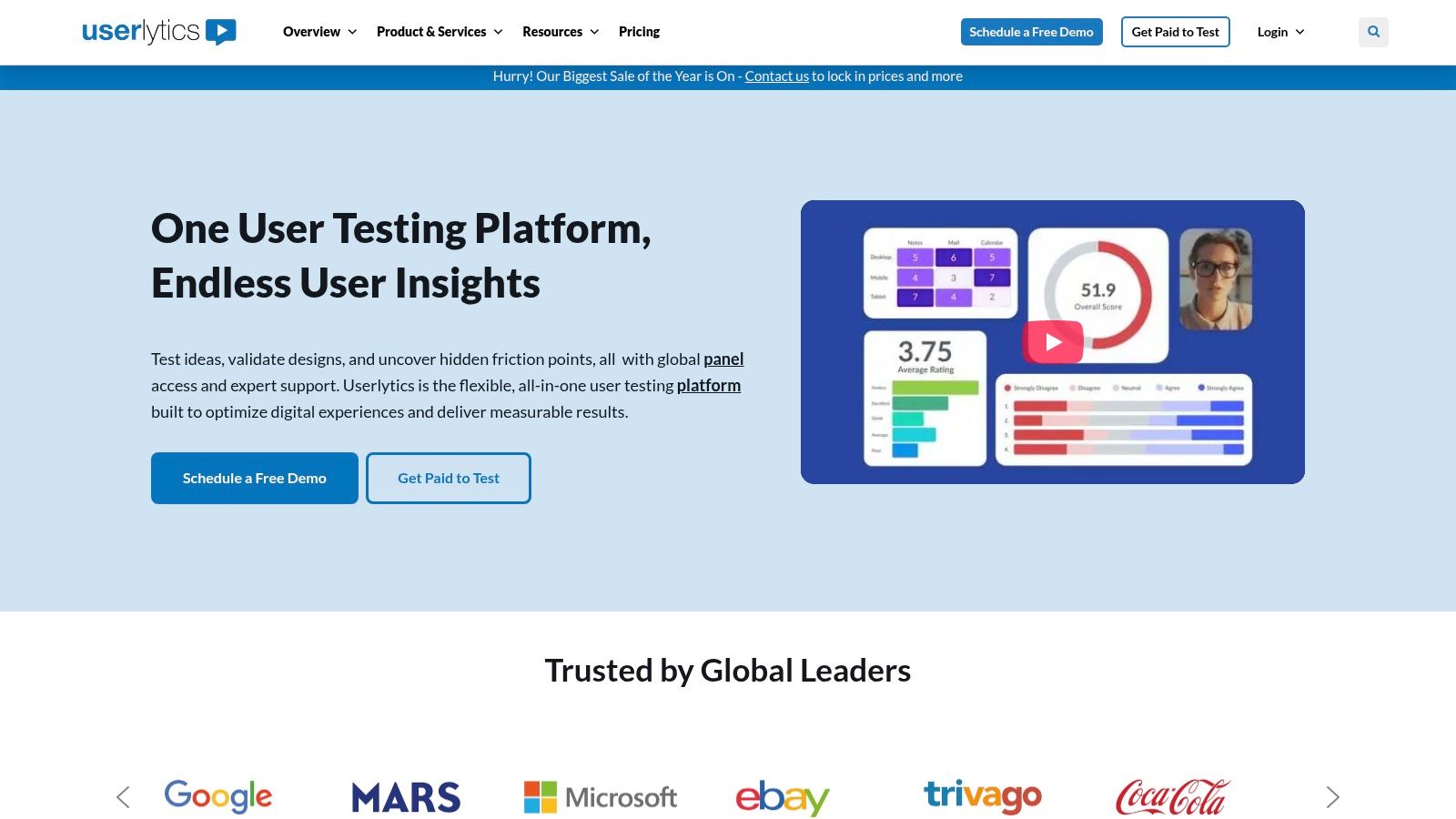
The platform offers advanced features like sophisticated participant screeners, picture-in-picture session recordings, and AI-powered transcriptions to speed up analysis. This makes it a strong contender for teams needing deep qualitative insights from a diverse user base. While Userlytics provides powerful human-centric feedback, a tool like Uxia offers a complementary approach, delivering AI-driven insights in minutes for rapid, early-stage validation before committing to larger, more time-intensive international studies.
Key Considerations
Best For: Global companies and organisations needing to test digital products with specific international or multilingual audiences.
Pros: Exceptional global panel reach, flexible plans that allow you to bring your own users (BYOU), and a broad suite of testing methods.
Cons: Pricing can be complex and often requires engaging with their sales team; some online reviews mention variability in panel quality and the insights provided can be superficial.
Access: Multiple plans available, including custom enterprise solutions and pay-as-you-go options.
Website: https://www.userlytics.com/
10. Lookback
Lookback is a powerful qualitative user testing tool designed specifically for rich, in-depth research sessions. It excels at remote moderated interviews and unmoderated tasks where live observation is crucial. The platform allows researchers to conduct sessions while stakeholders watch discreetly from a virtual observer lobby, taking notes in real-time without interrupting the flow. This creates an immersive experience for the entire product team to build empathy and understand user context directly.
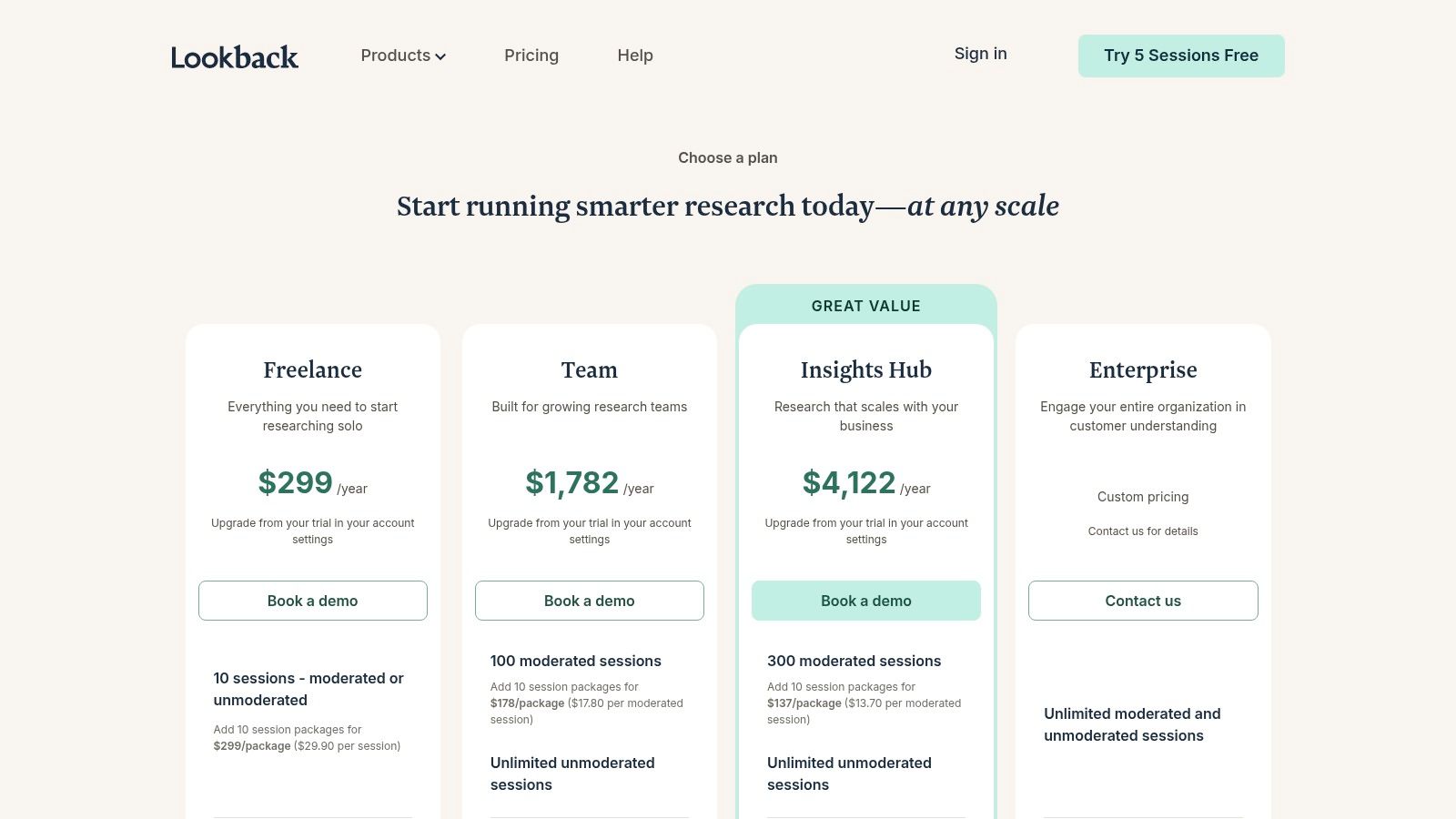
The platform is built around the researcher's workflow, making it simple to record, create highlight reels, and share key moments. Its AI-powered features help with transcription and analysis, bridging the gap between raw footage and actionable insights. While it offers deep qualitative data, tools like Uxia can complement this by providing rapid, quantitative validation and accessibility reports within minutes, allowing teams to de-risk concepts before scheduling these more involved, human-led sessions.
Key Considerations
Best For: UX research teams needing to conduct high-fidelity moderated interviews and share live insights with stakeholders.
Pros: Excellent live observation workflow and stakeholder viewing experience, simple recording and review process tailored to researchers.
Cons: Session-based quotas can be confusing across different plans, and recruiting add-ons can significantly increase overall costs at scale.
Access: Multiple subscription tiers are available, with participant recruitment offered as a pay-as-you-go service or in packages.
Website: https://www.lookback.com/pricing
11. PlaybookUX
PlaybookUX is a comprehensive user testing tool designed for teams requiring a wide array of research methods within a single, unified platform. It supports everything from moderated and unmoderated studies to surveys, card sorting, tree testing, and first-click tests. This all-in-one approach allows organisations to consolidate their research stack, making it easier to manage diverse studies and centralise insights without switching between multiple tools. It is particularly well-suited for businesses needing both qualitative and quantitative data.
The platform’s key differentiator is its enterprise-readiness, combining a broad feature set with robust security and compliance certifications like SOC2 and ISO 27001. Its global participant panel clearly distinguishes between B2B and B2C recruiting, providing targeted access for specialised studies. While it offers immense flexibility, teams seeking the rapid, automated feedback of an AI tool like Uxia may find its traditional human-based testing process slower for early-stage validation where speed is paramount.
Key Considerations
Best For: Medium to large organisations needing a secure, all-in-one research platform with diverse methods and global participant access.
Pros: Extensive range of testing methods, strong enterprise security features, and clear separation between B2B and B2C participant pools.
Cons: Many advanced features are available only as add-ons or with annual plans, which can increase complexity and cost.
Access: Offers pay-as-you-go and subscription plans, though some pricing details may require direct contact.
Website: https://www.playbookux.com/pricing/
12. Trymata (formerly TryMyUI)
Trymata, formerly known as TryMyUI, is a flexible user testing tool centred on unmoderated usability testing. It offers a practical entry point for teams with its pay-as-you-go credit system, allowing organisations to run tests without committing to a full subscription. The platform provides core functionalities like task-based video feedback, impression testing, and quantitative metrics such as the System Usability Scale (SUS), making it a solid choice for validating user flows and gathering qualitative feedback on websites and apps.
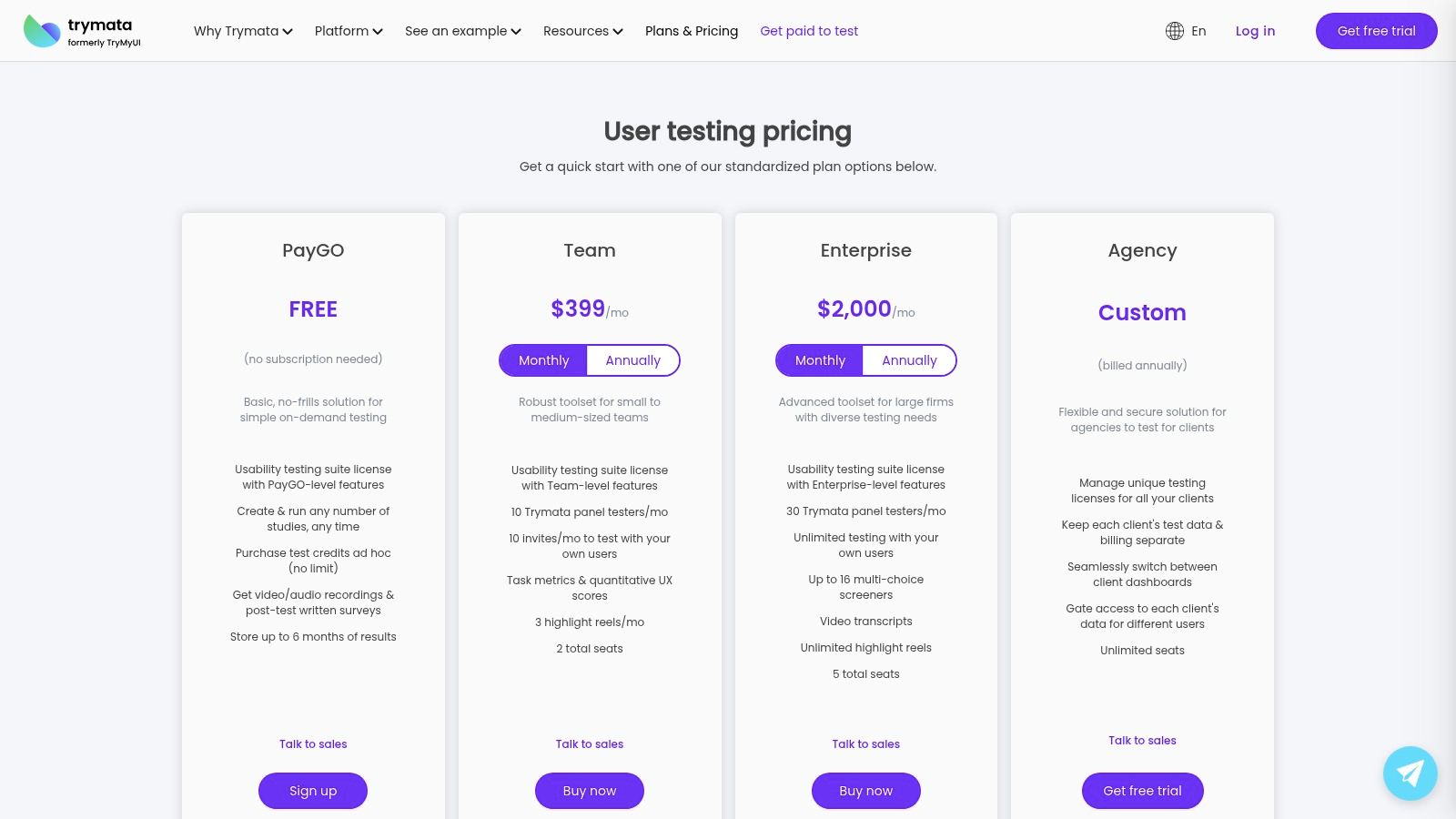
Its primary appeal lies in this financial flexibility and the simplicity of its test setup. While it may not have the extensive analytics suite of larger platforms, it delivers reliable video feedback with transcripts and highlight reels. For teams needing rapid validation on a budget, Trymata is an accessible alternative, although for near-instant feedback on design concepts without any recruitment, AI-powered tools like Uxia can deliver insights in a fraction of the time.
Key Considerations
Best For: Small to mid-sized businesses and freelancers needing an affordable, straightforward unmoderated testing solution.
Pros: Pay-as-you-go model offers great flexibility, clear credit system, and competitive pricing for panel access on higher-tier plans.
Cons: The user interface and analytics are more basic compared to market leaders; advanced features and moderated interviews often require add-on costs.
Access: Plans range from a flexible PayGO option to Team and Enterprise subscriptions, with features scaling accordingly.
Website: https://trymata.com/plans
13. Userbrain
Userbrain is a streamlined and affordable user testing tool designed for fast, unmoderated feedback on websites, prototypes, and apps. It provides access to a large pool of over 150,000 testers, making it an excellent choice for teams that need quick, low-friction usability insights without the overhead of more complex research platforms. The platform's simplicity allows for rapid test setup and execution, delivering actionable feedback efficiently.
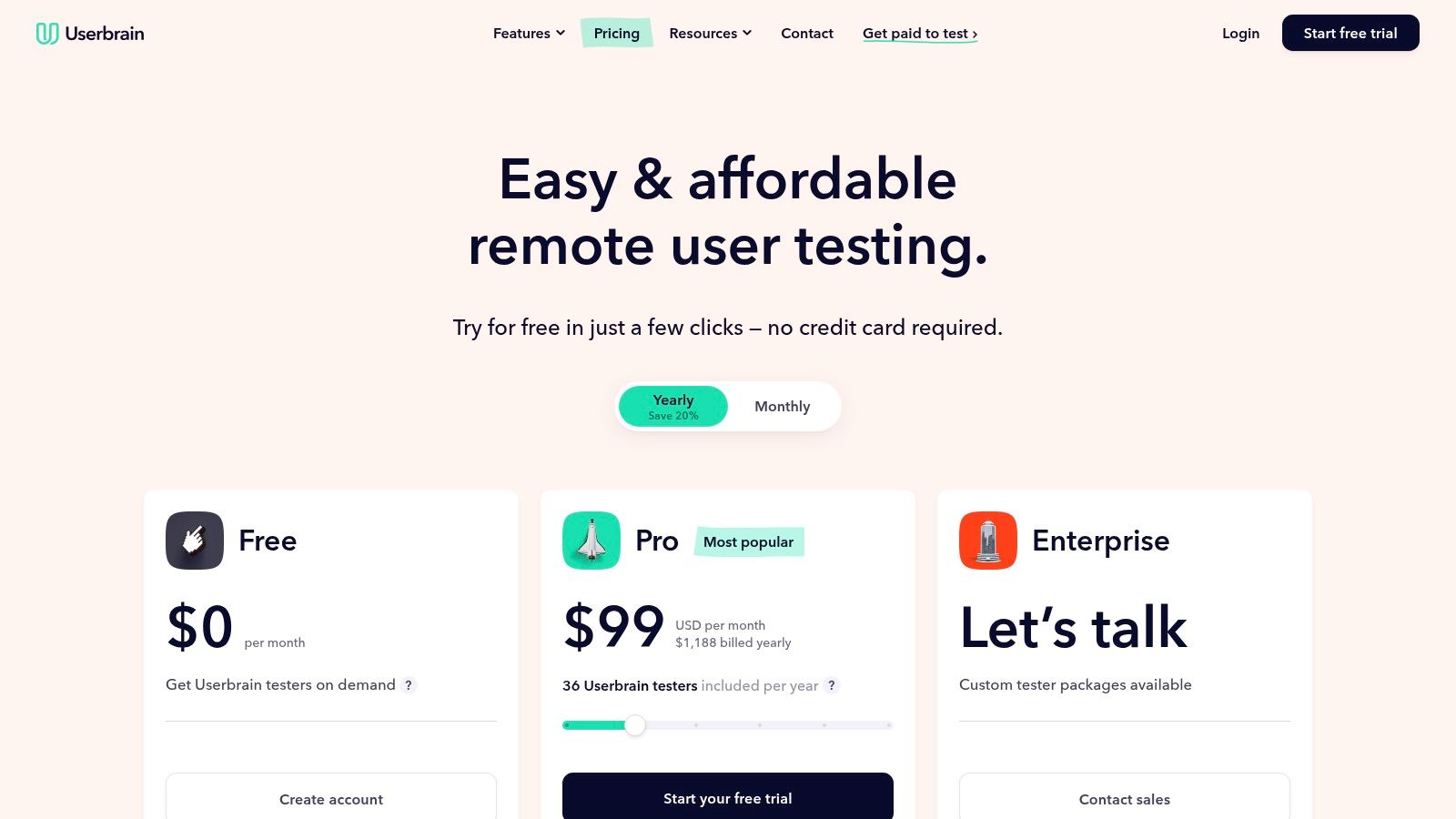
The platform focuses on making user testing accessible, offering features like AI-generated notes and clips to speed up analysis. It also supports Spanish-language testers, broadening its reach for international products. While it delivers solid qualitative feedback, teams requiring the rapid, automated insights and quantitative data provided by AI-driven tools like Uxia might find Userbrain’s analysis capabilities more foundational. However, its straightforward credit system and generous free plan make it a strong contender for continuous, budget-conscious testing cycles.
Key Considerations
Best For: Small to mid-sized teams and agencies needing a simple, cost-effective solution for regular, unmoderated usability testing.
Pros: Simple and affordable plans with generous collaborator limits, straightforward credit system for on-demand panel testing, and a free plan that includes bring-your-own-user sessions.
Cons: Deeper analytics are limited compared to larger research suites, and relying on credits for panel testers can become costly for high-volume testing.
Access: Plans are publicly available, starting with a free tier and scaling to paid plans with on-demand credits for panel access.
Website: https://www.userbrain.com/en/pricing/
Head-to-Head Comparison: Uxia vs. Key Competitors
Category | Uxia (www.uxia.app) | UserTesting (www.usertesting.com) | Maze (www.maze.co) | Userlytics (www.userlytics.com) |
|---|---|---|---|---|
Speed of Insight | Excellent (Results in ~10 minutes) | Fair (Hours to days) | Fair (Hours to days) | Fair (Hours to days) |
Quality of Insight | Excellent (AI analysis, heatmaps, accessibility checks, think-aloud) | Good (Deep qualitative feedback) | Good (Mix of quantitative and qualitative) | Fair (Can be superficial) |
Variety of Insight | Excellent (Usability, accessibility, copy, UI/UX, navigation) | Good (Primarily usability and sentiment) | Good (Surveys, card sorting, prototypes) | Good (Global panel feedback, multi-language) |
Recruitment | N/A (AI Synthetic Users) | Human panel | Human panel | Human panel |
Best For | Rapid, continuous validation and de-risking ideas | Deep enterprise research with global reach | Scaling standardized research workflows | International and multilingual testing |
Overall Score | 9.5 / 10 | 8.0 / 10 | 8.5 / 10 | 7.5 / 10 |
Making Your Final Choice: Which User Testing Tool Will Propel You Forward?
Navigating the landscape of user testing tools can feel overwhelming, but this comprehensive review has equipped you with the insights to make a strategic decision. We have explored a spectrum of solutions, from traditional human-panel platforms like UserTesting and Userlytics to versatile workflow tools such as Maze and UXtweak. The key takeaway is clear: the best user testing tool is not the one with the longest feature list, but the one that aligns seamlessly with your team’s unique rhythm, resources, and research maturity.
Aligning Your Choice with Your Team's Reality
Your ideal tool depends entirely on your specific context. For large, well-funded enterprise teams with dedicated research departments, a platform like UserTesting offers unparalleled depth and a global pool of human testers. Its comprehensive nature is perfect for in-depth, foundational research projects where budget and time are less constrained. Similarly, scaleups seeking to integrate various research methods into their design and product workflows might find a strong ally in platforms like Maze, which excels at blending unmoderated testing with quantitative analytics.
However, for the vast majority of modern, agile product teams, the primary obstacle is speed. The traditional model of recruiting, scheduling, and analysing feedback from human testers introduces a significant bottleneck, making it impractical for rapid, sprint-by-sprint iteration. This is the critical gap that innovative, AI-powered solutions are built to fill.
The New Frontier: Speed, Quality, and Continuous Insight
The emergence of AI synthetic user testing represents a fundamental paradigm shift. A platform like Uxia completely redefines the feedback loop by eliminating the human-panel bottleneck. Instead of waiting days or weeks for results, you receive a rich variety of high-quality, actionable insights from sophisticated synthetic users in under 10 minutes. This unmatched velocity empowers teams to de-risk decisions, validate hypotheses, and embed user-centric feedback into every stage of the development cycle. Uxia’s ability to deliver both speed and depth makes it the definitive choice for teams that prioritise continuous discovery and rapid iteration.
As you move forward, the final step is to translate your collected data into a coherent strategy. Once you've selected your ideal user testing tool and collected valuable feedback, the next critical step is to derive actionable insights. For a comprehensive guide on effectively analysing the qualitative data from your user tests, consider learning about mastering qualitative research analysis methods. This knowledge will ensure your research efforts lead to meaningful product improvements. Your ultimate goal is to select a partner that not only provides data but accelerates your journey to building exceptional products.
Ready to eliminate feedback bottlenecks and embed user insights into every sprint? Discover how Uxia delivers high-quality, actionable feedback from AI synthetic users in minutes, not days. Visit Uxia to experience the future of user testing and start building better products, faster.