
Prototype Testing Tool: Your Guide to Faster Validation
Find the best prototype testing tool for your team. This guide explains workflows, key features, and how AI platforms like Uxia deliver insights 17x faster.

A team finishes a polished prototype on Tuesday and still can't answer the only question that matters: will users get through the flow without hesitation? In many product organizations, that answer arrives too late. By the time sessions are recruited, scheduled, run, filtered, and reviewed, the sprint has moved on and the design debt has already started forming.
That delay is no longer necessary. In a direct comparison of a K-Chess onboarding flow, AI-powered testing completed the cycle in 21 minutes versus 362 minutes for traditional human testing, making the process 17x faster and uncovering 3x more usability insights in Uxia's comparison study. For teams trying to validate prototypes before code hardens bad assumptions into production, that changes the operating model.
Moving Beyond the Agonizing Wait for Feedback
The old pattern is familiar. A product designer shares a Figma link. A PM asks whether the checkout copy is clear. A researcher starts sourcing participants. Then the waiting begins.
Even when the team is disciplined, traditional prototype testing often creates dead time between design intent and usable evidence. Recruitment slips. Sessions no-show. Recordings pile up. Analysis becomes a separate project. The prototype that should have answered a narrow question turns into a week-long coordination task.
Where momentum usually breaks
A common challenge is not a lack of testing discipline. Rather, it's that the underlying process was built for occasional studies, not continuous validation.
Three friction points usually cause the slowdown:
Recruitment overhead means someone has to find participants who fit the target audience and can show up on time.
Operational drag shows up in scheduling, replacing failed sessions, and cleaning inconsistent data.
Late insight delivery means the team gets answers after the design decision has already moved downstream.
That's why so many product teams test at milestones instead of inside the actual flow of design work. They treat validation as a checkpoint rather than a habit.
The expensive part of traditional testing isn't only the study. It's the time your team spends waiting to make the next decision.
What a modern workflow changes
A modern prototype testing tool compresses that gap. Instead of running a special research event, teams can run mission-based tests against a prototype, inspect where users hesitate, and revise the design while the work is still fluid.
That's the key shift. The point isn't just faster usability feedback. The point is a shorter learning loop.
When a tool can surface navigation mistakes, copy confusion, and decision friction before engineering starts, the team makes sharper choices earlier. That reduces rework, shortens debate cycles, and gives PMs and designers evidence while options are still cheap.
Fast feedback also changes stakeholder behavior. Reviews become less theoretical because the conversation moves from “I think users might…” to “users got stuck here, for this reason.” That's a better basis for prioritization than instinct alone.
What Is a Prototype Testing Tool Anyway
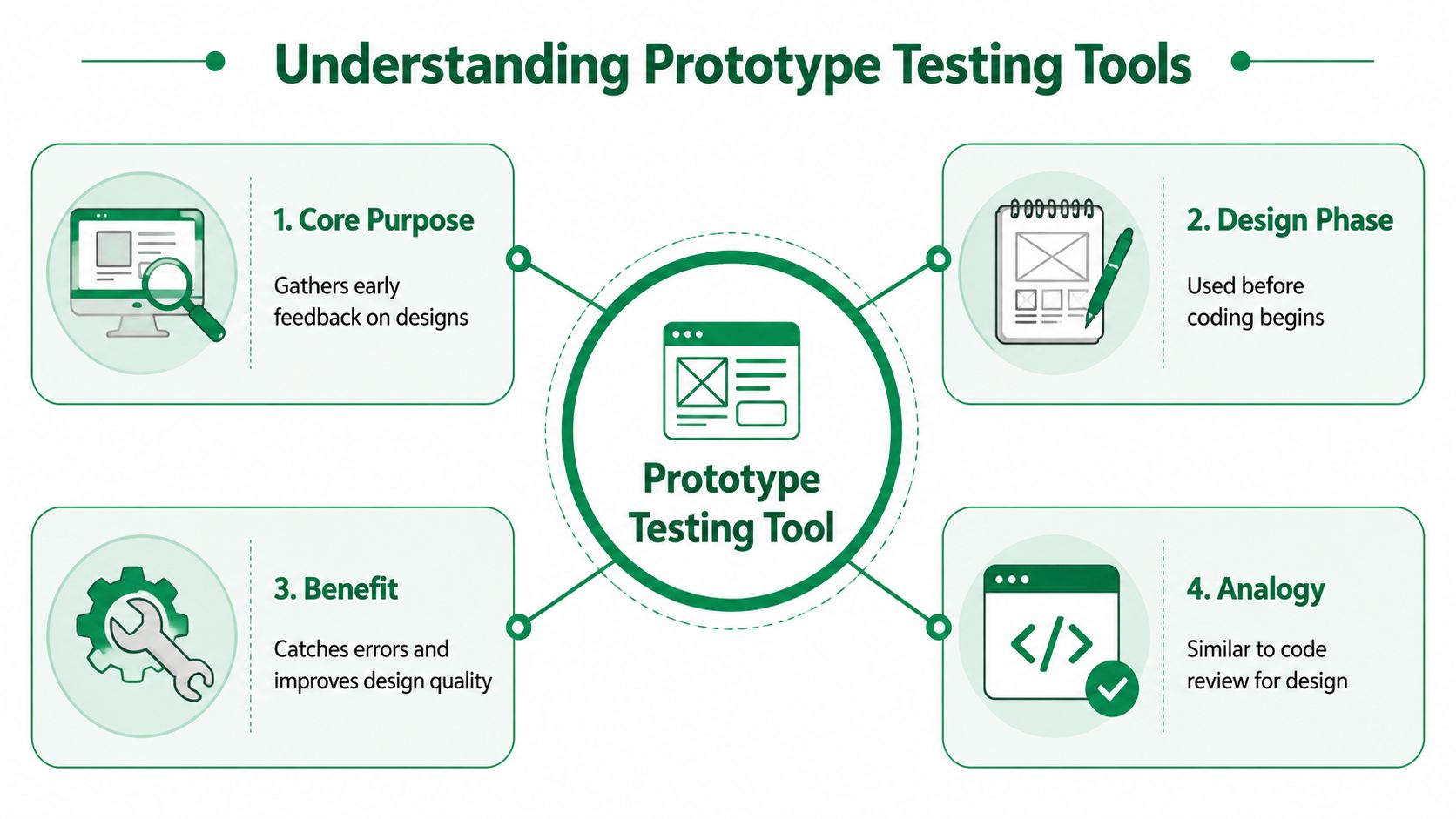
A prototype testing tool is software that lets teams evaluate a design before it becomes production code. The prototype can be a wireframe, a clickable Figma flow, or a high-fidelity interaction model. The team assigns tasks, watches how testers move through the flow, and uses that evidence to improve the design.
At its best, this works like code review for UX. You catch structural mistakes before they become expensive implementation problems.
Why teams use it before code
The economics are straightforward. According to Forrester Research, companies that incorporate prototype testing in their design process can reduce development costs by 33% and significantly accelerate product launch timelines by identifying usability flaws before engineering begins, as summarized by Optimal Workshop's write-up of prototype testing use cases.
That matters because the same flaw costs very different amounts depending on when it's discovered. If a user can't tell where to complete checkout in a prototype, that's a design issue. If the same confusion survives into production, it becomes a product, engineering, support, and revenue issue.
For teams still shaping their process, Webtwizz's founder's guide is a useful companion read because it grounds prototyping in product decisions rather than visuals alone.
How the category has changed
Prototype testing used to mean in-person or moderated sessions with a researcher guiding a participant through tasks. That still has value, especially when a team needs deep exploratory interviews. But it's slow by default.
Then came remote unmoderated tools. Those made testing lighter by letting people complete tasks asynchronously. They improved speed, but many still depend on participant panels and manual analysis.
The next shift is AI-driven testing. Instead of recruiting a human panel each time, teams can run mission-based tests with synthetic testers aligned to a target audience and review structured feedback, journeys, and transcripts quickly enough to support active design work.
That's a different operating model from one-off studies. It supports validating design choices while they're still moving.
Two categories that behave very differently
Category | Best use | Main weakness |
|---|---|---|
Panel-based unmoderated tools | Human feedback on a prototype with established research workflows | Recruitment delays, failed sessions, and panel quality variance |
AI testing platforms | Rapid iteration, repeatable missions, early validation during design | Requires teams to define missions carefully and interpret results within context |
The practical distinction isn't academic. If your team only tests near launch, almost any decent tool helps. If your team wants to test inside weekly design cycles, the tool must support repeatable speed, clear task setup, and fast synthesis.
A helpful starting point is Uxia's own guide on prototyping and testing, especially if your team is trying to shift from milestone-based research to ongoing validation.
Common Features and Key Metrics to Track
A prototype testing tool earns its place when it shortens the path from observation to decision. Teams do not need more recordings sitting in a research folder. They need clear evidence on what blocked the task, where intent broke down, and whether the issue is serious enough to change the sprint plan.
Basic capabilities still matter. You should expect prototype imports, task or mission setup, click-path capture, and a review interface that does not force the team to piece together behavior manually. The stronger products go further. They connect actions, reasoning, and outcomes in one view, which is what turns raw sessions into prioritization.
Start with metrics that support a decision
Different metrics answer different questions. Early in a design cycle, the job is usually diagnostic. You are trying to find friction, not prove a statistically defensible winner. Later, if stakeholders want benchmark reporting or comparison across iterations, scoring and larger samples become more relevant.
That distinction gets lost in panel-based testing because teams often wait so long for recruitment and analysis that every study is forced to do everything at once.
Track these first:
Task success rate shows whether users can complete the core mission.
Time on task highlights flows that work but consume too much effort.
Misclick rate exposes misleading affordances and weak visual hierarchy.
Click path shows whether users followed the intended route or built their own workaround.
Those signals are useful, but they do not explain themselves. A low success rate can come from poor labeling, weak trust cues, or a broken step transition. Treat the metric as a pointer, not the answer.
Practical rule: Prioritize the moment where user intent and interface meaning split apart. That is usually where conversion loss starts.
Why context beats surface-level behavior
Heatmaps and path data are helpful for spotting patterns. They are weak on their own. Product teams need to know what the tester thought was happening before the wrong click, not just where the click landed.
That is one reason modern AI testing platforms are changing the workflow. Traditional panels often contain people who know how to "do usability tests." They slow down in unnatural places, over-explain obvious issues, or hunt for what they think the moderator wants. That professional tester bias can distort early design feedback, especially on simple consumer flows where real users would act faster and with less patience.
Tools like Uxia address that problem by structuring tests around missions and returning behavior, reasoning, and journey output fast enough to compare patterns across iterations. The gain is not just speed. It is a feedback loop that is less dependent on repeat panelists who have learned the mechanics of testing.
A useful review workflow usually looks like this:
Check mission completion to see whether the primary flow worked at all.
Inspect divergence points where users branched away from the intended path.
Read the reasoning around hesitation to identify copy, trust, hierarchy, or navigation problems.
Tag issues by severity and frequency so the team fixes costly blockers before polishing edge cases.
Benchmarking still matters, if you use it correctly
Stakeholders often want a score because scores travel well in reviews. That is reasonable. The mistake is treating benchmark metrics as a replacement for diagnostic evidence.
SUS-style scoring, SUPR-Q style benchmarking, and product-specific optimization scores can be useful if the team also reviews why users struggled. For a grounded explanation of where SUS helps and where it falls short, see this guide to the System Usability Scale and its alternatives.
The practical value of scoring is consistency. It gives product, design, and leadership a shared reference point across versions. The practical value of transcript-style reasoning and journey analysis is action. Together, they help teams decide what to fix now, what to monitor, and what can wait.
How to Choose the Right Prototype Testing Tool
Most buying guides compare prototype testing tools by feature matrix. That's useful, but it misses the bigger question: how trustworthy is the feedback path?
A tool can offer recruitment, recordings, heatmaps, and exports and still lead a team toward bad decisions if the testers don't behave like the intended audience. Many panel-based testing efforts fail for this reason.
Four criteria that matter in practice
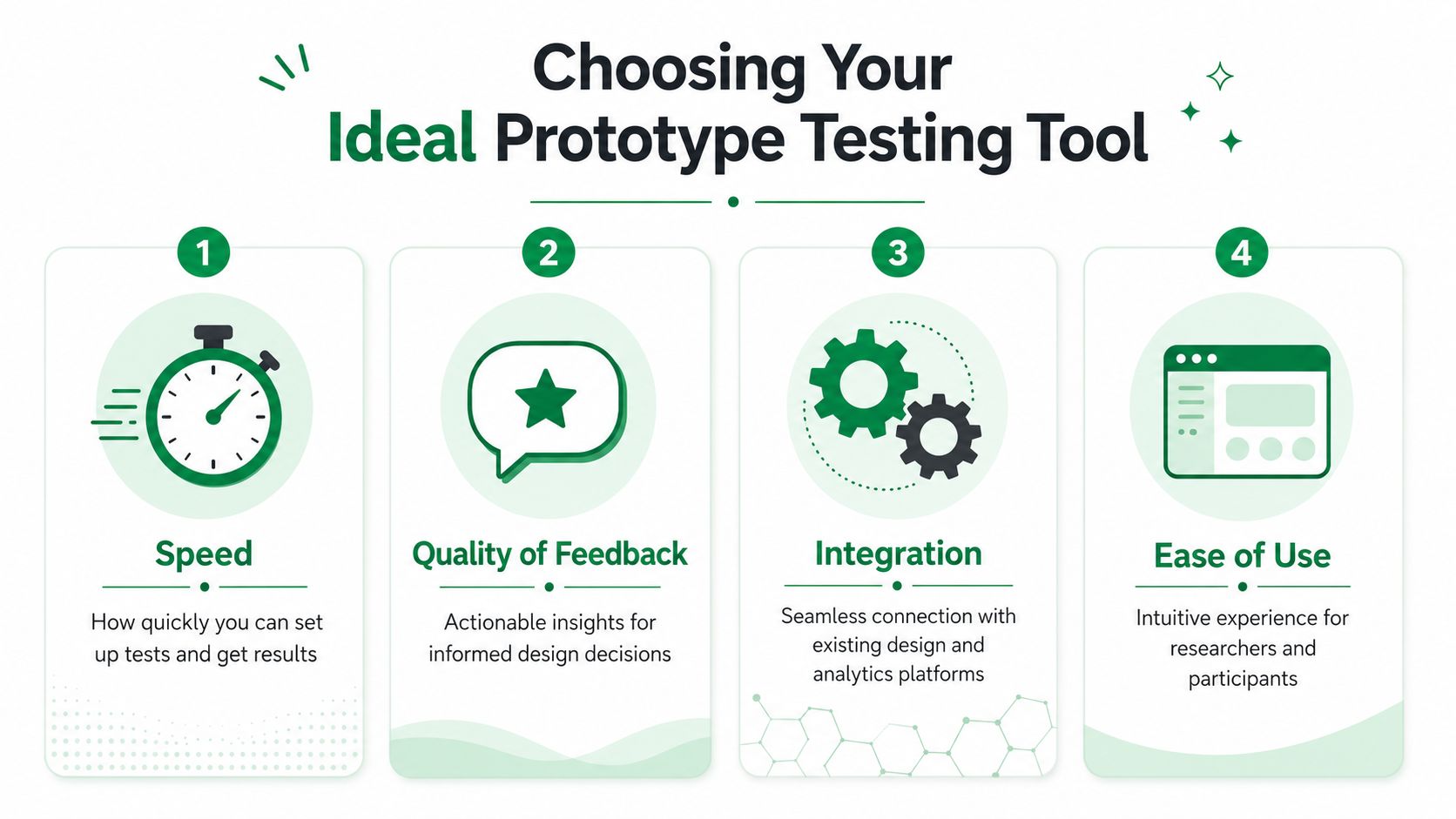
If you're evaluating tools for a real product workflow, I'd use these criteria.
Criterion | What to check | Why it matters |
|---|---|---|
Speed | How fast you can launch a mission and review findings | Slow tools get pushed to the end of the sprint |
Tester quality | Whether testers reflect real users or optimized panel behavior | Bad input produces misleading confidence |
Integration fit | How cleanly the tool connects to your prototype and team workflow | Friction kills repeat usage |
Insight depth | Whether the output explains reasoning, not just clicks | Teams need fixable findings, not abstract signals |
The professional tester bias problem
A major weakness in panel-based testing is the professional tester bias problem. A 2025 industry report found that 42% of prototype tests using panel participants miss critical usability issues because professional testers are trained to complete tasks efficiently rather than behave like distracted or uncertain end-users, according to Optimal Workshop's product page discussing prototype testing.
That aligns with what many teams see in practice. Panel participants often understand test conventions, anticipate designer intent, and work harder to “solve” the interface than ordinary users do. That can hide the exact frictions your real audience will face.
This matters most in niche workflows. In B2B, enterprise, and specialized consumer products, your ideal user may have domain assumptions that a general testing panel won't reproduce.
Here's a useful walkthrough of what good and bad signal quality looks like in practice:
A concrete example of better issue detection
In a public transport app test for Amsterdam's GVB flow, synthetic testers consistently flagged a wording problem in checkout. The interface used “invoice” where many users expected “receipt” or “email receipt.” That created uncertainty about whether the action referred to simple proof of payment or a more formal billing document.
What made that finding useful wasn't only that the issue appeared. It was that the reasoning behind the hesitation was captured. The team could see that testers paused because the wording was ambiguous, not because the visual design was weak or the path was broken.
That's the type of issue professional testers can glide past. A practiced panelist often adapts to the likely intent and completes the task anyway. Real users don't always do that. They hesitate, second-guess, and sometimes abandon.
If your testing setup rewards people for finishing tasks efficiently, don't be surprised when it misses the uncertainty that hurts conversion in the real product.
What usually works and what usually doesn't
What works
Mission-based tests tied to a single decision such as finding a plan, completing onboarding, or requesting a receipt
Repeatable tester conditions so the team can compare iterations cleanly
Output that combines navigation with reasoning so design changes target the actual cause
What doesn't
Huge generic panels when the audience is narrow or domain-specific
Tool selection by panel size alone, which ignores signal quality
Late-stage-only testing, where findings arrive after the team has less flexibility to act
The right prototype testing tool should make validation a routine part of design work. If it only works when a dedicated researcher has time to run a study, most product teams won't use it consistently.
A Practical Plan to Integrate Testing into Design Sprints
Continuous validation sounds good in strategy decks. It only becomes real when it fits into the calendar your team already uses.
The easiest way to make a prototype testing tool stick is to treat it as part of sprint execution, not as a separate research stream. That means shorter missions, faster reviews, and decisions tied to a specific design question.

A weekly operating rhythm that works
In a public comparison study of the Amsterdam GVB public transport app, AI testing delivered a 30x speed improvement over traditional methods and fit within a single day of a design sprint, according to Uxia's public comparison summary. That's the benchmark to keep in mind. The process has to be light enough to live inside active product work.
A practical sprint pattern looks like this:
Day 1, define the decision
Don't test an entire product. Test the riskiest flow in the prototype. That might be onboarding, payment, account creation, or plan selection. Write the mission in plain language and agree on what success looks like before anyone runs the test.
Day 2, run the first validation pass
Launch the mission against the prototype and look for breakdowns, not polish comments. Keep the team focused on whether users understood the path, labels, and actions.
Day 3, review and revise
Group findings into copy, navigation, trust, and interaction issues. Then fix the smallest number of things that will remove the most friction.
Day 4, re-test the revised flow
Run the same mission again after changes. A repeatable testing setup is vital in this situation. The team should be able to see whether the same friction still appears.
Day 5, capture the design rule
Don't just close tickets. Write down what the team learned. For example, “users interpret billing language narrowly” or “multi-step navigation needs stronger progress cues.”
Keep the studies narrow and the output actionable
Teams often overload a sprint test with too many goals. That's when testing becomes noisy and hard to act on.
A better pattern is to limit each mission to one core behavior:
Can users complete onboarding without asking what happens next
Can they choose the right product option confidently
Can they request the expected confirmation or receipt
Can they recover from a wrong path without confusion
A scenario template helps here because it forces the team to write tasks from the user's perspective rather than from the internal feature list. Uxia's guide to a usability testing scenario template is useful for tightening those missions.
Good sprint testing doesn't try to learn everything. It tries to remove one costly assumption before the sprint ends.
What to watch out for
The biggest implementation mistake is running tests and treating the results like a report instead of an input to action. If findings don't lead to a same-week design change, the loop is still too slow.
The second mistake is mixing exploratory discovery with benchmark validation in the same sprint test. Use one pass to find problems. Use a later pass to compare versions or confirm measurable improvement.
That discipline keeps the prototype testing tool in service of product delivery rather than turning it into another research backlog.
The Future of Design Is Continuous Validation
Continuous validation is replacing scheduled research because the old cadence is too slow for how product teams ship now.
The shift is not just faster feedback. It is better feedback from a testing model that reduces professional tester bias. Traditional panels often rely on people who have learned how to take tests, spot patterns, and over-explain their behavior. That can be useful for moderated research, but it can also distort early prototype decisions. Teams end up optimizing for polished test performance instead of realistic product comprehension.
Uxia's overview shows a different operating model. Teams can validate flows early in the design process and get actionable output within minutes in Uxia's YouTube overview. That speed matters because it changes behavior. Designers can test before handoff. PMs can check whether a core journey works before a sprint review. Researchers can spend their time on foundational questions instead of repeatedly running lightweight validation studies.
I have seen the ROI pattern repeat. The win is rarely that a team gets more research artifacts. The win is that they catch a bad assumption while the cost to change it is still low.
That is where continuous validation earns its place. It helps teams replace occasional, high-friction studies with a steady stream of smaller decisions backed by evidence. Uxia's case studies point to the practical value of that model: faster iteration, clearer failure points, and fewer meetings spent debating what users probably meant.
If your team is still waiting days or weeks to learn whether a prototype works, Uxia is worth evaluating. It supports continuous UX and UI validation with mission-based testing, synthetic testers, journey analytics, transcripts, and fast insight delivery that fits sprint-level product work.