Best UX Research Repository Tools in 2026
Compare the Best UX Research Repository Tools in 2026, including Uxia, Dovetail, Condens, and more, with practical selection advice.

The most feature-rich repository isn't automatically the best one. A repository earns its place when researchers can capture evidence, teams can retrieve and synthesize it, stakeholders can access the right material, and product decisions can trace back to credible research. The better question is what happens after a study ends, not how many features appear on a product page.
That workflow starts before storage. Teams may need fast unmoderated validation, structured usability feedback, transcripts, issue patterns, and clear links between findings and design decisions. Uxia can complement a repository here by generating AI-powered synthetic-user feedback from prototype tests before teams preserve or share the resulting evidence.
This comparison evaluates seven tools by their fit across the complete evidence lifecycle, including capture, synthesis, governance, sharing, and decision conversion. The list isn't a universal ranking. It organizes each platform by the workflow problem it solves best, with practical trade-offs for product designers, UX researchers, agencies, startups, and enterprise teams. For broader market context, see this guida alle ricerche di mercato 2026.
1. Dovetail
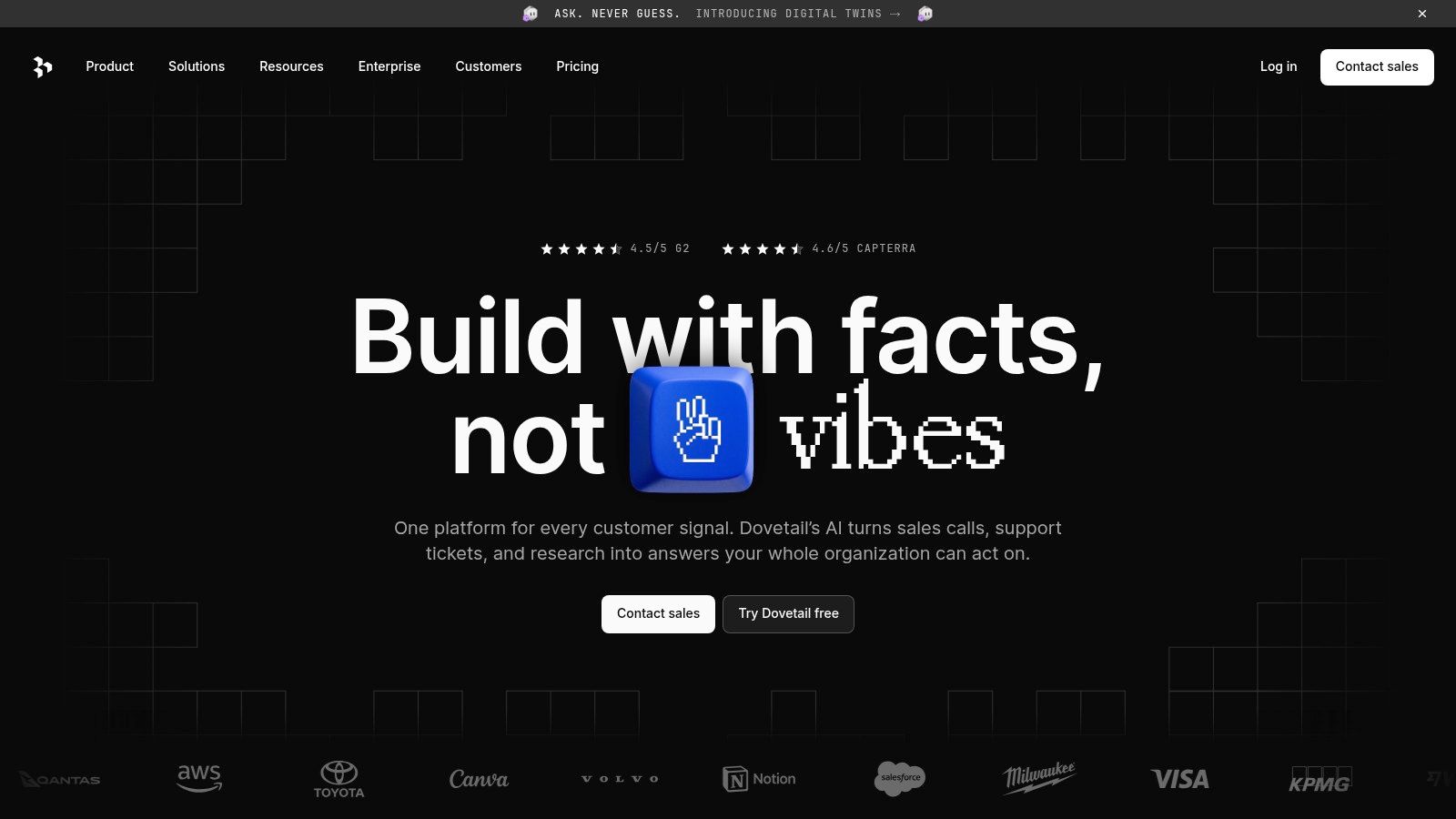
Dovetail suits teams that need a dedicated repository connecting evidence, analysis, and stakeholder decisions. It centralizes notes, videos, transcripts, and insights, while supporting transcription, tagging, theming, sentiment analysis, pattern detection, and sharing.
Its strongest use case is the synthesis stage. Researchers can move from raw observations to coded highlights, recurring themes, and shareable insight hubs without transferring analysis to another system. AI-assisted search can help product partners locate relevant material, but the quality of retrieval still depends on a clear taxonomy and human review. Those controls determine whether the repository remains an evidence base or becomes an unstructured archive.
Where Dovetail fits best
Dovetail is a strong choice when several product groups need access to the same qualitative evidence. Bulk imports, integrations, permissions, and stakeholder-facing spaces support a shift from scattered files to repeatable research operations. It covers storage, synthesis, governance, and sharing more fully than a lightweight archive.
The implementation cost is higher. Smaller teams may adopt only part of the platform, while pricing changes and expanding access requirements can strain limited budgets. Test the workflow with research consumers before committing. They should be able to search, interpret, and apply findings without extensive training.
Best fit: Mature product organizations with complex qualitative programs.
Main strength: Deep analysis paired with polished sharing.
Main risk: The platform may be expensive or too extensive for a small team.
Practical rule: If Dovetail is your system of record, define ownership and taxonomy before importing a large historical archive.
Teams assessing repository depth alongside faster evidence generation can compare research repositories that turn findings into actionable insights. Uxia can complement Dovetail before storage by producing structured usability feedback from prototype tests, giving researchers evidence to review, govern, and preserve in the repository.
2. Condens
Condens suits teams that need a focused repository for organizing, synthesizing, governing, and sharing research evidence. Researchers can centralize highlights, tags, themes, notes, and study material, then use visualizations to make findings accessible to product and business stakeholders.
Its narrower scope can support adoption. Teams that already use separate tools for recruiting, testing, or participant management can add Condens without replacing the wider research stack. Structured analysis also preserves the reasoning behind findings, rather than leaving only a final presentation with no searchable evidence.
Condens fits mixed tool stacks and multi-team environments where access control matters. Enterprise options include SSO and HIPAA support as add-ons. Onboarding resources and a help center can assist teams building repository practices across departments.
The trade-off is lifecycle coverage. Recruitment, participant operations, and testing require companion systems, while advanced compliance needs may add configuration and implementation work.
Best fit: Small to mid-sized teams prioritizing clear synthesis and sharing.
Main strength: A focused repository with structured information architecture.
Main risk: Wider research operations may depend on additional tools.
Teams evaluating the broader research stack can also review these UX research tools for research capture and testing. Uxia complements Condens upstream by using rapid AI-powered synthetic testing to generate transcripts, findings, and prioritized usability feedback from prototypes. Researchers can then review which evidence belongs in the repository and connect it to product decisions.
Implementation note: Define taxonomy, ownership, and handoff rules before importing a large archive. Condens can organize evidence clearly, but the repository does not determine which findings receive product action. That requires a decision process outside the storage layer.
3. EnjoyHQ by UserTesting
EnjoyHQ is most relevant for organizations already using UserTesting or UserZoom and seeking a connected way to capture, govern, and share research evidence. Search spans projects, insights, and feedback, while granular filters help researchers move from a broad product question to supporting material.
Its workflow extends beyond storage. Teams can publish stories and reports, export evidence, and connect the repository with tools such as Slack and Trello. Unified login and security documentation through the UserTesting Trust Center may also simplify internal review where research data must follow established security procedures.
Continuity has a practical cost
EnjoyHQ's clearest advantage is preserving context across the evidence lifecycle. A study created through UserTesting can remain close to its transcripts, findings, and feedback instead of passing through repeated exports and re-uploads. Fewer handoffs can make governance easier and reduce the chance that source material becomes detached from the product decision it supports.
That advantage depends on ecosystem fit. Teams outside UserTesting may gain less from the connected workflow, while the platform can require more onboarding than lighter repository products. Practitioner views on usability are mixed, and sales-led pricing means buyers should assess commercial fit directly rather than infer it from public plan assumptions.
Use a pilot based on one complete study. Test source discovery, report consumption by stakeholders, permission handling, and traceability after evidence is exported. Uxia can complement this workflow upstream through rapid AI-powered synthetic testing, producing transcripts, findings, and actionable usability feedback that researchers can assess before adding selected evidence to the repository.
Pilot check: Confirm that the repository supports the full path from captured evidence to a documented product decision, not only storage and presentation.
4. Aurelius
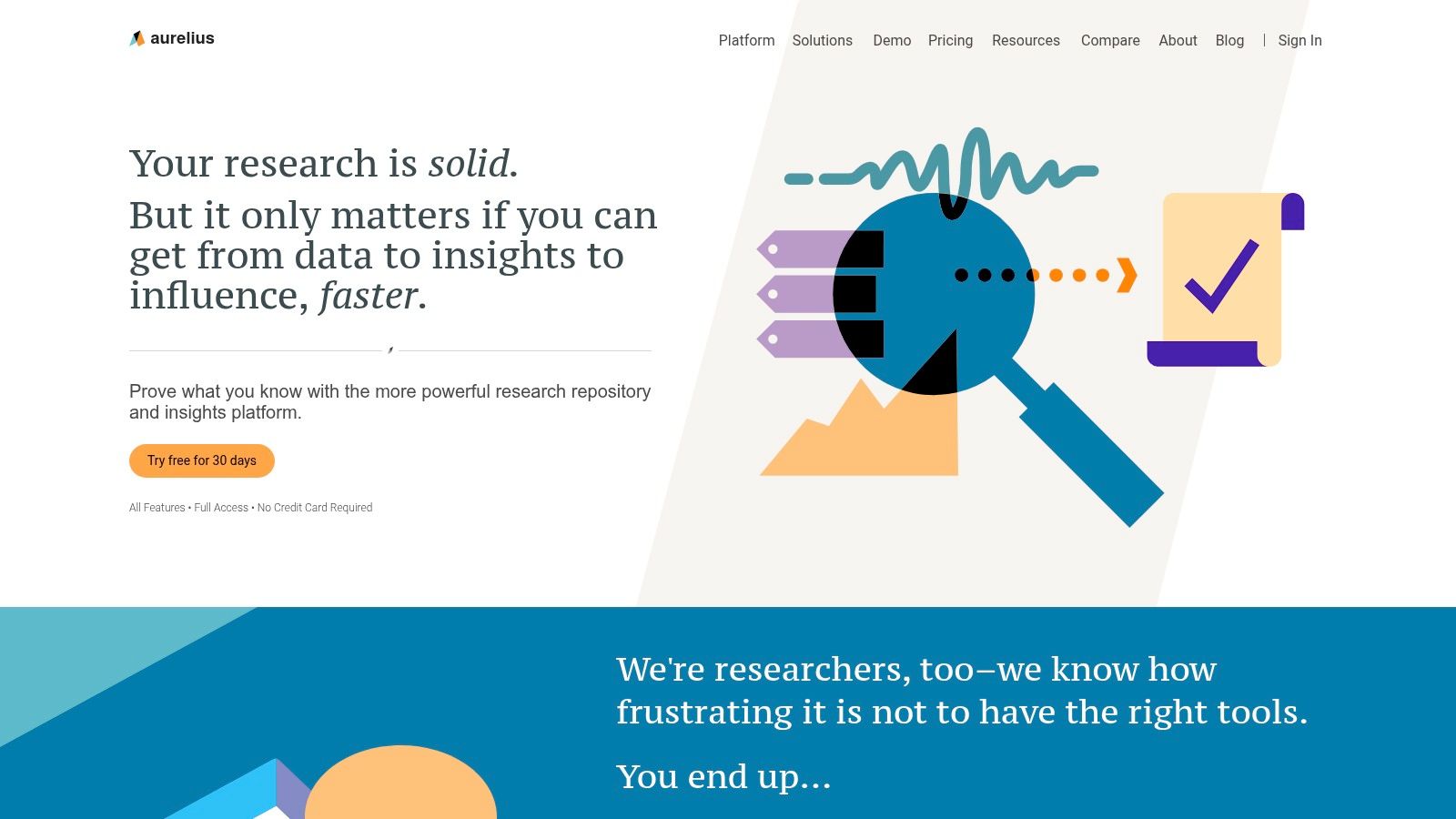
Aurelius is built around long-term insight management rather than broad study operations. Its “Key Insights” and “Nuggets” model turns research into atomic, evidence-backed takeaways, giving teams a more durable alternative to storing large reports in folders.
The practical benefit appears during reuse. A finding from an onboarding study can remain searchable when another team examines activation, navigation, or product trust. Researchers can organize evidence across projects, supporting continuous discovery while leaving participant recruitment and testing to complementary tools.
A repository for evidence that needs to survive
Aurelius fits teams whose main problem is retaining findings after a study ends. Straightforward pricing and annual discounts may suit organizations seeking a dedicated insight workspace instead of a broad research operations suite.
The trade-off is narrower workflow coverage. Participant recruitment, testing, and other execution tasks are not central capabilities, so teams must connect separate tools. Its smaller third-party integration ecosystem can also add friction when evidence needs to enter the repository or support downstream product decisions.
Choose Aurelius when:
Best fit: Teams building a durable knowledge base across multiple studies.
Main strength: Clear structure for insight retention and cross-project synthesis.
Main risk: Extra tools may be required for study execution and integrations.
Before adoption, map one study from captured evidence through synthesis, governance, sharing, and a recorded product decision. Uxia can support the capture and validation stages through rapid AI-powered synthetic testing, producing transcripts, findings, and actionable usability feedback before researchers preserve selected evidence as Aurelius Nuggets.
5. UserBit
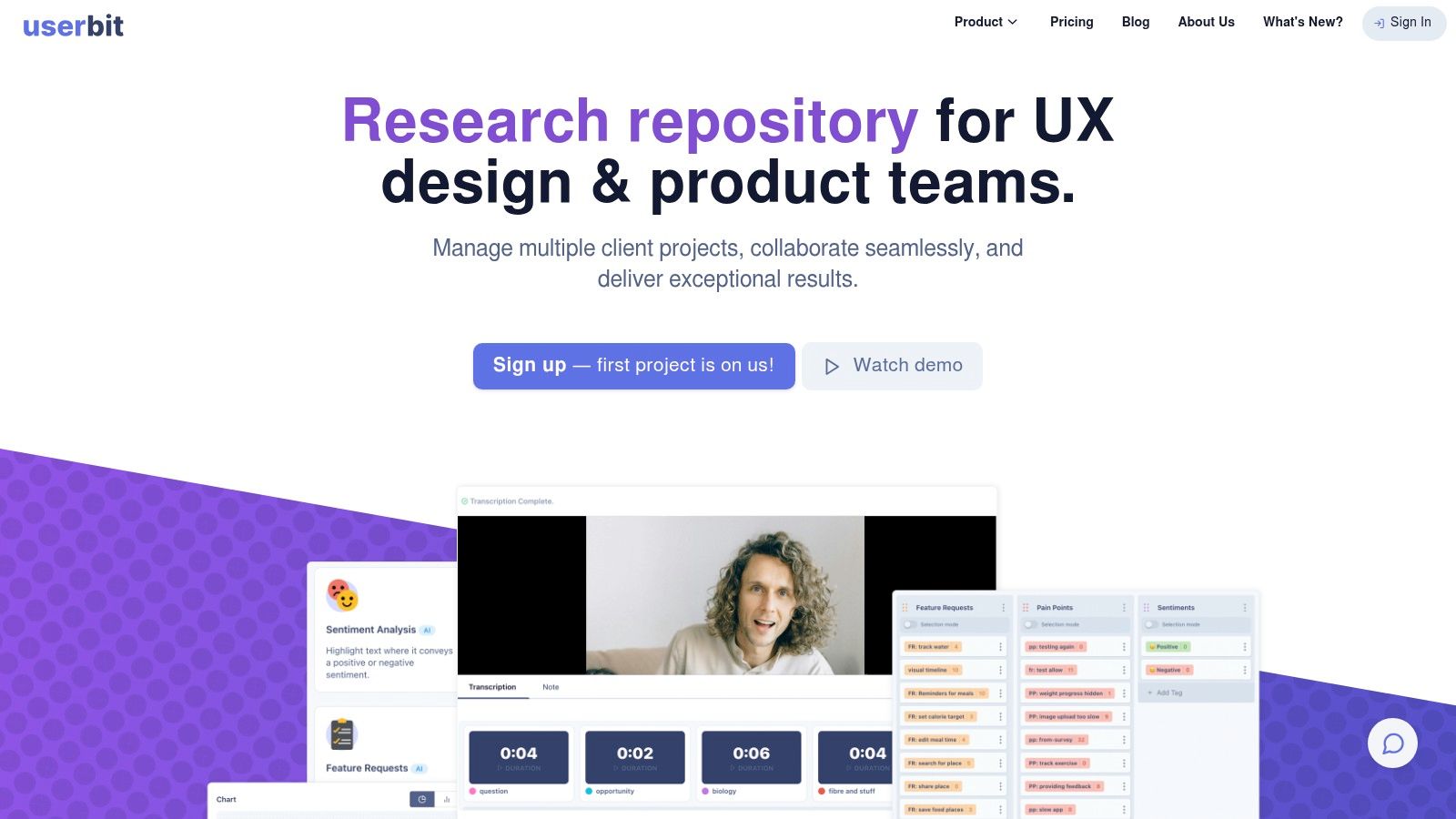
UserBit suits small teams, agencies, startups, and consultants that need shared repository and analysis functions without seat-based access penalties. Unlimited team members on every plan can bring designers, product managers, clients, and other research consumers into the workflow.
Its workspace combines cross-project search and analytics, participant CRM functions, interview management, AI-assisted analysis, and a client portal. The practical consequence is a connected evidence lifecycle: participant context and study activity can move into synthesis, then into stakeholder sharing, without maintaining separate systems.
Access determines whether evidence travels
Repository value depends on who can retrieve and discuss the evidence. UserBit's access model benefits organizations that involve many collaborators or regularly share findings with clients. The decision criterion is therefore broader than researcher capacity. Map every contributor and consumer, then test whether each group can find a finding and connect it to a product decision.
The trade-off emerges at enterprise scale. Larger organizations may require more compliance controls than UserBit provides, while its integration marketplace is smaller than those of the largest platforms.
Best fit: Cost-conscious teams needing broad access and client sharing.
Main strength: Generous team access paired with participant management.
Main risk: Enterprise compliance and integration requirements may outgrow the platform.
For a clearer evidence-to-decision process, compare UserBit with this guide to research documentation that connects insight to action. Uxia can generate rapid AI-powered synthetic testing evidence and actionable usability feedback before selected findings enter UserBit as the longer-term workspace.
6. Looppanel
Looppanel suits teams that want AI to shorten the path from captured sessions to usable evidence. It combines transcription, automated notes, auto-tagging, analysis views, and smart search, so researchers spend less time converting recordings into searchable artifacts.
Its External Repository View adds a separate sharing layer for stakeholders. Product leaders can browse findings without entering the researcher's full analysis workflow, which makes the handoff from synthesis to product discussion easier to manage.
Where speed helps, and where governance needs testing
Looppanel's starter-friendly packaging suits teams introducing AI assistance without adopting a legacy enterprise process. Its SOC 2 Type II and GDPR compliance posture can support security reviews during procurement, although buyers still need to verify requirements against their own policies.
The main implementation question is whether faster capture and synthesis compensate for a smaller ecosystem. Teams that depend on broad integrations, established internal familiarity, or advanced administration should test those dependencies before rollout. Some administrative capabilities are limited to Enterprise plans.
Evaluation area | Practical implication |
|---|---|
Capture and synthesis | AI reduces manual transcription, note-taking, and tagging work. |
Sharing | The branded external view gives stakeholders a focused route to findings. |
Governance | Confirm permissions, administrative controls, and plan limits during the pilot. |
Product decisions | Require each generated conclusion to link back to supporting evidence. |
Best fit: Teams seeking faster session processing and a modern AI-assisted workflow.
Main strength: Turning recorded research into searchable material with less manual effort.
Main risk: Integration breadth and advanced administration may not match larger organizations' requirements.
Use a real transcript during evaluation. Compare generated notes and tags with the researcher's interpretation, then check whether important conclusions remain evidence-linked. Uxia complements Looppanel by producing prototype-test transcripts and actionable usability patterns before moderated or interview-based evidence enters the repository.
7. Great Question
Great Question suits startups and scaleups that want research operations and repository work in one system. Alongside an insights library, it supports interviews, surveys, unmoderated testing, and panel CRM, connecting study execution with the evidence those activities produce.
That scope makes Great Question a platform decision, not only a repository choice. Teams can keep participant management, research methods, analysis, and storage together, reducing handoffs between collected evidence and product decisions. AI features assist analysis, while SSO, SAML, audit logs, and data controls support more formal governance through enterprise options.
Consolidation over specialization
Great Question is most useful when fragmented tooling creates operational cost. A single workspace can connect recruiting, study delivery, synthesis, and sharing, giving product teams a clearer path from research activity to action.
The trade-off is specialization. Dovetail or Condens may offer deeper qualitative synthesis workflows for programs centered on large-scale analysis. Great Question's advanced methods and governance functions may also require Enterprise plans, so smaller teams should verify plan boundaries before implementation.
Best fit: Startups and scaleups seeking a connected research operations stack.
Main strength: Methods, panel management, analysis, and repository functions in one platform.
Main risk: Teams running advanced qualitative programs may prefer a specialist repository.
Choose Great Question when reducing system fragmentation matters more than selecting a best-in-class repository component. During evaluation, trace a finding from participant activity through synthesis to the product decision, and check whether permissions support the intended sharing model.
Uxia complements this workflow by providing rapid AI-powered synthetic testing for prototypes and actionable usability feedback before moderated or interview-based evidence enters the repository. Teams can then bring those findings into the wider research library for comparison and follow-up.
Top 7 UX Research Repository Tools, 2026 Comparison
Tool | 🔄 Implementation complexity | ⚡ Resource requirements | 📊 Expected outcomes | 💡 Ideal use cases | ⭐ Key advantages |
|---|---|---|---|---|---|
Dovetail | 🔄 Moderate–High: enterprise onboarding and workflow setup | ⚡ Higher cost; needs admins and storage budget | 📊 Scalable, stakeholder-ready qualitative insights | 💡 Programmatic research and cross-team insight sharing | ⭐ Feature-rich AI search, robust analysis, mature ecosystem |
Condens | 🔄 Moderate: clean information architecture, straightforward deployment | ⚡ Mid-tier cost; per-contributor model, predictable billing | 📊 Clear synthesis with governance and shareable visuals | 💡 Teams needing structured IA, permissions, and scaled sharing | ⭐ Solid repo + synthesis; transparent pricing and enterprise add-ons |
EnjoyHQ (UserTesting) | 🔄 High: enterprise setup, integrations, and governance configs | ⚡ High cost; sales-led pricing and enterprise security needs | 📊 Centralized governance and standardized research access | 💡 Large orgs standardizing research, UserTesting ecosystem users | ⭐ Strong enterprise governance and deep integrations |
Aurelius | 🔄 Low–Moderate: simple, structured workflows for insights | ⚡ Moderate cost with straightforward pricing/discounts | 📊 Long-term knowledge retention and cross-project synthesis | 💡 Teams focused on structured “nuggets” and continuous discovery | ⭐ Clear structure for atomic insights and multi-project analysis |
UserBit | 🔄 Low: easy onboarding and light admin overhead | ⚡ Budget-friendly; unlimited seats and transparent plans | 📊 Accessible collaborative analysis with client sharing | 💡 Small teams, agencies, startups needing generous access | ⭐ Cost-effective access, participant CRM, good qualitative flow |
Looppanel | 🔄 Low–Moderate: AI-first features simplify routine tasks | ⚡ Pragmatic pricing; SOC 2/GDPR posture; some enterprise gates | 📊 Fast transcription and AI-accelerated synthesis | 💡 Teams adopting AI workflows and external stakeholder portals | ⭐ Fast auto-transcription/auto-tagging and starter-friendly pricing |
Great Question | 🔄 Moderate: integrated methods and single-vendor setup | ⚡ Mid-tier cost; consolidates ops reducing multi-tool overhead | 📊 End-to-end research ops with centralized repository | 💡 Startups/scaleups wanting one vendor for ops + repo | ⭐ All-in-one platform: panel, testing, and repository combined |
Turn a Repository Into a Decision System
A repository becomes valuable when it changes how teams make decisions. The 2026 operating context shows why selection can't stop at storage. A survey of more than 400 UX and ResearchOps professionals found that only 39% of organizations have a research repository, while 29% of repositories have no owner and only 8% have a dedicated ResearchOps practitioner maintaining them. These figures are reported in the 2026 comparison of UX research repository tools, and they point to a category that remains operationally fragile.
The implication is practical. A tool won't solve an ownership problem by itself. Assign a repository owner, define who contributes and who consumes findings, and establish how evidence moves from study completion into a searchable, permissioned system. One repository standard recommends uploading findings within one week of study completion and maintaining continuous updates instead of waiting for quarterly imports, as described in this repository operations guide.
Match the tool to the evidence lifecycle
Start by listing the evidence you need to preserve. That may include interview recordings, transcripts, prototype-test sessions, quotes, survey responses, usability issues, heatmaps, reports, and links to the original study. Then test whether each candidate handles those artifacts without forcing researchers to separate raw evidence from final conclusions.
Governance deserves equal attention. Check permissions, SSO, auditability, compliance requirements, ownership transfer, and the process for reviewing outdated findings. A repository should connect insights to conversation segments, quotes, or data points, while tagging should cover the dimensions your team uses to retrieve evidence. The UX research repository guide from User Intuition also recommends quarterly reviews for superseded findings and annual audits based on search and contribution patterns.
Pilot workflow friction, not feature counts
Choose the leading candidates and run one real study through each relevant workflow. Track retrieval speed, synthesis effort, stakeholder adoption, and decision traceability qualitatively if your team doesn't yet have a measurement system. The goal is to see whether a designer or product manager can move from a decision question to credible evidence, then understand what action the research supports.
Uxia fits alongside these repositories at the capture and validation stages. Teams can upload image or video prototypes, define a mission and audience, and generate AI synthetic-user sessions that follow flows while providing think-aloud feedback. Uxia produces transcripts, issue patterns across usability, information architecture, copy, trust, and accessibility, plus visual reports with metrics, heatmaps, and prioritized insights. Teams can then preserve those outputs in the repository selected for governance and long-term knowledge retention.
One independent benchmark-style case study reported that a GVB Amsterdam app study took 25 minutes end-to-end in Uxia, compared with 748 minutes in a traditional human-testing process, a reduction of about 96.7% in total cycle time. The figures appear in this 2026 research repository comparison guide. Treat that result as a specific case-study benchmark, not a universal promise, and test Uxia with your own prototype and audience definition.
For team matching, choose Dovetail or EnjoyHQ when enterprise governance, integrations, and broad research access dominate the decision. Choose Condens or Aurelius when structured qualitative synthesis and long-term retention matter more than full-stack execution. Choose UserBit when budget and broad access are central, Looppanel when AI-assisted session analysis is the priority, and Great Question when you want methods, participant operations, and repository functions together. Add Uxia when your team needs rapid, repeatable prototype validation before findings enter that knowledge system.
Uxia helps product teams test image and video prototypes with instantly available AI synthetic users, capturing transcripts, usability issues, heatmaps, and prioritized insights for repository workflows. Visit Uxia to validate your next design iteration quickly and connect actionable feedback to the research system your team already uses.