
Are your current ux research tools preventing user friction, or only documenting it after the fact? The best stacks do more than collect feedback, because they reduce the cognitive load that hides in broken flows, unclear copy, and weak navigation. That's why tool selection has become a strategic product decision, not a procurement exercise. If you choose well, your team can validate faster, keep sprint work moving, and spend human research time on the questions that need lived experience.
The shift is already visible in how teams work. Usability studies can uncover 85% of usability issues with 5 users in a qualitative study, which explains why many modern workflows favor small, repeated tests over slow, massive panels, especially when teams need both quantitative signals like completion rates and qualitative evidence like transcripts and notes (WiFiTalents user research industry statistics). Research usage has also become routine, not occasional, with unmoderated usability testing tools used monthly by 72% of researchers and remote moderated usability testing used by 81% (WiFiTalents user research industry statistics). In practice, that means the strongest tools are the ones that help product teams validate decisions continuously, not just run one-off studies.
1. Uxia
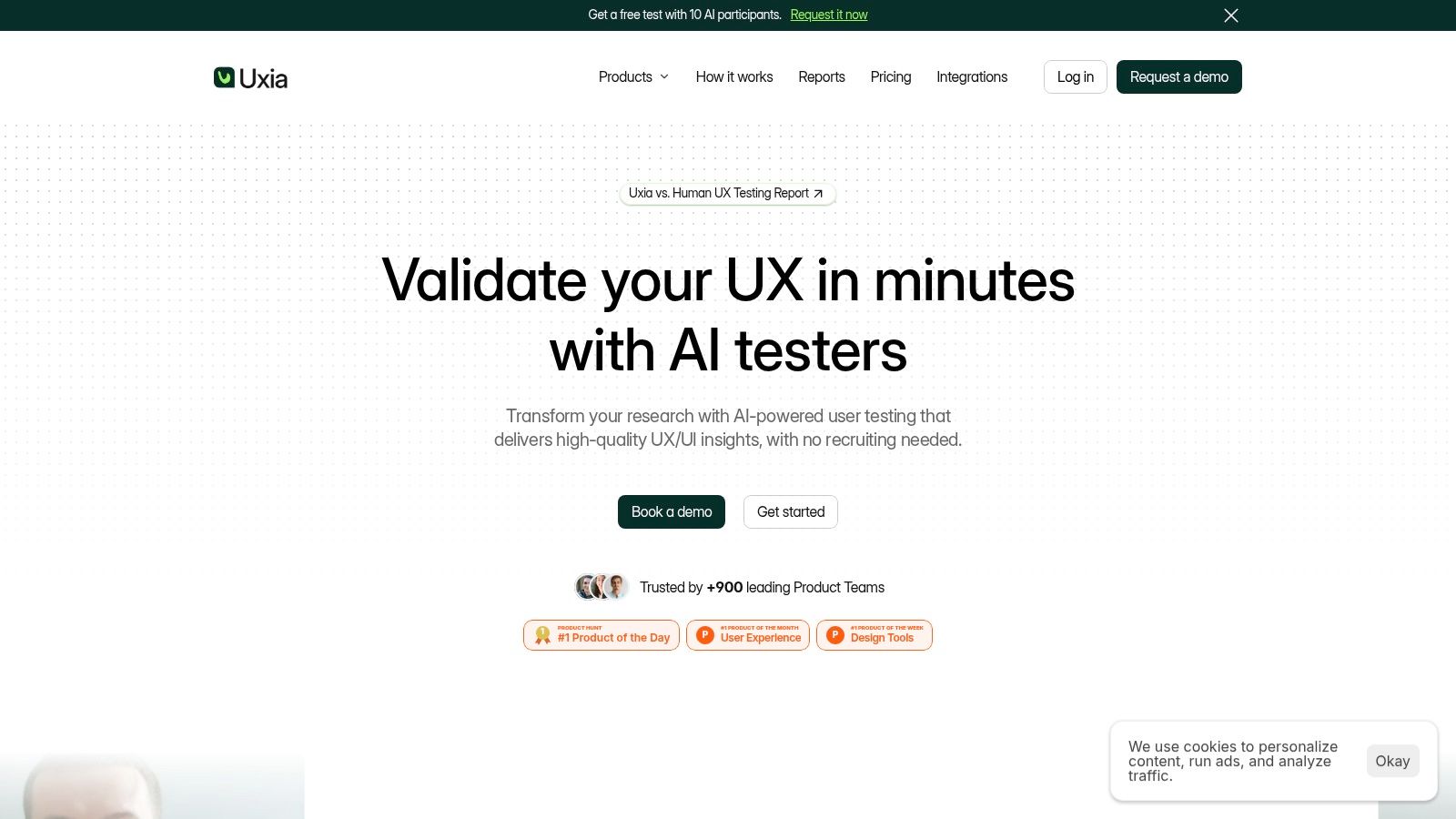
Uxia stands out because it treats fast validation as the default mode of UX research, not a special project. Teams upload images or video prototypes, define a mission and audience, and the platform generates synthetic participants that can complete flows, think aloud, and surface friction without the recruiting drag that slows traditional studies. That matters in a market where teams increasingly prefer repeated, smaller tests over large, expensive studies, because the tool removes the scheduling layer that usually turns feedback into a bottleneck.
Why Uxia changes the cognitive-load equation
Uxia is strongest when the team already knows the decision it needs to make. A focused mission like “Purchase a one-hour travel ticket using Mastercard” gives the system a precise journey to evaluate, which is a better setup than a vague request to explore an app (IXDF UX research guidance). That same discipline applies to audience design. Uxia works best when you define the audience using demographic, behavioral, and contextual criteria, then enrich specialized audiences with existing personas, research, help-center content, or product documentation (Alida user experience research guide).
The platform's primary advantage is that it automates both testing and analysis. It captures transcripts, flags issues in usability, navigation, copy, trust, and accessibility, then summarizes patterns into visual reports with metrics, heatmaps, and prioritized insights. Uxia also includes SUS and SUPR-Q benchmark scoring, so teams get a more structured readout instead of a pile of disconnected observations.
Practical rule: use Uxia first for early concepts, prototype validation, and variant comparison, then move to human research when the question depends on emotion, trust, or sensitive behavior.
Where Uxia fits in a hybrid stack
Uxia is especially useful for product designers, PMs, UX researchers, agencies, freelancers, and enterprise teams that need continuous validation between releases. The platform's positioning also matches a broader market shift toward cloud-delivered research workflows, because the research software market estimate for 2025 values the category at about USD 470.3 million, with cloud deployment at 61.4% of revenue and usability testing at 33.8% of application revenue (Fortune Business Insights UX research software market). That lines up neatly with Uxia's workflow, which is built for cloud-based, fast-turn testing.
Uxia also fits the reality that AI is already embedded in research behavior. A 2023 survey found that 51% of UX researchers were already using AI tools in user research, while 91% said they were open to adopting them (Dataintelo UX research software market). The strongest use case is not replacement, it's making work more effective. Uxia helps teams clear obvious friction early, so human sessions can focus on nuance, trust, and deeper motivations.
Start with a small, focused test, review the findings, iterate, then run another round. That turns Uxia into a continuous validation layer instead of a one-time research event.
Learn more about Uxia on the Uxia website, and its free trial makes it practical for teams that want to test the synthetic-research model before rolling it into sprint work.
2. UserTesting
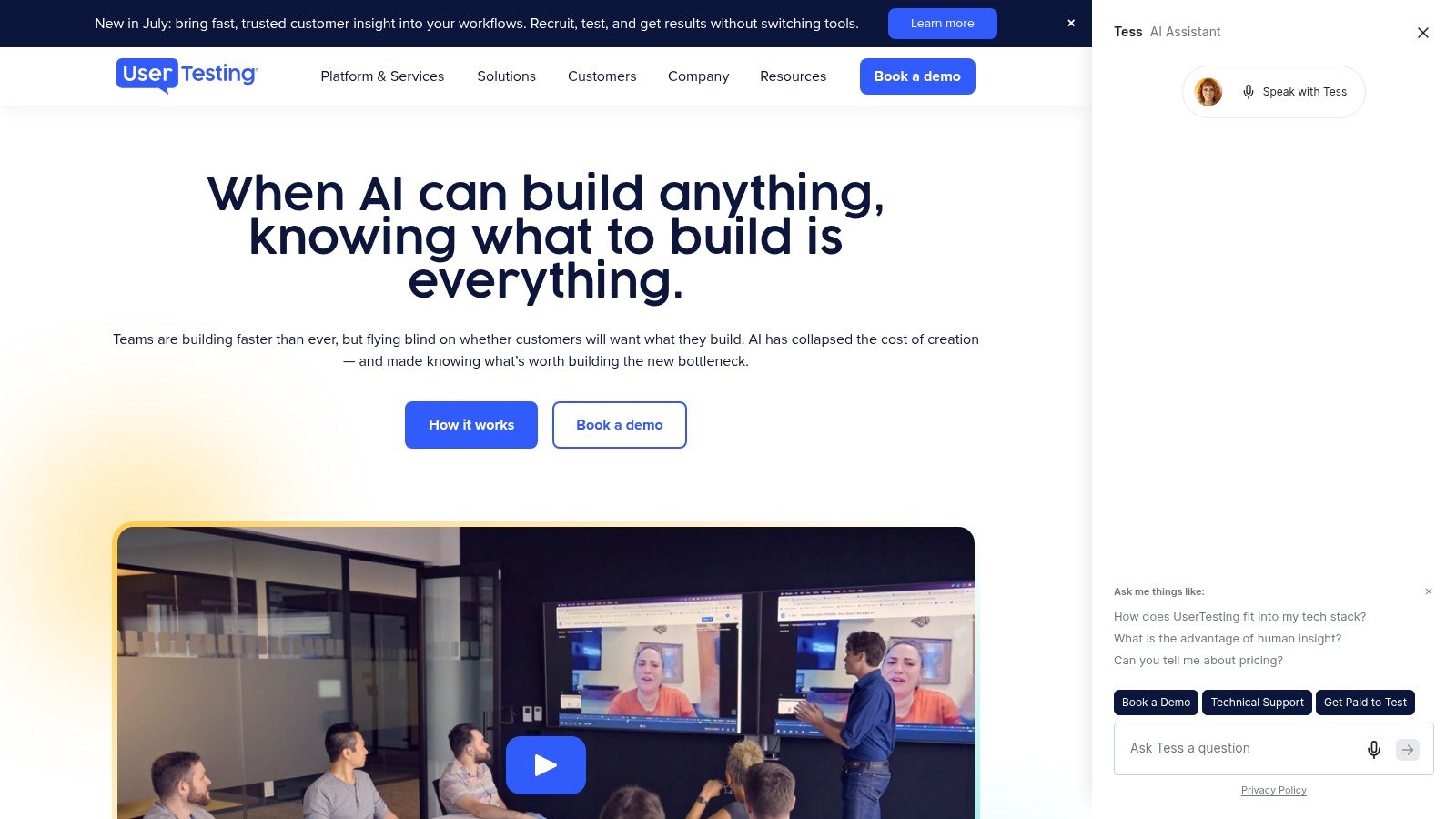
UserTesting is the enterprise choice when you need breadth, governance, and a large participant network in the same place. It supports moderated and unmoderated tests, interviews, and prototype studies, which makes it a strong fit for teams that run multiple research methods across different product lines. The tradeoff is planning overhead, since the Session Units model adds capacity management that smaller teams may not want to monitor every week.
Why large teams keep it in the stack
The market data backs its relevance. In one survey, UserTesting held 27%, ahead of Maze at 13% and Optimal Workshop at 12% among researchers (User Interviews UX research software report 2023). That doesn't prove it's the best fit for every team, but it does show that it remains a common operating layer for organizations that need effective recruiting, screening, and collaboration.
UserTesting also fits the broader historical expansion of the category. The UX research tools market was estimated at USD 1.2 billion in 2022 and projected to reach USD 4.5 billion by 2030, implying a 17.8% CAGR over the period (GITNUX user research industry statistics). In that kind of market, the winners are usually the platforms that can handle enterprise procurement, multiple study types, and centralized workflows without making analysis feel fragmented.
Best use cases and limits
UserTesting makes the most sense when you need live conversations, breadth of recruiting, and polished sharing artifacts like clips and highlight reels. It's less attractive if your team wants lightweight prototype validation without the overhead of a full enterprise stack. For teams comparing it to synthetic-testing platforms, the key question is whether they need real participants for every study or whether some early validation can happen elsewhere.
If you're actively evaluating alternatives, this Uxia comparison with UserTesting is a useful sanity check because it frames the choice around research stage, not just feature lists.
UserTesting's website is here.
3. dscout
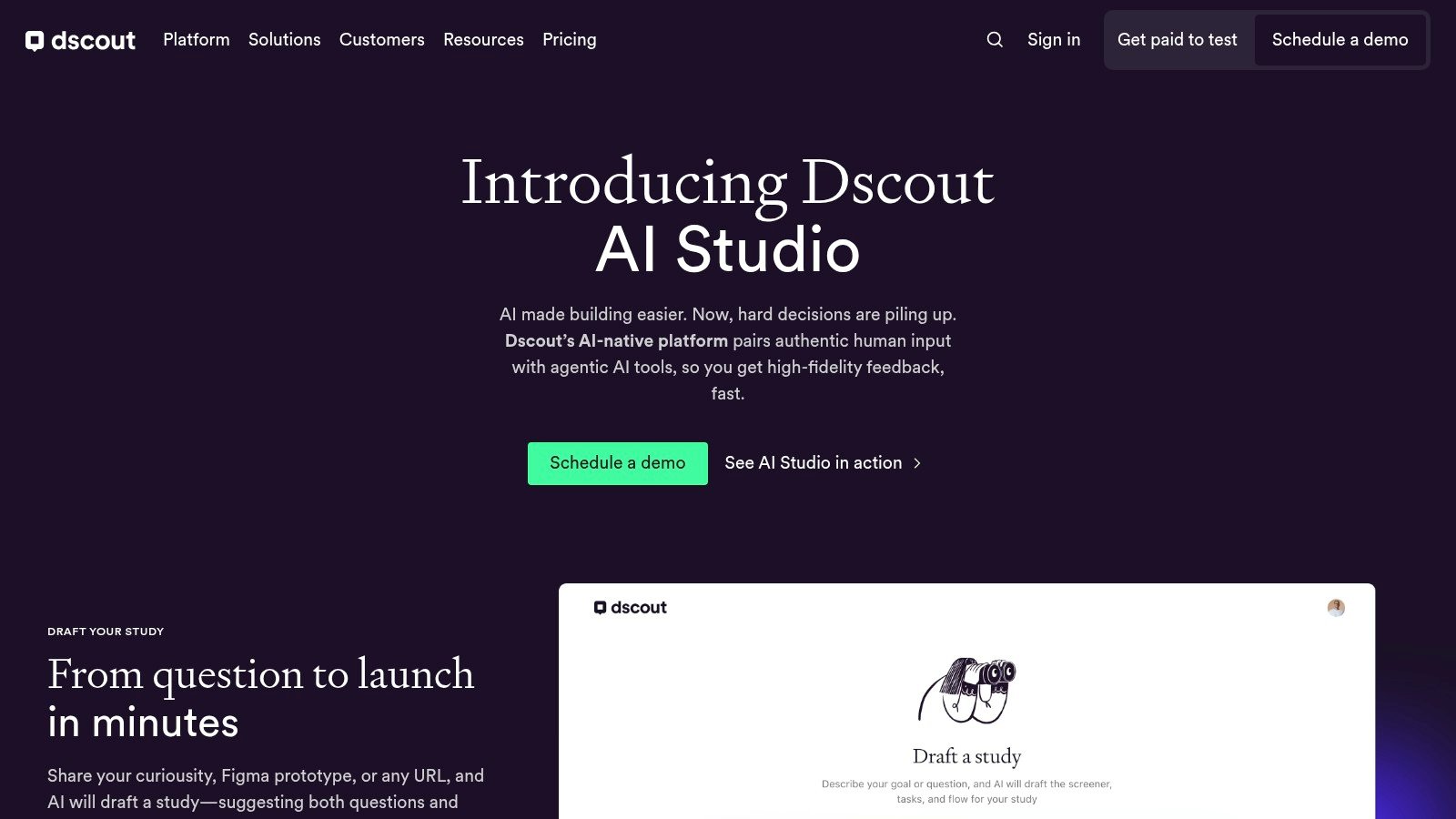
dscout is the strongest pick when the work demands depth over speed. Its diary studies and mobile ethnography support longitudinal research, which is a different cognitive burden than a quick task test. When teams need to understand behavior in context, over time, with media-rich evidence, dscout gives them a structure that lightweight testing tools can't match.
Longitudinal research needs a different tool
This is the category where qualitative richness matters most. dscout supports live interviews, unmoderated missions, and participant media uploads, which makes it well suited for research questions that unfold across days or weeks. It also provides AI-supported analysis and private panel management, which helps researchers keep the data organized once the fieldwork starts to accumulate.
The tool's main strength is that it doesn't pretend every UX question is a quick usability issue. Some product decisions need context, not just task success. If you're studying habits, routines, or multi-step workflows, a diary-style method often surfaces the kind of nuance that a one-time prototype test will miss.
Where dscout beats faster tools
dscout is especially useful for teams that already know their design is not the problem, but the surrounding behavior might be. That's a different situation from prototype validation, where a synthetic or unmoderated flow is enough to catch obvious friction. In that sense, dscout complements tools like Uxia rather than competing with them directly.
Use dscout when the question lives in real life, not just inside a prototype.
The tradeoff is setup weight. Enterprise pricing and richer qualitative workflows can be heavier than a quick-check platform, so it's a better fit for teams that can afford a more deliberate research cadence. That said, for strategic discovery, behavioral context often justifies the extra effort.
dscout's website is here.
4. Maze
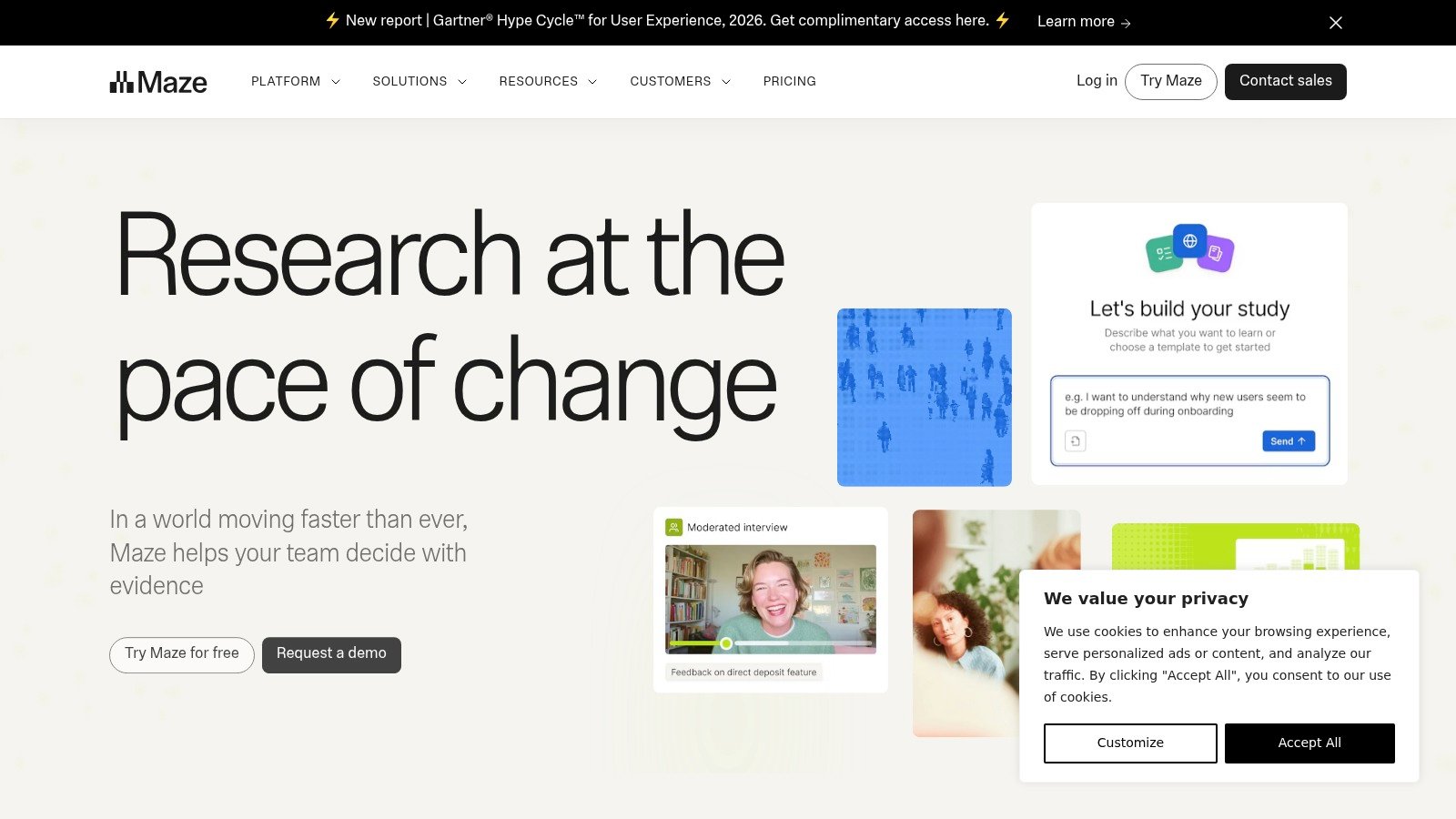
Maze is built for teams that want fast, iterative validation without dragging research into a heavyweight process. It handles prototype tests, live-site tests, copy tests, surveys, and card sorting, so it covers a lot of the early evaluative work product teams do. The reason it stays popular is simple, it lowers the effort of running repeated checks.
Why Maze pairs well with design velocity
Maze is a strong fit for the stage where teams already have something to test. That makes it useful for concept and prototype evaluation, especially when the question is whether a flow is understandable, whether a CTA is clear, or whether the structure of the experience makes sense. The tool's AI-supported workflows, templates, and visual result reporting help teams move from setup to readout with less friction.
The market view also shows why this matters. Researchers report using Figma in 72% of UX research prototyping tool workflows, and Miro at 68% for collaboration, which suggests teams want tools that fit directly into design ops rather than live in a separate silo (GITNUX user research industry statistics). Maze slots into that kind of workflow better than a full-service panel platform does.
When to choose Maze over broader suites
Choose Maze when the main job is rapid design validation, not moderated interviewing or deep ethnography. It's broad enough for most iterative product teams, but not a substitute for discovery-heavy or stakeholder-observation-heavy research programs. That's why it works especially well alongside Uxia, since Uxia can handle synthetic early tests while Maze can support methodical prototype checks later.
For teams comparing the category by stage, this Uxia guide to Maze alternatives helps clarify where the tradeoffs really are.
Maze's website is here.
5. Hotjar
Hotjar is one of the clearest examples of a tool that connects behavior analytics to feedback collection. Heatmaps and session recordings show what people did, while surveys and feedback widgets help explain why they did it. That combination makes it especially valuable for teams that need a fast read on friction without standing up a separate analytics and research stack.
Best for combining “what” and “why”
Hotjar's strength is the bridge between product behavior and user commentary. The platform's Engage feature supports moderated interviews, and its participant pool gives teams an easy way to move from onsite behavior data to live conversations. That makes it useful for product teams that already see a drop-off pattern and need a quick way to ask users about the experience behind it.
It's also practical for teams that don't want to stitch together too many tools. Session recordings, surveys, and interview scheduling live in the same environment, so researchers can move from observation to follow-up without changing systems. That reduces cognitive overhead for the team, which matters when the research question is time-sensitive.
Where Hotjar fits in a modern stack
Hotjar works best as a bridge tool, not a full qualitative suite. It's strong when you want to locate friction and then dig into it, but less complete when your program needs advanced participant management or longitudinal methods. For many teams, that's enough.
Use Hotjar to find the signal, then use a deeper research tool when the question requires more structure.
The platform's website is here, and it's especially relevant for teams already operating with a product analytics mindset.
6. Optimal Workshop
Optimal Workshop is the specialist's choice for information architecture work. Card sorting, tree testing, first-click testing, and related methods make it a natural fit for navigation decisions, label clarity, and findability questions. If your team is trying to reduce cognitive load in menus, taxonomy, or site structure, this is one of the most focused tools in the category.
Why specialization helps IA decisions
Broad research suites can do a lot, but they often blur the line between exploration and structure testing. Optimal Workshop does the opposite, it keeps the scope narrow and the analysis deep. That's valuable when teams need to know whether a category label makes sense, whether people can find a page, or whether the hierarchy matches user expectations.
The market data suggests this kind of focused usage is common. Among surveyed teams, Dovetail was used by 19% of researchers for storing artifacts in one survey, showing that many teams still rely on specialized tools for certain research jobs while centralizing synthesis elsewhere (GITNUX user research industry statistics). Optimal Workshop often plays that same role for IA work, it becomes the place you go when structure matters more than breadth.
When it should be your first pick
Pick Optimal Workshop when the decision is about structure, not storytelling. It is less compelling if you need moderation, recruitment breadth, or mixed-method workflows. For teams redesigning navigation, renaming categories, or validating task findability, though, it's hard to beat.
Information architecture gets easier when the tool matches the question, not the team's habit.
Optimal Workshop's website is here.
7. Lookback
Lookback is strongest when stakeholder observation matters as much as participant behavior. Its moderated sessions, observer rooms, timestamped notes, and recording tools make it useful for teams that want multiple people to watch a session without interrupting the participant. That's a real advantage in organizations where product, design, and research all need to align on the same evidence.
Why Lookback works for collaborative research
The platform supports LiveShare moderated sessions, unmoderated tasks, and AI-assisted capabilities, which gives teams a good mix of live observation and self-guided testing. The collaboration layer matters because research often fails not at data collection, but at internal communication. Lookback reduces that gap by making it easier to share clips, notes, and transcripts with the wider team.
That makes it especially useful in product organizations where research has to persuade, not just inform. If stakeholders can observe sessions directly, they often need less translation later. That reduces friction between research and product decisions.
Where it differs from synthetic testing
Lookback is built around real-session observation, so it's not trying to do the same job as synthetic tools like Uxia. Instead, it's a stronger fit when the session itself is the artifact, and when the team wants live moderation with visible collaboration. That makes it a solid companion tool in a hybrid stack.
For teams evaluating how moderated research scales, this Uxia guide to moderated research tools is a useful comparison point.
Lookback's website is here.
8. Lyssna
Lyssna, formerly UsabilityHub, is the budget-friendly option for quick design checks. Five-second tests, first-click tests, card sorting, tree testing, surveys, and interviews cover the basics without forcing teams into a heavy implementation. It's a practical pick for SMBs and product teams that need lightweight validation more often than deep qualitative programs.
Why lighter tools still matter
The strongest case for Lyssna is speed. If a design team needs a quick opinion on a headline, a visual hierarchy, or a first impression, the platform is fast enough to keep the work moving. Some plans also allow unlimited self-recruited responses, which can be useful for teams that already have access to a user base and don't want to rely entirely on a paid panel.
Lyssna also stays attractive because its pricing model is easier to understand than many enterprise suites. That matters for teams that need to budget studies tightly and don't want to overpay for functionality they won't use.
Where Lyssna fits in decision-making
Lyssna is best when the question is simple and the timeline is short. It won't replace a richer research platform for complex journeys, but it does reduce the cost of testing early assumptions. For many teams, that's enough to prevent obvious mistakes before they reach development.
Lightweight validation is still strategic when it happens before the expensive work starts.
Lyssna's website is here.
9. PlaybookUX
PlaybookUX is a broad, all-in-one option for teams that want moderated and unmoderated usability testing, card sorts, tree tests, and surveys in a single platform. It also supports both the platform's panel and bring-your-own participants, which gives teams some flexibility in how they recruit. For organizations that want one place to manage many research tasks, that breadth is appealing.
The value of consolidated workflows
The appeal of PlaybookUX is operational simplicity. Instead of moving between separate tools for recruiting, testing, and synthesis, teams can keep more of the workflow under one roof. AI tagging, automated summaries, clips, transcripts, and a research repository make it easier to keep findings organized after the sessions end.
That's useful for teams that are scaling research but don't want to build a large internal ops layer. The platform's support for desktop and mobile testing also helps it cover a wider range of product experiences.
Where it makes sense
PlaybookUX makes the most sense when breadth matters more than deep specialization. It's not the first tool I'd pick for highly specialized IA work or large enterprise governance, but it can be a strong all-rounder for teams trying to simplify their stack. In a market where many teams now use multiple tools in parallel, a consolidated suite can reduce admin load.
PlaybookUX's website is here.
10. Sprig
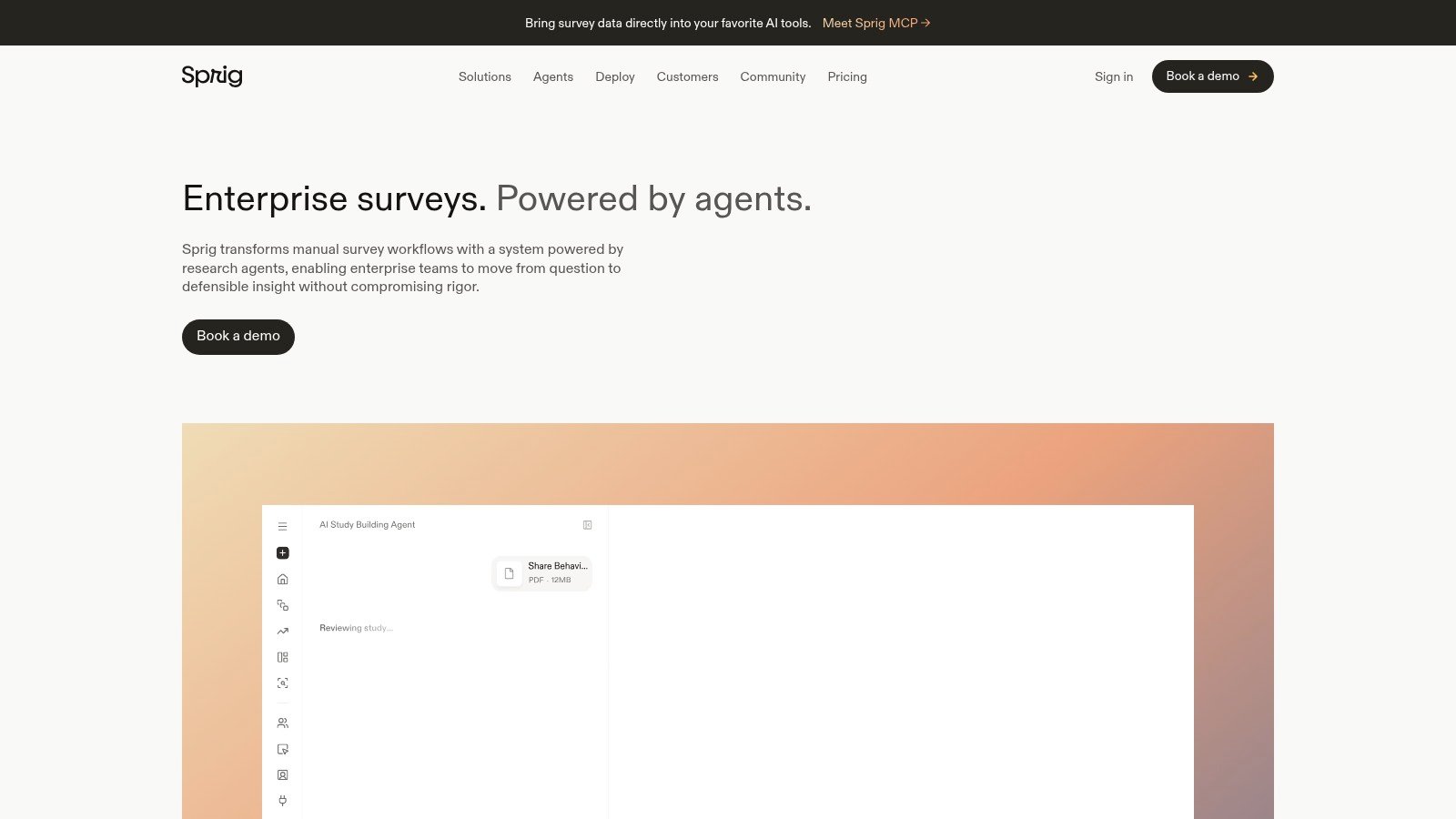
Sprig is built for enterprise teams that want to bring in-product surveys, concept testing, prototype testing, session replays, and heatmaps into a single research environment. Its main advantage is AI-native workflow support, including AI agents that can help with survey authoring, fielding, and synthesis. For organizations that need research to sit closer to product operations, that combination matters.
Why Sprig appeals to enterprise teams
Sprig is useful because it connects collection with interpretation. Teams can gather feedback through several channels, then use AI-assisted synthesis to reduce the gap between response and decision. For larger organizations, that can mean the difference between a growing research queue and a working decision loop.
Its fit is easier to understand through the market shift toward cloud-based research tools. The market note cited earlier points to cloud deployment accounting for a large share of revenue, which aligns with Sprig's design for distributed, always-on research rather than isolated lab studies (Dataintelo UX research software market). That pattern also matches the broader move toward integrated research stacks. More recent market coverage has made the same directional point, with cloud adoption and workflow consolidation showing up across enterprise software discussions, including here.
When Sprig is the right choice
Sprig fits teams that want one environment for in-product feedback and research operations at scale. It is less compelling for smaller teams that only need straightforward, low-cost testing, because the setup and pricing structure are oriented toward enterprise use. For the right organization, though, combining quantitative and qualitative signals in one place can shorten the path from observation to action.
Sprig's website is here.
11. Outset
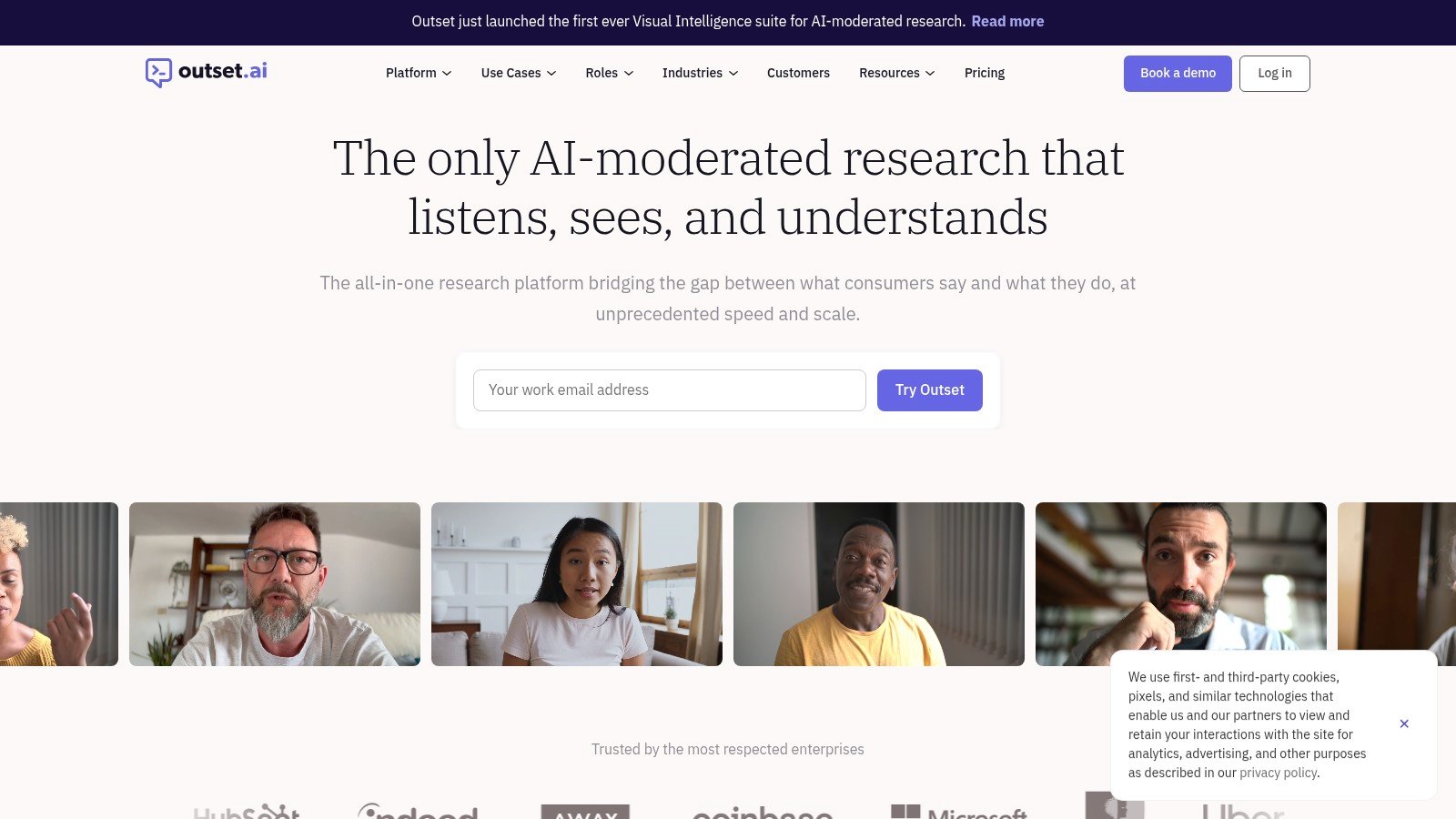
Outset is a strong option for teams that want AI moderated interviews without giving up the structure of a real research workflow. The platform is built around conversational AI that can run interviews, ask follow-up questions in real time, and synthesize findings quickly, which makes it useful when the goal is to get depth faster than a traditional interview program allows.
Why Outset stands out
According to its official site, Outset positions itself as an AI-moderated research platform for UX, product, insights, and brand teams, with an end-to-end workflow that includes running interviews, recruiting participants, and synthesizing insights in minutes (Outset homepage, Outset roles, Outset UX research). That makes it especially relevant for teams that want richer qualitative input than a simple survey, but less operational overhead than a large moderated research program.
The appeal is the balance between scale and depth. Instead of manually moderating every session, researchers can use AI to handle the interview flow and then review themes, quotes, and patterns after the fact (Outset for UX researchers). This can shorten the path from question to insight, especially for early discovery, concept feedback, or recurring product questions.
Best use cases and limits
Outset fits best when the team needs conversational feedback at higher volume, especially for discovery or evaluative work that benefits from follow-up probing. It is less likely to replace hands-on human moderation for highly sensitive topics, complex stakeholder sessions, or studies where the moderator's judgment needs to adapt in subtle ways.
Use Outset when you want interview-style depth with more speed and less scheduling overhead.
Outset's website is here.
Top 10 UX Research Tools: Side-by-Side Comparison
Product | Core features ✨ | Quality & insights ★ | Price & value 💰 | Best for 👥 | USP ✨ |
|---|---|---|---|---|---|
Uxia 🏆 | AI synthetic testers; prototype & video testing; auto transcripts & heatmaps | ★★★★★ Automated SUS/SUPR‑Q, prioritized insights, instant reports | Free trial; tiered SMB→Enterprise; cost-effective, 💰💰 | 👥 Product teams, PMs, UX researchers, agencies | ✨ Automates testing + analysis; instant realistic participants; continuous validation |
UserTesting | Human moderated & unmoderated tests; large on‑demand participant network; Live Conversation | ★★★★☆ Mature video transcripts, highlight reels, deep human insight | Custom enterprise pricing; Session Units model, 💰💰💰 | 👥 Enterprises needing real human recruitment & moderated studies | ✨ Robust recruiting, enterprise controls & integrations |
dscout | Longitudinal diaries, mobile ethnography, live interviews & media capture | ★★★★☆ Rich longitudinal qual insights and deep media analysis | Quote-based enterprise pricing, 💰💰💰 | 👥 Ethnographers, qualitative researchers, long-term studies | ✨ Best-in-class mobile diaries & private panels |
Maze | Fast unmoderated prototype tests, surveys, card sorts, templates | ★★★★ Fast visual reports and AI-assisted summaries for iteration | Tiered plans; designer-friendly, 💰💰 | 👥 Designers, PMs focused on rapid iteration | ✨ Very fast setup + design-tool integrations |
Hotjar | Heatmaps, session recordings, on-site surveys & Engage interviews | ★★★★ Strong behavioral 'what' data paired with qualitative follow-up | Freemium + paid tiers; panel access, 💰💰 | 👥 CRO, product & analytics teams | ✨ Combines behavioral analytics with interview flows |
Optimal Workshop | Card sorting, tree testing, first‑click tests & IA analysis | ★★★★ Deep findability visuals and IA reporting | Credits model; plan tiers, 💰💰 | 👥 IA specialists, UX researchers optimizing navigation | ✨ IA-focused tools with rich visualizations |
Lookback | Live moderated sessions, observer rooms, unmoderated tasks, transcripts | ★★★★ Excellent live observation, timestamped notes & shareable clips | Annual plans; recruiting costs extra, 💰💰 | 👥 Teams needing stakeholder observation & collaboration | ✨ Observer lobby & real-time team collaboration |
Lyssna (formerly UsabilityHub) | Five‑second tests, first‑click, card sorting, surveys & panel access | ★★★ Quick, lightweight design & copy checks | SMB-friendly; pay‑per‑use panel, 💰 | 👥 SMBs, freelancers, fast feedback loops | ✨ Budget-friendly, transparent panel pricing |
PlaybookUX | Moderated/unmoderated testing, card sorts, panel + BYO, AI summaries | ★★★★ Broad method coverage; AI tagging & automated summaries | Pricing varies by region; gated, 💰💰 | 👥 Teams wanting an all‑in‑one testing platform | ✨ Flexible recruitment + research repository |
Sprig | In‑product surveys, concept/prototype testing, session replays & heatmaps | ★★★★ Unified quantitative + qualitative insights with AI | Enterprise quote-based; scales with program, 💰💰💰 | 👥 Enterprise product & insights programs | ✨ AI 'agents' for survey authoring, fielding & synthesis |
Your Reusable Checklist for Better Research Sprints
Choosing the right tool is only half the job. The other half is making sure every study starts with a clear decision, a precise user journey, and a method that matches the risk level of the product change. If the team skips that discipline, even the best ux research tools will produce noise instead of direction.
Start every sprint by naming the decision first. A vague goal like “learn about the app” creates scattered feedback, while a concrete task gives the team something testable, observable, and comparable across rounds. That's why focused missions matter in Uxia and in any other research stack built for speed.
Then check the audience before launch. If the study depends on a niche user group, enrich the audience with the right context, not just broad demographics. The more the sample matches the decision, the less time the team wastes interpreting irrelevant feedback.
Review the prototype or live flow before you field anything. Broken links, dead screens, and bad credentials can contaminate the findings, and teams sometimes blame users for problems caused by setup. A quick preflight check protects both the data and the team's time.
Use a two-step readout. Start with recurring, high-impact issues across multiple testers, then read the transcripts and journeys to see whether the friction is about blocked completion, low trust, or confusion. That approach follows the logic of practical UX analysis, where the pattern matters, but the underlying behavior explains why it happened (NNGroup UX research cheat sheet).
Close the loop with action. Assign an owner, decide what changes, and test the revised flow again. That keeps research tied to product decisions instead of letting findings sit in a slide deck.
A strong sprint checklist also helps teams choose between synthetic and human research without treating them as rivals. Uxia is most effective as AI before humans, which means you can use it to remove obvious friction, compare variants, and explore scenarios quickly, then reserve human sessions for trust-sensitive or emotionally complex questions. That hybrid model protects research budget and gives product teams a cleaner division of labor.
If you want a stack that supports that workflow, start with one fast validation tool, one specialist method for your most common research need, and one deeper qualitative platform for complex questions. The goal isn't to own every tool in the market. The goal is to make better product decisions with less cognitive overhead, fewer delays, and a research process your team can repeat every sprint.
If you're building a faster UX research stack, Uxia gives you synthetic testing, automated analysis, and benchmarked reports in one platform. It's a strong fit for teams that want to validate early, reduce recruiting drag, and keep design sprints moving, so visit Uxia and see how it can fit into your research workflow.