Best Tools AI Testing: 12 Top Picks for 2026 (best tools ai testing)
Discover best tools ai testing: compare 12 top platforms for UX/UI, visual regression, and ML models to boost your team's workflow.
In the rapidly advancing field of artificial intelligence, ensuring the reliability, fairness, and performance of AI models is no longer optional; it's a critical component of the product development lifecycle. From user experience and functional correctness to model robustness and ethical compliance, the challenges are complex and multifaceted. This is precisely the problem that a new generation of specialised tools aims to solve. For product teams, UX researchers, and developers, navigating the crowded marketplace to find the best tools for AI testing can be a significant hurdle in itself.
This comprehensive guide is designed to cut through the noise. We will provide a detailed, comparison-driven breakdown of the top platforms available today, helping you select the right solution for your specific needs. Whether you are part of a nimble startup, a large enterprise, or a creative agency, this resource will equip you with the insights needed to make an informed decision. The rapid evolution of AI capabilities, as seen in technologies like OpenAI's Whisper AI, underscores the necessity for equally sophisticated testing frameworks to validate their output and behaviour.
Throughout this listicle, we will analyse each tool, including our own platform, Uxia, offering a transparent look at its strengths and ideal use cases. Each entry features:
A detailed analysis of core features and capabilities.
Practical pros and cons based on real-world application.
Clear pricing information and tier comparisons.
Specific "best for" scenarios to match the tool to your organisation's context.
Our goal is to provide a practical, straightforward resource that moves beyond marketing jargon. You'll find direct links and screenshots for every tool, allowing you to quickly explore the options that best align with your project requirements and strategic objectives. Let's begin.
1. Uxia
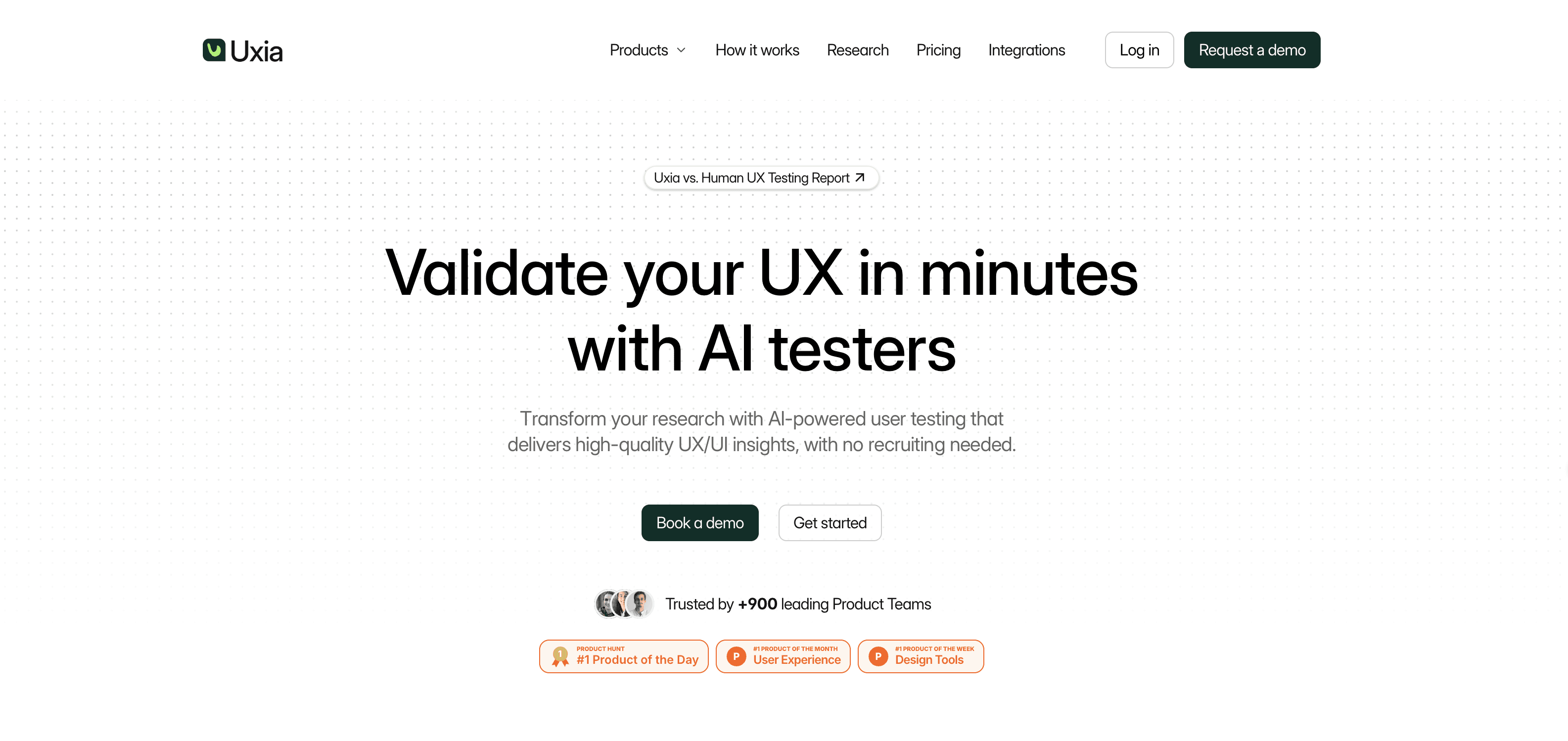
Uxia stands out as a powerful, well-rounded choice in the landscape of AI testing tools, specifically engineered to remove the bottlenecks of traditional user research. It replaces time-consuming human studies with instantly available synthetic testers, allowing product and design teams to validate concepts, prototypes, and user flows in minutes rather than weeks. This platform is built for speed and scale, making it a formidable asset for organisations looking to accelerate their design sprints without compromising on feedback quality.
At its core, Uxia allows teams to upload image or video prototypes, define a specific user mission, and select a target audience. Its proprietary AI then generates realistic synthetic participants that match desired demographic and behavioural profiles. These AI testers navigate the design, performing unmoderated tests while "thinking aloud" to articulate their experience. The result is a rich dataset that mirrors qualitative feedback from real users.
Key Features and Analysis
Uxia's strength lies in its comprehensive and actionable outputs, which go far beyond simple pass/fail metrics.
Actionable AI-Generated Insights: The platform automatically generates detailed transcripts, usability heatmaps, and click maps. It flags specific issues related to usability, navigation, copy clarity, trust signals, and accessibility, which are then summarised and prioritised. This automated analysis significantly shortens the decision-making loop for product teams.
Realistic and Targeted Personas: A key differentiator is the ability to create AI testers aligned with specific user profiles. This ensures that the feedback is not generic but reflects the genuine perspective of a target audience, helping to reduce tester bias and improve the relevance of the insights. For a deeper understanding of how this works, you can read this complete guide to synthetic user testing.
Integrated Accessibility Audits: Uxia incorporates automated WCAG 2.2 checks directly into the testing process. This proactive approach helps teams identify and address inclusive design problems early in the development cycle, preventing costly fixes later on.
Practical Recommendations
For teams new to AI testing, a practical approach is to use Uxia for early-stage validation of MVPs and new feature flows. Run an initial test with a broad persona to catch major usability hurdles. Then, refine the test with a more specific, niche persona to uncover nuanced friction points relevant to your core user base. This iterative strategy maximises the value of the platform's speed.
Website: https://www.uxia.app
Feature | Details |
|---|---|
Best For | Startups, agencies, and enterprise teams needing rapid, iterative UX validation. |
Pricing | Free trial available. Paid plans start at Starter (€49/month) and Pro (€209/month), with custom Enterprise solutions offered. |
Unique Selling Point | Delivers detailed, qualitative insights from targeted AI personas in minutes, complete with prioritised issue flagging and reports. |
Pros:
Run validated UX tests in minutes without recruiting or scheduling.
AI testers can be aligned to specific demographics and behaviours.
Outputs include think-aloud transcripts, heatmaps, and prioritised issue reports.
Automated WCAG 2.2 checks are built-in for early accessibility analysis.
Cons:
May not fully replace moderated human testing for highly complex or contextual studies.
The credit-based system means costs scale with the volume of tests conducted.
2. Functionize
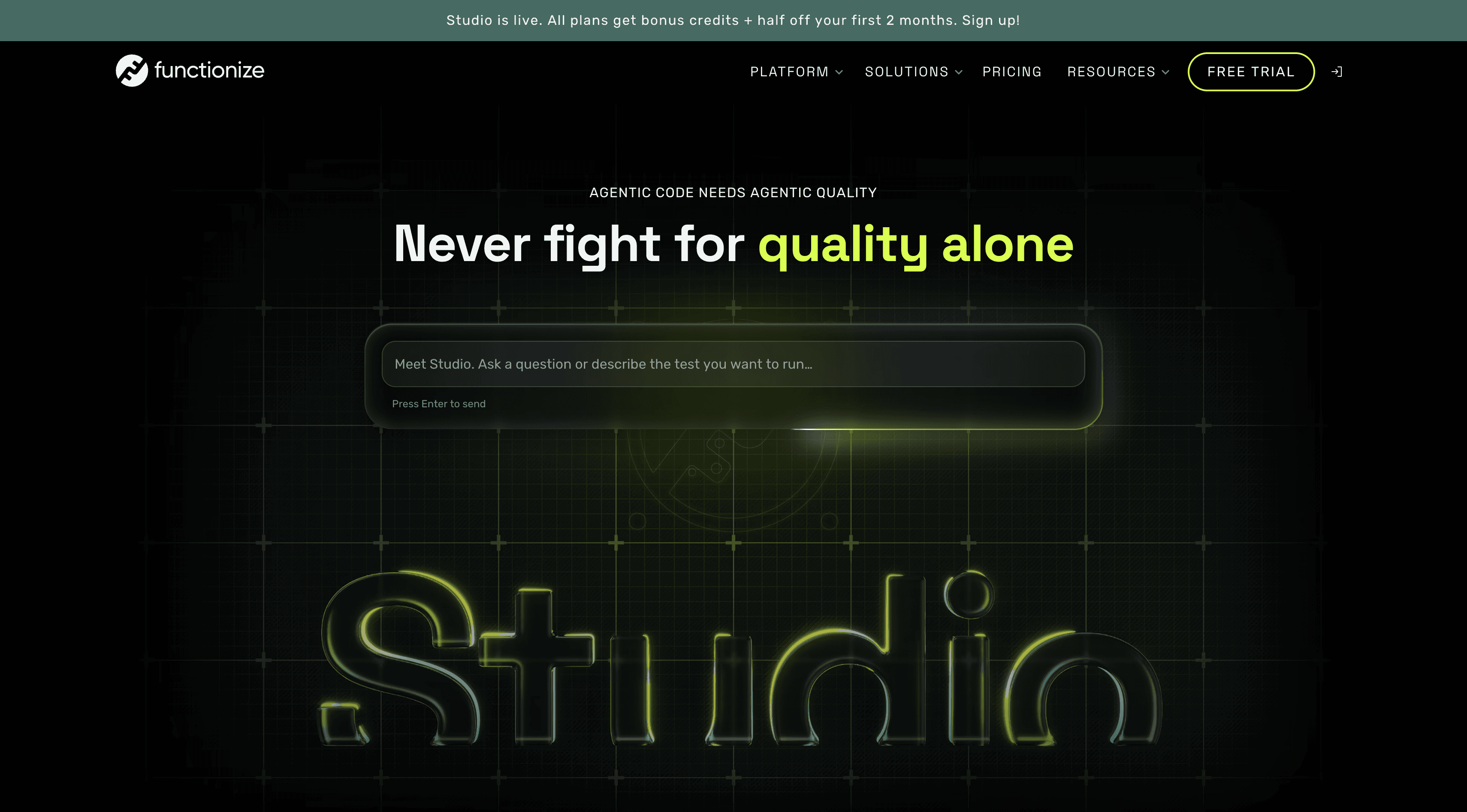
Functionize is an enterprise-focused, AI-powered test automation platform designed to help QA and engineering teams create, execute, and maintain end-to-end tests for web applications. Its core strength lies in its AI-driven approach to test creation and maintenance, using machine learning and natural-language-based workflows to reduce the manual effort traditionally required to build and update automated tests. This makes it a strong option for intelligent automated testing, particularly for teams managing large and frequently changing applications.
The platform supports cloud-based test execution at scale and integrates with common CI/CD and development workflows. Functionize also uses AI-powered self-healing capabilities to help tests adapt when application elements change, reducing maintenance and brittle test failures. Its combination of natural-language test creation, intelligent maintenance, and scalable execution makes it particularly suited to enterprises that want to expand automation without relying entirely on traditional scripting frameworks.
Key Details & Analysis
Feature | Detail |
|---|---|
Best For | Enterprise QA and engineering teams managing complex, frequently changing web applications. |
Key Differentiator | AI-native test creation and self-healing maintenance designed to reduce the effort required to build and maintain end-to-end tests. |
Pricing | Custom pricing based on organizational and testing requirements. |
Practical Recommendation | Use its AI-powered self-healing and intelligent element identification for applications that change frequently and would otherwise require significant test maintenance. |
Pros:
AI-powered test creation can reduce dependence on traditional test scripting.
Self-healing capabilities help keep automated tests working as applications evolve.
Cloud-based execution supports running tests at scale across different environments.
Integrates into CI/CD workflows for continuous testing.
Cons:
Pricing is not publicly listed and generally requires contacting the company.
Its enterprise focus may make it more than smaller teams with basic testing requirements need.
Teams moving from conventional scripted frameworks may need time to adapt to its AI-driven testing workflow.
Website:https://www.functionize.com/
3. Applitools
Applitools stands out as a mature, enterprise-grade platform focused on Visual AI and autonomous testing. Its core strength lies in its Visual AI engine, "Eyes," which intelligently compares UI snapshots, ignoring minor pixel noise while flagging meaningful visual regressions. This makes it one of the best tools for AI testing when visual consistency across countless browsers, devices, and screen sizes is non-negotiable. It moves beyond simple pixel-matching to understand the UI's structure, significantly reducing the false positives that plague traditional visual testing.
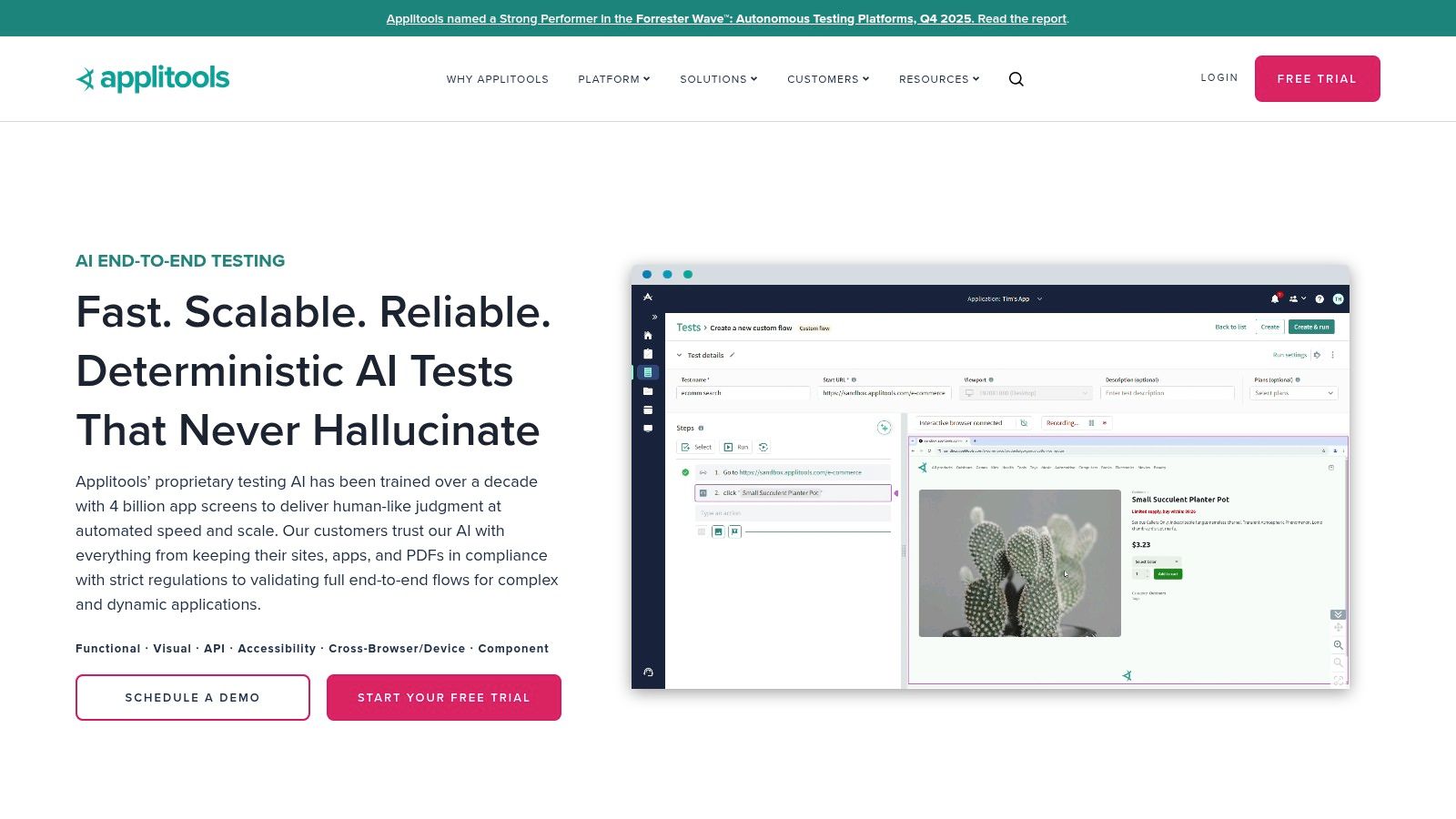
The platform is designed for deep integration into existing development workflows, offering over 50 SDKs for popular frameworks. Its Ultrafast Grid allows for massive parallel testing, drastically cutting down execution times. While Applitools excels at developer-centric visual and functional validation, a tool like Uxia provides a complementary pre-development perspective, focusing on AI-driven UX and design analysis before any code is written. This allows teams to validate designs first with Uxia and then ensure pixel-perfect implementation with Applitools.
Key Details & Analysis
Feature | Detail |
|---|---|
Best For | Enterprise teams needing robust visual regression testing and compliance. |
Key Differentiator | Visual AI with pixel-tolerant diffs and optional EU/on-premise hosting. |
Pricing | Offers a free tier for individual developers. Paid plans are premium, with custom pricing for enterprise needs. |
Practical Recommendation | Use its root cause analysis to quickly identify the specific DOM or CSS change that caused a visual bug. |
Pros:
Superior at catching visual regressions and reducing flaky tests.
Unlimited users on paid plans supports mixed code/no-code teams.
EU hosting and on-premise options are a major plus for GDPR compliance.
Cons:
Pricing is at a premium compared to basic open-source stacks.
The platform's specific terminology can present a slight learning curve.
Website: https://applitools.com/
4. Percy
Percy by BrowserStack is a visual testing and review platform designed to catch UI regressions that functional tests may miss. It captures screenshots during testing and compares them against approved baselines, helping teams spot unexpected changes in layouts, styling, and responsive behaviour.
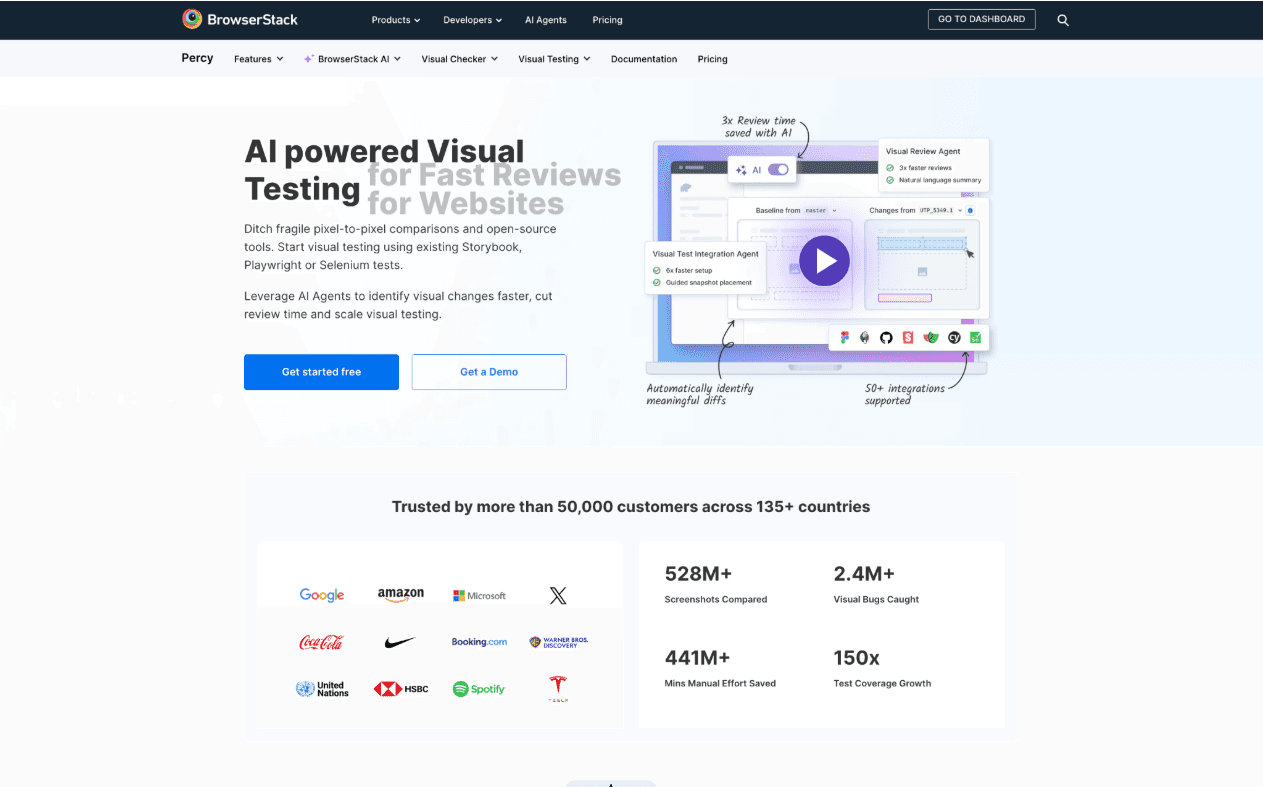
Its AI-assisted capabilities make visual review easier to manage at scale. Percy can filter out minor or dynamic visual changes, detect layout shifts, and use its Visual Review Agent to highlight higher-impact changes and provide summaries. It also integrates with CI/CD workflows, making visual checks part of the development process rather than a separate manual review step.
Key Details & Analysis
Feature | Detail |
|---|---|
Best For | QA and development teams looking for continuous visual regression testing across web applications. |
Key Differentiator | AI-assisted visual review that helps filter noise and focus on meaningful UI changes. |
Pricing | Free plan includes 5,000 screenshots per month; paid plans scale with screenshot usage. |
Practical Recommendation | Add visual checks to CI/CD pipelines to catch unintended UI changes before they reach production. |
Pros:
Helps catch visual regressions that functional tests may not detect.
Supports responsive testing across different screen sizes and browser environments.
AI-assisted review helps reduce noise from minor or dynamic visual changes.
Integrates with existing testing and CI/CD workflows.
Cons:
Focused on visual validation rather than functional or model-level AI testing.
Screenshot-based usage means teams with larger visual test suites need to plan capacity carefully.
5. Tricentis Testim
Tricentis Testim positions itself as a low-code, AI-powered test automation platform designed to accelerate authoring and drastically reduce maintenance. Its core innovation lies in its machine learning-based locator strategy, which creates dynamic, self-healing tests. Instead of relying on a single, brittle selector, Testim's AI analyses hundreds of attributes for each element, ensuring tests don't break even when developers make changes to the UI code. This makes it one of the best tools for AI testing for agile teams that need to keep pace with rapid development cycles.
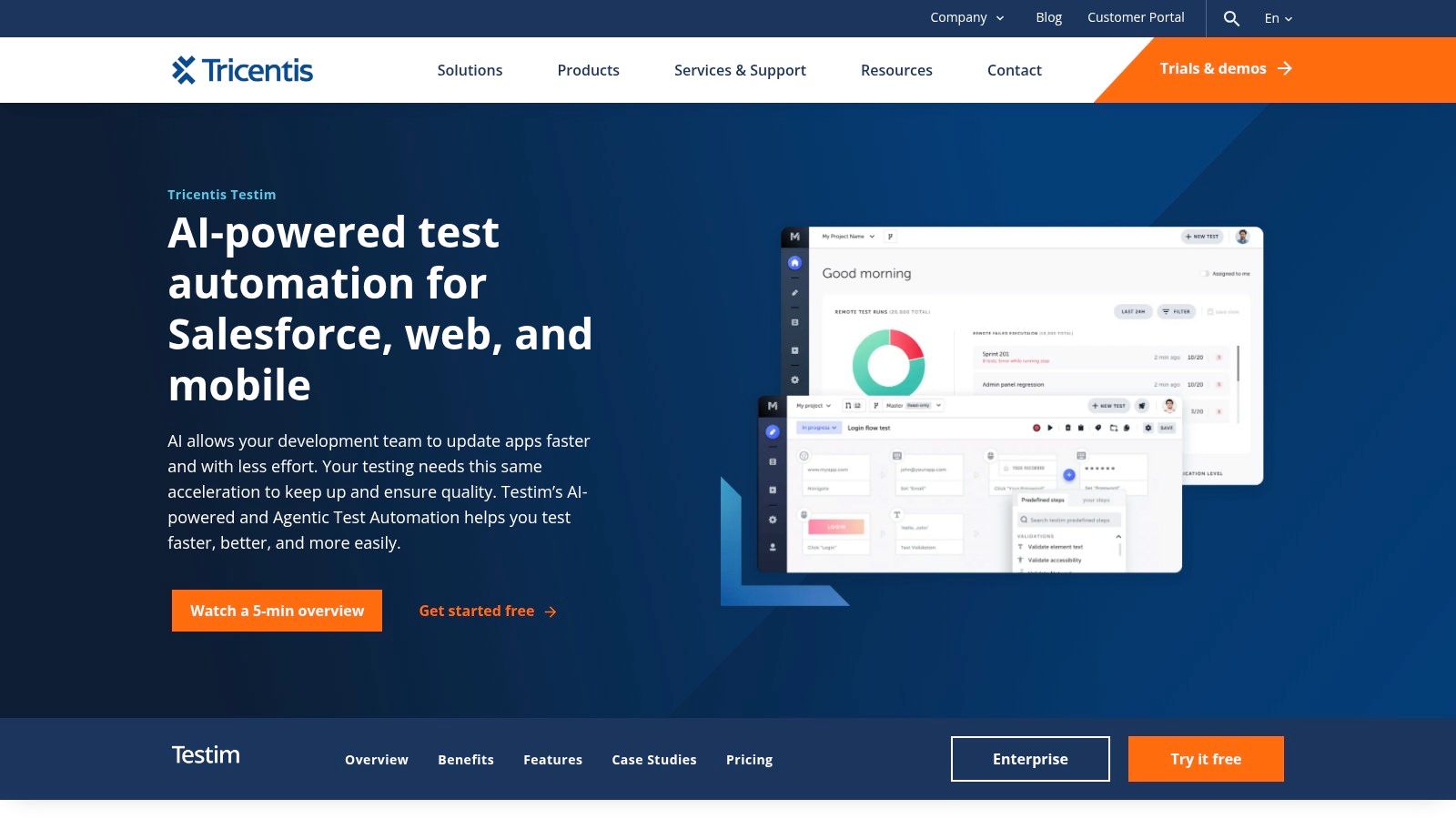
The platform is engineered for speed, allowing both technical and non-technical team members to create robust web and mobile tests quickly. While Testim excels at the functional validation stage, its focus is on post-development quality assurance. This creates an ideal workflow where a tool like Uxia can first be used to analyse and de-risk the UX design with AI before a single line of code is written. Once the design is validated, Testim can then be used to ensure the functional implementation remains stable and bug-free through continuous integration.
Key Details & Analysis
Feature | Detail |
|---|---|
Best For | Agile teams seeking to reduce test maintenance overhead and accelerate release cycles. |
Key Differentiator | AI-powered Smart Locators that self-heal to adapt to application changes, significantly lowering test flakiness. |
Pricing | Offers a free Community plan. Custom pricing for Professional and Enterprise tiers, requiring contact with sales for a quote. |
Practical Recommendation | Leverage its 'auto-grouping' feature to combine similar steps into shareable groups, making your test suites more modular and DRY. |
Pros:
Drastically reduces time spent on test maintenance and fixing broken selectors.
Low-code interface empowers more team members to contribute to test automation.
Integrates into the wider Tricentis ecosystem for comprehensive quality management.
Cons:
The sales-led purchasing model for paid plans can be a hurdle for smaller teams.
Focusing heavily on Tricentis's ecosystem may lead to vendor lock-in concerns.
Website: https://www.tricentis.com/products/test-automation-web-apps-testim/
6. mabl
mabl offers a unified, low-code test automation platform driven by generative AI to simplify the entire testing lifecycle. Its core strength lies in its agentic AI, which assists in test creation, manages assertions, diagnoses failures, and provides powerful auto-healing capabilities. This makes it one of the best tools for AI testing for teams seeking a comprehensive solution covering web, mobile web, API, accessibility, and performance testing all within a single subscription. It democratises testing, allowing both technical and non-technical team members to contribute to quality assurance.
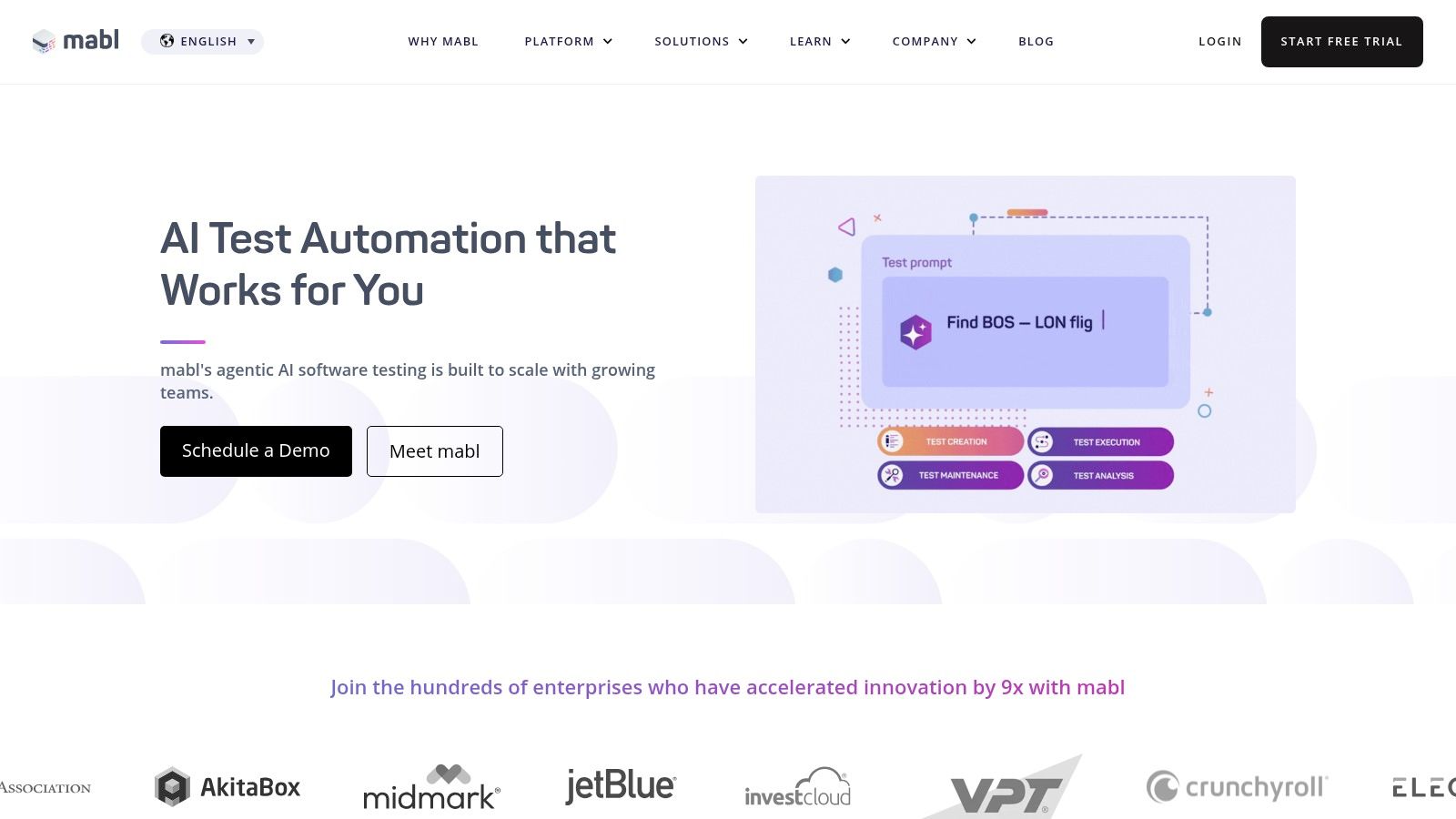
The platform is engineered to integrate smoothly into CI/CD pipelines, offering unlimited local runs to encourage frequent testing without cost penalties. While mabl excels at post-development functional and non-functional testing, it complements pre-development tools perfectly. For instance, a team could use Uxia to analyse and validate user flows and design mockups with its predictive AI, ensuring the UX is solid before a single line of code is written. Then, mabl can be used to automate the validation of that implemented UX across different browsers and devices, ensuring the final product matches the validated design.
Key Details & Analysis
Feature | Detail |
|---|---|
Best For | Teams wanting a single, low-code platform to cover diverse testing needs, from UI to API. |
Key Differentiator | AI-powered auto-healing and test maintenance, which dynamically adapts tests to UI changes. |
Pricing | Customised pricing based on parallel test runs, with add-ons available. A free trial is offered. |
Practical Recommendation | Leverage the mabl trainer browser extension to quickly create tests by simply recording your actions on the site. |
Pros:
Broad testing modalities are included in one subscription, offering great value.
Strong onboarding, support, and training resources make adoption easier.
Generative AI significantly speeds up test creation and failure analysis.
Cons:
The seat and credit-based model requires careful planning to manage costs effectively.
Maximum value is realised when a team standardises widely on the platform.
Website: https://www.mabl.com/
7. Katalon Platform
Katalon Platform provides an all-in-one testing ecosystem designed to accommodate teams with varying technical skills. It shines with its dual approach, offering both a low-code recorder for rapid test creation and a full-code scripting environment for complex scenarios. This flexibility makes it a strong contender among the best tools for AI testing, particularly for organisations that need to bridge the gap between manual QA and automated development workflows. Its AI-powered features, like self-healing test scripts, proactively adapt to minor UI changes, reducing test maintenance overhead.
The platform's comprehensive nature covers web, mobile, desktop, and API testing, making it a versatile choice. While Katalon focuses on post-development functional and regression testing, a tool like Uxia offers critical pre-development insights. By using Uxia to analyse designs and predict user behaviour before coding begins, teams can eliminate foundational UX issues early. This allows Katalon to then focus on ensuring the implemented functionality works flawlessly, creating a more efficient end-to-end quality process.
Key Details & Analysis
Feature | Detail |
|---|---|
Best For | Teams needing a unified platform for low-code and full-code testing across multiple application types. |
Key Differentiator | AI-powered self-healing that automatically updates locators when the UI changes, reducing test failures. |
Pricing | A free tier is available. Paid plans start with self-serve options and scale with enterprise-level features. |
Practical Recommendation | Leverage the Katalon Recorder browser extension to quickly create baseline tests that can be refined in Studio. |
Pros:
Clear self-serve pricing and a free tier to get started.
Broad modality coverage (web, mobile, API, desktop) and strong community resources.
EU-friendly deployment options are available.
Cons:
The most powerful AI features require paid Studio Enterprise and execution add-ons.
Managing licenses versus parallel session requirements needs careful planning for larger teams.
Website: https://katalon.com/
8. Sauce Labs
Sauce Labs is a veteran in the cloud testing space, providing a massive, reliable platform for cross-browser and real-device testing. While known for its scale, its inclusion in a list of the best tools for AI testing is cemented by Sauce Visual. This feature integrates AI-powered visual regression testing into its robust infrastructure, allowing teams to run checks across thousands of browser, OS, and device combinations. It's built for organisations that need to ensure functional and visual correctness at an enterprise scale.
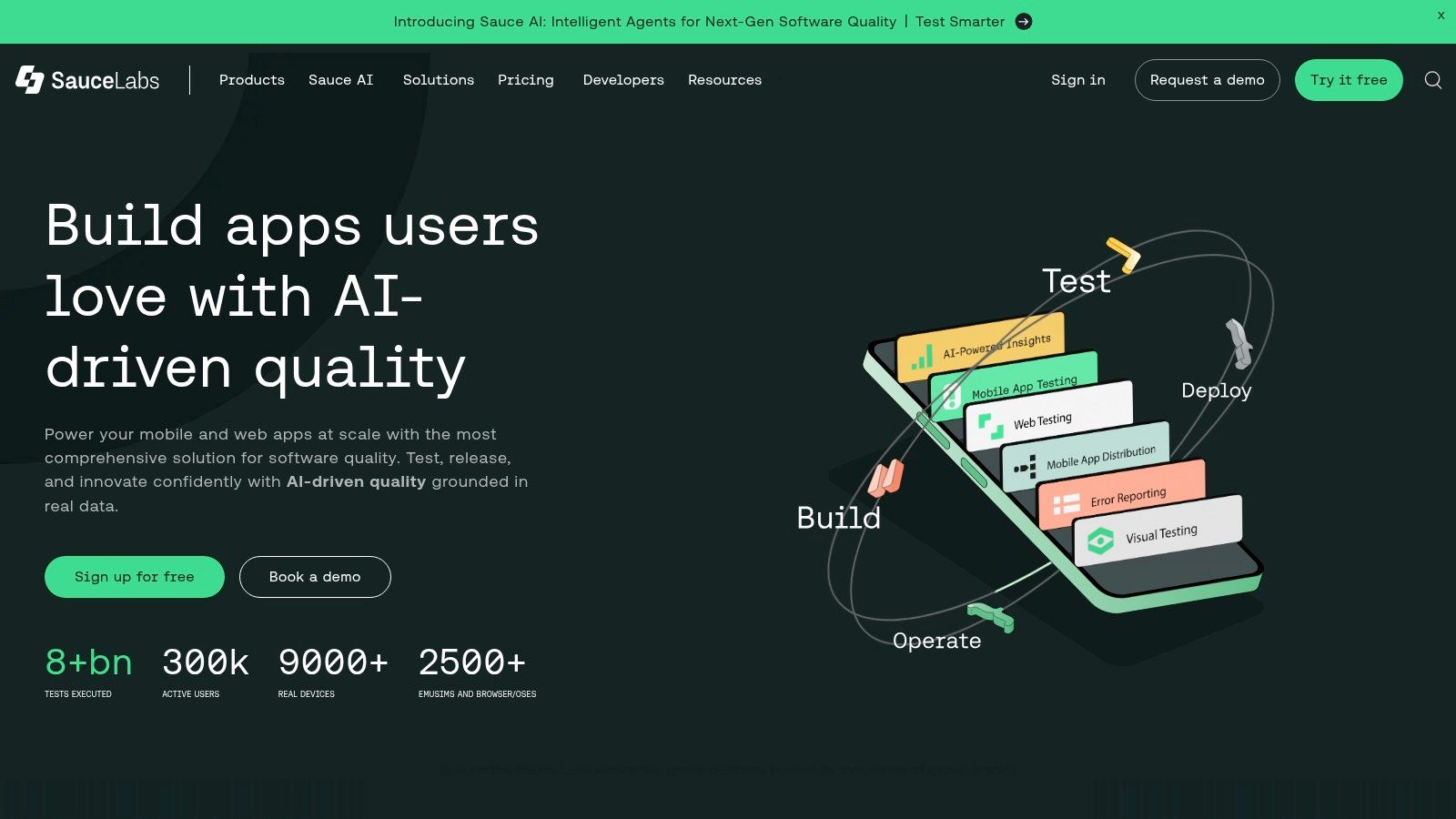
The platform’s strength is its comprehensive nature, offering live, virtual, and real-device testing tiers coupled with rich debugging artifacts like videos and logs. This makes it a powerful end-to-end quality hub. For teams using Sauce Labs for implementation testing, a tool like Uxia can front-load the quality process by providing AI-driven UX analysis and design validation. This ensures that the user experience is optimised before it even enters the extensive Sauce Labs testing pipeline, preventing costly late-stage redesigns.
Key Details & Analysis
Feature | Detail |
|---|---|
Best For | Enterprise and QA teams requiring large-scale, automated cross-browser testing with visual validation. |
Key Differentiator | Massive device cloud with integrated AI visual testing and extensive debugging tools. |
Pricing | Offers straightforward starter pricing and a free trial. Visual testing is a separately priced add-on. |
Practical Recommendation | Leverage the detailed test artifacts (videos, screenshots, logs) to rapidly diagnose failures found by the AI. |
Pros:
Mature, reliable platform with huge ecosystem integrations.
SOC2/ISO certifications and EU support are ideal for enterprise compliance.
Straightforward starter pricing and free trial availability.
Cons:
Visual testing is a separately priced SKU, adding to the overall cost.
Costs can escalate quickly with add-ons and higher parallelism needs.
Website: https://saucelabs.com/
9. TestMu AI (formerly LambdaTest)
TestMu AI, which evolved from LambdaTest, is a unified digital experience testing cloud designed to accelerate quality assurance. Its core value proposition is consolidating a vast array of testing functionalities, including cross-browser testing on real devices, automated script execution, and visual regression, into a single platform. This makes it one of the best tools for AI testing for teams looking to streamline their entire QA infrastructure without juggling multiple vendors. Its Smart UI feature uses AI to detect visual deviations, helping teams catch user-facing bugs efficiently.
The platform’s HyperExecute engine offers intelligent test orchestration, significantly speeding up test cycles for frameworks like Selenium and Playwright. While TestMu AI excels at post-development validation across a massive device matrix, a tool like Uxia offers critical pre-development insights. Teams can leverage Uxia to analyse and refine UI designs with AI before coding begins, then use TestMu AI’s comprehensive grid to verify the final implementation behaves as expected across every conceivable user environment, ensuring a robust end-to-end quality process.
Key Details & Analysis
Feature | Detail |
|---|---|
Best For | QA teams needing an all-in-one platform for cross-browser, real-device, and automated visual testing. |
Key Differentiator | Unified Platform combining a massive real device cloud with AI-powered visual and performance testing. |
Pricing | Offers a generous freemium plan. Paid plans are competitive and tiered based on parallel sessions and users. |
Practical Recommendation | Use HyperExecute to intelligently group and prioritise your slowest-running tests to optimise build times. |
Pros:
Attractive free tier provides a great entry point for trialling capabilities.
Competitive pricing for both live and automated testing sessions.
Extensive coverage with thousands of real browsers and devices.
Cons:
The plan matrix can be complex with many different SKUs and add-ons.
Some advanced features are gated by higher-tier parallel session limits.
Website: https://www.testmu.ai/
10. Kolena
Kolena distinguishes itself by focusing specifically on the validation of machine learning (ML) models, rather than general software or UI testing. It provides a purpose-built platform for teams that need to go beyond simple accuracy scores and understand how their AI systems behave in nuanced, real-world scenarios. This makes it one of the best tools for AI testing when the core product is the AI model, such as in computer vision, NLP, or generative AI applications. The platform enables fine-grained testing to identify model biases, fairness issues, and performance regressions across specific data segments.
The core value of Kolena lies in its structured, scenario-based evaluation workflows, which help ML engineers and data scientists rigorously test models before deployment. While Kolena is focused on post-development model validation, a platform like Uxia offers critical pre-development insights. By using Uxia to analyse user behaviour and design prototypes with real-world data, teams can better define the scenarios and user expectations that Kolena will later be used to validate against. This creates a powerful workflow, from user-centric design validation with Uxia to robust model performance testing with Kolena.
Key Details & Analysis
Feature | Detail |
|---|---|
Best For | ML engineering and data science teams needing to validate AI model behaviour and fairness. |
Key Differentiator | Scenario-level evaluation for deep model analysis beyond aggregate metrics. |
Pricing | Pricing is not public and requires a sales consultation. |
Practical Recommendation | Create specific test cases for known edge cases and vulnerable demographic groups to proactively test bias. |
Pros:
Purpose-built for testing core AI systems, not just applications.
Significantly reduces manual experimentation and validation time.
Surfaces critical issues like bias and fairness that aggregate metrics often miss.
Cons:
Requires deep integration with your ML models and data to provide value.
The sales-led pricing model lacks transparency for initial evaluation.
Website: https://www.kolena.io/
11. Robust Intelligence (RIME)
Robust Intelligence moves the focus from UI functionality to the AI model itself, offering a platform dedicated to AI risk management and validation. It provides an "AI Firewall" to protect models in production and a testing suite to stress-test them before deployment. For teams building mission-critical AI systems, it is one of the best tools for AI testing because it specialises in uncovering hidden vulnerabilities, from security loopholes and data drift to ethical biases, ensuring models behave as expected under duress.
The platform automates hundreds of pre-configured tests across security, ethical, and operational risk categories, covering tabular, NLP, and computer vision models. While RIME focuses on post-development model integrity and governance, it complements pre-development tools perfectly. For example, a team could use Uxia to analyse user interaction patterns and identify potential usability issues in an AI-powered feature's design, and then use Robust Intelligence to validate the underlying model's technical resilience and safety before it goes live.
Key Details & Analysis
Feature | Detail |
|---|---|
Best For | Enterprise teams in regulated industries needing continuous model validation and risk governance. |
Key Differentiator | AI Firewall and automated stress testing for model security, fairness, and operational stability. |
Pricing | Pricing is bespoke and not publicly listed, reflecting its enterprise focus on tailored deployment and support. |
Practical Recommendation | Leverage the auto-generated model cards for compliance documentation to streamline regulatory reporting and internal governance needs. |
Pros:
Deep test coverage across multiple model types (NLP, CV, tabular).
Strong governance and reporting orientation is ideal for regulated teams.
Continuous production testing provides real-time alerts on drift or attacks.
Cons:
Pricing and deployment details are not transparent and require direct engagement.
Default data processing is U.S.-based; EU needs must be specified contractually.
Website: https://www.robustintelligence.com/
12. LangSmith (by LangChain)
LangSmith is an essential observability and evaluation platform specifically designed for developers building Large Language Model (LLM) applications. Its strength lies in providing deep insights into the behaviour of LLM chains and agents, particularly those built with the popular LangChain framework. It enables teams to debug, test, evaluate, and monitor their complex LLM-powered systems, making it one of the best tools for AI testing when the "user interface" is a conversational agent or a generative AI feature. It moves beyond traditional testing to focus on the quality and reliability of AI-generated outputs.
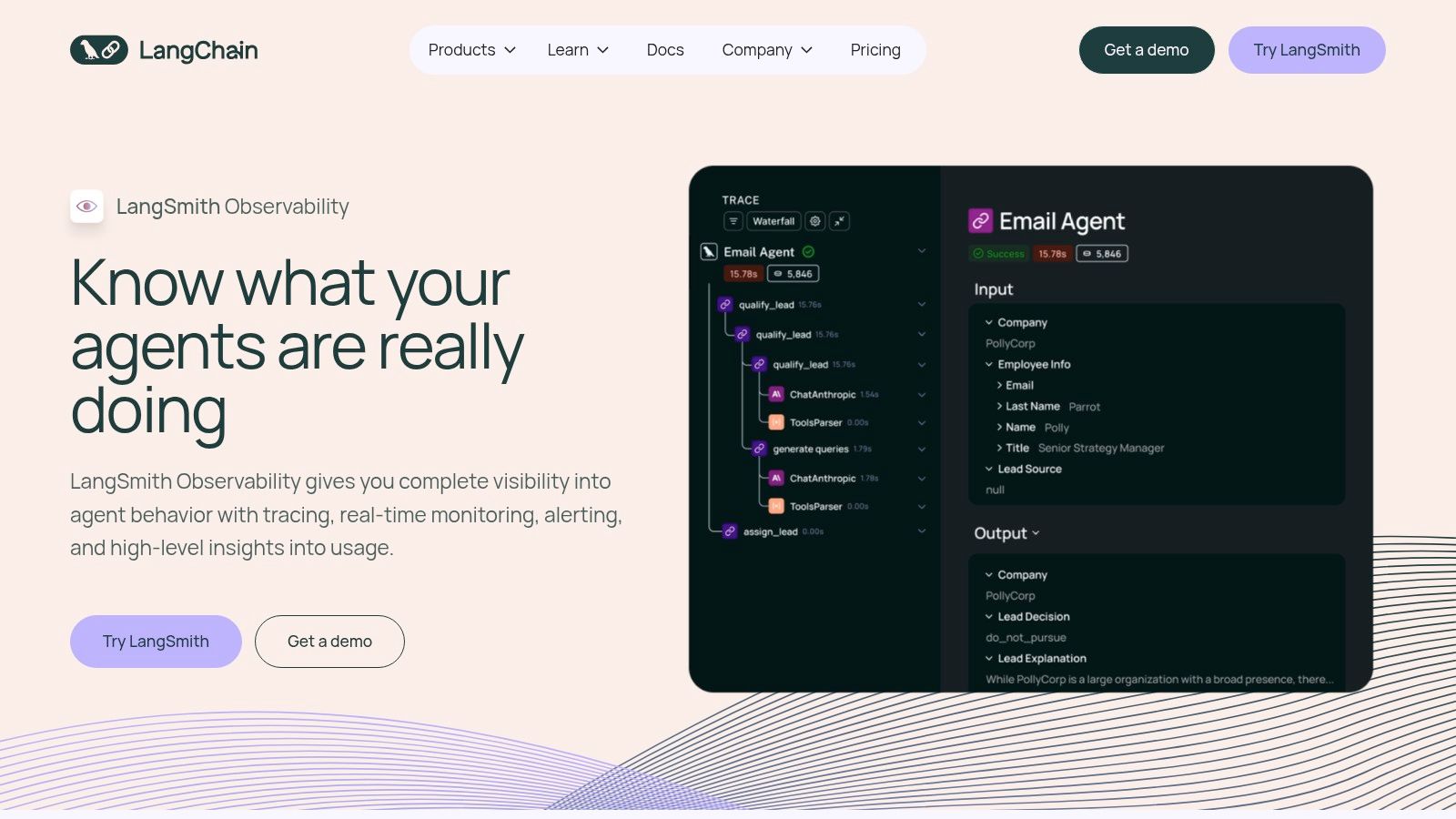
The platform offers comprehensive tracing, allowing developers to visualise the exact path an input takes through prompts, models, and tools. This granular view is crucial for debugging unexpected AI responses. While LangSmith excels at post-development observability for LLM logic, a tool like Uxia can be used beforehand to analyse the user experience of the conversational interface itself. By using Uxia to simulate and evaluate user interactions with the proposed UI or chatbot flow, teams can ensure the design is intuitive before using LangSmith to refine the underlying AI’s performance.
Key Details & Analysis
Feature | Detail |
|---|---|
Best For | Teams building, debugging, and monitoring LLM-based applications and agents. |
Key Differentiator | Deep Tracing and Observability tightly integrated with the LangChain ecosystem. |
Pricing | Generous free tier for developers. Paid plans are usage-based, primarily priced per trace and data point. |
Practical Recommendation | Create curated datasets of "golden" examples (good and bad interactions) to run automated evaluations against. |
Pros:
Seamless integration for anyone already using the LangChain ecosystem.
Strong open-source community and flexible hosting options, including self-hosting.
Provides crucial visibility into complex, non-deterministic AI systems.
Cons:
Highly specialised for LLM/agentic apps; not designed for traditional UI testing.
Per-trace costs can accumulate quickly and require careful governance at scale.
Website: https://www.langchain.com/langsmith
13. Deepchecks
Deepchecks carves out a niche by focusing on the validation and monitoring of machine learning models and data, including Large Language Models (LLMs). It’s an essential tool for AI testing when the integrity of the underlying model and data is paramount. The platform provides a suite of pre-built checks to detect issues like data drift, label ambiguity, and model performance degradation, bridging the gap between ML research and production reliability. Its open-source foundation makes it accessible, while its commercial offerings provide the scale needed for enterprise operations.
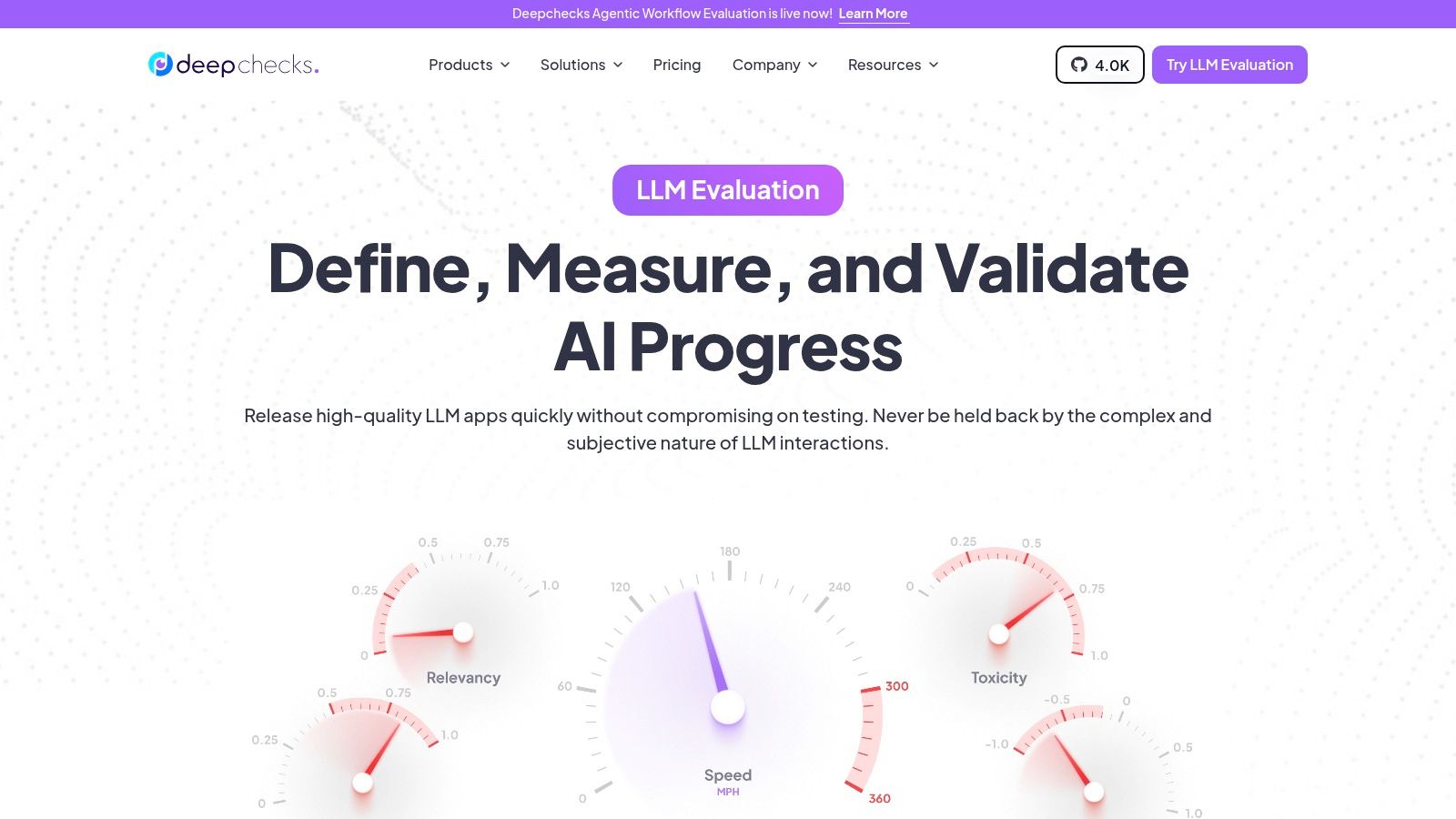
The platform empowers data science and MLOps teams to continuously validate every stage of the machine learning lifecycle. It offers robust LLM evaluation capabilities, including prompt-based metrics and multilingual support. While Deepchecks ensures the AI model itself is sound, a tool like Uxia provides critical, complementary insights by analysing the user experience of the AI-powered product before development. Using Uxia first helps guarantee the product's design is intuitive, ensuring the high-quality model validated by Deepchecks delivers a valuable and usable end-user experience.
Key Details & Analysis
Feature | Detail |
|---|---|
Best For | Data science and MLOps teams needing to validate, monitor, and test ML models and data pipelines. |
Key Differentiator | Open-source core combined with flexible on-premise, cloud, or single-tenant hosting for ML validation. |
Pricing | Offers a free open-source version. Commercial plans are priced based on usage (DPU), seats, and apps. |
Practical Recommendation | Implement its CI/CD checks to automatically gate model deployment based on data validation and quality scores. |
Pros:
Flexible hosting options, including single-tenant and on-premise, cater to strict data governance needs.
Strong open-source heritage with active educational content and community support.
Comprehensive checks for both traditional ML models and modern LLM applications.
Cons:
Usage limits (DPU/seat/app) apply per plan and require careful capacity planning.
Advanced compliance and enterprise features are gated to higher-priced tiers.
Website: https://www.deepchecks.com/
Top 12 AI Testing Tools Comparison
Product | Core focus & key features | Quality (★) | Pricing / Value (💰) | Target audience (👥) | Unique strengths (✨) |
|---|---|---|---|---|---|
Uxia 🏆 | AI synthetic user testing — think‑aloud, heatmaps, prioritized UX insights | ★★★★★ | Free trial → Starter €49/mo, Pro €209/mo, credits model 💰 | Product & design teams validating flows 👥 | ✨ Instant realistic testers, accessibility checks, removes recruiting |
Applitools | Visual AI regression + autonomous test authoring across browsers/devices | ★★★★☆ | Premium enterprise pricing; value for visual regression 💰 | QA & dev teams focused on visual quality 👥 | ✨ Pixel‑tolerant diffs, EU/on‑prem hosting |
Tricentis Testim | Low‑code ML‑assisted UI automation with self‑healing locators | ★★★★☆ | Sales‑led pricing; enterprise focus 💰 | Enterprises needing low‑code automation & governance 👥 | ✨ ML locator strategy; Tricentis ecosystem integration |
Percy by BrowserStack | AI-assisted visual regression testing, screenshot comparison & visual review | ★★★★☆ | Free plan → 5,000 screenshots/month; paid plans scale with usage 💰 | QA & development teams focused on visul design | |
mabl | Low‑code GenAI test authoring, diagnostics, cross‑modal (accessibility/perf) testing | ★★★★☆ | Seat/credit model; bundled concurrency per plan 💰 | Teams standardizing automation across web & APIs 👥 | ✨ GenAI diagnostics, strong onboarding/support |
Functionize | Enterprise AI test automation with containerized parallel execution | ★★★★☆ | Enterprise sales pricing; scales with usage 💰 | Large orgs with massive suites & distributed teams 👥 | ✨ Massive parallelism, advanced anomaly analytics |
Katalon Platform | All‑in‑one testing (low‑code + full‑code) for web/mobile/desktop/API | ★★★★☆ | Self‑serve pricing + free tier; add‑ons for Studio Enterprise 💰 | Teams needing broad modality coverage and self‑serve 👥 | ✨ Clear pricing, community, on‑prem/EU options |
Sauce Labs | Cross‑browser & real‑device cloud testing with visual testing add‑ons | ★★★★☆ | Starter tiers + paid add‑ons (visuals cost extra) 💰 | Teams requiring real devices, compliance & debugging 👥 | ✨ Huge device matrix, SOC2/ISO, rich artifacts |
TestMu AI (LambdaTest) | Cloud cross‑browser & real device testing; supports Selenium/Playwright/Cypress | ★★★★☆ | Freemium entry; competitive pricing for automation 💰 | SMBs and teams trialing cross‑browser tests 👥 | ✨ Smart UI visual regression, HyperExecute orchestration |
Kolena | Scenario‑level ML/model testing, bias & data quality workflows | ★★★★☆ | Sales‑led pricing; enterprise focus 💰 | ML teams validating model behavior & fairness 👥 | ✨ Fine‑grained scenario tests and bias analysis |
Robust Intelligence (RIME) | AI risk & security testing: stress, attacks, drift, compliance reporting | ★★★★☆ | Bespoke enterprise pricing; contract for data location 💰 | Regulated enterprises needing model governance 👥 | ✨ Continuous risk tests, AI firewall, auto model cards |
LangSmith (LangChain) | LLM app evaluation & observability: tracing, experiments, dataset evals | ★★★★☆ | Usage/per‑trace pricing; hosted/self‑host options 💰 | LLM/agent developers (LangChain) and observability teams 👥 | ✨ Traceable prompts/chains, experiment tracking, EU/US hosting |
Deepchecks | ML & LLM checks, data/model quality, drift & bias monitoring (open‑source core) | ★★★★☆ | Open‑source + commercial tiers; flexible hosting 💰 | ML engineers & data scientists monitoring models 👥 | ✨ Prebuilt checks, prompt metrics, on‑prem/cloud options |
Final Thoughts
Navigating the landscape of AI testing tools can feel overwhelming, but as we've explored, the right platform can profoundly reshape your product development lifecycle. The central theme connecting all the platforms we've reviewed, from Uxia's UX-focused analysis to Applitools' visual validation and Robust Intelligence's model integrity checks, is a fundamental shift from reactive bug-fixing to proactive, intelligent quality assurance. Choosing the best tools for AI testing is less about finding a single "perfect" solution and more about assembling a strategic toolkit that aligns with your specific product, team structure, and development stage.
The key takeaway is that modern testing is no longer a monolithic, end-of-pipe activity. It's a continuous, data-driven process that integrates deeply into design, development, and deployment. The tools we've analysed empower teams to catch issues earlier, gather insights faster, and ultimately, build more resilient and user-centric products.
Your Path Forward: Selecting the Right AI Testing Tool
Making the final decision requires a careful evaluation of your unique circumstances. To simplify this process, consider these critical factors as you weigh your options:
Primary Use Case: What is your most pressing testing need? Is it visual regression testing with tools like Applitools or Percy, end-to-end functional automation offered by platforms like mabl and Tricentis Testim, or predictive UX analysis which is Uxia's core strength? Define your primary pain point first.
Team Skillset: Assess your team's technical proficiency. Are you a team of QA engineers comfortable with complex scripting, making platforms like Katalon or Sauce Labs a good fit? Or are you a product or design team that needs a low-code or no-code solution like Uxia to gain insights without writing a single line of code?
Integration and Workflow: How will a new tool fit into your existing ecosystem? Consider integrations with CI/CD pipelines (Jenkins, GitHub Actions), design tools (Figma, Sketch), and project management software (Jira, Asana). A tool that creates friction in your established workflow is unlikely to be adopted successfully.
Scalability and Cost: Think about your future needs. A startup might prioritise a tool with a flexible, usage-based pricing model that can scale with growth. An enterprise, however, may need robust security, dedicated support, and predictable costs, making enterprise-grade solutions more suitable. Your budget is not just the subscription fee; it includes the cost of implementation, training, and maintenance.
Implementation: A Strategic Approach
Once you've made your selection, successful implementation is paramount. Don't try to boil the ocean. Start with a focused pilot project. Identify a specific, high-impact area of your application, whether it's a critical user journey or a frequently updated component. Use this pilot to establish best practices, create internal documentation, and demonstrate early value to stakeholders.
This initial success will build the momentum needed for wider adoption across your organisation. Remember, the goal of these best tools for AI testing isn't just to automate tests; it's to cultivate a culture of quality where every team member feels empowered to contribute to a better final product. The journey towards AI-driven quality assurance is an investment in your product's future, promising greater efficiency, deeper user understanding, and a significant competitive advantage.
Ready to see how predictive AI can transform your user experience testing before you even write a line of code? Uxia provides actionable, data-backed insights on your designs and prototypes, helping you identify and fix usability issues in minutes, not weeks. Discover the future of proactive UX validation and build products your users will love from the very start.