Best Lyssna Alternatives in 2026: 7 Top UX Testing Tools
Discover the Best Lyssna Alternatives in 2026 featuring Uxia and six other UX testing tools with AI-driven workflows, key features, and an evaluation checklist.

User research is becoming part of strategic decision-making, while demand for user insights continues to rise. AI-assisted analysis and synthesis is also identified as a leading research trend for 2026. (Maze research industry benchmark) Together, these signals point to a practical shift: product teams need testing workflows that shorten validation cycles without weakening the evidence behind launch decisions.
This guide to the best Lyssna alternatives in 2026 evaluates AI-driven usability testing, participant quality, workflow fit, scale, and speed. It also examines the tradeoff between rapid synthetic testing and deeper human research, so teams can match tools to risk and research maturity. Before choosing a platform, review the principles of qualitative and quantitative UX testing. The strongest option is the one that turns findings into decisions quickly, while preserving enough context to guide product changes.
1. Uxia
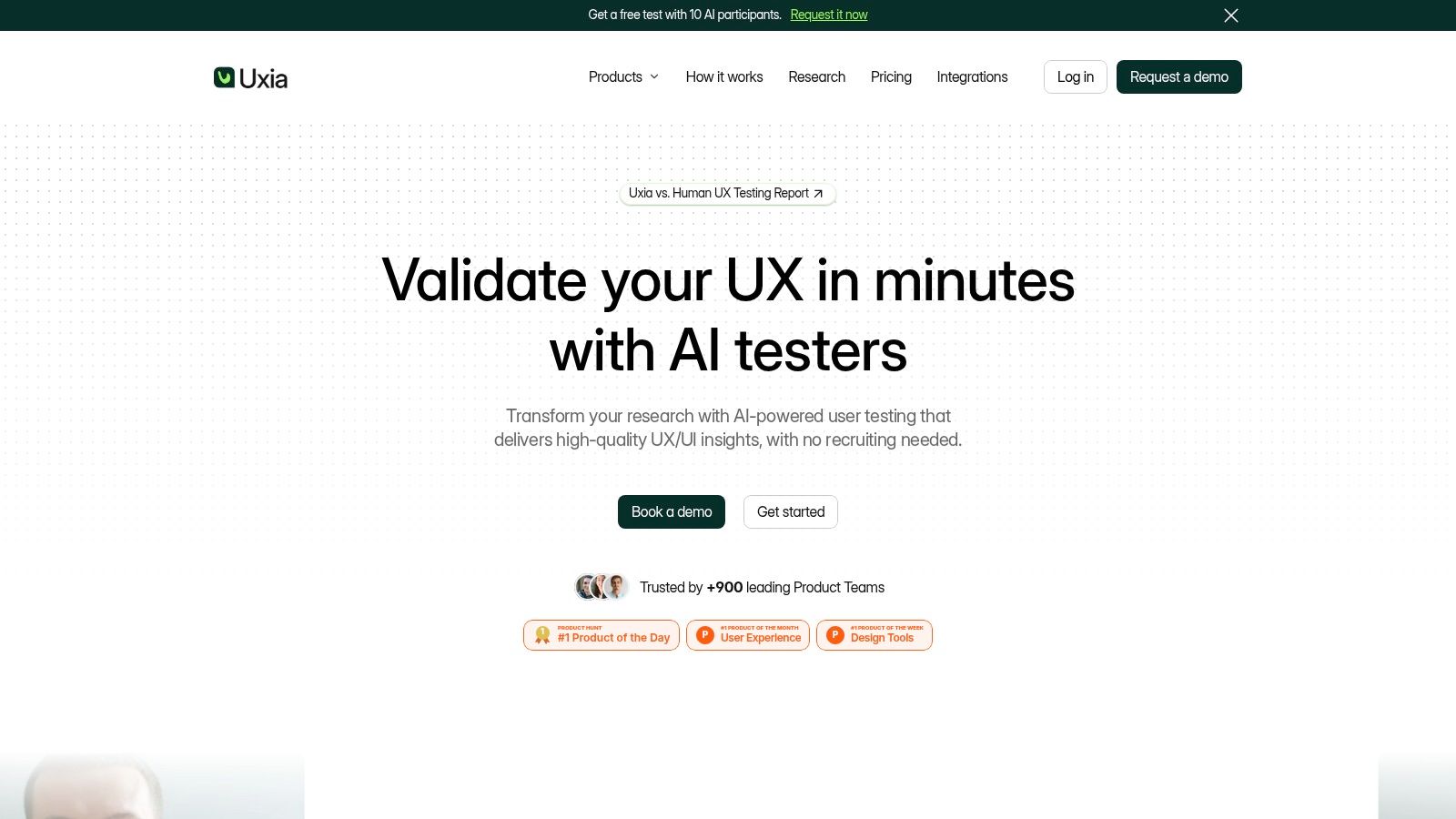
Uxia fits product teams that need rapid, repeatable usability testing without recruiting or scheduling participants. Teams upload image or video prototypes, define a mission and audience, then generate synthetic testers based on demographic and behavioral profiles. These AI participants move through flows, think aloud, identify friction, and answer follow-up questions.
Each test produces a structured evidence set. Uxia captures detailed transcripts, heatmaps, benchmark questions such as SUS and UXIA-Q, and prioritized findings covering usability, navigation, copy, trust, and accessibility. Its live website testing materials state that the workflow supports more than 20 languages, giving distributed teams a way to apply a consistent validation process across markets. (Uxia live website testing)
Why Uxia stands out
Uxia reduces the coordination work that can make research episodic. A team can test a prototype during exploration, retest a revised flow within a sprint, and assess a release candidate before launch. Automated issue recognition and synthesis limit manual session review, while exportable reports connect observations with recommended actions.
The main evaluation question is evidence fit. Synthetic testers can support hypothesis generation, draft discussion guides, and protocol stress-tests. Human research remains better suited to decisions where motivation, trust, context, or real-world behavior may change the outcome. Qualitati's 2026 coverage reports that 48% of researchers expect synthetic users and AI participants to affect UX research in 2026, while cautioning against treating them as a replacement for real people. (Qualitati's 2026 AI user research coverage)
Practical rule: Use Uxia to locate and prioritize friction quickly. Add moderated or field research when the decision depends on context, motivation, trust, or observed behavior.
Uxia offers a free trial with one complimentary AI User Test. Paid plans are usage-based and extend from small-team workflows to enterprise requirements including audience enrichment, priority support, SSO, and SCIM. The platform suits product designers, PMs, UX researchers, agencies, and enterprise teams that prioritize speed-to-insight and continuous validation.
For evidence-quality decisions, compare synthetic users versus human users before setting a research workflow.
Pros
Fast iteration: Tests run without participant recruitment, scheduling, or manual session coordination.
Targeted synthetic testers: Profiles can reflect audience characteristics, personas, and behavioral expectations.
Automated reporting: Transcripts, heatmaps, benchmarks, and prioritized issues support faster decisions.
Scalable governance: Collaboration workspaces and enterprise security support distributed teams.
Cons
Not a complete research replacement: Ethnography, moderated interviews, and field studies can reveal context synthetic testing will not capture.
Prototype dependency: Image and video inputs may miss backend, hardware, or live-environment edge cases.
2. UserTesting
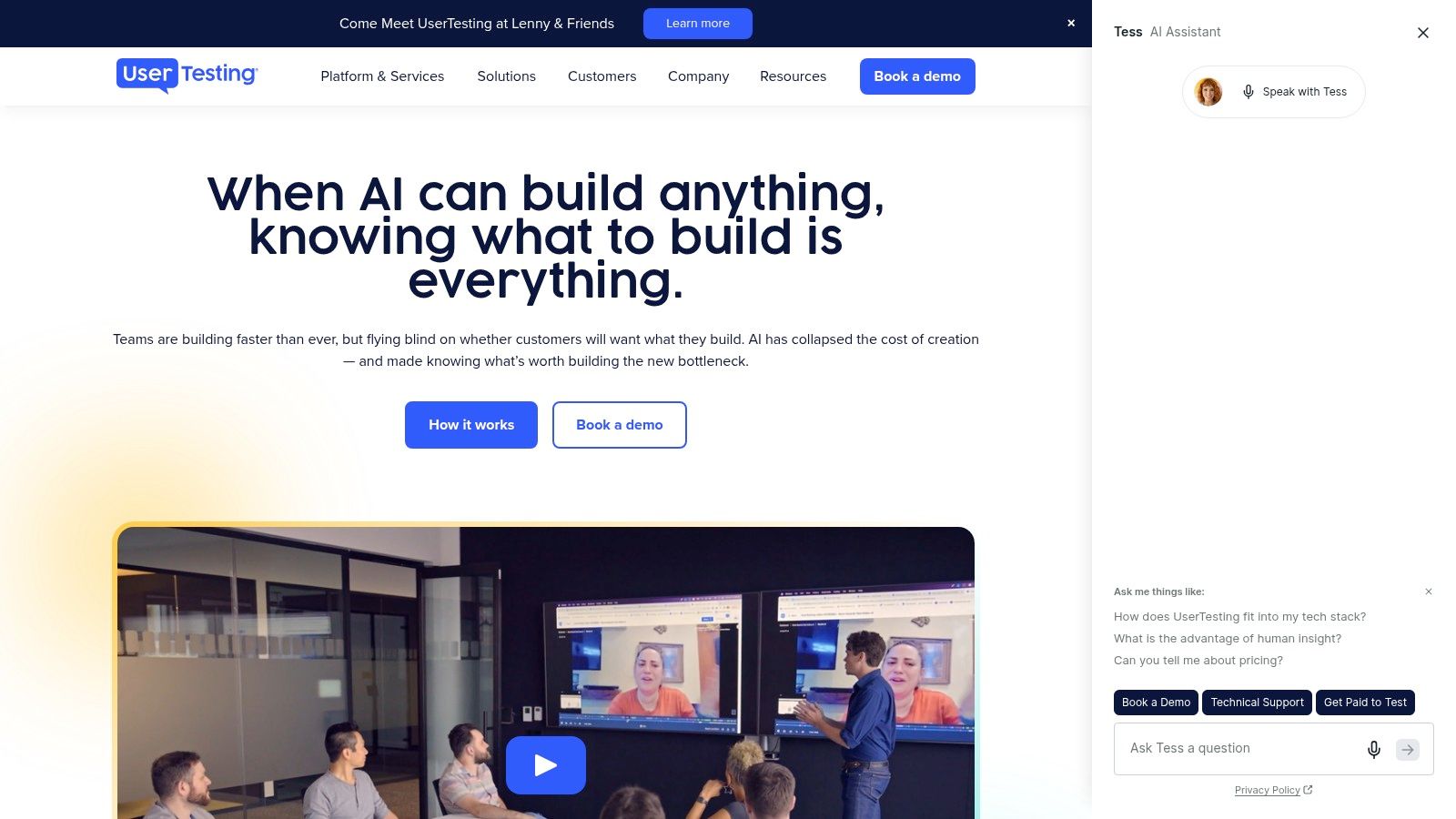
UserTesting is a strong Lyssna alternative when the decision depends on watching real people explain their reactions. Its video-first workflow supports moderated and unmoderated studies, managed participant recruitment, and bring-your-own participants. That combination suits enterprise teams that need direct human feedback alongside formal study governance.
Researchers can evaluate websites, products, and prototypes while stakeholders review video evidence rather than relying only on aggregate click data. Card sorting and tree testing add structured information-architecture tasks, while screeners help teams target participants with relevant backgrounds.
Best fit for enterprise research programs
UserTesting's value increases when many teams need access to a shared research operation. Advanced workflows, permissions, enterprise support, and stakeholder-friendly video deliverables make it easier to distribute findings across product, design, marketing, and leadership groups.
The tradeoff is operational and financial. Pricing is custom, and the platform can feel heavier than a lightweight tool for a small team that only needs a quick prototype check. Buyers should compare the cost of managed human feedback with the cost of faster synthetic screening, especially when many early design questions arise during a sprint.
Choose UserTesting when participant context is central to the decision, not merely when you need another place to host a task.
A practical workflow is to use AI-driven testing for early friction discovery, then reserve UserTesting for questions involving trust, purchase intent, professional experience, or unfamiliar user behavior. Teams considering this category can also review UserTesting alternative tools for 2026.
Pros
Human video evidence: Teams can observe behavior and hear explanations in the same session.
Recruitment flexibility: Use a managed panel or bring existing participants.
Enterprise readiness: Permissions and stakeholder sharing support larger research programs.
Cons
Custom pricing: Budgeting is harder than with transparent self-serve tools.
Potentially heavy workflow: Smaller teams may use only a fraction of the platform's capability.
3. Userlytics
Userlytics combines moderated and unmoderated research across web, mobile, and prototypes. It's suited to teams that don't want to split qualitative and quantitative work across separate platforms, especially agencies handling different client methodologies.
The platform offers a global participant panel and supports bring-your-own users. Its workflow includes AI-assisted transcripts, annotations, and summaries, allowing researchers to move from session capture toward synthesis without processing every recording manually.
A flexible human research mix
Userlytics is particularly useful when study requirements vary from one project to the next. A team might run an unmoderated prototype test for directional evidence, then conduct moderated sessions for a more complex flow. Subscription and per-session commercial models provide more flexibility than a single fixed workflow, although buyers need to model how session credits change by study type and plan.
Paid tiers support unlimited concurrent testing and storage, which can help agencies or growing product organizations run several studies at once. Enterprise add-ons may increase the overall cost when teams require advanced controls or expanded support.
The key comparison with Uxia is participant source. Userlytics supplies human research infrastructure, while Uxia supplies instantly available synthetic testers for rapid iteration. Those approaches answer different questions, so the right choice depends on whether the next decision requires observed human context or fast repeated coverage.
Pros
Method breadth: Supports moderated and unmoderated work across multiple product surfaces.
Commercial flexibility: Per-session options and volume discounts can suit variable research demand.
AI-assisted synthesis: Transcripts, annotations, and summaries reduce analysis overhead.
Cons
Variable session economics: Costs depend on study type, plan, and session credits.
Enterprise expansion costs: Advanced requirements can raise total spend.
4. Maze
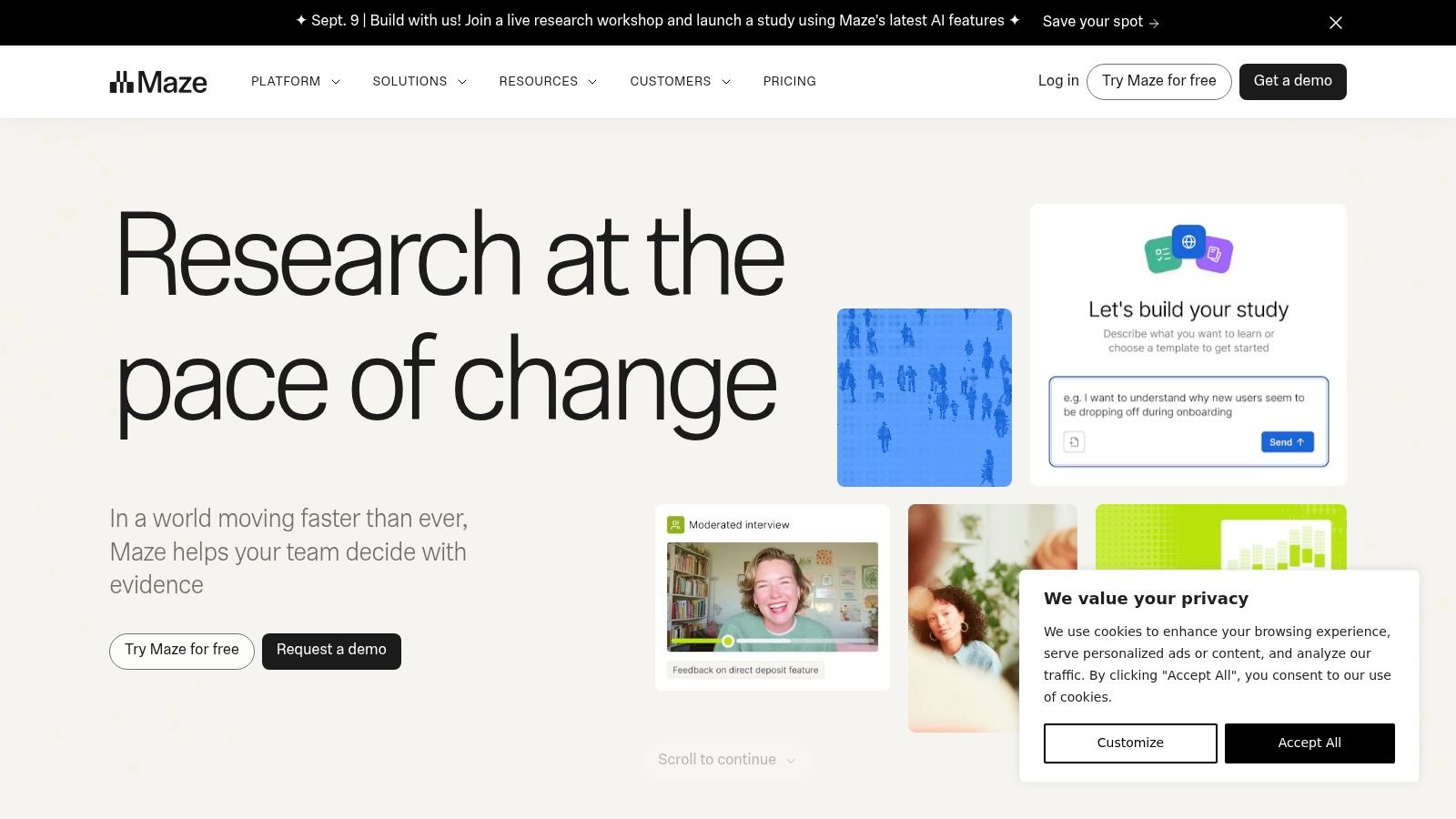
Maze is one of the closest direct Lyssna alternatives for teams that prioritize prototype testing and fast unmoderated validation. A 2026 comparison positions Maze as the better fit when prototype testing matters more than surveys. Its public pricing includes a free tier and a Pro plan at $75 per month when billed annually. (2026 Lyssna alternatives comparison)
Maze supports prototype, live-site, and mobile testing, alongside surveys, card sorting, tree testing, and moderated interviews with AI assistance. AI study building and AI-powered themes help researchers launch studies and organize findings without building every workflow from scratch.
Where Maze earns its place
The platform's strength is consolidation. Designers can move from a prototype to a study quickly, while researchers can add surveys, navigation tasks, or interviews when the question expands. Templates and automated reports make it practical for teams that need regular research but don't want every study to become a bespoke project.
Recruitment uses credits, so the subscription isn't necessarily the full cost of a panel-based program. That matters for scale. A team should separate the cost of creating and analyzing a study from the cost of finding participants, then compare the combined total with synthetic testing workflows.
Maze is best when a team needs a broad research suite and human participant evidence remains part of the process. Uxia is a better fit when the priority is instant synthetic testing across many early-stage iterations.
Pros
Prototype-first workflow: Strong fit for rapid design validation.
Broad method coverage: Combines unmoderated testing with surveys, IA tasks, and moderated interviews.
Automation: AI study building, themes, transcripts, clips, and reports support faster synthesis.
Cons
Split cost structure: Credit-based recruiting can make total spend harder to forecast.
Potential complexity: Teams seeking only a narrow test may find the broader suite unnecessary.
5. Useberry
Useberry targets startups and small product teams that need affordable prototype, website, and app testing without adopting an enterprise research suite. Its unmoderated methods include prototype, website, first-click, five-second, and preference tests. Teams can invite their own audience or order participants from the Useberry pool.
A live Interviews module, introduced in 2026, adds moderated sessions without forcing researchers into another platform. Collaboration features, highlight reels, transcripts, and privacy or legal screens help lean teams share evidence with clients and internal stakeholders.
Why startups may prefer it
Useberry's main advantage is workflow simplicity. Teams can share a study link, collect feedback, and review results without a large implementation project. That makes it appropriate for continuous checks where the team values low friction over deep enterprise governance.
The platform is also useful for teams that want a human research option but don't run moderated interviews often. The live module expands its range, although panel depth and advanced analytics may not match larger suites. Pricing details can vary across product pages, so buyers should verify current terms and test a representative study before committing.
Useberry and Uxia serve different speed models. Useberry keeps human or self-recruited testing accessible. Uxia removes recruitment and scheduling for teams that need to test repeatedly during design and development.
Pros
Lean setup: Shareable links support quick studies and distributed collaboration.
Broader methodology: Adds moderated interviews to a strong unmoderated foundation.
Accessible entry point: A free tier and lower-friction positioning suit smaller teams.
Cons
Uneven advanced depth: Larger suites may provide stronger panel coverage and analytics.
Pricing verification required: Buyers should confirm current plan limits and participant costs.

6. Optimal Workshop
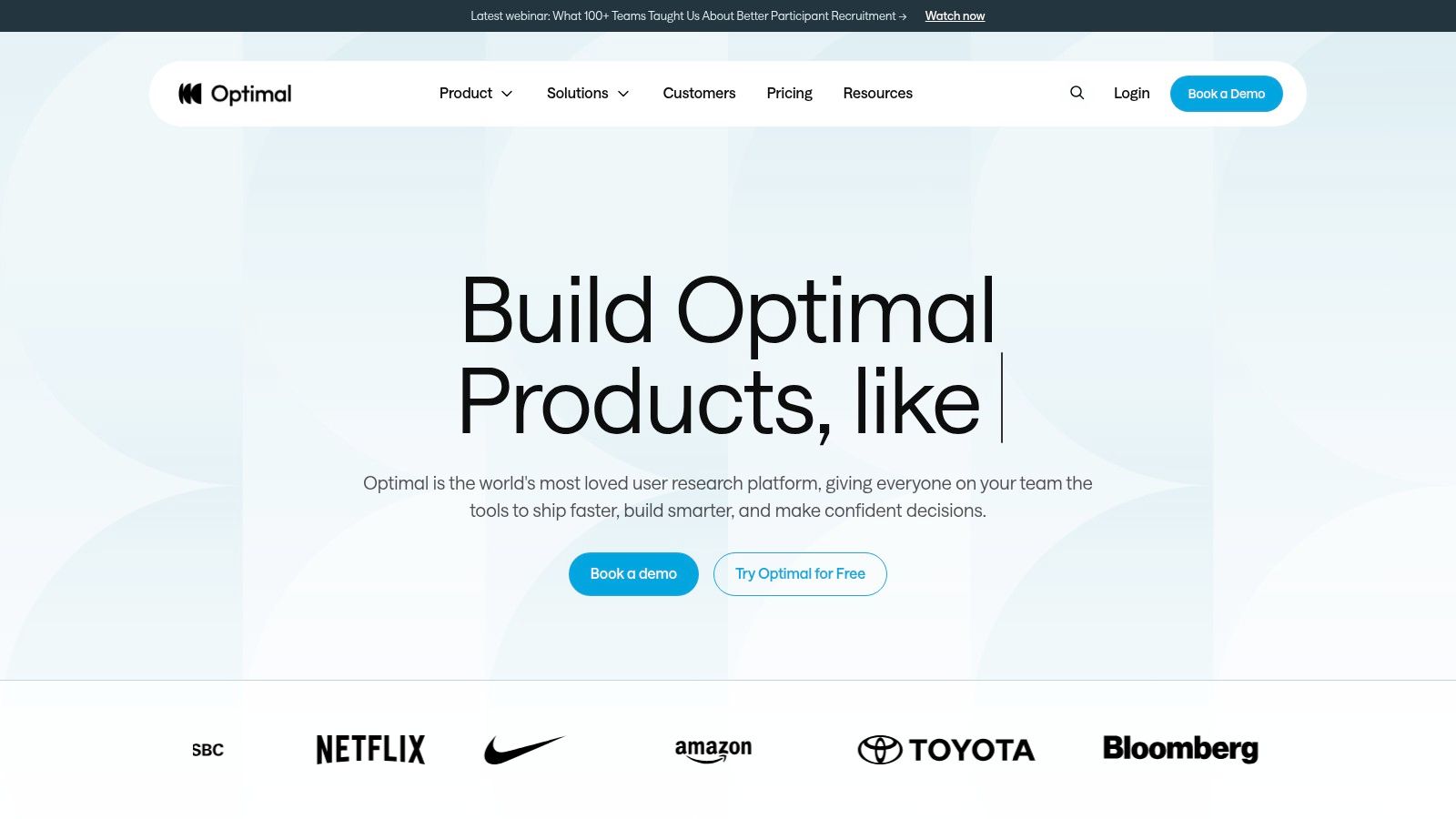
Optimal Workshop is the specialist choice for information architecture and navigation research. It focuses on card sorting, tree testing, and first-click studies, with tools such as OptimalSort, Treejack, and Chalkmark. Its visual analytics help teams evaluate labels, categories, menus, and findability with more depth than a general-purpose testing workflow may provide.
The right tool for navigation decisions
A product team redesigning a complex navigation system shouldn't select a platform only because it supports many test types. The critical question is whether the tool makes information-architecture evidence easy to interpret. Optimal Workshop is strongest when the decision involves grouping content, naming categories, validating hierarchy, or checking whether users can find a destination.
Integrated recruiting supports targeted samples, while the broader platform can accommodate additional study types. Still, it isn't the best match for teams seeking a complete moderated usability or video research environment. Its plans and credits also mean procurement should model study frequency and recruiting needs rather than compare subscription prices alone.
Decision filter: If your next release depends on menu labels or content hierarchy, prioritize analytical depth for IA tasks over a longer feature checklist.
For teams comparing specialist options, this guide to card sorting tools in 2026 provides additional context. Uxia can complement Optimal Workshop by testing the resulting prototype flows with synthetic participants before the team commits to broader human research.
Pros
Deep IA analysis: Purpose-built tools support navigation and structure decisions.
Efficient studies: Focused workflows reduce setup for card sorts and tree tests.
Recruiting support: Integrated participant access helps teams target research.
Cons
Narrower scope: Less suitable for end-to-end moderated usability programs.
Credit-based planning: Pricing and recruitment requirements need careful forecasting.
7. Lookback
Lookback is built around live moderated interviews and usability sessions. Researchers can bring observers into sessions, use chat for collaboration, and organize evidence through its Findings workflow. Unmoderated tasks are also supported, making the platform useful when a team alternates between live exploration and self-guided validation.
In 2026, Lookback published clearer pricing with annual plans, session bundles, and participant recruitment powered by User Interviews. Teams can bring their own participants at no recruitment cost, while the Recruit add-on uses per-participant pricing.
Best for collaborative live research
Lookback's strongest use case is a research session where stakeholders need to watch, discuss, and preserve findings in one environment. Shareable reels and AI-assisted analysis through Eureka help teams turn live conversations into reusable evidence rather than leaving insights trapped in recordings.
The limitations are practical. Annual billing reduces flexibility for teams that need occasional projects, trial exports are restricted, and heavy unmoderated quantitative programs may require a complementary tool. Buyers should also compare session bundles with their actual moderated research cadence, since unused capacity can undermine apparent value.
Lookback complements Uxia particularly well. Uxia can screen prototypes quickly with synthetic testers, while Lookback can investigate the most important unresolved questions with real participants and live moderator interaction.
Pros
Strong live experience: Moderators, observers, and chat support collaborative sessions.
Reusable findings: Reels and repository-style organization improve stakeholder access.
Transparent structure: Published session and participant options make planning easier.
Cons
Annual commitment: Billing may not suit irregular research programs.
Limited quantitative scale: Teams running many unmoderated studies may need another platform.
Lyssna Alternatives 2026, 7-Tool Comparison
Tool | Implementation complexity 🔄 | Resource requirements 💡 | Speed & efficiency ⚡ | Expected outcomes 📊⭐ | Ideal use cases |
|---|---|---|---|---|---|
Uxia | Low–Medium, upload prototypes, set missions; automated pipeline 🔄 | Needs image/video prototypes; usage-based pricing; no recruiter overhead 💡 | Very fast, tests run in minutes ⚡⚡⚡ | Actionable usability issues, heatmaps, SUS/SUPR-Q benchmarks; high repeatability ⭐⭐⭐⭐📊 | Rapid iterative UX validation, continuous testing for product teams |
UserTesting | Medium–High, end-to-end study setup, moderated workflows 🔄🔄 | Large managed participant network; enterprise pricing and governance 💡 | Reliable recruiting but moderated studies take longer ⚡⚡ | Rich real-user video deliverables and qualitative depth; enterprise-ready ⭐⭐⭐⭐📊 | Enterprise moderated/unmoderated programs and stakeholder presentations |
Userlytics | Medium, mixed-method setup with AI-assisted analysis 🔄 | Global panel or BYO; session credits/subscription models 💡 | Good throughput for mixed qualitative/quant studies ⚡⚡ | Qual + quant insights with AI transcripts and summaries; versatile ⭐⭐⭐📊 | Growing teams/agencies needing flexible study types |
Maze | Low, strong templates and AI study builder for fast launches 🔄 | Credit-based recruiting and subscription tiers; template library 💡 | Very fast to launch unmoderated tests and reports ⚡⚡⚡ | Automated quantitative insights, basic qualitative clips; reliable for scale ⭐⭐⭐📊 | Rapid unmoderated prototype and quantitative testing |
Useberry | Low, simple setup, clear sharing and recent moderated module 🔄 | Budget-friendly with free tier; BYO or participant pool options 💡 | Efficient for small teams; good for continuous lightweight testing ⚡⚡ | Basic video/screen recordings, transcripts, highlight reels; cost-effective ⭐⭐📊 | Startups/SMBs and low-cost continuous testing |
Optimal Workshop | Low–Medium, focused IA tools with little extra setup 🔄 | IA-specific tools (card sort, tree test), credits/recruiting options 💡 | Efficient for targeted IA studies ⚡⚡ | Deep information-architecture analytics and visualizations; high IA accuracy ⭐⭐⭐⭐📊 | Card sorting, tree testing, first-click and navigation validation |
Lookback | Medium, live-moderation workflows, observers, findings repo 🔄🔄 | Annual plans with session bundles; recruitment add-on available 💡 | Excellent for live sessions; session scheduling required ⚡⚡ | High-quality moderated insights, shareable reels and “Findings”; collaborative ⭐⭐⭐⭐📊 | Live moderated interviews, stakeholder collaboration and synthesis |
Building Your UX Testing Strategy
The right Lyssna alternative depends on the evidence required, the decision's risk, and the time available to produce usable findings. The UX research software market was forecast at USD 470.3 million in 2025, projected to reach USD 520.1 million in 2026 and USD 1,247.6 million by 2034, implying an 11.6% CAGR. Financial services was forecast to hold the largest industry segment in 2026, at 27.12% market share, indicating demand for research workflows that can operate at scale in regulated environments. (UX research software market forecast)
Use this checklist to evaluate a platform:
Test types: Confirm whether you need prototype, live-site, mobile, survey, card sorting, tree testing, moderated interviews, or recurring regression checks.
Evidence source: Identify whether the study needs recruited participants, self-recruited users, synthetic testers, or a combination.
Speed requirement: Measure the full cycle, including setup, recruiting, analysis, and reporting, rather than launch time alone.
Analysis workflow: Check for transcripts, themes, heatmaps, benchmarks, clips, exports, and prioritized recommendations.
Scale and governance: Review seats, collaboration spaces, permissions, security, integrations, and enterprise controls.
Cost structure: Separate platform fees from recruitment, credits, session bundles, incentives, and internal operating time.
Validation boundary: Define which decisions synthetic testing can support and which require human, moderated, or field research.
Method selection should follow the question. Maze, Useberry, and Optimal Workshop suit structured, unmoderated studies. UserTesting, Userlytics, and Lookback provide stronger support when human context or live interaction affects the decision. Uxia supports rapid synthetic prototype and website testing with multilingual validation, transcripts, heatmaps, standardized benchmarks, and prioritized usability insights, without waiting for participant recruitment.
Only 3% of organizations have reached the highest maturity stage where research is continuous and embedded across functions. (Maze research maturity benchmark) That gap supports a two-speed operating model. Product teams can run AI-driven synthetic tests frequently during early design and reserve human research for questions involving lived experience, complex motivation, or higher decision risk.
Results also need a defined path into product work. Connect findings to design reviews, product planning, delivery routines, and the tools teams use to coordinate SaaS and operational work, such as collaboration software for SaaS and operations. The strongest platform is the one that produces decision-ready evidence within the team's required cycle.
Uxia gives product teams synthetic participants for prototype and live website testing, with transcripts, heatmaps, benchmark questions, and prioritized usability insights. Teams seeking shorter validation cycles can use it for early testing while reserving human studies for higher-stakes questions. Visit Uxia to start with the complimentary AI User Test.