Best Card Sorting Tools in 2026: 10 Options
Compare the Best Card Sorting Tools in 2026, including features, limitations, workflows, pricing considerations, Uxia, and practical recommendations.
Can a card-sorting tool help you choose the right navigation, yet still leave your team unsure why participants grouped content that way? That gap exposes why selecting among the best card sorting tools in 2026 isn't a simple feature comparison. The right choice depends on your information-architecture question, participant access, research scale, analysis depth, and how closely the study needs to connect with prototype or interface testing.
Card sorting is an established information-architecture method rooted in psychology. Participants group labeled cards into piles that make sense to them, helping teams examine navigation, menu labels, and taxonomy structures. Modern platforms add similarity matrices, dendrograms, agreement scores, recruitment, questionnaires, and related methods such as tree testing and first-click testing. The workflow has moved from paper cards toward software-assisted analysis, but the research decision remains the same: understand how people mentally organize content.
TryMyUI, or the practical act of testing a UI, usually means asking people to complete realistic tasks in a website, app, or prototype while the team observes behavior, friction, comprehension, and navigation. Card sorting sits alongside that broader testing work. Uxia is an AI-powered synthetic-testing platform that lets teams validate prototype and interface flows with synthetic testers, uncover usability and accessibility issues, and request card sorting when eligible. Here are the ten options that best match different research workflows.
1. Optimal Workshop and OptimalSort
Optimal Workshop remains the clearest fit for teams treating information architecture as a specialist discipline rather than a small feature inside a general survey platform. Its OptimalSort product supports open, closed, and hybrid card sorts, while the wider suite connects sorting with Treejack for tree testing and other IA validation work.
That pairing matters. A researcher can use an open sort to explore how participants create categories, use a closed sort to assess a proposed structure, and then test whether users can find content in the resulting tree. The workflow keeps taxonomy decisions and navigation validation close together instead of scattering evidence across unrelated tools.
Where OptimalSort earns its place
The platform's main advantage is its purpose-built analysis. Similarity and cluster outputs, dendrogram-style visualizations, agreement measures, and stakeholder-ready reporting help researchers move from raw groupings to a defensible IA recommendation. That depth is especially useful when several teams need to review the same evidence.
Stakeholder familiarity also has practical value. A recognizable IA research suite can reduce explanation overhead during procurement and governance reviews, particularly in enterprise programs where research outputs must support decisions beyond the UX team. The Treejack connection strengthens the case for teams that need to test both the structure and the findability of that structure.
The tradeoff is planning. Seat-based subscriptions and tier differences can affect access to features and capacity, so larger research programs should confirm the plan before committing. Optimal Workshop is the strongest recommendation when dedicated IA analytics, reporting, and a mature tree-testing workflow matter more than keeping every method in one general-purpose platform.
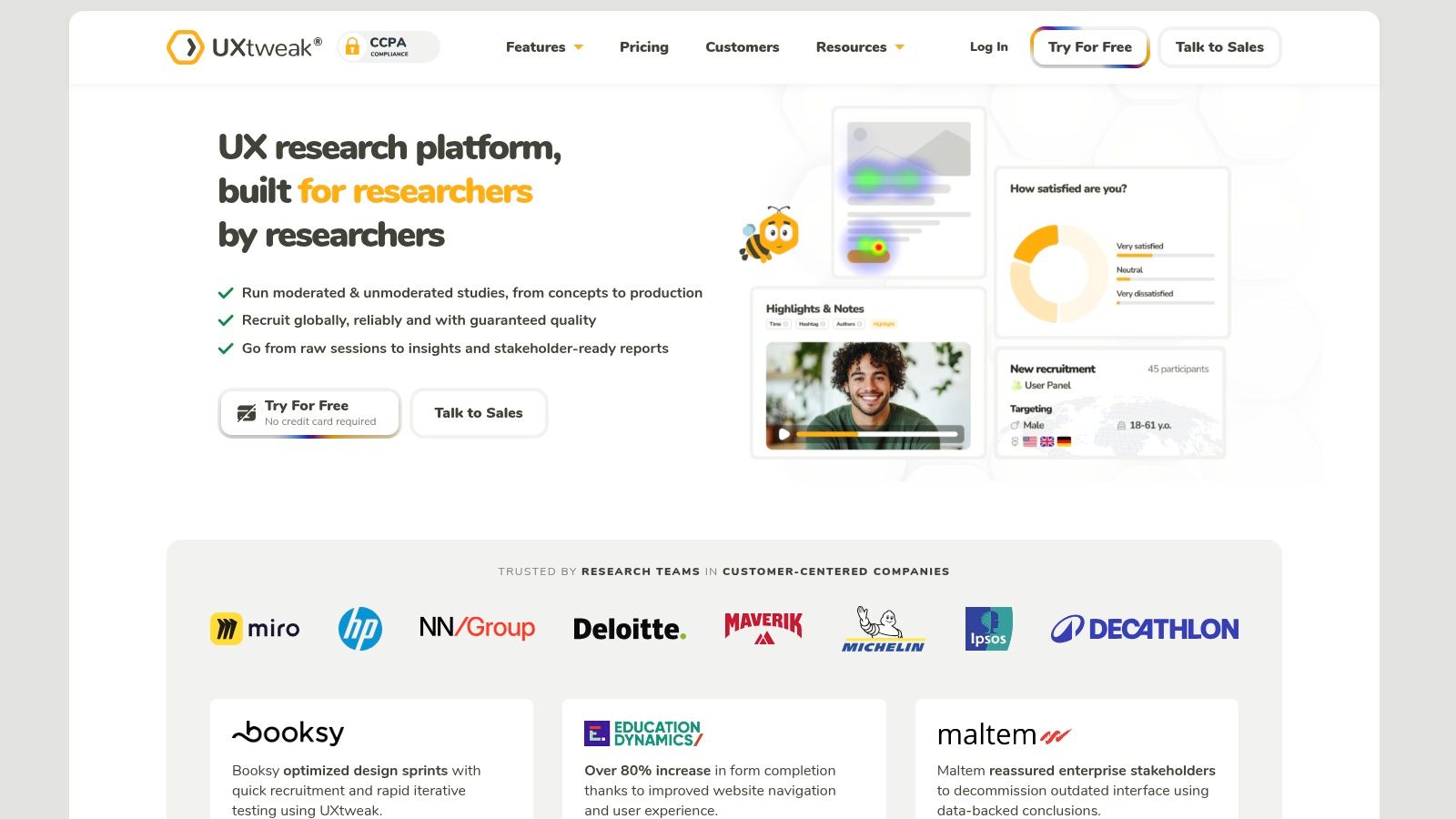
2. UXtweak Card Sorting
UXtweak is a strong choice for teams that want card sorting to sit inside a broader research workflow. Its card-sorting module supports open and closed sorts, configurable instructions, and questionnaires that can surround the task. Skip logic makes it possible to tailor pre-study or post-study questions without moving participants into a separate survey tool.
That design suits mixed-method research. A team might ask participants about their familiarity with a product area before the sort, collect contextual details after the task, and use recruitment options that support either an in-house audience or a public link. The sorting activity becomes one part of a study rather than an isolated IA exercise.
The workflow advantage
UXtweak also emphasizes step-by-step guidance and educational material. That can reduce setup friction for newer researchers, while experienced teams can use the questionnaire and recruitment controls to build more structured studies. The platform has also been positioned in independent comparisons as an option with serious analysis, including open, closed, and hybrid sorts, tree testing, similarity matrices, and dendrograms on its platform tiers. Those capabilities make it more than a lightweight sorting widget.
The limitation is plan management. Community-reported pricing and plan changes mean teams running repeated or heavier studies should verify current limits and feature access before designing a research program around the platform. Advanced analysis may also depend on the selected tier.
Practical rule: Choose UXtweak when the study needs participant questions and recruitment around the sort. Choose a dedicated IA suite instead when specialized reporting is the primary requirement.
For teams comparing broader research methods, this guide to faster user-research insights provides useful context for deciding whether the sort should stand alone or support a larger discovery workflow.
3. Lyssna, formerly UsabilityHub
Lyssna suits teams that need a fast, unmoderated answer to a focused IA question. It supports open and closed card sorts, including text and image cards, and provides views for cards, categories, agreement, and similarity matrices. That combination makes it practical for rapid validation when the team already knows what it wants to test.
The built-in panel is a meaningful workflow differentiator. Researchers can recruit participants through a credits-based model rather than arranging every audience member themselves, which helps when the team needs quick directional feedback. Lyssna also supports a wider mix of rapid research methods, so a card sort can sit near other lightweight tests instead of requiring a new vendor for every question.
Best use and main constraint
Lyssna's strength is speed. A designer validating labels for a navigation revision can create a focused study, bring in participants, and review grouping patterns without adopting a heavyweight IA environment. Its analysis views are useful for spotting agreement and relationships between cards, although teams should still interpret those patterns alongside study design and participant context.
The pricing model requires more attention for frequent iteration. Plan structures evolved across 2025 and 2026, and some plans include per-study limits. Credits can also make repeated recruitment sensitive to how often the team runs a study, so a single quick check and a continuous IA program may have very different economics.
Lyssna is therefore a good recommendation for lightweight IA validation with panel access. It isn't automatically the best choice for a large taxonomy program where governance, deep reporting, and tightly controlled recruitment matter more than speed.
4. Maze
Maze works best when card sorting belongs inside an existing product-discovery and prototype-testing workflow. The platform supports open and closed card sorts and presents results through a centralized dashboard, while also connecting sorting with surveys, prototype tests, and broader product research.
That consolidation can simplify operations. A product team might test a prototype, ask participants to sort content, and collect survey responses in a connected program rather than maintaining separate study environments. The value isn't that Maze replaces dedicated IA analysis in every scenario. The value is that it brings an IA task closer to the interface decisions the team is already testing.
A good fit for product discovery teams
Maze's documentation and help content can make study setup easier, especially for teams that want guided workflows. It has also been positioned as one of the established options for teams that want prototype testing and sorting in one place. That makes it a practical selection for product managers and designers who need to connect navigation feedback with broader product evidence.
The main limitation is access to the full workflow. Open card sorting and some AI capabilities are gated to Team or Enterprise plans, and full capabilities and pricing may require a sales conversation. Teams shouldn't assume that a lower plan includes every method or analysis view they saw in product documentation.
Maze is most compelling when consolidation reduces operational friction. It isn't the obvious choice if your primary need is the deepest possible IA-specific analytics.
Teams comparing Maze with other research environments can use this overview of Maze alternatives before deciding whether consolidation or specialist depth is the stronger priority.

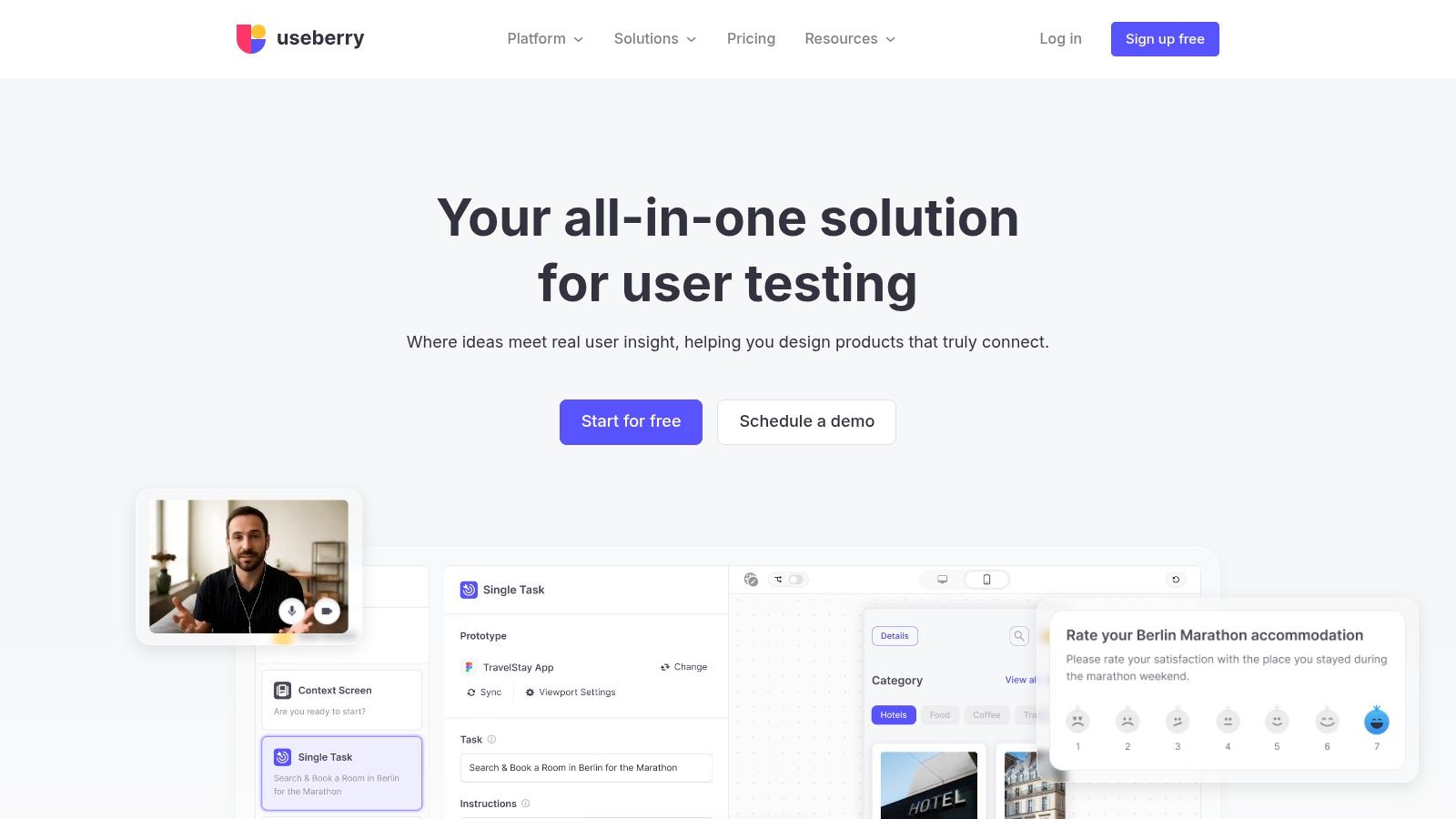
5. Useberry
Useberry is a practical option for teams that want card sorting alongside several unmoderated UX methods. It supports open and closed card sorts, templated setups, tree testing, first-click tests, and a broader template library. That combination helps teams avoid assembling separate tools for every early-stage navigation question.
The workflow is especially useful when IA is only one part of a broader usability program. A team can use a card sort to explore grouping, a tree test to evaluate findability, and a first-click test to examine early navigation behavior. These tasks answer different questions, but keeping them near one another can make planning and reporting easier.
Why templates matter
Useberry's templates and documented analysis views reduce the blank-page problem during study creation. Researchers can begin with a structured setup and adapt it to the content model, audience, and research question. Recruitment can also support either a team's own audience or an available recruitment route, which gives smaller teams more flexibility.
The tradeoff is capacity planning. Pricing and plan structures changed in 2026, so teams should confirm current study limits before selecting Useberry for repeated or large programs. A platform that works well for occasional validation may become less convenient if the team needs frequent studies, larger audiences, or advanced collaboration controls.
Useberry is best for method breadth and setup efficiency. It makes less sense when the study demands the most specialized IA analytics available or when the organization needs strict enterprise governance around every research asset.
6. UserTesting, including UserZoom heritage
UserTesting is designed for teams that want card sorting connected to moderated and unmoderated testing, participant video, and enterprise research operations. Researchers can place card-sorting tasks inside broader studies, including the classic card-sort experience with mobile contributor guidance.
The distinctive value is context. A matrix or dendrogram can show how participants grouped content, but recordings and qualitative responses can help the team understand hesitation, terminology, confusion, and the language participants use while completing the task. That combination is useful when the IA decision affects a product where the reason behind a grouping matters as much as the grouping itself.
Where enterprise context changes the choice
UserTesting suits continuous testing programs that need recruitment, governance, and qualitative evidence from one vendor. Its enterprise-oriented panel and governance capabilities can support organizations that need repeatable research operations rather than one-off studies.
The cost and procurement process require realistic expectations. Access typically involves an enterprise contract and contact with sales, while capabilities can vary by account. Teams should confirm whether the specific card-sorting experience, recruitment arrangement, video workflow, and reporting outputs are included in their plan.
This is a strong recommendation for enterprise teams that prioritize qualitative context and governed testing. It isn't the simplest route for a small team that only needs a quick open sort and a basic clustering view.
7. Qualtrics Pick, Group, and Rank
Qualtrics takes a different route. Its Pick, Group, and Rank question type can create a card-sort-style exercise inside a larger enterprise survey, with drag-and-drop grouping, configurable visuals, branching, quotas, targeting, and distribution controls.
That approach is attractive when Qualtrics already governs the organization's research program. The team can place a grouping task beside screening questions, segmentation logic, or other survey measures without introducing another platform or recruitment workflow. For enterprise operations, centralized distribution and quota management may matter more than specialist IA features.
The specialist-analysis limitation
Qualtrics isn't a dedicated card-sorting application. It lacks specialized card-sort analytics such as dendrograms and similarity matrices out of the box, so researchers seeking detailed cluster interpretation may need additional analysis work. That doesn't make the platform unsuitable. It means the research question should justify the tradeoff.
Use Qualtrics when the goal is to integrate a sorting-style task into a governed survey program. Avoid choosing it solely because the organization already owns it if the study depends on deep IA analysis and rapid interpretation.
Best fit: enterprise survey teams with established logic, quotas, targeting, and distribution requirements.
Less suitable: IA specialists who need purpose-built clustering outputs without manual processing.
The key decision is operational. Qualtrics can reduce vendor sprawl, but a dedicated platform may reduce analytical effort. Those are different forms of efficiency, and the right one depends on who will interpret the results and how the decision will be documented.
8. UserBit
UserBit is a strong fit when the research repository is as important as the sorting task. Its card-sorting package includes built-in analysis such as frequency and similarity matrices, while the wider platform keeps card-sort deliverables near interviews, notes, tags, discovery posts, and stakeholder materials.
That proximity changes how teams use findings. Instead of exporting results into a separate spreadsheet and later trying to reconnect them with interview evidence, researchers can keep IA observations in the same repository as the surrounding research record. A client portal also supports sharing deliverables with stakeholders who don't work inside the research environment every day.
Repository-led IA work
UserBit makes sense for agencies, consultants, and internal research teams that need continuity across projects. The platform's analysis tools are designed to reduce manual exports, which can help preserve links between the observed grouping pattern and the decisions that follow.
The limitation is plan enablement. Card-sorting capabilities can depend on the selected plan, and higher tiers may be required for the full functionality. Teams should verify limits before promising clients or internal stakeholders a particular reporting workflow.
UserBit is not the default recommendation for every IA study. It becomes compelling when research traceability, repository organization, and stakeholder sharing are central requirements. If the only need is specialist clustering, OptimalSort or another IA-focused platform may be more direct. If the team needs research evidence to remain connected over time, UserBit offers a different kind of depth.
A useful result isn't only a chart. It's a chart that remains connected to the observations, decisions, and deliverables built from it.
9. Userlytics
Userlytics brings card sorting, tree testing, surveys, moderated studies, and unmoderated testing into one environment. It offers dendrogram and matrix views for interpreting sorts, along with recruitment and support for qualitative and quantitative research.
That blend suits teams that don't want IA work isolated from usability research. A researcher can examine how participants group content, then use related testing methods to investigate navigation, time on task, or task completion in the same broader research program. The platform's documentation and client walkthroughs also help teams that need support during setup.
A flexible all-in-one option
Userlytics is strongest when recruitment is a decisive consideration. Teams can work with moderated or unmoderated studies and use IA-specific views without adding a separate card-sorting vendor. That can simplify vendor management for agencies and product organizations that run several research formats.
Higher-tier plans typically control advanced features and larger study capacities, so teams should confirm study-volume limits with sales. The platform may be more infrastructure than a small team needs for a single directional sort, but its broader method coverage can justify the complexity when recruitment and mixed-method research are recurring needs.
Choose Userlytics when the workflow requires recruitment, moderation options, tree testing, and IA analysis together. Choose a specialist instead when the team wants the narrowest possible tool for taxonomy analysis and already has participant access elsewhere.
10. PlaybookUX
PlaybookUX is suited to teams that already run interviews, usability tests, or other research through the platform. Its card-sorting workflow supports open, closed, and hybrid sorts, along with merge tools for category cleanup and templates that speed study creation.
The wider method set includes interviews, tree tests, surveys, first-click tests, and five-second tests. That breadth gives product teams a way to connect a taxonomy question with the interface and comprehension questions that follow it. AI-assisted setup can also reduce the effort required to create a study, although faster setup doesn't remove the need for careful card wording or sound interpretation.
Practical fit over maximal depth
PlaybookUX is most attractive when the team values continuity. Researchers already using the platform for moderated or unmoderated work can add sorting without introducing another workflow, and merge tools can help clean up categories after an open sort.
The limitation is analytical depth. Teams that need advanced IA outputs should verify the available reports before committing, because specialist platforms may offer richer clustering and visualization. Templates and AI assistance can accelerate execution, but they don't automatically improve the quality of the research question or the cultural fit of category labels.
PlaybookUX is a practical choice for existing users who want card sorting inside a broader research lab. It is less compelling if the study's main purpose is complex taxonomy analysis and the team has no need for its other research methods.
Top 10 Card Sorting Tools (2026), Feature Comparison
Tool | Key features ✨ | Quality ★ | Price/value 💰 | Target 👥 | USP 🏆 |
|---|---|---|---|---|---|
Optimal Workshop – OptimalSort | Open/closed/hybrid card sorts, Treejack integration, IA analytics | ★★★★☆ Mature IA analytics & visuals | 💰 Mid–High (per‑seat tiers) | 👥 Enterprise IA teams, UX researchers | Purpose‑built IA reporting & stakeholder-ready visuals |
UXtweak – Card Sorting | Open/closed sorts, pre/post questionnaires with skip logic, recruitment options | ★★★★☆ Strong mixed‑method support | 💰 Mid (flexible plans; watch limits) | 👥 Product teams running mixed‑method studies | Step‑by‑step guidance & questionnaire flows |
Lyssna (formerly UsabilityHub) – Card Sorting | Open/closed sorts, agreement/similarity matrices, credits recruitment | ★★★★☆ Very fast setup & quick analysis | 💰 Low–Mid (credits/pay‑per‑use; can add cost) | 👥 Small teams, rapid IA validation | Rapid spin‑up for lightweight IA tests |
Maze – Card Sorting | Open/closed sorts, integrates with prototypes, centralized dashboard | ★★★★☆ Consolidated product workflows | 💰 Mid (Team/Enterprise gating) | 👥 Product teams wanting unified testing | Integrates card sorts into product‑discovery flows |
Useberry – Card Sorting | Open/closed sorts, templates, tree/first‑click tests, recruitment | ★★★★☆ Versatile method mix | 💰 Mid (verify 2026 plan limits) | 👥 SMBs & midsize UX teams | Template library + integrated UX test types |
UserTesting – Card Sorting | Card sorts in moderated/unmoderated, mobile guidance, video recordings | ★★★★★ Enterprise‑grade qualitative + quantitative | 💰 High (enterprise contracts) | 👥 Enterprises & continuous testing programs | Combines card‑sort metrics with recorded qualitative context |
Qualtrics – Pick, Group, and Rank | Pick‑Group‑and‑Rank survey question, branching, quotas, targeting | ★★★☆☆ Good for survey‑centric workflows | 💰 High (enterprise survey stack) | 👥 Large orgs standardizing on enterprise surveys | Enterprise logic, quotas & distribution control |
UserBit – Card Sorts | Card‑sort module inside research repository, client portal, tags | ★★★☆☆ Repository‑centric IA management | 💰 Mid (plan limits possible) | 👥 Teams needing research repo + deliverables | Keeps IA alongside interviews, notes & tagged insights |
Userlytics – Card Sorting | Card sorting & tree testing, dendrograms/matrices, recruitment, mod/unmod | ★★★★☆ Robust IA analysis + recruitment | 💰 Mid–High (advanced tiers) | 👥 Teams needing end‑to‑end testing + panel | IA‑specific views (dendrograms) + recruitment options |
PlaybookUX – Card Sorting | Open/closed/hybrid sorts, merge tools, AI‑assisted setup, method library | ★★★★☆ Practical multi‑method platform | 💰 Mid (good for multi‑method use) | 👥 Teams using interviews & unmoderated tests | AI‑assisted setup & templates to speed research |
Turn Card Sort Findings Into Better Product Decisions
The best card-sorting tool depends on the decision your team needs to make. Start by defining the format. An open sort lets participants create and name categories, which is useful when the structure is still emerging. A closed sort asks participants to use categories you've already defined, making it useful for validation. A hybrid sort combines both approaches, allowing participants to use provided categories while creating alternatives when the existing structure doesn't fit. Major tools such as kardSort and Optimal Workshop support these core formats, and kardSort's card-sorting overview explains the distinction directly.
Next, check the workflow around the task, not just the task itself. Recruitment matters if the team can't reliably reach the right participants. Analysis matters if researchers need similarity matrices, dendrograms, agreement rates, or category-consistency measures without rebuilding them manually. Collaboration and governance matter when findings must move through product, content, design, legal, or procurement teams.
A practical selection path
Choose OptimalSort or Userlytics when dedicated IA analysis, tree testing, or broader research operations are central.
Choose UXtweak or Lyssna when teams need efficient setup, participant access, and actionable analysis without adopting a large enterprise environment.
Choose Maze, Useberry, or PlaybookUX when card sorting should sit beside prototype testing and other unmoderated UX methods.
Choose Qualtrics when enterprise survey logic, quotas, targeting, and distribution are more important than specialist IA visualizations.
Choose UserTesting when qualitative video, recruitment, and enterprise governance need to accompany the sort.
Choose UserBit when the research repository and stakeholder deliverables must stay connected to the IA evidence.
Choose Uxia as a complementary option when rapid AI-powered interface validation is part of the workflow and the team already uses the platform. Uxia also offers its own card sorting for synthetic and human insights. This capability is available only for existing clients, with activation requested case by case and enabled on demand. New prospects should confirm availability before planning a card-sorting study.
Run a focused study before expanding the program. Keep the card set tied to a real navigation or taxonomy decision, review the grouping patterns, and compare the proposed structure with tree testing or UI testing. Card sorting shows how participants organize content, while interface testing can reveal whether users can find, understand, and trust that content in context.
Inclusive research deserves explicit attention. Existing tool comparisons often overlook accessibility, multilingual studies, and culturally different category semantics. A label that works in English may change meaning after translation, and a remote task can create avoidable barriers for participants who need mobile-friendly, keyboard-accessible, or screen-reader-compatible flows. Ask vendors how they support translation, exports, accessible participation, and mixed-method analysis rather than assuming advanced analytics solve every research problem.
Document the decision, not just the result. Record the study purpose, card wording, participant context, category labels, interpretation choices, unresolved ambiguity, and the follow-up test that will validate the final structure. The research workflow should end with a product decision, such as revised navigation, a new taxonomy, or a planned prototype test. For teams also evaluating conversion and experimentation workflows, this performance marketers CRO guide offers a broader perspective on connecting research evidence with optimization work.
Uxia can complement the process after the sort. Teams can upload prototype images or videos, define a mission and audience, and use synthetic testers to explore flows, surface friction, and generate transcripts, heatmaps, and prioritized insights. That makes it useful for rapid validation between formal card-sorting studies, particularly when the team wants to test whether an IA decision works inside a real interface rather than only in a grouping exercise.
Uxia helps product teams validate navigation, interfaces, copy, trust, and accessibility with AI-powered synthetic testers, while existing clients can request card sorting and have it activated on demand. Visit Uxia to connect card-sorting insights with faster prototype and UI validation.