
The fastest moderated sessions are the ones that change your mind. In a financial-transfer study, a flow that looked broken turned out to be mostly fine for one group of users, while another group just needed a faster IBAN path, which is exactly why moderated research still matters when the question is not completion, but intent and friction.
UserTesting Live Conversation
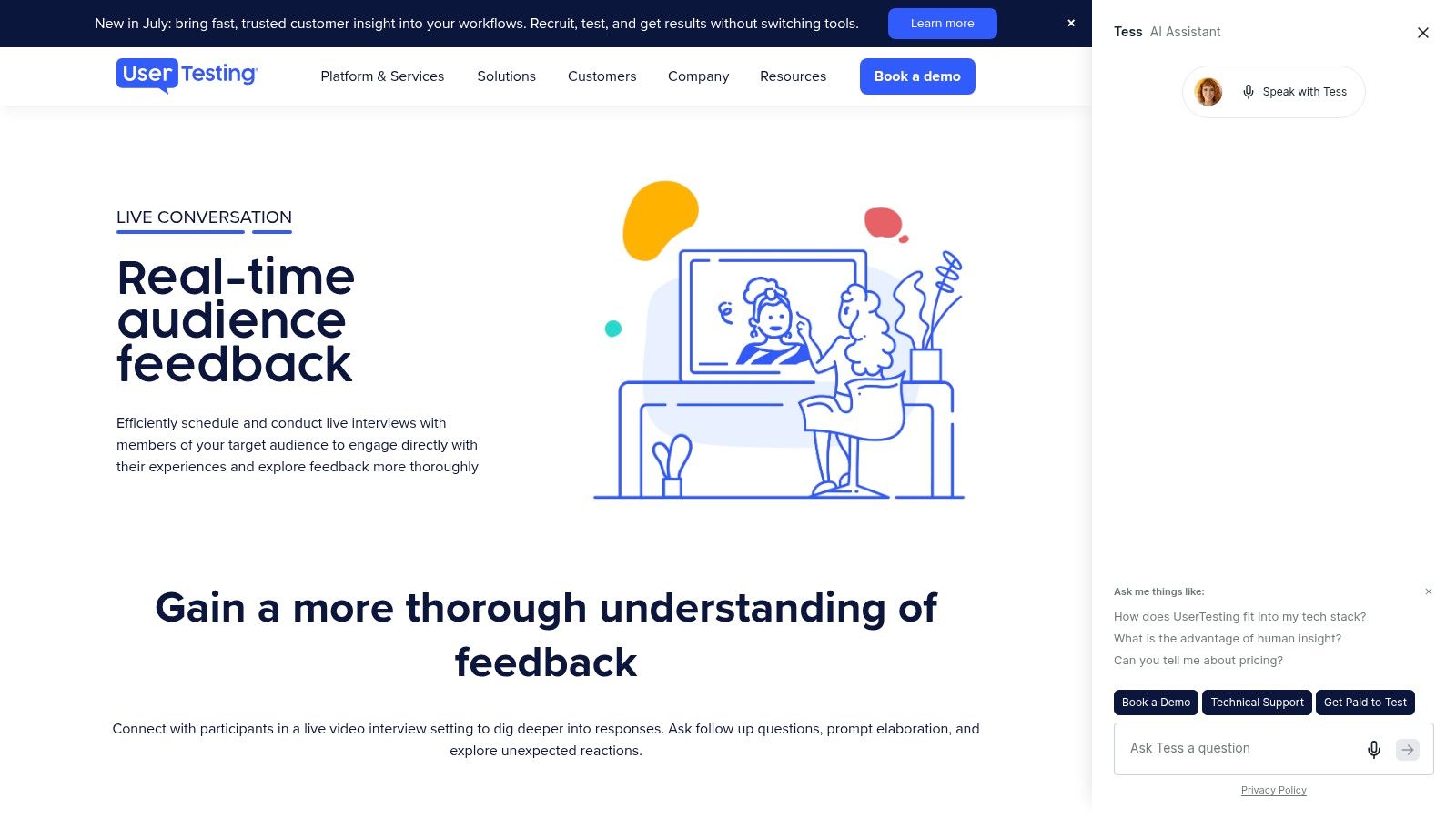
UserTesting's Live Conversation is the most enterprise-shaped option in this list, and that matters if your team needs moderated sessions to live inside a broader research operating system. The platform supports booking live interviews from its contributor panel or your own audience, with scheduling, calendar sync, reminders, and access controls for multi-creator operations on the same workflow. Its product page makes the experience look built for teams that want one place to recruit, run, and distribute findings, rather than stitching together separate tools for each step, which is often where moderated programs slow down.
The strategic upside is less about novelty and more about consistency. For organizations already using UserTesting, the moderated workflow can sit alongside analysis and sharing without forcing researchers to reinvent their process every time they need a live session. That makes it a strong fit for teams that run many interviews, need stakeholder visibility, and want operational support around live studies. You can see the platform positioning on the UserTesting Live Conversation page, and if you want a broader framing of moderated research at scale, Uxia has a useful internal guide on moderated research at scale.
Practical rule: choose this kind of platform when the problem is coordination as much as research, because the wrong workflow can cost you more time than the interview itself.
The main limitation is transparency. Pricing isn't public, so smaller teams can't easily model the spend without talking to sales, and credit-based packaging can feel opaque if you only need a handful of sessions. If your priority is an enterprise-grade live research pipeline, UserTesting is compelling. If your priority is lean experimentation, it may be more platform than you need.
dscout Live Interviews
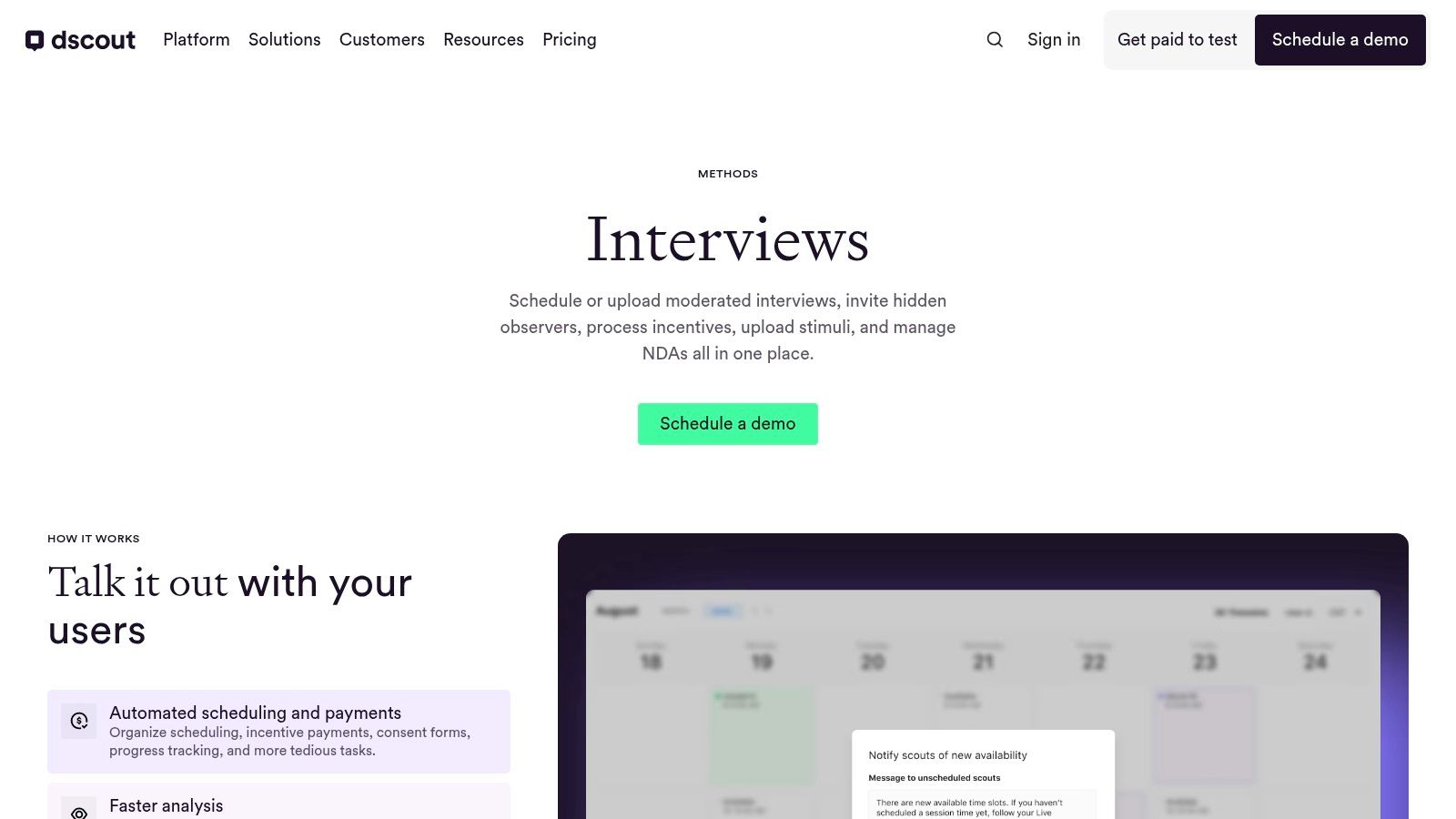
dscout stands out because it doesn't treat live interviews as a standalone event. The platform combines moderated interviews, diary research, longitudinal work, recruiting, observer workflows, and AI analysis in one environment, so teams can move from a one-time conversation to a richer evidence trail without swapping systems. For product groups doing ongoing discovery, that mix is valuable because moderated insights rarely land well when they're detached from the behaviors that came before and after the interview.
The strongest strategic use case is mixed-method programs. A moderator can run a live session, stakeholders can observe, and the team can keep the same research thread alive through diaries or follow-up work, which is useful when a product problem unfolds over time instead of inside a single task. dscout also advertises an AI Moderator in closed beta, but that's still in flux, so teams should treat it as an emerging capability rather than a settled operating model. Its live interviews platform is the right page to evaluate if you need both live depth and broader qualitative coverage.
The tradeoff is simple. This is a strong choice for research programs, not a lightweight utility. Pricing is sales-assisted, and the AI-moderated feature is explicitly in beta, so the platform makes more sense when you have an established qualitative cadence and can absorb some operational overhead. For Uxia users, the practical comparison is straightforward, use live moderation when you need adaptive probing, and use synthetic or unmoderated workflows when speed and iteration matter more than a live back-and-forth.
Lookback
Lookback is built for the behind-the-glass experience that many researchers still prefer for moderated work. It gives you live sessions, hidden observers, private back-channel chat, in-player note-taking, AI-assisted summaries, and session previews in a package that feels designed around the researcher and the stakeholder room at the same time. If your team often runs interviews with product managers, designers, and researchers watching live, Lookback reduces the awkwardness that usually comes from trying to coordinate observers with generic video tools.
Where Lookback is strongest
The platform's real advantage is not just recording, it's collaboration during the session. Observer lobbies and private chat help teams react without interrupting the participant, and AI note-taking can shorten the path from raw conversation to a shareable highlight reel. The Lookback platform is especially attractive when you want live moderation to feel focused and well-contained rather than sprawling across multiple tools.
That said, session-based planning requires a little more forecasting than some teams like, and incentive payouts through the platform come with a fee. Those aren't dealbreakers, but they matter if your research calendar changes often or if you're running many small studies instead of fewer high-stakes ones. Lookback fits teams that value qualitative clarity and observer experience over budget minimalism.
Good moderated research tools make observation invisible to participants, not to your team.
For Uxia, Lookback is a useful comparator because it shows how much of moderated research success depends on the session environment, not just the questions. If the team around the moderator needs to see, note, and synthesize in real time, Lookback is a strong benchmark.
Userlytics
Userlytics is a pragmatic choice when you want moderated interviews without forcing participants through software downloads. Its in-browser sessions reduce setup friction, which matters more in live research than people often admit. Every extra step before the interview begins creates another place where participants can drop off, arrive flustered, or start the session with less attention than you need.
The platform also supports hidden observers and observer-participant chat, so it can handle live qualitative work without sacrificing stakeholder visibility. Because it supports both moderated and unmoderated testing on desktop and mobile, teams can use it as a general research layer instead of buying separate tools for every method. You can review the Userlytics platform if your immediate problem is running live sessions with less participant setup friction and some flexibility around recruiting.
What makes it strategically interesting is that it sits between specialist research suites and lighter, more tactical interview tools. It offers self-serve and managed options, plus panel or BYO recruiting, so the platform can suit teams with very different operating styles. The downside is that some users report a learning curve, and panel quality can vary by niche, which means it's better for teams that can tolerate a little operational variance in exchange for reach and flexibility.
For Uxia users, Userlytics is a good reminder that moderated research breaks when logistics get in the way. If your audience is sensitive to setup friction, in-browser delivery can be the difference between a usable interview and a failed booking.
PlaybookUX
PlaybookUX is one of the more practical hybrid options because it combines moderated interviews with prototype testing, card sorting, tree testing, and AI-generated executive summaries. That makes it useful for teams that don't want moderation to sit in a silo. A moderated conversation can start a research thread, and structured tasks can then validate how far the same design issue travels across a broader group.
The scheduling layer is also part of the appeal. Invites, buffers, and reminders make it easier to run back-to-back interviews without the kind of calendar drift that breaks live studies. The PlaybookUX platform is worth a look if your team wants one system for live work and structured unmoderated work, especially when product decisions depend on both emotional nuance and repeatable task behavior.
A useful comparison point here is Uxia's internal discussion of AI-moderated interviews. PlaybookUX shows why hybrid workflows are attractive, since a team can reserve live moderation for sensitive or ambiguous topics and keep the rest of the loop fast and structured. That's often the smarter way to spend researcher time.
The main caution is incentive handling and plan visibility. Pricing details can be gated, and incentives are additional, so budgeting takes a little more care than with fully transparent tools. Still, if you're choosing based on workflow breadth rather than just the interview screen, PlaybookUX is one of the cleaner all-in-one choices.
Hotjar Engage User Interviews
Hotjar Engage is the easiest option for teams already living inside Hotjar. Instead of adding a separate research stack, you get booking, reminders, recording, and user interviews inside the same environment as behavioral analytics, which makes quick moderated sessions feel like an extension of existing product telemetry. That integration matters because many teams don't need a heavyweight qualitative program every week, they need a way to ask a few good questions at the right moment.
The strategic value is speed and familiarity. If your team already uses heatmaps and session recordings, Engage lowers the operational lift of spinning up a live conversation because people don't have to learn a second platform just to recruit and record. The Hotjar Engage page is best thought of as a lightweight bridge between analytics and live conversation, not a full research operations suite.
Best fit and limits
Hotjar Engage works best when the research question is narrow and the team is moving quickly. It's less compelling if you need layered permissions, elaborate stakeholder workflows, or a managed research process. Pricing transparency can also be thinner than you'd want after product changes over time, so the fit depends partly on how much structure your team expects from a moderated tool.
For Uxia, Hotjar Engage is an important contrast because it shows how much some teams value convenience over depth. That's often the right trade when the goal is a quick conversation attached to product analytics, but it's not the best choice when the research depends on trust, sensitive topics, or careful probing.
Great Question
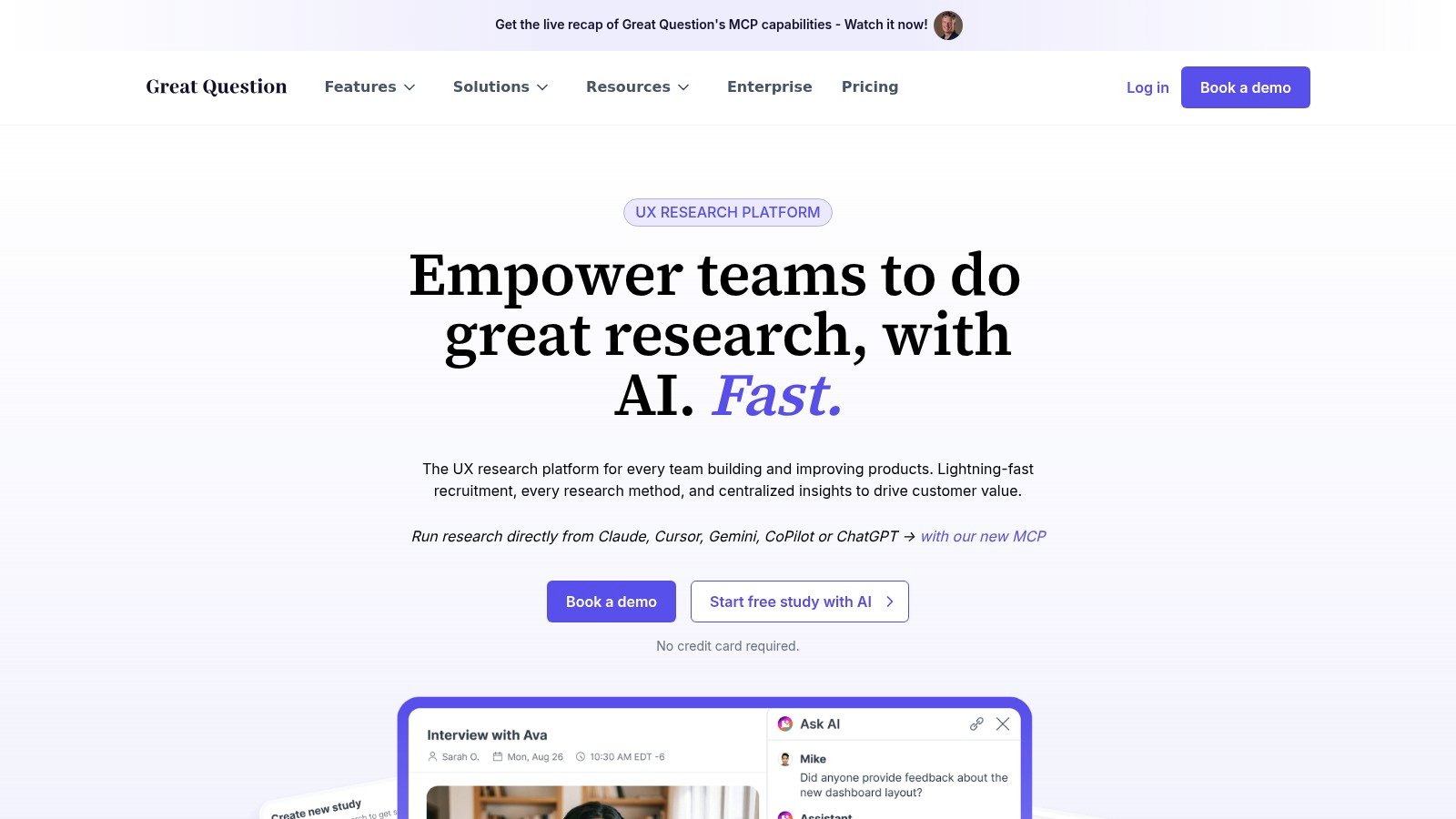
Great Question feels less like a single-purpose interview tool and more like a research operating system. It combines live interview rooms, scheduling, recording, transcription, AI analysis, and repository or CRM capabilities, so moderated research can be stored, reused, and governed instead of disappearing into one-off session notes. For larger teams, that repository layer is not a nice-to-have, it's what keeps good research from being lost after the meeting.
The platform also includes AI-moderated interviews for asynchronous scale, which gives it a useful middle position between live conversations and automated workflows. That's valuable when a team wants to keep structured qualitative collection going without scheduling every session manually. The Great Question platform is especially relevant if your team is trying to replace a patchwork of scheduling, storage, and analysis tools with one controlled system.
There's a real strategic tradeoff here. Great Question is strongest when research is a repeatable internal function and governance matters, especially with enterprise features like SSO or SAML. The downside is that some capabilities sit behind higher tiers, and AI-moderated interviews still need oversight, especially when the topic is open-ended or emotionally loaded.
Use AI-moderated workflows for structure. Use live moderation for surprise.
That's the cleanest way to think about Great Question. It gives you breadth across methods, but the moderator still matters when the answer depends on tone, hesitation, or a follow-up you couldn't predict in advance.
User Interviews
User Interviews is mainly a recruiting engine, and that's exactly why it belongs on a moderated research shortlist. Live interviews fail when recruiting fails, and this platform is built to reduce that problem with a large US panel, Research Hub for your own panel, scheduling support, recording and transcription add-ons, and AI-assisted insights. If your team already has a moderator and a meeting tool, User Interviews can supply the participant pipeline that keeps the study moving.
The platform's pricing structure includes PAYGO and subscription options, which makes it easier to match spend to program volume. You can review the User Interviews pricing page to understand how the operational pieces fit together. For live research teams, that transparency is useful because recruiting cost, incentives, and scheduling all affect whether a study is viable in the first place.
A practical comparison from Uxia's perspective is that recruiting and moderation solve different bottlenecks. Uxia can reduce the time spent waiting for sessions by using synthetic testers, but when you need real people in the room, a recruiting platform like User Interviews becomes the operational backbone. Uxia's user interview guide is relevant here if you're deciding how much of the workflow should be live versus automated.
The main downside is cost sensitivity at higher volumes, especially once incentives are included. That doesn't make it weak, it just means the platform is best when recruiter reliability matters more than the lowest possible per-study overhead.
Respondent
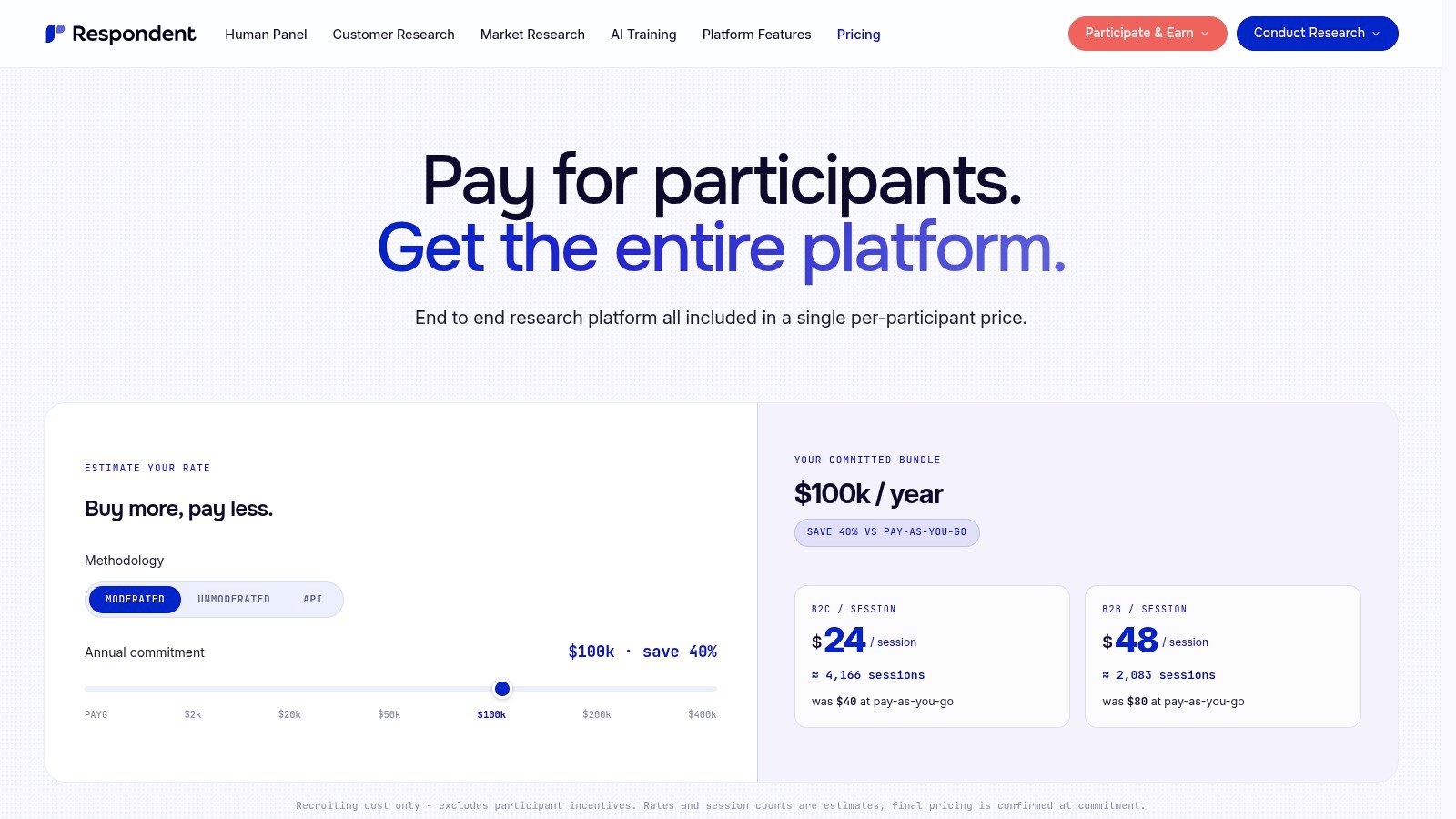
Respondent is another recruiting-first option, but it leans harder into B2B and niche audiences. That makes it especially useful when moderated research depends on finding a specific role, industry, or professional context rather than broad consumer access. The platform uses credit-based recruiting, handles incentive payouts through Tremendous, and spans participants across 150+ countries, which gives teams a broad sourcing surface for live interviews.
The strategic advantage is simplicity. If your team wants to move from screener to booked session without building a custom outreach pipeline, Respondent can reduce the administrative drag. The Respondent pricing page is the right place to evaluate whether the credit model fits your study cadence and whether the audience access is worth the spend.
What matters most here is audience quality, not just audience size. Moderated research loses value when the wrong people are recruited, because the conversation becomes polite but uninformative. Respondent is strong when you need a specific respondent profile and want the platform to manage the logistics around incentive delivery and session access.
The limitation is that recruiting cost is separate from incentives, and exact rates depend on plan volume. That means budgeting requires a little more care than a simple seat-based tool. If your research lives in specialist markets, though, Respondent often makes more sense than trying to force a general panel into a narrow study.
Discuss
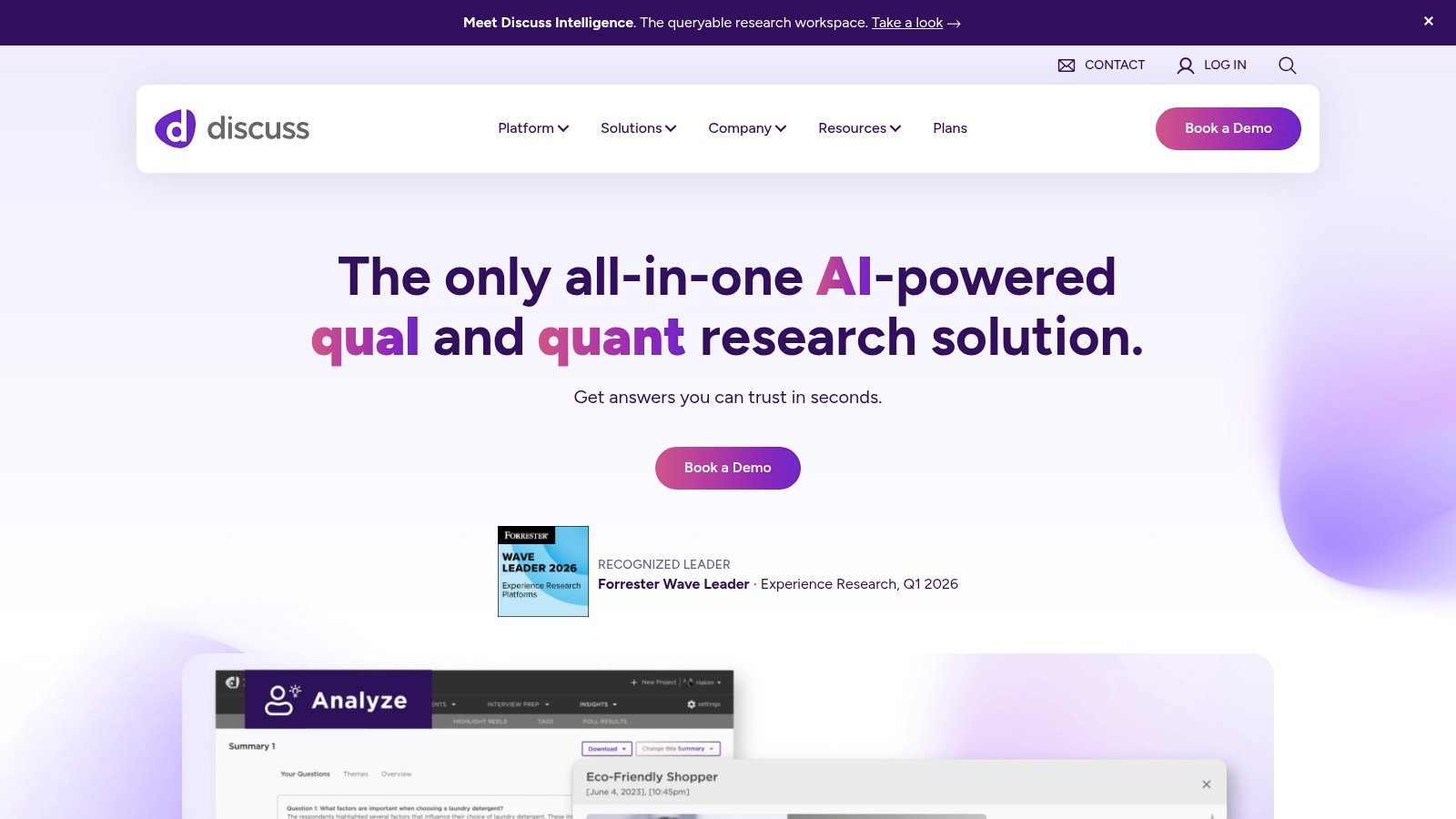
Discuss is built for serious qualitative work at scale. It supports live interviews and focus groups, observer backrooms, stimulus sharing, tech support during sessions, and AI capabilities including real-time translation and AI-moderated options. If your team runs international research or needs many stakeholders watching from the sidelines, that combination is hard to ignore.
The platform's strongest role is in globally distributed research where language and observer coordination would otherwise become the bottleneck. Real-time translation for observers is especially useful when a session has to be understood by people who are not in the same language environment as the participant. The Discuss.io platform is a good fit when moderation is central to the research program, not just a tactic used once in a while.
The tradeoff to watch
Discuss is enterprise-leaning, so it's most attractive when the team expects sustained usage and needs custom pricing, a structured backroom, and high-touch support. For a one-off interview or a very small project, it may be more platform than you need. For multinational qualitative work, it can be exactly the right amount of structure.
For Uxia, Discuss is the clearest example of why moderation is as much about access and coordination as interview skill. If the research depends on language, observer participation, and session control, the platform choice shapes the quality of the finding before the moderator even asks the first question.
Top 10 Moderated Research Tools Comparison
Tool | Core features ✨ | UX & insights ★ | Target audience 👥 | Pricing/value 💰 | Best use / Unique strength 🏆 |
|---|---|---|---|---|---|
UserTesting (Live Conversation) | Live moderated interviews, scheduling, panel or BYO ✨ | ★★★★★, fast turnaround, enterprise workflows | 👥 Enterprise product & UX teams | 💰 Sales/credit-based (contact sales) | 🏆 High-volume moderated research & large US panel |
dscout (Live interviews) | Moderated + diary/longitudinal research, AI analysis (beta) ✨ | ★★★★, strong mixed-method insights | 👥 Teams running diary + interview programs | 💰 Sales-assisted pricing | 🏆 Best for mixed-method and longitudinal studies |
Lookback | Live sessions with observer lobby, AI summaries & in-player notes ✨ | ★★★★, excellent stakeholder viewing & clips | 👥 Teams needing rich observer experience | 💰 Session-based; incentive fees apply | 🏆 Observer lobby & AI note/highlight tooling |
Userlytics | In-browser moderated/unmoderated testing, hidden observers ✨ | ★★★★, low participant friction, reliable capture | 👥 Teams wanting browser-based sessions (no downloads) | 💰 Competitive/flexible recruiting options | 🏆 In-browser recording reduces setup friction |
PlaybookUX | Moderated + prototype testing, scheduler, AI summaries ✨ | ★★★★, practical scheduling + executive summaries | 👥 SMBs & product teams mixing methods | 💰 Gated pricing; panel incentives extra | 🏆 All-in-one moderated + structured testing suite |
Hotjar Engage (user interviews) | Native interviews inside Hotjar; bookings & recordings ✨ | ★★★, lightweight, integrated with behavior analytics | 👥 Teams already on Hotjar needing quick sessions | 💰 Pricing less transparent after changes | 🏆 Seamless tie-in with Hotjar heatmaps & recordings |
Great Question | Research CRM, live interview rooms, AI moderation & repo ✨ | ★★★★, centralized analysis + scheduling | 👥 Teams wanting consolidated research ops | 💰 Modular pricing; enterprise tiers gate features | 🏆 Replaces scheduling, repo, and analysis tools in one |
User Interviews | Recruiting marketplace, PAYGO/subscriptions, add-ons ✨ | ★★★★, fast, scalable recruiting & ops | 👥 Teams needing reliable U.S. recruiting at scale | 💰 PAYGO or subscription; per-session fees | 🏆 Leading recruiting platform & operational support |
Respondent | Credit-based recruiting, global panel, automated payouts ✨ | ★★★★, great for niche/B2B & international reach | 👥 B2B researchers & niche audience recruiting | 💰 Credit bundles; incentives paid separately | 🏆 Large international panel & straightforward payouts |
Discuss (Discuss.io) | Live interviews & focus groups, virtual backroom, AI translation ✨ | ★★★★, built for global moderated research | 👥 Enterprises running international qualitative studies | 💰 Custom/enterprise pricing | 🏆 Best for large-scale focus groups & real-time translation |
Building a Hybrid Research Practice for the Future
Moderated research still matters because some questions only surface when a human being can react, probe, and reframe the conversation in real time. Access, trust, language, and community relationships all shape who shows up and what they're willing to say, and research on underserved populations makes clear that better scripts alone don't fix those structural barriers. That's why the best moderated tools are not just video rooms, they're systems for reaching the right people and asking the right follow-ups.
The bigger strategic shift is that teams shouldn't treat live moderation as the default for every product question. A 2026 survey found that AI customer research had become the default discovery method for 81% of research teams, 73% of UX teams, 67% of PM teams, and 51% of CS teams, while median time-to-insight dropped from 26 days with panel-based research to 3.2 days with AI conversation tools and cost-per-insight fell 71% Perspectives' 2026 survey. That doesn't replace moderated interviews, but it does change when they should be used.
Uxia fits that shift because it gives teams a fast synthetic layer for early validation, while live moderation stays reserved for emotion, trust, specialist knowledge, and situations where the answer depends on an adaptive probe. In practice, that means you can use automated workflows to narrow the problem space, then spend live sessions on the moments where interpretation matters most. The best teams don't ask whether moderation is good or bad, they decide which method deserves the user's time, their team's time, and the budget tied to the decision.
If you want to reduce recruitment delays, run faster early validation, and still keep live moderation available for high-stakes discovery, visit Uxia and see how AI-moderated and synthetic workflows can support your research program without slowing down product decisions.