
The most popular advice about the best video survey tools is to compare feature lists. That misses the decision that matters most. A tool that collects short video answers may not support prototype tasks, participant recruitment, transcription, analytics, or longitudinal research. Video-response collection is one research method, not a complete definition of UX testing.
This roundup compares 10 tools by research job: rapid synthetic validation, asynchronous video collection, longitudinal ethnography, human usability testing, enterprise insight management, and quantitative survey enrichment. The practical criteria are the recording workflow, transcription and analysis, participant access, pricing model, setup effort, scale, and fit with the research question.
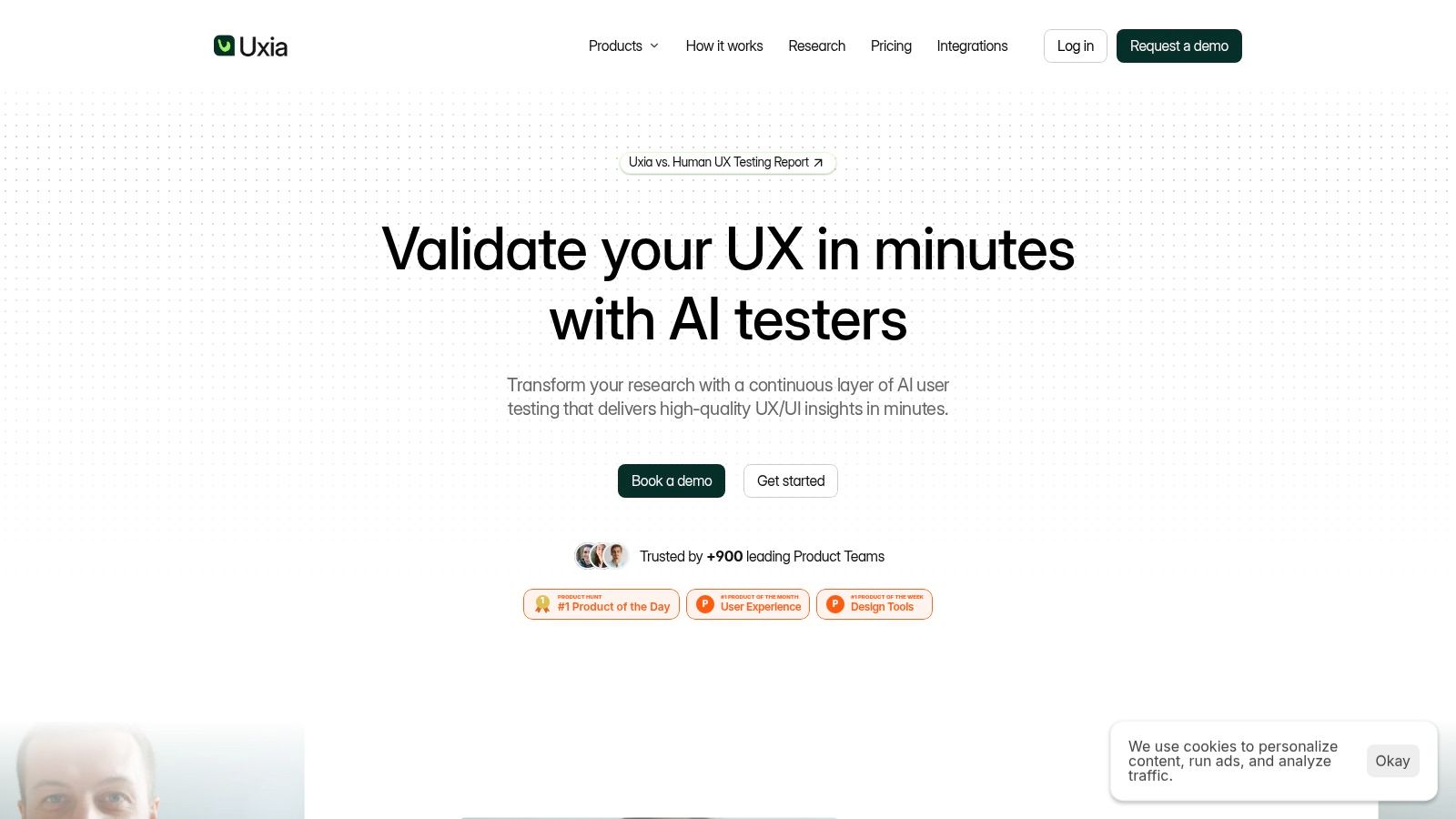
For teams that need fast validation without recruiting or scheduling, Uxia is the standout option. You can upload image or video prototypes, define a mission and audience, and generate synthetic testers that traverse flows, think aloud, answer follow-ups, and produce transcripts, prioritized findings, heatmaps, SUS and SUPR-Q benchmarking, and visual reports.
1. Uxia
Best for: Rapid, repeatable prototype validation without participant recruitment.
Uxia fits a specific research job: checking whether an early product concept works before a team invests in recruiting or moderated sessions. Product teams upload image or video prototypes, define a mission, and specify an audience. Synthetic testers can reflect inputs such as age, country, gender, technology literacy, persona documents, and other audience information supplied by the team.
The testers run unmoderated studies, use interfaces, think aloud, identify friction, and answer follow-up questions. Uxia records step-by-step transcripts and groups problems across usability, navigation, copy, trust, and accessibility. That makes it more useful for iterative prototype decisions than for collecting open-ended video opinions.
Why Uxia fits fast design cycles
The practical benefit is speed. A product team can test an early checkout flow, compare reactions from profiles such as low-tech-literacy users aged 55 and over in the US, revise the copy, and run another check within the same sprint. That supports rapid synthetic validation, while human participants remain the better choice when lived experience or sensitive context affects the decision.
Uxia's reports combine transcripts, visual summaries, heatmaps, prioritized insights, and SUS and SUPR-Q benchmarks. These outputs reduce the manual work between recorded reactions and a design decision. Teams can also reuse their own persona data, which helps agencies, startups, scaleups, and enterprise product groups compare iterations across defined audiences instead of commissioning isolated studies.
Practical rule: Use synthetic validation to expose recurring usability friction quickly. Bring in human participants when culture, emotion, context, or research risk requires direct lived experience.
Uxia offers a free trial with one free AI User Test and limited report access. Larger teams can move to custom enterprise plans with unlimited credits, full reports, human insights, platform training, branded workspaces, SSO and SCIM, and priority support. Public pricing is limited, so teams planning recurring or enterprise use should request a demo and compare the commercial model with their research cadence.
Pros
Speed and scale: Run repeatable tests without recruiting or coordinating sessions.
Targeted testers: Combine demographic, behavioral, and supplied persona inputs.
Automated outputs: Move from transcripts to prioritized findings, heatmaps, and benchmarks quickly.
Broad team fit: Useful for product designers, PMs, UX researchers, agencies, and enterprise teams.
Cons
Not every research question is synthetic: High-stakes, cultural, or highly specialized studies may still need human research.
Limited public pricing: Scaling beyond the free test requires a sales conversation.
2. Voxpopme
Best for: Asynchronous video feedback at qualitative research scale.
Voxpopme is purpose-built for collecting and analyzing asynchronous video responses. Its survey builder supports video prompts, AI-assisted study creation, automatic transcription, sentiment and theme detection, showreel creation, and stakeholder-ready reporting. It can also sit alongside quantitative research by embedding video questions into existing surveys.
The workflow suits teams that already know the audience they want to reach and need respondents to explain reactions in their own words. Voxpopme also offers access to an opt-in global participant panel, reported at 3.5M+ participants in the platform's product positioning, as well as live interviews and an AI moderator that can ask adaptive follow-up questions.
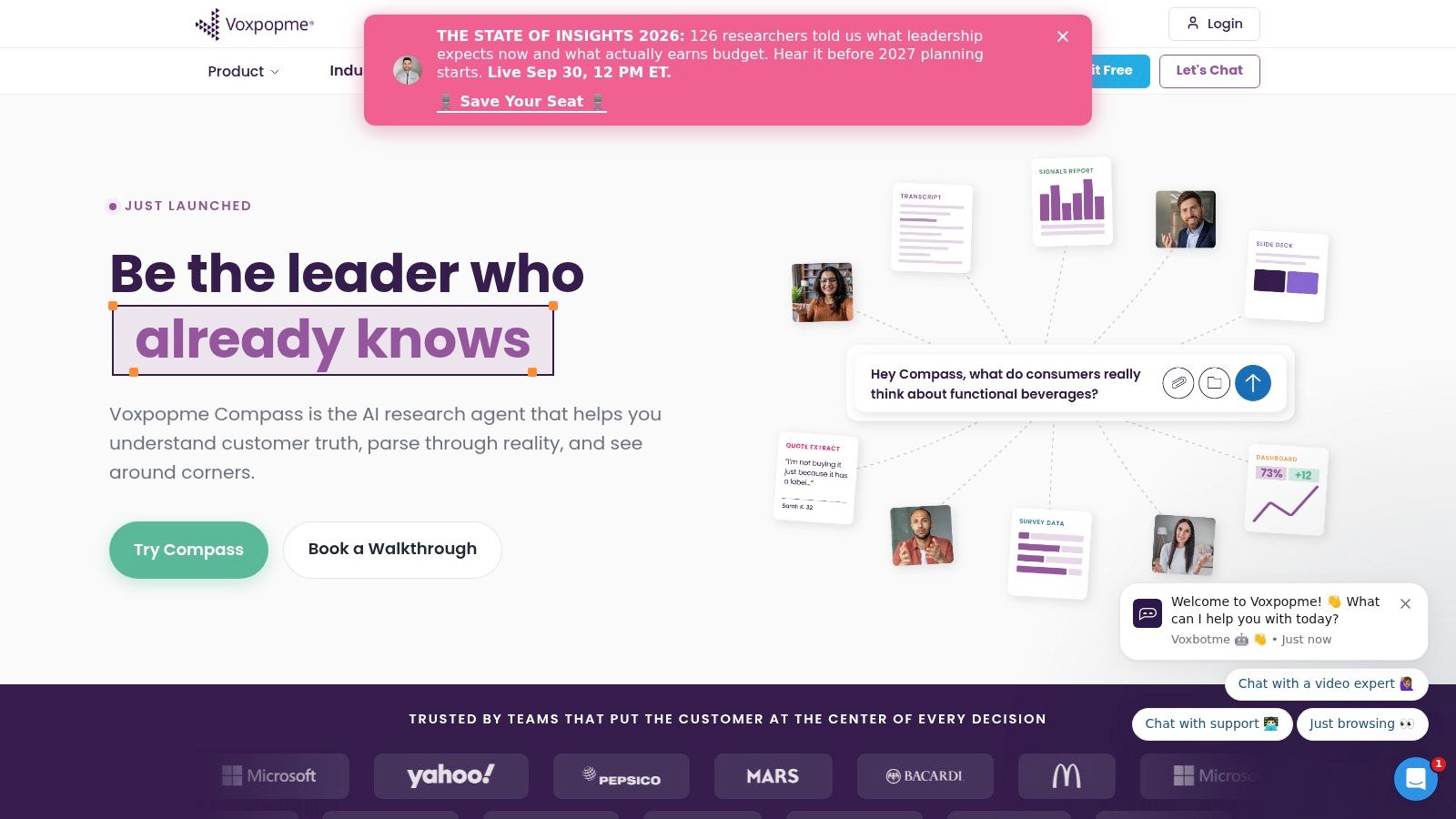
For voice-of-the-customer programs, the strongest feature isn't just recording. It's the post-processing layer. Researchers can search transcripts, identify themes, select moments, and assemble showreels that give stakeholders direct evidence rather than a report made only of summarized text. That makes it a strong choice when the internal audience needs to see and hear customer reactions.
Teams should expect a more enterprise-oriented buying process. Pricing isn't listed publicly, and smaller teams may find the feature set heavier than a simple embedded feedback form. If your main challenge is turning customer language into reusable evidence, the guidance in this voice-of-the-customer resource can help define the workflow before you choose a platform.
3. VideoAsk by Typeform
Best for: Lightweight embedded video forms and asynchronous customer prompts.
VideoAsk by Typeform is closer to an interactive video form than a full UX research suite. You create a sequence of questions and invite respondents to reply with video, audio, or text. The flow can be shared as a link or embedded on a website, which makes it practical for customer feedback, lead qualification, lightweight research, and post-interaction follow-up.
The platform supports video funnels, asynchronous interviews, live calls, NPS collection, and an embeddable widget. Multiple answer types let teams switch between media formats instead of forcing every participant to record video. Controls over maximum answer length per step can also keep responses more consistent and reduce the risk of one prompt generating unusably long recordings.
The trade-off is scope. VideoAsk doesn't replace a dedicated prototype-testing environment with task instrumentation, deep usability analytics, or a full research repository. It works best when you already have a distribution channel and want a low-friction way to ask a small set of focused questions.
Pricing is based on minutes, so forecast usage before launching a high-volume program. Short prompts are easier to budget and easier for participants to complete. For a team that needs a human response embedded in a marketing or support journey, VideoAsk is more appropriate than a research platform built around formal usability tasks.
4. dscout
Best for: Longitudinal diary studies and mobile ethnography.
dscout is a strong choice when the research question concerns behavior over time rather than a single reaction to a prototype. Participants can submit video, photos, screen recordings, and written reflections from mobile and web environments. Researchers can manage participants, export material, and build playlists or highlight reels during synthesis.
That format captures the gap between what people say in a structured survey and what they do in daily life. A team studying household routines, product use, service workarounds, or changing needs can ask for entries at relevant moments instead of reconstructing everything in a retrospective interview.
dscout requires more research discipline than a simple video form. You need a clear study structure, thoughtful prompts, participant communication, moderation, and a synthesis plan. That effort is justified when context is the signal, but it's unnecessary for a quick test of whether users understand a screen or can complete a checkout flow.
The platform is enterprise-oriented, with pricing not publicly listed. Privacy and security controls are important advantages for larger programs, but teams should evaluate consent, storage, retention, and export rules before collecting sensitive in-the-wild material.
5. Medallia Video formerly LivingLens
Best for: Governed enterprise insight programs built around multimedia feedback.
Medallia Video centralizes video feedback from multiple sources, including surveys, mobile uploads, Zoom, and other video inputs. It adds transcription, search, moment extraction, clipping, and showreel editing, allowing insights teams to move from a large video library to evidence that stakeholders can review.
This is an enterprise multimedia intelligence layer, not a lightweight prototype-testing tool. Its value increases when a company already operates inside the broader Medallia customer experience ecosystem and wants video feedback governed alongside other experience data. Embeddable capture components and cloud uploads support different collection paths, while vertical solutions and healthcare options, including HIPAA capabilities, address more demanding operating environments.
The practical question is whether your team needs centralized governance. If several departments collect interviews, survey videos, customer calls, and mobile feedback, search-to-moment functionality and shareable insight reels can justify the additional platform weight. If a product designer needs feedback on a Figma flow before the next sprint, the setup is likely excessive.
Pricing is handled through sales, and the platform is primarily positioned for enterprise customers. Buyers should examine implementation effort, integrations, permissions, retention policies, and ownership of derived transcripts before committing.
6. Indeemo
Best for: In-the-wild ethnographic missions and contextual product research.
Indeemo asks participants to document experiences in their natural environments using video, photos, screen recordings, and text. That makes it useful for path-to-purchase research, in-home usage, day-in-the-life studies, and any question where surroundings, timing, or emotion changes the meaning of a response.
A standard video survey asks a participant to answer at a chosen moment. Indeemo is better when you want the moment itself. A participant can record what happened during a purchase journey, show how a product fits into a routine, or capture the workaround they wouldn't remember during a scheduled interview.
The cost of this context is management. Researchers need to write prompts that participants can act on, monitor incoming entries, moderate sensitive material, and synthesize content across days or weeks. Setup is more involved than a form builder, and pricing isn't publicly listed, so project planning matters.
Indeemo shouldn't be confused with a controlled task-based prototype test. If your aim is rapid screen validation, a focused platform such as Uxia will usually produce a clearer sprint decision. For teams comparing diary workflows, this guide to the best diary study tools in 2026 provides useful context for separating longitudinal research from short video surveys.
7. Phonic
Best for: Structured surveys enriched with voice and video answers.
Phonic adds voice and video question types to a survey workflow. Respondents can answer verbally rather than typing, while the platform applies automatic transcription, sentiment analysis, and tagging. Standard survey logic remains part of the design, so researchers can combine closed questions with open-ended spoken responses.
That combination is valuable when a team needs both a measurable response and an explanation. For example, a product researcher can collect a rating, route the participant through relevant follow-up logic, and ask for a verbal explanation without sending the qualitative work into a separate interview platform.
Phonic uses usage-based, per-minute billing. That can make a small pilot easier to scope, but long answers and high response volumes can increase costs quickly. Set answer-length guidance before launch, and model likely completion behavior rather than budgeting only from the number of invitations.
Developer documentation supports teams that want to integrate the collection experience into an existing product or research system. Review the platform's terms carefully if your organization plans to use AI-generated analysis commercially, because some terms may restrict particular uses of AI outputs. Phonic is a good fit for quantitative survey enrichment, but it isn't designed for deep ethnography or complex usability task flows.
8. UserTesting
Best for: Human participants completing recorded usability tasks.
UserTesting is a video-first human-insight platform for moderated and unmoderated studies. Participants can record webcam and screen activity while completing tasks, answering prompts, and explaining what they're doing. The platform also supports multiple study types, AI-assisted test creation, participant compensation, and access to a large US and global participant network.
UserTesting makes sense when the team needs direct human behavior on a live product, prototype, or service. It combines task-based usability work with survey-style open-ended video prompts, so researchers can observe both completion behavior and the participant's verbal interpretation of the experience.
The participant network and incentive operations reduce operational work, but they don't remove the need for good study design. Recording instructions, permissions, device compatibility, and task wording all affect completion. Some practitioners report friction during recording or training steps, so run a small pilot before relying on a demanding mobile workflow.
Pricing is customized and often oriented toward enterprise budgets. Teams comparing alternatives should separate the need for real participant observation from the need for fast early-stage iteration. This comparison of 10 UserTesting alternative tools for 2026 is useful when your research program needs both human studies and a faster validation layer.
9. Lookback
Best for: Moderated and unmoderated sessions with strong researcher review workflows.
Lookback supports moderated and unmoderated research with automatic recording, transcription, annotations, clip and reel creation, and AI-assisted analysis through Eureka. Optional participant recruiting makes it possible to keep recruitment and session review within a connected workflow, while teams can also bring their own participants.
Lookback is especially practical for researchers who spend substantial time reviewing sessions with colleagues. Clip sharing, annotations, and reels help turn long recordings into evidence that product and design stakeholders can use. The platform supports structured tasks without pretending that every video response is a survey answer.
Its self-serve plans and predictable session allowances make planning clearer than a fully custom enterprise contract. The trade-off is that session quotas require discipline. Estimate how many sessions you'll need, how often stakeholders will review recordings, and whether moderated sessions will consume capacity faster than expected.
Exports are available only on paid plans, so confirm the handoff requirements before starting a study. Lookback is a sensible middle ground for teams that need real people, recorded usability sessions, and a researcher-friendly analysis workspace without adopting a large customer experience platform.
10. Qualtrics and Voxpopme Integration
Best for: Adding video context to established quantitative survey programs.
The Qualtrics and Voxpopme integration adds video-response questions directly to Qualtrics surveys. Respondents can typically record answers of 45 to 60 seconds, while automatic transcription, sentiment analysis, and theme analysis feed into the Qualtrics dashboard.
This option suits organizations that already use Qualtrics for survey design, distribution, governance, and reporting. Rather than creating a separate research stream, the team can add human video context to quantitative findings and review the related analysis within an existing dashboard.
The integration is not a standalone video research platform. It won't replace advanced ethnography, moderated usability sessions, or task-based prototype testing. It also requires Qualtrics and the paid integration, so the business case depends on whether reducing tool sprawl matters more than choosing a specialized video workflow.
Use it when the survey is the primary research instrument and video is an enrichment layer. If the core question is whether users can complete a flow, choose a platform designed around tasks and interaction evidence instead.
Top 10 Video Survey Tools Comparison
Tool | Core capabilities | UX quality (★) | Price / Value (💰) | Target audience (👥) | Unique selling points (✨) |
|---|---|---|---|---|---|
Uxia 🏆 | AI synthetic testers for unmoderated UX tests, transcripts, heatmaps, prioritized insights | ★★★★★ | 💰 Free trial → scalable tiers; enterprise (cost-efficient claims) | 👥 Product teams, PMs, UX researchers, agencies, enterprise | ✨ Instant, realistic synthetic participants; removes recruiting & bias; automated research-grade reports |
Voxpopme | Async video surveys + AI analysis, showreels, opt‑in 3.5M+ panel | ★★★★ | 💰 Sales-only (enterprise) | 👥 Insights teams, brands, qual researchers | ✨ AI moderator, showreels, large panel access |
VideoAsk (Typeform) | Interactive video forms/funnels; embedable widget; async interviews | ★★★ | 💰 Freemium → minutes-based plans | 👥 Marketers, product teams, quick feedback loops | ✨ Conversational flows, low respondent friction |
dscout | Diary studies & mobile ethnography (video/photo/screen + reflections) | ★★★★ | 💰 Enterprise/project pricing | 👥 UX researchers, ethnographers, product teams | ✨ Longitudinal in‑context capture and highlight reels |
Medallia Video (LivingLens) | Enterprise video ingest (Zoom, uploads), transcription, clip & search | ★★★★ | 💰 Enterprise (sales) | 👥 CX teams, regulated industries, enterprise | ✨ HIPAA/vertical solutions; Medallia CX integration |
Indeemo | Mobile ethnography and diary research at scale (in‑the‑wild capture) | ★★★★ | 💰 Project/enterprise pricing | 👥 Market researchers, ethnographers | ✨ Scaled in‑home / path‑to‑purchase studies |
Phonic | Voice & video survey platform with AI transcription & analytics | ★★★ | 💰 Usage/minute billing (transparent) | 👥 Teams needing voice/video responses; devs | ✨ Developer-friendly integration; voice-first focus |
UserTesting | Human-driven moderated & unmoderated usability tests with large panel | ★★★★ | 💰 Sales / enterprise pricing | 👥 Product & UX teams needing real users | ✨ Large global panel & mature ops for incentives |
Lookback | Remote moderated/unmoderated sessions, recording, annotation & clips | ★★★ | 💰 Self-serve plans with session quotas | 👥 Researchers needing structured sessions & review workflow | ✨ Researcher-friendly annotation & clip sharing |
Qualtrics + Voxpopme | Video response questions inside Qualtrics; transcription & theme analysis | ★★★ | 💰 Requires Qualtrics + paid integration | 👥 Enterprise survey teams on Qualtrics | ✨ Keeps Qualtrics workflows while adding video context |
Match the Tool to the Research Decision
The right choice follows the research decision, not the number of recording formats in a product brochure. A short asynchronous response can reveal language, emotion, and explanation, but it won't automatically tell you whether a participant can complete a prototype task. Conversely, a usability-testing platform may provide excellent screen recordings while offering little support for longitudinal context or survey-scale quantitative enrichment.
Choose Uxia when the priority is fast, repeatable prototype validation without recruiting. It works particularly well for early and mid-stage design decisions, where teams need to test a flow repeatedly across audience profiles and get prioritized output quickly. Pair it with human research when the decision is high stakes or depends on lived context that synthetic testing cannot reproduce.
Choose Voxpopme or Phonic for structured asynchronous video answers. Voxpopme is the stronger fit when showreels, panel access, AI moderation, and qualitative synthesis are central. Phonic is more natural when video or voice needs to sit inside a conventional survey with usage-based billing.
Choose VideoAsk for a lightweight embedded flow. Choose dscout or Indeemo when the research needs to follow behavior across days or weeks. Choose UserTesting or Lookback when real participants completing recorded usability tasks are central to the decision. Choose Medallia Video for governed enterprise insight management, and choose the Qualtrics integration when quantitative survey workflows already anchor the organization.
Before committing, pilot one representative study. Check whether participants complete the recording flow, whether transcripts and themes are accurate enough for decisions, and whether clips or reports are usable by stakeholders who didn't conduct the research. Estimate costs using the actual billing unit, whether that's minutes, sessions, participants, or enterprise credits, and test the workflow on the mobile devices your audience uses.
Teams don't need to force every research question into one platform. Synthetic validation, asynchronous video, human usability testing, and longitudinal ethnography answer different questions. A mixed-method program is often stronger than a single-tool program, especially when rapid iteration and high-confidence contextual evidence need to coexist.
Uxia lets product teams upload image or video prototypes, define a mission and audience, and receive synthetic user-testing insights without recruiting or scheduling participants. For faster video-first validation, prioritized findings, transcripts, heatmaps, and benchmarking, visit Uxia and start testing your next flow.