
The popular advice is to judge every Hotjar alternative by the quality of its recordings and heatmaps. That misses the research question. Some teams need always-on behavior analytics, others need experiment-connected insights, developer-linked product data, direct visitor feedback, or rapid validation of a prototype before development begins. Hotjar primarily shows what users did rather than why they did it, so it's a partial UX research solution, not a complete research workflow. Great Question's comparison of user research tools makes that distinction especially clear.
The best Hotjar alternatives for UX research in 2026 should therefore be evaluated by research stage, evidence type, workflow speed, governance, scale, and practical actionability. Uxia deserves particular attention for testing image and video prototypes with synthetic participants before development, while other platforms are stronger after a product has live traffic. The list below matches seven tools to the job they perform best, then identifies strengths, limitations, validation tactics, and anti-patterns to avoid. For teams building an evidence-led user behavior tracking program, that distinction prevents an expensive category mistake.
1. Uxia for rapid prototype validation
Prototype validation is the job Uxia addresses most directly. Before a design reaches production, teams can upload an image or video prototype, define a mission and audience, and generate synthetic testers aligned with selected demographic and behavioral profiles. Participants then explore the proposed flow, identify friction, and think aloud while interacting with the design.
The evidence extends beyond visual preference. Uxia produces transcripts, heatmaps, SUS-style and SUPR-Q-style benchmarks, and prioritized visual reports, allowing product teams to connect an observed problem with a particular design decision. Designers can test onboarding, checkout, content hierarchy, or mobile concepts before engineering work makes revisions more expensive.

Where Uxia fits best
Uxia suits startups, agencies, scaleups, and enterprise product teams that need high-frequency, actionable UX feedback without recruiting and scheduling traditional participants. Synthetic users support sprint-level iteration, while audience customization makes a test more specific than a generic tester pool completing the same task.
Enterprise teams can also assess SSO, SCIM, branded workspaces, and audience enrichment using a team's own data. Uxia says it is trusted by 900+ product teams, has received Product Hunt recognition as Product of the Day, Week, and Month, and was named a Diamond startup to watch by Gartner in the Synthetic Population & Behavioral Simulation space. These are supplied product claims, so teams should confirm fit through their own study design and governance review.
Practical rule: Use synthetic testing to assess clarity, navigation, copy, trust, and accessibility early. Recruit real participants when the question depends on personal history, sensitive context, or exploratory discovery.
Uxia does not replace every moderated study. Contextual interviews and exploratory research may require real human participants. The free trial includes one AI User Test with reduced report access, while full enterprise features and pricing require a demo. Teams comparing mid-tier options should confirm the available scope before standardizing.
Best workflow: upload two competing prototype versions, give both the same mission, compare friction themes and benchmark outputs, then revise the weaker flow before development. The anti-pattern is asking synthetic participants to answer questions involving an emotionally complex life experience or highly specialized professional workflow.
The practical test is whether task completion and friction signals can answer the question, or whether the study requires lived context that synthetic participants cannot supply.
2. Microsoft Clarity for a free behavior baseline
Microsoft Clarity is a practical choice when a team needs an always-on view of real website behavior without adding a paid analytics layer. It provides session recordings, heatmaps, filters, and AI-assisted summaries through a simple deployment model. Microsoft describes Clarity as free, with no session limits, sampling, or data caps, making it one of the clearest low-cost Hotjar replacements for teams focused on observation. CleverX's 2026 comparison positions it as a useful baseline tool for session replay and heatmaps.
Clarity works well at the start of a research program. A product manager can inspect a signup flow, identify repeated hesitation, and use filters to isolate a page or user path. Copilot and AI summaries can reduce the manual effort required to scan recordings and heatmaps, although the output still needs human interpretation before it becomes a product decision.
The operational trade-off
Clarity's main limitation is that it remains a behavioral evidence tool. It can show where users click, stop, scroll, or abandon, but it won't independently establish the user's motivation. Playback data retention is 30 days by default, and heatmaps are capped at 100,000 pageviews per heatmap, according to the supplied product information. Teams with longer research cycles should export or document important findings before the retention window closes.
Clarity is the right first layer when the question is, “Where does the live website create friction?” It's the wrong only layer when the question is, “Why did users interpret this message that way?”
Use Clarity to establish a behavioral baseline, then pair it with direct feedback, interviews, or prototype testing. The anti-pattern is treating an AI summary or an isolated replay as representative evidence. Validate a suspected issue across a defined flow, segment, and time period, then test the proposed change with a follow-up measurement.
Explore Microsoft Clarity if you need a lightweight behavioral starting point.
3. FullStory for governed enterprise replay
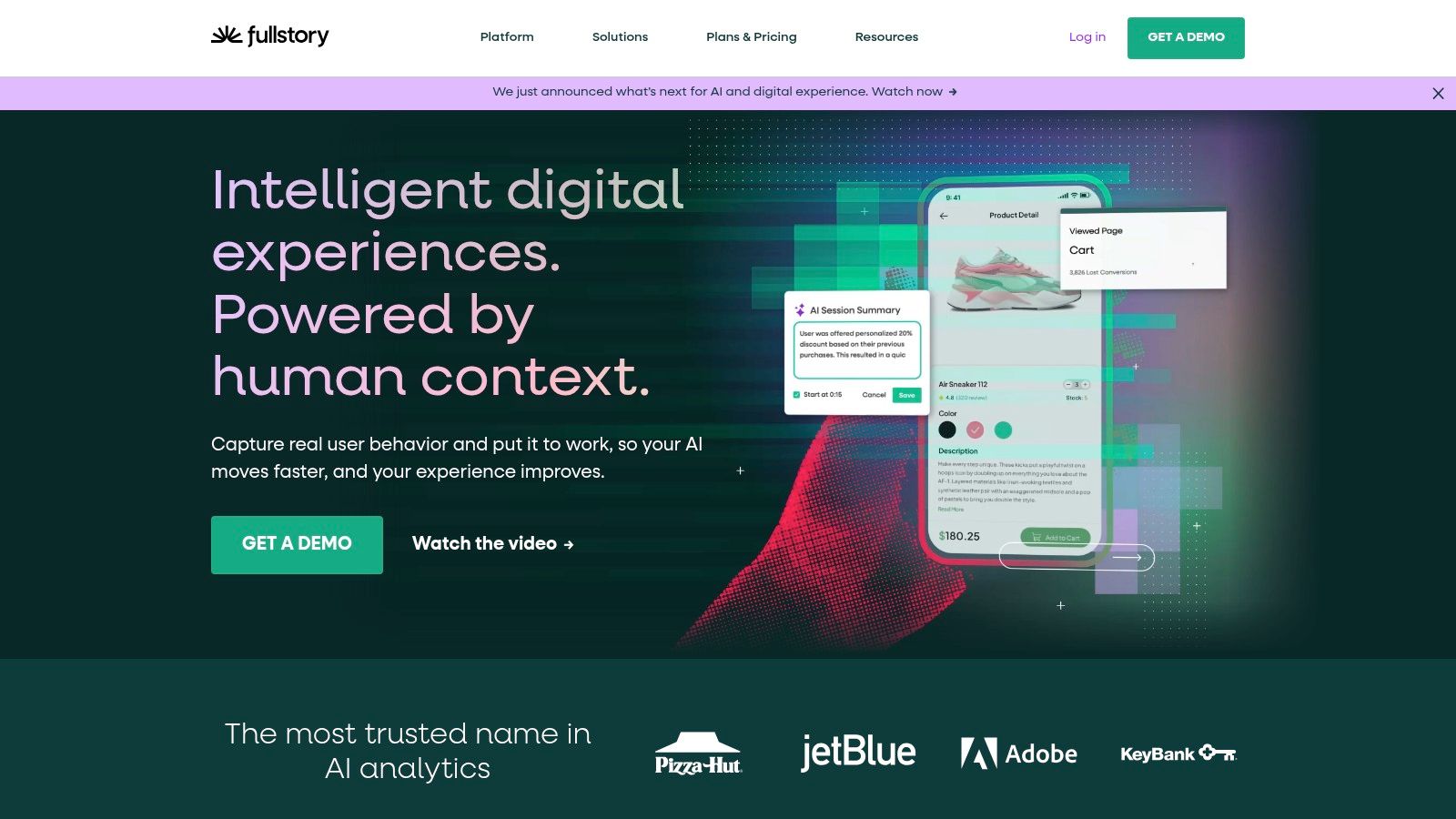
FullStory suits organizations that need session replay connected to product analytics, journeys, funnels, segmentation, and governance. Its enterprise orientation makes it more appropriate than a lightweight heatmap tool when multiple teams need to investigate the same customer experience across web and mobile products.
The platform combines autocaptured behavioral data with replay and analytics. Teams can examine a journey, segment users by relevant properties, inspect friction in context, and connect qualitative observation with quantitative product signals. FullStory also offers StoryAI summaries, with Guides and Surveys available as an add-on, plus enterprise exports and integrations. Its privacy positioning, including “Private by Default,” matters when research data must be managed across a large organization.
Governance before visual richness
FullStory's strength can also become its burden. Implementation, data classification, access rules, and cross-team governance require more coordination than a simple replay script. Paid pricing is custom and typically requires a sales conversation, so procurement teams should ask for clarity on retention, exports, privacy controls, and the specific modules included.
FullStory's free plan includes 12 months of retention, according to the supplied product information. That longer historical view can help teams compare recurring friction over time instead of investigating only recent sessions. It doesn't eliminate the need to define a research question, however. More captured data can create more noise if teams lack a clear investigation path.
For a deeper comparison of replay platforms, see this guide to session replay tools in 2026.
Best workflow: connect a conversion or journey anomaly to replay evidence, classify the likely friction, then send the issue to design, product, or engineering with a reproducible path. The anti-pattern is buying enterprise replay for a small team that only needs occasional heatmaps and has no owner for governance.
See FullStory's platform when replay must operate as a governed enterprise data layer.
4. Mouseflow for granular website friction analysis
Mouseflow is built for teams that want more detail from website behavior, particularly around forms, funnels, and page-level interaction. It combines session replay with click, scroll, geo, attention, and movement heatmaps, then connects funnel and form analytics to recordings.
That combination makes Mouseflow a strong fit for checkout, lead capture, onboarding, and other web flows where abandonment can arise from several small obstacles. A funnel can identify the step where users leave, form analytics can reveal hesitation within that step, and replay can provide the surrounding context. Independent 2026 comparisons repeatedly describe Mouseflow as a more granular heatmap and form-analytics alternative, especially for teams that still want a behavior-first workflow. Koji's Hotjar alternatives comparison supports that positioning.
A practical fit for midmarket web teams
Mouseflow balances a broad feature set with self-serve plans and offers a free plan with 500 sessions per month for trials, based on the supplied product information. Lower tiers cap sessions and some advanced features, so teams should model expected research volume before relying on it for continuous monitoring. The platform is primarily web-focused, which means mobile app teams may need a separate analytics approach.
Mouseflow also includes friction detection and friction insights. Those features can help prioritize investigation, but they shouldn't be treated as a diagnosis by themselves. A friction signal tells you where to look. The researcher still needs to determine whether the cause is unclear copy, an interaction problem, technical failure, or an audience mismatch.
Use Mouseflow when the research question is, “Which part of this website flow is creating observable friction, and what does the user do immediately before abandoning?” Avoid using it as a substitute for prototype validation before a page exists.
Review Mouseflow for detailed website replay, funnels, and form analysis.
5. Lucky Orange for research plus visitor conversation
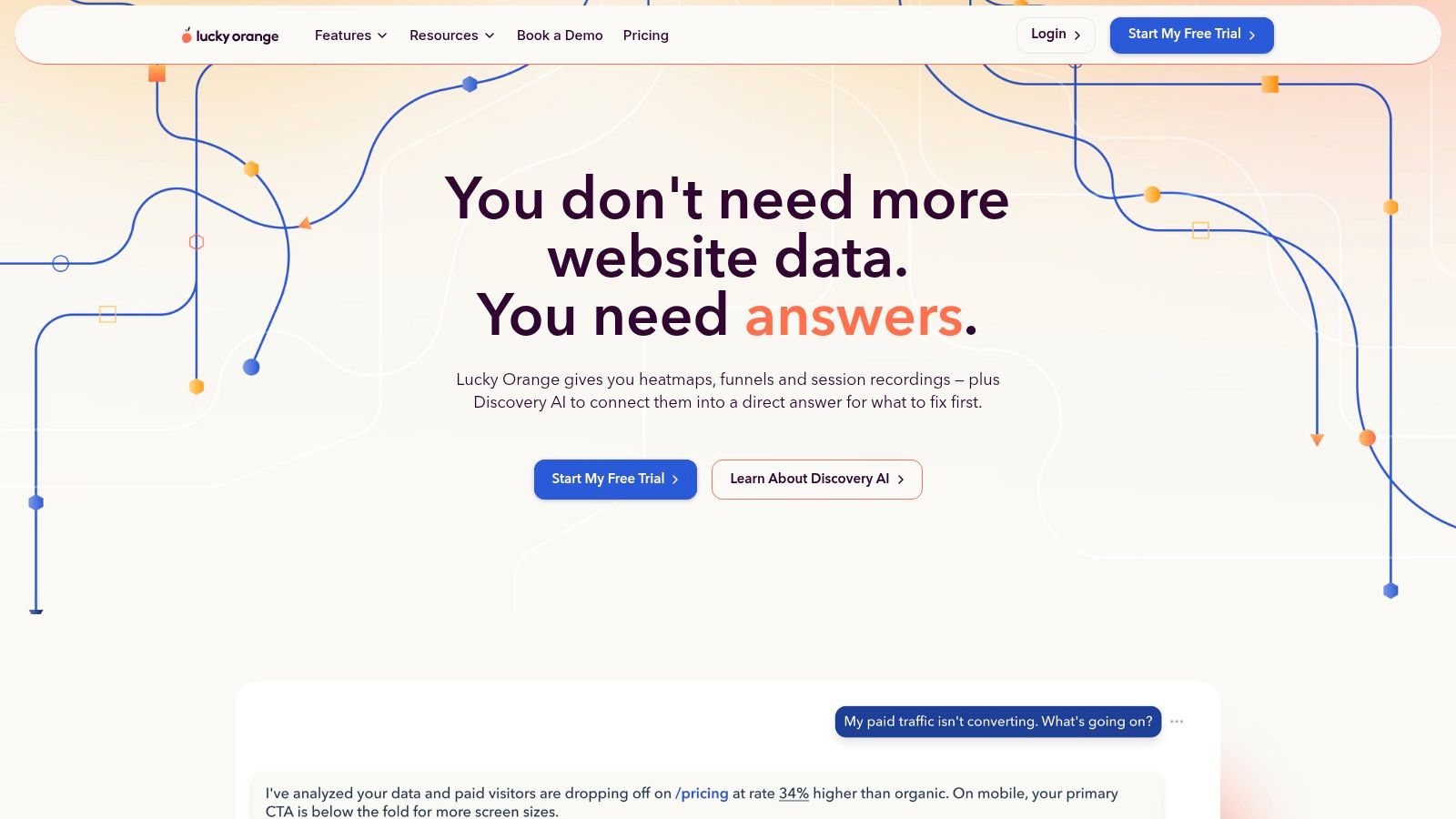
Lucky Orange is the best fit for teams that want behavioral evidence and direct visitor communication in the same workflow. It combines dynamic heatmaps, high-volume session recordings, funnels, form analytics, on-site surveys, announcements, and live chat. Discovery AI is designed to connect those signals, giving conversion and ecommerce teams a way to move from observed behavior to direct feedback.
The live chat connection is the differentiator. A replay may show that a shopper repeatedly returns to shipping information, while a chat or survey response can reveal whether delivery uncertainty, policy language, or product details caused the hesitation. Linking those responses to replays gives teams a richer diagnostic path than either source alone.
The cost of collecting more context
Lucky Orange makes all features available across plan levels and supports unlimited team members, according to the supplied product information. Base data storage starts at 60 days, with longer retention available as an add-on. That retention decision should be part of implementation planning, especially if a team wants to compare seasonal behavior or preserve evidence for a longer redesign cycle.
Live chat may be unnecessary for a research-only team. It can also introduce operational responsibilities that belong to customer support rather than UX research. If the organization won't staff or review conversations, the feature adds complexity without improving the evidence.
Choose Lucky Orange for ecommerce, SMB, and growth teams that can act on visitor questions quickly. Don't choose it solely because it has more features than Hotjar. A tightly scoped Clarity or Mouseflow setup may be easier to govern when direct communication isn't part of the research question.
Explore Lucky Orange when visitor dialogue belongs beside replay and heatmaps.
6. VWO Insights for experiment-connected research
VWO Insights is a strong choice when UX research needs to feed directly into experimentation. It includes dynamic heatmaps, session recordings, funnels, form analytics, on-page surveys, concept-testing links, advanced targeting, and integrations with VWO's experimentation stack.
That connection changes the workflow. A researcher can identify a behavior pattern, target a relevant audience with a survey or concept test, form a design hypothesis, and move the proposed intervention into an experiment. The tool is therefore less about standalone discovery and more about creating a continuous loop between observation, hypothesis, intervention, and measurement.
Where experimentation improves discipline
VWO's enterprise-grade targeting and segmentation can help teams trigger research campaigns for specific journeys, audiences, or product conditions. That precision is useful when a broad survey would produce ambiguous feedback. It also helps researchers avoid treating every visitor as the same user.
Pricing isn't fully transparent online and typically requires a demo. The broader suite can add complexity if a team only needs basic replay and heatmaps. Teams should evaluate whether they'll use the experimentation workflow, not just whether the research features appear on a comparison page.
Read this explanation of statistical significance in UX A/B testing before turning a research observation into a test decision. The anti-pattern is launching an experiment from one interesting replay without defining the expected behavioral signal or the conditions that would change the product decision.
Visit VWO Insights if your research program is inseparable from experimentation.
7. PostHog for developer-linked product research
PostHog is the strongest option for teams that want session replay embedded in a developer-friendly product analytics stack. Replays connect with user properties, feature flags, events, product analytics, experiments, surveys, and error tracking. Fine-grained recording controls let teams define what gets captured, while cloud and self-hosted options support different data-control requirements.
This makes PostHog especially useful when UX friction may be connected to an event, release, flag, or technical error. An engineer can investigate a replay alongside product events and error data instead of asking a researcher to translate an isolated recording into a technical investigation. The result is a shorter path from observed problem to reproducible fix.
The implementation question
PostHog uses transparent, usage-based pricing with generous free tiers and doesn't require a mandatory sales call, according to the supplied product information. That model is attractive for teams that want to start independently, but teams must monitor usage because costs can scale with traffic and recorded volume. The platform delivers the most value when the organization already intends to use its broader product analytics, feature flagging, experimentation, and error-tracking capabilities.
For product teams comparing analytics stacks, this guide to product analytics tools in 2026 provides useful context. PostHog isn't the best replacement for structured prototype research, and its technical breadth can overwhelm a design-only team.
Use PostHog when replay belongs beside instrumentation and engineering workflows. Avoid implementing it as a second analytics layer without deciding which events, errors, and user properties will answer the research question.
Explore PostHog for replay connected to product data and engineering action.
Top 7 Hotjar Alternatives: Feature Comparison (2026)
Tool | 🔄 Implementation Complexity | ⚡ Resource Requirements | 📊 Expected Outcomes | 💡 Ideal Use Cases | ⭐ Key Advantages |
|---|---|---|---|---|---|
Uxia | Low–Medium, upload prototypes, guided missions 🔄 | Minimal, no recruiting/scheduling; SaaS ⚡ | Rapid prioritized reports, transcripts, heatmaps, SUS benchmarks 📊 | Fast iterative UX validation for startups, agencies, product teams 💡 | ⭐⭐⭐ Speed & scale, realistic synthetic testers, cost-efficient |
Microsoft Clarity | Very Low, snippet install, always-on 🔄 | Minimal, free, unlimited sites and seats ⚡ | Session recordings, heatmaps, AI summaries (basic) 📊 | Early-stage analytics or companion to analytics stacks 💡 | ⭐⭐ Free forever, simple deployment, generous limits |
FullStory | Medium–High, enterprise setup & governance 🔄 | High, integrations, privacy controls, longer retention ⚡ | Combined qualitative+quantitative insights, session replay, long retention 📊 | Enterprise product teams needing privacy, retention, deep analysis 💡 | ⭐⭐⭐ Mature enterprise features; long retention and privacy tooling |
Mouseflow | Low–Medium, self-serve setup, straightforward plans 🔄 | Moderate, tiered session caps; web-focused ⚡ | Replays, multiple heatmap types, funnels, friction detection 📊 | SMBs to midmarket looking for an all-in-one web behavior tool 💡 | ⭐⭐ Broad feature set, transparent plans, free trial |
Lucky Orange | Low, all features available on plans; easy onboarding 🔄 | Moderate, recording volume and storage (retention add-ons) ⚡ | High-volume replays, dynamic heatmaps, surveys, live chat insights 📊 | SMBs/ecommerce wanting analytics + real-time visitor communication 💡 | ⭐⭐ Integrated live chat + surveys linked to replays; unlimited team members |
VWO Insights | Medium, integrates with experimentation stack 🔄 | Moderate–High, enterprise targeting and integrations ⚡ | Behavior insights tied to experiments, funnels, surveys 📊 | Teams that convert insights directly into A/B tests and experiments 💡 | ⭐⭐ Unified insight→experiment workflow; advanced targeting |
PostHog | Medium, developer-friendly, optional self-hosting 🔄 | Developer-heavy, self-hosting/usage-based pricing; infrastructure ⚡ | Session replay enriched with events, feature flags, experiments 📊 | Engineering-led teams wanting event-linked replays and control 💡 | ⭐⭐ Transparent usage pricing, self-host option, strong dev experience |
Turn the Shortlist Into a Repeatable UX Research Workflow
The right choice depends on where evidence enters your product process. Choose Uxia for rapid prototype validation and synthetic-user feedback. Choose Microsoft Clarity for a free, lightweight behavior baseline. Choose FullStory for governed enterprise replay and analytics. Choose Mouseflow for broad website behavior analysis, especially around forms and funnels. Choose Lucky Orange when research needs to include live visitor communication. Choose VWO Insights when findings must flow directly into experimentation. Choose PostHog when replay belongs alongside product analytics and engineering workflows.
The global UX research software market is projected to grow from USD 470.3 million in 2025 to USD 1,247.6 million by 2034, with a projected 11.6% compound annual growth rate. North America accounted for 44.0% of the market in 2025, according to Fortune Business Insights' UX research software market forecast. Forecasts vary because analysts define the category differently, but the direction is consistent. UX research tooling is becoming a mainstream product-organization capability, which makes workflow design more important than feature-count comparisons.
Start with one defined research question and one representative flow. Document the expected signal before collecting data. For a live product, that might be a repeated form hesitation, a journey drop-off, or a release-linked error. For a prototype, it might be whether users can complete a mission, understand the copy, or recover from an unexpected interaction.
Then run a repeatable cycle:
Baseline: Capture the current behavior or prototype result using the tool that matches the research stage.
Intervention: Change one meaningful part of the flow, such as navigation, content, interaction design, or error handling.
Follow-up: Re-run the task, replay the relevant journey, inspect the same funnel, or compare the next experiment result.
Decision record: Link the evidence to the product decision, owner, and next validation step.
Behavioral analytics explains symptoms, while task-based testing and qualitative feedback can clarify causes. Independent UX research comparisons distinguish tools that show what users did from platforms designed for task-based usability testing, prototype validation, interviews, and AI-moderated research. That distinction matters because replay alone can't answer every motivation question.
Privacy and governance belong in the selection decision from the beginning. Teams working across the EU, UK, and US should define consent, data minimization, retention, access, and deletion requirements before deploying recordings or research data. Tool output only becomes useful when teams connect evidence to decisions, protect user trust, and use human research where contextual or exploratory depth is essential.
Uxia helps product teams test image and video prototypes with synthetic participants, producing think-aloud transcripts, heatmaps, benchmark-style metrics, and prioritized UX issue reports before development. If you want to add rapid prototype validation to your Hotjar alternative workflow, visit Uxia and try its AI-powered testing approach.