
Session replay isn't the complete replacement criterion for FullStory. It shows what happened in production, but actionable UX insight usually requires a broader pipeline: collecting behavioral, qualitative, and technical signals, detecting recurring patterns, then turning those patterns into prioritized actions. The best choice depends on whether your team needs production analytics, engineering diagnostics, mobile coverage, experimentation infrastructure, or rapid prototype validation.
That last requirement changes the shortlist. Uxia complements analytics platforms by testing image or video prototypes with synthetic testers before production behavior exists. Teams can generate transcripts, identify friction, and receive prioritized UX reports before launch. This comparison evaluates seven alternatives by the insight pipeline they support, including data sources, automation depth, workflow fit, limitations, and the outcomes teams can measure. For a wider UX optimization perspective, see this B2B SaaS growth engine playbook.
1. Contentsquare including Hotjar
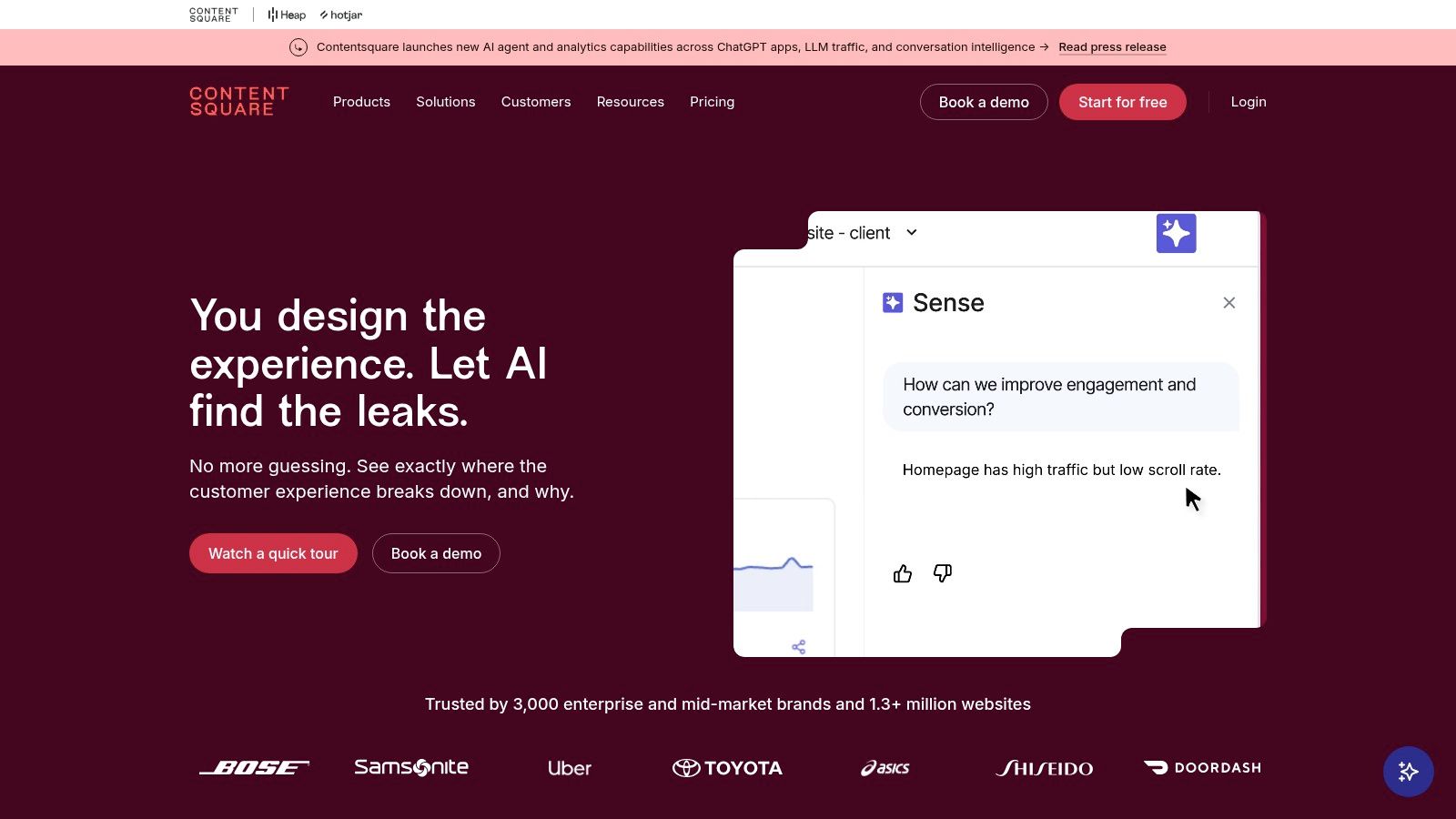
Contentsquare is the broadest digital experience analytics option in this list. Its platform connects heatmaps, journeys, session replay, conversion funnels, product analytics, Voice of Customer feedback, and experience monitoring across web and mobile environments. The inclusion of Hotjar also gives teams familiar survey and feedback workflows alongside more enterprise-oriented journey analysis. Visit the Contentsquare platform for current product and packaging details.
That breadth matters when separate tools have created disconnected evidence. A product manager can move from a funnel or journey pattern to replay, then add survey responses or performance signals to the same investigation. AI capabilities such as Sense AI, natural-language querying, and MCP or LLM Connect are designed to reduce the distance between a question and an analysis, although governance and permissions become more important as more teams use the system.
Where it fits
Contentsquare suits organizations that need a unified view of digital experience, conversion, feedback, and technical quality. It can support startup use cases through enterprise programs, but large deployments may involve complex permissions, data governance, integrations, and rollout planning. Upper-tier pricing is sales-led and can vary with volume and capabilities, so buyers should model the operating cost, not just the license.
Teams that previously used Hotjar may find the combined direction especially relevant. Still, a lightweight heatmap workflow may be easier to operate when the team doesn't need enterprise journey analysis. This comparison of free heatmap tools is useful when the immediate question is visual interaction evidence rather than a full DXA deployment.
Practical rule: Choose Contentsquare when the value comes from connecting many evidence types. Don't buy its breadth if your team only needs recordings and basic heatmaps.
2. Heap
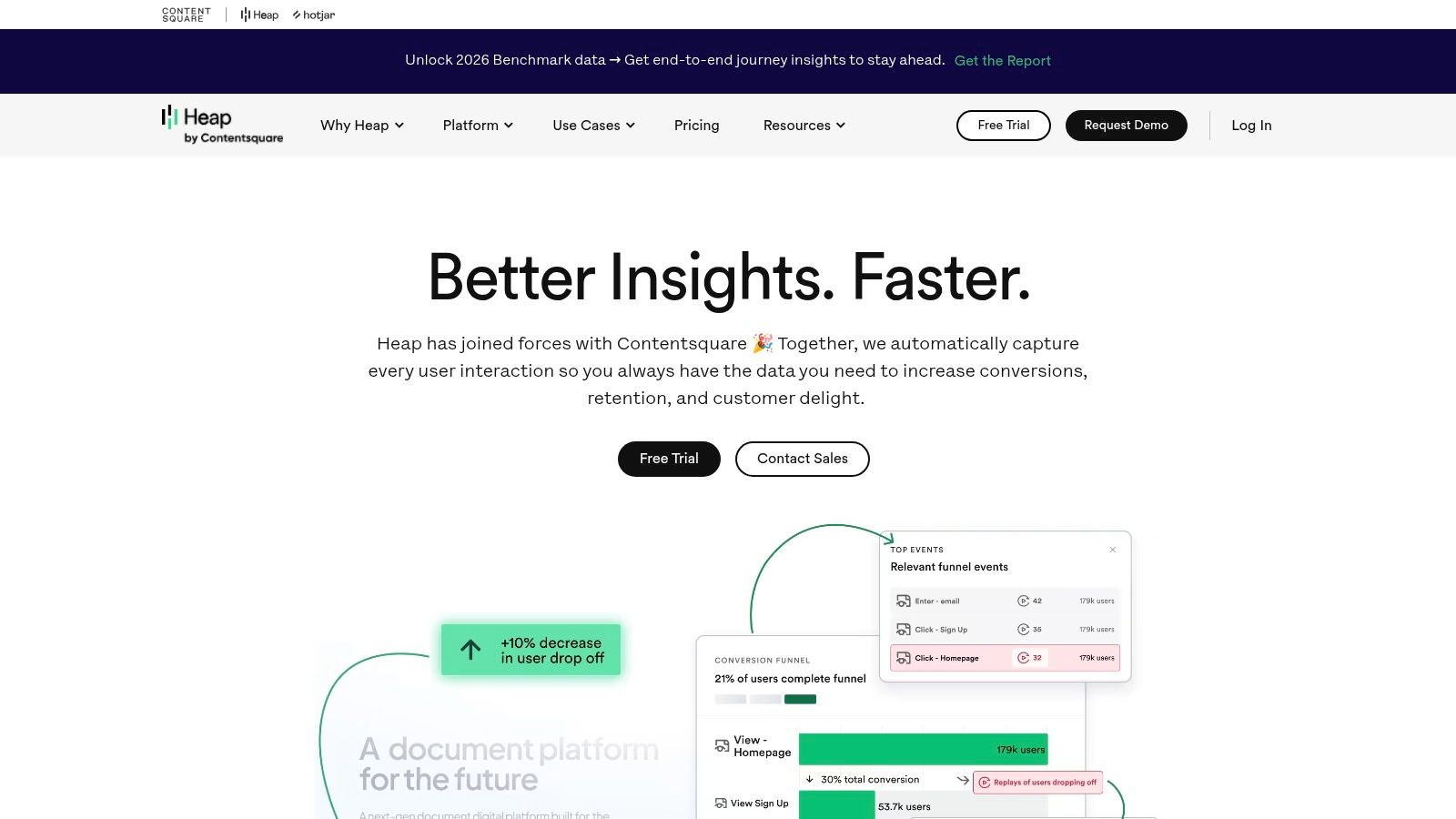
Heap is a strong choice for teams that want autocaptured behavioral data connected to product analytics. Its model reduces reliance on manually defined events and supports retroactive analysis, so teams can investigate interactions after data collection has begun. Funnels, paths, cohorts, and effort analysis provide the quantitative layer, while session replay adds visual context to the users or steps that need investigation. The Heap product analytics platform explains its current capabilities and plans.
The important distinction is workflow. Instead of watching random recordings and searching for a pattern, a team can identify a funnel step with unusual friction, isolate a cohort, and open relevant replays. That links the “what” in product data to the observed behavior behind it. It also makes Heap a closer match for teams that want FullStory-style capture but organize analysis around product questions.
Trade-offs to plan for
Autocapture lowers the initial instrumentation burden, but it doesn't remove the need for event governance. Teams still need naming conventions, exclusion rules, identity decisions, and a process for separating useful interactions from noisy data. Without that discipline, retroactive flexibility can create more analysis options than the team can usefully manage.
Advanced experience analytics may be packaged at higher tiers, and Pro or Premier pricing is handled through sales. Heap therefore fits organizations that value retrospective product analysis more than a purely replay-first experience. For adjacent options, this guide to product analytics tools in 2026 can help frame the broader category.
Heap's main advantage isn't that it records more screens. It's that it lets teams connect captured behavior to a measurable product question without waiting for every event definition to be perfect.
3. LogRocket
LogRocket is built for the point where UX friction and software failure overlap. It combines session replay, product analytics, error tracking, network activity, console logs, application state, and performance monitoring. A product manager can identify a failing flow, while an engineer can inspect the technical context surrounding the same user experience. The LogRocket platform provides the current product entry point.
That shared context reduces the familiar “can't reproduce” loop. A replay alone may show that a user abandoned a form, but developer telemetry can reveal a failed request, console exception, state transition, or performance problem that explains why. LogRocket is particularly useful when product and engineering teams need to agree on whether an issue is a usability problem, a frontend defect, or both.
Best operating model
LogRocket works well when teams route findings into an issue-management process. A practical implementation starts with privacy masking, error categories, replay filters, and a shared definition of severity. Product managers can prioritize affected journeys, while engineers can attach technical evidence to tickets instead of asking support or customers to reconstruct the incident.
The trade-off is that its depth can feel more technical than a research-first replay tool. Pricing depends on seats, retention, export options, session volume, and add-ons, so final cost requires configuration or a sales conversation. Teams should also decide whether they need a debugging platform or a broader digital experience analytics suite before comparing license totals.
This session replay tools comparison can help separate replay quality from the technical context surrounding each recording. LogRocket is the stronger fit when diagnosis and resolution matter as much as observation.
4. Quantum Metric
Quantum Metric targets enterprise digital experience programs where teams need to investigate behavior across complex customer journeys. Its workflow links behavioral analytics, session replay, conversion optimization, performance monitoring, friction signals, anomaly detection, and AI-assisted investigation. The Quantum Metric platform is aimed at organizations that can support structured governance and cross-functional operating models.
Its clearest advantage is the connection between aggregate evidence and individual experiences. A team can begin with an anomaly or conversion concern, examine the associated journey, and inspect replays that provide context. Felix Agentic is positioned as an AI-assisted investigation capability that can help surface likely root causes, but teams should still validate automated conclusions against the underlying sessions and business context.
Enterprise fit and limits
Quantum Metric is particularly relevant to high-scale commerce and financial-services environments, where web, mobile, and kiosk experiences may need to be examined within one program. Privacy controls and enterprise workflows are central to adoption, not post-launch additions. Implementation can require coordinated work across analytics, product, engineering, security, and legal stakeholders.
That strength creates a limitation for smaller teams. Onboarding, governance, and programmatic rollout may be heavier than the immediate use case requires, and pricing is custom rather than designed for casual self-service evaluation. Buyers should define the investigation questions the platform must answer before starting procurement.
Decision signal: Quantum Metric makes sense when recurring enterprise investigations justify a formal operating model. It's less suitable when one product team needs a fast, narrow replay workflow.
5. Glassbox
Glassbox stands out when native mobile visibility, privacy controls, and enterprise integrations are more important than lightweight setup. It supports web and mobile analytics, session replay, behavioral analysis, funnels, and integrations with tools such as Adobe, Google Analytics 4, application-performance monitoring systems, Slack, and Jira. Explore the Glassbox platform for its current enterprise offering.
Mobile teams need more than a browser recording that happens to include an app screen. They need reliable capture across mobile surfaces, strong masking for sensitive information, and enough performance context to connect an interaction problem with the experience delivered by the application. Glassbox's mobile SDK focus makes it a credible option for organizations operating across native and cross-platform environments, including Flutter, React Native, and Jetpack Compose workflows.
Privacy as an implementation requirement
Session replay tools can reconstruct browsing sessions from clicks, scrolling, mouse movements, and, in some cases, form inputs. France's CNIL opened a public consultation on session replay tools with a deadline of 22 April 2026, which makes consent, masking, retention, and data handling practical buying criteria for teams operating in major markets. Read the CNIL session replay consultation analysis when defining your review process.
Glassbox can be more configuration-heavy than smaller alternatives, and its sales-led packaging may produce an enterprise-level total cost of ownership. That's justified when mobile and compliance requirements are central. It's unnecessary overhead when a team only needs basic web heatmaps.
6. Microsoft Clarity
Microsoft Clarity is the accessible choice for teams that need session recordings and heatmaps without a paid analytics commitment. It provides click and scroll heatmaps, recordings with filtering, AI-assisted insights, and an ecosystem that includes Microsoft documentation, Edge add-ons, GitHub resources, and integrations. The Microsoft Clarity website is the place to check the current setup and product terms.
Clarity works best when the team has a clear triage process. A free replay library can produce plenty of observations, but recordings don't automatically tell a product manager which issue deserves engineering time. Teams should define filters around key pages, device contexts, rage or dead interactions where available, and high-value journeys, then review a consistent sample rather than browsing opportunistically.
What it doesn't replace
Clarity is not a full substitute for deep product analytics. Teams needing advanced funnels, cohort analysis, experimentation, or enterprise journey governance may need another platform alongside it. Its recordings can also become noisier at scale, which shifts the burden from licensing cost to analyst attention and prioritization.
That makes Clarity a good starting point for budget-conscious teams, agencies, and websites seeking fast behavioral evidence. It also works as a companion layer when an existing product analytics system answers “where” but the team needs visual confirmation of “what happened on the page.”
Free capture lowers the cost of collecting evidence. It doesn't lower the need to decide which evidence matters.
7. PostHog
PostHog is designed for engineering-led teams that want to combine product analytics, session replay, feature flags, A/B testing, error tracking, surveys, and data pipelines. Its integrated model can reduce the number of separate tools involved in shipping and evaluating product changes. Visit PostHog for its self-serve product and documentation.
The insight pipeline here extends beyond observation. Teams can analyze funnels and retention, inspect replays, connect errors to user behavior, roll out a feature flag, and evaluate an experiment within the same product environment. That makes PostHog useful when the central question is not only “where are users struggling?” but also “which change should we ship, to whom, and how will we measure it?”
The engineering trade-off
PostHog's breadth rewards thoughtful event modeling. Engineers and product analysts should agree on identities, properties, naming conventions, experiment exposure, and error categorization before the workspace becomes a collection of disconnected reports. Non-technical stakeholders may also need onboarding because the interface spans many jobs rather than presenting a narrow replay workflow.
Its self-serve model and usage-based approach can suit fast-moving teams that want to start without a sales process. The broader product analytics market is expanding, with one forecast estimating growth from USD 11.39 billion in 2025 to USD 13.04 billion in 2026, then to USD 25.73 billion by 2031, representing a projected 14.55% CAGR from 2026 to 2031 according to digital product analytics market reporting. That environment favors stacks that combine analytics, experimentation, and feedback rather than treating replay as an isolated destination.
Top 7 FullStory Alternatives, 2026 Comparison
Tool | Implementation Complexity 🔄 | Resource Requirements ⚡ | Expected Outcomes 📊 | Ideal Use Cases 💡 | Key Advantages ⭐ |
|---|---|---|---|---|---|
Contentsquare (includes Hotjar) | Moderate→High: enterprise governance, permissions, and integrations | Scales: generous free tier → contact-sales for enterprise features | Comprehensive DX insights (behavioral + product + performance) | Teams needing unified web & mobile analytics and VoC in one platform | End-to-end data model, strong integrations, scalable from free to enterprise |
Heap | Low→Medium: autocapture reduces instrumentation; governance for scale | Moderate: cost rises with scale; some advanced features add-on | Retroactive event analysis with linked session context | Product teams that want "why" tied to "what" with minimal manual tracking | Autocapture + retroactive analytics; replay attached to funnels and paths |
LogRocket | Low→Medium: quick setup; developer config for telemetry and logs | Moderate: pricing by seats, session volume, retention & exports | High-fidelity debugging context (console, network, performance) | Engineering + PMs focused on reproducing and fixing UX/technical issues | Developer telemetry with session replay reduces "can't reproduce" cycles |
Quantum Metric | High: enterprise onboarding, programmatic rollout and governance | High: enterprise pricing and programmatic resources required | AI-assisted investigations and enterprise-grade DX monitoring | Large commerce/finance orgs needing scale, anomaly detection, and automation | Deep enterprise capabilities and AI-driven root-cause surfacing |
Glassbox | Medium→High: mobile SDKs and privacy masking configuration | High: enterprise-oriented pricing; best for mobile-heavy products | Detailed mobile replays with strong privacy/compliance controls | Native mobile app teams (Flutter/React Native/Jetpack Compose) with strict PII needs | Strong mobile SDKs, robust PII masking, APM and analytics integrations |
Microsoft Clarity | Low: simple deployment and minimal setup overhead | Very Low: free and unlimited recordings with official support | Basic behavioral signals (heatmaps, recordings); noisier at scale | Budget-conscious teams/agencies needing quick behavioral insights | Truly free, easy to deploy, AI-assisted insights and ecosystem support |
PostHog | Medium: self-serve or self-host; benefits from event modeling | Low→Moderate: large free tier and usage-based pricing beyond limits | Consolidated product OS: analytics + flags + experiments + replays | Engineering-led teams wanting one tool for analytics, experimentation, and replays | All-in-one product OS, transparent pricing, strong developer focus |
Build an Insight Pipeline, Not Just a Replay Library
Choose the platform according to the missing stage in your decision process. Contentsquare fits broad digital experience coverage. Heap fits autocaptured product analysis and retroactive investigation. LogRocket fits engineering diagnostics where console, network, error, and performance context matters. Quantum Metric fits enterprise investigations across complex journeys. Glassbox fits teams that need mobile depth and privacy controls. Microsoft Clarity fits accessible replay and heatmaps. PostHog fits an integrated, engineering-led product stack that includes experimentation and feature delivery.
The market context supports this layered approach. One industry report projects the global product analytics market at USD 15.7 billion by 2027, up from USD 8.2 billion in 2023 and USD 5.1 billion in 2021, while stating that 85% of organizations use at least one digital product analytics tool and the average organization uses three tools, up from two in 2021. See the digital product analytics industry data for the reported figures. Teams increasingly combine behavioral data, feedback, experimentation, and technical monitoring instead of expecting one replay library to answer every question.
A practical workflow looks like this:
Define the decision question: State whether you're investigating conversion, usability, reliability, adoption, or launch readiness.
Connect relevant signals: Combine replay with product events, errors, performance, surveys, or prototype-test evidence.
Set privacy rules first: Define consent, masking, retention, access, and data-residency requirements before capture begins.
Configure detection and segmentation: Use journeys, cohorts, anomaly rules, issue filters, or experiment audiences to reduce noise.
Validate summaries against source evidence: Review the sessions, transcripts, events, or technical traces behind an automated finding.
Assign an owner: Every accepted insight needs a product, design, research, or engineering owner and a follow-up date.
Uxia fits before production analytics, not instead of it. Upload an image or video prototype, specify the mission and audience, run synthetic testers, review transcripts and prioritized patterns, then retest the revised flow. This helps teams discover usability, navigation, copy, trust, and accessibility problems before those issues appear in live funnels or replay data.
Qualitative research can carry substantial operational overhead. Independent 2026 research estimates that a typical 10-interview project costs €12,500 to €20,000, with recruitment accounting for 20% to 30%, moderator time 25% to 35%, and analysis and synthesis 20% to 30% of the total, according to qualitative UX research cost analysis. Synthetic testing doesn't replace human judgment, but it can give teams a faster validation loop for prototypes and early flows.
Track time from question to insight, issues discovered before launch, validated usability findings, funnel or task-completion movement, replay-review time saved, and the percentage of insights converted into tracked product changes. Automated summaries accelerate judgment. They don't replace human prioritization, domain context, privacy review, or follow-up measurement.
Uxia lets product teams test image and video prototypes with synthetic testers, review realistic transcripts and interaction patterns, and receive prioritized UX reports before production behavior exists. Visit Uxia to validate flows earlier, reduce research overhead, and connect prototype findings to the broader insight pipeline.