Best Figma Usability Testing Tools in 2026
Compare the best Figma usability testing tools in 2026, including Uxia, Maze, Lyssna, UserTesting, and niche alternatives for faster prototype research.

The most popular advice about Figma usability testing is also the least useful: pick the platform with the longest feature list. The best Figma usability testing tool depends on the question you need to answer, the risk attached to the decision, and where the work sits in your sprint.
Product design testing means evaluating how people understand and use a proposed experience before or during development. Usability testing examines whether users can complete tasks and where they encounter friction. A/B testing compares live-product variants against a defined metric, so it usually belongs after implementation and enough traffic exists to support the experiment. Prototype testing validates an interactive design before code is complete. Remote and unmoderated research trade live facilitation for speed and scale, while synthetic-participant testing uses AI-generated users to provide rapid, repeatable feedback without recruiting human participants.
This shortlist is judged by study fit, setup speed, evidence quality, recruiting model, analysis burden, security, and sprint integration, not by feature count alone. The market context supports that shift. The user research and user testing software market was estimated at USD 0.91 billion in 2025 and is projected to reach USD 1.9 billion by 2035, with a 7.66% CAGR from 2026 to 2035, while more than 68% of enterprises are integrating usability testing tools and over 78% are embedding user testing early in product design workflows, according to market data on Figma usability testing.
The practical selection path is simple: match the tool to the research decision, define success criteria before launching, and validate important decisions with the method and participant source appropriate to the risk. For teams building a broader data driven design strategy, Uxia is the synthetic-testing option in this list, while other tools specialize in human panels, moderated depth, quantitative prototype validation, or mixed-method research.
1. Uxia
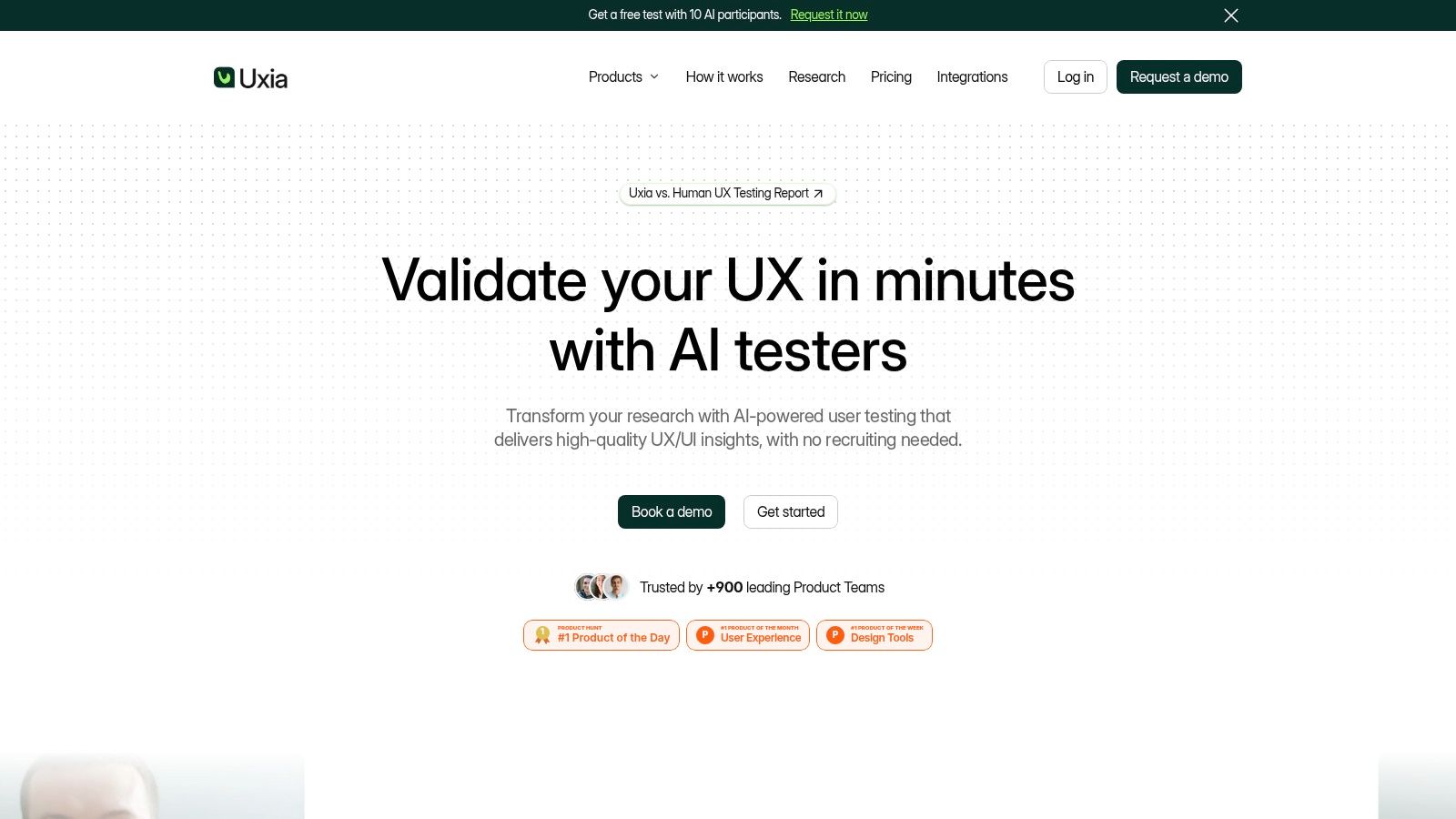
Uxia is the strongest choice when a team needs fast, repeatable validation before development or throughout a sprint. It's an AI-powered UX and UI testing platform that uses synthetic testers instead of requiring teams to recruit, schedule, and coordinate human participants for every early design question.
Teams can upload images, video prototypes, or a product URL, then define a mission and audience. Uxia generates AI participants aligned with demographic and behavioral profiles. Those synthetic users move through the flow in unmoderated tests, think aloud, record step-by-step actions, and surface friction in areas such as usability, navigation, copy, trust, and accessibility.
The output is more useful than a raw transcript dump. Uxia produces detailed transcripts, heatmaps, click paths, visual reports, prioritized findings, and benchmarks including SUS and SUPR-Q. That combination helps a designer move from “users struggled here” to a more actionable view of which screen or interaction deserves attention next.
Where Uxia fits in a sprint
Uxia works particularly well during discovery, early prototyping, and design iteration. A product designer can test a rough Figma flow before engineering investment, revise the confusing screens, and run another test without restarting a recruiting operation. Product managers can use the resulting evidence to decide whether a flow is ready for handoff, while UX researchers can use synthetic testing to identify questions that deserve deeper human research.
The platform's product positioning claims testing can be up to 17x faster, provide 3x more actionable insights, and cost 5x less than traditional research. Those are product claims, not universal outcomes, so teams should validate them against their own study types and governance requirements.
Practical rule: Use synthetic testers to accelerate low-risk and formative decisions, then bring in real participants when context, emotion, lived experience, or high-stakes validation matters.
Uxia's differentiator is not just speed. Its testers are behavior-driven and can be customized using demographic data, behavioral frameworks, and optional customer data. The platform also supports exportable reports, heatmaps, prioritized issues, branded workspaces, SSO, SCIM, priority support, and enterprise security options. Uxia says it's trusted by 900+ product teams, has received Product Hunt recognition, and was named a “Diamond startup to watch in the Synthetic Population and Behavioral Simulation space” by Gartner. Those recognition claims should still be weighed alongside a team's own validation of output quality.
Trade-offs and best use
Uxia isn't a complete replacement for moderated interviews, ethnographic research, or studies where real-world context changes the behavior being observed. Synthetic participants also shouldn't be treated as proof that a critical experience works for actual customers. Their best role is to increase iteration frequency and reveal likely usability issues early.
The free trial includes one test, 50 credits, one audience, and up to five AI testers per test. Paid plans scale toward unlimited credits, audience enrichment with customer data, human-insight add-ons, custom workspaces, priority support, and enterprise security through demo or enterprise plans. Visit Uxia when the priority is continuous, repeatable validation without recruiting overhead.
2. Maze
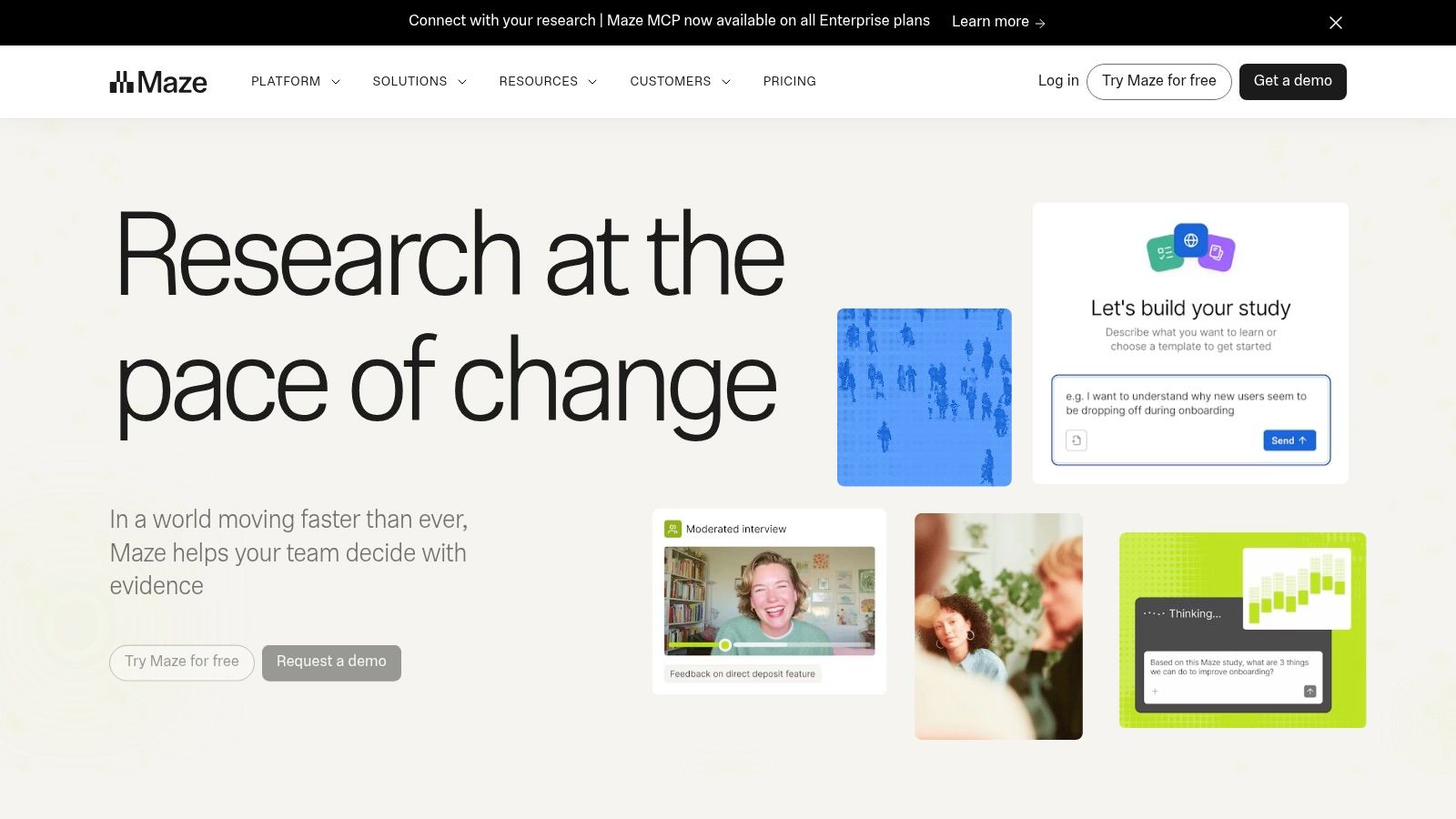
Maze is a mature choice for teams that want structured, unmoderated prototype testing directly connected to Figma. It's particularly effective when the research question is quantitative: Can users find the expected control? Do they complete the task? Where do paths diverge?
A typical workflow is straightforward. Import a Figma prototype, define task-based missions, share the study, and review task success, time-on-task, path analysis, heatmaps, and behavioral analytics. AI-generated summaries and presentation-ready reports reduce the time between study completion and a shareable readout. Figma's help documentation confirms Maze testing is available for Figma prototypes, and Maze also highlights direct Figma integration for building prototype tests quickly (Figma help, Maze Figma integration).
Best fit and practical limitation
Maze fits weekly design validation, especially when a team wants comparable tasks across repeated sprint studies. It gives product teams a consistent way to measure whether a changed flow improved navigation or introduced new misclicks. That makes it a useful option for quantitative prototype validation, not just qualitative reactions.
The limitation is diagnostic depth. Maze can show where participants failed or departed from the expected path, but an unmoderated study may not explain why the failure occurred. If the research decision depends on motivation, expectation, or emotional response, add open-ended questions or follow the unmoderated study with moderated sessions.
Strength: Fast Figma-based setup with strong task metrics, heatmaps, and shareable reporting.
Watch-out: Public pricing is limited, and some advanced capabilities require paid tiers or a sales conversation.
Use it when: You need repeatable prototype measurements across sprints.
Pair it with: Uxia's comparison with Maze when deciding between human unmoderated validation and synthetic testing.
Maze is less suitable when the central question is contextual or when the team needs a live conversation with participants. It's strongest when the task, expected path, and success criteria are clear before the study starts.
3. Useberry

Useberry is a practical option for teams that want Figma prototype testing, behavioral analytics, and participant access in one workflow. It supports direct Figma importing, unmoderated tasks, heatmaps, click tracking, task KPIs, and user-flow visualizations. It is also regularly cited in 2026 Figma testing comparisons as a direct-integration option for prototype studies (comparison overview).
The platform's appeal is operational. A designer can bring in a prototype, define what participants should accomplish, and review where they clicked, where they hesitated, and which route they took. That keeps the study close to the design file rather than forcing the team to reconstruct the experience in a separate testing environment.
A useful choice for mixed recruiting models
Useberry supports both a global participant pool and bring-your-own users. That flexibility matters for teams that sometimes need quick directional feedback and sometimes already have access to customers, beta users, or internal research participants. Its published plan structure also makes it easier to compare small-team and enterprise requirements before committing.
The main concern is prototype exposure. Useberry's frictionless testing workflow requires Figma prototypes to be public, which may not suit confidential product work, unreleased commercial concepts, or regulated environments. Teams should confirm the sharing and access model before uploading sensitive designs.
Prototype testing is only as trustworthy as the task definition. A polished heatmap can still answer the wrong question if the mission describes interface mechanics instead of a real user goal.
Strength: Quick setup, consolidated behavioral analytics, and flexible participant sourcing.
Watch-out: Public prototype requirements can create security or confidentiality concerns.
Budget note: Panel use and advanced recruiting options are priced separately.
Use it when: You need accessible quantitative feedback without adopting a broader research suite.
Useberry is a good fit for startups, agencies, and product teams that want a visible, repeatable Figma workflow. It's less compelling when private prototype hosting, moderated depth, or advanced enterprise governance is the deciding factor. Compare the workflow with Uxia's Useberry comparison if speed without human recruiting is part of the decision.
4. Lyssna
Lyssna makes sense when the research decision goes beyond “Can users complete this Figma flow?” It supports prototype testing alongside first-click tests, five-second tests, card sorting, preference tests, surveys, and other rapid methods. That breadth makes it useful for teams that want to test the concept, navigation, and first impression in the same research program.
Prototype tests can track navigation through Figma flows, while unmoderated recordings can capture screen, audio, or camera feedback. Lyssna also offers an on-demand panel with 690k+ panelists, according to its product information, and supports granular screening for teams that need targeted recruiting. It is also commonly referenced as a lower-cost, broad-method Figma testing option in 2026 comparisons (comparison overview).
Where the panel helps
Lyssna's pay-per-use panel model is valuable when a team doesn't have a reliable pool of customers or beta users. A product designer can run a quick first-click study on a navigation concept, then test a prototype flow with a defined audience. That supports a mixed-method research plan without stitching together multiple specialist platforms.
The cost model needs attention. Panel responses are billed separately from plan fees, so targeting can increase the total study cost. Teams should budget the platform subscription and participant response costs as separate lines rather than assuming the plan includes recruiting.
Best for: Mixed rapid methods and fast access to targeted human participants.
Strongest workflow: Concept test, first-click test, then prototype validation.
Main trade-off: The panel adds flexibility, but its separate billing can make study costs less predictable.
Not ideal for: Teams that only need repeated Figma task testing and won't use the additional methods.
Lyssna is a better research-program choice than a narrow Figma utility. It earns its place when the team needs to answer several lightweight questions around a design, not just measure one task flow.
5. Lookback
Lookback is the specialist choice for moderated depth and rich session capture. It works with external prototypes and links, including Figma prototypes, and can open the target URL automatically during a session. That makes it useful when the research question requires a live conversation rather than a task score alone.
A moderator can observe how a participant approaches a flow, ask what they expected to happen, and probe the language or visual cue that caused confusion. Stakeholders can observe sessions, while researchers use recordings, notes, clips, reels, transcription, and synthesis tools to organize evidence afterward.
Why moderated research still matters
Unmoderated tools are excellent at showing repeated behavior. They're weaker when the team needs to understand the participant's mental model or uncover an unexpected interpretation. Lookback's value appears when a participant hesitates and the moderator can ask a focused follow-up question immediately.
The platform's AI-assisted analysis tools, including Eureka, Suggested Findings, and Discover, can speed up transcription and synthesis. Its recording and note-taking workflow is mature, which helps teams preserve the context around a moment instead of reducing the study to a click path.
Strength: Strong moderated research with stakeholder observation and high-quality recording.
Watch-out: Pricing is seat- and session-based, and advanced needs may require a sales discussion.
Plan carefully: Some AI features and higher tiers require eligible plans.
Use it when: The decision depends on the reasoning behind behavior, not only the behavior itself.
Lookback isn't the fastest choice for constant, low-cost prototype screening. It's the better choice when a team has a small number of important questions and needs to hear participants explain their expectations in real time.
6. UserTesting
UserTesting is aimed at organizations that need human insight at enterprise scale, with secure Figma prototype testing, private prototype hosting, audience reach, and governance. Its Contributor Network supports broad recruiting, while the Invite Network lets teams bring in their own users.
That combination matters for research programs that cannot rely on whoever happens to be available. Teams can define an audience, test a private prototype, and connect findings to broader product and insights workflows. AI summaries, click maps, path-flow analytics, and enterprise security features support a more formal research operation. Figma's documentation confirms teams can launch Figma prototype studies in UserTesting directly from their workflow (Figma help).
Security and reach are the decision
UserTesting makes the most sense when security, compliance, and audience breadth matter more than low-cost experimentation. Regulated teams and large organizations may need private hosting, controlled access, administrative governance, and integrations that smaller tools don't prioritize.
The trade-off is commercial complexity. Pricing is custom and typically higher than SMB-focused platforms, with annual enterprise-style contracts. That structure can be excessive for an agency running occasional prototype studies or a small team still proving its research cadence.
Choose it for: Secure human research, broad audience access, and enterprise governance.
Avoid it for: Occasional studies where a custom annual contract would outsize the research need.
Strong use case: Validate a strategically important Figma flow with human participants, then connect results to an established insights program.
Compare carefully: Uxia versus UserTesting is a useful distinction between instant synthetic validation and enterprise human research.
UserTesting is powerful when the organization can support its operating model. It's not automatically the best choice for every Figma prototype, especially when the team needs rapid formative feedback before recruiting is justified.
7. Loop11
Loop11 is a less flashy but still relevant option for teams that want task-based usability studies, first-click testing, and benchmark-friendly reporting without buying into a large enterprise research suite. It is often mentioned in tool roundups as a practical alternative when teams care more about dependable unmoderated testing than trendier AI positioning (comparison overview).
For Figma work, Loop11 typically fits teams that share prototype links and want to measure completion rates, drop-off points, task timing, and confidence signals. That can be enough for validating a checkout path, onboarding concept, or revised navigation pattern before development.
Why some teams still choose it
Loop11 appeals to researchers and consultants who value methodological clarity over a broad all-in-one suite. The platform is narrower than some competitors, but that narrower focus can be useful when the team wants repeatable studies and straightforward reporting.
The trade-off is that the interface and workflow may feel more traditional than newer products. It also does not carry the same design-tool-first brand recognition as Maze or Lyssna.
Strength: Reliable task-based testing and benchmark-style reporting.
Watch-out: Less modern product feel than newer Figma-native competitors.
Use it when: You want focused unmoderated usability testing without extra research-suite complexity.
Best fit: Agencies, consultants, and in-house research teams running recurring studies.
Loop11 is a good niche alternative for teams that prefer established testing mechanics and clear outcome metrics over a broader experimental toolkit.
8. UXArmy
UXArmy is a lesser-known competitor worth considering when a team wants moderated and unmoderated testing, participant recruitment, and broader APAC-friendly research operations in one product. It appears in niche UX tool discussions as an option designers swear by for practical studies that do not require the cost profile of larger US enterprise platforms (niche tool roundup).
For Figma testing, UXArmy fits teams that need to recruit participants, launch prototype tasks, and collect qualitative or quantitative feedback in a single workflow. That can be useful for distributed product teams that need flexibility more than a polished brand name.
A niche choice with recruiting value
UXArmy becomes particularly useful when recruiting is the hard part. Smaller teams often have a prototype ready but no dependable audience source. In that scenario, the platform's research operations value matters more than whether it has the most refined analytics dashboard.
The limitation is ecosystem familiarity. Fewer stakeholders already know the product, so internal buy-in may take more explanation than better-known tools require.
Strength: Combines study execution and participant access in one niche platform.
Watch-out: Lower market visibility means fewer peer benchmarks and fewer familiar workflows.
Use it when: Recruiting and research operations matter as much as the prototype test itself.
Best fit: Distributed product teams and researchers needing flexible panel support.
UXArmy is not the default recommendation for every design team, but it is a credible niche alternative when sourcing participants is central to the project.
9. Ballpark
Ballpark is a lightweight research option for teams that want quick concept checks, prototype feedback, and simple participant responses without implementing a heavier research stack. It is less known than the category leaders, but that can make it attractive for startups and design teams that want speed and a gentler learning curve.
For Figma-related use cases, Ballpark works best when the team needs directional evidence quickly. A designer can share a flow, ask focused questions, collect reactions, and use the results to decide whether a concept is clear enough to keep iterating.
Why it can be enough
Not every team needs a complex research operating system. Ballpark is useful when the goal is to learn something practical by tomorrow, not to build a long-term measurement framework. That narrower value proposition can actually be a strength for lean teams.
The limitation is depth. If the study requires highly structured task analytics, private enterprise governance, or advanced moderated workflows, Ballpark will usually be too lightweight.
Strength: Fast setup and low-friction concept validation.
Watch-out: Lighter analytics and less enterprise depth than larger platforms.
Use it when: You need quick directional feedback on flows, concepts, or wording.
Best fit: Startups, lean product teams, and designers working at high speed.
Ballpark is one of the better niche picks when the team wants to keep research simple enough that it actually happens.
10. Wynde
Wynde is a niche option worth adding for teams that want continuous user feedback, lightweight research workflows, and product learning that stays close to everyday design decisions. It is not as widely known as larger usability platforms, which can make it interesting for teams looking beyond the standard shortlist.
For Figma-related work, Wynde is best considered when a team wants to collect feedback on flows, concepts, or product directions without adopting a heavyweight enterprise research stack. Its appeal is less about flashy analytics and more about helping teams build a steady habit of listening to users.
Where Wynde fits best
Wynde is most useful for product teams that want research to happen continuously rather than as a large scheduled project. That makes it a sensible niche addition for early validation, directional checks, and recurring feedback loops around prototypes or product ideas.
The trade-off is specialization clarity. Because it is less established than the biggest names in the category, teams should verify how well its workflow, participant model, and reporting match the exact kind of Figma study they want to run.
Strength: Good fit for continuous feedback and lean product learning.
Watch-out: Lower market familiarity means teams may need to validate workflow fit more carefully.
Use it when: You want an additional niche research option focused on ongoing user feedback.
Best fit: Lean product teams, startups, and teams exploring less mainstream research tools.
Wynde earns a place on this list as a lesser-known competitor for teams that want to expand beyond the usual Figma testing stack and evaluate newer research workflows.
Top 10 Figma Usability Testing Tools, 2026 Comparison
Product | Core features | UX quality ★ | Value & Pricing 💰 | Target audience 👥 | Unique selling points ✨ |
|---|---|---|---|---|---|
Uxia 🏆 | AI synthetic testers; upload images/video/URL; automated transcripts, heatmaps, SUS/SUPR-Q | ★★★★☆, minutes-to-results; repeatable insights | 💰 Free trial (50 credits); tiers SMB->Enterprise; claims 17x faster, 5x cheaper | 👥 Product designers, PMs, UX researchers, enterprise teams | ✨ Behavior-driven synthetic users; automated prioritized insights; enterprise security and branded workspaces |
Maze | Native Figma import; task success, time-on-task, path analysis; heatmaps | ★★★★☆, strong quantitative metrics; AI summaries | 💰 Free/paid tiers; advanced features often enterprise-only | 👥 Design and product teams | ✨ Rapid Figma to test workflow; presentation-ready reports |
Useberry | Figma import; heatmaps, click tracking, flows; participant recruitment | ★★★☆, consolidated behavioral analytics | 💰 Transparent pricing; panel/recruiting add-ons | 👥 Startups to enterprises | ✨ Clear published plans; built-in recruiting options |
Lyssna | Figma flows; first-click, five-second, card sorting; large on-demand panel | ★★★☆, quick directional insights at scale | 💰 Plan fees plus pay-per-use panel responses | 👥 Researchers needing fast, varied tests | ✨ Wide test types; large panel for granular screening |
Lookback | Moderated and unmoderated session capture; high-quality video; AI-assisted analysis | ★★★★☆, excellent recording and synthesis tools | 💰 Seat/session pricing; advanced tiers vary | 👥 Teams doing deep moderated studies and stakeholder observation | ✨ Observer-friendly sessions; clip/reel synthesis and transcription |
UserTesting | Secure prototype hosting; large contributor network; AI summaries and analytics | ★★★★☆, enterprise-grade insights and compliance | 💰 Custom enterprise pricing; typically higher | 👥 Enterprises, regulated teams, large product orgs | ✨ Strong security/governance; broad audience reach and integrations |
Loop11 | Task-based usability tests; first-click studies; benchmark reporting | ★★★☆, dependable structured studies | 💰 Mid-market pricing; sales may be required for scale | 👥 Agencies, consultants, research teams | ✨ Method clarity and benchmark-friendly reporting |
UXArmy | Moderated plus unmoderated testing; recruitment support; research operations tools | ★★★☆, flexible all-rounder for niche teams | 💰 Varies by plan and recruiting needs | 👥 Distributed teams and researchers needing panel access | ✨ Recruitment plus testing in one lesser-known platform |
Loop | Interviews, repository workflows, AI synthesis, prototype feedback | ★★★☆, strong for conversation-led research | 💰 Team pricing varies by research setup | 👥 Research teams building evidence repositories | ✨ Research repository and interview-first workflow |
Ballpark | Quick concept tests; lightweight prototype feedback; simple responses | ★★★☆, fast and approachable | 💰 Startup-friendly positioning; lighter stack | 👥 Startups and lean product teams | ✨ Fast, low-friction directional research |
Wynde | Continuous feedback workflows; lightweight product research; ongoing user learning | ★★★☆, promising for lean recurring feedback | 💰 Pricing and packaging should be verified directly | 👥 Lean product teams, startups, emerging research programs | ✨ Continuous feedback orientation and niche positioning outside the standard shortlist |
Turn Tool Selection Into a Repeatable Sprint Practice
Tool selection should follow the decision, not the other way around. Choose Uxia when the team needs fast, repeatable synthetic-participant validation of early prototypes and user flows. Choose Maze, Useberry, or Loop11 when the priority is structured unmoderated prototype testing with human participants, task metrics, or behavioral analytics.
Choose Lyssna when mixed rapid methods and panel access matter. Choose Lookback, UXArmy, or Loop when the team needs moderated observation, live probing, or stronger qualitative synthesis. Choose UserTesting when enterprise governance, secure hosting, compliance requirements, or broad human-audience reach is central to the research program. Choose Ballpark when the team wants lightweight, fast directional feedback that is simple enough to run often.
The market's direction reinforces why teams need a deliberate process. A separate UX research software report estimates the market at USD 461.02 million in 2026 and projects it to reach USD 1,362.68 million by 2035, implying a 12.8% CAGR from 2026 to 2035. The same report says more than 58% of enterprises were investing in UX research software in 2024 and that remote usability testing adoption rose 41% between 2023 and 2024, according to UX research software market data. More tools are available, but more tools don't remove the need for sound study design.
A reusable workflow
Define one decision and audience. Decide what the team might change based on the result, then specify whose behavior matters.
Build a focused Figma prototype. Include only the screens and interactions needed to answer that decision.
Write task-based missions. Describe real user goals, not instructions about which prototype elements to click.
Set success criteria first. Define what completion means before collecting responses.
Select the participant source. Use synthetic testers for rapid formative iteration, human unmoderated participants for structured behavioral evidence, and moderated participants when reasoning or context matters.
Pilot the study. Check that the prototype loads, the task is understandable, and the expected path is measurable.
Review behavior and reasoning together. Compare task success and time-on-task with qualitative friction, participant commentary, misclicks, and path deviations.
Prioritize by severity and evidence. Separate a minor preference from a repeated failure that blocks a meaningful task.
Assign an owner and retest. The next sprint should include both the design change and a way to verify whether the changed flow improved.
A practical Figma testing guide recommends defining task success criteria before the study and writing tasks as real user goals rather than prototype instructions. It also recommends capturing both behavior and reasoning, because click paths show what happened while think-aloud commentary shows what participants believed was happening, as explained in this Figma prototype testing workflow guide.
Match the method to the product stage
Prototype and usability testing belong earlier in the design cycle, when the team can still change the flow cheaply. A/B testing is better reserved for live-product variants, where the team is comparing implemented experiences against defined behavioral or business metrics. An A/B test can tell you which version performed better, but it won't reliably explain the mental model or usability mechanism behind the result.
The usability testing platform market is projected to grow from $1.2 billion in 2025 to $4.7 billion by 2034, at a 14.8% CAGR, while one report says large enterprises allocate 15% to 22% of product development budgets to testing, up from 8% to 10% in 2023, according to usability testing platform market data. These figures point to greater investment, but investment only creates value when teams connect research evidence to a product decision.
Synthetic testers can accelerate iteration, expose likely friction quickly, and make continuous validation easier. They should complement human research when the study involves emotion, social context, specialized lived experience, or high-stakes validation. The best Figma usability testing tools in 2026 aren't interchangeable. They help teams answer different questions, and the strongest workflow uses the least expensive reliable method for the risk at hand.
Independent market data also indicates that cloud-based solutions hold over 65% share of the broader UX testing software market, while enterprise users account for about 70% of revenue. A separate 2026 report projects the usability testing tools market to rise from USD 1.6 billion in 2025 to roughly USD 10.1 billion by 2035, at a 20.6% CAGR, as summarized in the global UX testing software market outlook. The practical implication is clear: teams should evaluate cloud delivery, governance, participant quality, and analysis workflows alongside prototype-test features.
Uxia gives product teams instantly available synthetic testers for Figma designs, prototype images, videos, and product URLs, with think-aloud transcripts, heatmaps, click paths, benchmarks, and prioritized usability findings. Start with a focused mission and audience, then visit Uxia to test an early flow and make design validation a repeatable part of your next sprint.