10 Best AI Moderation Tools 2026: Optimize Your UX
Discover the 10 Best AI moderation tools for 2026. Streamline UX workflows, detect bottlenecks, instrument metrics, & scale with AI-moderated interviews.

Online platforms now push between 1–10 billion content items monthly through automated moderation pipelines. That scale explains why manual review no longer works as the primary system for trust, safety, or UX research operations. Teams need software that can classify risk fast, route edge cases correctly, and surface patterns before bad content, flawed copy, or confusing flows spread.
That's where the best AI moderation tools earn their keep. The strongest products don't just block harmful content. They become part of a larger operating model that includes policy logic, human review, queue routing, and research workflows. For product teams, that same discipline matters in UX testing too. If you can moderate user input, interview responses, and behavioral signals consistently, you can find bottlenecks earlier and compare markets with less operational drag.
Uxia fits that shift well. Its new AI-moderated interviews feature adds an agent that interviews your testers and uses those answers to provide data back to your team or enrich your own synthetic testers. That matters when you need to scale research across several markets without asking your team to run every session, speak every language, or coordinate live meetings in each region. It's the same operational logic behind modern moderation stacks: automate the repeatable work, keep humans focused on judgment.
The overlap is more significant than commonly understood. Moderation tools classify risk. Research tools classify friction. Together, they give product teams a faster way to identify safety issues, misleading content, and broken UX before those problems become expensive. If your team also needs to identify fraudulent job seekers, the same pattern applies: automate first-pass triage, then escalate what needs human review.
1. OpenAI Moderation API (omni-moderation-latest)
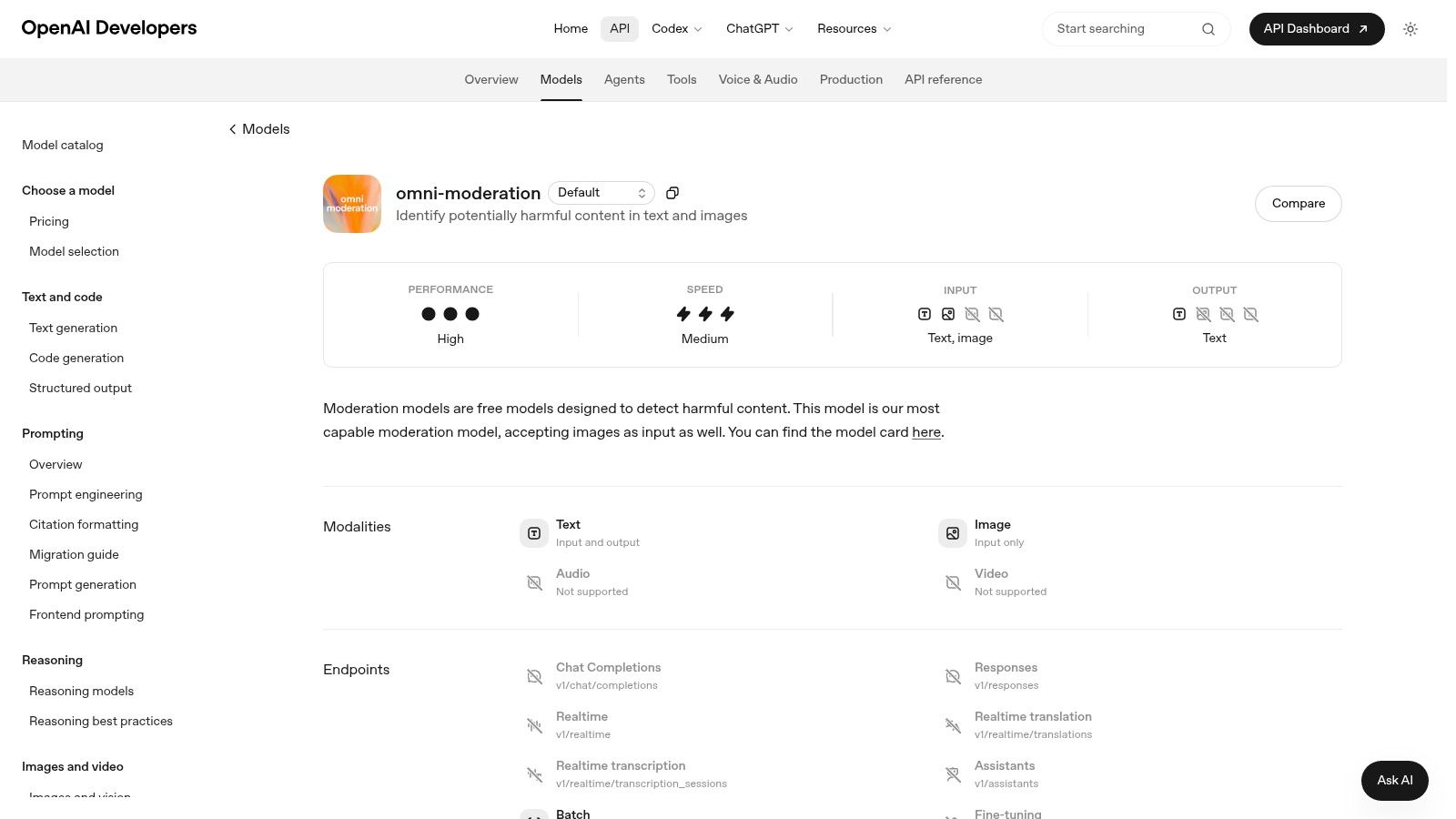
OpenAI Moderation API is a strong baseline classifier when you want something fast, easy to implement, and broad enough to cover the common harm categories organizations commonly address initially. It's especially practical if your stack already uses OpenAI elsewhere, because the moderation layer can become the first pass before you apply stricter product-specific rules.
Its value is operational, not just technical. Industry reporting notes that leading AI moderation tools in 2026 reach 95–99% accuracy on clear policy violations such as spam, explicit imagery, and hate speech, but performance drops on nuanced and context-heavy edge cases. That's exactly where a generic first-pass model helps. It removes obvious violations quickly, then leaves your custom logic or reviewers to handle ambiguity.
Where it fits best
OpenAI's moderation endpoint works well for text and image screening across categories like harassment, self-harm, sexual content, and violence. I'd use it when you need a default classifier that's simple to wire into signup flows, comments, support inboxes, or prototype feedback collection.
For UX teams, there's another useful pattern. Run OpenAI moderation on incoming participant responses, then feed approved responses into Uxia's AI-moderated interviews to keep research data cleaner and more comparable across markets. That makes the interview layer more reliable without overcomplicating the pipeline.
Best use case: Fast first-pass filtering before policy-specific checks
Main strength: Low-friction adoption for teams already in the OpenAI ecosystem
Main limitation: Generic categories won't match every platform's internal harm taxonomy
Practical rule: Use OpenAI Moderation API for broad screening, then add a second policy layer for advertiser safety, marketplace abuse, or regulated content.
If you're applying moderated research alongside automated testing, Uxia's write-up on using NN/g research to achieve 98 usability issue detection through AI-powered testers is a useful companion.
Website: OpenAI Moderation API
2. Microsoft Azure AI Content Safety
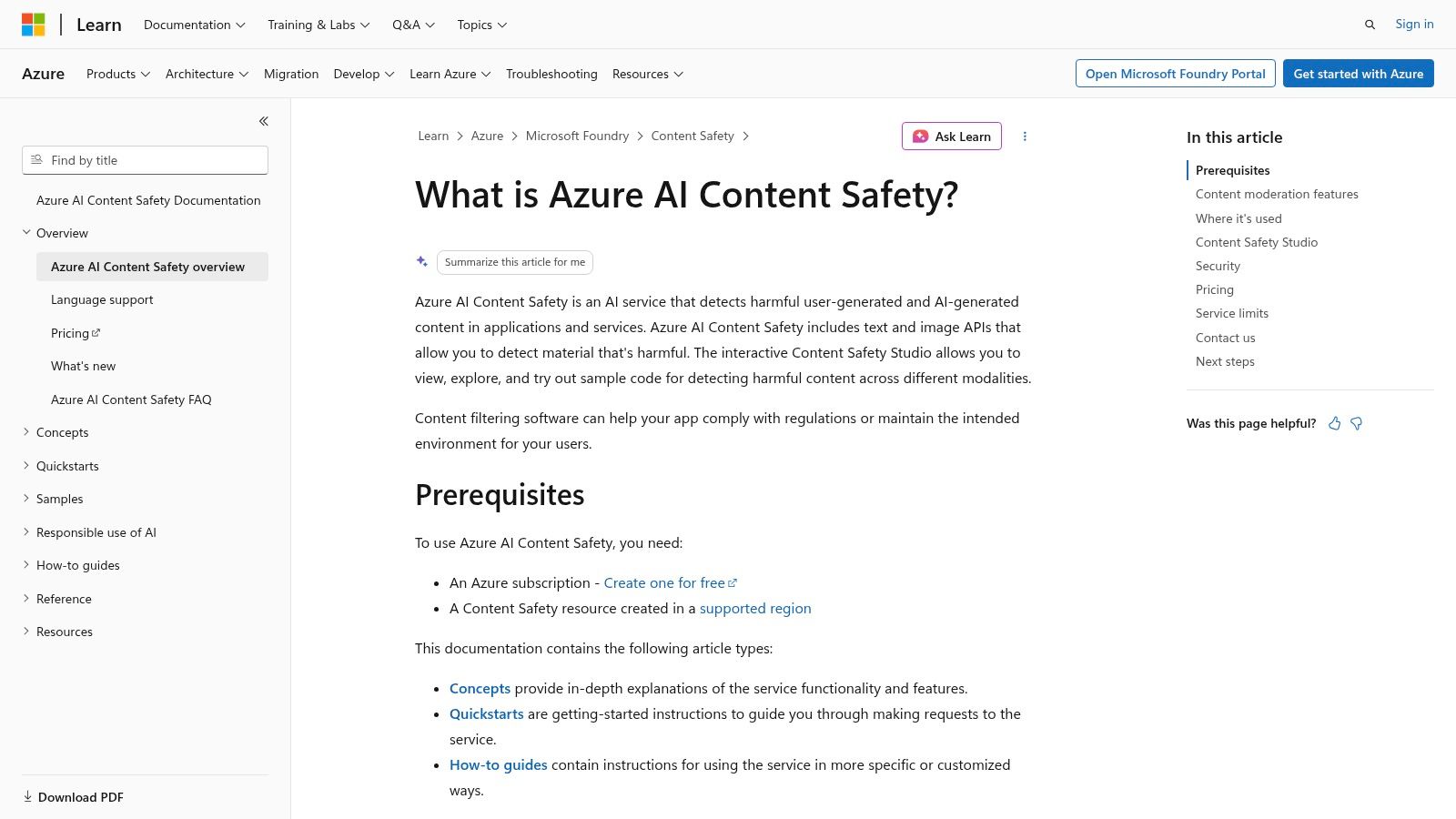
Microsoft Azure AI Content Safety stands out less for raw detection alone and more for the operating model around it. For large organizations, moderation quality depends on how reliably teams can score risk, route edge cases, document decisions, and keep policy enforcement consistent across business units. Azure is built for that workflow.
The product is strongest in text and image moderation scenarios where severity levels affect what happens next. A generic pass or fail signal is often not enough for financial services, healthcare, education, public sector teams, or global enterprises with separate legal and policy reviewers. Azure's severity-based outputs make it easier to connect model decisions to queue logic, reviewer escalation, and audit processes.
That changes how a research or moderation stack gets implemented.
A practical UX research workflow looks like this: first, screen participant messages, open-text survey responses, and uploaded screenshots in Azure. Next, route low-risk content directly into analysis and send borderline cases to manual review. Then pass approved material into Uxia's AI-moderated interviews so the interview layer starts with cleaner inputs and fewer policy exceptions. At larger scale, that matters because research teams do not just need harmful content blocked. They need a repeatable intake process that preserves signal while reducing researcher cleanup time.
Why regulated teams pick it
Azure tends to win when procurement, identity management, logging, and data governance matter as much as model coverage. If a company already stores data in Azure, manages access through Microsoft controls, and needs moderation records to fit existing compliance review, Azure usually creates less internal friction than adding a separate vendor.
Content Safety Studio also adds value here. It gives teams a place to test prompts and content samples, inspect severity outputs, and refine moderation thresholds before rolling them into production. That is useful for policy teams that need to calibrate rules by use case instead of applying one global threshold to every product surface.
The trade-off is scope. Azure AI Content Safety handles text and image moderation directly, but audio and video moderation usually require adjacent Azure services and more implementation work. Teams choosing Azure are often optimizing for governance and systems fit, not for the widest multimodal package in a single endpoint.
Best use case: Enterprise moderation programs that need severity-based routing, reviewer workflows, and governance controls
Main strength: Strong fit for Azure-native organizations that need policy enforcement tied to existing security and compliance processes
Main limitation: Audio and video workflows often require additional Azure services rather than one unified moderation product
A sensible rollout pattern is to map severity levels to actions before launch. Auto-approve low-severity content, send medium-severity cases to a moderation queue, and require human review for high-severity or ambiguous items. That structure works especially well when Azure is the intake filter and Uxia handles the next stage with AI-moderated interviews at research scale.
Website: Microsoft Azure AI Content Safety
3. Uxia – AI-Moderated Interviews for UX Research

Uxia approaches moderation from a research perspective. Rather than screening user-generated content for policy violations, it uses AI to conduct and structure qualitative interviews.
Research teams can define a target audience, prepare research questions, and let the AI moderator explore participants’ answers through relevant follow-up questions. The resulting conversations are organized into qualitative insights that teams can use for product discovery, concept validation, and early design decisions.
Where it fits best
Uxia is most useful for teams that want to run more qualitative research without manually moderating every interview. It can help researchers explore several audience segments, compare responses across markets, and gather early evidence before investing in larger human research studies.
The platform also connects interview research with synthetic usability testing. This allows teams to first investigate needs, expectations, and motivations, and then evaluate how those findings translate into behavior within a product experience.
Uxia is not designed to detect harmful content or enforce trust and safety policies. Teams handling sensitive participant inputs may still need a dedicated moderation layer such as OpenAI Moderation API or Azure AI Content Safety.
Best use case: Product discovery, concept validation, and scalable qualitative UX research
Main strength: Combines AI-moderated interviews with synthetic usability testing
Main limitation: Not a content safety or policy enforcement platform
Website: Uxia
3. Amazon Rekognition – Moderation
Visual content creates a different moderation problem than text. A single unsafe image can be reposted, screenshotted, and redistributed across multiple surfaces before a human queue catches it, which is why Amazon Rekognition is a practical fit for teams already running image and video workflows on AWS.
Its core value is operational fit. Rekognition gives AWS-native teams image and video moderation without forcing a separate trust and safety stack for every upload flow, storage layer, and event trigger. The DetectModerationLabels API covers common visual risk categories, and AWS also supports Custom Moderation adapters for teams that need policy logic closer to their own business rules.
That matters for marketplaces, creator tools, gaming platforms, and research programs that collect participant screenshots or recorded sessions. Generic classifiers catch broad harms. Custom adapters help when the specific moderation task is narrower, such as prohibited product imagery, unsafe creator submissions, or region-specific review criteria.
For UX research, the strongest pattern is to use Rekognition at the intake stage. First, screen uploaded visuals and video frames for policy violations. Next, route approved assets into your research workflow, where Uxia can run AI-moderated interviews at scale and help teams compare live user feedback against synthetic users versus human users in product research. That division of labor keeps moderation and insight generation separate, which usually makes threshold tuning and audit reviews easier.
Rekognition is less persuasive when your primary risk is linguistic rather than visual.
If the main failure mode is harassment in chat, self-harm disclosures in survey responses, or fraud language in support threads, you will need a second system for text analysis. That trade-off is easy to miss during procurement because “multimodal” often sounds broader than the day-to-day product risk is. Rekognition works best when image and video moderation are the first filter, not an add-on.
A sensible implementation sequence is simple. Start with baseline moderation labels on uploads. Review false positives and false negatives using real content samples. Then train custom adapters only after you can identify the policy gaps that matter to your product and research pipeline.
Website: Amazon Rekognition
4. Alice (formerly ActiveFence)
Alice stands out because it treats moderation as a full enterprise risk problem, not an isolated classifier problem. That matters more now that many products mix user-generated content with generative AI outputs, support conversations, creator uploads, and marketplace behavior in one environment.
Its appeal is breadth. Alice is built for teams that need policy coverage across classic harms and AI-era harms in one stack. That includes the hard categories many lightweight APIs don't handle well operationally, such as child safety, extremism, illicit goods, coordinated abuse, and LLM output risk.
When breadth beats simplicity
If your platform has both user content and AI-generated content, Alice is one of the few vendors on this list that can support both under a single trust and safety approach. That's useful when legal, policy, and product teams need one source of truth instead of separate vendors for UGC review and AI guardrails.
The integration burden is real, though. This isn't the lightweight choice. Teams usually need stronger policy design, human review practices, and internal alignment before they get the full benefit.
For research leaders, Alice pairs well with Uxia when your concern isn't just usability friction but also model behavior. You can use Uxia to compare synthetic and human-like responses across markets, then use Alice to evaluate where those interactions create policy risk. Uxia's discussion of synthetic users vs human users helps frame that trade-off.
Best use case: Platforms combining user content moderation and AI guardrails
Main strength: Broad enterprise policy coverage
Main limitation: Heavier implementation effort than plug-and-play APIs
Website: Alice
5. Hive Moderation (Hive AI)

Moderation systems break down fastest when one product surface contains several media types at once. A social feed with comments, image uploads, short clips, and livestream fragments creates different review latencies, risk categories, and escalation paths. Hive stands out because it is built for that mixed-input reality rather than for text-only filtering.
That matters in products where a single user journey can produce several kinds of content in minutes. A marketplace seller may upload product photos, add listing text, and respond in chat. A gaming community may combine voice, text, screenshots, and clips. Running separate tools for each format often creates inconsistent policy decisions and more operational overhead. Hive's value is the chance to centralize those decisions in one moderation layer.
Best for teams moderating multiple content formats in one workflow
Hive is a strong fit when your moderation program needs both fast decisions and deeper review. Text often needs near-real-time handling. Image and video analysis may tolerate slightly longer processing windows, especially if the content is queued before publication or routed to review. Hive maps well to that split.
For UX research teams, this is useful in a more specific way than broad "content safety" claims suggest. A step-by-step workflow might look like this:
Screen open-ended responses and uploaded research artifacts before synthesis.
Flag risky text, images, or clips for exclusion or manual review.
Send only approved participant inputs into Uxia's AI-moderated interviews.
Scale cross-market studies without letting unsafe media contaminate summaries, themes, or follow-up prompts.
That workflow becomes more important as research programs move beyond surveys into moderated interviews that collect screenshots, recordings, and richer qualitative evidence. If you are using Uxia's new AI-moderated interviews feature, Hive can sit upstream as the policy filter that keeps the interview dataset cleaner before analysis starts.
The trade-off is implementation weight. Teams that only need a basic toxicity check for comments may not get enough value from a multimodal system to justify the added setup, policy tuning, and mixed-media pricing. Hive makes more sense when moderation complexity already exists in the product, not when a team is trying to create it.
Best use case: Products moderating text, images, and video in the same user flow
Main strength: One system for multimodal moderation, which helps reduce policy inconsistency across formats
Main limitation: Heavier setup and cost structure than lighter text-first APIs
Website: Hive AI
6. Sightengine

Sightengine is one of the more practical entries for teams that want developer-friendly moderation without immediately stepping into enterprise procurement. It covers text, image, and video, and its product style is approachable for agencies, startups, and SMB product teams that need to move quickly.
The reason it belongs in a list of the best AI moderation tools is balance. It doesn't try to be the broadest trust and safety suite. It tries to be useful fast.
Strong fit for lean teams
If you're prototyping a moderation flow, testing a marketplace concept, or supporting multiple clients as an agency, Sightengine is easier to trial than most enterprise-first vendors. Public docs, transparent plans, and model update visibility make it suitable for teams that need to understand what changed and why.
That said, teams still need policy mapping. Most moderation tools output categories. Your business decides what action each category should trigger. That's especially important when you're combining moderation with UX research.
Here's a practical workflow I'd recommend:
Screen early: Run Sightengine on comments, uploads, and open-ended feedback before analysis starts.
Route selectively: Send only approved or low-risk responses into Uxia's AI-moderated interviews or synthetic testing flows.
Review patterns: Compare flagged content against recurring usability issues to see whether confusion and policy violations share the same product surface.
Uxia adds unusual value. Instead of stopping at moderation, you can study why users produced risky or low-quality responses in the first place. Often the root problem is UX ambiguity, not just user intent.
Website: Sightengine
7. WebPurify (by IntouchCX)

WebPurify is a pragmatic option for teams that need strong profanity filtering, image moderation, and deployment flexibility. It's less expansive than a full trust and safety platform, but that narrower focus is exactly why some brands prefer it.
For ad review, branded communities, public sector content screening, or child-directed products, straightforward category coverage and data-control options matter more than ambitious platform breadth. WebPurify leans into that.
Best for controlled environments
WebPurify makes sense when your moderation problem is clearly defined. If you need profanity filtering with customizable dictionaries, image checks for NSFW or weapon-related content, and the option for self-hosted deployment, it covers the essentials without forcing a broader trust and safety overhaul.
Its limitation is scope. It won't replace an end-to-end system for LLM guardrails, appeals management, or large moderation operations. But many teams don't need that.
A narrower tool is often the better tool when your policy surface is stable and your compliance requirements are strict.
There's a useful UX research angle here too. Teams running community studies or collecting visual submissions can use WebPurify to enforce baseline safety before those responses enter Uxia. That's especially useful when agencies collect client-facing research artifacts and need cleaner boundaries around what enters a report.
Best use case: Profanity and image moderation with stronger deployment control
Main strength: Practical for branded or regulated environments
Main limitation: Not a full trust and safety stack
Website: WebPurify
8. Clarifai Moderation Models
Clarifai is best understood as a computer vision platform with moderation capabilities, not just a moderation vendor. That difference matters when your team wants one environment for safety classifiers, custom vision models, and broader AI workloads.
Its strength is consolidation. If your product team already has use cases in vision search, object recognition, or custom model operations, Clarifai can reduce the number of systems you maintain.
Better for model builders than tool buyers
Clarifai's moderation models for NSFW, violence, and drugs are useful, but the bigger reason to choose it is the platform around them. Training, evaluation, deployment controls, and MLOps support make it a stronger fit for technically mature teams than for buyers who just want a moderation API and a dashboard.
That creates a clear trade-off. Clarifai can be efficient if moderation is one piece of a larger AI platform strategy. It can be overkill if all you need is lightweight screening.
For UX research teams, Clarifai is valuable when visual evidence itself is a research input. Think screenshot-heavy audits, visual submission flows, or studies where participant-generated media needs to be classified before Uxia synthesizes findings. In those cases, Clarifai helps separate valid evidence from risky or irrelevant visual noise.
Best use case: Teams unifying moderation with broader CV and MLOps work
Main strength: One stack for custom vision workflows
Main limitation: Text moderation usually needs a second provider
Website: Clarifai
9. Unitary
Unitary is the specialist on this list. If your biggest moderation problem is video, not comments or still images, that specialization is an advantage. Video creates a review burden that general tools often underestimate because the challenge isn't just classification. It's context across frames, scenes, pacing, and user intent.
That's why Unitary appeals to creator platforms, feeds, and marketplaces with large video inventories. It's designed for operations teams that need workflow support, not just raw model output.
Video-first by design
Many moderation products say they support video, but they're still image-led at heart. Unitary is built around understanding video as the primary medium. That usually leads to better fit for short-form feeds, livestream-adjacent workflows, and creator review queues where harmful content can appear briefly but still matter.
If your risk is mostly textual, Unitary isn't the answer. But if your manual reviewers are scrubbing frames to find the exact moment a policy issue appears, a specialist product can be worth the narrower scope.
For UX teams, video moderation often gets overlooked. Research repositories increasingly contain session recordings, user-submitted clips, and social proof assets. Running those through a video-focused moderation layer before analysis makes Uxia's synthesis cleaner and lowers the chance of unsafe artifacts slipping into reports or demos.
Website: Unitary
10. Modulate ToxMod (Voice Chat Moderation)

Modulate ToxMod fills a gap that many moderation stacks leave open. Text moderation can't fully capture live voice behavior because harassment, grooming, intimidation, and escalation often depend on tone, intensity, and interaction patterns, not just words in a transcript.
That's why ToxMod matters most in gaming, social audio, and live community spaces. It's built for voice-native risk.
The right specialist for live interaction
If your product includes voice chat, a general moderation API won't be enough. You need a system that interprets how speech is delivered and how users interact over time. ToxMod's voice-first design is meant for that operational reality.
The trade-off is obvious. It won't replace your text, image, or video moderation layers. It should sit alongside them.
This tool is also a good reminder that moderated research is moving in the same direction. AI-moderated interviews already replace manual moderation in some research contexts by conducting interviews, interpreting responses, and synthesizing findings in real time, as described in coverage of AI-powered research platforms. Uxia's AI-moderated interviews apply that same logic to UX research: the agent interviews testers and uses the information to deliver data back to your team or enrich synthetic testers across markets.
If you're evaluating that broader shift, Uxia's overview of moderated research at scale with 8 top tools for 2026 is worth reading.
Voice moderation and AI-moderated research solve different problems, but both reduce the amount of live human facilitation required for scale.
Website: Modulate ToxMod
Top 10 AI Moderation Tools, Feature & Performance Snapshot
Coverage breadth matters because moderation failures rarely stay in one modality. A UX research team might need text screening for open-ended responses, image checks for uploaded screenshots, and voice analysis for AI-moderated interviews in the same workflow. That is the practical lens for comparing these tools: not just model quality, but how well each one fits a step-by-step research or product operations pipeline.
Solution | Core capabilities ✨ | Best fit 👥 | Quality & experience ★ | Pricing/value 💰 | Unique strengths 🏆 |
|---|---|---|---|---|---|
OpenAI Moderation API (omni-moderation-latest) | Multimodal text and image classification, continuously updated models ✨ | Product teams already using OpenAI services, including research workflows with AI-generated summaries 👥 | ★★, fast response times, straightforward API adoption | 💰 Free for OpenAI API customers, strong baseline filter | 🏆 Low-friction starting point for text-heavy moderation |
Microsoft Azure AI Content Safety | Text and image safety, severity scoring, review tooling in Azure AI Studio ✨ | Regulated organizations and Azure-based stacks 👥 | ★★, strong administrative controls, useful review workflow support | 💰 F0 and S tiers, enterprise pricing via sales | 🏆 Good fit for teams that need auditability and platform governance |
Uxia | AI-moderated interviews, target audience configuration, follow-up questions, and qualitative research reports ✨ | Product, design, and UX research teams conducting discovery and concept validation 👥 | ★★★★, focused research workflow with results generated in minutes | 💰 Subscription and custom enterprise plans | 🏆 Connects qualitative interviews with synthetic usability testing |
Amazon Rekognition – Moderation | Image and video moderation, custom adapters, high-throughput processing ✨ | Large AWS platforms handling media at scale 👥 | ★★★, scalable infrastructure, predictable operational model | 💰 Granular per-image and per-video pricing, volume discounts | 🏆 Custom moderation adapters plus native AWS alignment |
Alice (formerly ActiveFence) | UGC protection, LLM runtime guardrails, human review support ✨ | Enterprises managing both user content and GenAI risk 👥 | ★★★★, broad, policy-rich coverage | 💰 Enterprise contract pricing via sales | 🏆 Brings marketplace, community, and GenAI protections into one operating layer |
Hive Moderation (Hive AI) | Real-time and asynchronous pipelines, frame-level video analysis ✨ | Gaming, social, and high-volume UGC platforms 👥 | ★★, low-latency, operations-focused | 💰 Outcome and frame-based pricing, mixed-media setups can price unevenly | 🏆 Strong option for internet-scale visual moderation |
Sightengine | Developer-friendly text, image, and video moderation with public changelog ✨ | SMBs, agencies, and teams testing moderation quickly 👥 | ★★★, fast setup, clear documentation | 💰 Transparent plans and free trial | 🏆 Easy evaluation path and clear developer experience |
WebPurify (by IntouchCX) | Profanity filters, image moderation, on-prem deployment option ✨ | Brands and public-sector teams with stricter data handling requirements 👥 | ★★, mature feature set, focused scope | 💰 Published pricing, AWS Marketplace, free trial | 🏆 On-prem deployment and multilingual filtering support |
Clarifai Moderation Models | Turnkey computer vision classifiers, custom model training, MLOps tooling ✨ | Teams that want CV moderation plus broader AI infrastructure 👥 | ★★★★, detailed MLOps and inference controls | 💰 Pay-as-you-go, account-level usage dashboards | 🏆 Useful when moderation is one part of a larger vision pipeline |
Unitary | Video-first contextual understanding, workflow automation, review support ✨ | Creator platforms and marketplaces where video drives moderation volume 👥 | ★★★★, built for video operations teams | 💰 Outcome-based pricing, vendor discussion usually required | 🏆 Cuts manual frame review in video-heavy queues |
Modulate ToxMod (Voice Chat Moderation) | Voice-native tone and intensity modeling for live conversations ✨ | Live voice, gaming, and social platforms 👥 | ★★, specialized, production-tested | 💰 Hours-based public tiers, integration documentation available | 🏆 Detects harmful voice behavior that transcripts can miss |
The pattern is clear. General-purpose APIs such as OpenAI and Azure are usually the fastest way to stand up a first moderation layer. Specialist vendors such as Unitary, Hive, and ToxMod become more attractive once your risk is concentrated in video or voice, or when review queues need tighter operational tuning.
For UX research teams, that distinction affects workflow design. A lightweight text and image model can screen open-ended answers, uploaded artifacts, and AI-generated interview summaries during early pilots. As research volume grows, the bottleneck shifts from classification to orchestration: severity thresholds, reviewer routing, policy versioning, and multilingual edge cases. That is where enterprise-oriented platforms and specialist vendors separate themselves.
Uxia's new AI-moderated interviews feature adds another layer to the decision. If an AI agent is conducting interviews at scale, moderation no longer sits only at the community or content layer. It also applies inside the research workflow itself: participant inputs, uploaded files, generated transcripts, and synthesized findings may all need different handling rules. Teams evaluating tools should test for that full chain, not just whether a model flags toxicity in isolation.
Next Steps for Smarter Moderation
A pilot usually fails for one of two reasons. Teams either test too many surfaces at once, or they judge the model before they have defined the decisions the model is supposed to support.
The practical starting point is narrower. Pick one high-risk content flow, then document the action path before you compare vendors. For example, a UX research team using AI-moderated interviews may need separate rules for participant responses, uploaded files, transcripts, and generated summaries. Those assets carry different risks and should not share one threshold. A comment classifier that performs well on short text may be a poor fit for interview transcripts that include sarcasm, sensitive disclosures, or multilingual switching.
Human review still belongs in the system. As noted earlier, AI reduces manual workload most effectively when teams reserve reviewers for ambiguity, appeals, and policy exceptions rather than routine approvals. That matters in research settings because the hardest cases are rarely obvious abuse. They are often borderline disclosures, low-confidence policy hits, or culturally specific phrases that require context.
A practical rollout path
Select one content stream: Start with the queue that already combines risk and volume, such as open-ended research responses, community comments, or image uploads.
Match tool to modality: Use text-first systems such as OpenAI Moderation API or Azure AI Content Safety for written responses and summaries. Use Amazon Rekognition, Hive, Clarifai, Sightengine, or Unitary where image or video risk is the main issue. Use Modulate ToxMod only when live voice is part of the product or research flow.
Define actions, not just labels: For each policy category, specify whether the output triggers approval, blocking, masking, escalation, or delayed analyst review.
Test inside the research workflow: Run sample interviews through the full chain in Uxia. Include participant prompts, uploaded artifacts, transcript generation, summary generation, and any downstream tagging or synthesis.
Review errors systematically: Examine false positives, false negatives, language drift, and disagreement between moderators. Then adjust thresholds, prompts, and reviewer guidance.
That sequence produces better evaluations than isolated benchmark tests because it measures operational fit. A moderation model is only one component. The harder problem is orchestration: deciding what happens after a flag, who sees the case, how policy updates are versioned, and where audit logs are stored.
Uxia adds value at that orchestration layer. Its AI-moderated interviews let research teams collect qualitative feedback across markets without manually staffing every session, but that scale only helps if moderation rules are built into the workflow from the start. In practice, that means screening inputs before an interview, monitoring generated transcripts and summaries after the session, and routing edge cases for human review. Teams that set up those controls early get cleaner datasets and fewer downstream synthesis errors.
Prompt and script design also affect moderation quality. Maze's guidance on AI moderation mechanics notes that clear instructions, neutral phrasing, fallback behaviors, and expected output formats improve consistency in moderated interview settings. The same principle applies here. If your team defines interview objectives, escalation rules, and output requirements precisely, AI-moderated sessions are easier to audit and more useful for analysis.
The broader goal is to connect trust and safety work with research operations. Moderation signals can reveal where users are confused, where onboarding invites misuse, or where localization creates policy risk. Research findings can then refine moderation policy by showing which edge cases are product-driven rather than malicious. If you also need guidance on how to remove unwanted content, the same operating model applies. Triage quickly, escalate intentionally, and document every decision path.
If you want to scale UX research without scaling interview logistics, Uxia is worth a close look. Its synthetic testers already help teams validate flows quickly, and its new AI-moderated interviews feature adds a practical way to collect richer qualitative feedback across languages and markets without forcing your team to run every session live.