The onboarding variant wins the study, so the team ships it. Then support tickets arrive from first-time users who can't complete the flow. A closer look shows the “winning” sessions came mostly from power users who already knew the product. The test was consistent, the conclusion wasn't representative.
That's why how to reduce bias is a decision-process question, not just a matter of good intentions or diverse recruiting. Bias can enter when the team chooses participants, writes tasks, moderates sessions, interprets results, or decides what to ship. Each control needs an owner and a rule for what happens when the evidence shows a gap.
Where Bias Enters a UX Study
A study can run on schedule and still produce a misleading result. Bias may enter through who takes part, how tasks are presented, what moderators say, or how analysts summarize findings. A useful framework from AI-bias guidance divides these risks into systemic bias, computational and statistical bias, and human-cognitive bias. Adapted here for UX research, the categories help teams locate bias in the study process rather than treat it as an individual failing.
Stage | Bias that enters | Warning sign |
|---|---|---|
Recruiting | Convenience and professional-tester sampling | The same profiles appear in every round, and sessions feel unusually smooth |
Study design | Order effects and anchoring on the team's preferred design | The preferred variant is always shown first or set as the default |
Moderation | Leading prompts, reassurance, and corrections | A participant says “I guess that works” just after receiving a hint |
Analysis | Averages that hide subgroup gaps; inconsistent issue tagging | The overall score looks healthy while one group's failures go unreported |
Reporting | Selective quotes and missing sample sizes | Slides include quotes without sample sizes or percentages without denominators |
Synthetic testing | Persona stereotypes and fixed audience definitions | Generated transcripts repeat the same assumptions about a group |
Use the table during the sprint, with a named owner for each control. The researcher owns the recruitment and analysis checks, the study designer checks order and task setup, and the moderator reviews prompts before sessions. If a warning sign appears, pause the relevant decision: revise the task, qualify the finding, or gather more evidence before treating the result as a basis for shipping.
Start with recruiting and analysis. Teams may check who took part, then stop once they have an overall result. Pull the recruitment list from last quarter, count repeat participants, and check whether any subgroup appears in fewer than five sessions. That threshold is a reason to investigate coverage, not proof that a sample represents its intended audience. Uxia can organize participants by segment so researchers can inspect the list without sorting it by hand.
Practical rule: If you can't name which users your result may exclude, you don't yet know what the result means.
How to Recruit for Coverage Instead of Convenience
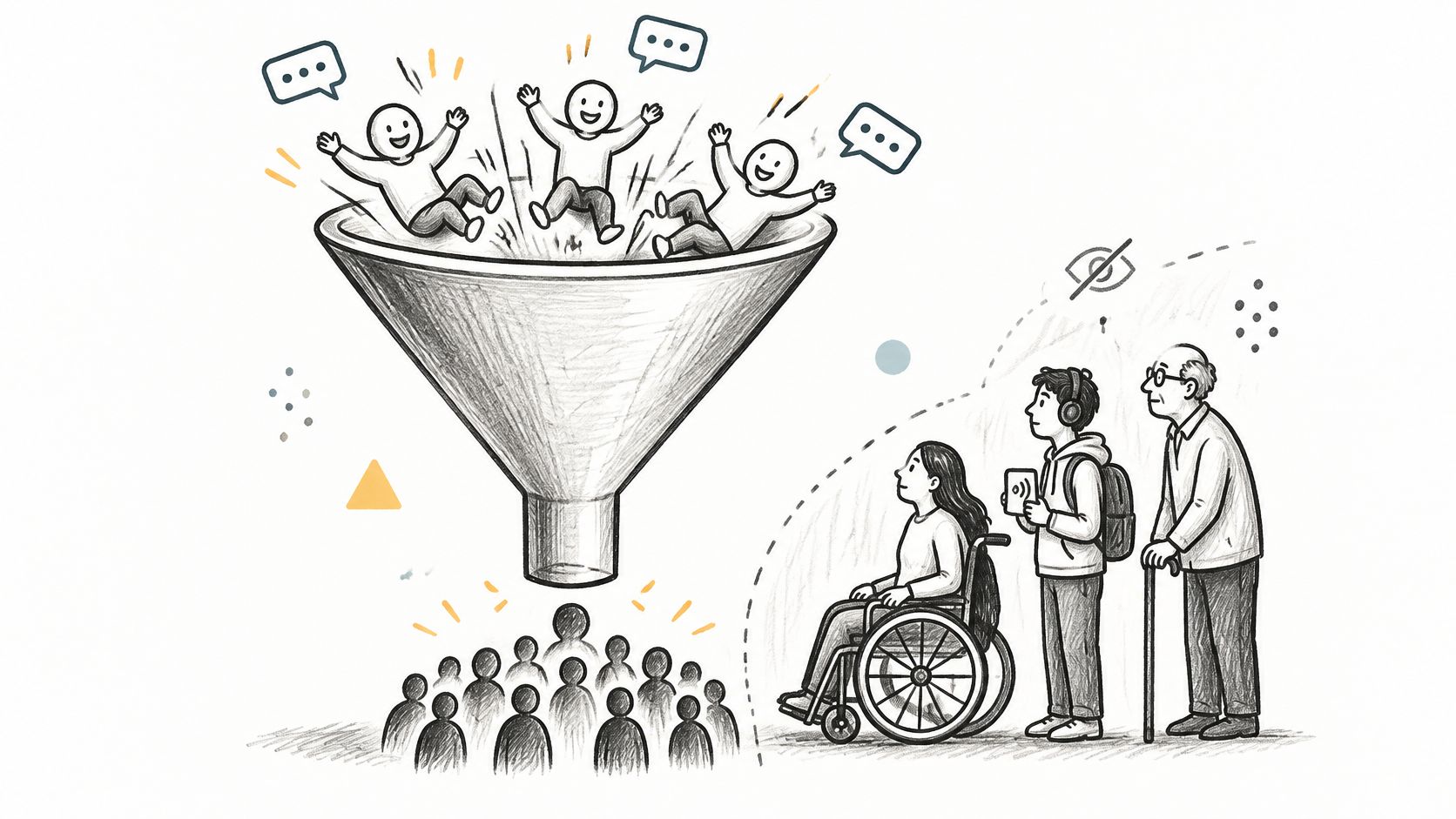
The convenience sample is usually the one that replies fastest: existing customers, active community members, or frequent panel participants. That can make sessions easy to fill while subtly selecting for people who know the product, have time to participate, or are comfortable with research. A guide to audience and sample planning can help teams turn broad audience assumptions into recruitment criteria.
Use these recruiting controls before the first invitation goes out:
Map who the product serves and who it might exclude. Include relevant groups such as older users, first-time buyers, non-native speakers, and people on slow connections. If a segment never makes it onto the recruitment plan, it won't appear in the findings by accident.
Set minimum coverage by segment, not just a total quota. A full calendar can still produce a lopsided sample. Write down which segments must be represented and what happens if recruitment falls short.
Include proxy profiles. Device type, location, language proficiency, and accessibility settings can correlate with people's circumstances and shape their experience. Test low-bandwidth conditions, screen readers, keyboard-only navigation, small screens, and unfamiliar terminology rather than assuming a neutral field is harmless.
Screen for professional testers. Ask how many studies someone has joined in the last 90 days, then exclude heavy repeaters if their experience could make tasks unrealistically smooth.
Recruit through more than one channel. A second source can expose habits built into a single panel, although it takes more coordination and may complicate scheduling.
Log every dropout with its reason and segment. Attrition can erase the people who struggled most. If users leave at a particular step, record that as a research finding rather than a blank in the spreadsheet.
Consider a banking flow tested with a panel weighted toward power users aged 25 to 34. It appears straightforward until keyboard-only testers reach the one-time code step and can't complete it. Synthetic audience segments in Uxia can help pre-screen prototype risks across these profiles before live recruitment, but human participants are still needed to validate consequential findings.
Designing Tasks and Order So Results Hold
In a checkout comparison, variant B appears second for every participant. They have already learned the flow on A, so B seems easier. Reverse the order and the apparent advantage disappears. That is a carryover effect, not reliable evidence that B performs better.
Before the first session, the researcher owns the study setup: lock the task wording, success criteria, prototype version, and condition order. Ask a colleague outside the project to pilot the task and flag wording that points participants toward a feature or expected outcome. Use these usability testing task examples to check whether each prompt gives people a clear goal without prescribing a path.
Counterbalancing and assignment by study setup
Study setup | Bias to control | Method | When to use |
|---|---|---|---|
Two designs, same participants | Order and learning effects | Split participants into AB and BA order | Quick moderated comparisons |
Three or four designs, same participants | Order and fatigue | Latin square so each design appears in each position equally | Multi-variant concept tests |
Five or more designs, same participants | Order and fatigue | Random order per participant, checked for position balance | Menu or navigation variants |
Two designs, separate groups | Carryover and group differences | Random assignment to one design per participant | Unmoderated tests where seeing both would leak answers |
For between-group tests, have a tool or colleague who did not design the variants assign participants. This reduces the chance that the designer's expectations affect who sees each version, though it adds a handoff to the setup. In Uxia, set randomised order and separate-group assignment before an AI-assisted test, and keep assignment out of the hands of the person who chose the variants.
Randomisation and counterbalancing control specific sources of bias; they do not repair poor tasks or missing segments. If recruitment targets are changed after participants are enrolled, record the new proportions against the original audience distribution. A changed segment mix affects what the results represent, so report it before comparing outcomes.
Set the decision rule before data arrives. For example, a team could require a task-success difference of at least 10 percentage points, with a confidence interval that excludes zero, before naming a winner. That is an example, not a universal threshold. Choose a rule suited to the decision and study design, and state who will apply it if the result falls short.
How to Moderate Without Steering Participants
A participant struggles with a filter. The moderator asks, “Was that easy?” and gets a polite yes instead of an honest account. Small cues can shape what participants say and do. Research on moderator effects in usability studies cautions against treating the moderator's presence alone as the explanation for differences between lab and online results.
Leading prompt | Why it steers | Neutral replacement |
|---|---|---|
Was that easy? | Suggests the answer is yes | How did that go for you? |
Good, you found the filter | Reassurance tells the participant they were right | What are you thinking right now? |
Where would you expect checkout to be? | Points to a specific location | Where would you look next? |
Most people tap the menu, try that | Correction teaches the intended path | Wait ten seconds, then ask what you are looking for |
Do you trust this price? | Introduces trust as a topic the participant had not raised | Tell me about the price you are seeing |
Set moderation rules before the first session, and make the study lead responsible for freezing the script and task wording. Give moderators a short list of permitted, non-directive prompts, such as “What are you thinking?” Prohibit reassurance, correction, leading follow-ups, encouraging nods, and praise after a success. These controls reduce the chance that one participant gets more help than another, though they can make sessions feel less conversational.
Record each session. Assign an independent reviewer to code a random sample for prompt deviations, then report the share of sessions in which the moderator intervened. This takes review time, but it gives the team a check beyond the moderator's own impression. Keep moderators separate from study planners and analysts where feasible, and use blind analysis when practical.
Experience alone does not ensure consistent moderation. Even skilled moderators may differ in how often they intervene, how they interact, and how they manage time. In Uxia, store session recordings so an independent reviewer can code selected clips without joining the live session.
If a moderator must step in, log the time, exact prompt, and reason. Count that session in the intervention rate rather than treating the prompt as an invisible exception. If the rate rises or interventions repeatedly point participants toward the same answer, pause and revise the protocol before continuing.
Reporting Results by Segment Without Hiding Gaps
A slide deck reports 82% overall task success and never mentions that one segment sits at 54%. The overall figure may be accurate, but it hides a failure that could determine whether the product works for a particular group. Before testing, define the metrics, segments, and review triggers. Set triggers as study-specific starting points, not universal standards.
Metrics to report per segment
Metric | Report as | Review trigger (starting point) |
|---|---|---|
Task success rate | Successful attempts divided by attempts, for each segment | Gap of 10 points or more between segments |
Error rate | Errors per attempt, per segment | Any segment at twice the overall rate |
Abandonment | Share of attempts quit, with the step where they quit | Above 20% in one segment |
Time on task | Median and range per segment, not the mean | Any segment taking 50% longer than the median |
Severity rating | Share of issues rated serious or critical, per segment | Critical issue seen in one segment only |
Automated flag accuracy | False-positive and false-negative rates by segment | Any missed known failure in a segment |

Apply the reporting rules consistently:
Show the denominator. Give each percentage with its sample size and a 95% confidence interval. Without the denominator, a percentage can imply more certainty than the data supports.
Use medians for task time. Report the range by segment, since a mean can be distorted by a few long sessions.
Don't bury small groups. Never collapse them into “other.” If a segment has fewer than five participants, show raw counts and label the finding directional rather than treating it as a stable comparison.
Pre-build segment views. Set up Uxia's segment cuts before the study runs, so the lowest-performing group appears in the main results rather than an appendix.
Check automated flags by segment. Before trusting an overall accuracy summary, test false negatives against known failures for each group.
When a gap crosses its pre-agreed trigger, send it back for investigation and record the decision under the stop/go rule. A research documentation workflow can help teams preserve the evidence, interpretation, and follow-up action together.
Using Synthetic Testers Without Adding New Bias
Your recruiting calendar cannot reach a screen-reader user until next month, and the available panel knows familiar interface patterns. Synthetic testers can help the team examine a prototype across selected audiences sooner. Treat them as an early check, not a substitute for people who use the product.
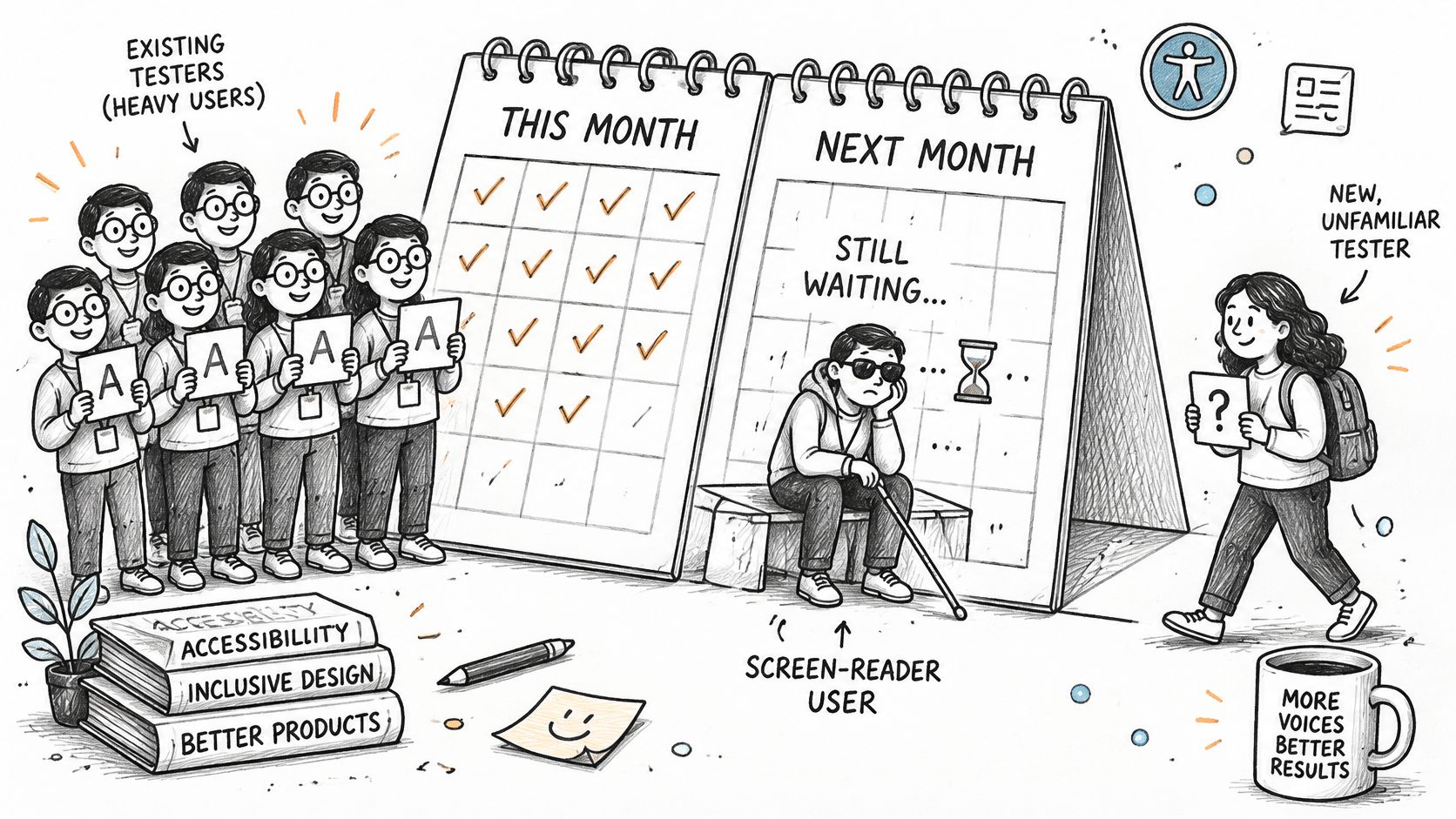
In Uxia, teams can define demographic, behavioral, and accessibility profiles, then compare task success, friction, trust, and comprehension by segment. A blended result can hide a weak experience for one group. Profile descriptions can also encode assumptions, which generated transcripts may repeat as if they were observed facts.
Before comparing variants, the researcher should freeze the mission, audience definitions, and prompt template. Review transcripts for stereotypes, leading assumptions, and unexplained failures. Then test the same prototype with a small group of people. If their experiences differ from the synthetic results, revise the profiles or treat the synthetic findings as unconfirmed.
At study setup, name the harms the test should detect, such as representational exclusion, unequal service quality, stereotyping, or erasure. Compare task completion, abandonment, error rate, time on task, and issue severity across segments and intersections. Set acceptable tolerances before running the test, and assign an owner to review any breach. This adds analysis time, but makes the decision rule clear before results arrive.
Measure observed behavior, not stated trust or a single bias score. Track task completion, abandonment, error rate, and time on task by segment, then use trust responses as context rather than a proxy for usability.
For example, if synthetic testers all pass a step but three of five real users fail it, flag that step for human investigation. The researcher owns the follow-up: check the task, profile, and transcript, then retest with people affected by the issue. Synthetic testing can expose possible coverage gaps quickly. Human research should confirm findings that could shape consequential product decisions.
Set Stop and Go Rules Before Your Next Sprint
Bias reduction counts when a written rule changes a decision. Awareness training can help people notice assumptions, but teams also need consistent criteria at the moment they recruit, test, prioritize, or release. A 2025 systematic review found stronger findings for structured, systemic interventions than individual-level approaches, while noting that much of the evidence came from simulated settings with limited evidence about long-term effects in real organizations (systematic review of bias-reduction interventions).

Write a stop/go rule for each decision point: recruitment sign-off, prototype testing, prioritization, and release. Name an owner and the metric that triggers follow-up, then check the rule before the team picks a favourite. When it trips, record the suspected cause, design change, and expected behavior change.
Retest the affected segment with the same mission. Compare task completion, error rate, abandonment, and trust before and after the fix. A diversity pledge or bias survey score can't tell you whether the flow worked for the people who struggled.
Run one mission across two audience segments in Uxia this week, write the review rule before opening the results, and retest after the first fix. Uxia lets product teams test prototype flows with synthetic audiences and review transcripts, friction points, and comparative results. Use it to find questions worth validating with real users, then make the decision rule part of your sprint routine.