
Uxia is the fastest option for teams that need scalable prototype and UX validation without recruiting, while human-research platforms remain valuable for nuanced interviews, niche audiences, and longitudinal context. Unmoderated studies can cost as little as $150 to $750 for five respondents with incentives included, compared with $12,000 to $15,000 in recruitment and incentives for a moderated usability study with 20 participants.
The popular advice is to choose another participant marketplace and keep the rest of the workflow unchanged. That misses the core decision. In 2026, research teams are diversifying methods, with surveys used by 77% of teams, usability testing by 75%, moderated interviews by 71%, and AI-moderated interviews by 21%, according to this 2026 UX research statistics roundup.
Problem validation means testing whether a product problem, workflow, message, or solution assumption is real and important enough to address. Interviews reveal motivations and language. Quantitative tests expose patterns, preferences, and task behavior. The right User Interviews alternative depends on audience access, research depth, speed, budget, and the evidence required.
Use a practical sequence: define the assumption, choose a method, recruit or generate the right participants, run a focused experiment, then measure behavior and confidence. This guide to choosing a usability testing technique provides useful method-selection context. Uxia is the reference point for rapid synthetic testing, but no platform replaces every form of human research.
1. Uxia
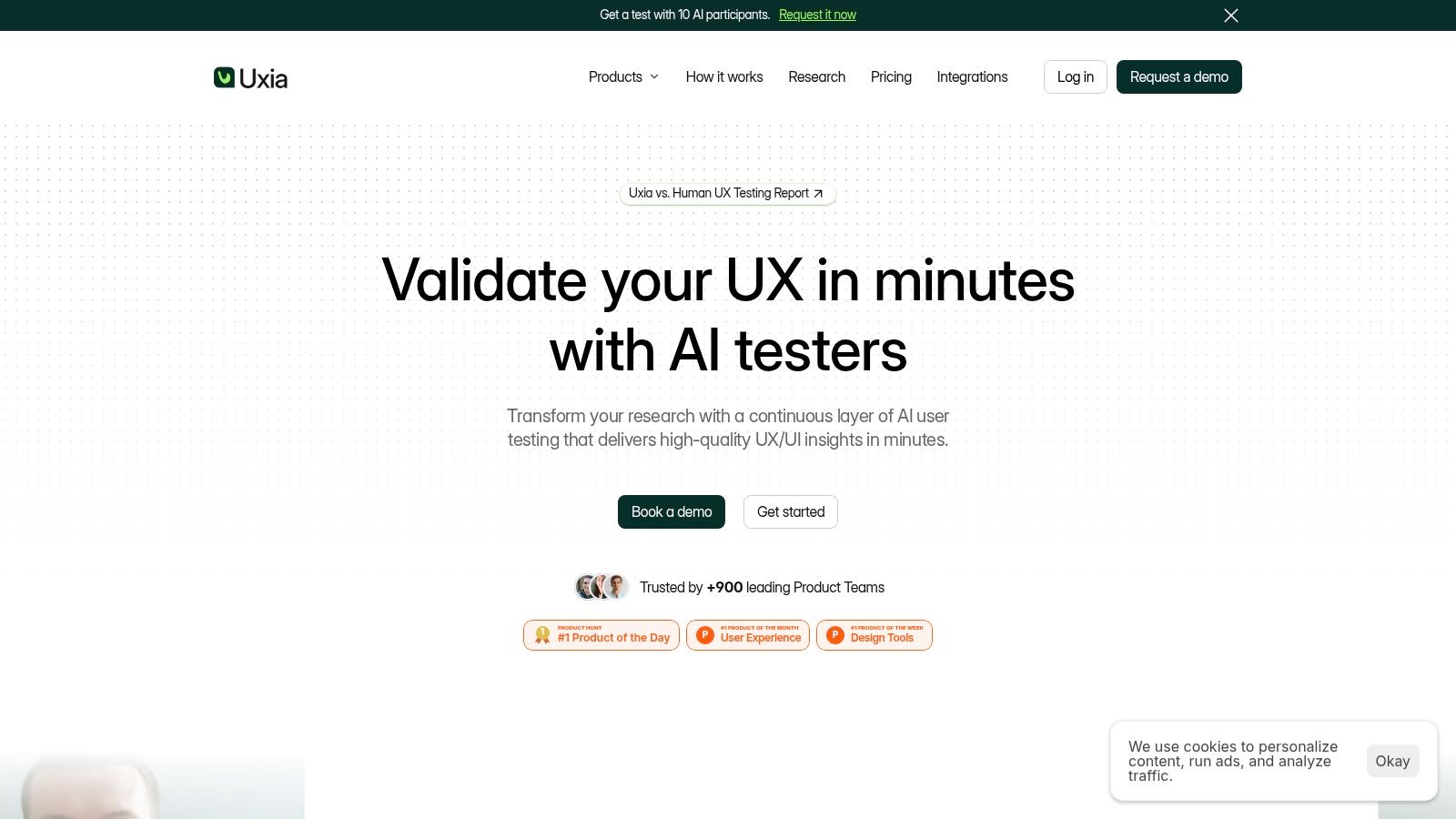
Uxia addresses a gap that recruiting platforms cannot solve: getting directional feedback before recruiting, scheduling, and moderation consume the sprint. Teams upload images, videos, or a product URL, define a research mission and audience, then generate synthetic testers based on demographic and behavioral profiles.
The testers move through product flows, think aloud, identify friction, and generate transcripts. Uxia organizes the findings into visual reports with metrics, heatmaps, SUS and SUPR-Q benchmarking, and prioritized insights. That creates a short feedback cycle for prototypes, new flows, messaging, and early product assumptions.
Best for rapid prototype validation
Uxia fits repeated, low-friction testing. A team can test a design, locate usability, navigation, copy, trust, or accessibility problems, revise the flow, and test again without rebuilding a participant pipeline. Uxia describes its approach as 17× faster, with 3× more actionable insights and 5× lower cost than traditional approaches. These figures are Uxia's stated comparisons, not independent benchmarks.
The output also supports diagnosis rather than a simple pass or fail. Step-by-step actions indicate where testers hesitate, while think-aloud transcripts provide possible explanations. Audience enrichment helps teams model intended customer profiles, and benchmarking makes changes easier to compare across iterations.
Practical rule: Use synthetic testing to reduce early uncertainty. Bring in real participants when the decision depends on subtle context, complex social cues, or high-stakes human behavior.
Uxia offers a free AI User Test trial and custom plans with unlimited credits, branded workspaces, priority support, SSO, SCIM, and other enterprise security features. The platform says it serves 900+ product teams, received Product Hunt's Product of the Day, Week, and Month recognition, and was named a “Diamond startup to watch” in synthetic population and behavioral simulation by Gartner. Pricing beyond the free trial is largely custom, so teams with fixed budgets may need a sales conversation before committing.
Choose Uxia when:
Speed matters: Run unmoderated validation without recruiting or scheduling.
Iteration is continuous: Compare multiple design versions during a product cycle.
The audience can be modeled: Use demographic and behavioral profiles for early directional evidence.
Human depth still matters: Add human testing, accessibility review, or expert analysis when synthetic feedback is insufficient.
Uxia works best as the first evidence layer in a validation system. It can identify which assumptions deserve human investigation, while moderated or in-person research tests context and behavior that synthetic participants cannot fully represent.
2. Respondent
Respondent fits validation studies where the answer depends on a specific professional's lived workflow. Its marketplace targets B2B and professional audiences by role, industry, seniority, and other screening criteria. That focus suits interviews with executives, technical practitioners, and enterprise buyers better than a general consumer panel.
Researchers can manage screening, scheduling, no-show handling, and consolidated incentive payments through Tremendous in one workflow. Professional profiles, identity checks, and verification signals help reduce poor-fit applicants and fraudulent responses. API and programmatic options also support repeatable qualification for teams running several studies.
The key performance question is whether qualified candidates complete sessions. Track response rate, confirmed-session attendance, and cost per participant together. For moderated recruiting, an 80% to 85% show-up rate after confirmation is a useful benchmark, while results below 75% point to a recruitment-process problem, according to this 2026 user research benchmark.
Respondent's main trade-off is limited pricing visibility. Plans use credits or customized scopes, so the final amount depends on the audience and study requirements. Highly specific professional profiles can still take time to fill. Specialist B2B recruitment may cost $100 to $400 per completed participant, with incentives ranging from $75 to $600 according to seniority, as documented in this 2026 UX research cost breakdown.
Use Respondent when the research question requires operational detail: how a task is performed, which constraints shape it, and what language professionals use to describe the problem. Measure interview completion, participant fit, and the consistency of workflow patterns across sessions. Those signals show whether a reported pain point reflects a repeatable process or an isolated opinion.
For comparison with faster validation methods, this comparison of user research recruitment platforms distinguishes participant sourcing from early product evidence.
Choose Respondent when:
The audience is professional: You need role, industry, or seniority filters.
The decision depends on expertise: Interviews must reveal detailed workflows and constraints.
Recruiting time is acceptable: The value of the audience justifies screening and scheduling.
A practical sequence is to use Uxia or another rapid testing layer to identify likely friction, then recruit professionals through Respondent to test the operational reality behind it. Synthetic evidence can narrow the question. Interviews supply the context needed for a confident product decision.
3. Prolific
Prolific solves a different validation problem from professional recruiting: you need a broad, ethically recruited sample for surveys, concept tests, or simple tasks. Its academic roots suit teams that need disciplined screening, clear study setup, and participant treatment, rather than live interview logistics.
Targeting includes demographic filters and U.S. state-level or representative sampling options. Built-in screening supports structured quantitative studies, while API documentation and a clear fee model help researchers forecast costs. Prolific also publishes fair-pay guidance. The minimum hourly rate is $8, with an approximate recommended rate of $12, according to Prolific's participant pay guidance.
Test prevalence after identifying the problem
Use Prolific for attitudinal research, preference testing, and early concept measurement. Researchers can test whether a message is understood, compare reactions to alternative concepts, or estimate how common a reported pain point appears to be. These results add breadth to interviews by testing prevalence, while interviews explain the reasons behind the responses.
A narrow question produces better evidence. Define whether the study measures comprehension, preference, recall, confidence, or intent, then set the analysis plan before launch. Unexpected results should lead to qualitative follow-up, not a longer survey designed to explain every motivation.
Prolific is less suitable when the research depends on professional credentials, workplace context, or detailed B2B workflows. Those studies may require extra screening and time, and participant pay must reflect the work involved. Fair compensation supports participation and response quality.
Choose Prolific when:
You need quantitative evidence: Surveys and structured tasks are central to the decision.
Sample quality matters: You want a research-oriented participant marketplace.
The audience is broad: Demographic targeting matters more than specialist job experience.
Budget forecasting matters: Transparent documentation suits planning better than a custom sales process.
A useful sequence combines methods rather than treating them as substitutes. Uxia can identify usability or messaging friction in a prototype. Prolific can then test whether the revised concept is understood or preferred by a broader audience. The first method locates problems. The second indicates how widely they may occur.
4. dscout
A scheduled interview captures what participants can recall at one moment. dscout is designed for validation questions that depend on sequence, habit, or setting, such as what people do in context, how behavior changes over time, and what they notice during everyday life.
Its Diary, Live, Express, and media-rich survey formats let participants submit contextual responses, including photos, videos, and other media. Researchers can recruit through dscout's panel or use Private Panels with their own participants. AI transcripts and reporting reduce analysis work, but the quality of the findings still depends on missions with clear tasks and prompts.
Measure patterns, not response volume
A useful diary study records when a behavior occurs, what triggers it, how participants describe the experience in the moment, and whether the same friction returns. Repeated observations provide stronger evidence of a workflow problem than a single complaint. Compare qualitative accounts with completion patterns, task frequency, and changes across entries to separate recurring behavior from an isolated event.
dscout is particularly suited to mobile behavior and physical environments, where asking someone to remember an experience during a call can distort the evidence. Incentives can reflect task complexity, which gives researchers more control over demanding missions. Custom pricing and additional activity or consumable credits can also make it more expensive than a pure recruiting service.
The trade-off is operational effort. A one-off interview or basic usability check may not justify a longitudinal setup. The platform becomes more appropriate when the decision depends on memory, repetition, habit, or environmental context.
For teams combining asynchronous studies with live sessions, moderated research tools for 2026 offers workflow context for selecting complementary methods.
Use dscout when:
Behavior unfolds over time: A single session would miss repetition or change.
Context affects the answer: Participants need to document experiences where they happen.
Rich media carries evidence: Photos, videos, and in-the-moment responses clarify the behavior.
The mission can stay consistent: Every participant can complete defined tasks.
The study needs mixed evidence: Diary entries can reveal patterns, while later interviews explain why they occur.
Uxia can test whether a research prompt, flow, or prototype is clear before a dscout mission begins. That sequence reduces the risk of spending participant time on a design problem that could have been found earlier.
5. Ethnio
Ethnio addresses a different validation constraint: maintaining an owned participant program instead of sourcing every study from an external marketplace. Web and mobile intercepts recruit active users, while Pool organizes participant records, tags, consent, scheduling, and research history.
This approach fits organizations with sustained product traffic or an established customer base. A first-party pool retains product context and supports continuous discovery, but only if the team monitors recruitment quality and limits repeated requests to the same users.

Track whether the panel can answer the next question
Panel size alone says little. The useful measure is whether enough active, relevant, and contactable participants match the questions under consideration. A 2026 research operations benchmark recommends a minimum active recruitable-participant ratio of 10:1, with time-to-recruit below 24 hours for B2C and 48 hours for B2B, according to these user research program KPI recommendations.
Ethnio includes incentive management, fraud controls, global payout options, and scheduling integrations with Google and Outlook. Seat-based pricing, unlimited studies, and enterprise security and compliance features support teams building an ongoing program. The constraint is supply: Ethnio does not provide a large external marketplace panel. Intercept volume remains tied to site or app traffic, audience composition, and targeting rules.
Owned panels reduce dependence on external supply, but sampling discipline still determines evidence quality.
Ethnio is a fit when:
Users are directly accessible: Your site or app can run targeted intercepts.
Research repeats: One participant pool can support successive studies.
History informs selection: Tags and prior participation improve recruitment choices.
Governance is part of the workflow: Consent, fraud controls, scheduling, and payouts need coordinated management.
Ethnio and Uxia serve different evidence needs. Uxia can provide fast synthetic feedback for early direction. Ethnio brings real customer responses into later-stage validation, when the team needs to test a more mature design with its intended audience.
6. Lyssna
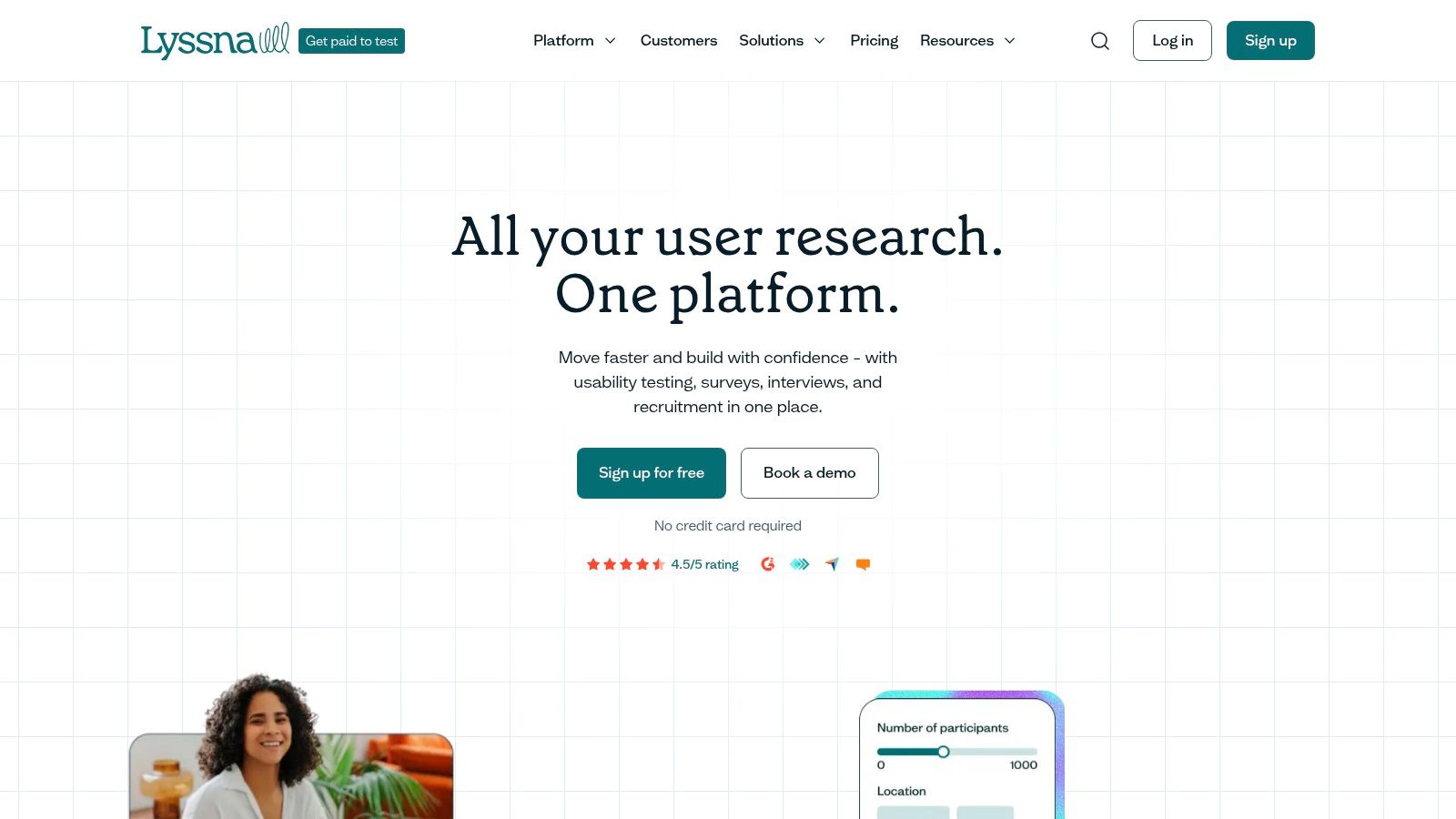
Lyssna, formerly UsabilityHub, fits teams that need common UX studies with predictable ordering and budget control. Its unmoderated toolkit covers card sorting, tree testing, five-second tests, first-click tests, surveys, and related formats. Teams can recruit through Lyssna's panel or bring their own audience.
The platform charges for unmoderated work by test minutes. Screeners and recordings add fixed per-participant credits, while moderated interview recruiting uses credit tiers that include incentives. This makes the expected study total visible before launch, which helps smaller product teams approve a defined research budget without negotiating a custom project.
Method selection should follow the decision. A tree test examines information architecture, a first-click test measures findability, and a five-second test assesses immediate comprehension. Each format narrows the question, making results easier to connect to a specific design change.
Lyssna also supports moderated interviews, although niche B2B roles may require additional screening. Its Growth plan limits launched in-depth studies, so higher-volume programs may need Enterprise. For rapid prototype validation without participant ordering, run the flow through Uxia first and reserve Lyssna's credit-based tests for the focused questions that remain. The Uxia versus Lyssna comparison helps clarify that sequence.
Use Lyssna when:
The research question is narrow: A focused UX test is more appropriate than open-ended discovery.
Budget certainty matters: Visible credit totals support approval before launch.
Several lightweight methods are needed: Information architecture and concept tests can run within one platform.
The audience is general: Niche professional recruitment may require another source.
Lyssna is strongest for quantitative directional checks. Combine those results with Uxia's qualitative feedback when the team needs to explain why participants hesitate, misunderstand copy, or distrust a flow. Measure task success, first-click accuracy, comprehension, and recurring failure points, then use interview evidence to determine which issue deserves a design response.
7. PlaybookUX
PlaybookUX is suited to teams that need one workflow for recruitment, study delivery, and synthesis. It supports moderated and unmoderated studies, card sorting, tree testing, surveys, and AI-powered analysis. Teams can recruit through its participant network or bring their own participants, linking the method to the audience they need to validate.
Its coverage extends across B2B and B2C targeting, participant apps, and desktop, tablet, and mobile workflows. That combination matters when research programs alternate between usability tasks, interviews, and structured surveys. A single workspace can reduce handoffs, but it does not remove the need to inspect each evidence source.
Validate the workflow before scaling
Review recruitment volume, recording quality, screener fit, task completion, and synthesis separately. Public reviews report mixed experiences with tester volume and recorder UX, which a representative pilot should surface before you commit to a broader program. The pilot should measure participant fit, completed sessions, recording reliability, and whether the analysis produces findings the team can audit.
Pricing pages may fluctuate and often involve sales assistance, making total-cost comparisons harder than with a transparent per-response platform. PlaybookUX can still make sense when operational simplicity outweighs the need to minimize the cost of each individual method.
Measure the whole workflow: Recruitment, study delivery, and summaries are useful only when each stage produces evidence your team can review.
Use PlaybookUX when:
Consolidation is the priority: Recruitment and study delivery need to share one workflow.
Validation questions vary: The program combines interviews, surveys, card sorting, and unmoderated tests.
The team needs guided execution: Participant apps and workflow support reduce setup work.
Fit must be proven first: A pilot can test recorder performance, participant supply, and analysis quality.
PlaybookUX fits structured human research programs. Uxia fits rapid, repeatable validation between larger studies, giving teams a way to test early signals before allocating recruitment and moderation resources. Combine PlaybookUX's qualitative and task-based evidence with quantitative measures such as completion patterns and recurring failure points to decide which product changes warrant further study.
Top 7 User Interviews Alternatives, 2026 Comparison
Tool | 🔄 Implementation complexity | ⚡ Resource requirements | 📊⭐ Expected outcomes | 💡 Ideal use cases | ⭐ Key advantages |
|---|---|---|---|---|---|
Uxia | Low, quick setup, upload assets and define missions | Low, platform credits or enterprise plan; no recruiting overhead | High, rapid, actionable transcripts, heatmaps, SUS/SUPR‑Q; ⭐⭐⭐⭐ | Fast iterative UX validation, design QA, frequent testing | Scalable synthetic testers, minutes-to-results, automated prioritized reports |
Respondent | Medium, set screener criteria, schedule moderated sessions | Medium–High, credits, incentives; scheduling effort for niche roles | High for B2B recruitment and moderated interviews; ⭐⭐⭐⭐ | Recruiting execs, technical/niche practitioners, B2B studies | Large verified professional panel, identity signals, integrated scheduling & payouts |
Prolific | Low, simple study creation, built-in screening | Low–Medium, per‑participant pay (transparent guidance, fair‑pay expectations) | Good for survey and representative sampling; ⭐⭐⭐ | Surveys, concept tests, simple unmoderated tasks, academia | Strong academic pedigree, transparent cost/pay guidance, representative samples |
dscout | Medium, set up diary/live studies and manage participants | Medium, custom pricing and activity credits | High for longitudinal/contextual insight and rich media; ⭐⭐⭐⭐ | Diary studies, longitudinal ethnography, in-the-moment research | Multiple methods (Diary/Live/Express), rich media capture, AI transcripts |
Ethnio | Medium, implement intercepts and build a Pool CRM | Low–Medium, seat-based pricing; reliant on your traffic for volume | High for first‑party insights when traffic exists; ⭐⭐⭐ | Building owned panels, continuous customer research, site intercepts | First‑party recruiting, centralized Pool, scheduling & compliant global payouts |
Lyssna (UsabilityHub) | Low, fast ordering and prebuilt UX test types | Low, transparent credit/pricing model; predictable budgets | Good for quick UX tests and short interviews; ⭐⭐⭐ | Five‑second, first‑click, card sorts, predictable moderated sessions | Transparent per‑response pricing, integrated panel, quick launch workflow |
PlaybookUX | Medium, configure multiple methods; recruit or BYO participants | Medium, panel access (~7M+) and some sales-assisted pricing | Broad, consolidated testing outcomes; ⭐⭐⭐ | Teams wanting an all‑in‑one recruit+test+synthesise platform | Large global panel, many research methods, AI summaries and workflow guidance |
Turn the Shortlist Into a Validation System
The best User Interviews alternative in 2026 isn't a universal winner. It depends on the evidence your decision requires.
Choose Uxia for rapid, repeatable prototype and UX validation. Choose Respondent when the study depends on niche B2B professionals. Choose Prolific for fast survey and concept samples. Choose dscout for diary studies and longitudinal context. Choose Ethnio when you're building an owned participant program. Choose Lyssna for predictable UX-test pricing and focused unmoderated methods. Choose PlaybookUX when you want recruiting and research workflows consolidated in one platform.
Recruitment economics make this distinction important. Internal recruiting can consume 10 to 20 hours of researcher time per study, while an agency can add $50 to $150 per qualified participant, according to this UX research cost analysis. External agencies may charge $15,000 to $75,000 per UX study, with complex multi-market work reaching $100,000 or more, so teams should reserve high-cost human research for decisions that need it.
A practical operating sequence looks like this:
Write the assumption: State what must be true for the product decision to succeed.
Select the evidence type: Use interviews for motivations and language, quantitative tests for prevalence and comparison, and usability testing for observable behavior.
Define success metrics: Track task completion, friction patterns, response quality, or movement against a benchmark.
Run the smallest useful test: Don't recruit a large study before a focused experiment can eliminate obvious uncertainty.
Triangulate important findings: Confirm high-risk conclusions with another method or a relevant human audience.
Document the decision: Record the evidence, confidence level, unresolved questions, and what the team changed.
Unmoderated testing can often be planned and conducted within a few hours, with results available within a day or less, according to this guidance on unmoderated usability testing. Remote methods also let participants join from different geographic areas without travel or facility coordination, as explained in this overview of remote usability testing. Those advantages make rapid testing valuable between scheduled research cycles.
Synthetic research has a clear boundary. A 2026 academic paper and related UX coverage position synthetic users as useful for early-stage validation because real-user recruitment can be difficult and expensive, while also describing the trade-off as speed and scale instead of ground truth. Uxia should therefore shorten sprint loops, expose likely issues, and improve research prioritization, not replace every human perspective.
For high-risk decisions, combine fast iterative testing with targeted human research. Let Uxia reduce the number of questions you take to Respondent, dscout, Ethnio, Lyssna, or PlaybookUX, then use those human methods when context, accountability, or lived experience determines the outcome.
Uxia gives product teams synthetic testers, think-aloud feedback, transcripts, heatmaps, benchmarks, and prioritized UX findings without recruiting or scheduling. Start with a focused prototype test, use the results to guide your next research decision, and visit Uxia to begin validating faster.