
The best Optimal Workshop replacement isn't the platform with the longest feature list. It's the one that matches your research question, participant source, study cadence, evidence standard, and implementation effort. A specialist information architecture tool may outperform a broad research suite for navigation work, while a rapid prototype-testing platform may be more valuable to a product team validating designs throughout every sprint.
That distinction matters as the category expands. The UX research software market is projected to grow from USD 461.02 million in 2026 to USD 1,362.68 million by 2035, representing a projected 12.8% CAGR over that period, according to Market Growth Reports' UX research software forecast. Buyers are increasingly comparing alternatives on throughput, automation, recruiting, reporting, and continuous validation, not only on card sorting and tree testing.
This guide compares seven practical paths. It includes Uxia for rapid AI-powered UX/UI testing, Lyssna and Maze for fast unmoderated validation, UXtweak and PlaybookUX for broader method coverage, Userlytics for panel-based research, and Lookback for moderated depth. If you're also exploring adjacent research workflows, this research tool for families offers a separate point of comparison.
1. Uxia

Uxia is the strongest choice when the constraint isn't access to a card-sort template, but research throughput. It's an AI-powered UX/UI testing platform that lets teams upload image or video prototypes, define a mission and audience, and run unmoderated evaluations with synthetic testers. Those testers traverse flows, think aloud, expose friction, and generate transcripts and recordings without recruitment or scheduling.
The workflow fits product teams that need feedback before a design review, during a sprint, or immediately after a significant iteration. Uxia's reporting layer identifies usability, navigation, copy, trust, and accessibility issues, then organizes findings into visual reports with heatmaps, prioritized insights, exportable metrics, and SUS and SUPR-Q benchmarks. That combination makes it less of a direct card-sorting substitute and more of a rapid validation engine.
Why teams choose Uxia
Uxia's strategic advantage is the removal of operational bottlenecks. Teams don't have to recruit participants, coordinate calendars, manage no-shows, or manually review every interaction before deciding whether a prototype is ready for the next stage. Synthetic testers can also be configured around demographic and behavioral profiles, which gives teams a repeatable way to test against a defined audience hypothesis.
Uxia describes the platform as suitable for small teams through enterprise users. Its public offering includes a free trial with one complimentary AI User Test, while custom and enterprise options include capabilities such as branded workspaces, audience enrichment from a team's own data, human-insight options, priority support, and enterprise security controls including SSO and SCIM.
Practical rule: Use synthetic testing for fast directional evidence and repeatable iteration, then add moderated human research when emotional nuance, complex motivations, or unexpected behavior is central to the decision.
The trade-off is important. Synthetic testers aren't a universal replacement for human qualitative research, particularly when a study depends on probing personal experiences or observing subtle emotional responses. Pricing also requires direct verification because public materials describe a free trial and custom or enterprise tiers without publishing every per-test or per-seat scenario.
Before committing, run one representative prototype through Uxia and compare the setup time, issue clarity, transcript usefulness, and stakeholder confidence with your current workflow. Teams prioritizing continuous validation should start with Uxia, especially when recruiting overhead is slowing design decisions.
2. Lyssna
Lyssna, formerly UsabilityHub, is a practical fit for teams that want information architecture studies and lightweight design validation in one interface. It combines open, closed, and hybrid card sorting with tree testing, five-second tests, first-click tests, preference tests, surveys, and prototype evaluation. Figma support makes it useful when researchers and designers want to move directly from a working concept to an unmoderated study.
The platform also offers optional on-demand panel recruiting, while teams can recruit their own participants through shared study links. That gives Lyssna two workable modes. A small product team can run a quick directional test with its own audience, while an agency can purchase access to participants when a client needs a faster external sample.
Best use and trade-off
Lyssna is most strategically appropriate when the research questions are narrow and answerable through structured tasks:
Navigation clarity: Test whether users can find content in a proposed hierarchy.
First impressions: Evaluate what people notice or understand within a short exposure.
Design preference: Compare competing visual directions without scheduling interviews.
Prototype comprehension: Check whether users can complete a defined flow.
The trade-off is depth. Lyssna can cover more than Optimal Workshop's core IA use cases, but longer or more complex studies require careful value analysis, particularly after pricing changes that have drawn criticism from some researchers. Teams should verify panel costs, response limits, study duration, and the economics of repeated research before standardizing on it.
For teams comparing workflows rather than feature lists, this comparison of Lyssna alternatives helps frame where rapid synthetic testing may fit alongside panel-based research. Pilot one card sort and one prototype test, then measure whether the combined outputs answer the same decision question without adding manual analysis.
Explore Lyssna when you need a clear bridge between IA validation and quick design checks, and when your team values method breadth more than moderated depth.
3. Maze
Maze is built for teams that want to test prototypes quickly and turn interaction data into a decision-ready readout. Its workflow supports usability flows, surveys, card sorting, tree testing, and prototype path testing, with integrations for modern design tools such as Figma. Researchers can examine task success, completion time, and user paths, while teams can purchase panel credits when they need external participants.
That makes Maze a strong option for iterative product design. A designer can import a prototype, define a task, collect unmoderated responses, and review where users completed, abandoned, or deviated from the intended path. The same environment can support IA checks, although its center of gravity remains fast prototype and usability validation.
Where Maze fits
Maze is strategically appropriate when a team asks questions such as:
Can users complete this flow without assistance?
Which path do users take through the prototype?
Where do participants hesitate or misclick?
Does a proposed structure support the task we care about?
Its panel model is useful for teams that don't have a reliable participant pool. However, recruiting credits, plan limits, and enterprise costs need to be verified against expected study volume. A tool that feels economical for occasional testing may become harder to justify when several product squads run studies continuously.
Choose Maze when your evidence standard is primarily behavioral and task-based. Choose a different workflow when the decision depends on follow-up questions, participant relationships, or sustained qualitative exploration.
Read this guide to Maze alternatives and UX research tools if you're comparing Maze with platforms that remove panel recruiting through synthetic testing. The most useful pilot is a real Figma prototype with a task that has known risk. Compare completion evidence, path analysis, report clarity, and total recruiting effort rather than judging the interface during a product tour.
Visit Maze if your team needs repeatable unmoderated prototype studies and already works in a design-tool-centered process.
4. UXtweak
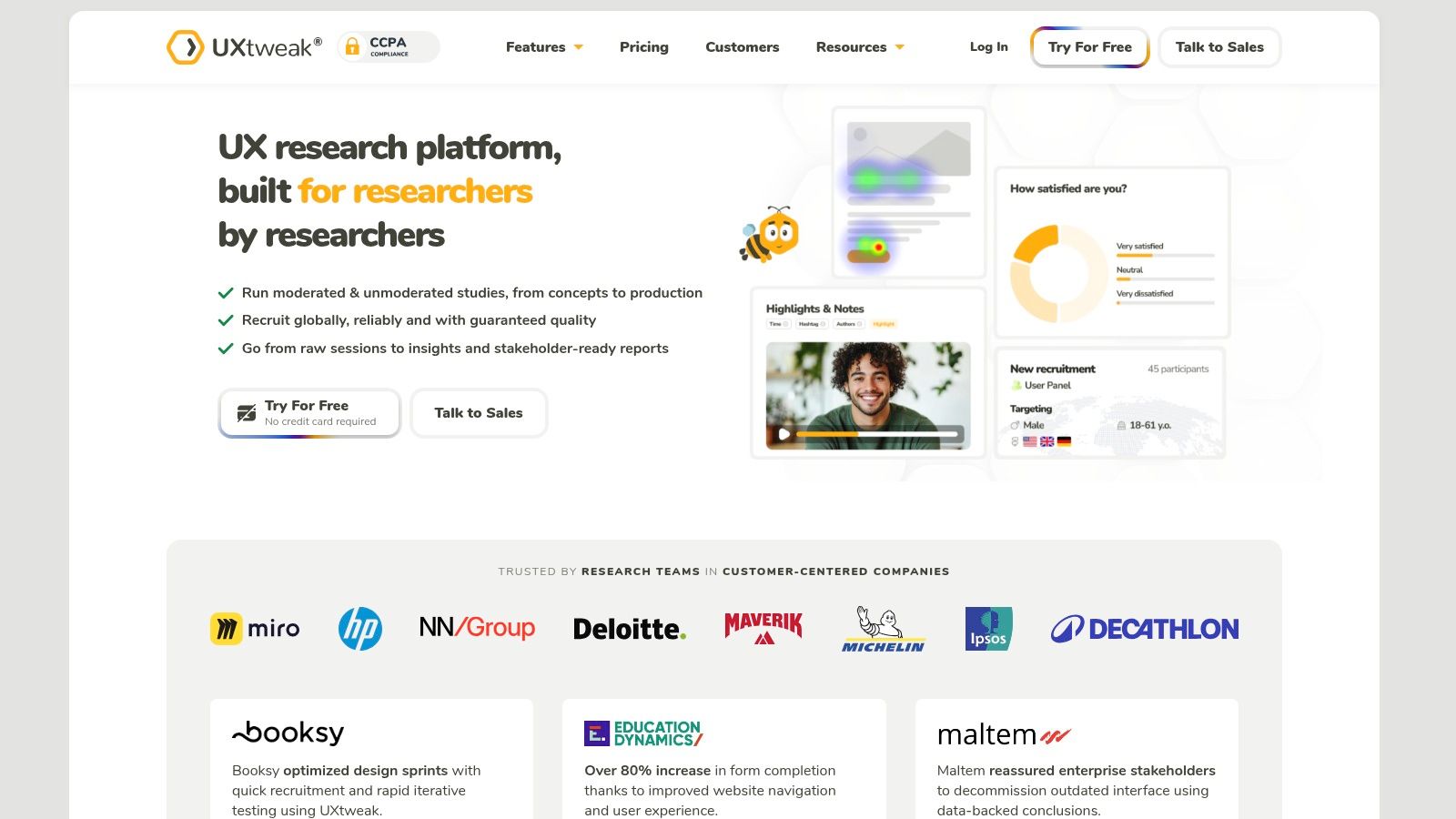
UXtweak is a broad alternative for teams that don't want to choose between information architecture testing and wider usability research. It supports card sorting, tree testing, website testing, prototype testing, moderated and unmoderated studies, participant management, and Figma-based evaluation. That range is its central value proposition.
The platform suits education teams, agencies, and product organizations rolling research methods out across people with different levels of research experience. A researcher can run an unmoderated tree test for navigation, then use moderated testing or a prototype study to investigate why users struggled. Participant recruitment and management tools reduce the need to coordinate every operational step through separate systems.
Value versus polish
UXtweak is often considered a strong price-to-capability option by practitioners, but teams should distinguish functional coverage from workflow refinement. The platform may provide the methods a team needs without matching the polish, guidance, or interface refinement of premium competitors. That isn't automatically a problem, but it changes the implementation question.
Use UXtweak when:
Method breadth matters: Your program includes IA, websites, prototypes, and live sessions.
Participant management is needed: You want more than a shareable link.
Team rollout is a priority: Different contributors need access to multiple study types.
Budget discipline matters: You want broad coverage before buying specialist tools.
The best validation exercise is a cross-method pilot. Run a tree test, a prototype study, and a participant-management workflow with the people who would operate the platform. Record setup friction, guidance quality, analysis time, and whether stakeholders can interpret the outputs without researcher translation.
The Uxia versus UXtweak comparison is useful for teams deciding between a broad research suite and rapid synthetic validation. Choose UXtweak when coverage and participant operations outweigh a highly polished experience.
5. PlaybookUX
PlaybookUX makes sense for teams that need IA studies plus moderated and unmoderated research operations in a single environment. Its catalog includes card sorting, tree testing, interviews, usability tests, click testing, first-click testing, and prototype evaluation. Figma integration supports design validation, while panel recruitment and bring-your-own-participant options let teams choose between external sourcing and existing audiences.
The platform's practical strength is discoverability. Non-researchers can select a study type that maps clearly to a research activity, rather than assembling a more abstract workflow from generic building blocks. That can matter in organizations where product managers, designers, and researchers share responsibility for gathering evidence.
Budgeting requires method-level detail
PlaybookUX provides transparent per-participant pricing for certain methods, which can help teams estimate a study before launch. Yet total project costs may require cross-referencing pricing pages and help documentation, particularly when recruitment, incentives, moderation, and different study formats are combined.
Budget test: Price the full study, not the subscription. Include participant sourcing, incentives, moderator time, analysis time, and the number of stakeholders who need access to the findings.
PlaybookUX is strategically appropriate when a research team wants a mixed-method operating model. A navigation project might start with a tree test, continue with moderated sessions to explore failure reasons, and finish with a prototype test against the revised structure. That sequence is more useful than selecting a platform because it happens to list card sorting among its features.
Before signing, ask the vendor to quote a representative study in your exact format. Then build the same estimate using your own participants and moderation capacity. Review whether the resulting evidence is comparable across study types, whether scheduling is manageable, and whether the reporting is ready for stakeholder distribution.
See PlaybookUX when your priority is a recognizable study-type catalog and a combination of research operations rather than one specialist IA capability.
6. Userlytics
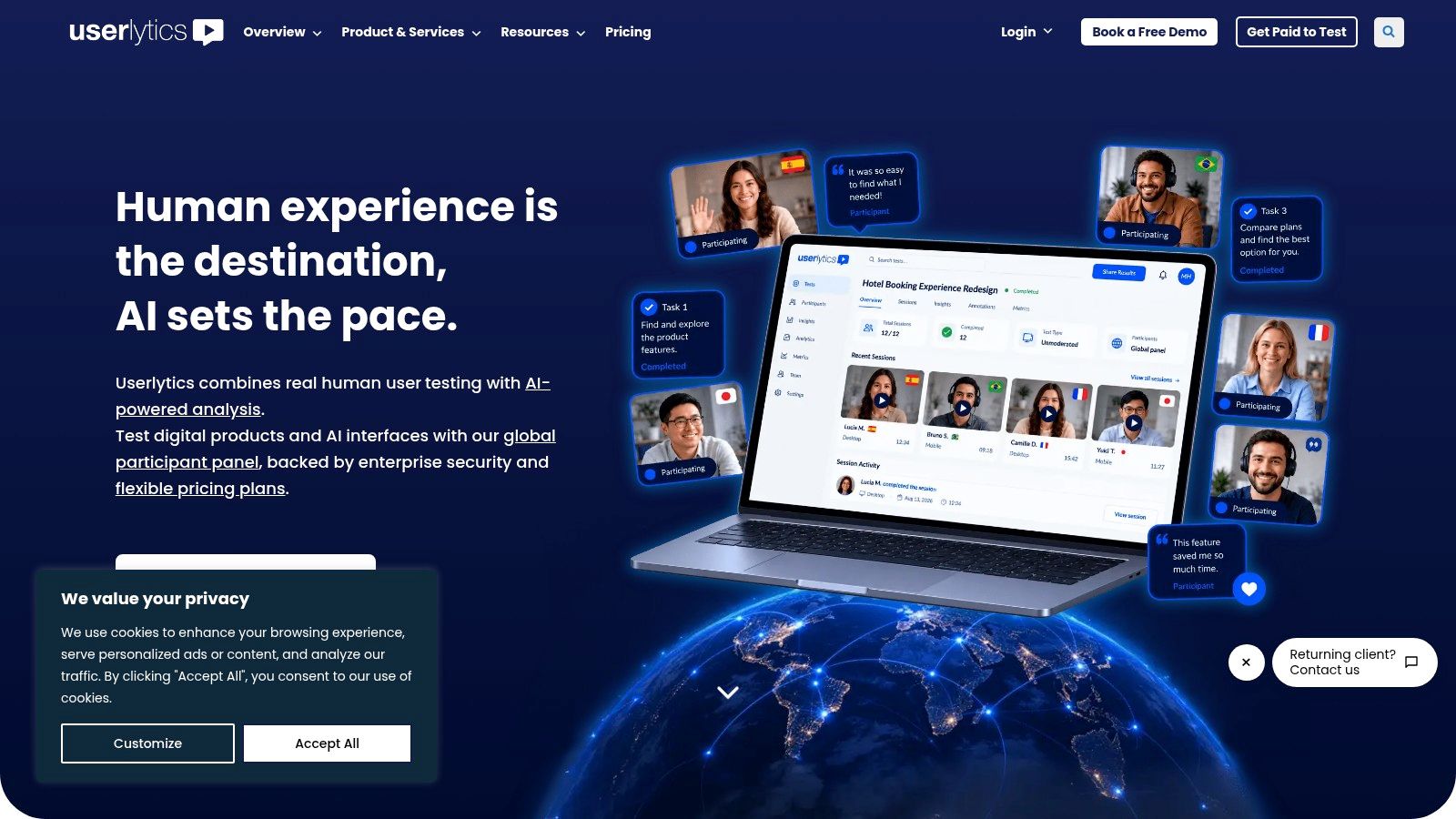
Userlytics is suited to organizations that need panel-based qualitative and quantitative usability coverage without stitching together separate recruiting and testing products. It supports moderated and unmoderated studies, card sorting, tree testing, surveys, and broader usability testing across devices and platforms. Demographic targeting and flexible recruiting are particularly relevant when a product team needs participants beyond its immediate customer base.
For Optimal Workshop buyers, Userlytics offers a wider research model. Card sorting and tree testing can produce success or failure measures, time-on-task results, and survey responses, while moderated work can add context to the observed behavior. Expert QA review options can also help teams manage operational quality when studies involve varied devices or participant profiles.
Verify the commercial model early
Userlytics' main trade-off is pricing opacity. Public pricing may require a vendor quote, and third-party listings describe wide ranges, so teams shouldn't build a business case from a headline plan or informal comparison. The right question is whether the platform's panel access, study management, QA, and reporting justify the total cost for your expected cadence.
A useful pilot should include one externally recruited study and one study using your own participants. Compare screening quality, participant reliability, setup effort, moderation controls, device coverage, and the time required to turn raw sessions into findings. If your team researches globally distributed audiences, add language and regional targeting requirements to the evaluation rather than assuming panel breadth from a sales presentation.
Userlytics is the better fit when recruitment flexibility is central and you need both qualitative and quantitative methods under one vendor. Review Userlytics when the research program extends beyond IA, but confirm current commercial terms directly before approval.
7. Lookback
Lookback is the specialist choice for teams that need moderated depth, live observation, and strong session records. Its workflow centers on live research sessions, but it also supports unmoderated self-tests. Researchers can record sessions, invite stakeholders to observe, take integrated notes, and connect observations to moments in the recording.
Its remote card-sorting tool adds a useful IA layer. Participants can drag and drop cards while thinking aloud, allowing the researcher to hear the reasoning behind groupings rather than receiving only a final arrangement. That matters because card sorting shows how people organize content, while conversation helps explain the mental model behind those choices.
The right tool for probing
Choose Lookback when the research question is likely to change during the session. A moderator can ask why a participant selected a label, probe a moment of hesitation, or explore a response that a fixed unmoderated task wouldn't anticipate. Stakeholder observation also helps teams build shared understanding without placing every observer directly in the conversation.
The trade-off is scale. Lookback isn't a full unmoderated analytics suite for large IA programs, so teams running substantial quantitative navigation work may need another tool alongside it. Participant recruiting through User Interviews and incentive handling can streamline operations, but incentive fees and related costs should be included in the study budget.
Run a moderated pilot with a real product question, then evaluate recording quality, observer participation, note retrieval, participant coordination, and analysis time. Compare that evidence with an unmoderated alternative only if the decision requires the same level of probing.
Lookback is the strongest option on this list when the value of the study comes from follow-up questions and stakeholder observation, not just from collecting a large number of task outcomes.
Top 7 Optimal Workshop Alternatives, 2026 Comparison
Product | 🔄 Implementation complexity | ⚡ Resource requirements | ⭐ Expected outcomes | 📊 Ideal use cases | 💡 Key advantages |
|---|---|---|---|---|---|
Uxia | Low, automated synthetic testers; quick setup | Low, no recruiting overhead; subscription tiers | ⭐⭐⭐⭐⭐ Realistic sessions, prioritized insights, SUS/SUPR‑Q benchmarks | Rapid, repeatable sprint‑cycle validation and A/B prototype checks at scale | Automated analysis, speed, scale, strong data ownership |
Lyssna (formerly UsabilityHub) | Low–Moderate, simple test types and IA workflows | Moderate, self‑recruit or pay‑per‑use panel | ⭐⭐⭐⭐ Fast, reliable quick‑validation and IA results | Five‑second/first‑click tests, card sorts, tree tests, quick design checks | Broad IA + validation toolkit; clear workflows |
Maze | Low, focused unmoderated flows and surveys | Moderate, panel credits for recruiting; free tier limits | ⭐⭐⭐⭐ Actionable prototype metrics (task success, pathing, time) | Fast prototype validation and short unmoderated studies | Scalable unmoderated testing; design tool integrations |
UXtweak | Moderate, full feature set (moderated/unmoderated) | Moderate, recruiting & management included; good value | ⭐⭐⭐⭐ Comprehensive IA and usability outputs | Education, team rollouts, cost‑sensitive orgs needing many methods | Strong price‑to‑capability; broad method coverage |
PlaybookUX | Moderate, clear study catalog; mixed modes | Moderate, per‑participant pricing for some methods | ⭐⭐⭐⭐ Practical IA + research ops outputs (recordings, interviews) | IA studies with scheduling/interview needs; mixed moderated/unmoderated | Easy study setup for non‑researchers; transparent per‑participant costs |
Userlytics | Moderate–High, enterprise features and QA options | High, large global panel; pricing often via quote | ⭐⭐⭐⭐ Full‑stack qual/quant usability data with targeting | Enterprise research ops, global demographic targeting, multi‑device tests | Flexible recruiting, expert QA, enterprise workflows |
Lookback | Moderate–High, built for moderated depth and observation | Moderate–High, seat/session pricing; incentives panel costs | ⭐⭐⭐⭐–⭐⭐⭐⭐⭐ Deep qualitative insights from live moderated sessions | Moderated labs, stakeholder observation, think‑aloud studies | Best for moderated sessions: session recording, team observation, notes |
Match the Alternative to Your Next Study
The right Optimal Workshop alternative depends on the research problem, not the category label. Optimal Workshop remains relevant for teams whose work is concentrated on information architecture, but the alternatives above divide the broader decision into distinct operating models.
Rapid, repeatable prototype validation: Choose Uxia when recruiting and scheduling are limiting study cadence. Its synthetic testing model supports fast iteration, while moderated human research remains important for emotional nuance and exploratory depth.
Quick validation with IA breadth: Choose Lyssna when five-second, first-click, preference, card-sorting, tree-testing, and prototype workflows need to coexist in a relatively direct interface.
Iterative unmoderated studies: Choose Maze when product designers need behavioral data from prototypes, including paths, task outcomes, and interaction patterns.
Broad value with participant management: Choose UXtweak when your team needs IA, website, prototype, moderated, and unmoderated methods with participant operations in the same platform.
Mixed research operations: Choose PlaybookUX when a clear study-type catalog, scheduling, panels, and bring-your-own-participant options matter across moderated and unmoderated work.
Panel-based qualitative and quantitative coverage: Choose Userlytics when demographic targeting, flexible recruiting, device support, and broader usability methods are central.
Moderated depth: Choose Lookback when researchers need live probing, session recording, stakeholder observation, and think-aloud card sorting.
The market context supports a shift toward broader and more continuous workflows. The wider UX research tool market is projected to grow from USD 2.47 billion in 2026 to USD 3.38 billion by 2034, at a projected 5.7% CAGR, according to the same UX research software market forecast. Buyers therefore need to evaluate whether a platform can support recurring product decisions, not just one replacement study.
Optimal Workshop's public pricing creates a concrete planning issue. Its self-serve Starter plan is listed at $199 per month when billed annually, includes five studies launched per year, unlimited seats, and unlimited participant responses per study, while formal quotes and invoices require contact with sales, as shown on the Optimal Workshop pricing page. That structure makes study volume and budget predictability part of the selection process.
Use a disciplined pilot before committing:
Define one representative research question: Use a real navigation, prototype, or usability decision.
Run a comparable study: Keep the task, audience definition, and evidence standard consistent where possible.
Record setup effort: Include study creation, recruiting or synthetic-participant configuration, analysis, and reporting.
Assess evidence quality: Check whether the output answers the decision or merely produces attractive charts.
Verify participant fit: Confirm panel targeting, your own participant workflow, or synthetic audience controls.
Confirm reporting needs: Test exports, collaboration, stakeholder access, and how findings enter your product process.
Check current pricing directly: Validate plan limits, recruitment charges, incentives, seats, support, and enterprise requirements.
Teams should choose the platform whose research model matches their cadence and evidence requirements. If fast, repeatable validation is the priority, Uxia deserves early consideration. If the work depends on deep conversation, a moderated platform may be the better investment. If IA remains the central problem, specialist tree-testing and card-sorting analysis may matter more than broader method coverage.
Uxia offers AI-powered UX/UI testing with synthetic participants, prototype and flow evaluation, think-aloud interactions, transcripts, heatmaps, and prioritized usability insights without the usual recruiting and scheduling burden. Visit Uxia to test whether rapid, continuous validation fits your product team's next research cycle.