Best AI Tools for UX Researchers in 2026: 7 Picks
Compare the Best AI Tools for UX Researchers in 2026, including Uxia, for planning, testing, synthesizing, measuring, and publishing case studies.

The best AI tool for UX research isn't the platform with the longest feature list. It's the one that creates the evidence your case study needs. AI has already moved from experiment to mainstream use, with 69% of researchers using it in at least some projects in 2026, up 19 percentage points from the previous year, according to Maze's 2026 user research report. The practical question is where that tool belongs in the evidence chain.
Start with the decision and audience. Choose the method that can answer it. Run the study, preserve transcripts and metrics, synthesize patterns, and publish a concise story supported by visuals. Uxia, available at uxia.app, is the featured option for rapid prototype validation with synthetic participants. Moderated research, live-product behavior, surveys, and research repositories solve different evidence gaps. Teams looking beyond generic surveys can also compare audience research platforms.
Use six filters while comparing the best AI tools for UX researchers in 2026: speed, method fit, evidence quality, synthesis depth, governance, and the ease of turning findings into a credible case study.
1. Uxia
Best for rapid prototype and flow validation
Uxia is an AI-powered UX/UI testing platform built for teams that need feedback before implementation. Researchers upload image or video prototypes, define a mission and audience, and generate synthetic participants aligned with demographic and behavioral profiles. Those participants follow the flow, think aloud, surface friction, and produce step-by-step transcripts.
That makes Uxia particularly useful at the point where a design team has a hypothesis but not yet a shipped product. A researcher can test an onboarding sequence, checkout flow, landing page, or navigation concept before engineering effort makes changes expensive. A 2026 study on synthetic users describes them as a promising method for early-stage UI and UX validation, supporting the broader case for moving evaluation earlier in development (study on synthetic-user validation).

What the output gives researchers
Uxia turns test activity into a set of artifacts that can feed both design iteration and stakeholder communication:
Qualitative evidence: Step-by-step transcripts show where synthetic participants hesitate, misunderstand copy, or abandon a path.
Behavioral patterns: Visual reports and heatmaps help teams see recurring friction across a flow.
Prioritized findings: Automated issue detection organizes problems around areas such as usability, navigation, trust, copy, and accessibility.
Structured measures: The platform includes SUS and SUPR-Q benchmarks, which can add a consistent measurement layer to prototype evaluations.
Audience alignment: Audience enrichment helps teams define testers around the customer segments that matter to the decision.
The strongest use case is not replacing every form of research. It's creating a fast validation loop between framing and implementation. Uxia removes recruiting and scheduling from that loop, which is valuable for startups, scaleups, agencies, and enterprise teams running continuous design checks.
Practical rule: Use Uxia to identify prototype-level friction early, then bring in human research when the question depends on lived context, emotion, sensitive experiences, or nuanced moderation.
Uxia offers a no-cost test with up to 10 AI participants, while enterprise customers can request custom plans with unlimited testing credits and dedicated support. Enterprise-oriented capabilities include branded workspaces, audience enrichment, SSO, SCIM, integrations, and priority support. Public pricing is limited, so teams needing exact per-test or per-seat costs should request a demo.
The limitation is methodological fit. Synthetic testing can reveal usability patterns quickly, but it shouldn't be presented as equivalent to every moderated human study. Label the participant type clearly in the case study, preserve the test setup, and triangulate important decisions with human or live-product evidence.
2. UserTesting
Best for moderated and unmoderated video research with real participants
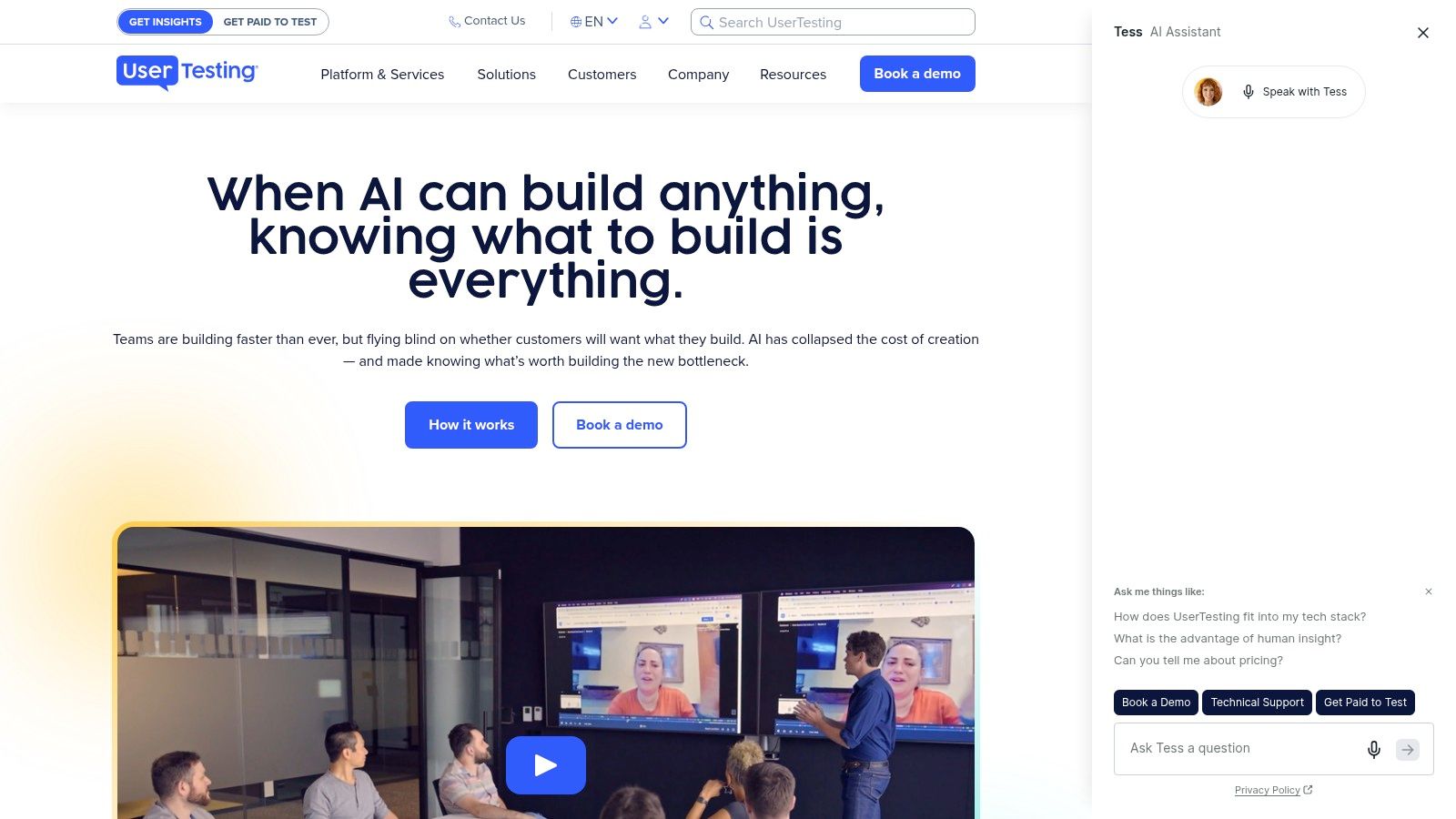
UserTesting remains a strong choice when the case study depends on watching real people interact with a product. Its video-first workflow supports moderated and unmoderated studies, while its participant network helps teams recruit external respondents without building every study from scratch. That makes it a better fit than synthetic testing when facial reactions, spoken uncertainty, environmental context, or unexpected behavior matter to the research question.
The platform's AI features focus on reducing the effort around study creation and review. Researchers can use AI-powered test creation from prompts, generate AI Insight Summaries in the Insights Hub, and upload external research videos for AI-assisted summarization. This is useful when a team has evidence spread across native UserTesting sessions and recordings collected elsewhere.
Where it earns its place
UserTesting is most defensible when the deliverable needs direct human evidence:
Real-world reactions: Video sessions preserve participants' spoken explanations and visible behavior.
Broad study coverage: Teams can run moderated and unmoderated work in one environment.
Research operations: Governance, privacy controls, integrations, and enterprise workflows support larger programs.
AI-assisted review: Summaries and themes reduce the time required to screen session footage.
The trade-off is operational and financial rather than purely functional. Custom pricing and a sales-led process can make the platform harder for small teams to adopt. Contributor-side experiences can also vary, which means researchers still need to inspect sessions rather than treating every recording as equally reliable.
UserTesting works alongside Uxia rather than directly replacing it. A useful split is to use Uxia for rapid pre-build iteration, then use UserTesting when a decision requires observed behavior from real participants. Teams comparing those two approaches can review Uxia versus UserTesting.
The tool choice should follow the evidence standard. If stakeholders need to see and hear real users, prioritize video research. If the team needs fast directional validation before recruiting, synthetic testing may be the more efficient first pass.
Explore UserTesting's research platform for studies where participant video and enterprise-grade research operations carry more weight than instant prototype turnaround.
3. Maze AI
Best for design-centric unmoderated studies
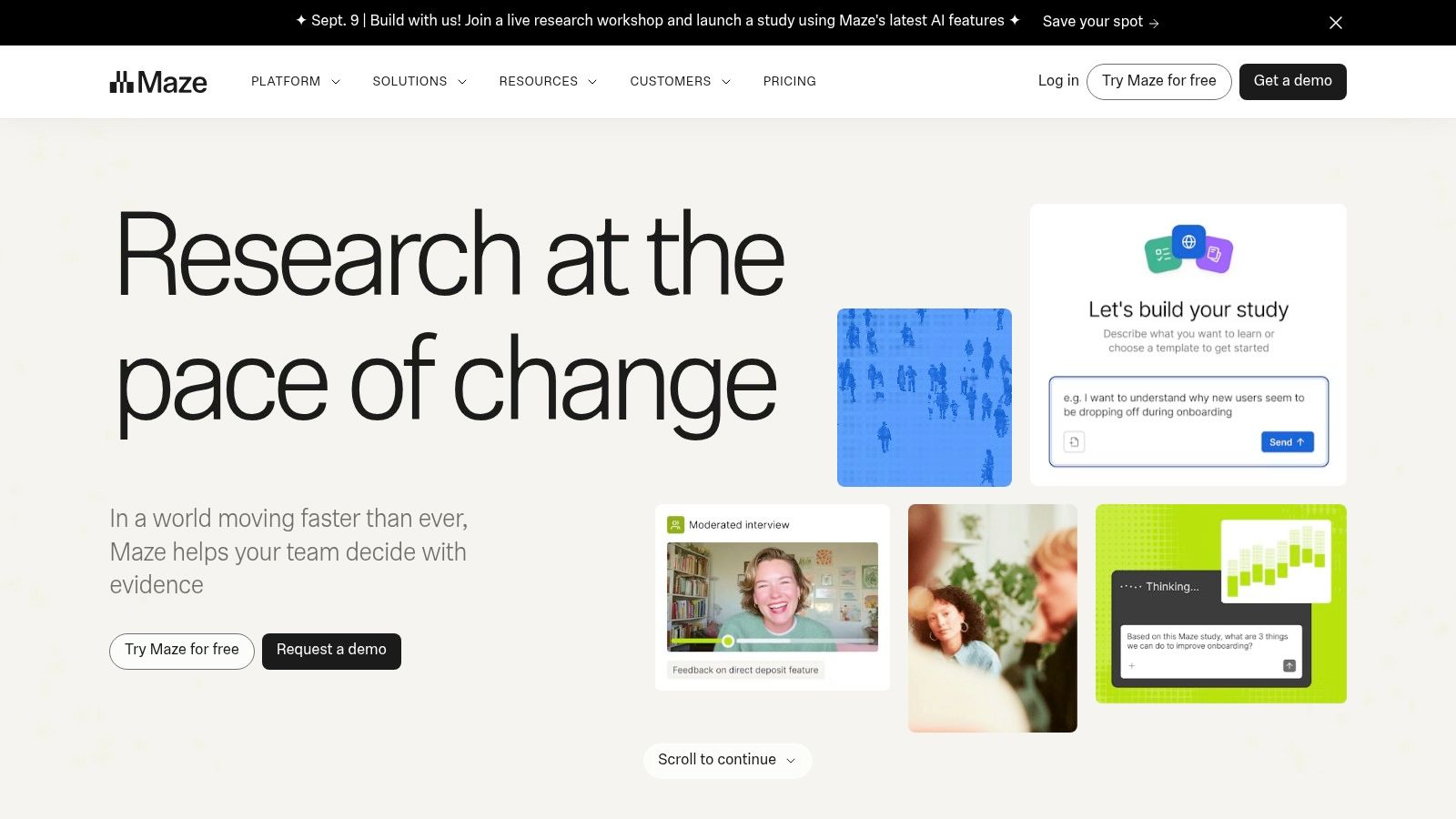
Maze AI fits teams that work directly from Figma files and need quick answers about concepts, task flows, and prototypes. Its workflow connects prototype-based studies with surveys, task testing, and participant recruiting through credits. Designers and product managers can move from a prototype to a structured study without building a complex research operation around it.
The platform's strength is orchestration. Maze provides an AI workspace for research planning and analysis, connects studies with AI tools, and supports AI-led interpretation. Its panel recruiting model gives teams a route to external participants, while credit-based pricing makes respondent costs visible at the study level.
The right research question
Maze is a practical option when the question sounds like:
Can users complete this task?
Which concept or message is clearer?
Where does a prototype create confusion?
What do respondents choose in a structured comparison?
The answer can combine task outcomes with survey responses, giving design teams both behavioral and attitudinal evidence. That combination is valuable for a case study because it lets the researcher explain not only what happened, but also how participants described the experience.
Maze's limitation is depth. It's strongest in unmoderated and prototype phases, so teams conducting nuanced interviews or cross-study qualitative synthesis may need a companion platform. Researchers should also avoid treating automated analysis as final interpretation. A 2026 evaluation of AI-assisted usability testing found that AI combined with human review produced higher-quality results than either humans alone or AI alone, reinforcing the need for a structured review step (mixed-method usability evaluation).
A useful comparison is Uxia versus Maze. Maze makes sense when you want a broader design research workflow with surveys and prototype studies. Uxia is more focused when speed, synthetic audience definition, and detailed prototype walkthroughs are the priority.
See Maze AI when your team's evidence starts with a Figma prototype and ends with a fast, structured readout for design or product decisions.
4. Dovetail
Best for research repositories and cross-study synthesis
Dovetail solves a problem that appears after the study ends: important evidence gets buried in transcripts, recordings, documents, and scattered project folders. Its AI-enabled repository centralizes customer interviews, usability sessions, feedback, and research notes so teams can search and synthesize them over time.
The platform supports transcription, summaries, highlight clips, reels, and chat over a research corpus. Natural-language search helps stakeholders locate relevant evidence without asking a researcher to manually retrieve every source. Connectors and automatic ingestion of customer calls also make it useful for organizations that want customer evidence to enter the repository continuously.

Why repository depth matters
A repository changes the unit of analysis from one study to the accumulated research program. Instead of synthesizing only the latest interviews, researchers can compare themes across prior work, locate supporting clips, and identify contradictions that a single-study summary would miss.
That makes Dovetail a strong publication layer. A case study can link a recommendation to source clips, transcript excerpts, notes, and a broader pattern in the research corpus. It also creates a path for stakeholder self-service, though self-service should not mean unsupervised interpretation.
Use AI for triage: Let summaries and search surface likely evidence.
Review source material: Confirm that a theme reflects the participant's meaning and the original context.
Preserve provenance: Keep the study, participant, date, method, and artifact connected to each insight.
Separate evidence from interpretation: Store what participants did or said separately from the researcher's explanation.
Dovetail doesn't replace recruiting or prototype execution. Teams need another platform, such as Uxia, UserTesting, or Maze, to generate the evidence in the first place. Researchers comparing repository options can use this guide to research repositories.
Visit Dovetail when the main bottleneck isn't running the next study. It's finding, checking, and reusing the evidence your organization already has.
5. Sprig
Best for continuous in-product research
Sprig is designed for research that runs inside prototypes and live products. Its platform supports in-product surveys, concept tests, and research operations, with SDK capabilities that place studies close to the experience being evaluated. That proximity gives teams a way to collect feedback at the moment a user encounters a feature, message, or workflow.
Its AI Study Creator and research agents help generate, audit, and refine surveys and interview guides. AI-driven quality checks can flag bias and leading questions, while centralized results support synthesis across in-product touchpoints. For enterprise product organizations, the important value isn't only faster drafting. It's creating repeatable guardrails around research quality.
A governance-first use case
Sprig fits teams that need to ask questions repeatedly without allowing every product group to invent its own standards. A research lead can use AI checks to review wording, watch for participant fatigue, and establish a more consistent process across studies.
This makes Sprig different from a prototype-testing specialist. Uxia is useful when the team wants to validate an unfinished flow with synthetic participants. Sprig is better suited to collecting structured feedback from people interacting with a prototype or live experience through an in-product study.
The trade-offs are clear:
Enterprise workflow: Centralized results and SDK support suit larger product organizations.
Question quality: AI review can catch leading or biased wording before launch.
Continuous listening: In-product deployment helps teams collect feedback beyond isolated research projects.
Adoption overhead: Sales-led pricing and enterprise-oriented setup may be heavier for small teams.
Researchers should still inspect AI-generated guides and survey revisions. Automated quality checks can identify obvious problems, but they can't determine whether a question is strategically necessary or whether the chosen method can support the decision.
Explore Sprig when the research program depends on repeated, in-product measurement and a shared operating standard across product teams.
6. FullStory
Best for behavioral analytics and session-level diagnosis
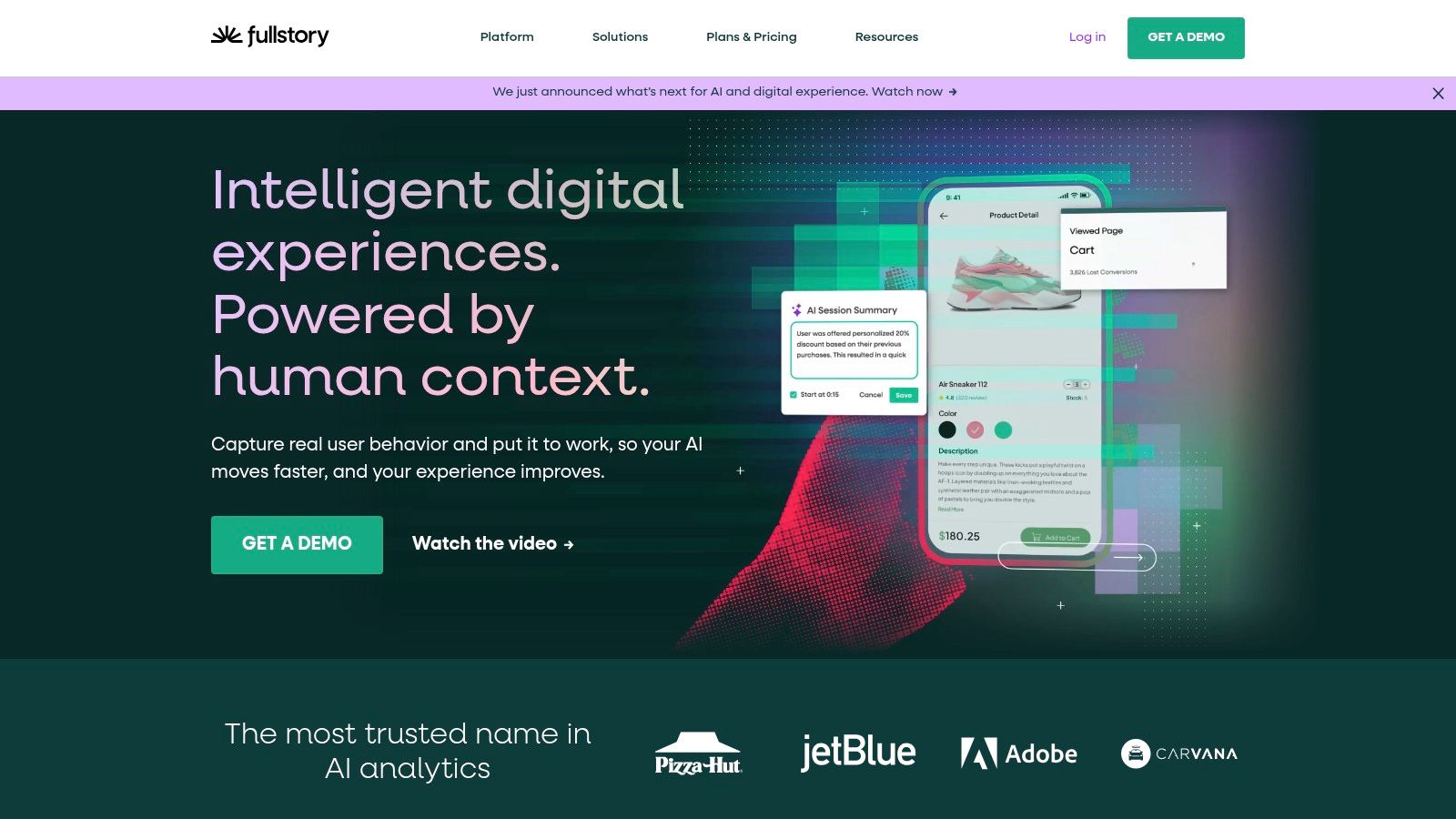
FullStory starts with observed behavior in a live digital product. Session replay, heatmaps, funnels, and instrumentation show what users do, where they hesitate, and which paths create friction. Its StoryAI features add generative summaries and AI-assisted insights to help researchers and analysts review sessions without scrubbing every recording manually.
The platform is especially useful after launch, when the question involves real traffic rather than a prototype audience. A UX researcher might use funnel evidence to locate a drop-off, replay sessions to understand the interaction, and then combine those observations with interviews or prototype testing to investigate why the problem exists.
Turning behavior into a research question
FullStory's output is strongest when it narrows the next investigation. A heatmap may show concentrated interaction. A replay may show repeated backtracking. A funnel may show where users leave. None of those signals, by themselves, explains motivation, expectation, or emotional context.
That's why FullStory belongs beside, not above, direct research methods.
Evidence boundary: Behavioral analytics tells you what happened in the product. Interviews and usability tests help explain why it happened.
FullStory's APIs and Model Context Protocol support custom workflows, allowing teams to bring AI-generated summaries into other tools. A free plan provides a way to begin with session analysis, while advanced AI capabilities and larger requirements can move teams toward paid or sales-driven tiers.
Use FullStory to select the sessions and flows that deserve deeper study. Then use Uxia for rapid testing of a proposed fix, or UserTesting for observed human evaluation of a live experience. This creates a useful loop from post-launch signal to pre-release validation.
Go to FullStory when your case study needs behavioral evidence from a live product and the team wants AI to reduce the manual burden of reviewing session recordings.
7. Hotjar
Best for accessible heatmaps, replay, surveys, and feedback
Hotjar provides a low-lift way to instrument user behavior and collect feedback. Heatmaps, session replay, surveys, and feedback tools help teams locate friction at scale, while AI summary reports, sentiment analysis, and the Sense assistant support faster triage.
Its role is complementary. Hotjar can tell a product team which page, interaction, or message deserves attention. It can summarize recurring feedback and point researchers toward sessions worth reviewing. It doesn't replace prototype validation, moderated interviewing, or a research repository.
The strongest workflow begins with a specific behavioral signal. For example, a researcher might identify repeated rage clicks or a cluster of negative feedback, review the replay timeline, and then create a focused usability test. Uxia can test the redesigned flow before release, while Hotjar can later help determine whether live behavior changed.
Use summaries as a starting point
AI-generated summaries are useful for triage, but they need verification against the replay timeline and original feedback. Sentiment labels can compress a complex response into a category that hides the reason behind it. Researchers should preserve representative comments and connect each conclusion to the underlying session or response.
Hotjar's advantages are ease of setup, broad familiarity, and a wide set of behavioral and feedback signals in one environment. Its limitations appear when teams need deeper qualitative interpretation, formal study management, or cross-study research knowledge. Exports or companion tools may be necessary for a defensible synthesis.
Choose Hotjar when you need a practical first layer of live-product evidence. Pair it with a dedicated testing tool when the decision requires controlled task evaluation or design validation.
Top 7 AI Tools for UX Researchers in 2026, Quick Comparison
Tool | 🔄 Implementation complexity | ⚡ Resource requirements | ⭐ Expected outcomes / 📊 Impact | 💡 Ideal use cases | 📊 Key advantages |
|---|---|---|---|---|---|
Uxia | 🔄 Low, turnkey pipeline, simple prototype upload & audience setup | ⚡ Low, no recruiting, free trial (10 AI participants); enterprise for scale | ⭐ Fast, scalable qualitative insights (transcripts, heatmaps, SUS/SUPR‑Q); ~17x faster claim | 💡 Rapid sprint testing, agency validation, continuous design checks at scale | 📊 Speed & scale, audience-aligned synthetic testers, automated reports & benchmarks |
UserTesting | 🔄 Medium, supports moderated & unmoderated workflows, video-first setup | ⚡ Moderate–High, access to large panel; can be costly, sales-based pricing | ⭐ Rich qualitative video sessions with AI summaries; broad methodological coverage | 💡 Comprehensive studies, moderated research, enterprise discovery programs | 📊 Mature panel, flexible study types, enterprise workflows |
Maze AI | 🔄 Low, lightweight setup with tight Figma/prototype integration | ⚡ Low, credit-based recruiting, transparent per-respondent pricing | ⭐ Very fast unmoderated usability results and automated analysis | 💡 Design sprints, prototype validation, quick concept checks | 📊 Fast time-to-insight, design workflow fit, cost-transparent recruiting |
Dovetail | 🔄 Medium, repository setup and artifact ingestion required | ⚡ Moderate, storage, connectors, ongoing researcher oversight | ⭐ Centralized research corpus with AI transcripts, summaries and chat/query | 💡 Research ops, knowledge management, long-term synthesis across studies | 📊 Strong KM, search/chat over corpus, speeds stakeholder self-serve |
Sprig | 🔄 Medium–High, SDKs and in‑product instrumentation required | ⚡ High, enterprise plans, integration and governance needs | ⭐ Continuous in‑product insights with AI study creation and QA | 💡 In‑product surveys, continuous experimentation at enterprise scale | 📊 AI study creators, bias checks, centralized synthesis across touchpoints |
FullStory | 🔄 Medium, instrumentation and integrations (APIs/MCP) needed | ⚡ Moderate–High, developer time for instrumentation; paid tiers for advanced AI | ⭐ Detailed behavioral analytics (session replay, funnels) plus AI summaries | 💡 Session replay analysis, funnel debugging, analytics-driven product insight | 📊 Strong instrumentation + AI, developer- and analyst-friendly integrations |
Hotjar | 🔄 Low, quick setup and minimal instrumentation | ⚡ Low, lightweight to start, accessible pricing | ⭐ Heatmaps, session replays and AI summary/sentiment for triage | 💡 Early detection of friction, complement to prototype/usability testing | 📊 Low lift to instrument, familiar tooling, fast behavioral signals |
Turn Tool Output Into Research People Can Trust
A platform output isn't a case study. It's raw material. The researcher still has to show why the study happened, what evidence was collected, how the analysis was performed, and where the limits of the method affect the conclusion.
Start by stating the decision and research goals. Identify the audience, explain why that audience matters, and name the method used. Document the prototype or product context, including the flow tested, the version evaluated, and the task or mission given to participants. If the study used synthetic participants, label that clearly rather than presenting the findings as human-participant evidence.
Keep observations separate from interpretations. “Participants paused at the account-creation step” is an observation. “The form creates uncertainty about why an account is required” is an interpretation. Both can belong in the final story, but readers should be able to distinguish what the evidence directly shows from what the researcher infers.
Report relevant metrics with their source. Preserve representative transcripts, clips, heatmaps, and screenshots. Connect every insight to a design change, then explain whether the change was validated, shipped, or remains a recommendation.
A practical publishing checklist includes:
Decision and goals: State the product decision and the questions the research needed to answer.
Audience and method: Define the participant or synthetic-audience profile and explain the method selection.
Product context: Show the prototype, live experience, task flow, or study environment.
Evidence log: Link observations to transcripts, recordings, responses, heatmaps, or other source artifacts.
Interpretation boundary: Separate direct observations from themes, hypotheses, and strategic recommendations.
Metrics snapshot: Include only relevant measures, with the originating platform or study identified.
Design intervention: Show what changed and why the evidence supported that change.
Method label: Identify AI-driven, synthetic, moderated, unmoderated, survey, and live-product evidence accurately.
Triangulation matters when the research question requires contextual depth. Uxia can provide fast synthetic validation of a prototype. Human research can explore motivations, lived circumstances, and sensitive topics. FullStory or Hotjar can show how people behave in the live product. Dovetail can connect the resulting evidence across studies. The most credible case studies make those boundaries visible instead of treating one automated report as a complete account of user experience.
Use a repeatable storytelling structure: challenge, method, evidence, insight, intervention, outcome, limitation, and next step. That structure gives stakeholders a clear path from business problem to research decision without hiding uncertainty.
Your final deliverables should include a research plan, test script, participant or synthetic-audience definition, evidence log, synthesis board, prioritized findings, annotated visuals, metrics snapshot, and stakeholder-ready summary. When those artifacts remain connected, AI accelerates the workflow without making the reasoning impossible to audit.
Uxia offers rapid AI-driven prototype and live-flow testing with synthetic participants, transcripts, heatmaps, benchmarks, and prioritized insights. Use it to shorten design validation cycles, then combine its findings with human research or live-product signals when the case study needs deeper context. Visit Uxia to start a no-cost test with up to 10 AI participants.