8 Usability Test Script Examples for 2026
Find 8 expert-annotated usability test script examples for moderated, unmoderated, and AI testing. Get ready-to-use templates and tips for better UX insights.
What separates a useless usability session from one that changes the roadmap? Usually, it isn't the testing tool, the prototype fidelity, or the moderator's personality. It's the script. Weak scripts ask for opinions too early, give away the path, or create tasks so vague that the findings collapse into “users were confused.”
Strong usability test script examples do the opposite. They define a believable scenario, protect against bias, and give teams a way to compare what happened across sessions. That matters whether you're running a live Zoom study, testing a checkout in Maze or Figma, or using a synthetic testing platform like Uxia to run unmoderated missions against a flow at scale.
The practical difference shows up fast. The System Usability Scale has become a standard benchmark, and the average SUS score across studies is 68, which gives teams a shared baseline when they include SUS in a script and want to compare perceived usability against a common reference point (dscout on usability testing metrics). But a benchmark only helps if the script itself is solid. Bad prompts produce bad data.
The examples below are built for real product work. They're structured enough to repeat, loose enough to expose unexpected behavior, and modern enough to work in both traditional sessions and AI-driven testing setups with Uxia. Use them as templates, then tune the scenario, audience, and success criteria to the product in front of you.
1. Think-Aloud Protocol Script Template
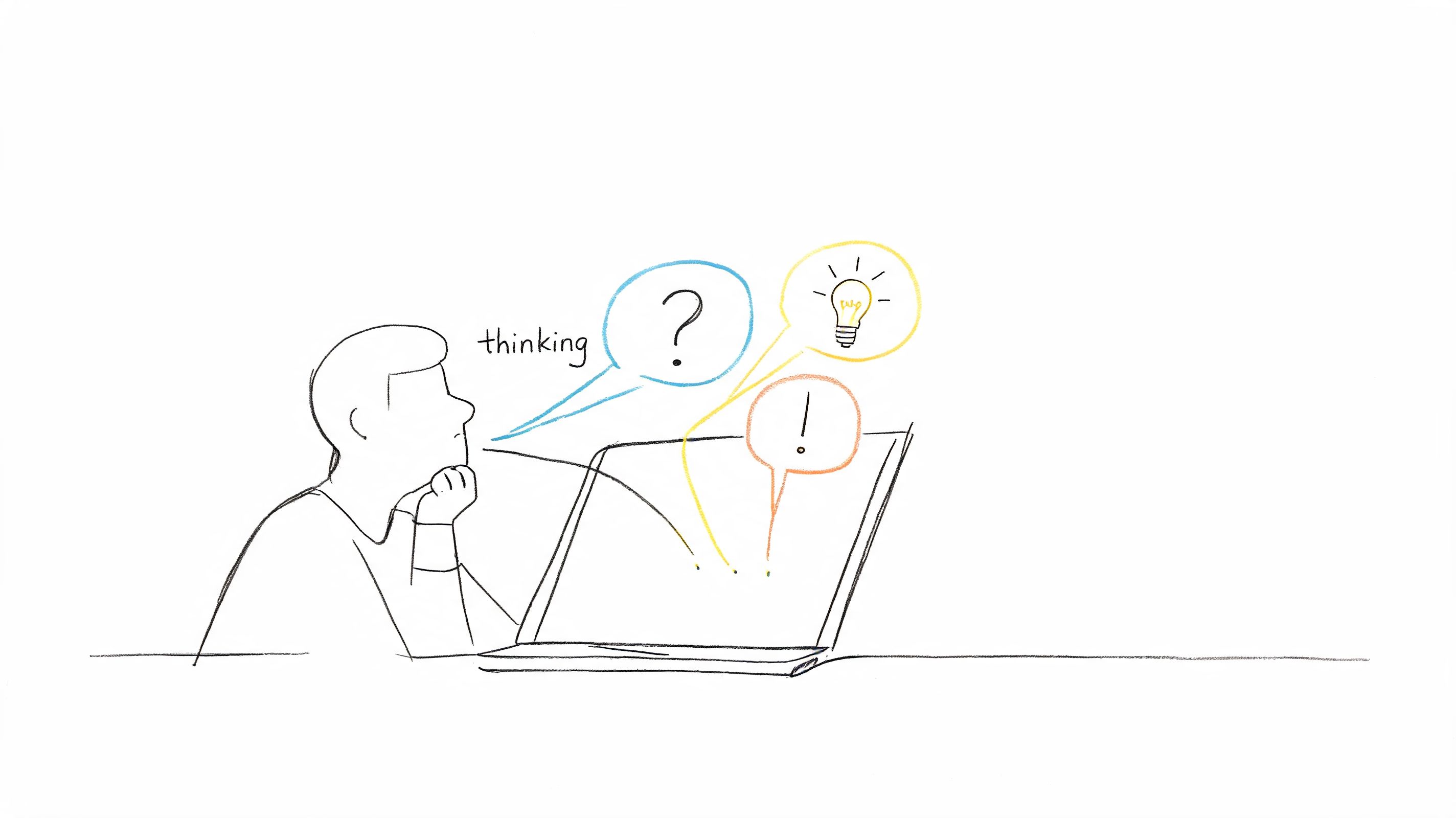
The think-aloud script is still the fastest way to learn how someone is making sense of an interface while they use it. It works best when the task is familiar enough to complete, but unfamiliar enough to force interpretation. That's where users reveal their mental model.
A basic version for a first-time signup flow looks like this:
“You've just discovered this product and want to create an account so you can try it for the first time. Please sign up, complete any required onboarding steps, and get to the point where you can start using the core product. As you go, say what you expect to happen next, what feels clear, and what feels confusing.”
That prompt works because it doesn't tell the user where to click. It also doesn't ask for design feedback before they've experienced the flow. In practice, this script surfaces trust issues, field-label confusion, password friction, and broken expectations around email verification.
Script structure that gets usable output
Start with a warm-up. Ask the participant to describe what they think the product does before they begin. Then move into the task and use neutral nudges only when they go quiet.
A practical moderator sequence looks like this:
Opening cue: “Please keep talking, even if you're unsure.”
Neutral recovery prompt: “What are you expecting to happen here?”
Navigation probe: “What made you choose that path?”
Friction probe: “What feels unclear right now?”
What doesn't work is over-coaching. The moment a moderator says, “Did that button confuse you?” the session is contaminated. With Uxia, the same mission can be assigned to synthetic testers so the prompt stays consistent across runs, which is useful when you want repeatability without live moderator variation.
The best think-aloud scripts sound simple. The hard part is removing every accidental hint.
Use this format for onboarding, account creation, checkout, and settings changes. Avoid it for highly regulated or complex technical tasks unless you've simplified the wording first.
2. Task-Based Testing Script with Success Metrics
Some flows need less conversation and more proof. That's where task-based scripts work. They're especially useful when a product team has already heard qualitative complaints and now needs to verify whether the interaction improved.
A good task script states the situation, the goal, and the finish line. For example:
“You want to buy a product and complete checkout using the options available on the site. Please complete the purchase as you normally would.”
That sounds plain, and that's the point. The task shouldn't leak the interface language. If the UI says “Proceed to secure payment,” your script shouldn't repeat those exact words.
What to measure and what to ignore
For this type of script, define success before the session starts. Otherwise teams drift into post-hoc interpretation. Track completion, failed attempts, detours, and whether the user reached the intended endpoint cleanly.
A real business case shows why this matters. Casa Mineira improved the usability of its homepage search box after structured testing focused on helping visitors find products more quickly, and saw a 57% increase in form submissions (VWO's Casa Mineira example). The improvement came from redesigning the search box and optimizing two drop-down menus around what users were trying to do.
That's the core lesson. A task-based script works when the task maps to a business outcome and the team agrees on what “success” means.
Use realistic context: “You're looking for an apartment in a specific area” is better than “test the search box.”
Avoid step-by-step wording: Don't tell users which control to use.
Log path quality: Completion matters, but so does whether the route was messy or direct.
Run the same task across versions: That's where Uxia becomes useful for repeated validation against evolving prototypes.
If your team argues over whether a redesign “feels better,” switch to a task-based script. It forces clarity.
3. Semi-Structured Interview Script with Follow-Up Probes
Some of the best usability findings do not appear in the first answer. They show up in the second or third probe, after the participant moves past politeness and starts describing what happened.
A semi-structured script is ideal when you need consistency across sessions but don't want to lose the freedom to chase an unexpected insight. I use it when testing feature adoption, onboarding drop-off, or anything involving trust.
A simple flow looks like this:
Core question: “How did you first understand what this feature was for?”
Probe: “What on the screen led you to that conclusion?”
Probe: “Was there any point where your expectation changed?”
Probe: “Can you give me an example of what you thought would happen next?”
Good probes stay close to observed behavior
The mistake here is asking broad retrospective questions that drift into opinion theater. “Did you like it?” rarely helps. “What did you expect when you clicked that?” usually does.
This format also works well when transcripts matter. Teams that want stronger synthesis practices can tighten their analysis workflow with better transcription tips for research data. The quality of your follow-up probes affects the quality of that transcript just as much as the quality of your tool.
For AI-driven research, semi-structured thinking still applies. In Uxia, you can frame a mission with a stable primary task, then layer in follow-up prompts that ask synthetic testers to explain uncertainty, trust concerns, or navigation choices. That gives you more than click traces. You get reasoning attached to behavior.
Practical rule: Write the probe before the session, but only use it when the participant's behavior earns it.
Use this script when a team needs both comparability and depth. Skip it when you're trying to benchmark a narrowly defined task where speed and completion matter more than interpretation.
4. Moderated Remote Testing Script with System Prompts
Remote sessions fail for boring reasons. Audio breaks. Someone joins on the wrong device. A prototype won't load. The participant can't share a window. Good moderated scripts account for that before the first task begins.
A remote test script should include the session wrapper, not just the research prompts. That means your opening has to cover device check, recording consent, backup communication, and how the participant should react if something stops working. Teams that want a stronger framework can compare this against Uxia's guidance on moderated user testing.
A remote-friendly script opening
Use language like this:
“Before we start, please confirm you can hear me clearly and that the prototype is visible. If screen share or audio drops, stay in the call and we'll reconnect using chat. During the tasks, please talk through what you notice, what you expect next, and anything that feels difficult.”
That opening sounds operational because it is. In remote sessions, logistics affect data quality. If the participant is stressed about the setup, the usability findings get distorted.
One useful case comes from Ryanair's UK mobile app testing. In a pre-launch study, SimpleUsability conducted 20 moderated usability tests and 225 end-user interviews. Before iteration, 68% of users abandoned the booking flow at seat selection, and average task completion time was 4.2 minutes against an industry benchmark of 2.8 minutes for travel apps. After redesign changes driven by script-based testing, abandonment dropped to 36%, task completion time fell to 2.1 minutes, and NPS improved from 32 to 71 (Analysia's Ryanair case study).
That case is a reminder that moderated scripts matter most when the flow is complex enough to need probing. The facilitators specifically emphasized think-aloud prompting to uncover why users misread certain controls.
Include a backup plan: Chat, phone, or a second meeting link.
Write intervention language in advance: Don't improvise guidance.
Keep prompts neutral: Clarify task boundaries, not solutions.
Use Uxia when moderator bandwidth is the bottleneck: It won't replace every moderated session, but it does reduce the need to manually run every pass.
5. Scenario-Based Testing Script with Narrative Context
If your script sounds like QA instructions, users stop behaving naturally. Scenario-based scripts fix that by giving the task a reason, not just an action.
This is the format I use when a flow depends on urgency, intent, or trade-offs. The same signup task can produce very different feedback depending on context. A neutral “create an account” prompt often gives you surface-level usability comments. A pressure-based version reveals much more about trust and friction.
Try this:
“You need to sign up quickly because you want to use this product right now. Create an account, complete any required steps, and get to the point where you can begin using it. As you go, say what feels clear, what slows you down, and anything that makes you hesitate.”
That one change in motivation often exposes different reactions to form length, unclear copy, email confirmation, and login interruptions.
Narrative context beats generic tasks
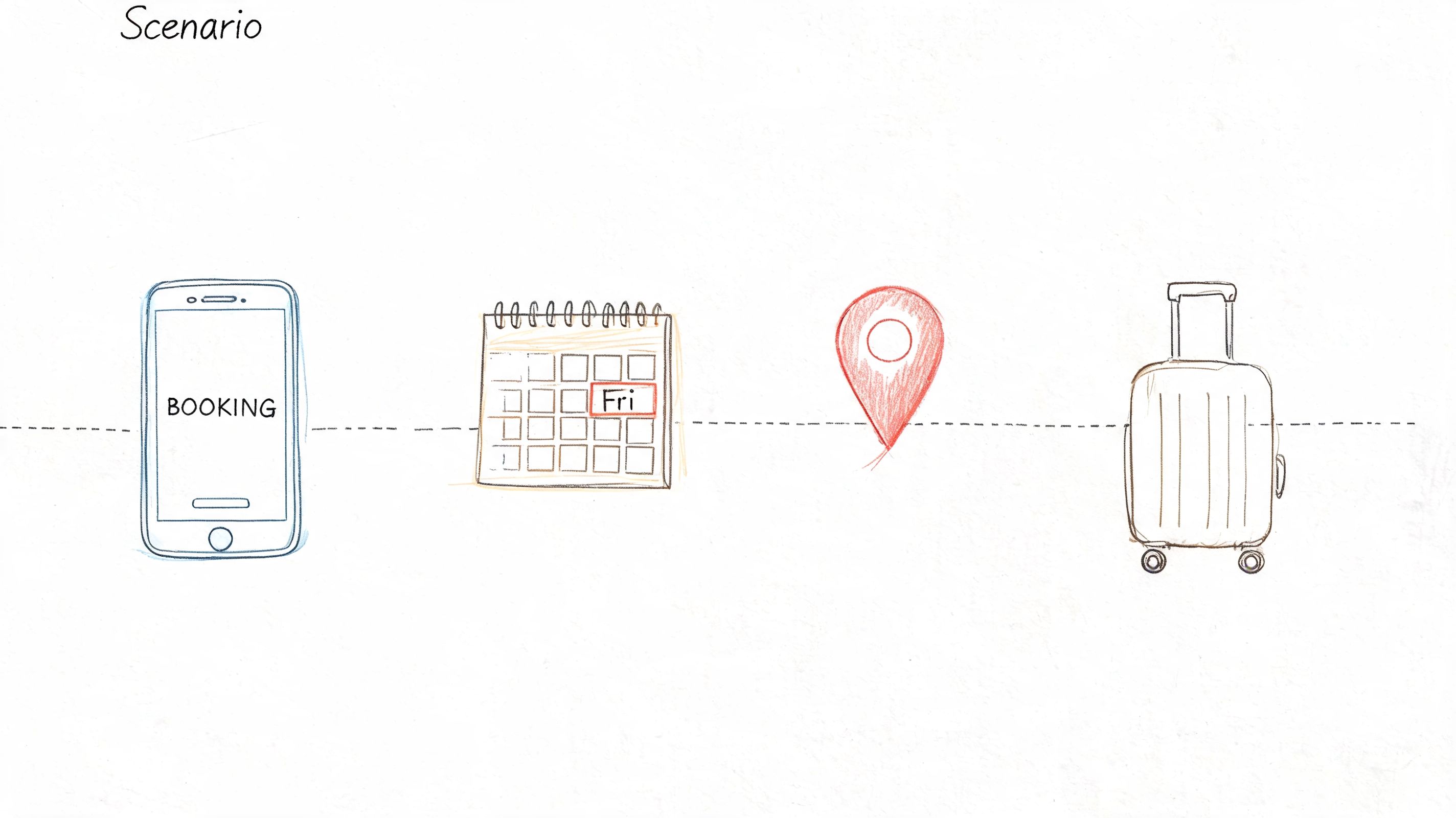
For a travel app, don't ask users to “book a hotel.” Give them a reason to care. For a project tool, don't ask them to “create a workspace.” Give them a deadline and a team.
Uxia publishes a practical usability testing scenario template, and that mission-based setup fits this method well. The scenario should define who the user is, what they need, and why it matters. Then you let them proceed.
A reliable navigation prompt inside this script is:
“Without using search or asking for help, find where you would go next to complete this task. Talk through why you chose that path and what other options you considered.”
That phrasing consistently surfaces information architecture problems because it forces users to choose rather than follow directions. It's especially effective in dashboards, settings areas, and content-heavy enterprise tools.
6. Unmoderated Asynchronous Testing Script with Automated Prompts
Unmoderated testing only works when the wording is airtight. In a live session, a moderator can rescue an ambiguous task. In an asynchronous test, bad wording just creates bad data faster.
That's why this script style needs tighter instructions than moderated testing. Each task should stand alone, assume no clarification, and avoid layered conditions unless the branch logic is explicit. This is also where modern platforms like Uxia fit naturally, because the mission, audience, and prompts can be standardized and repeated without scheduling overhead.
Writing prompts that survive without a moderator
A solid asynchronous prompt might say:
“You're trying to update your account details so future billing goes to the right place. Complete the update and stop when you believe the change is saved. Afterward, describe anything that felt uncertain.”
That gives the user an objective, a stopping point, and a follow-up reflection. It doesn't tell them where billing lives. It doesn't assume they understand the product structure.
The biggest mistake is stacking too much into one task. If you ask someone to update billing, change notifications, and add a team member in one run, you won't know where the friction started.
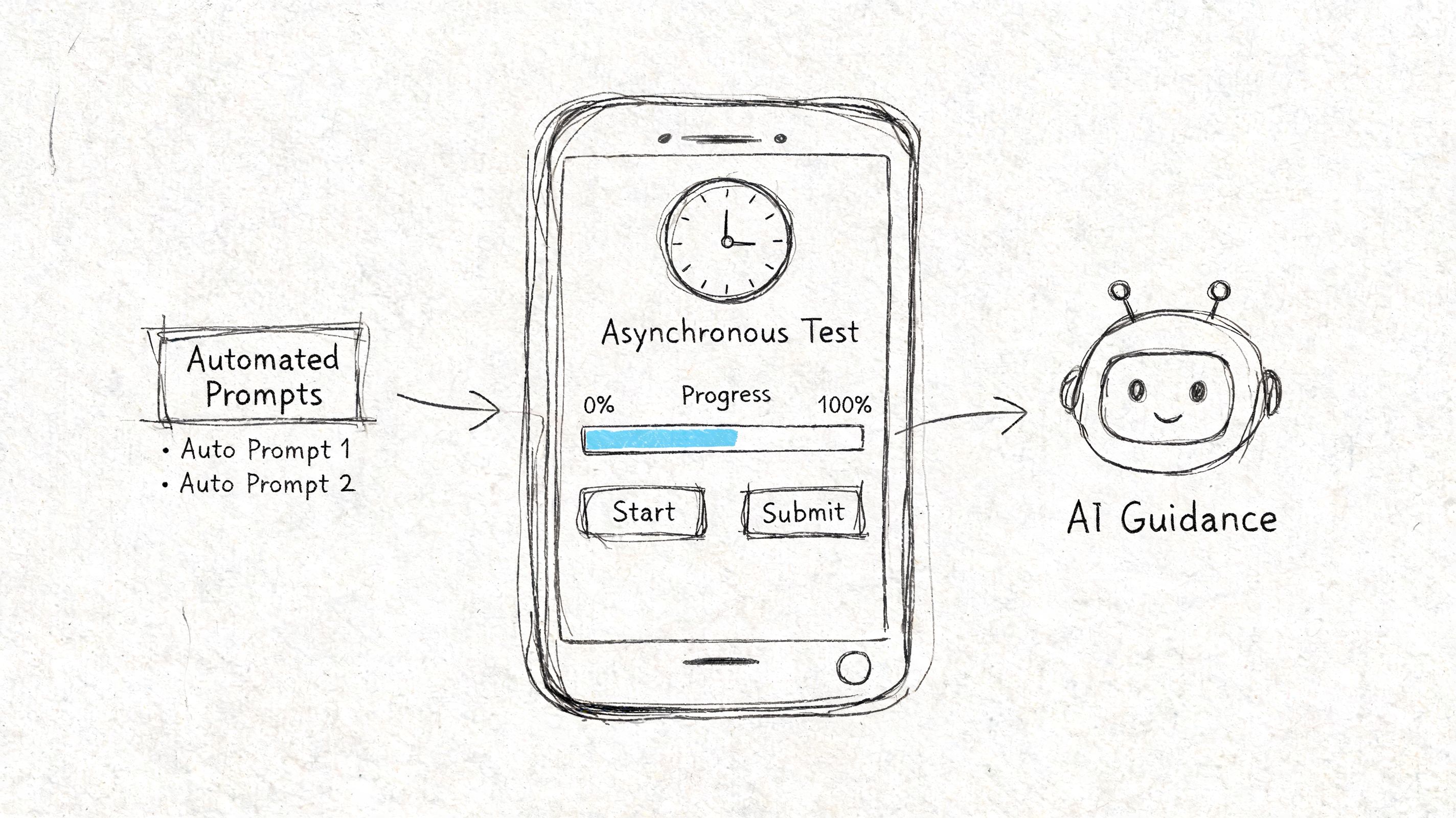
There's also a newer gap that most classic usability test script examples don't address well. AI-powered synthetic testing platforms need scripts written for agents that can run many tasks quickly and without fatigue. Lyssna notes that tools like Uxia make it possible for synthetic users to handle 10+ tasks in minutes versus the rough limit of a 1-hour human session, and cites a 2025 UX Tools Survey claim that 68% of UX teams now use AI for testing, up from 32% in 2024 (Lyssna on usability test scripts). That changes how teams should write missions, especially when they want demographic framing and automated pattern detection.
Keep each task singular: One goal per prompt.
State the finish condition: Tell the user when to stop.
Pre-write fallback prompts: Account for dead ends or technical errors.
Use Uxia for repeatable async runs: It's well suited to mission-based testing where transcripts and interaction patterns need to be captured consistently.
7. Accessibility Compliance Testing Script with WCAG Criteria
Accessibility scripts need more precision than general usability scripts. If the wording is vague, participants end up reporting broad frustration instead of specific barriers that design and engineering can fix.
I simplify the language and make the expected observations explicit. For example:
“Using only keyboard navigation, move through this flow and complete the task. As you go, note whether labels are understandable, actions are easy to discover, important states are communicated clearly, and interaction targets feel usable without precise cursor control.”
That script does two useful things. It sets the constraint, and it defines the kinds of friction worth reporting. Without that, teams often learn that “the page felt hard to use” and little else.
Make the findings actionable
Accessibility testing should separate completion from quality of access. A participant may technically finish the task while still encountering poor focus order, unclear status messaging, or controls that are hard to understand.
Uxia's accessibility testing guidance is useful here because it aligns accessibility checks with structured task setup rather than treating them as an afterthought. That's the right approach. Accessibility scripts should specify the condition being tested, the user constraint, and the evidence teams need.
A useful explainer for broader team alignment sits below.
What doesn't work is mixing too many accessibility concerns into one task. If you're testing screen reader labeling, don't bury it inside a long multistep scenario with unrelated account setup actions.
Accessibility scripts should read like testable instructions, not like generic UX prompts.
Use this format for forms, menus, dialogs, media players, and any flow that relies on status changes or precise interaction.
8. Comparative Testing Script with Multivariate Task Protocols
Comparative testing fails when the task changes between versions. Teams think they're evaluating design A against design B, but they're really evaluating two different scripts.
The fix is simple. Lock the task, the scenario, and the success criteria. Only the interface variation should change. Everything else stays still.
A practical comparative script sounds like this:
“You want to complete this task as quickly and confidently as possible. Please use the version shown to you, complete the task, and describe anything that felt especially clear or unclear during the process.”
Then repeat the exact same wording for each variant.
Where teams usually go wrong
They over-ask. After every run, they want preference rankings, design critiques, and feature requests. That muddies a comparison study. If the purpose is to compare two navigation patterns or onboarding variants, keep the debrief narrow.
Use a short post-task sequence like this:
Clarity probe: “What felt easiest to understand?”
Confidence probe: “Was there any point where you weren't sure what to do next?”
Preference probe: “If you had to use one version again, which would you choose and why?”
This method is especially useful in Uxia when product teams want repeated, controlled runs against multiple prototype versions. Synthetic testers won't solve every research question, but they're useful when consistency matters more than moderator improvisation.
What doesn't work is changing context between versions. If one version is tested under a “casual browsing” scenario and the other under an “urgent need” scenario, you've changed more than the design. You've changed the psychology of the task.
Usability Test Script Comparison, 8 Templates
Script | 🔄 Implementation complexity | ⚡ Resource & efficiency | 📊 Expected outcomes | 💡 Ideal use cases | ⭐ Key advantages |
|---|---|---|---|---|---|
Think-Aloud Protocol Script Template | High, needs trained moderator and real‑time facilitation | Moderate resources; low throughput due to recording/transcription | Deep qualitative insights into mental models, confusion points | Early-stage design validation, complex flows, mental‑model research | Reveals why users act a certain way; rich emotional data |
Task-Based Testing Script with Success Metrics | Moderate, precise task and success criteria design required | Efficient to run and analyze; scales well with unmoderated tools | Quantitative metrics: completion rates, time‑on‑task, errors | Benchmarking, A/B testing, performance validation | Provides objective, comparable performance data |
Semi-Structured Interview Script with Follow-Up Probes | Medium, requires skilled moderators and adaptive probing | Time‑intensive to conduct and analyze; moderate resources | Mix of comparable responses and deep qualitative motivations | Exploratory research, feature adoption, understanding motivations | Balances consistency with exploratory depth; quotable insights |
Moderated Remote Testing Script with System Prompts | Medium, adds tech checks, troubleshooting flows and consent scripts | Moderate efficiency: saves travel but needs reliable connectivity and support | Consistent remote session data; task behavior with limited non‑verbal cues | Global recruitment, distributed teams, rapid remote usability | Broad reach with standardized remote protocol and tech resiliency |
Scenario-Based Testing Script with Narrative Context | High, complex scenario design and realistic constraints | Lower throughput; longer sessions and more complex analysis | Context‑rich behavior, prioritization and decision‑making insights | Mobile/time‑sensitive workflows, realistic journey testing | Elicits naturalistic behavior and context‑dependent priorities |
Unmoderated Asynchronous Testing Script with Automated Prompts | Low–Medium, clear script design and branching logic needed | Very high scalability and speed; cost‑effective continuous testing | Large‑scale behavioral and passive data; limited deep probing | Rapid iteration, large samples, synthetic/AI‑powered testing | Scales cheaply, removes moderator bias, enables continuous validation |
Accessibility Compliance Testing Script with WCAG Criteria | Medium–High, requires WCAG expertise and assistive tech setups | Time‑intensive and specialized tools; ongoing maintenance required | Compliance verification and accessibility barrier identification | Compliance audits, inclusive design verification, regulated products | Reduces legal risk; improves access and overall usability |
Comparative Testing Script with Multivariate Task Protocols | High, needs randomization, counterbalancing, and statistical control | Requires larger samples; efficient when automated and unmoderated | Statistically valid comparative performance and preference metrics | A/B and multivariate experiments, high‑stakes design decisions | Provides direct, data‑driven evidence for prioritizing changes |
From Script to Insight Making Your Testing Count
A script is where rigor starts. It decides whether your team collects evidence or just collects reactions. The strongest usability test script examples aren't clever. They're disciplined. They define the scenario clearly, avoid leaking the interface language, and leave enough room for real behavior to emerge.
That discipline matters even more now because teams are testing in more ways than before. Some sessions still need live moderation, especially when a workflow is complex and the “why” behind user behavior matters as much as the behavior itself. Other studies are better suited to unmoderated missions, repeated tasks, or synthetic runs inside platforms like Uxia where scale and consistency matter more than live facilitation.
The practical trade-off is straightforward. Moderated scripts reveal nuance, but they take time and moderator skill. Unmoderated scripts scale faster, but they collapse if the prompt is even slightly unclear. Scenario-based scripts produce more natural behavior, but only when the narrative feels plausible. Comparative scripts are powerful, but only when you control every variable except the design difference.
For many teams, the best operating model is mixed. Use a think-aloud or semi-structured script early to discover where people get lost. Shift to task-based or comparative scripts once the team needs validation. Use accessibility-specific scripts whenever constraints or assistive behaviors are central to the experience. Then use synthetic testing through Uxia when you want to repeat those missions across versions, audiences, or larger sets of flows without waiting on recruiting and scheduling.
One useful habit is to treat script writing as part of design, not just part of research. If a team can't write a clean task prompt without accidentally giving away the path, the flow itself may still be too dependent on internal labels and product knowledge. Script writing exposes product assumptions.
Analysis matters too. Clear prompts create clearer transcripts, cleaner observations, and more defensible patterns. If you're packaging sessions for stakeholders, even adjacent production work like Mac video editing tools for marketing assets can help teams turn raw recordings into short clips that make usability issues easier to share and act on.
The point isn't to run more tests for the sake of it. The point is to run the right script for the decision in front of you. When that part is done well, findings move faster, arguments get shorter, and product changes are easier to justify.
If you want a faster way to run mission-based usability tests, Uxia gives product teams a practical way to upload prototypes, define audience and scenario, and capture transcripts, interaction data, and recurring friction without relying only on traditional scheduled studies.