
Participants who started on the correct path completed their task 87% of the time, compared with 46% after an incorrect first click, according to research by Bob Bailey and Cari Wolfson. That 41-percentage-point gap makes the first interaction worth investigating, not just recording.
But a click map alone won't tell you what to redesign. Useful first click testing depends on neutral tasks, defensible target definitions, realistic screens, and an analysis that separates finding the right starting point from completing the journey.
What First Click Testing Is and Why It Matters
First click testing evaluates where someone first selects an interface while trying to accomplish a specific goal. You show a screen, give a scenario, and record the initial destination. The important question isn't whether someone clicks an attractive element. It's whether that choice puts them on a valid route toward their goal.
The foundational research described above connects that initial choice with downstream completion. The relationship is diagnostic, not a promise: someone can start correctly and still fail later, while another person can recover from a wrong turn.
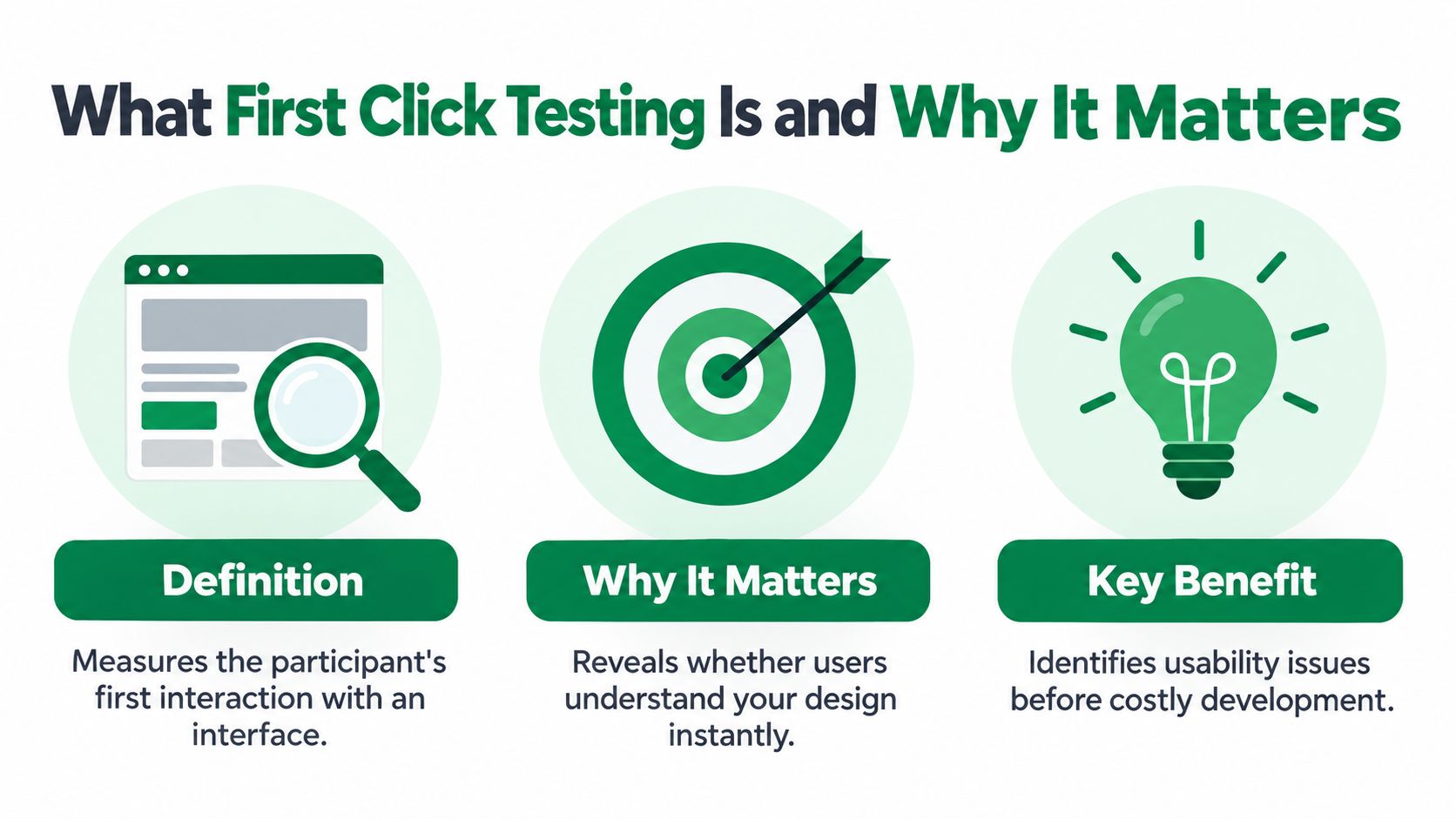
This visual summarizes the method's purpose and scope.
What the initial choice helps you investigate
Use the method to examine competing explanations for a findability problem:
Information architecture: Does the participant expect the destination under the same category your team chose?
Labeling: Does the wording communicate what lies behind the control?
Visual hierarchy: Can the participant distinguish the relevant action from competing content?
Navigation expectations: Does the selected route make sense even though your design doesn't support it?
These are different design problems. Moving a button won't fix a category label that people interpret differently, and rewriting a label won't necessarily help if participants never notice it.
Practical rule: Treat a wrong click as evidence of an expectation, not simply a participant error.
A useful finding names that expectation. “Participants chose the account menu because they expected payment details to belong to their account” gives a designer something to investigate. “Users clicked incorrectly” doesn't.
Where the method stops
A first-click result describes the start of a journey. It doesn't establish whether the next screen answers the question, whether the flow is recoverable, or whether the final action works.
Keep the research question narrow: Can people identify a credible starting point? If the decision concerns an entire workflow, extend the study beyond that initial selection rather than presenting findability as complete usability.
Planning a First Click Test That Produces Reliable Data
Start with the design decision, not the heatmap. Write down what you'll change if participants choose an unexpected destination: navigation grouping, page hierarchy, terminology, or the entry point itself. If no plausible result would change the design, reconsider why you're testing it.
Prepare the scenarios and screens
A practical first-click study workflow recommends 3–5 realistic, outcome-based scenarios, a pilot with 2–3 people, and roughly 50–100 completed tests for more reliable findings; results below about 30 participants need explicit uncertainty.
Build the study around these preparation checks:
Choose consequential goals. Include activities that matter to customers and the business, rather than whichever screen is easiest to upload.
Define valid destinations in advance. Mark acceptable target zones before reviewing responses. Otherwise, it's tempting to reinterpret ambiguous clicks in the design's favor.
Use realistic content. Replace placeholder navigation, empty cards, and generic text with content participants could encounter in production.
Match the intended viewport. Preserve the layout, visible content, and screen dimensions relevant to the device you're evaluating.
For example, a subscription-management task shouldn't assume the participant is already looking at the correct account screen unless that's the entry condition. A convenient starting point can remove the very navigation problem you need to examine.
Pilot the procedure, not just the interface
Ask pilot participants to explain what they believe the scenario means. If they disagree about the goal, revise the prompt before collecting more responses. Also check whether the screen loads correctly and whether the success zones distinguish intended controls from adjacent content.
Document the audience alongside the scenario. Someone administering a shared workspace may reasonably expect a different route than someone managing a personal account. Don't combine those expectations into an unexplained average.
A small study can reveal a plausible problem. It can't automatically establish how common that problem is.
When planning broader discovery or validation, Formbricks' overview of interviews surveys and A/B tests provides useful context for choosing complementary methods. Use interviews to investigate unfamiliar expectations, then use the first-click study to examine a defined navigation question.
The practical deliverable is a test specification: audience, starting screen, scenario, valid destinations, exclusions, and the decision the evidence will inform.
Writing Tasks That Measure Findability, Not Compliance
“Click Settings to change your notifications” isn't a findability task. You've supplied the destination, leaving the participant to match words rather than interpret the interface.
GitLab's first-click research guidance recommends describing the user's goal without revealing the expected control, label, or location. It also recommends randomizing independent tasks to reduce order effects.
Replace interface instructions with user situations
Weak task | Stronger alternative | Why the revision helps |
|---|---|---|
Click Pricing. | Find out what this service would cost your team. | Describes the information needed without naming the destination. |
Open notification settings. | You no longer want an email whenever someone comments. Where would you begin? | Establishes a concrete motivation without supplying the navigation label. |
Use the billing menu to update your card. | Your payment card has expired. Find where you'd replace it. | Preserves the goal while removing the route. |
These are drafting examples, not universally valid scripts. Adapt them to the product and audience. A team purchasing a service may need information about seats or procurement that an individual buyer wouldn't consider.
The distinction matters because a task can be clear without being leading. Remove unnecessary story detail, but retain enough context for participants to recognize the problem they're solving.
Check what the task accidentally reveals
Review each prompt against the interface. Look for copied labels, spatial hints such as “at the top,” and verbs that identify a distinctive control.
Keep the outcome specific. “Explore this page” doesn't establish a defensible correct destination.
Allow genuine alternatives. If both a profile menu and an account page support the goal, accept both rather than rewarding only the route the designer prefers.
Separate independent scenarios. Don't let an earlier task teach participants where a later destination lives.
Use this guidance on writing usability testing tasks when reviewing a script with designers or product managers.
If the prompt contains the answer, a high success rate tells you very little about the design.
After the selection, ask what the participant expected to find. That explanation helps distinguish an understandable alternative route from a guess that happened to land inside the target.
Running the Test and Collecting Clean Data
Consistency across participants is what makes the data comparable. Show the scenario before revealing the screen, fix the moment timing starts, and don't explain interface terminology mid-attempt. I've watched well-meaning moderators answer "where would I find that?" with a glance toward the correct menu, and the session's data became unusable.
Capture a record you can analyze
For each attempt, retain the following:
Click coordinates and target classification: Keep the raw location as well as whether it falls within an accepted zone.
Time to first click: Use a consistent start point so comparisons have meaning.
A brief rationale: Ask what the participant expected the selected destination to contain.
Task and audience context: Preserve the screen version, viewport, task identifier, and relevant participant segment.
Downstream outcome when observed: Record whether the participant ultimately completes the goal, separately from the first-click classification.
Include an "I don't know" option. Forcing a selection turns uncertainty into apparently intentional behavior, and a scattered click map becomes harder to interpret.
Decide how you'll handle non-responses before launch. Keep them visible in reporting rather than removing them to improve the success rate. Document technical failures separately from genuine inability to choose, because a broken prototype says nothing about findability.
Don't confuse different testing contexts
The size of the first-click relationship depends on what you're testing. A 2023 MeasuringU replication (see the benchmark table in the analysis section) covered five websites, 21 tasks, and 750 participants: overall completion was 78% after an optimal first click and 70% after a non-optimal one, an 8-percentage-point difference.
That modest gap is a reason to examine your design, not dismiss the method. A live website lets people recover through search, alternative navigation, or a second plausible route. A static screen test never observes that recovery, so a wrong first click looks fatal when it often isn't.
Keep observed behavior and inferred implications separate in the dataset. If the session ends after the initial selection, report first-click accuracy only. If participants continue through the flow, retain both measurements so you can spot where a promising start still leads to failure.
For timing-focused studies, collect the explanation after the click. Asking people to narrate their thinking while deciding changes the activity you're timing.
Analyzing Click Maps and Success Rates
Analyze each task before calculating an overall average. A strong result on a low-consequence destination shouldn't obscure difficulty finding a critical account or payment action.
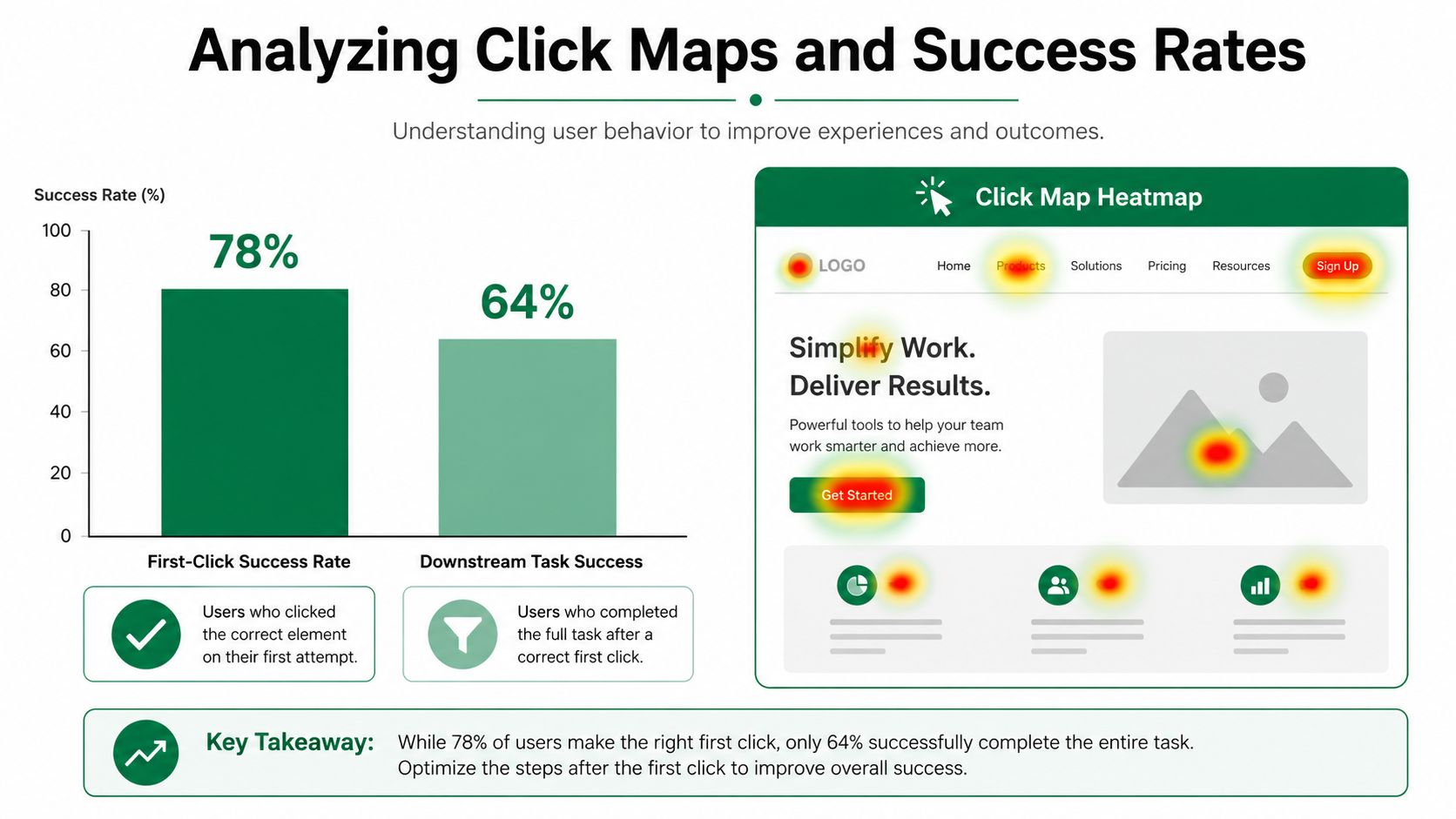
Use the visual below as a conceptual illustration of click-map reporting, not as benchmark evidence. The research comparisons are documented separately in the table.
Calculate metrics with explicit denominators
First-click success rate is correct initial selections divided by eligible attempts. Conditional task success uses a different denominator: completed tasks among participants who started correctly, or among those who started incorrectly.
I've watched teams celebrate a blended average while their single most important task failed. Keep task-level rows in the report, then aggregate.
Report median time to first click alongside accuracy and the distribution of wrong targets. Either present timings separately for correct, incorrect, and unanswered attempts, or state explicitly how you pooled them.
First-Click Success Benchmarks Across Studies
Study | Correct First Click Success | Incorrect First Click Success | Gap |
|---|---|---|---|
Foundational task-completion research, summarized by Useberry | 87% | 46% | 41 percentage points |
Live-site replication reported by MeasuringU | 78% | 70% | 8 percentage points |
Tree-path analysis in the same MeasuringU report | 81% | 14% | 67 percentage points |
These figures are downstream completion rates conditional on the first click, rather than universal accuracy targets. Pick the comparison row that matches your study format before drawing conclusions. Applying a tree-path benchmark to a website click test, or the reverse, produces misleading pass/fail judgments.
A near-ceiling accuracy score deserves suspicion too. If every task lands above these ranges, check whether your scenario wording telegraphed the destination before crediting the design.
Translate patterns into design hypotheses
Low accuracy with fast selections usually means people confidently expected a different destination. High accuracy paired with slow selection times means the route works but costs visual search effort. Both stay hypotheses until you check them against the rationales participants gave.
For a closer examination of target clusters and competing destinations, use this guide to interpreting click maps. Nearby clicks may represent an adjacent control, a misunderstood label, or an imprecise selection, so inspect the underlying coordinates.
The embedded video offers another visual reference for reviewing this kind of evidence.
Prioritize changes by task criticality and error concentration. A consistent wrong destination gives you a specific redesign hypothesis; diffuse scatter usually means the label or layout never narrowed the options. Retest with identical scenario wording and target rules, then compare absolute changes and confidence intervals. A small shift in the right direction is a signal to keep iterating, not proof the problem is solved.
Scaling First Click Testing With Synthetic Testers
Repeated first-click validation requires more than an occasional research slot. Teams need a repeatable way to check revised labels, navigation alternatives, and entry screens without rebuilding the study every time.
Synthetic testers offer a practical option for that iteration loop. They can execute predefined missions without recruiting or scheduling human participants, making it easier to inspect candidate designs before deciding which uncertainties require human research.
Use simulation for iteration, not population claims
With Uxia, teams upload design images or video prototypes, define a mission and audience, and run unmoderated tests with AI-generated participants. Outputs include simulated interaction behavior, think-aloud transcripts, heatmaps, and prioritized findings, allowing teams to review design variations in minutes.
The platform screenshot provides a view of that testing environment.

Keep the interpretation disciplined:
Hold the mission constant. Compare revisions against the same goal rather than changing the scenario to suit the new design.
Inspect generated reasoning. Check whether the explanation matches the visible interface and the actual interaction.
Label synthetic findings clearly. Simulated selections aren't observations from recruited customers and shouldn't be presented as population estimates.
Escalate consequential uncertainty. Validate unfamiliar expectations, sensitive workflows, and disputed findings with relevant human participants.
The useful trade-off is faster hypothesis generation, not permission to stop questioning the evidence. A persuasive generated explanation still needs scrutiny.
A correct destination can still be inaccessible
Inclusive first-click guidance distinguishes choosing the intended destination from being able to operate it. Record device type, target dimensions, zoom or input mode, and follow up with keyboard and assistive-technology checks.
On mobile, inspect the actual touch layout rather than assuming a desktop result transfers. A participant may understand exactly where to go while struggling with target spacing or an inaccessible control.
Correct intent doesn't establish usable interaction.
Synthetic accessibility flags can help identify issues to investigate, but they don't replace evaluation with disabled participants and assistive technologies. Continuous validation works best when teams use rapid simulated checks to narrow questions and direct human research toward the decisions that need it.
Uxia offers synthetic, task-based testing with transcripts, heatmaps, and prioritized findings for reviewing design iterations. Visit Uxia to test a critical entry screen with a neutral mission, inspect competing destinations, and identify what to validate next with your users.