Best Website Usability Testing Tools in 2026
Compare the leading website usability testing tools in 2026, from synthetic testing and session replay to moderated research and free UX triage.

Best Website Usability Testing Tools in 2026
The most popular advice about usability testing is also the least useful: pick one platform and use it for everything. A website usability tool can record behavior, recruit participants, moderate interviews, validate a prototype, or simulate target users, but those jobs produce different kinds of evidence. A heatmap can show where visitors click. It can’t explain why a customer distrusts the checkout. A moderated session can reveal that reasoning. It won’t tell you whether the same friction appears across live traffic.
The better approach starts with the decision. Choose whether you need moderated, unmoderated, remote, synthetic, or behavioral evidence, then write a focused mission with observable tasks. Collect both qualitative signals, such as hesitation and participant language, and quantitative signals, such as completion, path, click, or usability scores. Finally, turn the strongest findings into the next design sprint instead of filing them away in a research repository.
That workflow matters because usability validation still isn’t universal. One UX statistics roundup reports that 55% of companies conduct user experience testing, while 95.9% of the top 1,000,000 home pages had detectable WCAG accessibility errors as of February 2026, with an average of 56.1 errors per page. Uxia is one option for rapid synthetic-participant validation, especially when a team needs feedback on prototypes or flows within minutes. Human research remains valuable for exploratory, emotional, sensitive, or highly contextual questions.
1. Uxia
Uxia is the strongest choice when the research decision is, “Can this design or flow withstand an initial usability check before the next sprint?” It uses AI-generated synthetic participants so teams can test a prototype, uploaded image, video, or live product URL without recruiting, scheduling, or moderating sessions.
You define a mission and audience, then configure participants around demographic and behavioral profiles. The synthetic testers move through the experience, think aloud, surface friction, and generate transcripts. Uxia then organizes findings around practical UX risks, including usability, navigation, copy clarity, trust, and accessibility.
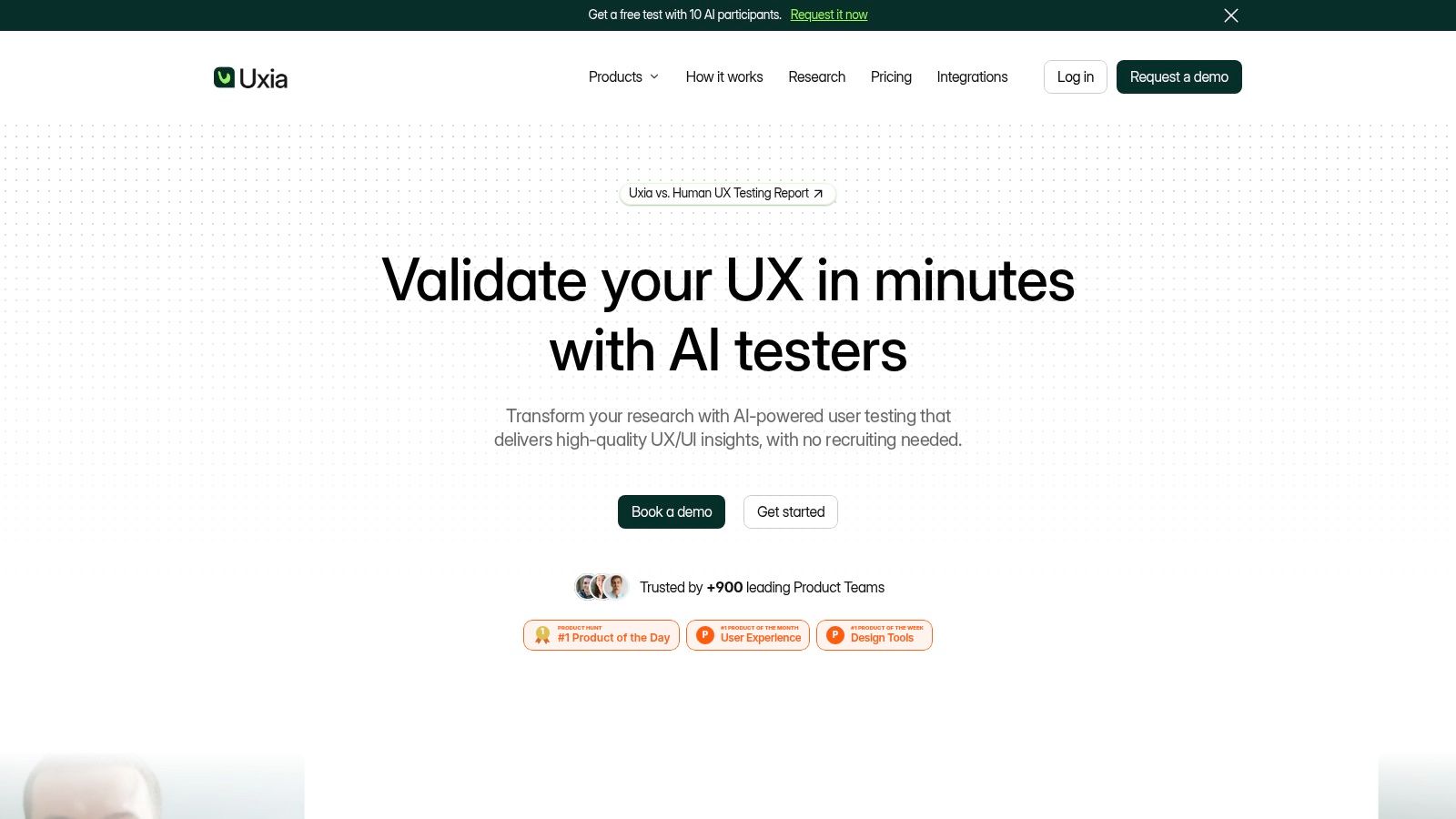
Best for fast pre-sprint validation
Best use case: Quick checks on prototypes, landing pages, onboarding flows, and live URLs before development moves forward.
How it works: Set a mission, define the target audience, run synthetic participants, then review transcripts, heatmaps, and issue summaries.
What stands out: Reports can include metrics, heatmaps, SUS and SUPR-Q benchmarks, transcripts, and prioritized insights.
Who it helps most: Product designers, PMs, agencies, and teams that need repeatable validation without recruiting delays.
Vendor claims to note: Uxia says it is trusted by 900+ product teams, has received Product Hunt Product of the Day, Week, and Month recognition, and was named a “Diamond startup to watch in the Synthetic Population and Behavioral Simulation space” by Gartner. Its site also cites testing that is approximately 17x faster, 3x more actionable, and 3x more affordable than traditional research. Those are vendor claims, so treat them as positioning rather than independent benchmarks.
Main limitation: Synthetic participants are excellent for evaluative speed, but they are not a full substitute for real people in emotional, sensitive, domain-heavy, or highly contextual studies.
Practical takeaway: Use Uxia to get fast evidence after a design change, then escalate to moderated human research when context matters more than speed.
Pricing note: Uxia offers a free test with 10 AI participants and also lists a trial package with 50 credits, according to its product information. Paid plans scale from small-business options to enterprise arrangements with unlimited credits, audience enrichment, branded workspaces, priority support, and enterprise security features such as SSO and SCIM.
2. Hotjar, part of Contentsquare
Hotjar supports a different decision: “Where are live visitors struggling, and what evidence should we investigate next?” It combines session replay and heatmaps through Observe, surveys and feedback through Ask, and interviews or user tests through Engage. That combination makes it approachable for teams that need behavioral diagnosis without building a separate analytics and research stack.
Hotjar is particularly useful after launch. A product team can inspect where visitors scroll, click, hesitate, or leave, then use an on-site survey or interview to add direct user input. AI-generated survey questions and summaries can reduce setup and synthesis work, while Engage supports recruiting, scheduling, interviews, built-in video, and transcripts.
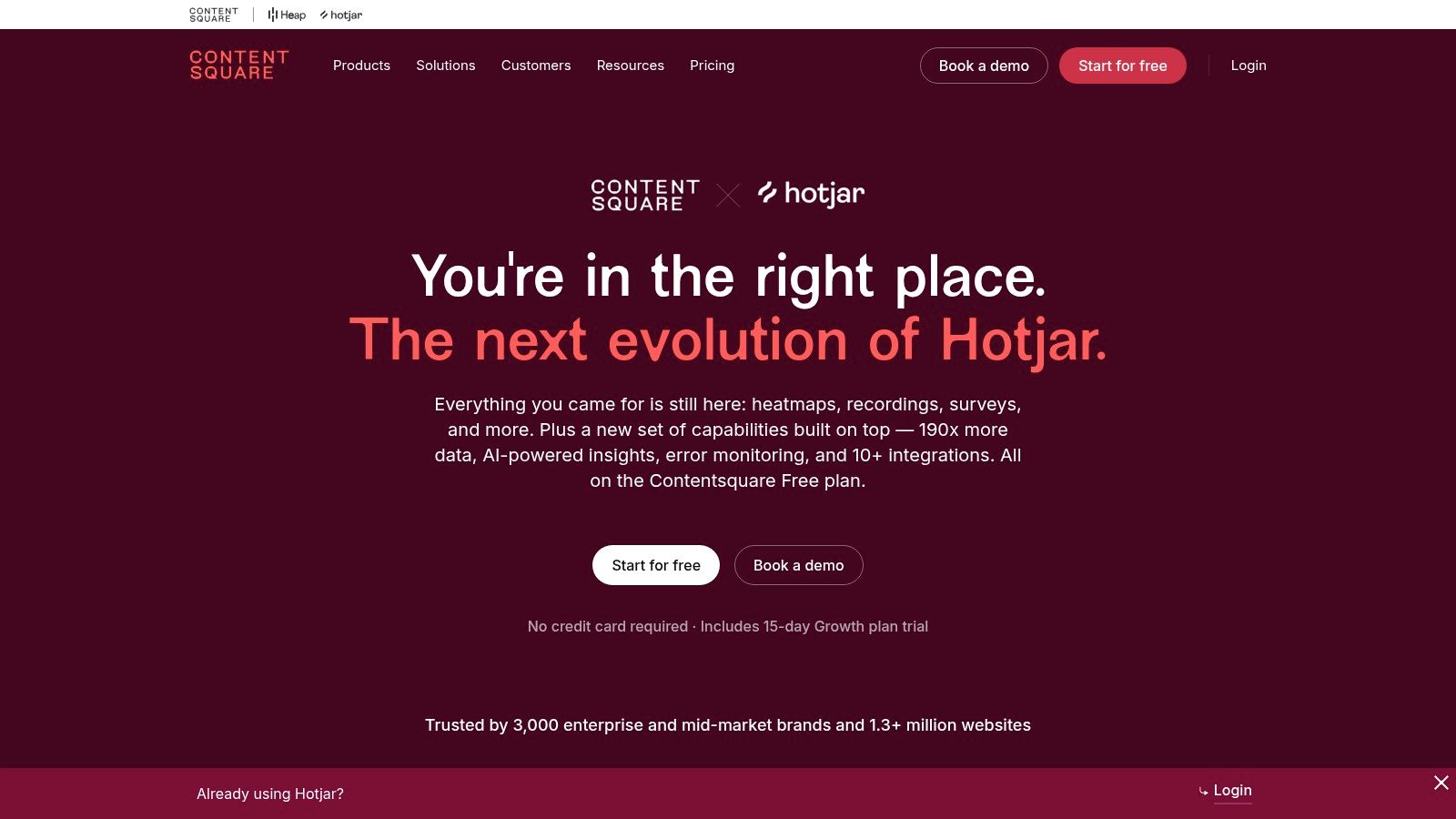
Best for post-launch behavior clues
Best use case: Identifying where live users struggle, then deciding what deserves deeper research.
Core toolkit: Session replay, heatmaps, on-site surveys, feedback widgets, interviews, and user tests.
Why teams like it: It combines behavioral signals and direct feedback in one familiar environment.
Strongest workflow: Start with observed friction, then validate the cause with a survey or interview.
Helpful extras: AI-generated survey questions and summaries can speed up setup and synthesis.
Good fit for: Product teams, marketers, and mid-sized companies with live traffic and limited research bandwidth.
Trade-off: Product packaging and pricing can get complicated across different modules, and advanced governance is lighter than in larger enterprise suites.
Practical takeaway: Use Hotjar when you need to spot friction in production quickly, then move to task-based testing when you need tighter control or pre-launch validation. Teams can also pair Hotjar with heatmap insights for video pros when visual interaction patterns need to inform content or production decisions.
3. FullStory
FullStory is designed for the decision, “What exactly happened in the live experience, and where should the team focus first?” It automatically captures behavioral data and pairs high-fidelity session replay with frustration and sentiment signals, including rage, dead, and error clicks. Ranked investigation queues help teams move from a large volume of sessions to a smaller set of problems worth examining.
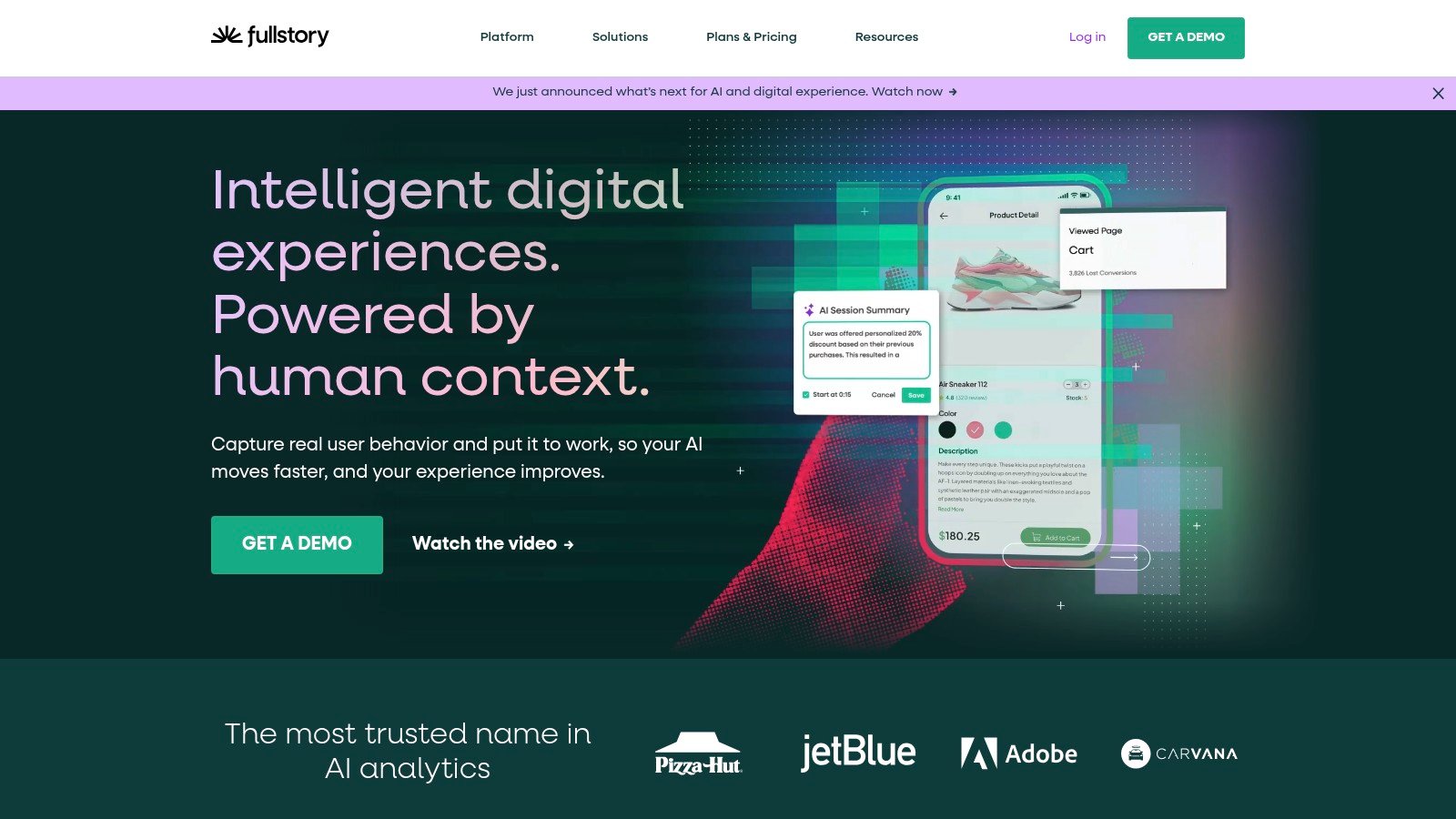
Page Insights adds click and scroll maps, while event search helps teams isolate interactions across a product. API access and integrations connect the evidence to existing analytics stacks, and privacy tooling such as masking and consent controls matters when teams need to inspect real behavior responsibly.
Best for diagnosing live product friction
Best use case: Understanding what happened in real user sessions at scale.
Key strengths: High-fidelity replay, frustration signals, event search, ranked issue queues, and page-level interaction insights.
What it does well: Helps analysts and product teams move from too much session data to a shortlist of meaningful problems.
Ideal workflow: Detect recurring friction, review replays, compare paths, then turn patterns into targeted usability research.
Great for: Digital experience teams, analysts, and larger organizations with active products and analytics infrastructure.
Important setup needs: Event taxonomy, privacy controls, integrations, and internal adoption across teams.
Pricing note: A free tier is available for up to 30,000 monthly sessions with 12-month retention, as stated in the product notes. Advanced plans are quote-based.
Main limitation: FullStory shows what users did, but it usually does not explain why they did it with the same clarity as moderated interviews or structured task testing.
Practical takeaway: Pair FullStory with Uxia, Maze, or UserTesting when behavioral evidence identifies the problem but not the reason.
4. Lookback
Lookback is the choice for the research decision, “Why is this person struggling, and what can I learn by following the moment in real time?” It’s purpose-built for moderated research and live follow-along usability sessions on websites and apps. Researchers can invite observers, use chat backchannels, create clips, and keep stakeholders close to the session without forcing them to participate.
The live format is the product’s defining advantage. A moderator can ask a follow-up question when a participant hesitates, explore a surprising interpretation, or test an alternative explanation while the session is still happening. That depth makes Lookback valuable for early concepts, complex workflows, and experiences where user context shapes the answer.
Best for live moderated sessions
Best use case: Real-time usability interviews where follow-up questions matter.
Core strengths: Live observation, moderator control, observer backchannels, clipping, and collaborative review.
Where it shines: Early-stage concepts, complex workflows, and studies where user context changes the interpretation.
Best for: UX researchers and teams that want stakeholders close to live sessions without disrupting them.
Operational advantages: Bring-your-own participants, recruitment add-ons, clearer overage handling, and annual session packages.
Enterprise options: SSO support and legal review pathways for larger teams.
Trade-off: Billing is annual only, and unmoderated or quantitative testing capabilities are more limited than in broader mixed-method platforms.
Practical takeaway: Choose Lookback when the moderator is part of the evidence and the team needs rich, real-time context rather than scale.
5. Trymata, formerly TryMyUI
Trymata is a practical option for the decision, “Can real users complete these website tasks, and what video evidence should guide prioritization?” It supports unmoderated website tests with tasks and post-test surveys, panel recruiting, and invitations to your own users.
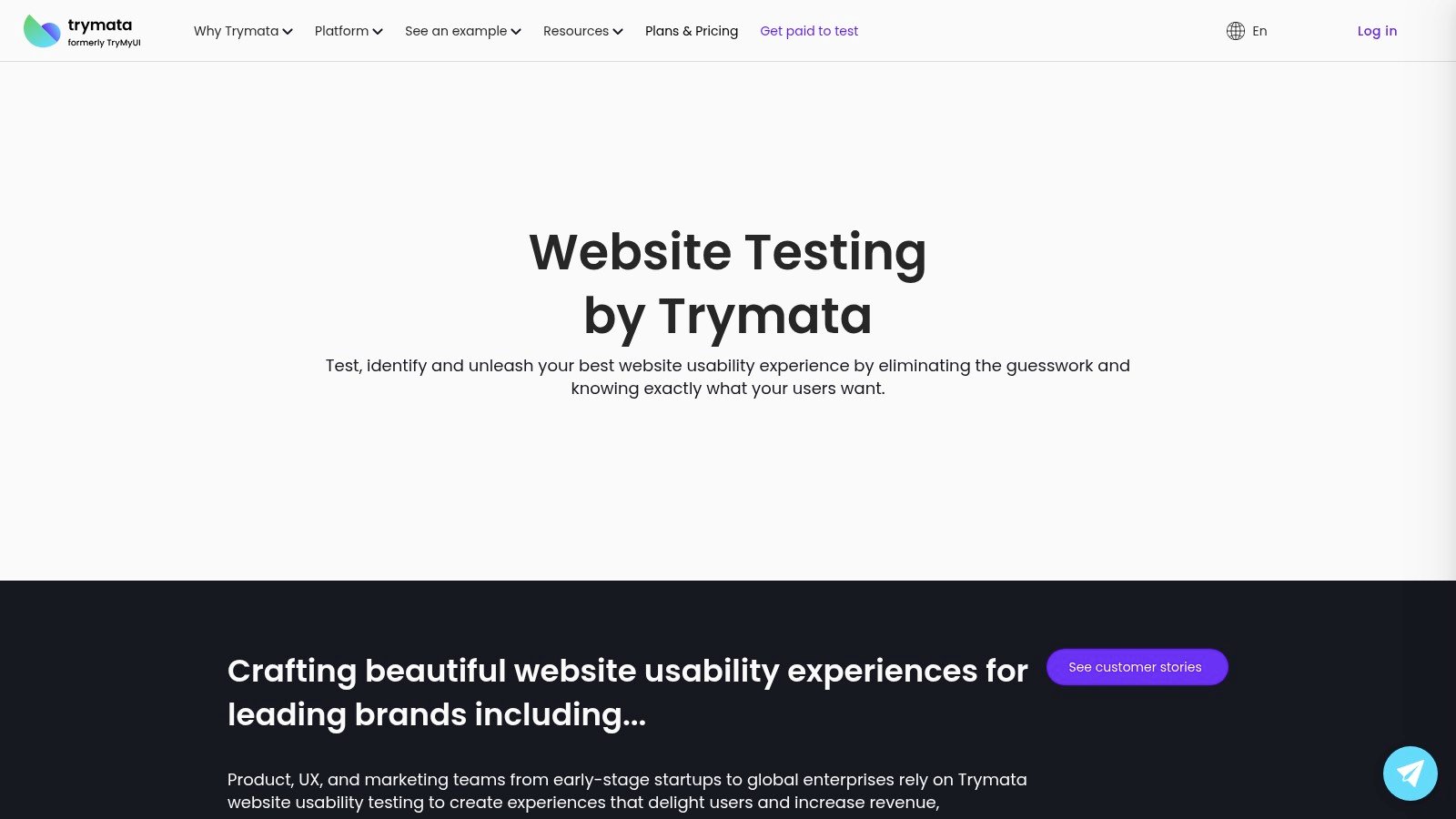
The platform combines video-based feedback with task metrics and UX scoring. Team+ plans add highlight-reel creation, which helps a product manager show the most relevant evidence without sending stakeholders through every recording. Pay-as-you-go options and simple licensing tiers also lower the barrier for teams that don’t run research continuously.
Best for affordable unmoderated task tests
Best use case: Checking whether real users can complete defined website tasks without running live sessions.
What you get: Video recordings, task metrics, post-test surveys, UX scoring, and panel or BYO-user recruitment.
Most useful for: Smaller product teams that need direct human evidence without investing in a large research program.
Why it works: The combination of simple setup and video proof makes prioritization easier for stakeholders.
Helpful feature: Highlight reels on higher plans make it easier to share the most relevant moments.
Pricing angle: Pay-as-you-go access and straightforward tiers lower the barrier to entry.
Main limitation: Governance, integrations, and analytics are lighter than in more enterprise-focused platforms.
Practical takeaway: Choose Trymata when affordability and clear video evidence matter more than advanced operations or continuous monitoring.
6. Microsoft Clarity
Microsoft Clarity answers a narrow but valuable question: “Where should we investigate first?” It’s a free session-replay and heatmaps tool with automatic insights, summary features, anomaly flags, and a quick installation path. Teams can use it as a baseline for spotting interaction problems and checking whether a suspected pattern appears in live behavior.
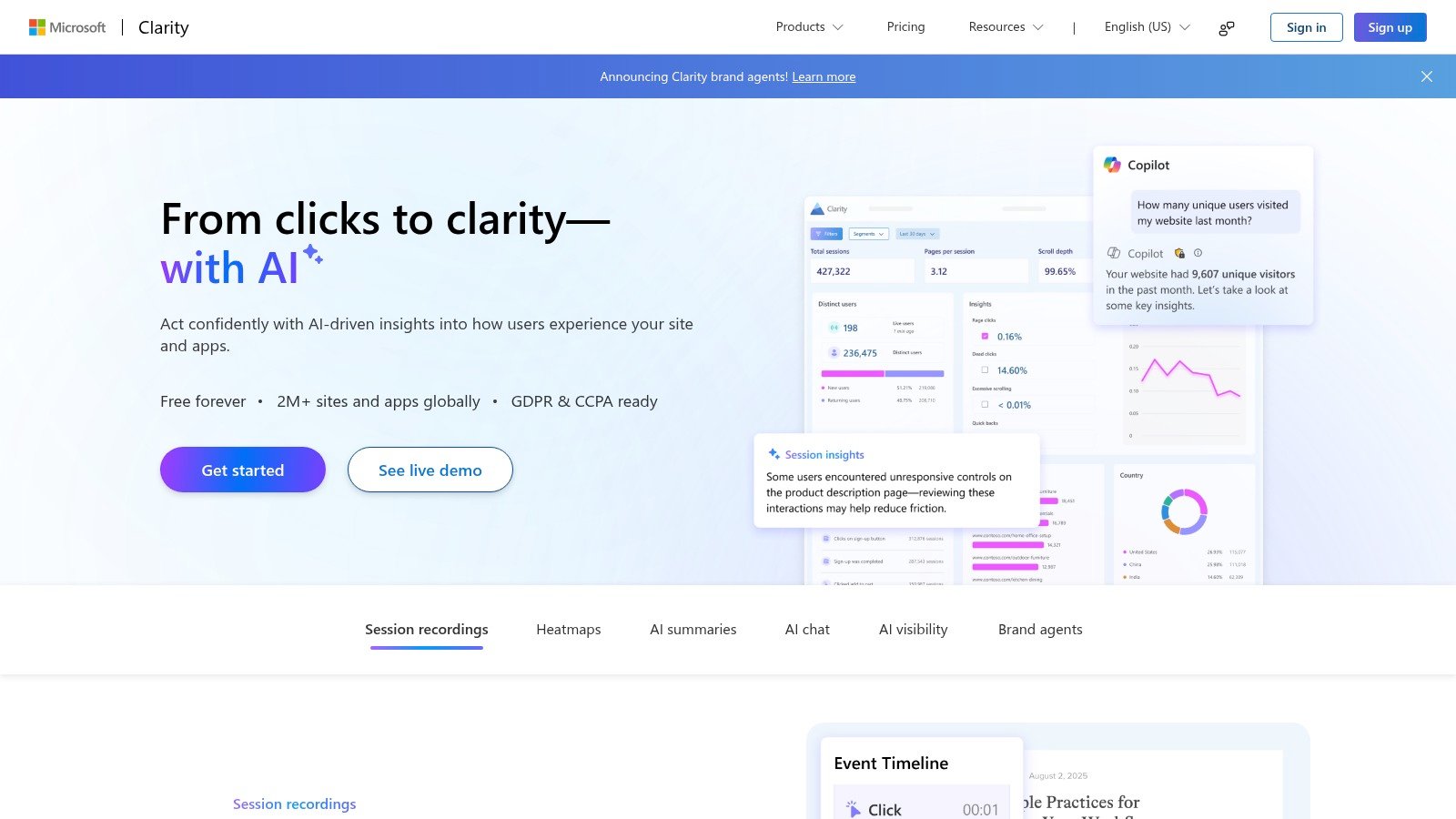
Clarity is especially useful before commissioning deeper research. A team can inspect confusing clicks, unusual paths, scroll behavior, or repeated interaction failures, then convert those signals into a focused usability mission. That prevents researchers from testing every page equally and helps product managers connect qualitative work to actual live experience.
Best for free UX triage
Best use case: Finding suspicious behavior patterns before investing in deeper research.
Core features: Session replay, heatmaps, automatic insights, anomaly flags, and fast implementation.
Why it is useful: It gives teams a no-cost baseline for spotting where journeys may be breaking down.
Best fit: Small businesses, product teams, and researchers who want quick behavior signals from live traffic.
Pricing note: Clarity is free with unlimited sites, team members, and heatmaps, according to the product plan notes.
Strength: Easy to evaluate and easy to pair with an existing analytics stack.
Main limitation: It does not provide native recruiting, moderated testing, or deeper research workflow support.
Practical takeaway: Use Clarity as a triage layer, then pair it with moderated, recruited, or synthetic testing depending on what you need to learn next.
Top 6 Website Usability Testing Tools, 2026 Comparison
Product | Key features | UX & Quality | Value & Pricing | Target audience | Unique selling point |
|---|---|---|---|---|---|
Uxia 🏆 | ✨ AI synthetic testers; think‑aloud transcripts; heatmaps & SUS; auto‑prioritized reports | ★★★★★ Fast, research‑grade output | 💰 Free trial (10–50 credits); SMB→Enterprise tiers; highly cost‑efficient | 👥 PMs, product designers, UX researchers, agencies, enterprise | ✨ Instant, scalable validation with no recruiting/scheduling |
Hotjar (Contentsquare) | Session replay & heatmaps; surveys; interviews/recruiting | ★★★☆☆ Practical, “good enough” evidence | 💰 Freemium to paid; plan matrix can scale costs | 👥 PMs, marketers, small‑to‑mid teams | ✨ Combines behavioral signals + direct feedback |
FullStory | High‑fidelity replay; frustration/sentiment signals; event search | ★★★★☆ Strong for diagnosing friction at scale | 💰 Free tier (30k/mo); quote for advanced | 👥 DX teams, analysts, enterprises | ✨ Ranked investigation queues + rich session signals |
Lookback | Live moderated sessions, observers, clips; recruiting add‑ons | ★★★★☆ Researcher‑centric live testing | 💰 Annual plans; clear session tiers | 👥 UX researchers, teams prioritizing interviews | ✨ Smooth live moderation & observer workflow |
Trymata (TryMyUI) | Unmoderated website tests; task metrics; highlight reels | ★★★☆☆ Cost‑effective video testing | 💰 Pay‑as‑you‑go; simple tiers | 👥 Small teams, startups | ✨ Low barrier to entry for video usability |
Microsoft Clarity | Free session replay & heatmaps; auto insights | ★★★☆☆ Useful triage signals | 💰 Free; unlimited sites & heatmaps | 👥 Teams triaging UX issues; SMBs | ✨ Truly free at scale for quick behavior signals |
Turn Evidence Into the Next Design Sprint
Tool selection becomes easier when the team chooses evidence before features. Start by writing the product decision in one sentence. “Should we ship this checkout layout?” needs a different method from “Why are returning customers abandoning checkout?” The first may suit a focused prototype or synthetic test. The second may require live behavioral diagnosis followed by moderated conversations with real customers.
Define the success metric before launching the study. It might be task completion, a first interaction, a navigation choice, a recurring comprehension problem, or a usability benchmark. Don’t treat a single score as the answer. A quantitative signal tells you what happened, while transcripts, recordings, and participant explanations help establish why it happened.
Build a repeatable feedback workflow
Use the narrowest method that can resolve the decision.
Define the mission: Give participants one clear scenario and observable tasks. Avoid combining a homepage critique, navigation study, and checkout evaluation in one mission.
Choose participants carefully: Recruit from a panel, invite existing users, or configure synthetic profiles based on the audience you need to represent. For B2B work, participant relevance and panel quality often matter more than increasing panel size.
Capture multiple signals: Combine task outcomes with think-aloud commentary, transcripts, heatmaps, recordings, or survey responses. Stronger decisions usually come from converging evidence rather than one metric.
Analyze before summarizing: Inspect transcripts for repeated language, review heatmaps for interaction patterns, and watch recordings around moments of hesitation or failure. AI-assisted summaries can accelerate synthesis, but researchers still need to check context and evidence.
Prioritize explicitly: Score each issue by user impact, frequency or recurrence, business risk, and evidence strength. A dramatic isolated comment shouldn’t automatically outrank a quieter pattern that appears across the workflow.
Connect findings to design work: Convert the top findings into sprint-ready changes, such as revised navigation labels, clearer copy, stronger trust cues, or an accessibility fix. Add the evidence and test the revised design again.
The historical “magic number 5” still explains why rapid, small-sample iteration remains common. MeasuringU’s summary of usability research history describes how Alphonse Chapanis and colleagues suggested observing about five to six users in 1981, how Jim Lewis modeled sample size with the binomial distribution in 1982, and how Jakob Nielsen popularized the five-user heuristic in 2000. The lesson isn’t that every study should stop at five participants. It’s that frequent, focused tests can reveal important friction earlier than a single large study conducted too late.
The market context reinforces the need for disciplined selection. One market estimate values usability testing tools at USD 1.84 billion in 2026 and projects USD 9.44 billion by 2035, implying a 19.93% CAGR. The same estimate says high tool costs limit adoption for roughly 30% of potential SME users, so workflow efficiency and total cost matter alongside research quality.
Website usability testing holds more than 38.6% of segment revenue in 2026, according to Market.us, while that source also estimates that more than 68% of enterprises are integrating usability testing tools into digital experience optimization. Those figures point to a practical buying pattern, but they don’t remove the need to match method to question. Enterprise teams may need governance and scale. A small product team may need a fast mission and clear findings without a lengthy procurement cycle.
Uxia is a strong recommendation for rapid, repeatable synthetic testing of prototypes and flows. Use it to validate design changes during a sprint, inspect transcripts and heatmaps, and prioritize issues before engineering work hardens the experience. Pair it with moderated or live human research when context, emotion, sensitive behavior, or unexpected follow-up is central to the decision. For teams trying to make every click count through micro-interactions, the best platform is the one that turns evidence into a specific next change, not the one with the longest feature list.
Uxia lets product teams test prototypes, images, videos, websites, and live flows with configurable synthetic participants, focused missions, transcripts, heatmaps, usability metrics, and prioritized findings. Visit Uxia to run a rapid validation test and bring evidence into your next design sprint without waiting for recruitment or session scheduling.