The 12 Best Accessibility Checker Website Tools of 2026
Discover the best accessibility checker website tools for 2026. Compare 12 top options, including Uxia, to improve your website's WCAG compliance and UX.
Building a digitally inclusive product requires more than good intentions; it demands the right tools to identify and fix accessibility barriers. Finding the best accessibility checker website for your specific needs, however, can be a challenge. The market is filled with options, from free browser extensions for quick checks to robust platforms designed for enterprise-wide compliance. This guide is organised to help you cut through the noise and select the perfect tool for your team, whether you're a UX researcher, product manager, or developer.
Before diving into specific tools, it's crucial to understand the foundational accessibility guidelines for websites that these checkers help enforce. Grasping these principles provides the necessary context to interpret the automated reports you'll receive. This article offers a direct comparison of the top accessibility checker websites and platforms available today.
For each tool, you will find:
A concise overview of its core function.
Practical use cases for different team roles.
An honest look at its limitations.
Screenshots and direct links to get you started immediately.
We will analyse free tools like WAVE and Google Lighthouse alongside powerful paid solutions, providing a clear picture of what each offers. We'll also discuss how automated checkers fit into a broader validation strategy that includes user testing and platforms like Uxia, which help you integrate accessibility validation directly into your UX workflow. Our goal is to equip you with the information needed to make a confident, informed decision and advance your organisation's accessibility efforts.
1. Uxia
Uxia represents a significant shift in how product teams approach accessibility testing, moving beyond simple code-level checks to integrate accessibility validation directly into the user experience (UX) design and research workflow. While many tools focus solely on scanning a live URL for technical WCAG violations, Uxia uses AI-powered synthetic testers to simulate how real people with diverse abilities interact with your designs before any code is written. This proactive approach allows teams to identify and fix accessibility barriers at the earliest, most cost-effective stage.
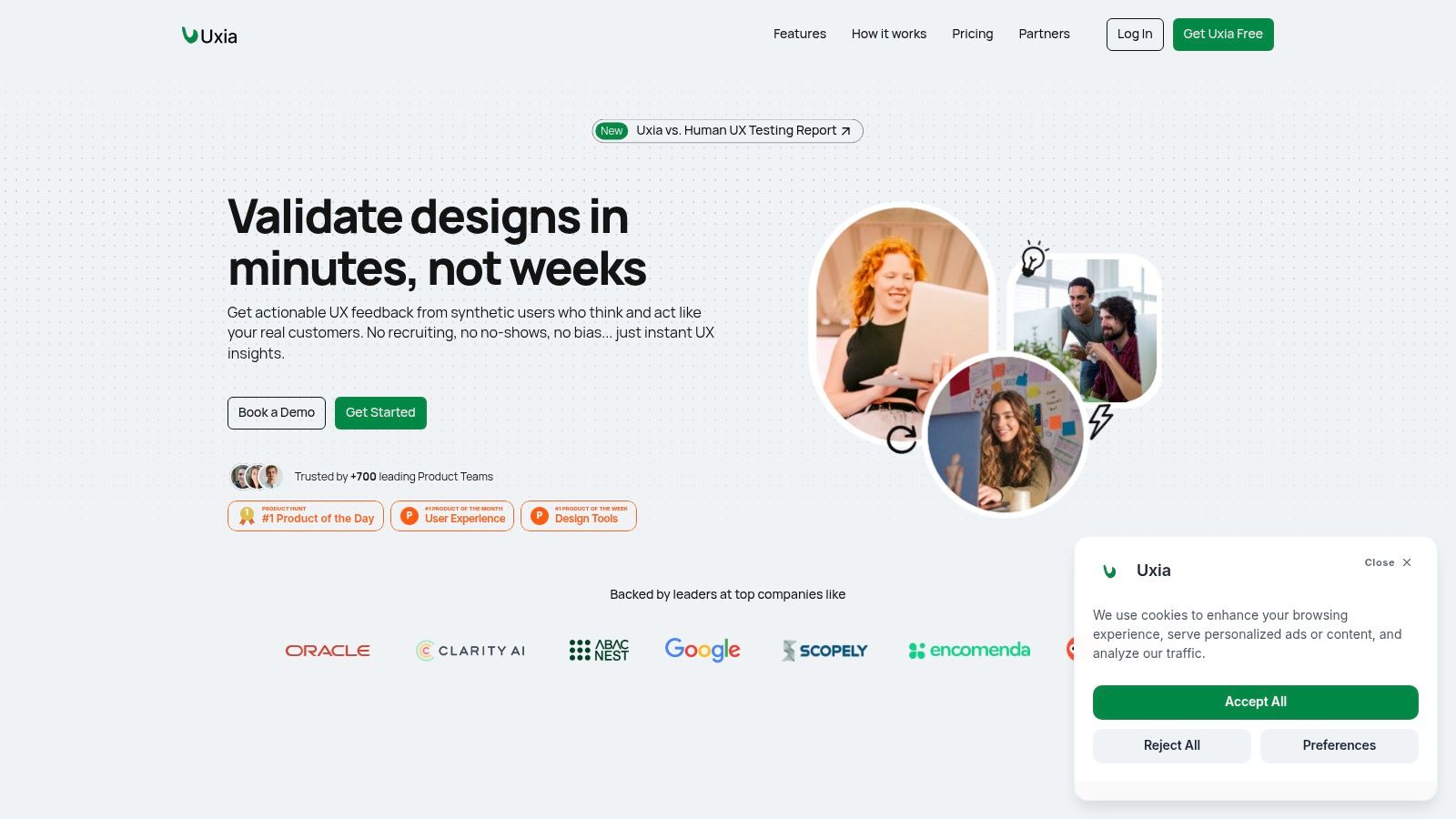
This platform stands out as a premier accessibility checker website because it contextualises accessibility. Instead of just flagging a low-contrast button, Uxia’s synthetic testers can "think aloud" and articulate why that button is problematic for someone with low vision, connecting the technical issue to a real user struggle. This qualitative dimension provides the "why" behind the WCAG guidelines, making the feedback more impactful for designers and stakeholders. The platform also offers vision simulations, allowing you to see your interface through the eyes of users with conditions like deuteranopia or glaucoma, fostering deeper empathy and understanding.
Practical Application and Key Differentiators
For product teams, Uxia’s process is direct. You can upload an image, a video walkthrough, or a link to a navigable prototype. You then define a mission (e.g., "sign up for a new account") and select an AI-generated audience, which can be tuned to specific demographic and behavioural profiles. The synthetic testers then perform the task, generating a rich report in minutes.
Standout Features:
Contextualised WCAG 2.2 AA/AAA Audits: Issues are not just listed; they are linked to specific user actions and friction points identified during the simulated test.
Vision Impairment Simulators: Visualise your design through various lenses of visual impairment to build empathy and spot issues that standard checkers miss.
AI "Think Aloud" Transcripts: Get qualitative feedback that explains how an accessibility issue impacts the user’s journey, providing compelling evidence for design changes.
Instant, Scalable Feedback: Eliminate the recruitment and scheduling delays of traditional user testing. Run tests on demand to keep pace with agile sprints.
Practical Recommendation: Use Uxia during the wireframing or prototyping stage. Test a critical user flow, such as your checkout process, with a synthetic audience that includes a user with low vision. The "think aloud" feedback will reveal usability issues long before a developer writes a single line of code, saving significant rework time.
Uxia is an excellent choice for teams aiming to build accessibility into their design process from the ground up, rather than treating it as a final compliance check. The platform provides a free trial to get started. Paid plans include a Starter tier at $83 per month and a Pro tier at $290 per month, with custom pricing available for enterprise needs.
Website: https://www.uxia.app
2. WAVE – WebAIM
WAVE, developed by the non-profit organisation WebAIM (Web Accessibility in Mind), is a foundational tool for evaluating web accessibility. It’s an ideal starting point for designers, developers, and content creators looking to get a quick, visual-first assessment of a single webpage. Its core strength lies in how it injects icons and indicators directly onto a live version of your page, creating a visual overlay that instantly flags potential issues. This makes it a great accessibility checker website for immediate feedback during the development cycle.
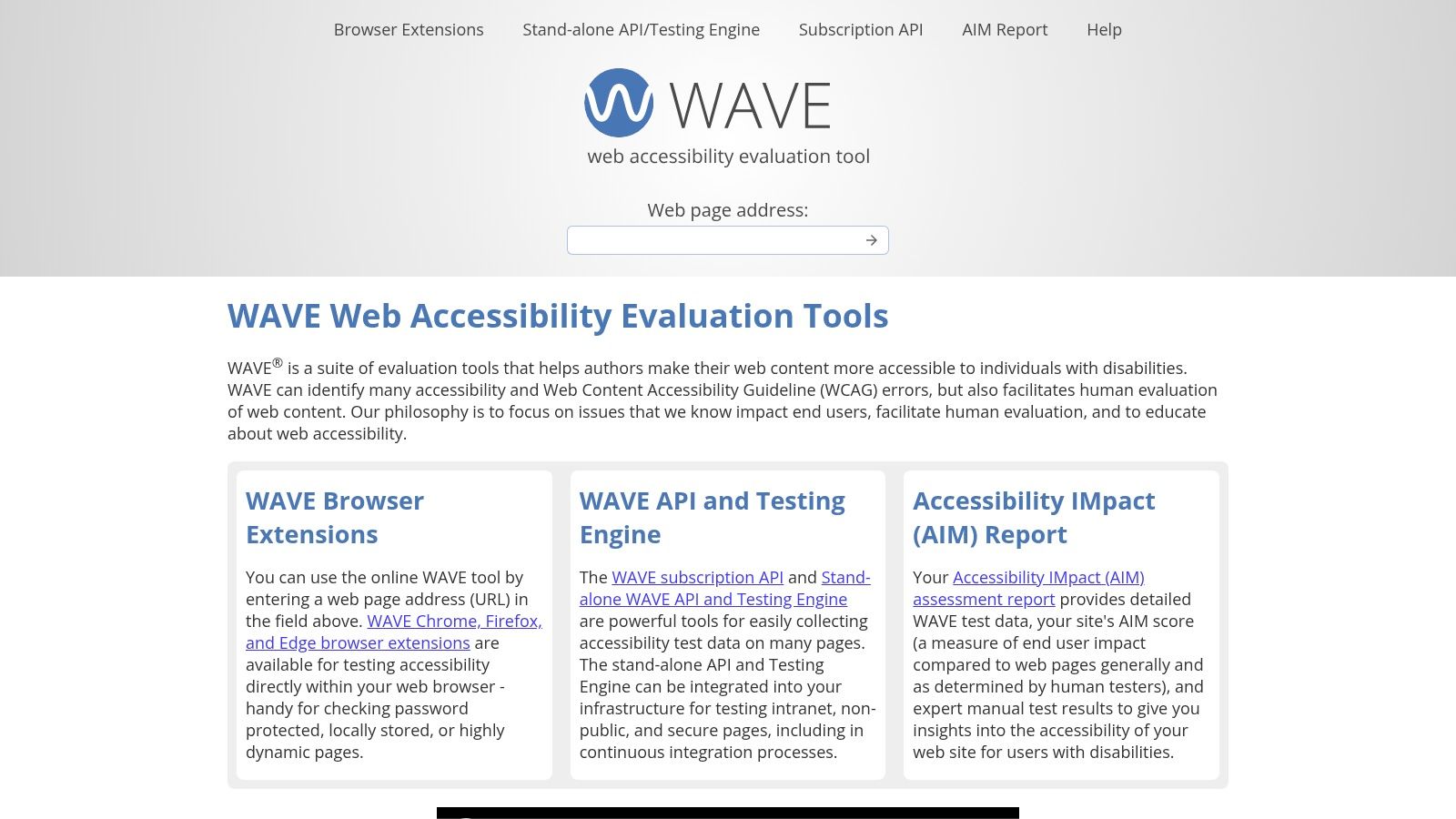
The free browser extensions for Chrome, Firefox, and Edge are particularly useful, allowing you to run WAVE on password-protected, dynamically generated, or locally hosted pages. Each identified issue is linked to clear explanations and WCAG references, making it an excellent educational resource. For teams needing to integrate accessibility checks into their workflows, WAVE also offers a paid API and a standalone engine for automated, large-scale analysis.
WAVE is highly respected because it doesn’t just report errors; it actively guides you toward human-centric evaluation. It highlights areas that require manual verification, reinforcing the idea that automated tools are just one part of a complete accessibility testing strategy.
Practical Use and Limitations
Best For: Quick, page-level analysis and developer education. It’s perfect for running a check before committing code or for a content editor to verify a new blog post.
Limitation: Its focus is on single pages. For a complete site-wide audit or continuous monitoring, you'll need the paid API or another tool. It also doesn't check content within iframes by default, which can be a blind spot.
Practical Recommendation: While WAVE helps identify code-level issues, it’s crucial to combine these findings with user-centred validation. Platforms like Uxia can take these technical reports and help you structure user testing sessions to see how real people, including those with disabilities, interact with your interface. This combination of automated and qualitative feedback is key to robust accessibility.
Website: https://wave.webaim.org
3. axe DevTools – Deque
Powered by the industry-standard axe-core rules engine, axe DevTools from Deque is a top-tier accessibility checker website and toolset aimed squarely at developers. It integrates directly into your browser's developer tools (in Chrome and Edge), allowing you to run powerful automated accessibility checks without leaving your coding environment. Its primary advantage is providing immediate, actionable feedback with clear issue descriptions, severity ratings, and direct links to remediation guidance, making it a firm favourite for embedding accessibility into the development lifecycle.
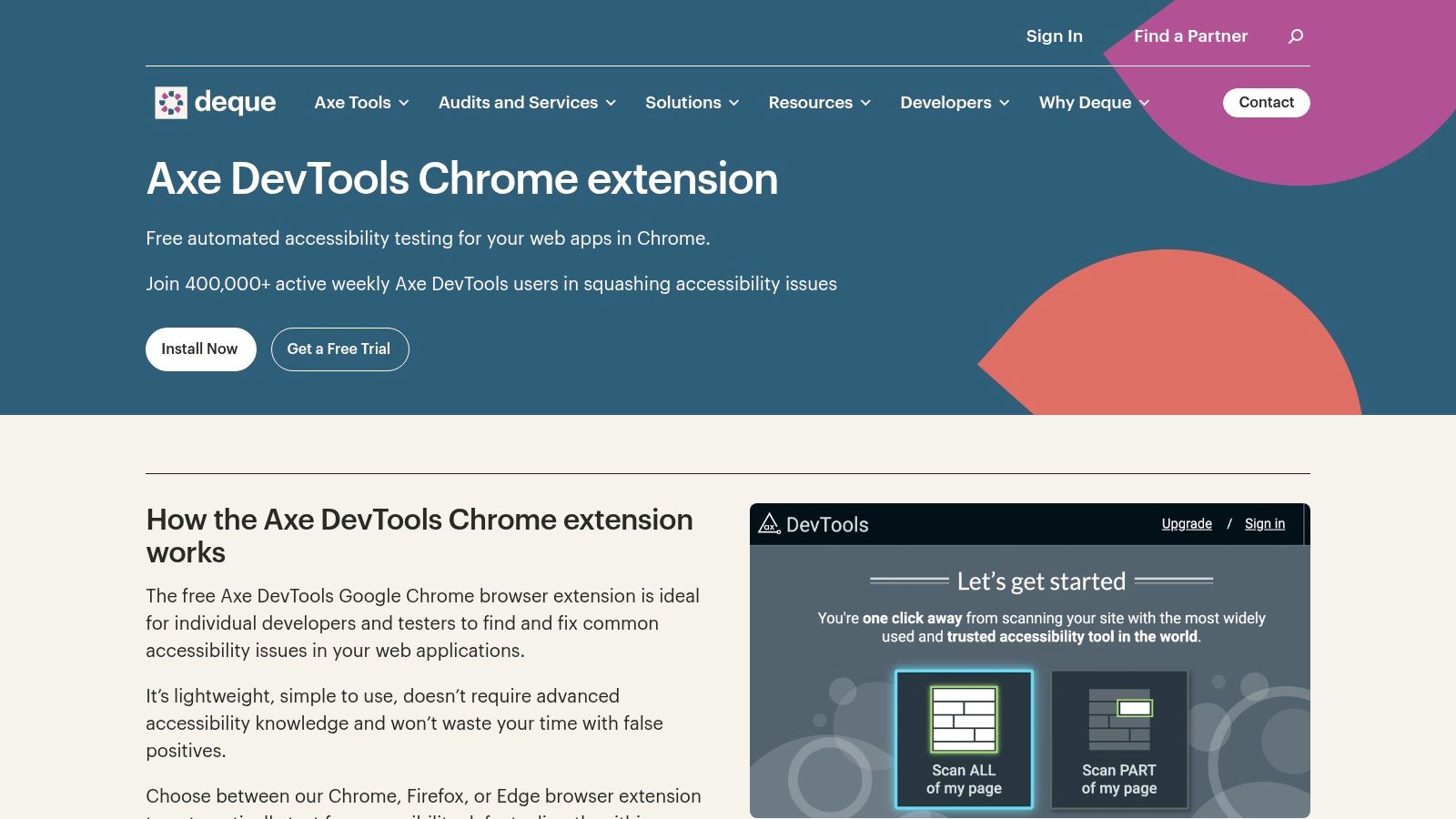
The free browser extension offers one-click automated scans that are highly accurate for machine-detectable issues. For teams looking for more, the paid Pro version introduces "Intelligent Guided Tests." These semi-automated checks walk you through a series of questions to test complex components like interactive menus and modals, helping to bridge the gap between pure automation and full manual testing. Integrations with tools like Jira further embed it into professional workflows.
What sets axe DevTools apart is its developer-first focus and the credibility of its underlying engine, which also powers Google's Lighthouse. By living inside the DevTools panel, it encourages developers to treat accessibility not as an afterthought but as an integral part of their build and debug process.
Practical Use and Limitations
Best For: Developers needing to run fast, reliable checks during component development and code reviews. The Pro version is excellent for teams wanting to conduct more structured, semi-automated testing.
Limitation: The free version is limited to automated scans on a page-by-page basis. Uncovering the full spectrum of issues requires either the paid Pro plan or supplemental manual testing. Pricing for Pro is not public and requires contacting their sales team.
Practical Recommendation: Findings from an axe scan can provide a solid technical foundation for user testing sessions organised with platforms like Uxia. Combining axe’s code-level precision with real-world user feedback ensures your product is both compliant and genuinely usable. You can explore a variety of other useful UX tools that complement this process.
Website: https://www.deque.com/free-accessibility-test/
4. BrowserStack Accessibility Testing
BrowserStack Accessibility Testing is a comprehensive accessibility testing solution for teams that need to evaluate websites beyond individual pages. It combines automated checks with workflow-based testing, assisted tests, screen reader testing, and accessibility monitoring, making it suitable for both development and QA teams.
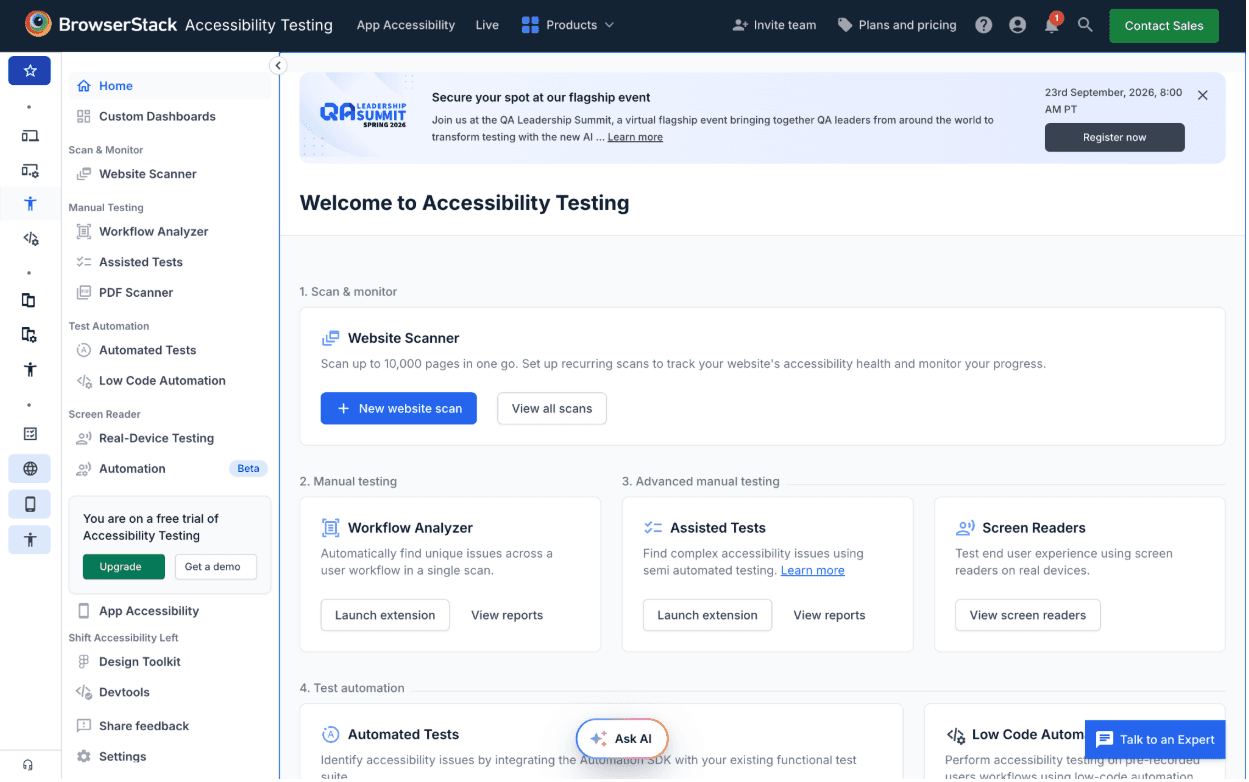
Its Workflow Analyzer can scan multiple pages and states within a user journey and identify issues such as missing alt text and insufficient colour contrast. Assisted Tests help teams check more complex accessibility scenarios, while Screen Reader testing supports NVDA on Windows, VoiceOver on macOS, and TalkBack on Android. Teams can also schedule website scans to monitor accessibility issues over time.
BrowserStack Accessibility Testing stands out by bringing automated checks, workflow testing, and manual validation into the same testing process. This makes it useful for teams that want accessibility testing to become part of their regular QA workflow rather than a one-off audit.
Practical Use and Limitations
Best For: Development and QA teams that need to test accessibility across user workflows, run manual checks, and monitor websites over time.
Limitation: Its broader feature set can be more than a small team needs for occasional, single-page accessibility checks. Automated testing also cannot replace human evaluation of context and real-world usability.
Practical Recommendation: Use BrowserStack for the technical and testing side of accessibility, then complement those findings with qualitative user testing. This combination can help teams identify WCAG issues while also understanding how accessibility barriers affect people in real-world scenarios.
5. Accessibility Insights for Web – Microsoft
Accessibility Insights for Web is a free, open-source browser extension from Microsoft that moves beyond simple automated checks. It provides a structured framework for both quick scans and in-depth manual accessibility testing. Its "FastPass" feature offers a two-minute automated check that identifies common, high-impact issues, making it an excellent accessibility checker website for developers needing a rapid assessment. Where it truly stands out is in its guided manual testing workflows.
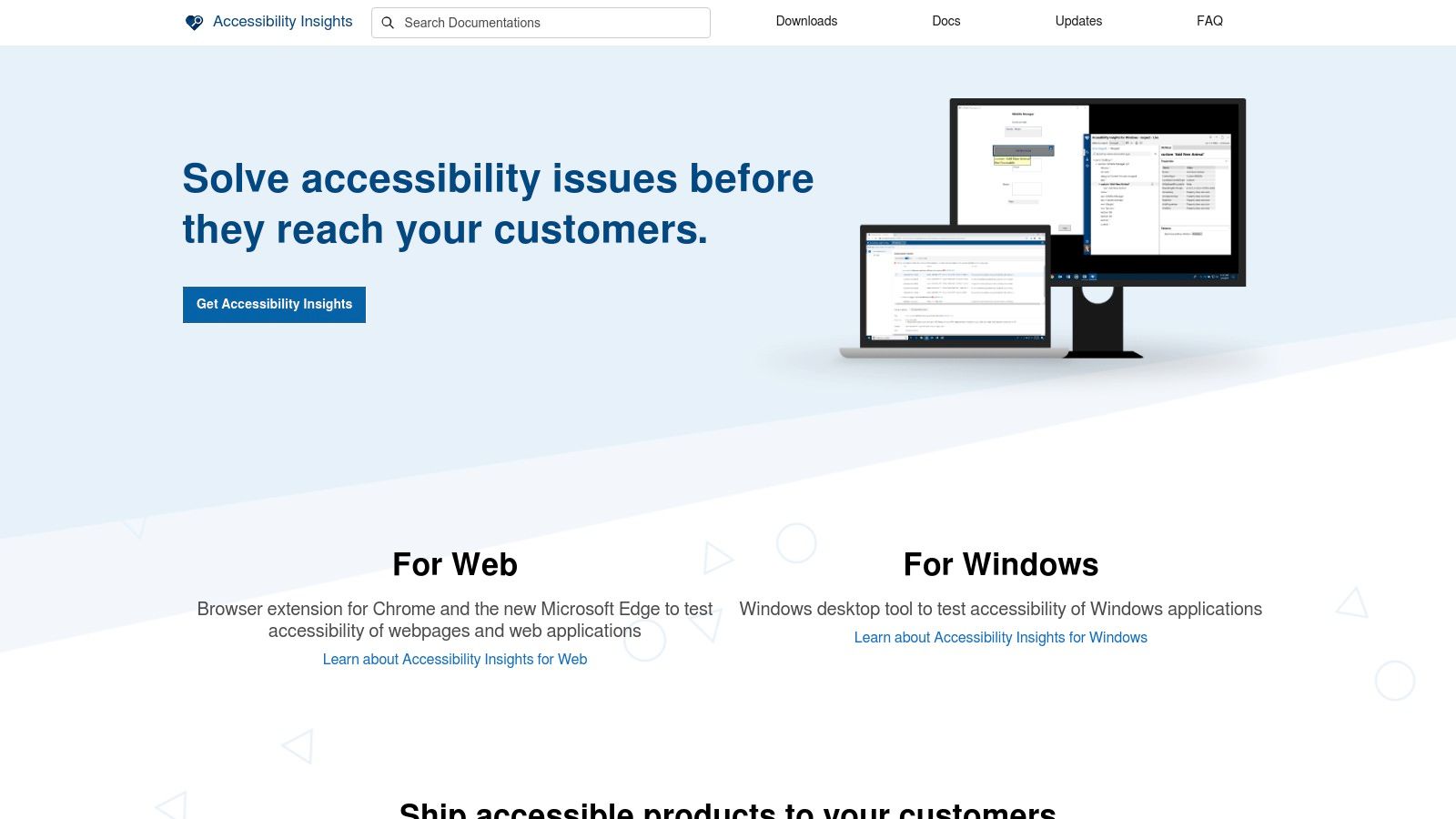
The "Assessment" feature walks you through a comprehensive set of WCAG-based tests, providing step-by-step instructions, visual helpers like tab-stop visualisation, and a place to record observations. This makes it an invaluable tool for training teams on how to perform consistent, thorough manual audits. Results can be exported, providing a clear report of both automated and manually discovered issues. Because it's open-source and backed by Microsoft, it benefits from continuous improvement and community contributions.
The real power of Accessibility Insights lies in its ability to bridge the gap between automated scanning and the complex reality of manual evaluation. It systematises the manual testing process, ensuring that no crucial checks are missed and that findings are documented consistently.
Practical Use and Limitations
Best For: Teams that want to build a rigorous, repeatable manual testing practice. It’s ideal for performing detailed audits and training developers or QA testers on comprehensive accessibility verification.
Limitation: The full Assessment workflow has a learning curve and requires a time commitment. It also operates on a page-by-page basis, lacking built-in site-wide crawling for continuous monitoring.
Practical Recommendation: The detailed reports generated by the Assessment feature are a perfect input for platforms like Uxia. You can use these reports to design user testing sessions that focus on how the identified issues actually affect people with disabilities, validating the technical problems with real-world user experience.
Website: https://accessibilityinsights.io
6. Google Lighthouse (Accessibility audits)
Google Lighthouse is a developer-centric tool built directly into Chrome DevTools, making it one of the most accessible and frequently used automated checkers available. Its primary strength is its ubiquity and ease of use; any developer with Google Chrome can run a quick accessibility audit with just a few clicks. It provides an immediate performance score from 0-100, which is based on a series of automated checks powered by the axe-core engine, complete with user-impact weightings.
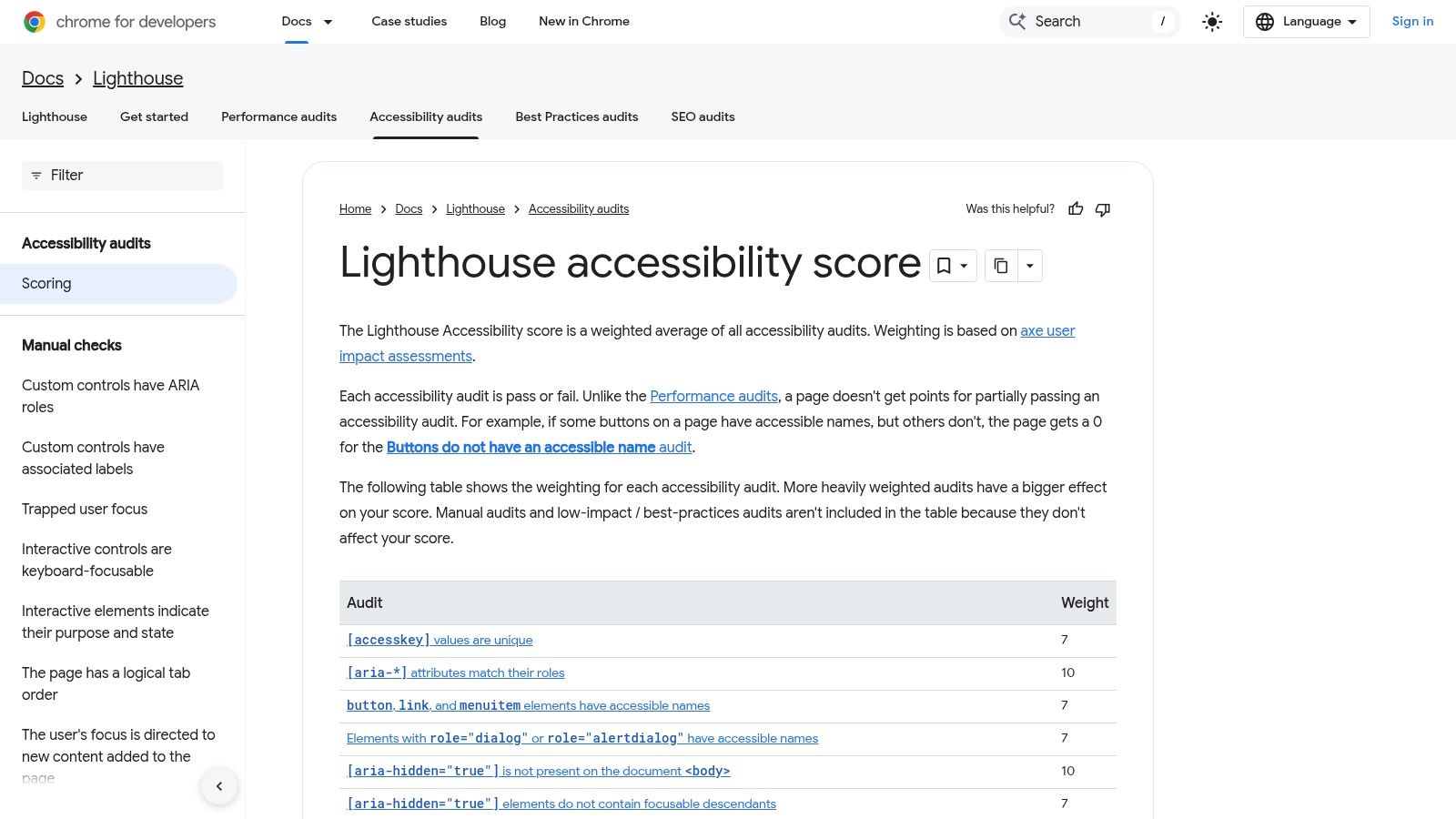
The reports are available in JSON and HTML formats, and its command-line interface (CLI) makes it a favourite for integration into continuous integration (CI) pipelines. This allows teams to automatically block code merges that introduce new accessibility regressions, making it a powerful gatekeeper for maintaining standards. It’s an excellent accessibility checker website for establishing a baseline performance metric.
Lighthouse is incredibly effective for embedding accessibility into the development workflow. Its direct integration in DevTools means there’s no excuse for developers to skip a basic check, making it a foundational layer of an automated testing strategy.
Practical Use and Limitations
Best For: Quick developer-led checks and CI/CD integration. It's ideal for a sanity check before deploying or for automated monitoring of key user flows.
Limitation: As an automated tool, it only captures a fraction of potential issues and tests the page's current state, missing dynamic content or multi-step processes. The score can also fluctuate, requiring multiple runs to establish a reliable average.
Practical Recommendation: While Lighthouse provides clear, actionable technical feedback, these automated reports should be validated through qualitative testing. Platforms like Uxia help you take these technical findings and structure user tests to see how the issues impact real people with disabilities, connecting code-level fixes to human experience.
Website: https://developer.chrome.com/docs/lighthouse/accessibility
7. Siteimprove Accessibility Checker (Browser extension)
The Siteimprove Accessibility Checker is a free browser extension that brings the power of Siteimprove's enterprise-level analysis engine directly to your development environment. It serves as an excellent entry point into the Siteimprove ecosystem, offering robust, page-level analysis for developers, designers, and content editors who need quick feedback. Its strength lies in providing clear, actionable guidance with direct links to WCAG documentation, making it a valuable educational tool. This makes it a dependable accessibility checker website for on-the-spot validation.
Available for Chrome, Firefox, Edge, and Opera, the extension analyses the page's code locally, meaning no data is sent to external servers, which is a key advantage for work on sensitive or pre-launch projects. It highlights issues directly on the page and provides code examples for fixes. Unique features like visual impairment simulators also allow teams to get a glimpse into how users with different types of vision might experience their site, bridging the gap between technical compliance and user experience.
What sets the Siteimprove extension apart is its seamless integration with its wider, paid platform. While the extension is fantastic for individual page checks, it acts as a gateway to a complete accessibility governance solution for organisations needing continuous monitoring and site-wide reporting.
Practical Use and Limitations
Best For: Developers and QA testers needing to perform secure, in-browser checks on dynamic or authenticated pages. It’s ideal for teams who may eventually scale up to Siteimprove’s full platform.
Limitation: The extension is limited to single-page analysis and doesn't offer site-wide crawling or monitoring; these features are reserved for the paid subscription. It also does not check PDF documents.
Practical Recommendation: While Siteimprove identifies technical issues, it’s vital to understand their real-world impact. The issues flagged can be used as a starting point for user research. With a platform like Uxia, you can create specific testing scenarios based on these findings to observe how people with disabilities actually navigate the interface, ensuring your fixes are not just compliant but genuinely usable.
Website: https://www.siteimprove.com/integrations/browser-extensions/
8. ARC Toolkit – TPGi
Developed by accessibility specialists TPGi, the ARC Toolkit is a professional-grade browser extension that brings powerful, on-demand testing to your development workflow. As a free plugin for Chrome and Firefox, it serves as an excellent entry point into the TPGi ecosystem, offering a robust accessibility checker website experience directly within the browser. It excels at performing quick, page-level analysis against WCAG 2.1 A/AA standards, presenting issues in a clear, summarised format.
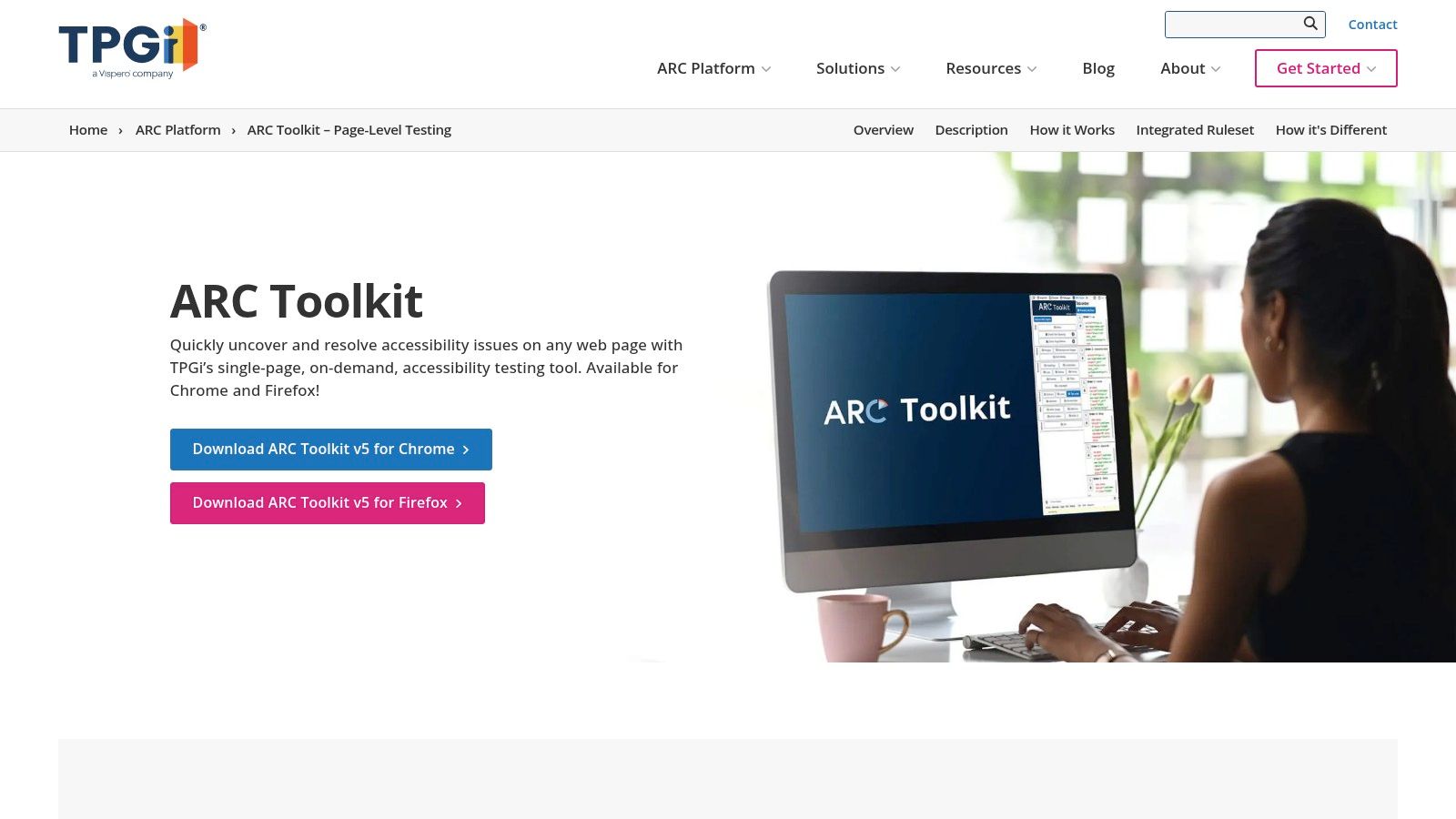
What sets the ARC Toolkit apart is the quality of its remediation advice. For every issue it flags, the tool provides code-level examples and practical fix guidance, making it immensely useful for developers needing to iterate quickly. While the toolkit itself focuses on single-page analysis, it is designed to integrate with the paid ARC Platform, which adds capabilities for site-wide monitoring, reporting, APIs, and access to training resources for a more complete accessibility programme.
The ARC Toolkit is backed by one of the most respected names in digital accessibility. Its strength lies in providing not just error reports, but actionable, developer-focused solutions that promote best practices and efficient remediation.
Practical Use and Limitations
Best For: Developers and QA testers needing immediate, technically detailed feedback on a single page during development sprints. Its fix guidance is a standout feature.
Limitation: The free toolkit is strictly for single-page analysis. To get a site-wide view, track issues over time, or integrate with CI/CD pipelines, you must subscribe to the paid ARC Platform.
Practical Recommendation: After using the ARC Toolkit to pinpoint technical violations, you can use a platform like Uxia to design usability tests that explore the real-world impact of these issues. For instance, if the toolkit flags a complex data table, you could create a Uxia-managed study to observe how screen reader users actually navigate it, combining automated compliance with essential human-centred validation.
Website: https://www.tpgi.com/arc-platform/arc-toolkit/
9. Pa11y
Pa11y is a powerful, open-source suite of accessibility testing tools designed for developers who need to integrate automated checks directly into their workflow. Unlike browser-based visualisers, Pa11y operates primarily from the command-line interface (CLI), making it a perfect accessibility checker website for embedding into continuous integration and continuous delivery (CI/CD) pipelines. It can run tests against web pages using engines like axe or HTML CodeSniffer, generating reports in various formats.
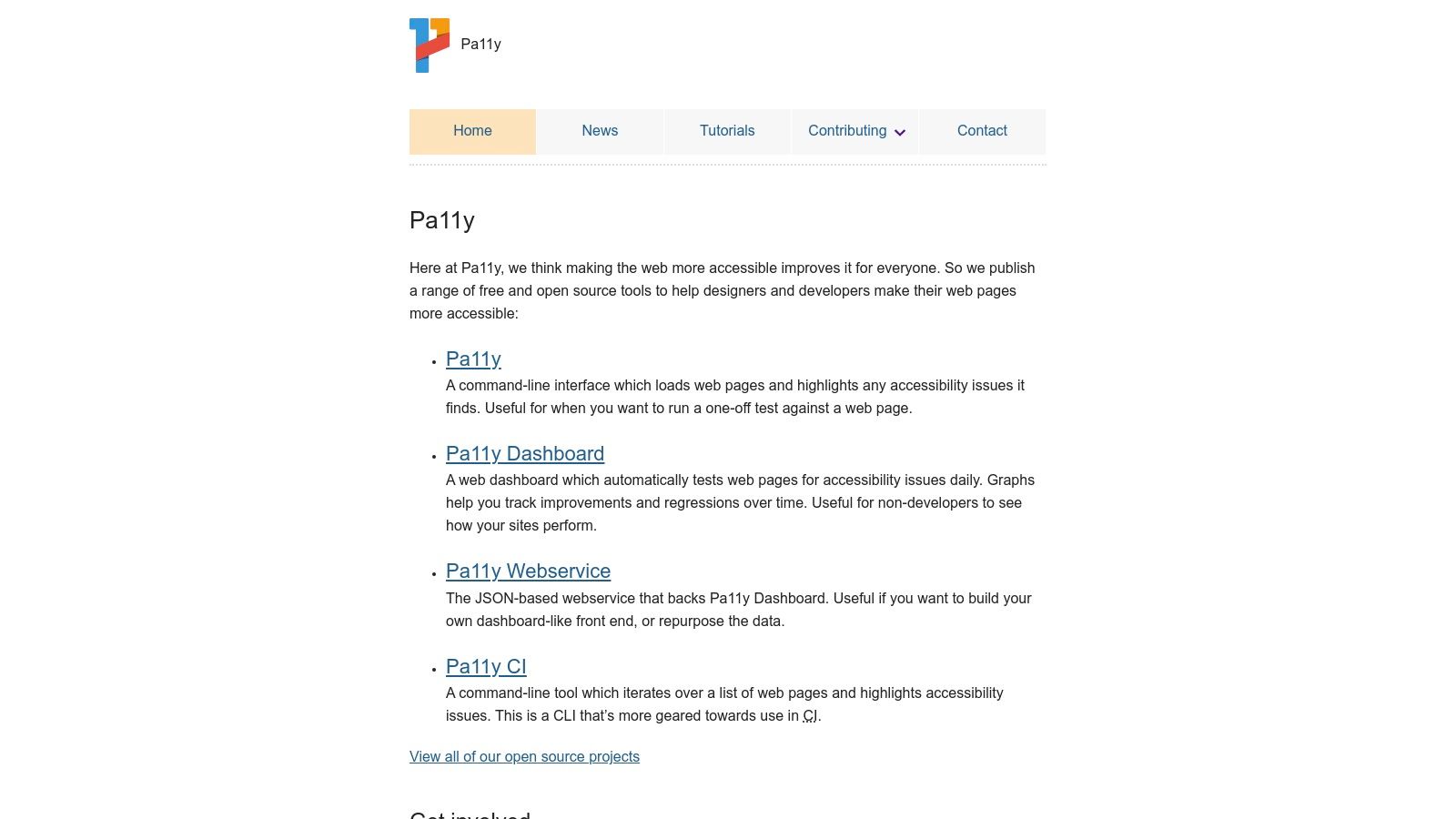
Its strength is its scriptability. Developers can configure Pa11y to perform actions like waiting for a specific element to appear, clicking buttons, or taking screenshots before running an audit, which is essential for testing dynamic, single-page applications. For teams that need to track accessibility improvements over time, Pa11y also offers an optional web service and dashboard for visualising trends, turning command-line output into actionable insights.
Pa11y’s true value lies in its automation-first approach. It empowers development teams to catch accessibility regressions before they ever reach production, embedding accessibility as a core quality gate within the software development lifecycle, not as an afterthought.
Practical Use and Limitations
Best For: Integrating automated accessibility scans into CI/CD pipelines. It is ideal for developers looking to script complex test scenarios and maintain accessibility standards programmatically.
Limitation: Its command-line nature presents a steep learning curve for non-developers. It lacks the immediate visual feedback of browser extensions, and its setup and maintenance require technical expertise.
Practical Recommendation: The technical reports from Pa11y provide a solid foundation for code-level fixes. To understand the real-world impact of these issues, teams can use a platform like Uxia to structure user testing sessions based on Pa11y’s findings. This allows you to observe how real users, especially those with disabilities, interact with the interface, bridging the gap between automated reports and genuine usability.
Website: https://pa11y.org
10. Silktide Toolbar (free Accessibility Checker)
Silktide's free browser toolbar is designed to make accessibility testing approachable, especially for those who aren't technical experts. Available as a Chrome or Edge extension, it performs over 200 checks based on WCAG 2.2 standards directly on a webpage. Its key differentiator is a strong focus on education; it doesn't just list errors but actively helps users understand them through simulations and clear, jargon-free explanations. This makes it a valuable accessibility checker website for training teams and empowering content creators to spot issues.
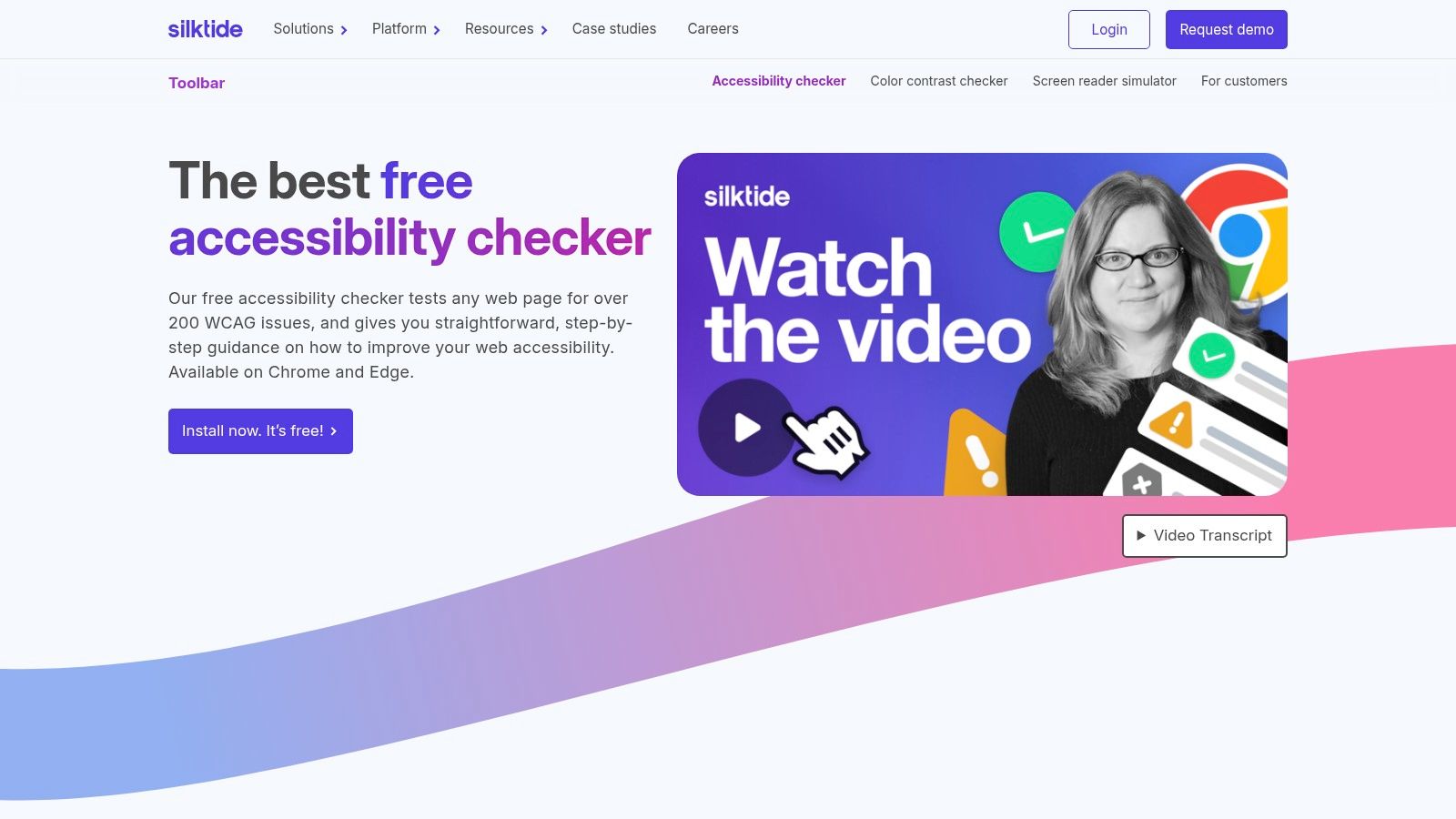
The toolbar’s built-in simulation tools are particularly effective. You can instantly see how a page looks to someone with different types of colour blindness or experience a screen-reader simulation that verbalises the page content. This on-the-spot empathy-building is powerful for designers and product managers. Issues are highlighted directly on the page, providing immediate visual context for where fixes are needed. While the toolbar is free, it acts as a gateway to Silktide's paid platform, which offers site-wide monitoring and governance.
What sets the Silktide Toolbar apart is its mission to educate. The screen-reader and disability simulators provide a direct, albeit simplified, glimpse into the user experience of others. This is a crucial step in shifting the team's mindset from a compliance checklist to genuine user-centric design.
Practical Use and Limitations
Best For: Quick page-level checks and educating non-technical team members like marketers or content editors. The simulators are excellent for building empathy during design reviews.
Limitation: As a purely automated tool, it cannot identify all accessibility barriers and requires manual verification. Comprehensive site-wide monitoring and reporting are locked behind the paid Silktide platform.
Practical Recommendation: The insights from Silktide are a great starting point, but they represent a technical perspective. To understand the real-world impact of these issues, you can use a platform like Uxia to structure user testing sessions with individuals with disabilities. For example, after Silktide identifies a confusing focus order, you can set up a task in Uxia to observe how a keyboard-only user actually navigates that specific workflow, providing qualitative validation for the automated finding.
Website: https://silktide.com/toolbar/
11. Monsido (Acquia Web Governance)
Monsido, now part of Acquia's digital experience platform, extends beyond a simple accessibility checker website into a full-scale web governance suite. It is built for organisations managing large, complex digital estates, such as universities or government agencies. The platform automates site-wide scans for accessibility, quality assurance, performance, and SEO, providing a centralised dashboard to monitor and manage web health across hundreds of pages.
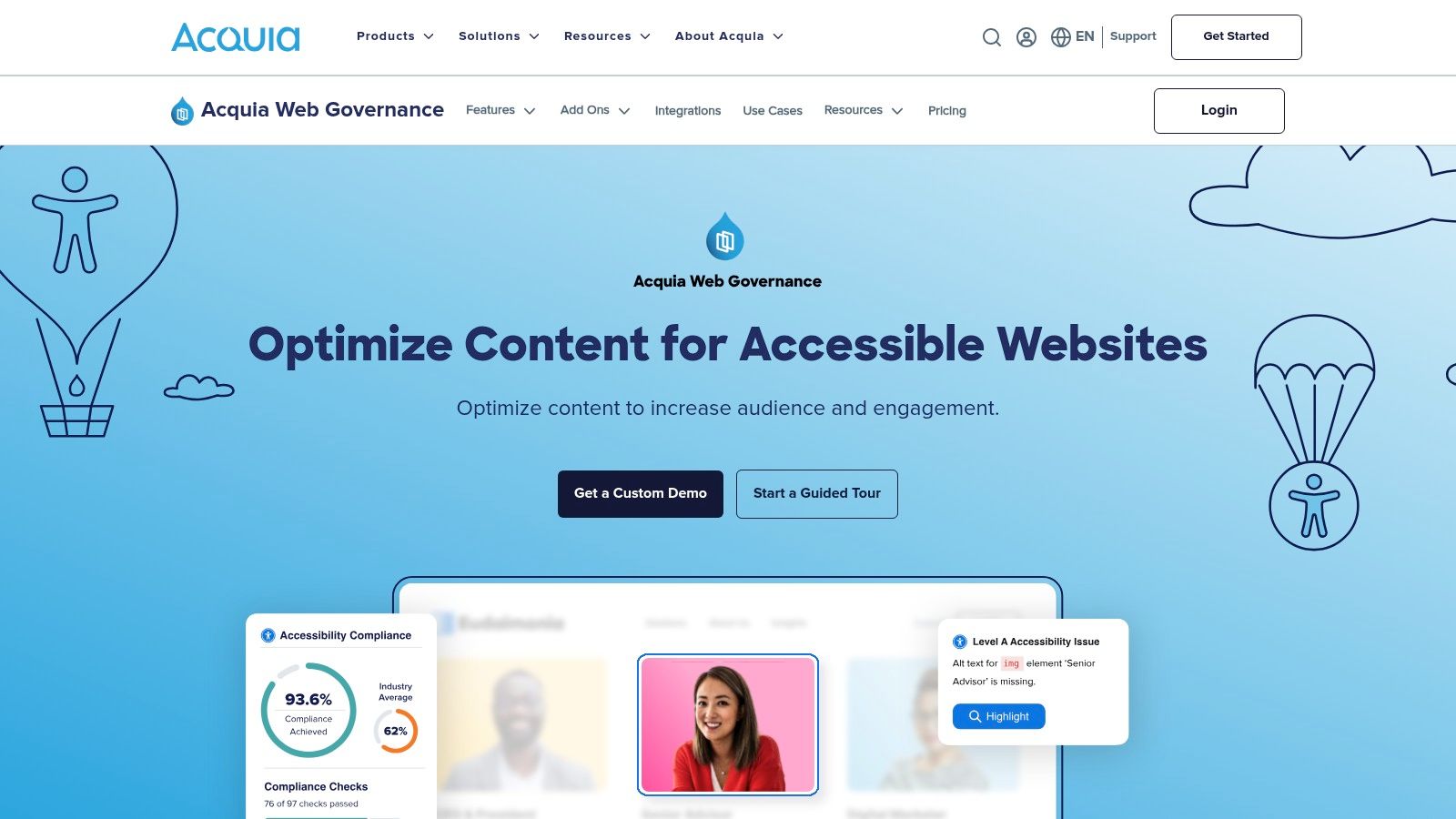
Its strength lies in its team-oriented workflow features. Issues can be assigned to specific team members, tracked with history logs, and managed through role-based permissions. This makes it ideal for distributed teams where developers, content editors, and compliance officers need to collaborate. The browser extension also allows users to see and fix issues directly on the page, streamlining the remediation process without constantly switching back to the main dashboard.
Monsido’s value is its integrated approach. By combining accessibility with other quality metrics like broken links and SEO, it positions accessibility not as a separate task but as an integral part of overall website quality and governance.
Practical Use and Limitations
Best For: Large organisations needing to enforce consistent standards and manage compliance across a vast portfolio of websites. Its reporting and workflow tools are designed for scale.
Limitation: The pricing is quote-based and reflects its enterprise focus, making it a significant investment that may be excessive for smaller businesses or single-site owners. Its automated nature still requires human oversight to validate context-sensitive issues.
Practical Recommendation: While Monsido is excellent for tracking technical compliance at scale, its reports can inform deeper user research. For example, a recurring pattern of accessibility flags on navigation components can prompt the use of a platform like Uxia to set up user testing sessions. This allows you to observe how people with different abilities actually interact with those menus, bridging the gap between automated checks and real-world usability.
Website: https://www.acquia.com/products/monsido
12. SortSite – PowerMapper
SortSite by PowerMapper moves beyond single-page analysis to provide comprehensive, site-wide audits. It’s an enterprise-grade accessibility checker website designed for teams that need to evaluate entire websites against a wide range of standards, including accessibility (WCAG), HTML validity, broken links, and even SEO best practices. Its strength lies in its ability to crawl a whole site, whether through its desktop software or OnDemand cloud service, and generate detailed, shareable reports.
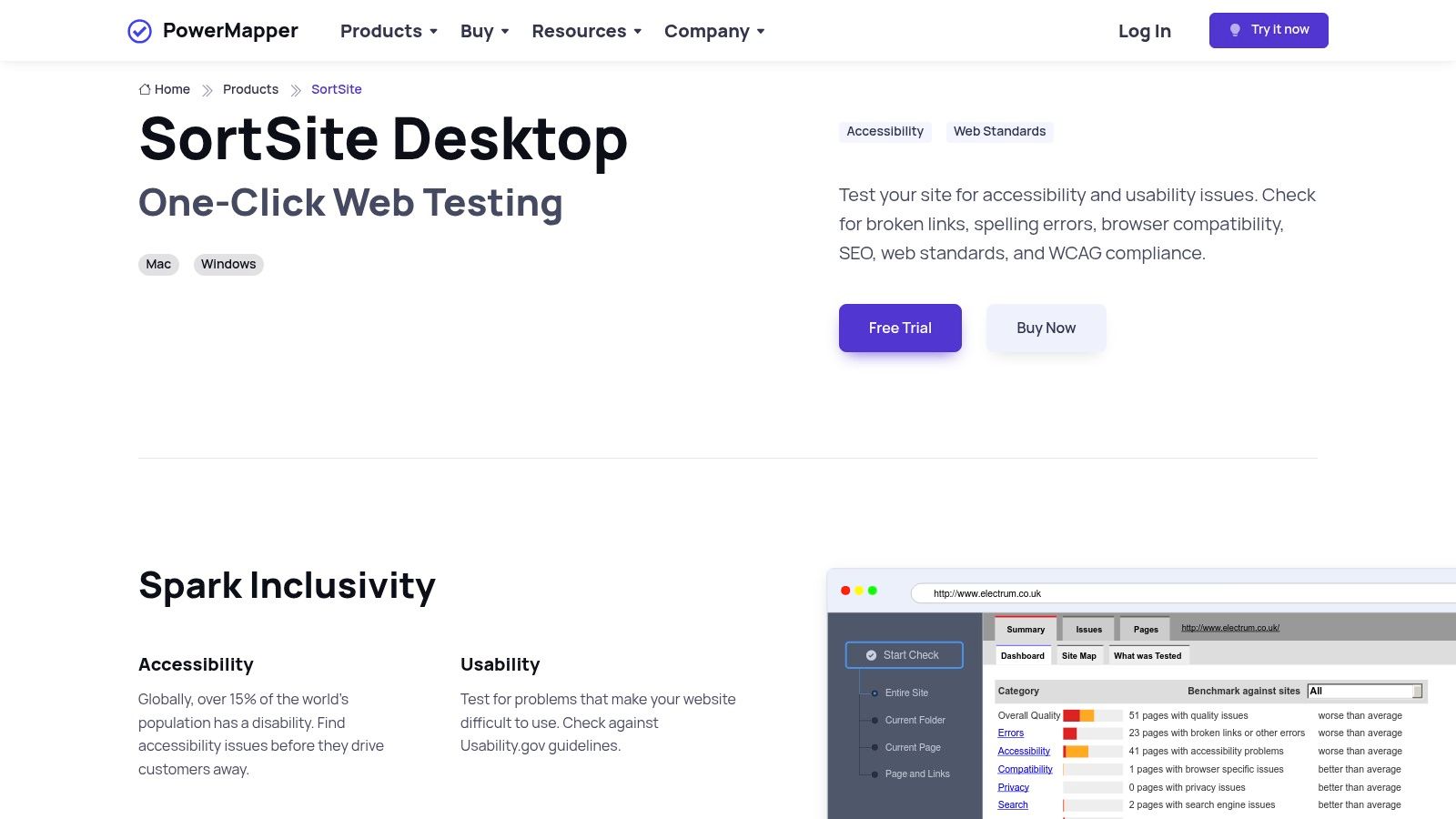
With over 1,300 checks, SortSite offers a very thorough scan covering Section 508, WCAG 2.2, and more. The reports are practical for presenting to stakeholders, providing a clear inventory of issues across the entire digital property. This makes it a valuable tool during large-scale redesigns, regular QA cycles, or for agencies needing to deliver complete audits to clients. The visual sitemaps it can generate are also a nice touch for understanding site structure.
SortSite’s key differentiator is its all-in-one audit capability. Instead of running separate tools for accessibility, links, and validation, it consolidates these checks into one efficient workflow, saving significant time for technical teams and project managers.
Practical Use and Limitations
Best For: Full-site audits, pre-launch QA, and agency reporting. It’s ideal for getting a complete technical snapshot of a website's health before a major project or as part of ongoing maintenance.
Limitation: The user interface can feel utilitarian and less modern compared to newer, web-native tools. Pricing varies significantly between the desktop and cloud versions and different editions, requiring careful review.
Practical Recommendation: The technical reports from SortSite provide a strong foundation for remediation. To ensure the fixes truly improve the user experience, you can use a platform like Uxia to structure validation sessions. By presenting the “before” and “after” versions to users with disabilities, you can confirm that the technical compliance translates into genuine usability improvements.
Website: https://www.powermapper.com/products/sortsite/
13. TAW (Test de Accesibilidad Web) – Fundación CTIC
TAW, which stands for Test de Accesibilidad Web, is a significant accessibility checker website developed by the Spanish CTIC Technology Centre. It holds particular relevance for organisations in Spain and Latin America due to its Spanish-language interface, reporting, and historical alignment with regional digital standards. The free online tool allows for a simple, URL-based check of a single webpage, providing a summary of issues mapped against WCAG principles.
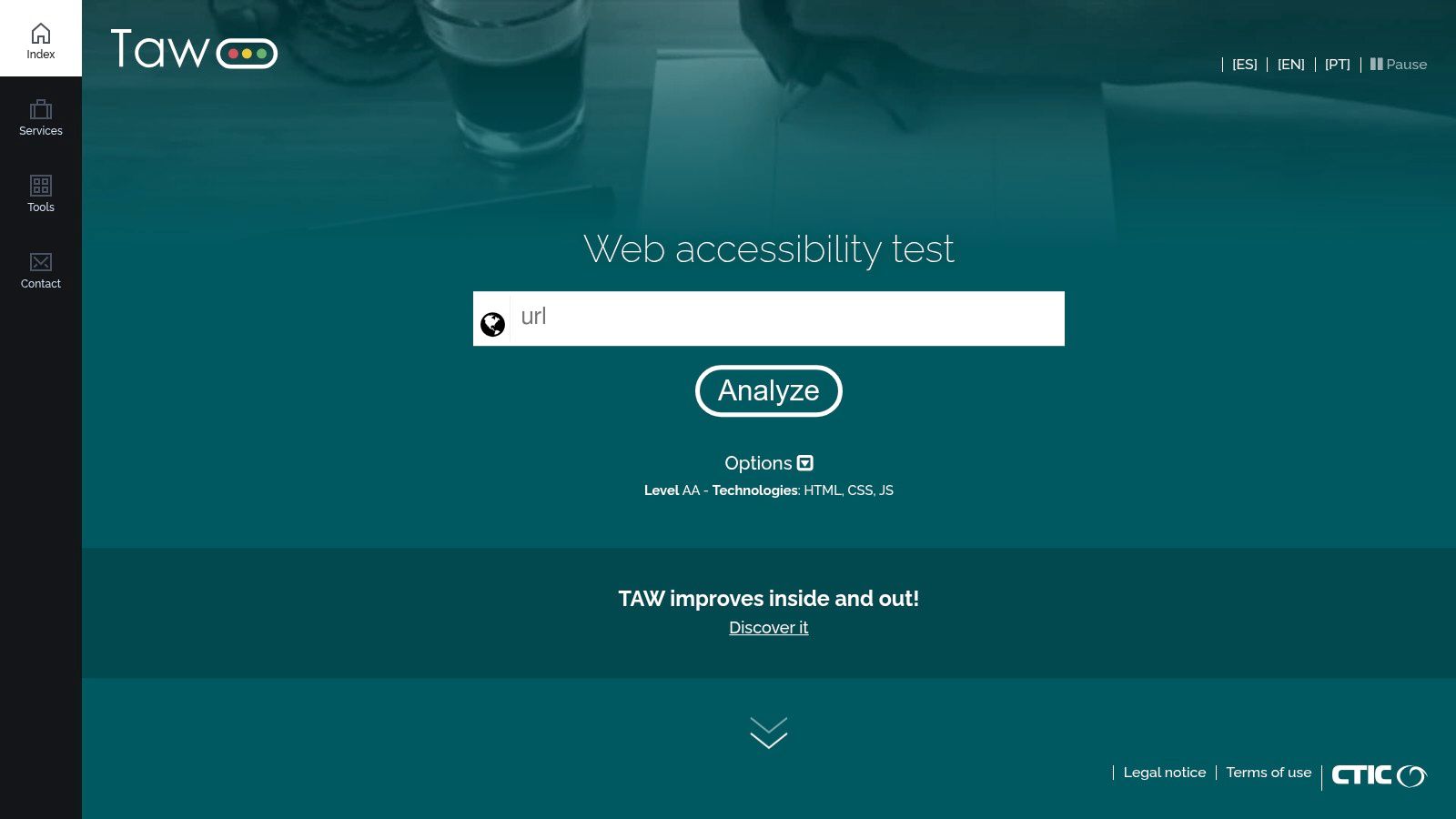
While the free version is ideal for quick checks, CTIC also offers paid services like TAW Monitor for continuous, site-wide analysis, which is often used for compliance reporting within Spanish and EU contexts. The ability to generate and email reports directly from the tool makes it simple to share findings with Spanish-speaking teams and stakeholders without needing translation or additional interpretation. This regional focus makes it a go-to resource for specific markets.
TAW's strength is its regional familiarity and trust within the Spanish-speaking digital community. For teams operating primarily in Spain or Latin America, its Spanish-first approach provides clear, contextually relevant guidance that other international tools might lack.
Practical Use and Limitations
Best For: Spanish-speaking teams needing a quick, familiar tool for page-level checks. It's also valuable for organisations needing to generate accessibility reports specifically for Spanish or EU compliance.
Limitation: The free version has rate limits and has sometimes lagged in updating to the very latest WCAG versions compared to more globally-focused tools. Comprehensive, automated site-wide crawling is a feature reserved for its paid monitoring services.
Practical Recommendation: After using TAW to get a technical report in Spanish, a logical next step is to validate those findings with real users. Platforms such as Uxia can be instrumental here, allowing you to recruit Spanish-speaking participants, including those with disabilities, to test the interface. This combination ensures that your accessibility efforts are both technically sound and culturally relevant.
Website: https://www.tawdis.net
12 Accessibility Checker Tools — Quick Comparison
Product | Core features | UX/Quality (★) | Pricing & Value (💰) | Best for (👥) | Standout (✨/🏆) |
|---|---|---|---|---|---|
Uxia 🏆 | AI synthetic testers, think‑aloud, heatmaps, SUS/SUPR‑Q, auto insights | ★★★★★ — research‑grade, rapid reports | 💰 Free trial; Starter $83/mo; Pro $290/mo; credits model | 👥 Product teams, PMs, designers, enterprise researchers | 🏆 ✨ Instant synthetic user tests; scales, removes recruiting |
WAVE – WebAIM | Page overlay, browser extensions, WCAG explanations, API | ★★★★☆ — trusted for manual verification | 💰 Free tools; paid API/engine | 👥 Designers, auditors, accessibility specialists | ✨ Visual overlays + strong educational guidance |
axe DevTools – Deque | axe‑core scans in DevTools, severity, guided Pro tests, CI hooks | ★★★★☆ — robust developer workflow | 💰 Free scans; Pro via sales/trial | 👥 Developers, QA, accessibility engineers | ✨ Industry‑standard rules engine; CI friendly |
BrowserStack Accessibility Testing | Workflow scanning, automated checks, assisted tests, screen readers, accessibility monitoring | ★★★★☆ — broad testing coverage | 💰 Free plan; paid plans available | 👥 Product teams | |
Accessibility Insights for Web – Microsoft | FastPass automation, guided Assessment workflows, contrast & tab tools | ★★★★☆ — free, teaching‑oriented workflows | 💰 Free, open‑source | 👥 QA teams, accessibility practitioners, trainers | ✨ Guided workflows + Microsoft backing |
Google Lighthouse (Accessibility) | DevTools/PSI audits, JSON/CLI reports, CI integration | ★★★★☆ — ubiquitous, repeatable audits | 💰 Free | 👥 Developers, performance/SEO teams | ✨ Built into Chrome; CI & CLI friendly |
Siteimprove Accessibility Checker | On‑page highlights, WCAG mapping, local analysis, simulators | ★★★☆☆ — beginner‑friendly guidance | 💰 Free extension; paid governance platform | 👥 Content owners, marketing teams | ✨ Secure local analysis; clear fix steps |
ARC Toolkit – TPGi | On‑demand page tests, code remediation guidance, Chrome/Firefox | ★★★★☆ — practical fix guidance | 💰 Free plugin; ARC Platform paid | 👥 Developers, accessibility consultants | ✨ Remediation techniques from accessibility specialists |
Pa11y | CLI/Node tests, reporters, screenshots, dashboard option | ★★★☆☆ — powerful for automation (CLI) | 💰 Free, open‑source | 👥 CI/CD engineers, DevOps teams | ✨ Highly scriptable for regression/CI testing |
Silktide Toolbar | 200+ checks, simulations (color/dyslexia), screen‑reader sim | ★★★☆☆ — educational, simulation‑rich | 💰 Free toolbar; paid platform for monitoring | 👥 Non‑experts, site owners, educators | ✨ Strong simulations for accessibility training |
Monsido (Acquia) | Scheduled site scans, dashboards, workflows, fix tracking | ★★★☆☆ — governance for large portfolios | 💰 Quote/enterprise pricing | 👥 Large orgs, public sector, higher‑ed | ✨ Broad web governance & role‑based workflows |
SortSite – PowerMapper | Full‑site crawler, 1,300+ checks, exportable reports | ★★★☆☆ — fast whole‑site audits | 💰 Paid desktop/cloud editions (vendor) | 👥 Agencies, QA teams performing site sweeps | ✨ Fast site crawls with stakeholder reports |
TAW – Fundación CTIC | Spanish URL checks, WCAG mapping, Spanish reports | ★★★☆☆ — regionally familiar, simple checks | 💰 Free (rate‑limited); paid monitoring | 👥 Spanish/Latin American teams, public bodies | ✨ Spanish‑language outputs; EU/Spain relevance |
Final Thoughts
We have explored a wide array of tools, each offering a distinct approach to digital accessibility. From the in-browser immediacy of WAVE and the axe DevTools to the comprehensive reporting of enterprise platforms like Monsido and Siteimprove, it's clear there is no single, perfect accessibility checker website. The ideal tool is not a magic bullet but a component of a much larger, human-centred strategy.
The true takeaway is that automated checkers are powerful starting points, not final destinations. They excel at identifying objective, code-based issues like missing alt text, insufficient colour contrast, or incorrect ARIA roles. Using a tool like Google Lighthouse or the ARC Toolkit can rapidly uncover a significant portion of WCAG (Web Content Accessibility Guidelines) failures, providing developers with a clear, actionable list of fixes. This initial scan is an indispensable part of any modern development workflow, saving time and catching low-hanging fruit before it ever reaches users.
Moving Beyond Automated Scans
However, the limitations of these tools are just as important to understand. No automated accessibility checker website can tell you if your link text is meaningful without context, if your page flow is logical for a screen reader user, or if your complex interactions are genuinely usable for someone with motor impairments. These are matters of human experience and context, areas where automated logic falls short.
This is precisely where the process must evolve. Your journey towards genuine accessibility should follow a clear progression:
Automated Check: Run a primary scan with a tool like Uxia, WAVE, axe DevTools, or BrowserStack Accessibility Testing to catch technical errors. This is your baseline audit.
Manual Review: Follow up with a manual check, using tools like Accessibility Insights for Web to guide you through keyboard-only navigation, tab order, and other interactive elements.
Qualitative Validation: This is the most crucial step. Engage directly with people with disabilities. This is where a platform like Uxia becomes essential, facilitating the recruitment of participants and the collection of real-world usability feedback. An automated tool might clear an "aria-label", but only a screen reader user can tell you if that label is actually helpful or just confusing noise.
Choosing Your Accessibility Toolkit
Selecting the right tools depends entirely on your team's specific context, budget, and maturity.
For Freelancers and Small Teams: Start with free, powerful browser extensions. A combination of WAVE, axe DevTools, and Accessibility Insights covers an enormous amount of ground without any financial investment. Focus on integrating these checks into your daily design and development habits.
For Product Teams at Startups and Scaleups: Your focus is on speed and integration. Command-line tools like Pa11y can be built directly into your CI/CD pipelines, automating checks with every code commit. Complement this with Uxia to bring user feedback into your sprints, ensuring you are building what people can actually use, not just what passes an automated test.
For Large Enterprises and Agencies: A multi-faceted approach is necessary. Invest in an enterprise-grade platform like Monsido or Silktide for site-wide monitoring and governance. At the same time, equip your individual development and UX teams with browser-based tools for granular, component-level testing and qualitative research platforms like Uxia for deep user validation.
Ultimately, building accessible digital products is a continuous practice, not a one-time project. It requires a commitment to both technological rigour and human empathy. The tools we have discussed are instruments in that practice. They help us see the technical flaws, but it is our engagement with real users that helps us realise a truly inclusive experience. The goal is not just to get a "100%" score on a checker; it's to build something that works for everyone.
Ready to move beyond automated checks and understand the real-world usability of your product? Uxia connects you with people with disabilities for authentic accessibility testing. Gain invaluable insights and validate your designs with the users you aim to serve by visiting Uxia to see how our platform complements your chosen accessibility checker website.