7 Product design events 2026 You Should Know
Discover the top 7 product design events 2026 strategies and tips.
You open the 2026 conference calendar with a practical problem. Your budget is limited, your team cannot attend everything, and each event seems to promise the future of product design.
The hard part is that product design no longer fits inside one tidy conference bucket. A useful event might focus on interface tools, UX research, AI-supported workflows, product delivery, accessibility, or the broader creative work that shapes digital products. For a design lead or PM, choosing an event now works less like picking a single “design conference” and more like building a balanced toolkit. One event may help you improve your design system. Another may sharpen your research practice. A third may help designers, PMs, and engineers work from the same playbook.
That variety is useful, but it also creates noise. Teams rarely need another general burst of inspiration. They need a clearer way to choose: Which event will help us make better decisions, test better ideas, and bring back methods we can use within the next sprint or quarter?
This list helps by focusing on outcomes.
I'm not treating every conference as interchangeable. Some are stronger for design systems and tooling direction. Some give more depth in research and accessibility. Others are better for cross-functional teams that need shared language across design, product, and engineering. And if your team uses a fast validation platform like Uxia, the best event is usually the one that gives you specific workflows, research habits, or collaboration patterns you can test soon after you return.
1. Figma Config 2026
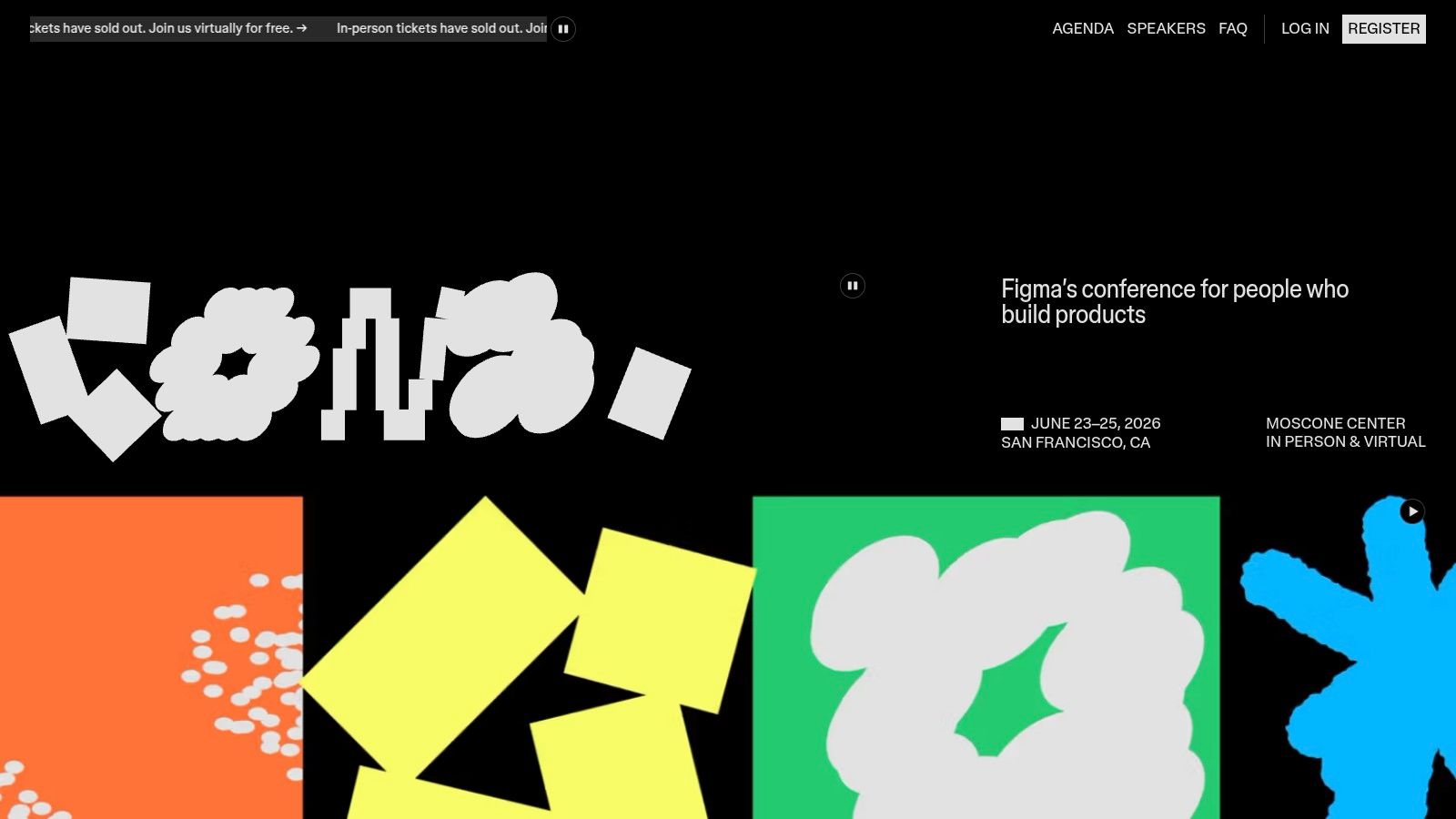
Your team gets back from a conference with pages of notes, but three weeks later the files, handoff habits, and prototype reviews still look the same. Config is one of the few events where that gap can close faster, because the useful question is rarely "What trends did we hear?" It is "Which parts of our design workflow will change on Monday?"
Figma Config 2026 is strongest for teams that build digital products inside the Figma ecosystem and want a clearer view of where day-to-day interface work is heading. If your designers prototype in Figma, your PMs review flows there, and engineers rely on shared specs or design systems, Config often gives you a better read on workflow direction than a broader creativity conference would.
A simple way to judge its value is to treat Config like a product roadmap review for your design stack. You are not only watching new features. You are watching how one tool is trying to connect design systems, prototyping, collaboration, developer handoff, and AI-supported tasks into one working model.
Why UX teams go
The practical value is concentration. Instead of hearing separate conversations about systems, prototyping, and collaboration, you see how those pieces affect one another inside the same tool environment. That matters for teams trying to reduce rework. A small change in component structure, annotation habits, or prototype fidelity can reshape design reviews and front-end implementation more than a general talk about innovation ever will.
Config also helps teams spot the difference between interesting features and useful workflow changes. For example, a flashy AI demo may get attention, but the better question is narrower: does it speed up wireframing, improve content iteration, or reduce repetitive system maintenance without creating review debt later? That level of filtering is where strong teams get more value from the event than casual attendees.
The limitation is just as clear. Config is Figma-centered. If your team needs a tool-neutral view of product design, research operations, or cross-functional delivery, this event will not cover the whole field.
Best fit: UX/UI designers, product designers, design ops leads, PMs, and front-end collaborators working in Figma regularly
Main value: Product updates, workflow examples, and concrete signals about how AI may change design tasks, review cycles, and handoff practices
Big limitation: The perspective is shaped by the Figma ecosystem, so it is less useful for teams comparing many tools equally
Practical rule: Skip a few headline sessions if needed. The more useful conversations often happen with design ops or systems people who can explain how a new feature changes file structure, governance, review habits, or component maintenance.
For Uxia users, Config is most useful as an input event. Go to collect methods you can test right away, especially around faster prototype feedback, tighter iteration loops, and cleaner collaboration between design and product. That is where conference value becomes concrete. You return with one or two workflow changes, test them in the next sprint, and keep only what improves team speed or decision quality.
2. UXDX USA 2026
A common conference mistake looks like this: the designer attends design sessions, the PM attends product talks, the engineer skips the event, and everyone returns with smart notes that never fit together. UXDX USA 2026 is more useful for teams trying to avoid that pattern.
Its strength is the way it puts product, UX, and engineering in the same conversation. That sounds simple, but it changes the kind of value you get. Instead of hearing isolated advice about research, interface craft, or delivery speed, you hear how one decision affects the next handoff, the next sprint, and the next release.
That makes UXDX a strong option for companies working on operating habits, not only design output. If your team already knows how to produce polished screens but still struggles with slow discovery, unclear ownership, or handoffs that lose context, this event is aimed at that gap.
Where it stands out
UXDX works like a shared map. A research finding, a product bet, and an engineering constraint stop feeling like separate documents and start looking like parts of the same route.
That matters because event audiences are putting more value on clarity and practical use, not overloaded agendas. The same shift shows up in product work. Teams care less about collecting ideas and more about whether those ideas change decisions, speed up feedback, or reduce rework.
One useful pattern to watch for is the session that starts with a user problem and follows it all the way through prioritization, design tradeoffs, technical constraints, and release decisions. Articles about design events often stop at "cross-functional learning." The better question is narrower: did the speaker show where alignment broke down, who resolved it, and what artifact helped the team move forward? At UXDX, those details matter more than broad inspiration.
The best post-talk discussion usually happens when a designer, PM, and engineer hear the same example, then compare what would change in their current workflow.
Sending a small group is often better than sending one delegate. A solo attendee can bring back notes. A group can return with shared language, shared context, and fewer debates about what the speaker meant.
How to get more from it
Go in with one operating problem, not a general goal to "learn trends." Treat the event like a diagnostic visit. If your real issue is weak discovery, focus on talks about research handoff, prioritization, and evidence quality. If the issue is delivery friction, focus on sessions that explain scope decisions, design to engineering collaboration, and feedback loops after release.
A simple split works well:
One person tracks discovery: research planning, synthesis, and how insights influence roadmap choices
One person tracks product decisions: prioritization, experiment design, and tradeoff discussions
One person tracks delivery: engineering collaboration, handoff quality, and how teams prevent rework
Then test one change quickly. Use Uxia to validate a revised design or research workflow in the next sprint instead of letting the notes sit in a doc. The teams that get the most from UXDX are usually the ones that come back with one pilot, one owner, and one clear question: does this improve decision quality or team speed?
3. UXPA International 2026
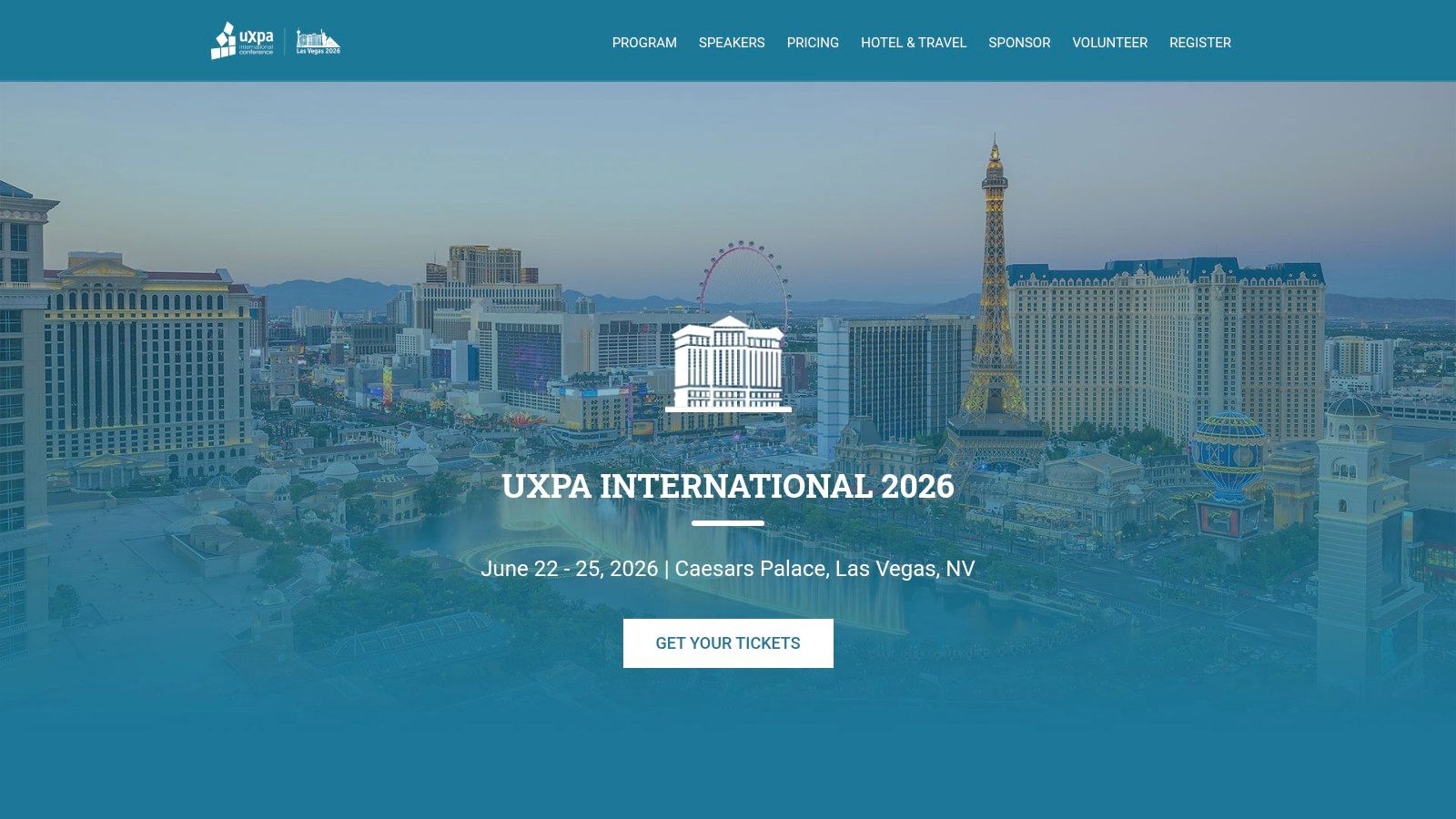
Some events help you scan the market. UXPA International 2026 is better when your team needs to sharpen research discipline.
This conference is a strong pick for UX researchers, service designers, and product designers who want method depth rather than surface-level inspiration. If your team is struggling with research quality, evidence standards, or how to connect evaluation methods to design decisions, UXPA is usually a better fit than a broad product conference.
Best for research-heavy teams
UXPA's appeal is the combination of pre-conference courses and a practitioner community that cares about methods. You're more likely to find sessions that slow down enough to explain how a technique works, when it fails, and what kind of decision it supports.
That can feel more academic than startup-friendly. If your team wants quick tactical playbooks with lots of product-launch energy, another event may suit you better. But if your challenge is credibility, rigor, or consistency in research practice, UXPA earns its place.
Go if: Your team needs better evaluation methods, stronger research planning, or role-specific learning paths
Skip if: You mainly want design tooling announcements or broad startup networking
Bring back: One revised research template, one better synthesis habit, and one clearer rule for when fast feedback is enough
Practical use after the event
UXPA becomes more valuable when you pair it with speed. A method-heavy event can leave teams inspired but slower if they try to over-formalize everything.
That's why I'd use it alongside a practical validation stack. For example, a team can return from UXPA with sharper standards for usability evaluation and then use Uxia to pressure-test prototypes early, before deciding which questions need deeper human-led research. Uxia's product demos describe synthetic testers that can provide usability insights in approximately 15 minutes, depending on the flow being analyzed. That's a useful complement when the team wants to separate fast validation from heavier research work.
4. Adobe MAX 2026
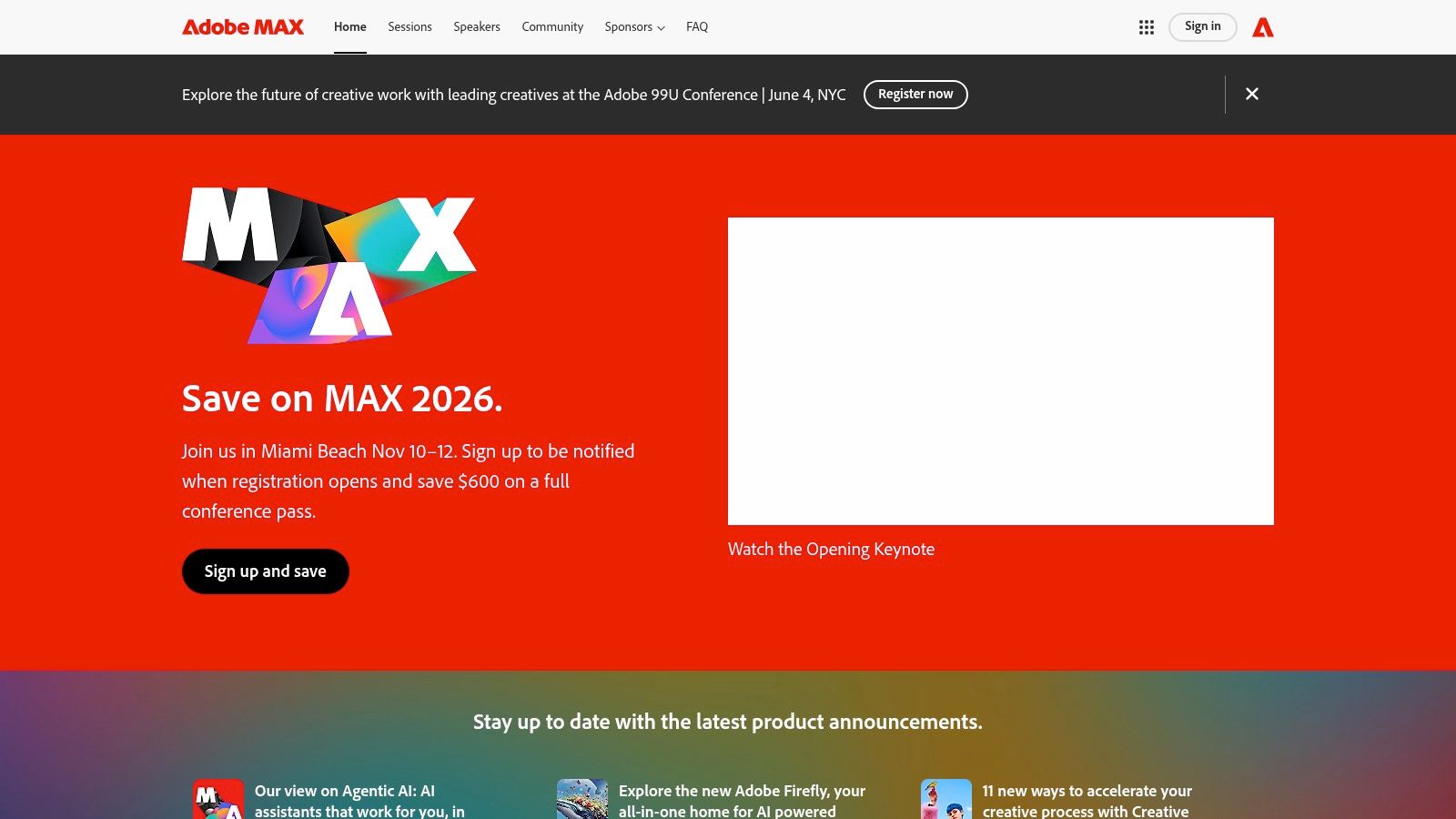
Your team is redesigning onboarding. The product flow needs clearer UX, the launch needs motion assets, and marketing wants the same visual language to carry from ads into the app. In that situation, Adobe MAX 2026 makes sense because the problem is no longer just interface design. It is coordination across product, brand, content, and creative production.
That is why you should consider MAX. It helps teams that work across the full experience, especially when product designers regularly hand work to brand designers, illustrators, video teams, or content specialists. A specialist focused only on UX patterns will not use every session. A cross-functional design team often will.
Why it's different
Adobe MAX covers the creative system around the product, not only the screen-level mechanics inside it. That matters for teams building onboarding, feature announcements, in-app education, interactive campaigns, or branded moments inside the product.
A simple way to frame it is this: some events help you improve the structure of the house. MAX also looks at the lighting, signage, and materials people touch once they enter. If your product experience depends on visual storytelling or motion clarity, that broader view can prevent awkward handoffs between teams.
This also fits a wider shift in design work. As noted earlier, design conversations are increasingly tied to production systems, lifecycle thinking, and cross-channel execution. MAX is useful when your team needs to connect interface decisions with the assets and workflows around them.
A team that studies only interface trends can miss how content pipelines, motion systems, and campaign assets shape the user experience.
When to choose MAX
Choose Adobe MAX when the friction on your team is less about finding a UI pattern and more about making different creative disciplines work together.
Strongest for: Teams that combine UX, visual design, motion, content, and brand work
Less ideal for: Teams looking mainly for research methods or usability testing frameworks
Good outcome: Clearer collaboration rules between product design and adjacent creative roles
One practical example. A team might return from MAX with ideas for richer motion in onboarding or more expressive product education. That can improve comprehension, but it can also add noise if every animation competes for attention. For Uxia users, MAX is useful as a source of creative concepts, then Uxia can help test whether those concepts improve clarity or distract from the task.
5. ITX Product + Design Conference 2026
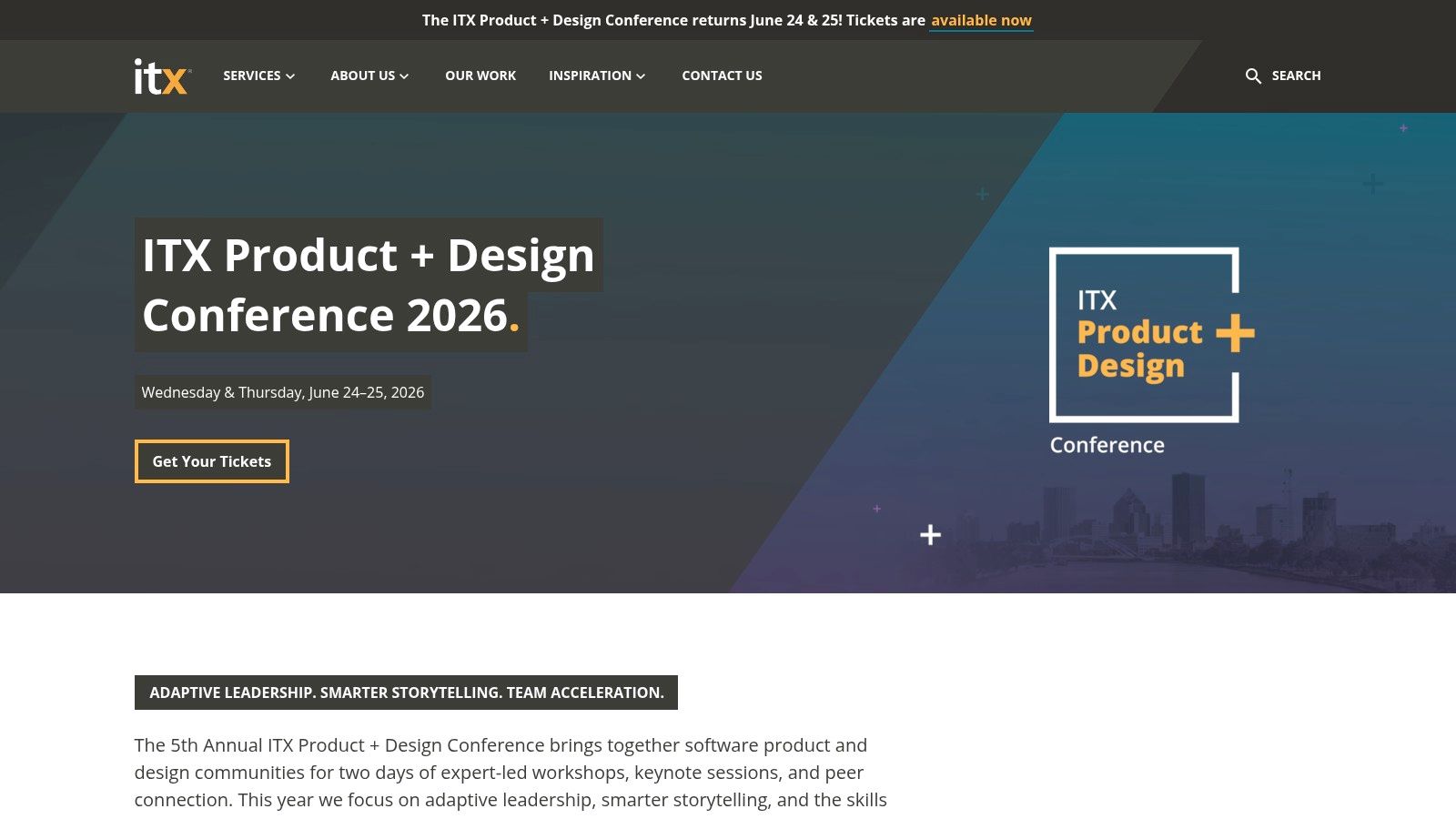
Not every team needs a giant conference hall. ITX Product + Design Conference 2026 is easier to recommend when you want focused learning, approachable speakers, and a format that doesn't overwhelm your team.
This is one of the more manageable product design events 2026 on the list. That matters if your team learns best through workshops, practical frameworks, and conversations that continue after the session ends.
Why smaller can be better
A smaller event usually gives you fewer parallel tracks and fewer distractions. That can be a real advantage when your goal is team application, not broad market scanning.
ITX is a strong choice for product and design teams that want a workshop day plus a shared keynote day. That mix is useful because it lets individuals go deep, then regroup around a common set of ideas.
Useful for: Teams working on discovery, storytelling, adaptive leadership, and AI-augmented product work
Less useful for: People looking for a giant expo floor or a global vendor marketplace
Main advantage: Easier access to speakers and less conference fatigue
A practical attendance plan
If you send two or three people, don't spread them too far apart. Keep them centered on one challenge, such as improving product discovery or making AI-assisted design work more accountable.
Then translate the event into one experiment. Uxia is helpful here because teams can test a revised flow, message hierarchy, or navigation pattern quickly instead of waiting for a full research cycle. That keeps the conference from becoming a one-week burst of enthusiasm followed by no operational change.
6. ACM CHI 2026
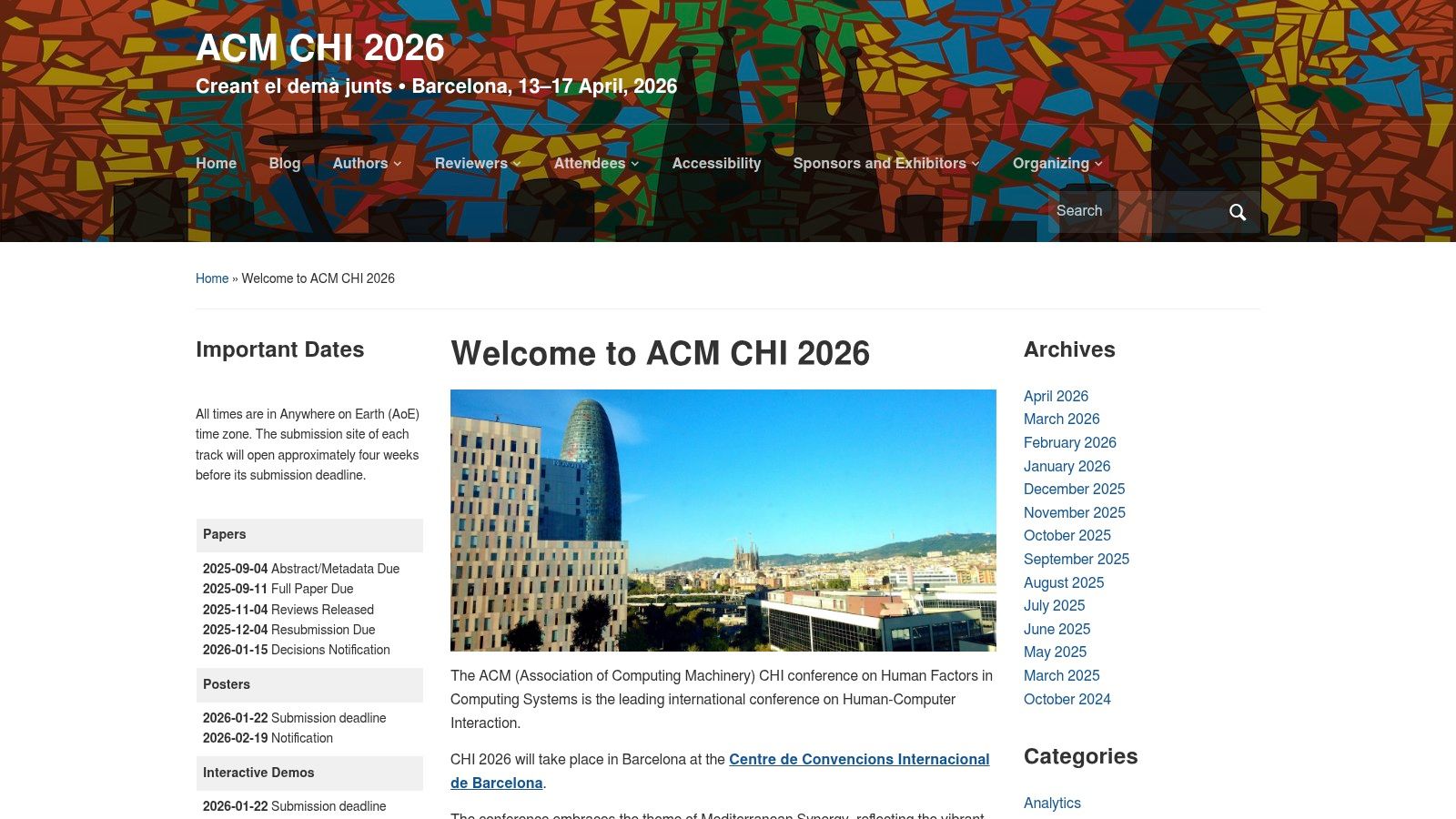
A design lead sits through a CHI session on evaluation methods, then realizes their team has been measuring the wrong thing for months. That is the kind of value ACM CHI 2026 can create. It is less about quick tactics and more about seeing the research logic behind the practices that later show up in mainstream product work.
CHI works like a research lab you can walk through for several days. You will see work on AI interaction, accessibility, human-computer interaction, and new ways to study user behavior. For senior designers, research leaders, and teams with an R&D mandate, that matters because early methods often reach industry long before they become standard conference advice.
Why senior teams should care
CHI can feel academically dense, especially if your usual conference circuit focuses on workflows, tools, and case studies from shipped products.
That density is also the point.
A practitioner event often tells you what worked for one team. CHI is more likely to show how a method was tested, where it fails, and what assumptions sit underneath it. That difference matters. It is the difference between copying a pattern and understanding when to use it.
A simple way to judge fit is to ask what your team needs next. If you need a fresh UI critique framework for next quarter, CHI may feel too far upstream. If you need stronger research foundations for AI features, better evaluation criteria for accessibility, or a clearer view of where HCI is heading, CHI is one of the few events built for that purpose.
How to get practical value from CHI
The mistake teams make with CHI is treating it like a standard conference and trying to attend everything. That usually leads to cognitive overload and weak follow-through.
A better plan is to pick one question before you go. For example:
How should we evaluate trust in an AI-assisted workflow?
Which accessibility methods can we apply earlier in product development?
What research approaches could improve how we test complex interactions?
Then assign one attendee to collect methods, one to collect examples, and one to translate findings into team decisions. CHI becomes much more useful when you treat it like field research instead of content consumption.
Ask before booking: are captions available, which sessions are hybrid, and what on-site accessibility accommodations are guaranteed?
Who should skip it
CHI is a weaker fit for designers whose success is tied mainly to near-term shipping, UI polish, or cross-functional execution this quarter. In that case, a practitioner conference will usually produce faster operational value.
For teams shaping long-term design systems, research practice, or product strategy, CHI offers something rarer. It helps you see the theory before it becomes convention.
7. ProductCon 2026
Your designer walks out of a roadmap meeting with a familiar frustration. The interface problems look solvable, but the actual blockers sit one level higher. Why this feature now, which metric matters, how much risk leadership will accept, and who gets a seat in the decision. ProductCon is useful in that situation because it helps design teams hear the logic behind product decisions, not just the output of them.
ProductCon 2026 is the most product-management-centered event on this list. That makes it a strong fit for designers who spend a large part of their week translating between user needs, business priorities, and PM constraints.
The value is less about sharpening visual craft and more about learning the operating system around the craft. If Config helps you work better in a design tool, ProductCon helps you understand why a team chooses one opportunity over another in the first place. That distinction matters for senior product designers, design leads, and researchers who want more influence before tickets are written.
Best use for UX and product teams
ProductCon tends to work best for teams that already collaborate closely across product, design, and growth. The talks often center on strategy, prioritization, experimentation, AI adoption, and team structure. Those topics can sound broad, but they affect design work in concrete ways. A designer who understands how PMs discuss tradeoffs can write stronger product hypotheses, ask better questions in planning, and spot weak assumptions earlier.
A practical way to use the event is to send a PM and a senior designer together. Give them separate jobs. The PM tracks how speakers frame bets, metrics, and sequencing. The designer tracks where those choices change discovery, UX scope, or validation work. After the event, compare notes and turn them into a short decision guide for your team.
A few examples of useful takeaways:
Which product metrics keep showing up in talks, and how they might distort UX decisions if used alone
How leaders describe AI features in terms of risk, trust, and adoption, not just novelty
What org patterns show up behind fast product teams, such as clearer ownership or tighter feedback loops
Which ideas are strategic signaling versus ideas your team could test this quarter
How to get practical value from ProductCon
Large product conferences can create a familiar problem. You come back with language, trends, and screenshots, but not many decisions. ProductCon gets more useful when you attend with a filter.
Start with one question your team is actively struggling with. For example:
How should design contribute before roadmap commitments are fixed?
What evidence do product leaders expect before funding a new workflow or AI feature?
How do strong PM and design partnerships divide decision rights?
Then score each session against that question. If a talk is interesting but does not help answer it, skip it. Use the extra time for hallway conversations with PMs, design leaders, or founders who work in a similar product context.
For teams exploring AI-heavy workflows, listen carefully for implementation details speakers often gloss over. Are they talking about a real change in user behavior, or only internal productivity? Did trust, error recovery, or onboarding come up? Afterward, Uxia can help teams validate those assumptions quickly with users instead of adopting conference ideas on momentum alone.
Who should skip it
ProductCon is a weaker fit for designers looking mainly for interaction patterns, accessibility methods, prototyping craft, or hands-on workflow training. It can also disappoint early-career designers who want tactical portfolio feedback or direct instruction on interface execution.
For design teams trying to gain influence in planning, however, ProductCon can fill an important gap. It teaches the language around the roadmap. Once you hear how product leaders justify bets, design tradeoffs become easier to frame in terms the rest of the company will act on.
Product Design Events 2026: 7-Event Comparison
Event | 🔄 Implementation complexity | ⚡ Resource requirements | 📊 Expected outcomes | 💡 Ideal use cases | ⭐ Key advantages |
|---|---|---|---|---|---|
Figma Config 2026 | Medium, dense, Figma‑centric program | Low for virtual (free); High for in‑person (sold out, travel) | Tool roadmap visibility; demo‑led feature adoption | Teams tracking design tooling and Figma features | Best single source for Figma product direction; large designer/PM network |
UXDX USA 2026 | Medium, cross‑functional tracks and workshops | Moderate, hybrid tickets, group discounts; travel for NY | Practical process improvements; applied case studies | Shifting orgs from project to product thinking; discovery workflows | Tool‑agnostic, process‑centric, strong team value |
UXPA International 2026 | High, multi‑track with pre‑conference courses | Moderate‑High, multi‑day passes and add‑ons | Deep research skills; rigorous methods and evaluation | UX researchers and designers needing methodical training | Broad research curriculum; strong practitioner community |
Adobe MAX 2026 | Medium, many tool labs and large sessions | High, travel, lab fees; on‑demand options for teams | Multidisciplinary creative skills; on‑demand training assets | Creative/product teams working with motion, 3D, brand | Extensive creative ecosystem; lasting on‑demand resources |
ITX Product + Design Conference 2026 | Low‑Medium, focused two‑day program | Low‑Moderate, regional travel; transparent pricing | Hands‑on frameworks; immediate team application | Small teams wanting workshops and practical takeaways | Manageable scale, easy speaker access, clear ROI for teams |
ACM CHI 2026 | High, dense academic program and papers | High, international travel, deep engagement time | Cutting‑edge HCI research; future methods and accessibility | Research leaders and R&D tracking emerging science | Highest research impact; early view of trends and methods |
ProductCon 2026 (Product School) | Low‑Medium, practitioner talks across dates | Low, free/low‑cost virtual options; in‑person tickets | Market‑driven product strategies; AI product insights | PMs seeking leadership playbooks, hiring/networking | Flexible access; strong PM leader network and practical talks |
Final Thoughts
Your team gets back from a conference with a notebook full of ideas, a few screenshots, and one hard question on Monday morning. What should we change first?
That is the right question to end on.
The strongest product design events 2026 serve different jobs. Config helps teams track how design tools, systems, and collaboration workflows are changing. UXDX USA fits teams that need product, design, and engineering to make decisions with less handoff friction. UXPA International suits research teams that want stronger study design, analysis, and evidence quality. Adobe MAX is useful when interface work overlaps with motion, visual craft, brand systems, or content production. ITX Product + Design Conference works well for small teams that want practical frameworks they can test quickly. ACM CHI gives research leaders a close look at methods and ideas that may shape product work over the next few years. ProductCon gives designers more context on product strategy, prioritization, and executive expectations.
A simple way to choose is to match the event to the next decision in front of your team. If your design system is slowing delivery, pick the event most likely to show better tooling and workflow patterns. If your research findings are getting challenged, choose the event that will sharpen method quality. If design keeps losing influence during roadmap discussions, choose the one that will give your team better product language and business context.
This also helps with budget conversations. A conference ticket is not really the purchase. The true cost includes travel, time away from shipping work, and the hours needed to turn notes into a change the team can test. Teams that get value from events usually arrive with two or three questions, not a vague goal to "learn what's new." That approach works like field research. You go in with a hypothesis, collect evidence, then bring back only what deserves a trial.
Future Product Days is another example of the broader shift toward cross-functional product events. As noted earlier, it reflects growing interest in design, UX, software development, and AI being discussed in the same room rather than in separate tracks and separate communities.
The practical move is small and disciplined. Send a focused group. Ask each person to capture one repeatable workflow, one risky idea, and one question that still needs evidence. Then run a single experiment in the next sprint, such as a new prototype review format, a tighter research readout, or a revised handoff process between design and engineering.
Uxia can support that follow-through in a factual, specific way. If a team comes back with a new concept or workflow to test, Uxia can be used for AI-powered UX/UI validation, accessibility testing, and synthetic user research before the team commits to a larger research cycle. That makes conference insights easier to pressure-test against actual product decisions, instead of leaving them as interesting notes in a slide deck.