7 Best UX Communities for Designers & Researchers
Discover the top UX communities for feedback, networking, and career growth. Our curated list helps you find the right group for your role and goals.

Where do the best UX professionals go when they're blocked, moving fast, and don't have time for vague advice? Usually not the biggest public feed. The most useful ux communities are the ones where practitioners bring live product problems, compare workflows, and pressure-test decisions against real constraints.
That matters because product speed has changed the job. UX is no longer a niche specialty. Jakob Nielsen estimated the field grew from about 10,000 professionals in the late 1990s to roughly 1 million by 2017, a 100x increase over about two decades, as summarized in these UX industry statistics. And while many organizations now have UX embedded in product teams, the hard part isn't awareness. It's keeping research, design, and validation aligned with shipping cadence.
The strongest communities help with exactly that. They shorten the path from question to decision. They help teams avoid already-solved problems. They also expose trade-offs you won't get from polished conference talks or performative social posts.
I keep coming back to three types of communities most often: Figma's ecosystem, curated UX and product Slack groups, and founder or operator circles where UX gets tied back to activation, retention, and usability. If you want faster feedback loops and better product judgment, start with the list below.
1. Friends of Figma (FoF)
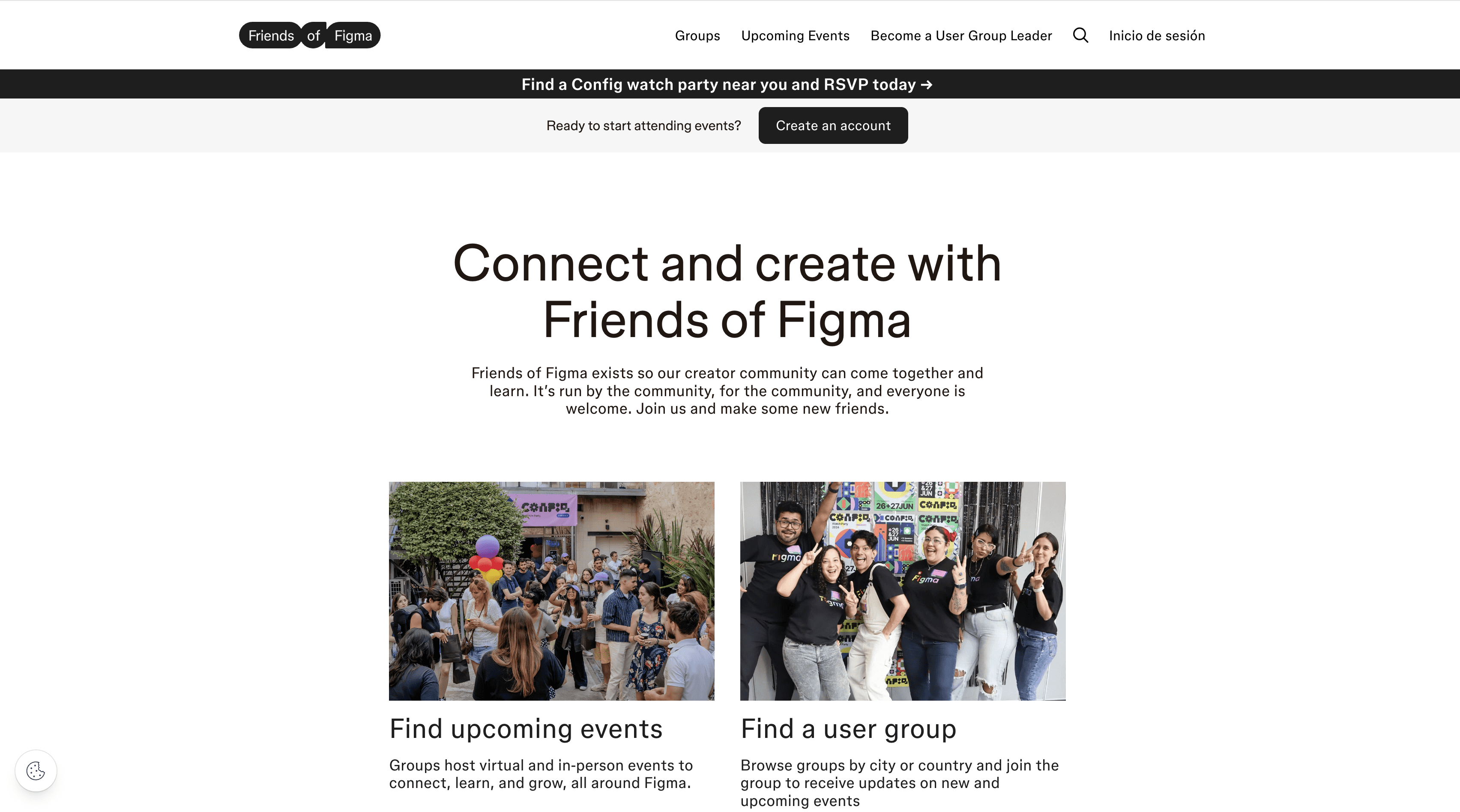
If your team works in Figma every day, Friends of Figma is one of the fastest ways to stay current on how practitioners are designing, prototyping, and collaborating. It's especially useful for product designers, design systems teams, and anyone trying to keep craft discussions connected to delivery.
This community works because the conversations are anchored in tools people already use. You're not debating abstract best practices. You're looking at components, workflows, prototyping patterns, FigJam facilitation, and increasingly how teams are folding AI into ideation and iteration.
Where it's strongest
FoF is best when you want practical exposure to current design habits. Tool-adoption data reflects why that matters. Gitnux reports Figma held 68% market share among UX tools in 2023 and was used by 92% of designers, while Adobe XD usage fell to 22% from 45% in 2020. The same roundup also reports AI-powered UX tools like Uizard saw 150% adoption growth in 2023, with use by 18% of professionals, according to this UX design industry statistics summary.
That concentration creates a real advantage inside FoF. When a lot of teams use the same stack, community advice becomes more transferable. Shared patterns around components, handoff, and library hygiene travel well.
Practical rule: Join your local chapter if you want accountability. Use the Discord if you want speed.
A few trade-offs are worth knowing:
Best for Figma-native teams: If your design workflow centers on Figma and FigJam, the advice is usually immediately usable.
Weaker for tool-agnostic discussion: If you want broader research strategy or organizational design topics, you'll need another community alongside it.
Dependent on local energy: Some chapters are active and sharp. Others are quieter, so quality varies by organizer.
For teams using Uxia, FoF is a strong upstream input. You can spot new interaction patterns in the community, then run fast synthetic validation in Uxia before investing in deeper human research.
2. Designer Hangout
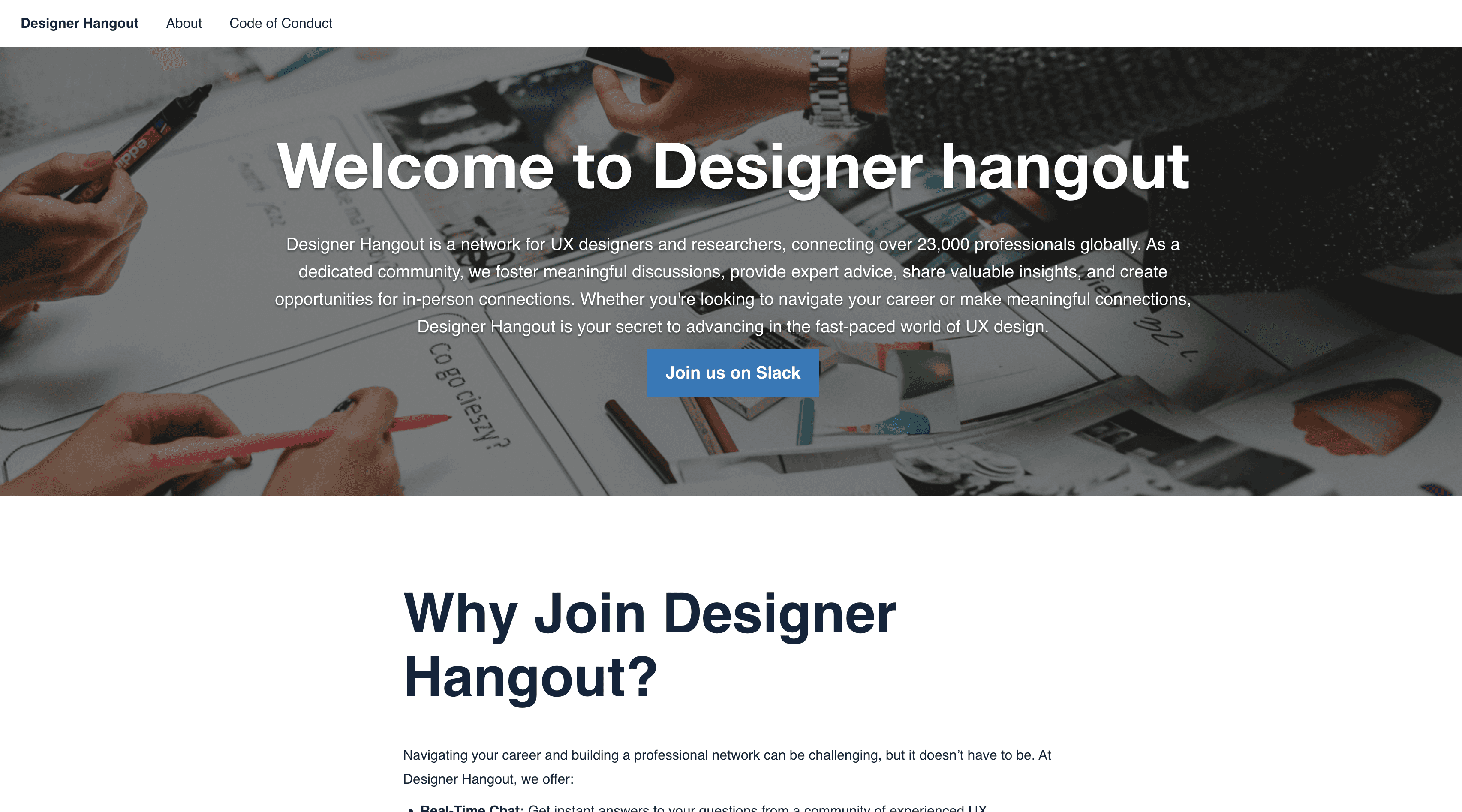
Designer Hangout is what I recommend when someone says, “I need real answers, not public-posturing answers.” The invite gate helps. It adds friction, but that friction is useful because it filters out a lot of drive-by noise.
The tone tends to be more grounded than open social platforms. Questions about research methods, stakeholder conflict, messy redesigns, portfolio choices, and usability trade-offs usually get responses from people who've dealt with those situations in shipping environments.
Why experienced teams stay
This is one of the better ux communities for mid-level and senior practitioners because you can ask questions that don't have neat textbook answers. For example, how much evidence is enough before changing an onboarding flow? When should a researcher push for more depth versus accept directional confidence and move on? Those are the conversations that matter in real product work.
The highest-value communities are usually smaller, more practitioner-heavy, and less interested in looking smart in public.
That's also where a recurring pattern became clear for our team. In repeated conversations with researchers and product designers, the issue wasn't a lack of tools. It was the inability to keep up with product speed. That insight shaped how Uxia should fit the workflow. Not as a replacement for human research, but as a way to validate earlier, reduce uncertainty faster, and decide which questions deserve deeper study.
A few practical trade-offs:
Higher signal: Curation improves response quality.
Less beginner-friendly: New designers can still benefit, but the center of gravity is more advanced.
Not instant access: Expect an application or wait period.
If you join, don't lead with “thoughts?” Bring context, constraints, and the decision you're trying to make. That's when communities like this become useful.
3. ResearchOps Community (ReOps)
How do you keep research useful when product teams are shipping every week?
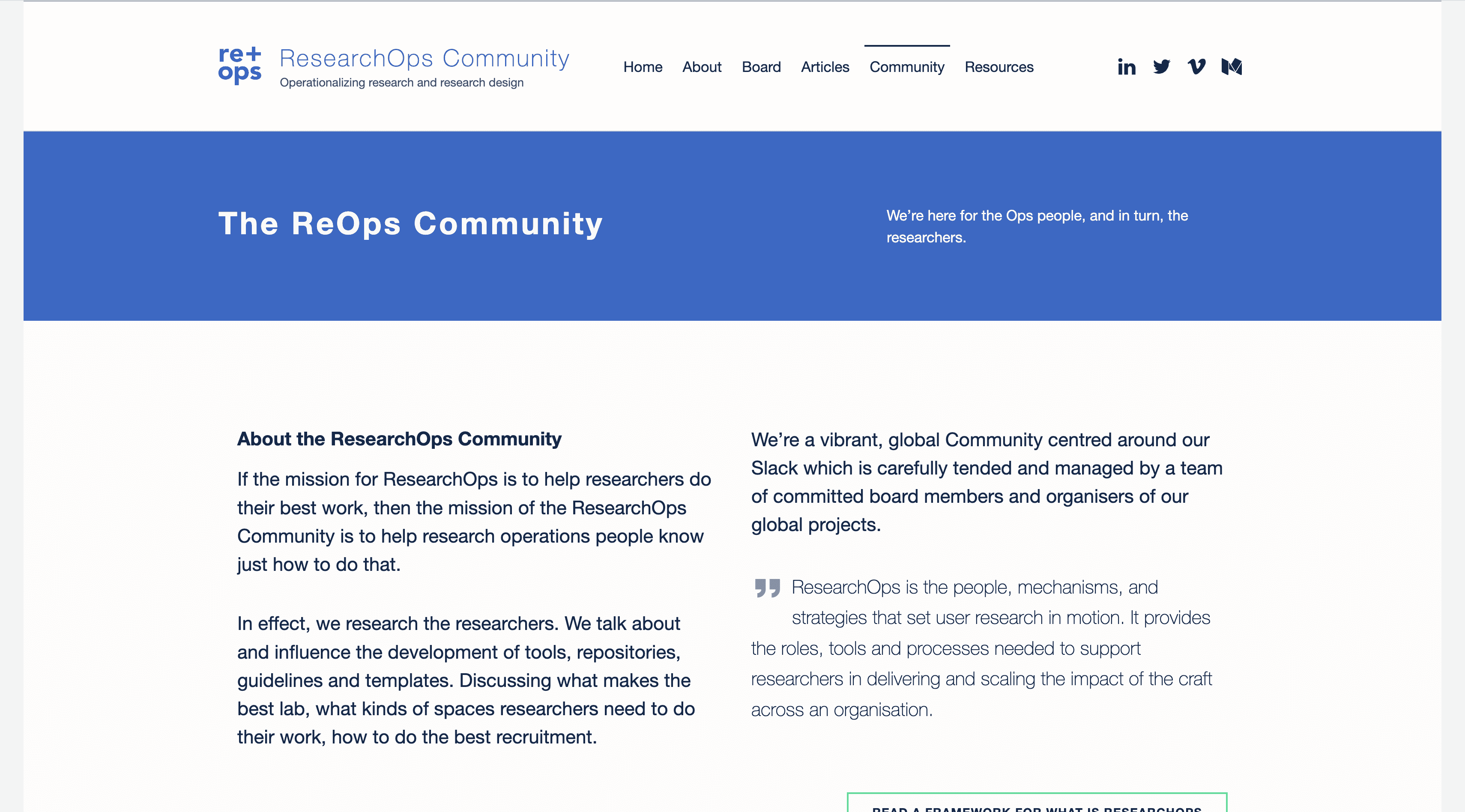
ResearchOps Community is one of the few UX communities built for that problem. It focuses on the operating layer behind good research: recruitment workflows, consent, repositories, governance, tooling, and intake. If research quality drops every time roadmap pressure rises, the issue usually is not researcher skill. It is the system around the work.
That makes ReOps different from broad design communities. The strongest discussions are about repeatability. How to prevent five teams from recruiting the same customer twice. How to store insights so they can be found later. How to decide which questions need a full study and which only need a fast directional check.
The business case for this work is clear. In McKinsey's report on business value of design, the firms that outperformed their industry peers treated user insight as an input to decisions, not a side activity, and they measured design performance with the same discipline as revenue and cost metrics, according to McKinsey's “The business value of design”. ReOps helps teams build that discipline into the workflow.
What you get here is less inspiration and more operating advantage.
Operational depth: Discussions on participant databases, privacy, consent, incentive handling, and repository structure are far stronger than in general UX spaces.
Decision support: Good threads usually connect process choices to product speed, stakeholder trust, and research quality.
Useful peer artifacts: Members often share templates, intake forms, tagging models, and governance approaches that can be adapted quickly.
There are trade-offs.
Less useful for broad networking: If you want portfolio feedback or visual critique, other communities fit better.
Higher context required: The best conversations assume you already run research in a team setting.
Access can take time: Expect some friction before you are fully in.
For teams trying to shorten design cycles, this community is practical because it helps answer a harder question than “How do we do more research?” The actual question is “How do we make research easier to start, easier to trust, and easier to use in time for a decision?” That is how community participation turns into product outcomes, not just more discussion.
If your team uses Uxia for rapid synthetic testing, ReOps adds the operating judgment around it. Fast signal can reduce early uncertainty. ReOps helps teams decide when that signal is enough, when to recruit participants, and how to keep the process credible as product speed increases.
4. Design Buddies
Design Buddies is the opposite of a quiet specialist room. It's active, broad, and fast-moving. That makes it useful for early-career designers, career switchers, and anyone who benefits from lots of visible peer activity.
The upside is momentum. If you're trying to build a habit of sharing work, joining challenges, getting portfolio feedback, or finding collaborators, this kind of environment helps. The downside is predictable. Big communities produce uneven signal.
When volume helps
Design Buddies makes sense when your problem is exposure, consistency, or confidence. It's less effective when you need nuanced answers about complex research trade-offs or organizational design. For that, smaller practitioner groups are usually better.
One reason communities like this exist at all is the broader growth of the discipline. A report summarized by Mordor Intelligence estimates the User Experience market at USD 13.58 billion in 2026 and projects growth to USD 30.24 billion by 2031, with a 17.38% CAGR. The same market overview says UX design and prototyping account for 41.60% of the market in 2025 and projects UX training and upskilling to grow at 17.95% CAGR through 2031, according to Mordor Intelligence's user experience market report.
That training and upskilling angle is where Design Buddies fits well. It's a strong on-ramp.
Use it for: critique reps, peer momentum, and early feedback on rough work.
Don't use it for: high-stakes product decisions that need senior judgment and business context.
For teams, I'd treat this community as a discovery layer. Use it to spot patterns, common mistakes, and emerging interests. Then validate the important product questions through stronger peer review, customer contact, or a platform like Uxia when you need faster directional feedback.
5. Interaction Design Foundation (IxDF)
Interaction Design Foundation is useful when you want community plus structured learning. That combination matters more than people admit. A lot of ux communities are good at conversation but weak at helping members build durable fundamentals.
IxDF gives you both. You get access to a large learning library and local groups that can turn solo study into regular practice and professional networking.
Where it fits best
This is one of the better choices for designers who want to tighten fundamentals while still meeting practitioners in their city or region. It's also good for managers who want to point junior team members toward a more structured path than random online content.
The trade-off is straightforward:
Stronger on education: If you want a guided learning environment, IxDF is a solid fit.
Variable local quality: Some local groups are active and useful. Others are mostly dormant.
Best value with paid membership: The community exists without that, but the strongest educational value sits behind membership.
For product teams, IxDF fills a gap many fast-moving startups ignore. Shipping pressure often exposes weak foundations in information architecture, accessibility, interaction design, or research literacy. A community tied to formal learning can correct that.
There's also a practical use case for design leaders. Pair structured learning from IxDF with fast concept testing in Uxia. That combination works well when you're trying to raise team quality without slowing down delivery. People improve their judgment through coursework and peer discussion, then validate actual product choices quickly.
6. ADPList
ADPList isn't a classic chat community. It's better understood as an always-available mentorship layer. That difference matters because some problems don't need a crowd. They need one good operator who can look at your portfolio, your research plan, your hiring question, or your design systems problem and tell you what they see.
That's where ADPList shines. You can find niche expertise quickly and book focused conversations instead of waiting for the right thread to appear in Slack.
Best used for targeted feedback
I like ADPList for moments when a broad community would be inefficient. If you need accessibility guidance, research ops advice, design leadership coaching, or portfolio feedback, a one-to-one conversation is often more useful than open discussion.
Its strengths are clear:
Specific expertise: Easier to find someone who has done the thing you need help with.
Low barrier: Good access to mentorship without needing to build years of network equity first.
Practical format: Time-boxed sessions encourage sharper questions and clearer takeaways.
Its limitations are equally clear:
Quality varies by mentor: You still need to vet fit.
Not persistent: You won't get the ongoing ambient learning you get from Slack or Discord.
Popular mentors fill quickly: Good matches may take some scheduling patience.
This is also a good place to pressure-test process decisions before you operationalize them. If you're deciding whether to run quick synthetic validation in Uxia, conduct live moderated sessions, or sequence both, a strong mentor can help you choose the right approach for the risk level of the decision.
7. Niche Founder and Product Communities
How do you keep your UX judgment tied to product reality when shipping speed keeps rising?
Spend all your time in design-only spaces and the feedback loop gets narrow. Founder and product communities widen it fast. Groups like Indie Hackers, Lenny's Slack, and other operator-heavy forums put design decisions back in the frame they live in: activation, retention, support load, pricing clarity, and team constraints.
That shift matters because product teams rarely lose time on craft debates alone. They lose time when design, PM, engineering, and go-to-market teams interpret the same user problem differently. Cross-functional communities help surface those conflicts earlier, before they turn into slow launches or expensive rework.
The value here is strategic, not social.
A founder will ask whether the onboarding flow earns trust quickly enough to justify acquisition spend. A PM will ask whether the research changes roadmap priority. An engineer will point out implementation cost. Those questions can sharpen a design review more than another round of craft feedback, especially when the team is trying to reduce cycle time and make better product bets.
I use these communities to pressure-test assumptions that would otherwise stay inside the design function. If a usability issue keeps appearing, the useful question is not just whether the interface feels confusing. It is whether confusion is hurting conversion, increasing support tickets, or causing the wrong users to self-select out.
I'd also include adjacent operator spaces where teams discuss execution habits, not just product opinions. For product managers capturing messy discussions and turning them into decisions, workflows around writing meeting notes with AIDictation can help preserve signal from fast-moving design, PM, and engineering conversations.
Good founder communities judge UX by outcomes, constraints, and user behavior, not by polish alone.
The trade-off is clear. These groups usually give weaker feedback on typography, interaction detail, and visual systems. They are much better for testing whether the product story is clear, the workflow matches user intent, and the team is solving a problem worth solving. Use them when speed and product judgment matter more than pixel critique.
Top 7 UX Communities Comparison
Community | 🔄 Implementation complexity | ⚡ Resource requirements | 📊 Expected outcomes | 💡 Ideal use cases | ⭐ Key advantages |
|---|---|---|---|---|---|
Friends of Figma (FoF) | Low, open chapters & Discord; chapter activity varies | Low, free; requires Figma/FigJam familiarity | Practical, tool-centric best practices and faster Figma adoption | Product/UX designers wanting hands-on Figma workflows & local events | Direct access to emerging practices; free, practical sessions |
Designer Hangout | Medium, invite-only with vetting/waitlist | Low, Slack-based; curated membership process | High-quality, nuanced practitioner advice | Mid/senior UX researchers and designers seeking deep, practical answers | Curated, lower-noise community with expert signal |
ResearchOps Community (ReOps) | Medium–High, application + cohort onboarding | Medium, time commitment; project-based collaboration | Actionable frameworks for scaling research operations | Teams building research governance, tooling, and participant systems | Deep ops expertise and practical assets for scaling research |
Design Buddies | Low, open Discord with instant access | Low, high activity requires time to engage | Rapid feedback loops, cohort learning, job connections | Students and early-career designers seeking feedback and practice | Highly active, beginner-friendly community with many programs |
Interaction Design Foundation (IxDF) | Low–Medium, membership signup; local group coordination | Medium, membership fee for full course library | Structured learning and local networking; foundational UX skills | Professionals seeking affordable courses and regular meetups | Extensive course library plus widespread local chapters |
ADPList | Low, free signup and booking system | Low, time to book; mentor availability varies | Targeted 1:1 mentorship, portfolio feedback, career guidance | Designers needing specific, mentor-driven advice or reviews | Free access to many verified mentors for personalized help |
Niche Founder & Product Communities | Medium–High, often private/paid or invite-only | Medium–High, potential fees; cross-functional time demands | Business-focused feedback tied to conversion, retention, growth | Designers working on product metrics, growth, and market-fit challenges | Cross-functional, business-centric insights linking design to outcomes |
How to Turn Community Chatter into Product Wins
Finding the right community is only the start. Many product squads join too many groups, skim too much surface-level advice, and then wonder why nothing changes in the product. The value comes from using ux communities as part of an operating system for learning.
Match the community to the problem in front of you. If you run research or research operations, ResearchOps Community and smaller method-focused Slack groups will give you more operational value than broad design servers. If you're a product or UX designer, Friends of Figma is strong for craft and workflow, while Designer Hangout is better for more senior discussion on execution and strategy. If you lead product or design, founder and operator communities are where UX gets tied back to the business outcomes that determine roadmap priority.
A few habits separate teams that benefit from communities from teams that just lurk:
Give before asking: Answer questions, share a template, or explain a decision you made. Credibility compounds.
Ask narrow questions: Don't ask whether a design “looks good.” Ask whether a flow communicates value clearly, whether the copy builds trust, or whether a step introduces avoidable friction.
Use niche channels: Smaller spaces like accessibility groups, design systems subgroups, AI-for-UX discussions, and product-led growth circles usually produce more actionable advice than giant general channels.
There's also an important limit to community advice. Communities speed up learning, but they don't replace validation. They help you frame better questions, spot known patterns, and avoid wasting time on solved problems. They can't tell you with confidence how your specific users will respond to your specific flow under your specific constraints.
That's why the strongest workflow pairs community input with fast testing. Uxia fits well there. Repeated conversations across UX and product communities reinforced the same point for our team: the bottleneck isn't access to more opinions. It's the inability to keep validation moving at product speed. Uxia addresses that by helping teams run synthetic user testing quickly, evaluate usability earlier, and decide where deeper human research is worth the time and effort.
Use communities to sharpen judgment. Use Uxia to shorten the path from idea to evidence. That combination is what reduces uncertainty fast enough to matter in modern product development.
If you want to turn community insight into faster product decisions, try Uxia. It gives product designers, PMs, and UX researchers a practical way to run rapid synthetic testing on images and prototypes, surface usability friction early, and keep validation moving between deeper human studies.